When a banner job has to hold colour over metres
Vinyl banners often go out the door for roadside promotions, estate launches, shopfront specials and event signage. The pressure is not only on image quality, it is on the machine keeping a straight feed while the artwork stretches across wide media and long lengths. A board that drifts or a RIP setup with poor timing can show up as banding, colour shifts or feed marks after only a few metres.
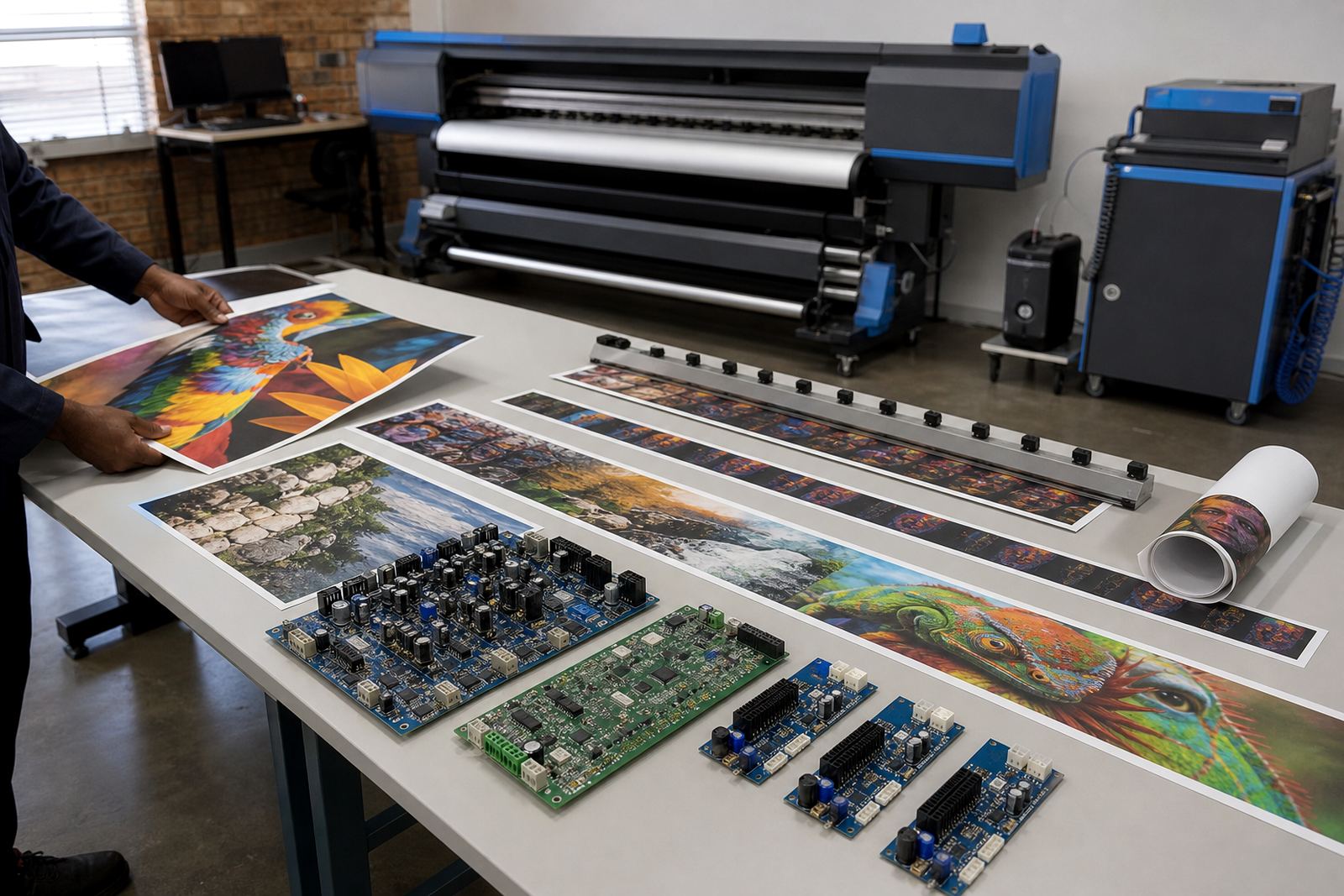
That is where the control board, printhead driver settings and RIP profile work together. The board handles communication with the printer hardware, the RIP translates artwork into print data, and the profile keeps ink laydown and colour balance in line for the chosen vinyl. For banner jobs printed in batches, repeatability matters just as much as speed.
Typical equipment behind a banner line
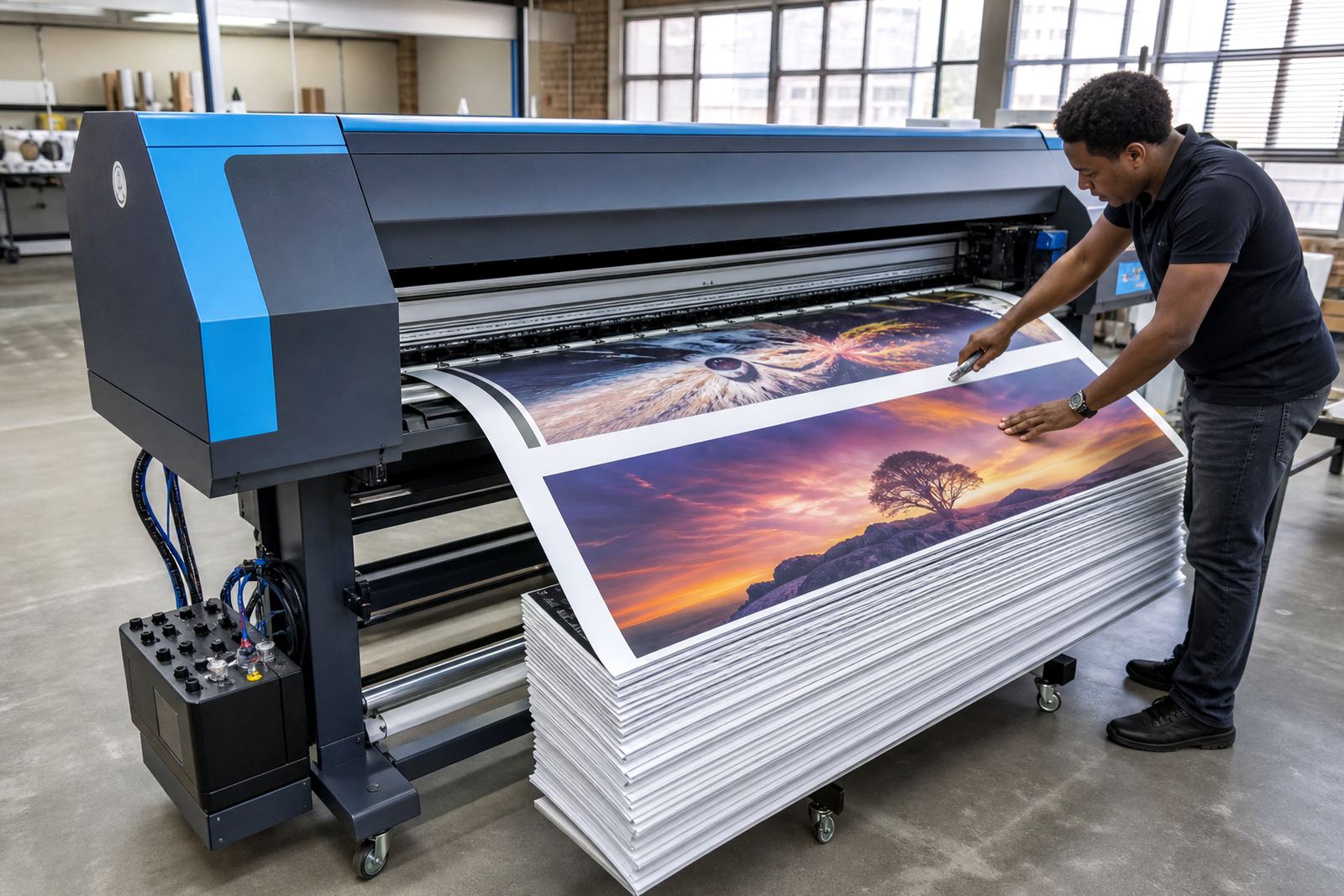
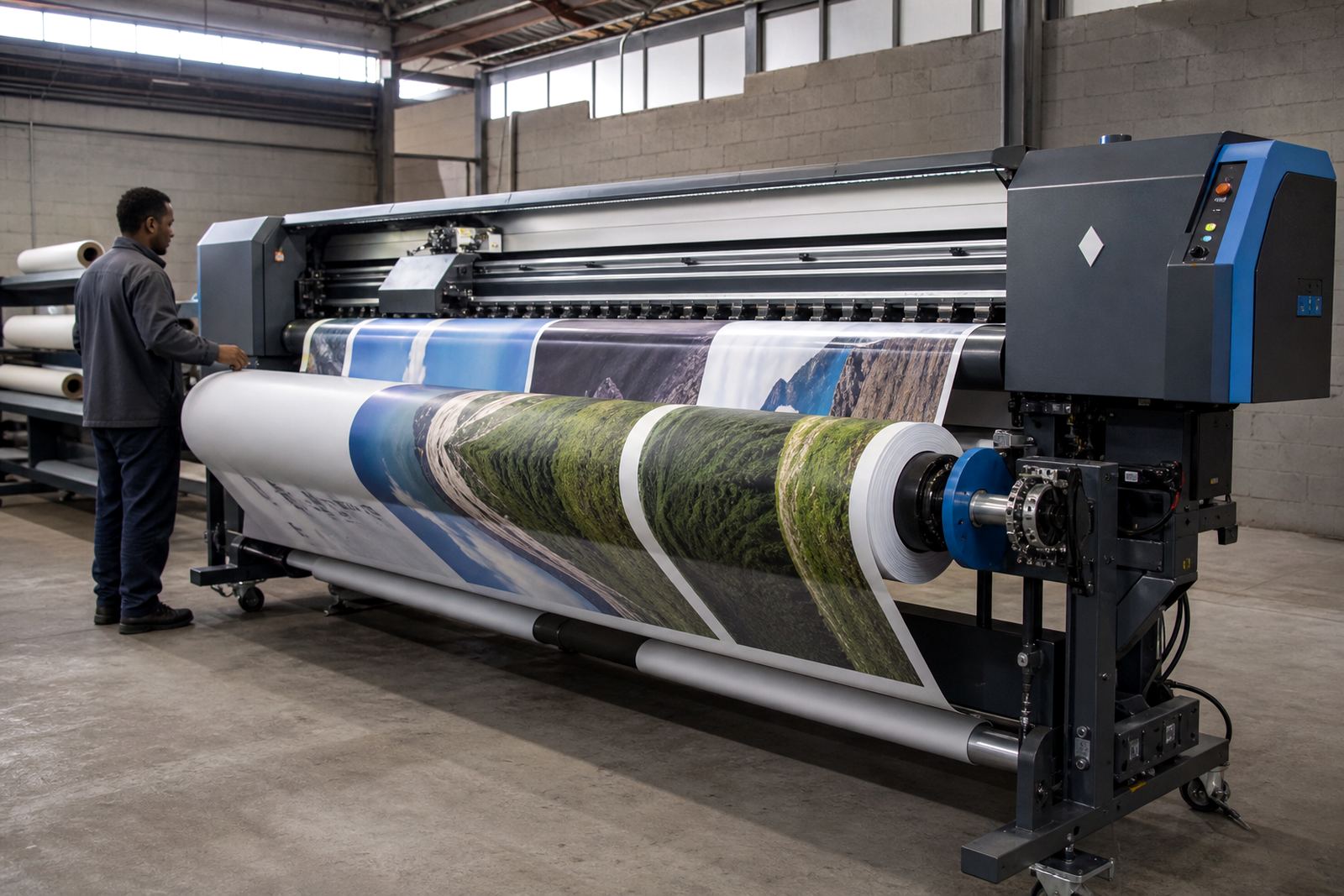
A banner production setup can be very simple or fairly large, depending on the shop. In most cases it includes a wide-format inkjet printer, a control board matched to the machine, RIP software loaded on a workstation, and calibrated printhead driver settings for the media and ink set being used. Some shops also run take-up systems for long rolls, especially where 3 metre lengths and repeated metres are common.
- Control board installation for supported wide-format inkjet machines
- Printhead driver setup for cleaner drop placement and steadier passes
- RIP software configuration for banner queues and job handling
- Colour profile setup for coated vinyl, backlit banner and standard frontlit stock
- Maintenance routines for nozzles, cap tops, wipers and feed paths
In coastal towns, humidity can affect drying and media handling, so the print room needs steady storage and sensible handling of rolls. In Gauteng, dust and temperature swings can still create problems if the printer is left with worn maintenance parts or unsettled feed settings.
Layout and nesting that save material on long runs
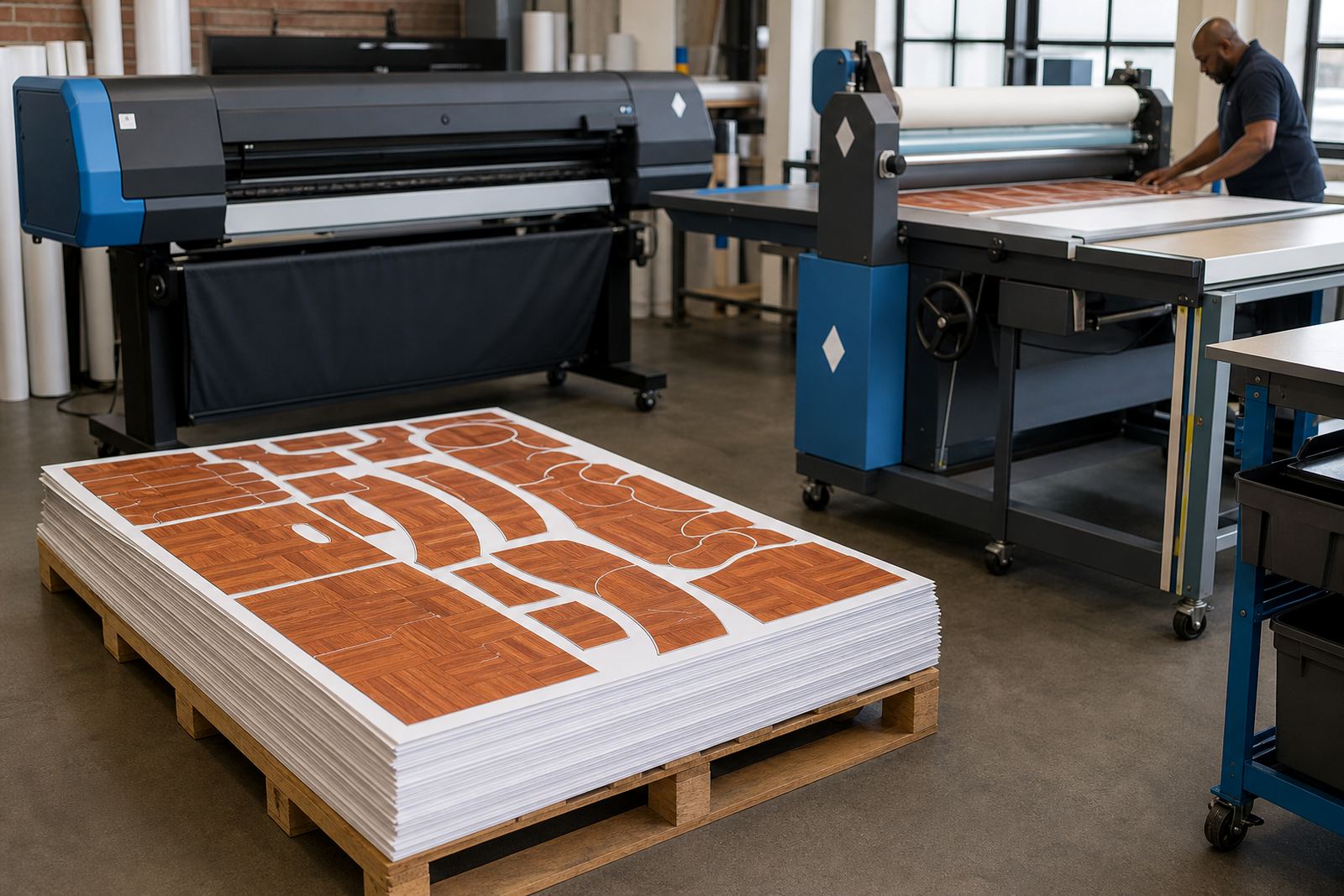
Banner printing often looks straightforward until the artwork list starts growing. A set of 12 identical specials, or mixed sizes for one campaign, can waste a lot of vinyl if the layout is not planned well. Nesting in the RIP helps fit jobs closer together, while queue design keeps urgent work separate from longer production runs. When the setup is right, the operator spends less time reloading and less media is left on the floor.
For long banner output, it also helps to think about bleed, overlap for hems, eyelet spacing and cutting allowance before the print starts. A profile that is tuned only for small posters may not hold the same behaviour on a 10 metre banner. That is why colour workflow, feed calibration and queue order all need to be set for the actual job mix, not just for one sample print.
Common mistakes that show up on vinyl
Banner problems are often blamed on the vinyl, but the real cause is usually in the setup. A flat colour block that mottle or shifts can come from a poor profile. A banner that waves or feeds unevenly may point to tension issues, wrong heating settings or a worn drive path. If the machine is doing long unattended runs, small faults become expensive very quickly.
- Running the wrong media preset for the banner stock
- Using one profile for several ink and vinyl combinations
- Skipping nozzle checks before a large run
- Ignoring worn dampers, cap tops or feed rollers
- Sending mixed jobs without a sensible queue structure
Operator training matters here too. A good operator knows when to stop a run, clear a blockage and recheck the alignment instead of pushing through and wasting metres of material.
Remote setup for shops across South Africa
InkFlow RIP works with print shops in Midrand, Johannesburg, Pretoria, Durban, Cape Town, Bloemfontein, the East Rand and the West Rand. Remote setup is useful when a shop already has the printer on site but needs the board configured, the RIP loaded and the workflow sorted for banner production. That approach suits branches that want the same colour behaviour across more than one machine.
Fault finding can cover board communication issues, driver mismatches, queue errors and profile problems. For banner lines that print every day, preventive maintenance helps keep the machine ready for longer jobs and fewer interruptions. Backup and recovery are useful too, because a lost queue or profile file can stall a full day’s production if it is not saved properly.
Budget bands for banner printing support
Costs depend on the printer size, the condition of the board, how much setup work is needed and whether colour profiles have to be built from scratch. A basic RIP installation on a single machine is usually on a lower budget than a full workflow rebuild with board installation, driver tuning and operator training. Shops with older hardware may also need repair work before the software side can hold steady results.
For planning purposes, banner printing support can range from a few thousand Rand for targeted setup work to a higher project budget when the board, RIP, colour profile and recovery setup all need attention. When a shop prints high-volume vinyl banners for retail or events, spending properly on setup often saves material and rejected jobs later on.