Floor Graphics That Start With the RIP, Not the Printer
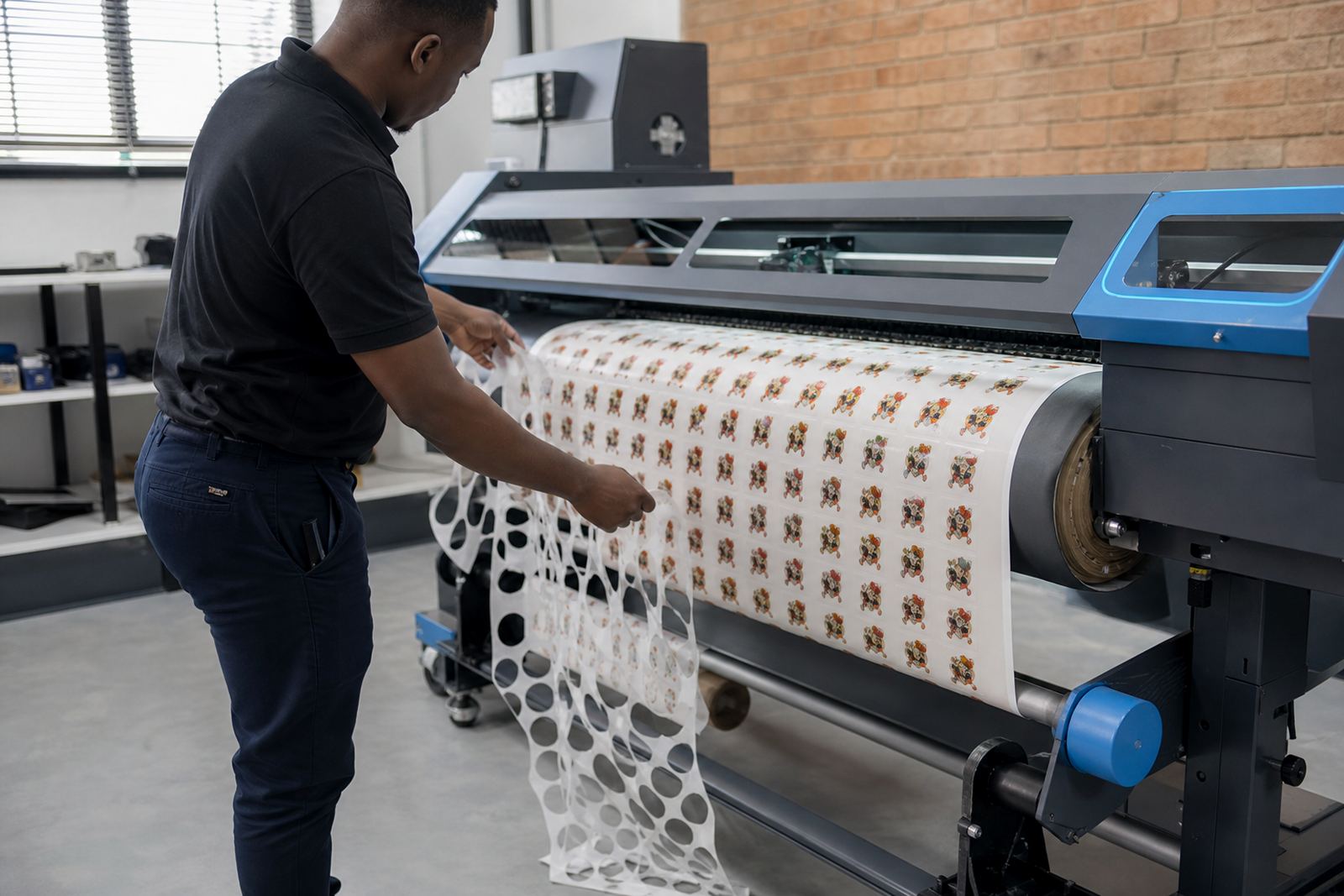
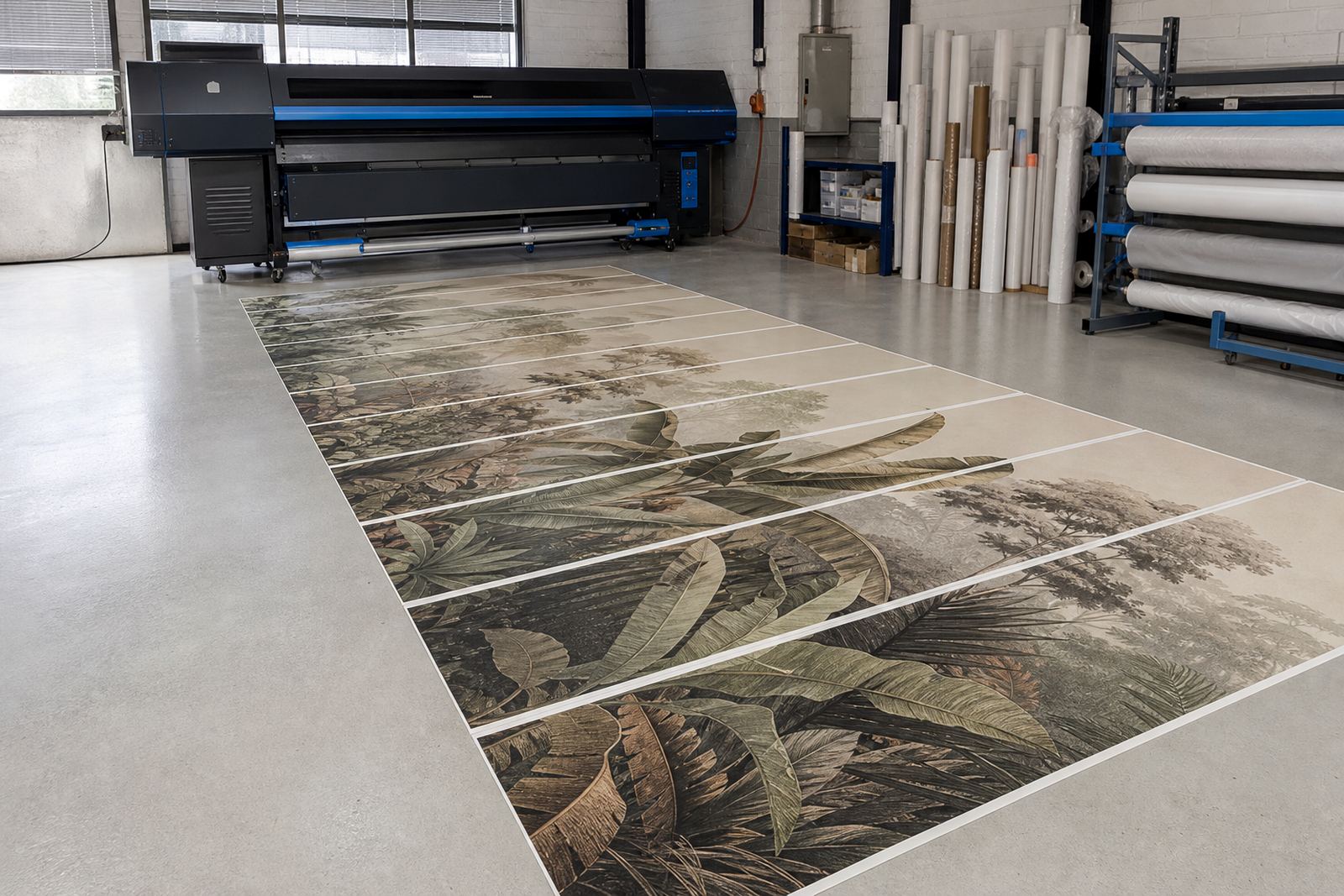
Floor graphics often arrive as urgent retail jobs, event wayfinding or campaign decals with odd shapes and mixed sizes. The print looks good only when the RIP setup handles the file properly, places the job in the right order and keeps the output stable across the run. If the queue is messy, the printer can waste material, shift colour or send a batch through with uneven edge detail.
For short-run floor work, the client usually needs a setup that accepts multiple artboards, trims the sheet or roll efficiently and keeps the print order predictable. That matters when the same day includes a small entry graphic, a directional arrow and a larger branded panel. Our work is aimed at that kind of production, where the operator needs control without extra steps at the machine.
Most floor graphics are printed on wide-format inkjet equipment with a control board, printhead drivers and RIP software that supports colour profiles and nesting. The aim is not fancy features, it is a job file that behaves properly when the order is tight and the substrate needs careful handling.
Typical Setup on a Floor-Graphic Line
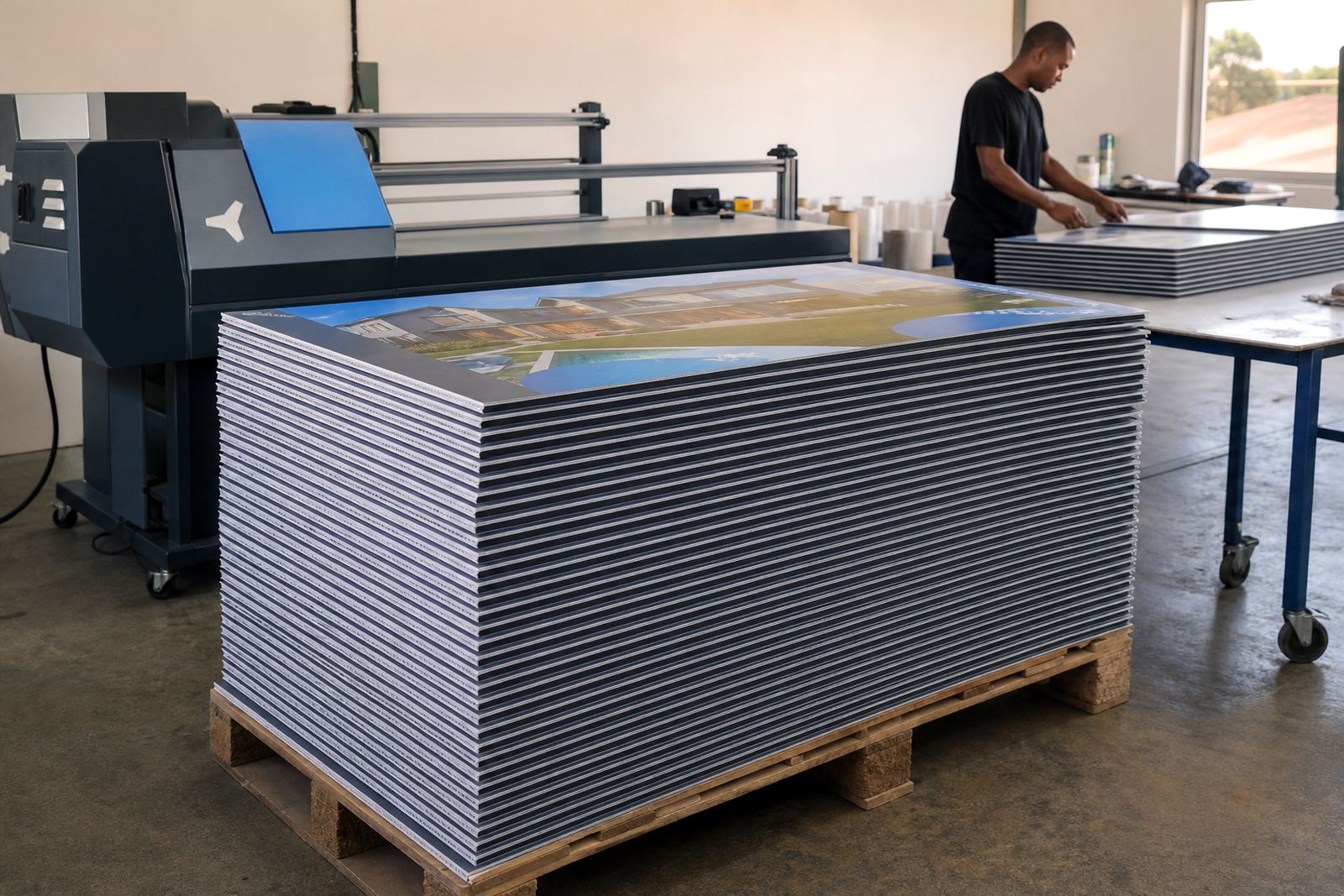
A practical floor-graphics setup usually includes a wide-format inkjet printer with a suitable control board, driver package and RIP software matched to the machine. The print shop may also use a cutter, a laminating stage and a drying area before the graphics are packed or installed. In humid coastal towns like Durban or Port Elizabeth, drying and storage need a bit more attention because tacky prints can mark or collect dust.
We see floor jobs on solvent, eco-solvent, UV and latex machines, depending on the shop and the substrate used. The board and driver setup must suit the printer model, while the RIP needs usable presets for the media in front of the operator. If the RIP does not hold the media size properly, nesting goes off and the sheet count climbs.
- Control board setup for stable print communication
- Printhead driver configuration matched to the printer type
- RIP presets for floor vinyl, decals and laminated output
- Colour profile setup for brand colours and repeat work
- Nesting rules for mixed artwork sizes on one run
Planning the RIP Layout Before Ink Hits the Media
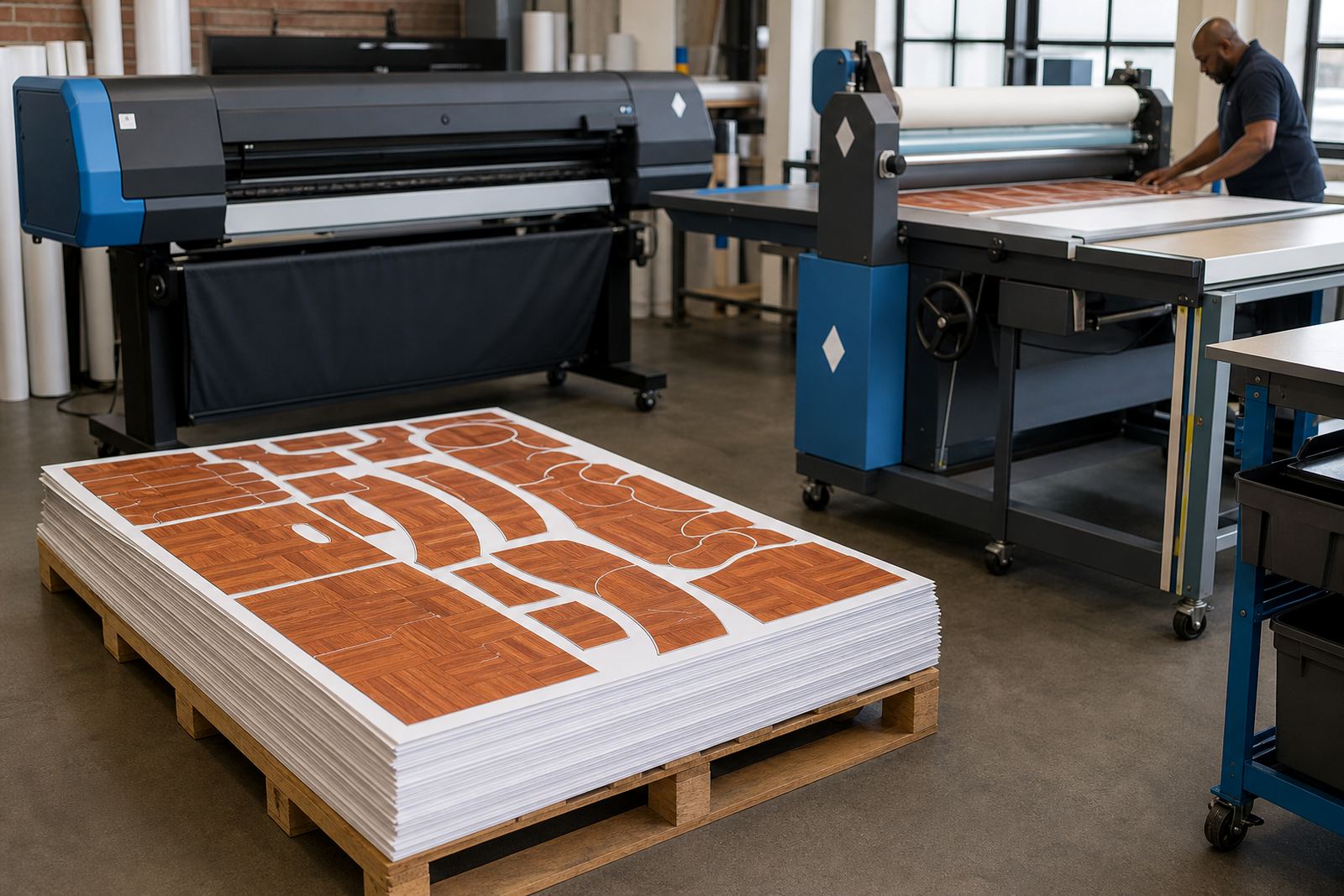
Floor graphics need more planning than a simple poster run. Directional arrows, branded footprints and safety markers must be placed with enough white space around them so the cutter can track cleanly and the installer has a clear edge to work with. If the RIP nests the pieces too tightly, trimming becomes awkward and waste rises. If the gaps are too wide, material cost goes up for no useful reason.
A good queue setup also considers the install point. A floor graphic for a shopping centre in Johannesburg may need a different size mix from a short campaign at a Cape Town showroom. The production file should be built so the operator can print, laminate and cut with minimal confusion. That means sensible naming, a fixed job order and colour-managed output that stays close to the approved proof.
- Keep cut lines consistent across all artwork versions
- Allow for laminate overhang where the finish needs protection
- Use a print order that groups similar media and ink loads
- Leave room for weeding or trimming if the shape is complex
Common Problems We See on Short-Run Floor Work
Floor graphics often go wrong in small ways that cost money. The most common issue is poor nesting, where the RIP leaves too much dead space or mixes sizes in a way that slows the cutter. Another is colour drift, especially when a brand orange or deep blue has to match across several repeat prints. If the profiles are weak or the media choice is off, the same artwork can look flat on one batch and heavy on the next.
We also see board and driver issues where the printer drops communication mid-job, or the printhead settings are not tuned for the ink and media combination. That kind of fault can show up as banding, missing passes or a waste strip that grows on every run. In a busy shop, especially one handling store rollouts and event work, those faults affect the whole production floor.
Preventive maintenance matters too. Dust, adhesive residue and poor storage can affect the final print. On floor jobs, the workshop needs clean handling and stable profiles, not guesswork. If the operator is trained well and the RIP is set properly, the production line stays calmer and the prints hold their shape better.
Remote Setup for Print Shops Across South Africa
InkFlow RIP supports print shops in Midrand, Johannesburg, Pretoria, Durban, Cape Town and Bloemfontein with remote setup and support. That suits floor-graphics work because the production team often needs the RIP tuned to a specific printer, media set and queue structure, not a generic factory default. The same job can run very differently on a machine in East Rand compared with a shop in the Cape, depending on board condition, ink set and operator habits.
We work with floor-graphics operators who need help with installation, colour profile setup, queue workflow design, fault finding and backup recovery. Where a board repair is needed, the machine may need inspection before the RIP settings can be trusted for production. Lerato Khoza manages operations, Johan Letsoalo handles RIP work, Zanele Moagi focuses on colour workflow and Aiden Phiri leads remote support. Kagiso Pienaar handles board repair, while Bianca Rademeyer coordinates client training. Under Thabo Zungu, the team keeps the setup practical and production focused.
Budget Ranges for Floor-Graphics Production Setup
The budget depends on the printer size, how many queues need setting up, whether colour profiling is required and whether the board or driver package needs repair support. A small floor-graphics setup for one printer and one operator is usually very different from a multi-user shop handling daily short runs for retail and events.
- Basic RIP setup and workflow start-up: about R4 500 to R9 500
- RIP installation with colour profile setup and nesting rules: about R9 500 to R18 000
- Board installation, fault finding and production tuning: about R12 000 to R28 000
- Training, backup planning and ongoing support for a busy floor-graphics line: from about R6 000 depending on scope
These ranges are typical starting points for planning, not fixed prices. A shop with several printers, different media types and a laminate stage will need a fuller setup than a single-machine operation. The useful question is not only what the software costs, but how much time and media the workflow can save once the queue is sorted properly.