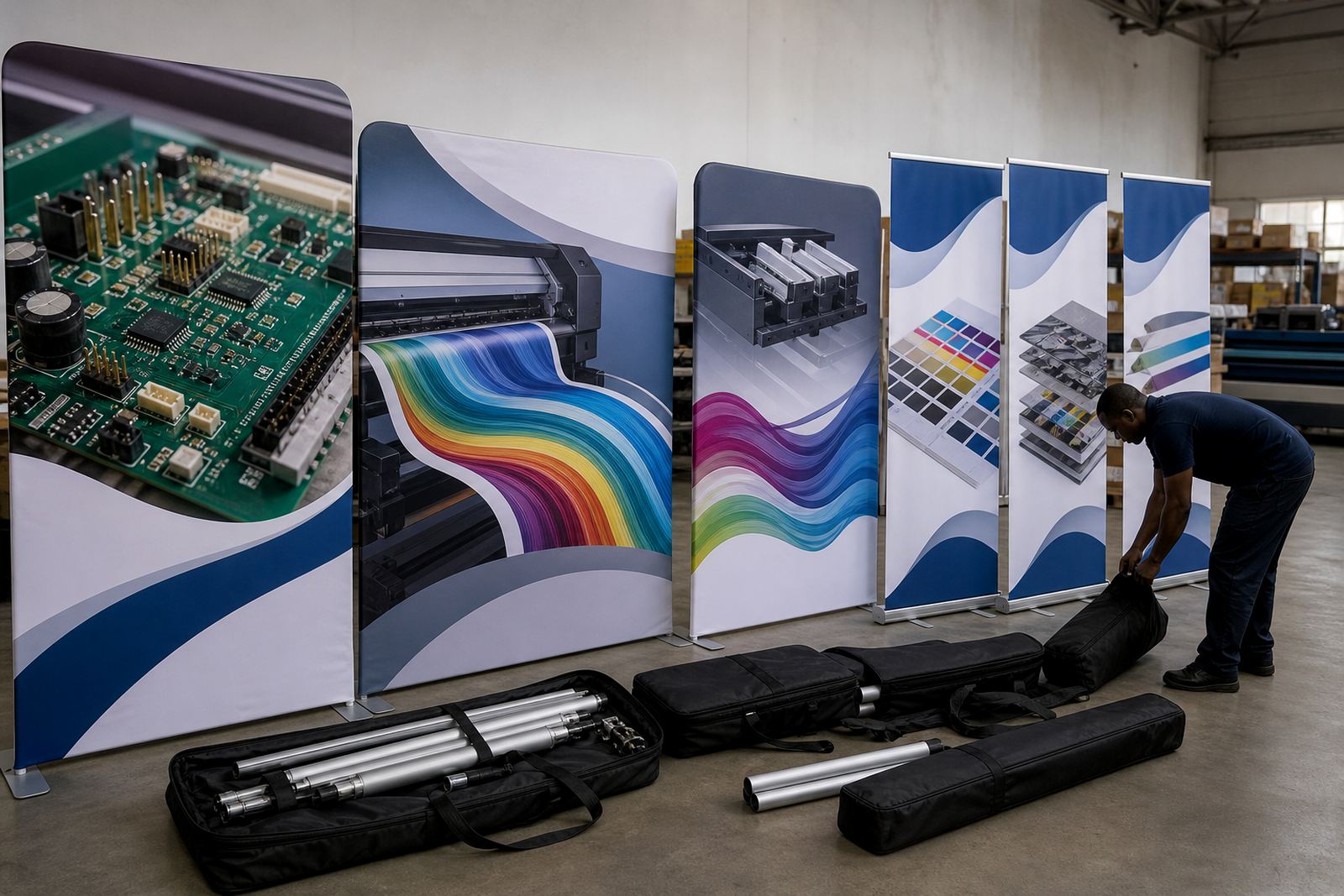
Backdrops that must hold colour across every panel
Event backdrops are usually printed in sections, then joined on site or on a frame. That means the RIP has to keep solid fills steady from one panel to the next, with the same blacks, brand colours and skin tones holding together across the full width. In Gauteng, where many jobs move from design to production in the same week, poor queue handling or weak profiles can show up fast as banding, shift in greys, or one panel that looks warmer than the rest.
For this use case, we look at the whole path from file to finished print. That includes the RIP queue, the board handling the printer, the printhead driver settings, the media profile and the way the artwork is laid out for the final size. A backdrop that is 6 m by 3 m is not just a bigger poster, it needs planning around overlap, seam position, bleed and drying space.
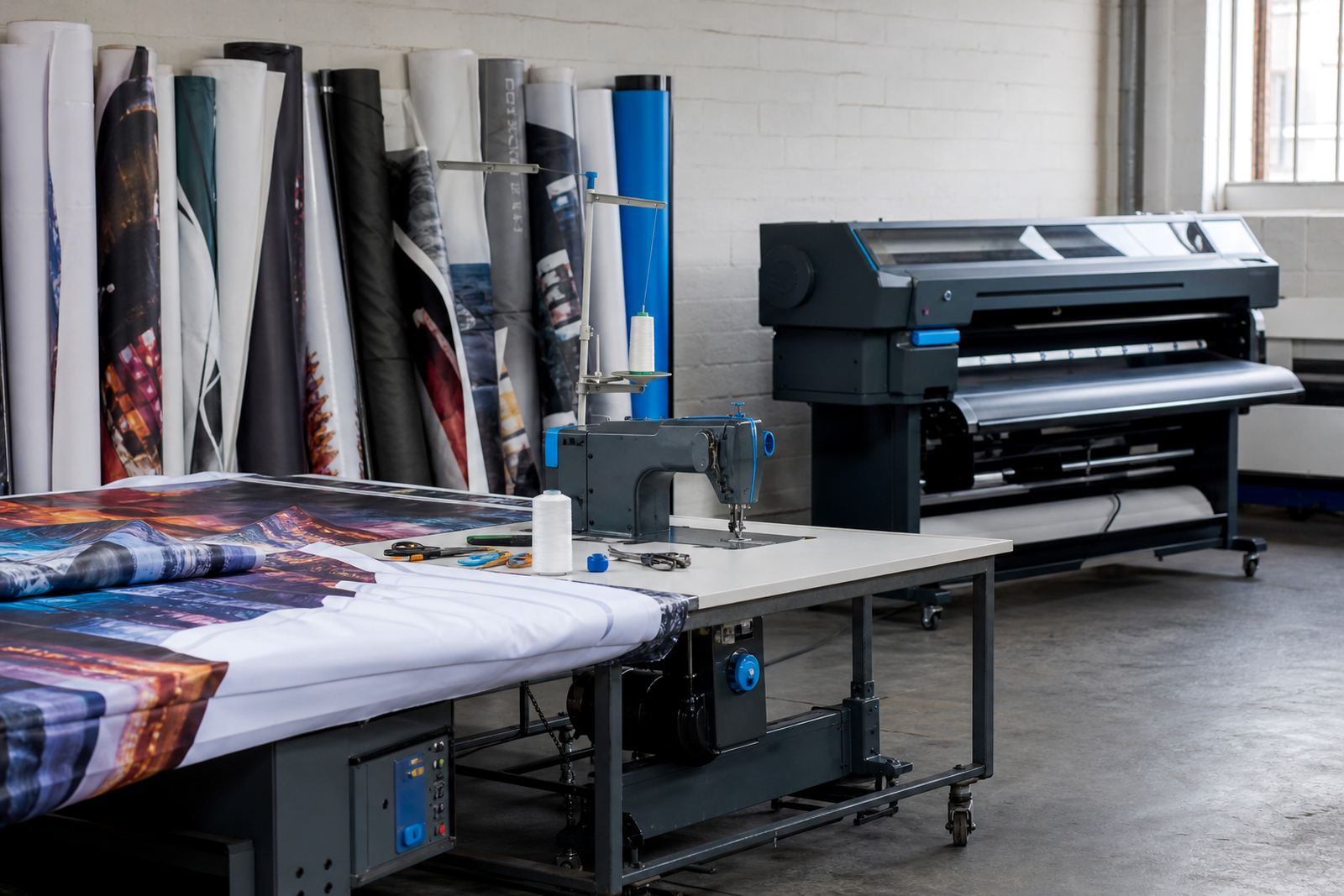
Typical equipment set for wide-format backdrop work
Most backdrop jobs run on wide-format inkjet machines with a control board, printhead drivers and RIP software set up for production rather than casual output. The printer may be running solvent, eco-solvent, latex or UV ink depending on the shop, and the control board needs to keep the carriage, feed and pass data in step. Where the machine is older or has been repaired, board stability matters even more because small faults can show as missing nozzles, misfeeds or inconsistent pass alignment.
- Printer control board for stable motion and print data handling
- Printhead driver setup matched to the machine and ink set
- RIP software for nesting, tiling and queue control
- Colour profile setup for strong solids and repeatable brand colour
- Backup and recovery files for quick reset after a PC or drive issue
- Maintenance checks for nozzles, head alignment and feed accuracy
For Durban and other coastal areas, humidity can also affect media handling and drying. PVC banner, blockout and fabric-based media can behave differently in a warm print room, so the profile and drying allowance need to suit the local conditions. If the room is dusty, edge quality and head health can suffer too.
Layout planning for panels, seams and install work
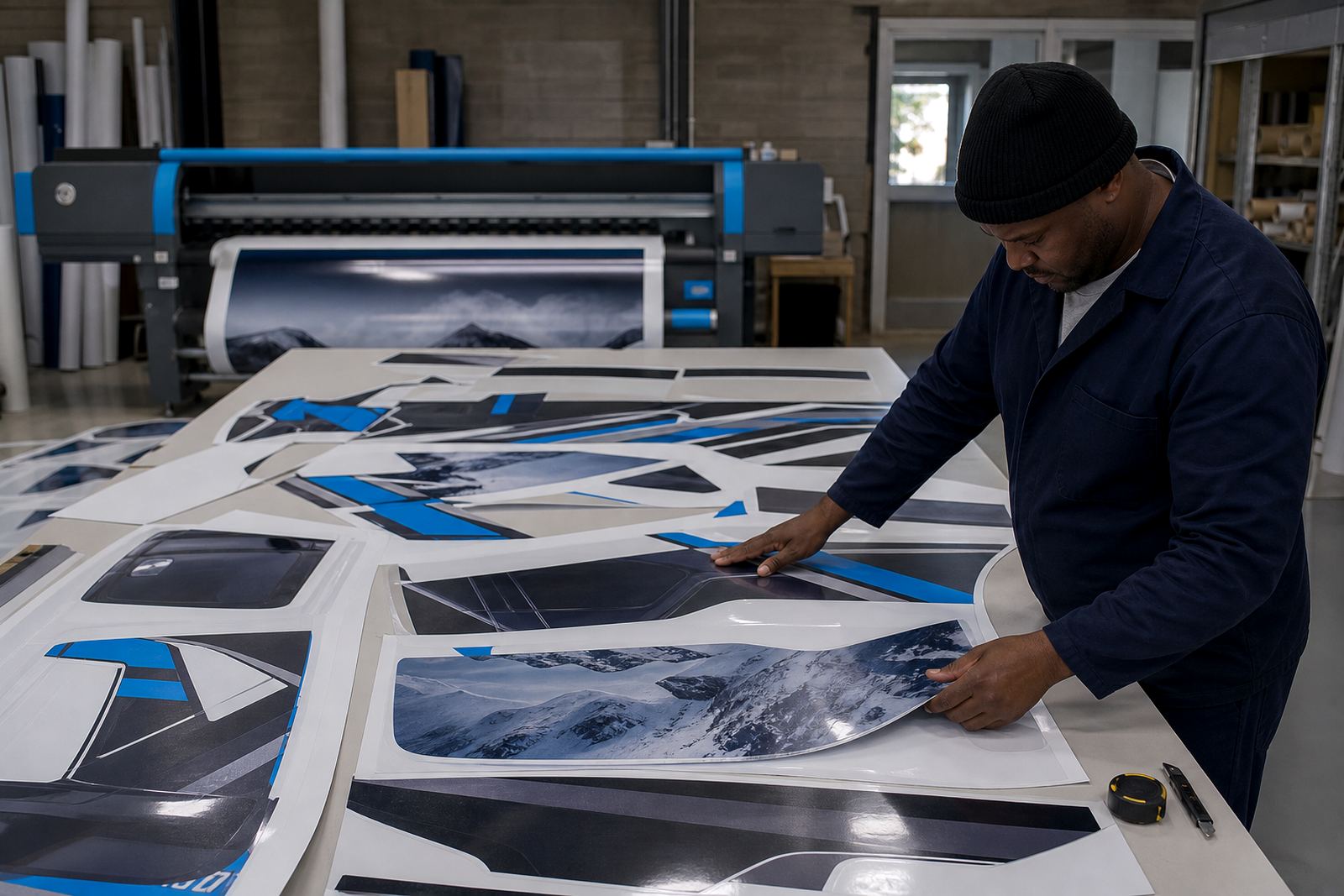
Backdrop layouts are easiest when the print plan starts before the artwork is finalised. The RIP can help with nesting, but it must be used with a plan for the install team. For a stage backdrop, exhibition wall or entrance frame, the seam should be placed where the artwork can hide it, not across a face, logo or fine text. Tiling should also allow a sensible overlap or trim line so the installer has room to work without pulling the design out of square.
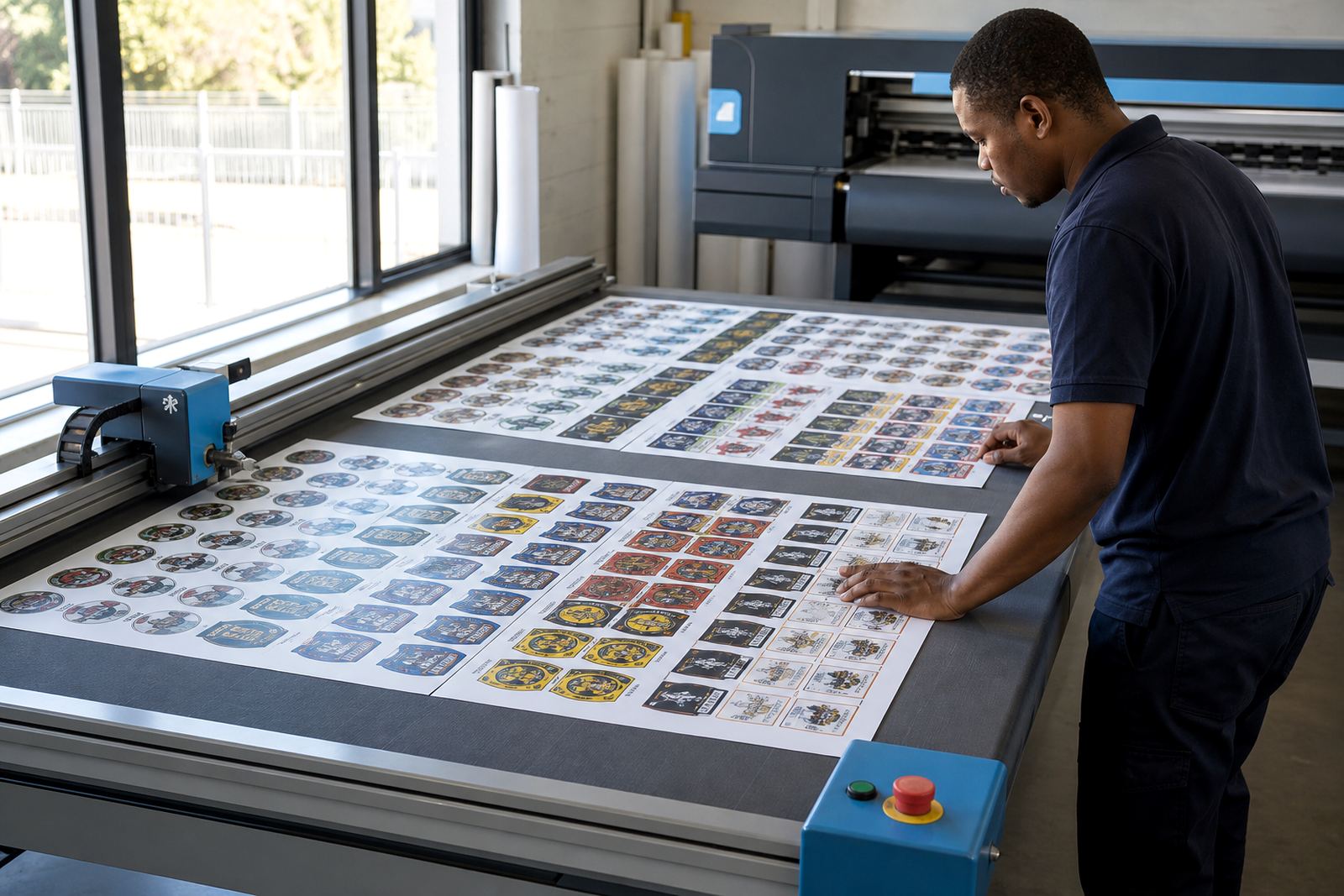
We often help set up queue workflow so large panels, repeats and smaller support items all move through the printer in the right order. That stops the shop from wasting media on awkward gaps and helps the operator keep track of what must be dried, cut or stored flat. Where a job has multiple sizes, the RIP can hold master presets for each substrate and panel type, which saves time and reduces mistakes at the press.
- Set bleed for trimming and site alignment
- Place seams in low-visibility areas
- Keep text away from joins and fold lines
- Use repeatable presets for common backdrop sizes
- Check drying space before the full run starts
Common mistakes that spoil event panels
One common problem is treating every backdrop like the same media. A gloss vinyl panel, a matte blockout banner and a fabric wall all behave differently in the RIP. If the profile is too heavy, the print can stay wet too long or show rich blacks that crack on folds. If it is too light, the backdrop can look flat under stage lighting and lose its depth from one side to the other.
Another issue is overfilling the sheet with too many small items. Nesting helps save material, but if the shop packs a backdrop too tightly with unrelated items, the operator can lose track of print order and cut order. That is when panels get mixed up, or a last-minute logo strip ends up on the wrong roll. Fault finding often starts with the RIP settings, but it can also point to worn feed parts, damaged cables or a control board that needs repair rather than another software change.
For production facilities in Johannesburg, Pretoria and the East Rand, the best results usually come from a clean preset set, disciplined queue handling and a maintenance routine that catches nozzle and feed problems early. That is more useful than trying to fix each job at the end.
Budget ranges for backdrop RIP support in Rand
Budget depends on the printer size, the condition of the board, how many media types are being handled and whether the work is remote or on site. A single RIP setup for a backdrop-focused queue can sit in a lower budget band, while a full workflow build with colour profiling, printhead driver setup and training sits higher. If board repair or recovery is needed, the cost will move again based on the fault and the parts involved.
As a rough working range, small setup and adjustment work may start from a few thousand Rand, while larger production tuning projects for multi-printer shops can move into the tens of thousands. Shops that need backup planning, operator training and ongoing support across several branches will usually budget more than a one-off installation. The right figure depends on whether the job is for a single printer in Midrand or a network of sites in Cape Town, Bloemfontein or Durban.
- Single printer setup or profile work: lower thousands of Rand
- Multi-step workflow and queue design: mid-range project budget
- Board repair, recovery and tuning: priced to the fault and machine condition
- Training for operators and production staff: based on scope and session length
How we support backdrop production across South Africa
InkFlow RIP works with print shops, designers and production teams that need backdrop jobs to hold colour and run without avoidable stops. We handle RIP installation, board installation, remote setup, printhead driver setup, colour profile setup, queue workflow design, fault finding, preventive maintenance, operator training, production tuning, backup and recovery, and ongoing support. Midrand base means we can support local shops directly and also work with teams in Johannesburg, Pretoria, Durban, Cape Town and Bloemfontein.
If your backdrop work has started showing uneven solids, poor joins or repeated queue problems, the first step is usually a look at the printer setup and the RIP path together. That is often where the real cause sits, not in the artwork. For event work, the goal is simple: panels that line up, colours that stay steady and a workflow the operator can repeat without guessing.