Exhibition graphics that need to line up first time
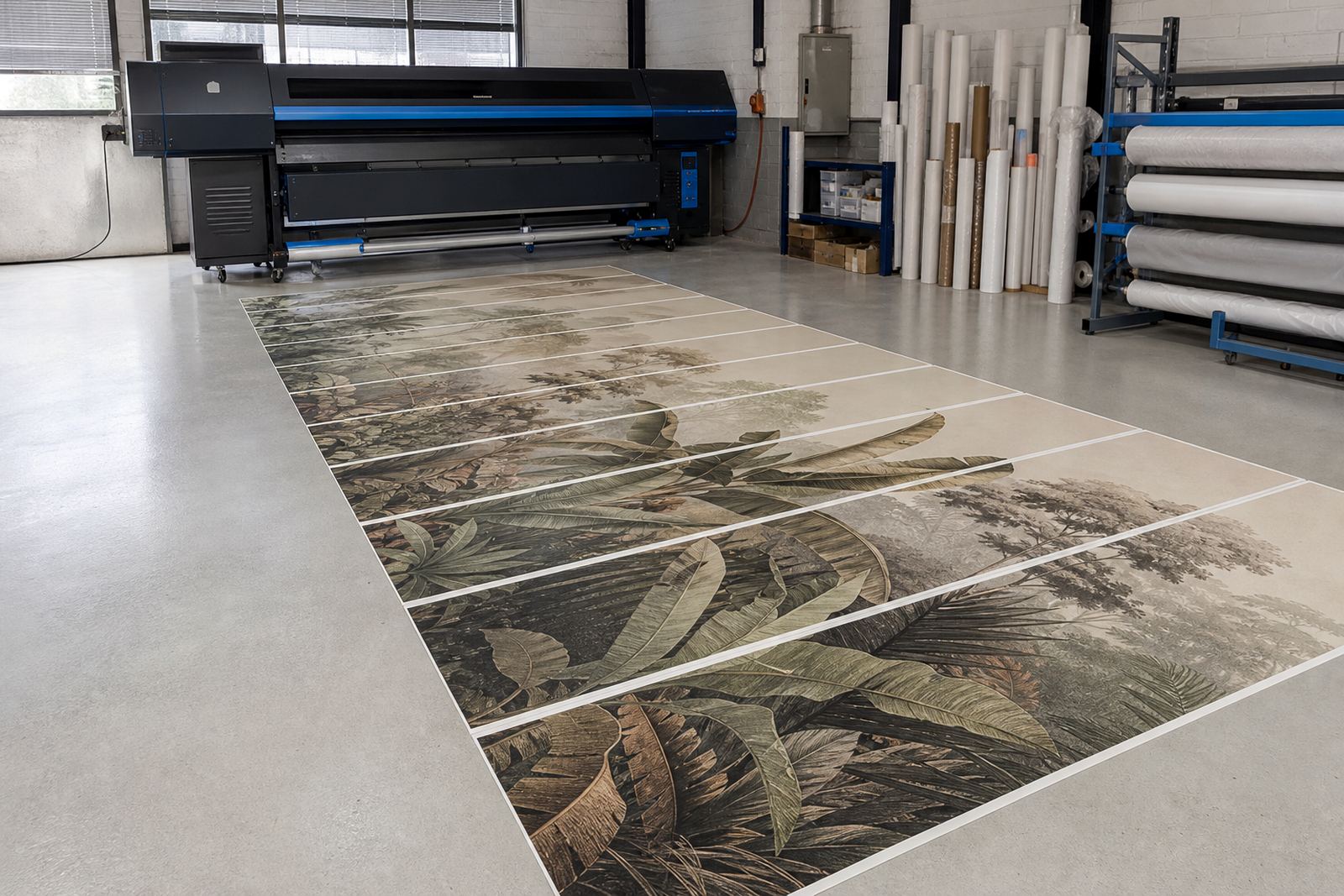
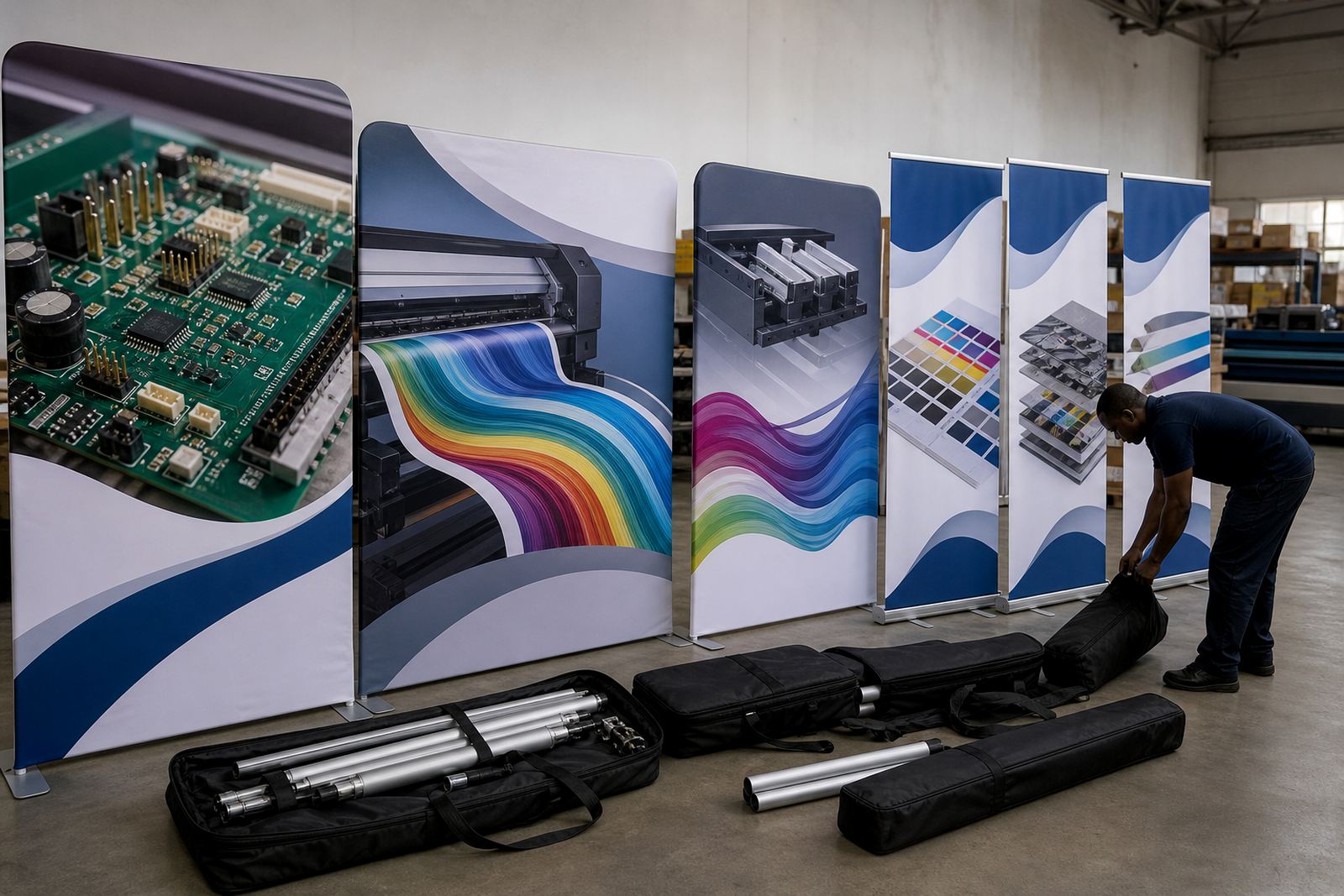
Trade show work is unforgiving. A wall graphic that is 6 metres long and split into panels has to register properly, trim cleanly and hold colour under bright hall lighting. A pop-up stand also needs tight sizing so the last panel does not fight the frame on site. In this environment, the RIP setup is doing more than sending data to the printer, it is controlling how the whole job behaves on press.
For exhibition walls, shell schemes and hanging visuals, the usual pressure points are colour shifts between jobs, banding on solid fills, poor nesting on expensive media and the wrong print order for fast installation. A controlled workflow helps keep the output predictable when the same artwork must move from a 1.2 metre pull-up banner to a 3 metre wall skin without surprises.
Typical kit behind a trade show print run
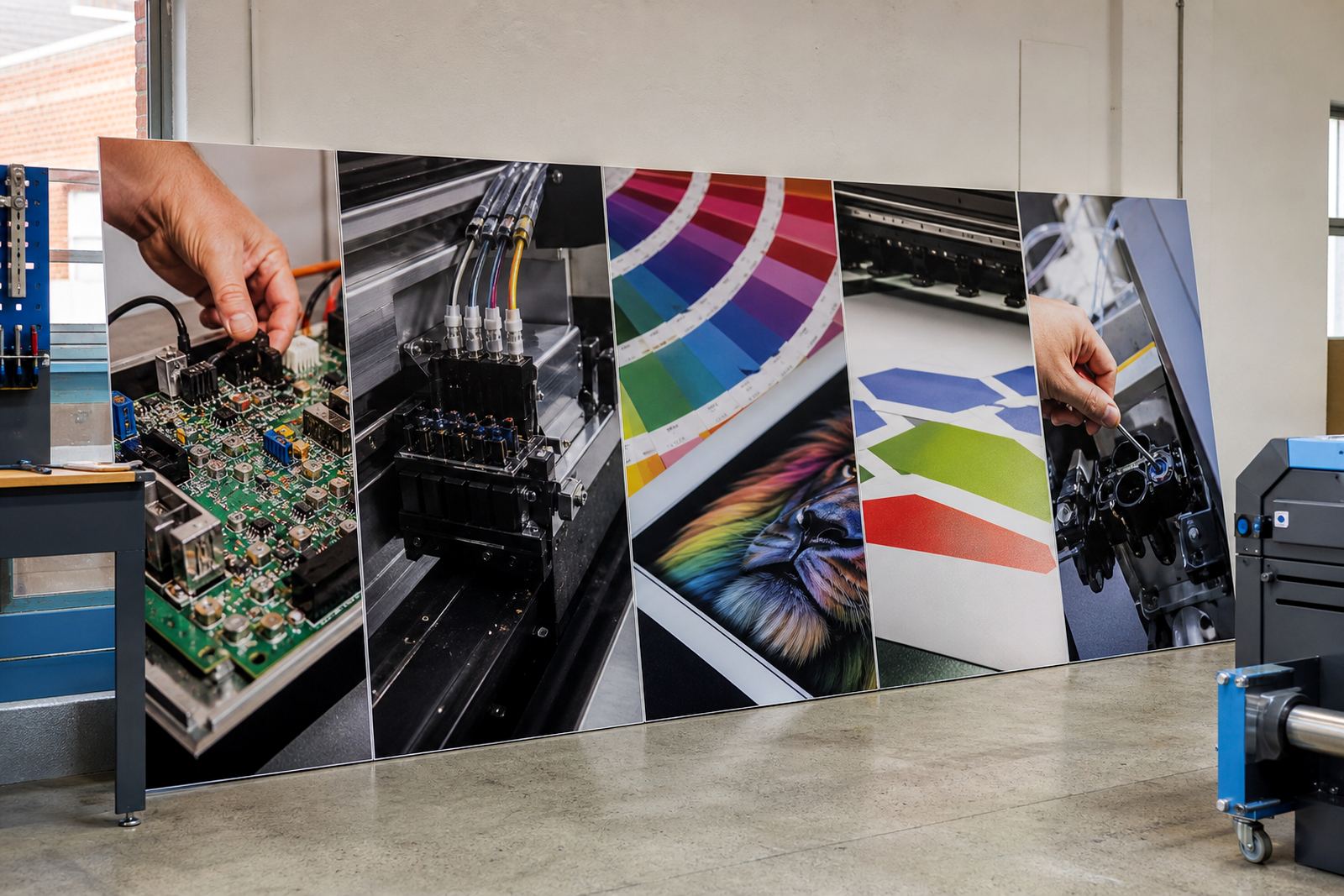
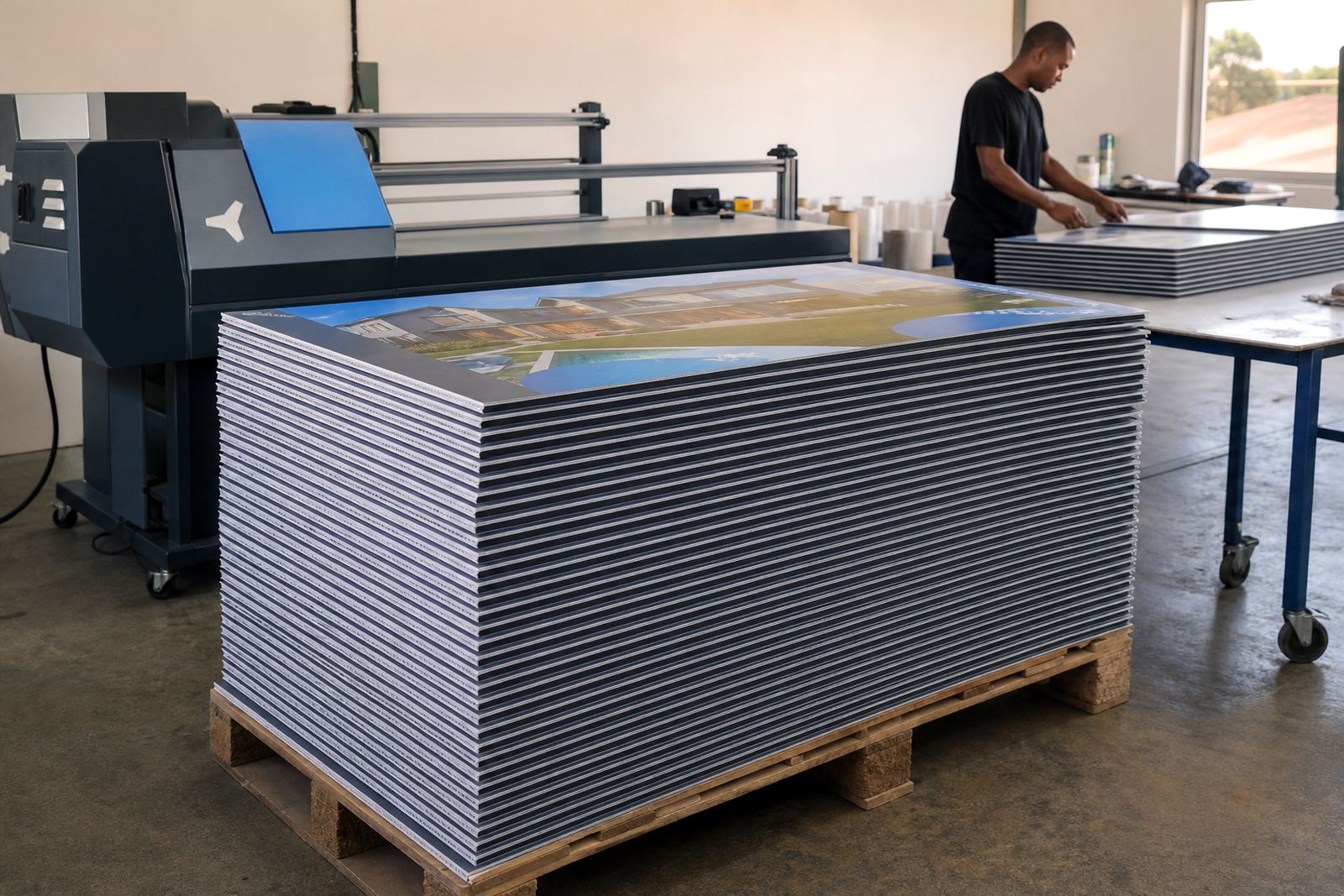
Most trade show producers use a mix of wide-format inkjet printers, printhead drivers, RIP software, cutter support and colour management tools. Some shops also run board control systems for rigid media, especially where panels are cut to fit aluminium frames or temporary exhibition structures. The software side matters because it decides how files are flattened, how channels are handled and how ink is laid down on coated stock, vinyl, fabric or board.
- Wide-format inkjet printers for posters, wall panels and fabric graphics
- Control boards for reliable printer communication and job handling
- Printhead driver setup for clean firing and stable output
- RIP software for queue control, nesting and ink limiting
- Colour profiles for brand matches across different media
- Maintenance tools for nozzles, calibration and media checks
When a shop in Johannesburg or Durban is pushing out exhibition material, the main value is not just print speed. It is the ability to keep the same colour on PVC banner today and self-adhesive vinyl tomorrow, without wasting a stack of sheets or forcing the operator to guess at settings.
Layout planning for walls, panels and pop-ups
Good trade show planning starts before the first file lands in the queue. Wall graphics should be set up with bleed, panel overlap and trim marks that match the actual installation method. If the stand is being fitted inside an exhibition hall in Sandton or at a venue in Cape Town, the designer needs to know the exact panel sizes, join positions and whether the surface will be flat, curved or broken by doors and corners.
InkFlow RIP supports the workflow behind that planning. Nesting can place multiple elements together to save media, while queue rules help keep urgent panels ahead of less pressing production. Colour profile setup matters too, because a bright red logo can look flat under hall lighting if the profile is too heavy or the ink limit is not set correctly. For large format visuals, the aim is consistency across the whole stand, not only a pretty file on screen.
Where a shop handles repeat event work, a stored setup for common sizes can save time during file prep and reduce mistakes. That is useful for pop-up graphics, portable backdrops and tower wraps that are reprinted across several events in the year.
Where trade show files go wrong
Many production issues come from rushed setup rather than the printer itself. A file may be built at the wrong size, saved with low quality images or sent without checking panel orientation. In other cases, the RIP is left on a generic profile, so colour on fabric looks different to colour on rigid board. If the operator is changing media on a tight schedule, those small errors can turn into wasted prints and last-minute rework.
- Wrong trim allowance for joined exhibition panels
- Colour profiles copied from another material
- Overcrowded nesting that slows finishing
- Head checks skipped before long print runs
- Mixed artwork versions sent to the same queue
- Board settings not matched to the actual substrate thickness
Preventive maintenance is also easy to ignore when a rush order lands. Nozzle checks, driver calibration and board health checks matter more on trade show jobs because a single streak in the middle of a wall panel can be visible from across the floor. In coastal cities such as Durban, humidity can also affect handling and drying, so shops often need steadier process control.
Budget ranges for exhibition printing support
Budgets for trade show graphics depend on what must be set up, repaired or trained. A small RIP software adjustment for a single queue is not in the same bracket as a full workflow rebuild for a busy print shop handling exhibition walls every week. The price also changes with the number of printers, media types and support hours involved.
As a working guide, smaller RIP installation or setup jobs may start from around R3 500 to R8 000, depending on the queue structure and colour requirements. More involved work for printhead driver setup, colour profiling, nesting rules and operator training can sit in the R10 000 to R25 000 range. If board installation, fault finding or backup and recovery are added, the figure can move higher, especially where several machines are involved across more than one site.
For larger production facilities in Gauteng, KwaZulu-Natal or the Western Cape, ongoing support is usually planned around the actual production load rather than a one-size rate. That helps shops keep exhibition work moving without overbuying tools they do not need.
Support for shops that print for shows across the country
InkFlow RIP works with print shops, designers and production teams that need practical control over wide-format output. From Midrand, our team supports remote setup and fault finding for sites in Johannesburg, Pretoria, Durban, Cape Town and Bloemfontein, with East Rand and West Rand support also available. The focus is on the working part of the job: getting the boards, drivers and RIP settings aligned with the kind of trade show output you are producing.
That can include board repair guidance, queue workflow design, backup and recovery, production tuning and operator training for staff who handle exhibition graphics under pressure. Thabo Zungu leads the business, with Lerato Khoza handling operations, Johan Letsoalo on RIP technical work, Zanele Moagi on colour workflow, Aiden Phiri on remote support, Kagiso Pienaar on board repair and Bianca Rademeyer coordinating training. Clients reach the team through the enquiry form on the contact page when a print system needs steadier control for live production.