Clear film on the press, solid coverage on the pane
Window graphics often look straightforward until the job moves from screen to print. A transparent film can show weak density, harsh banding or a colour shift once it is fitted behind glass, while an opaque face film can hide those issues until the light changes in the shopfront. The RIP stage matters because it decides how much ink lands, how undercolour removal is handled and whether the artwork keeps its edge on thin media.
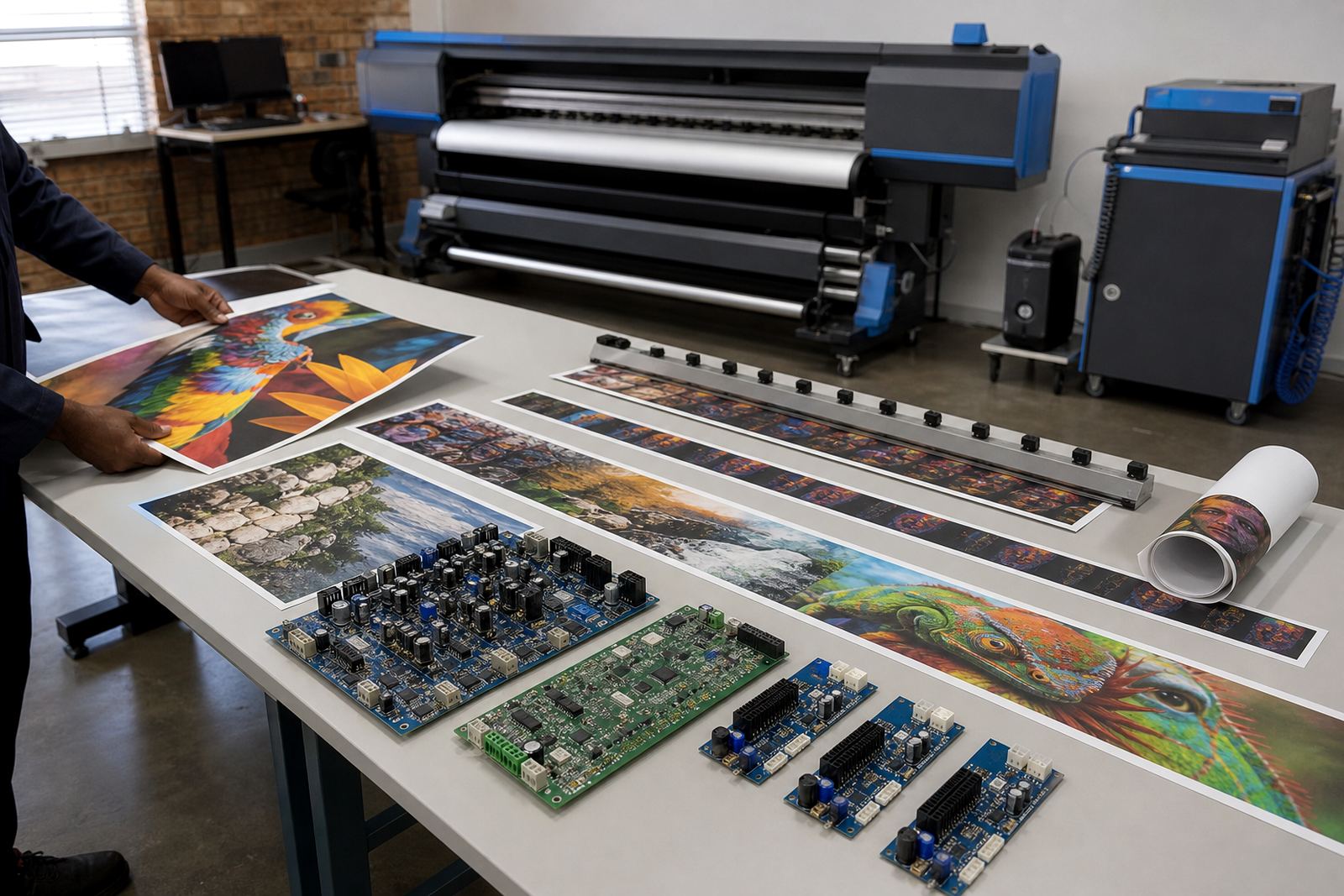
For this work, the client usually needs a stable printer control board, a tuned printhead driver setup and RIP software that can hold a steady ink limit across long runs. The aim is not only bright colour, but also usable detail in logos, pricing blocks and window messages that must be read from the street. In a humid coastal city like Durban, drying behaviour can shift during the day, so a profile that behaves well on Monday may not hold the same finish on Friday if the media or room conditions change.
Typical setup for shops printing window film
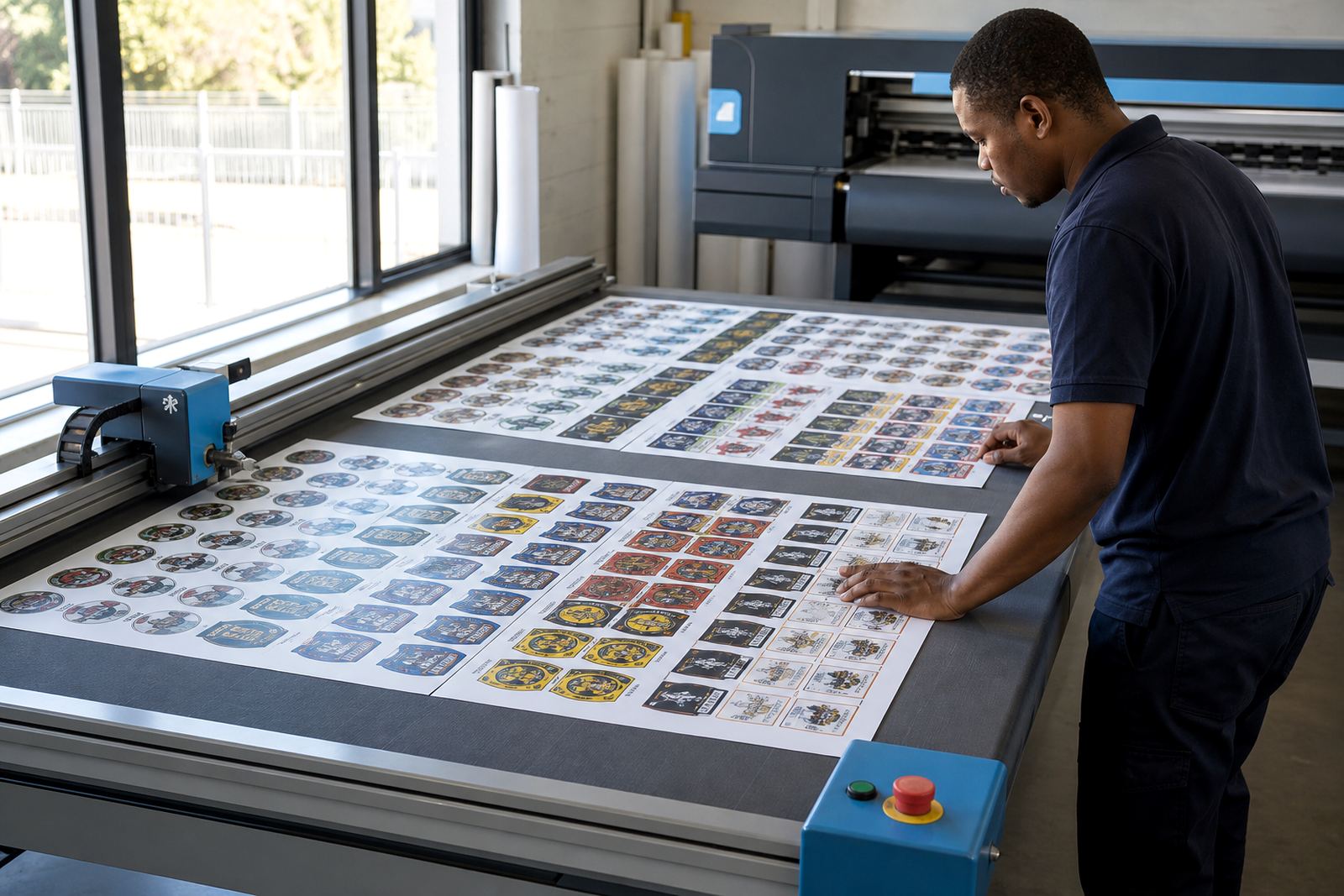
Most window graphics work is produced on a wide-format inkjet printer with a board that handles queue control and media timing properly. Shops often run one machine for clear vinyl, another for blockout film and a cutter for shaped decals. Where the printer and cutter are linked, the RIP queue has to keep registration clean so that trimming and kiss-cut work stay consistent. If the workflow includes white ink, the board and RIP settings need to manage layer order carefully, because a weak underbase gives a dull look against daylight.
- Printer control board suited to wide-format inkjet output
- Printhead driver setup for stable firing and clean nozzle behaviour
- RIP software with colour profile control for clear and opaque media
- Queue workflow design for nested jobs, repeats and panel sets
- Backup and recovery for profiles, presets and operator settings
We also look at the practical side of the room. Midrand and the wider Gauteng belt see a lot of mixed production environments, from tight retail spaces to larger sign workshops, so the same RIP settings do not fit every floorplan. A shop with many short turnaround jobs needs fast queue movement, while a production plant in Johannesburg may need more emphasis on nesting, media use and operator handover.
Layout decisions that save film and keep the glass line neat
Window graphics are usually priced by area, but the way artwork is placed on the roll can shift the real cost. Good nesting keeps repeated decals close together without making trimming awkward. On larger panes, panel breaks should follow the install method rather than the artwork file alone. If a shop prints full-height graphics for office partitions or mall frontage, the RIP should preserve alignment marks and keep the page order logical for the installation team.
There is also the matter of finish. A clear window job may need strong blacks and a controlled grey balance so that text does not disappear behind reflected light. An opaque graphic may need a cleaner skin tone or brand colour, depending on the job. If the customer wants one-way visibility, the RIP has to support the correct layer order and density build, not just a standard colour pass. The wrong setup can leave a window film looking washed out in daylight and too heavy at night.
- Plan around pane size before sending the job to print
- Leave margins for trimming, overlap and site adjustment
- Use consistent naming so operators can track panels
- Keep proofing separate for front-lit and back-lit glass
- Match the profile to the actual film, not the label
Mistakes that show up once the installer is on site
The common errors are rarely dramatic at first. They start with a profile that was copied from another material, or a queue setting that was left on the default ink limit. That can lead to greasy blacks, weak reds or a finish that scratches too easily when the film is handled. In some shops the board is working, but the RIP is sending poor data because the operator reused the same preset for clear film and opaque sticker stock. Those two jobs are not the same, even when they look similar in the artwork folder.
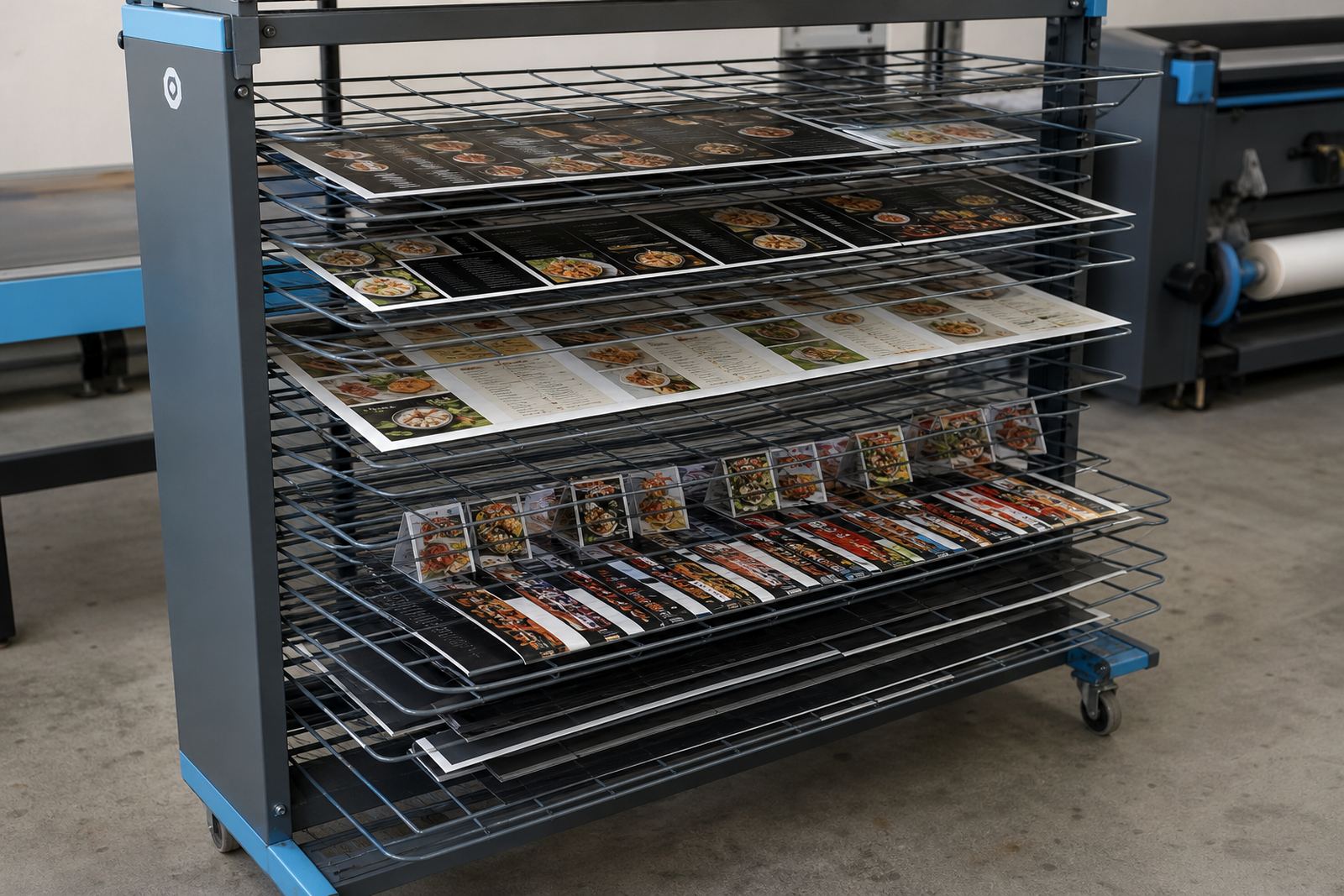
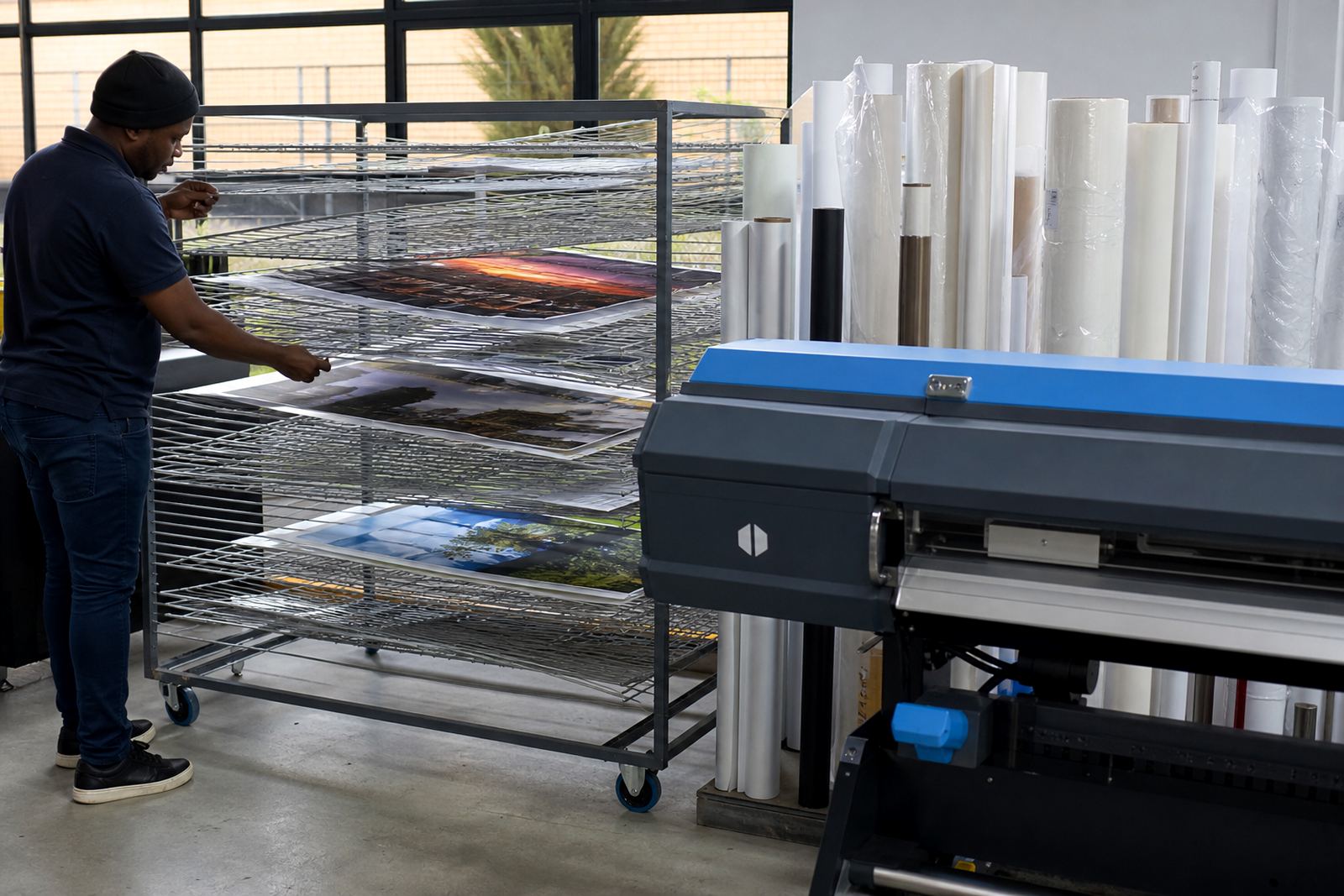
Another regular problem is poor maintenance between runs. A printer used for window graphics may sit idle between short jobs, especially when the shop is handling seasonal promotions. Nozzles dry faster on thin film work, and a small fault becomes visible on large plain areas or repeated lines of text. Preventive maintenance and a sensible cleaning routine matter here, because a missed nozzle on a street-facing window can be seen from the pavement. In our work we also check recovery files and queue backups, so a machine fault does not erase the colour setup the team has already tested.
Budget ranges that make sense for this kind of production
The budget depends on whether the client needs a fresh board installation, RIP software setup, colour profile work or a full production workflow. A small shop that only needs window decals and a cleaner queue structure will sit at the lower end. A larger print room with several printers, profile sets and staff training will need a broader scope. For window graphics work, the better spend is usually on correct setup first, then on maintenance and operator training so the same errors do not keep showing up.
- RIP software setup for a single printer: about R4 500 to R12 000
- Colour profile setup and queue tuning: about R3 500 to R9 500
- Board installation or replacement setup: about R8 000 to R24 000
- Remote fault finding and workflow correction: about R1 500 to R6 000
- Training for window graphics operators: about R3 000 to R8 500
Where a print shop serves Johannesburg, Pretoria, Cape Town or Bloemfontein, freight and remote support planning may affect the final figure, especially when spare parts or board repair are involved. A job with backup and recovery added is usually easier to manage than one built on a single preset and no recovery copy.
Remote support for shops across South Africa
Window graphics work often needs support after the first print pass, not just on installation day. InkFlow RIP works with remote setup and support for shops in Midrand, Johannesburg, Pretoria, Durban, Cape Town, Bloemfontein, the East Rand and the West Rand. That matters when a queue needs re-ordering, a profile needs revision or a board setting is not matching the actual printer behaviour. The same applies when a shop expands from ordinary decals to layered glass film, because the workflow becomes more sensitive to density and finish.
The team led by Thabo Zungu includes Lerato Khoza on operations, Johan Letsoalo on RIP work, Zanele Moagi on colour workflow, Aiden Phiri on remote support, Kagiso Pienaar on board repair and Bianca Rademeyer on client training. For window graphics, that mix helps when the task crosses from hardware into print logic. The printer may be running, but the job still needs the right nesting, the right profile and a queue that suits the operator on the floor.