What our fault finding covers on a live production printer
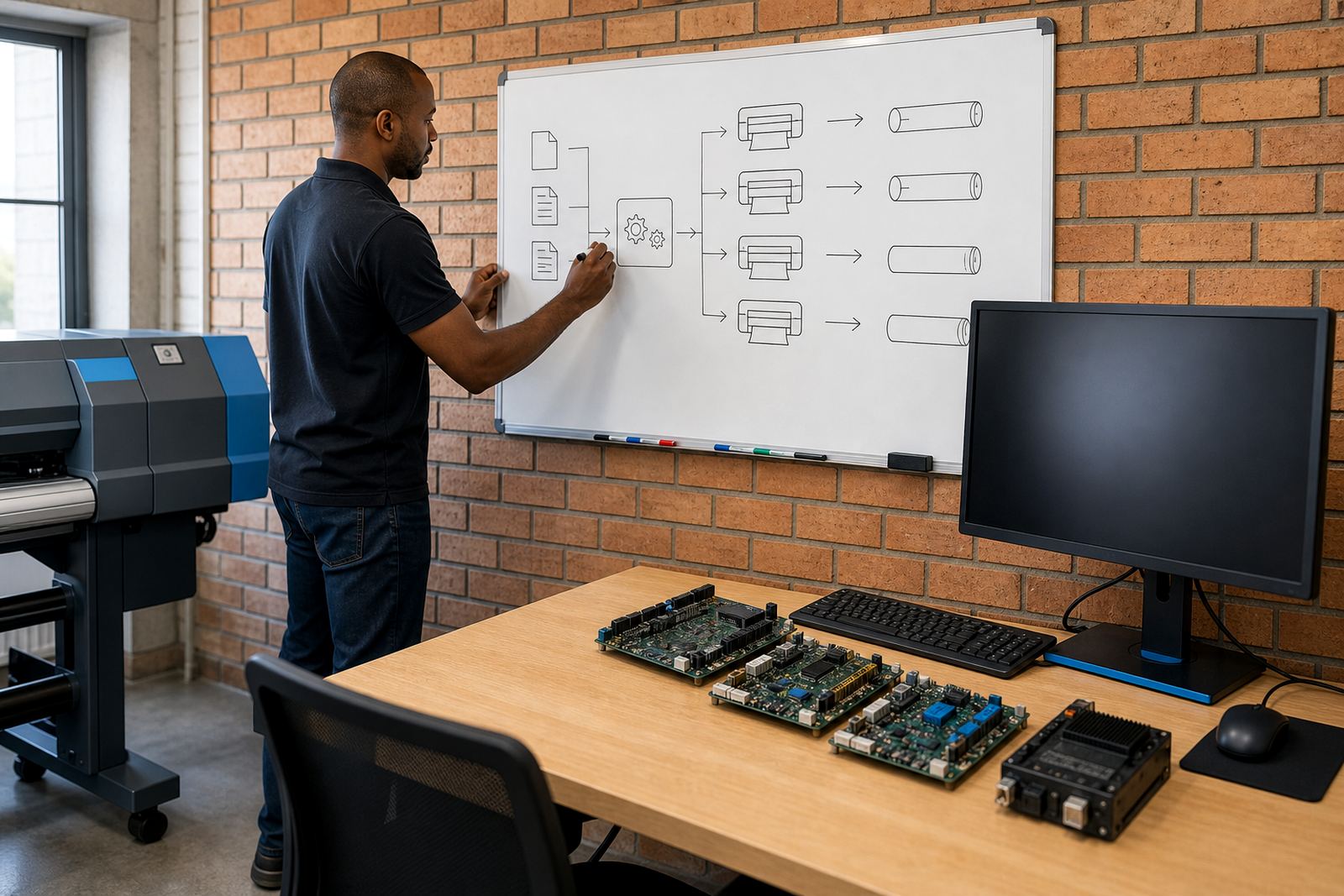
We trace faults across the print path, from the RIP workflow through the control board, printhead driver stage, data cable links and machine settings. The work is geared to wide-format inkjet systems used for signage, vehicle graphics, exhibition work and general production printing.
Typical symptoms include random stops, poor communication between RIP and printer, colour shifts between passes, nozzles that appear to fail only on certain jobs, queue errors, distorted output and boards that show signs of heat or moisture stress. In Gauteng, coastal towns and inland sites alike, dust build-up and humidity can affect connectors, sensors and board behaviour in ways that do not always look obvious at first.
- RIP queue faults and job corruption
- Board communication errors and lost handshakes
- Printhead driver faults linked to channels or firing control
- Colour drift, banding and profile mismatch
- Sensor, cable and grounding issues
The checks we run before parts are replaced
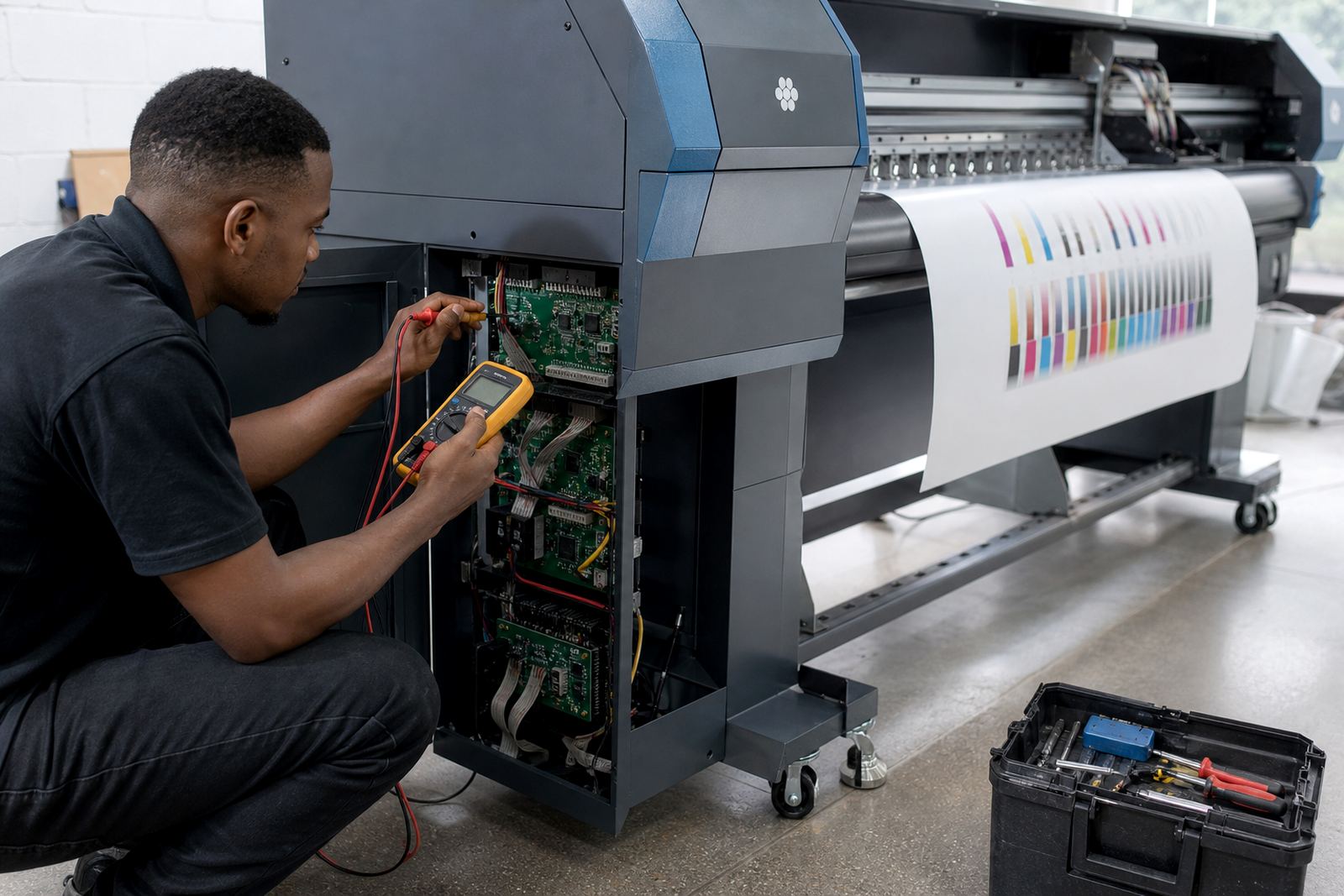
Good fault finding starts with measurement, not guesswork. We check error logs, job history, cable continuity, board indicators, printhead driver output and the condition of related connections. If a machine is running on a shared production floor, we also look at the order in which jobs are queued, how operators are loading files, and whether the issue only appears under heavier print volumes.
Where possible, we isolate the fault by changing one variable at a time. That may mean testing with a clean queue, comparing a known good profile, checking the board on a bench setup, or verifying whether the same fault follows a component or stays with the printer. If the issue points to firmware, RIP settings or operator workflow, we deal with that first so the shop does not pay for parts it does not need.
- Communication trace between RIP and printer
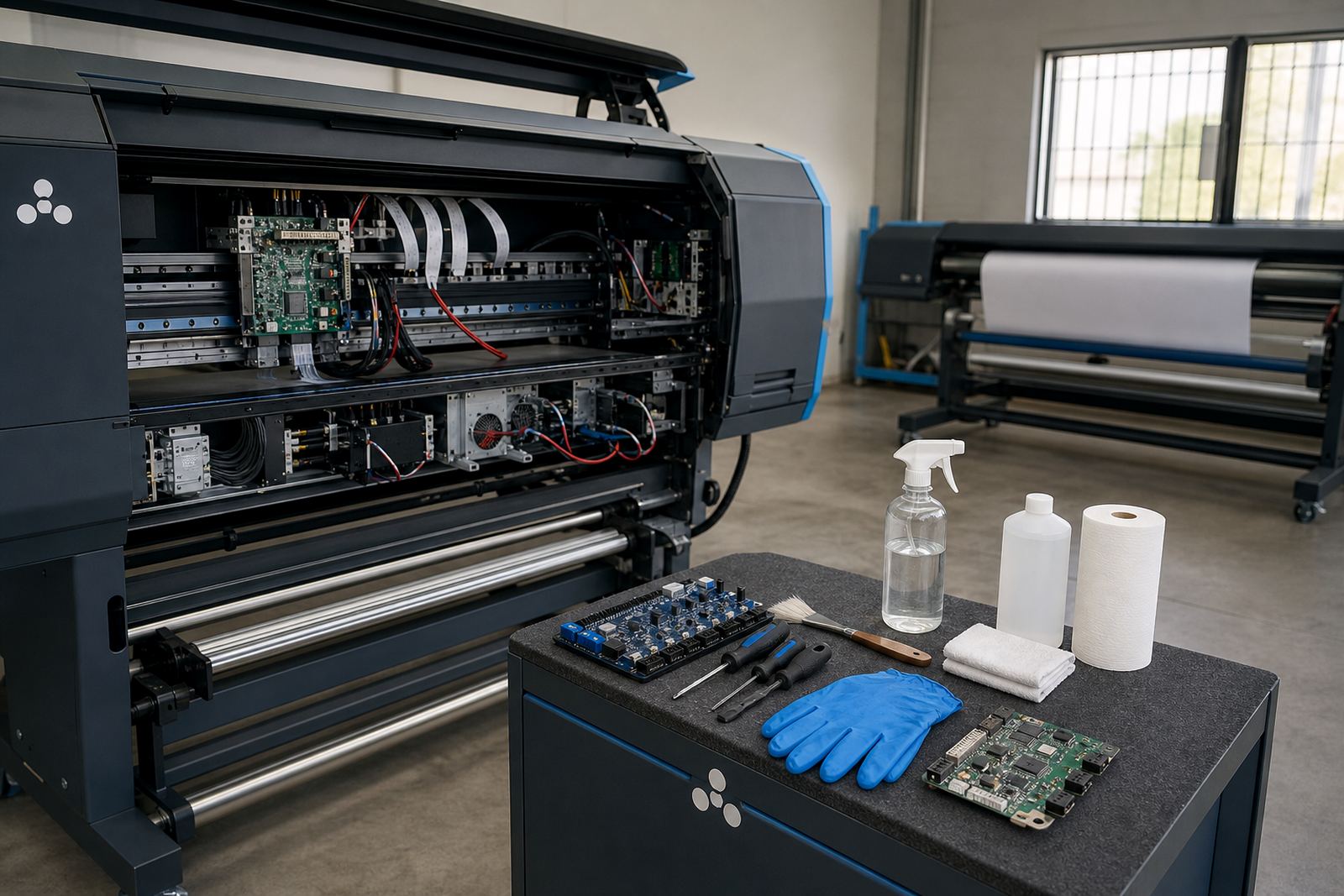
- Control board inspection and bench test where practical
- Printhead driver signal check
- Colour profile and raster setting review
- Operator workflow and file preparation review
How the diagnosis usually runs
We start with the machine details, fault history and the exact symptom pattern. From there, Aiden and the support team may do a remote session to view settings, logs and queue behaviour, or arrange a closer inspection if the fault points to electronics or a board repair. For print shops in Johannesburg, Pretoria, Durban, Cape Town, Bloemfontein and the surrounding areas, remote diagnosis often narrows the issue before any hands-on work begins.
If the job calls for physical testing, Kagiso checks the board side, while Johan looks at the RIP side and colour workflow. When the fault is tied to output quality, Zanele reviews profiles, ink limits and pass counts. If the problem follows operator use, Bianca steps in on training and handover notes so the fault does not keep reappearing after the printer is handed back to production.
- Initial symptom review and machine identification
- Remote logs, queue and setting checks
- Bench or in situ testing of suspect boards
- Profile and print mode review
- Handover notes with the fault cause and fix applied
Turnaround depends on the fault, not guesswork
Turnaround depends on the type of fault, whether the board needs bench testing, and whether the printer can be tested with safe access to the affected parts. A queue fault or RIP setting problem may be resolved during a remote session, while a board fault, printhead driver issue or wiring problem can take longer because each step has to be verified before the machine is put back into production.
Where the fault is intermittent, we may need to repeat tests under different loads, especially on machines that only fail after warming up or after a run of large jobs. That extra checking is part of the service, because intermittent failures are costly in a busy shop and can lead to the wrong part being swapped in haste.
- Remote faults can often be isolated without dismantling the printer
- Electronics faults may need board-level testing
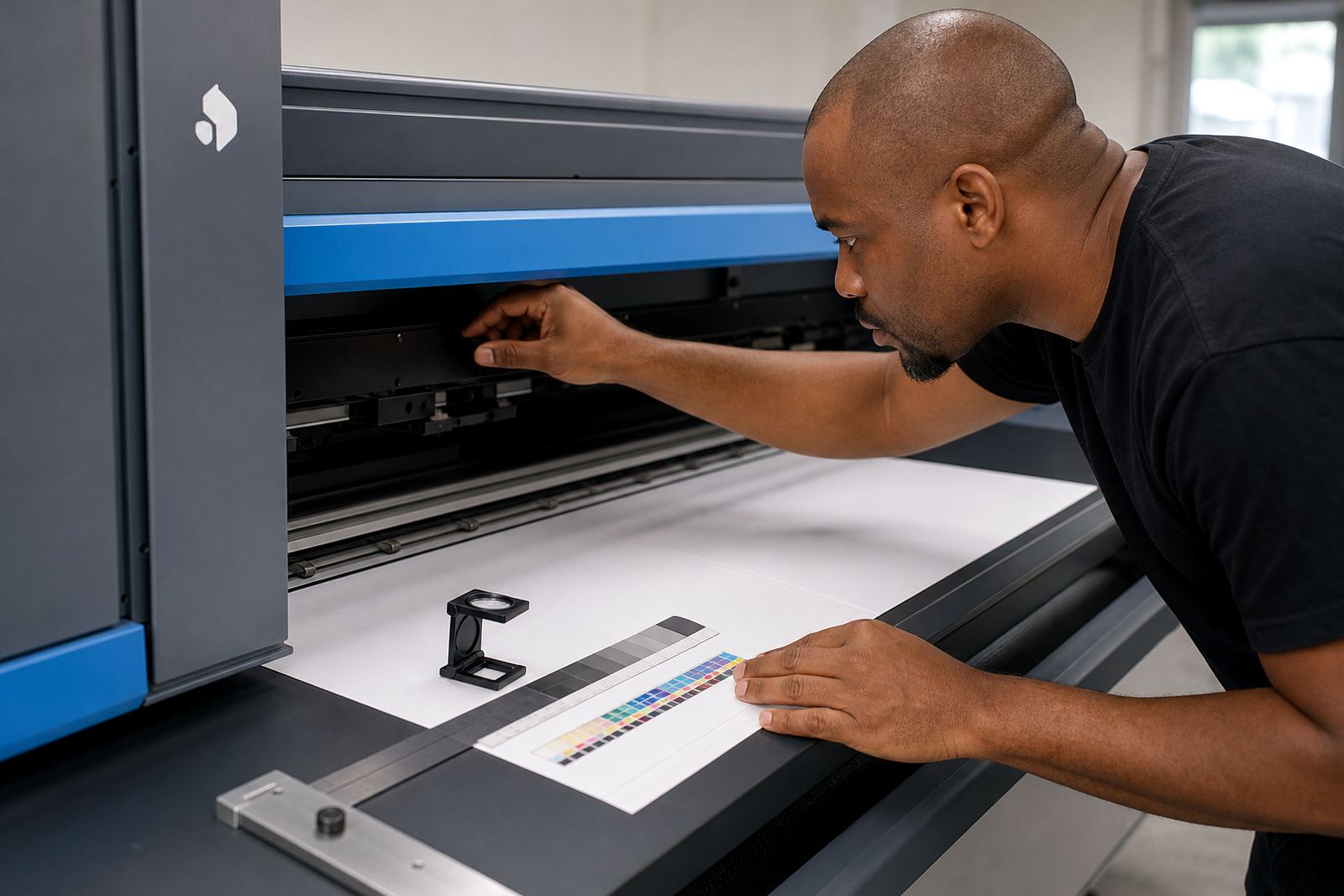
- Colour related faults can require test prints and profile comparison
- Production timing is planned around access, parts and test runs
Pricing that follows the fault trail
Fault finding is priced according to the work involved, the number of systems that need to be checked, and whether remote support, site attendance or board repair is required. A simple queue or profile issue is not priced the same as a printer that needs electronics testing, reconfiguration and recovery work.
We keep the pricing approach practical and tied to the diagnosis path. If the fault is isolated early, the scope stays tighter. If the issue sits across the RIP, the control board and the printhead drivers, the job is quoted for the full set of checks rather than a single quick look. That gives print shops a clearer view of where the cost is going, especially when a machine has been running in heavy production and the symptoms have shifted over time.
- Remote diagnosis scope
- On-site inspection where needed
- Board testing and repair work
- Profile, queue and workflow correction
Aftercare once the fault is cleared
After the fault is cleared, we leave the shop with working notes that cover the cause, the fix, and the settings that should remain in place. If a machine was drifting because of poor colour handling or queue habits, we reset the workflow so the operator can follow a cleaner path on the next job.
Aftercare may include a saved backup of working settings, a recovery copy of the queue structure, and a short operator handover so the same fault does not creep back through daily use. For sites in humid coastal areas or dusty industrial zones, we also point out the spots that need closer attention because those conditions can affect connectors and boards over time, even when the printer itself looks fine.
- Working settings backed up where suitable
- Recovery notes for queues and profiles
- Operator handover on the corrected workflow
- Advice on exposure, cleaning and cable handling
Key facts
| Service type | Structured fault finding for wide-format inkjet printers |
|---|---|
| Faults covered | Communication errors, inconsistent output, board issues, printhead driver faults |
| Methods | Remote diagnostics, bench testing, on-site inspection, test prints |
| Systems | Control boards, RIP software, queue workflow, colour profiles, cabling |
| Coverage | Midrand, Johannesburg, Pretoria, Durban, Cape Town, Bloemfontein and surrounding areas |
| Support team | Thabo Zungu, Lerato Khoza, Johan Letsoalo, Zanele Moagi, Aiden Phiri, Kagiso Pienaar, Bianca Rademeyer |