A cleaner queue for repeat print runs
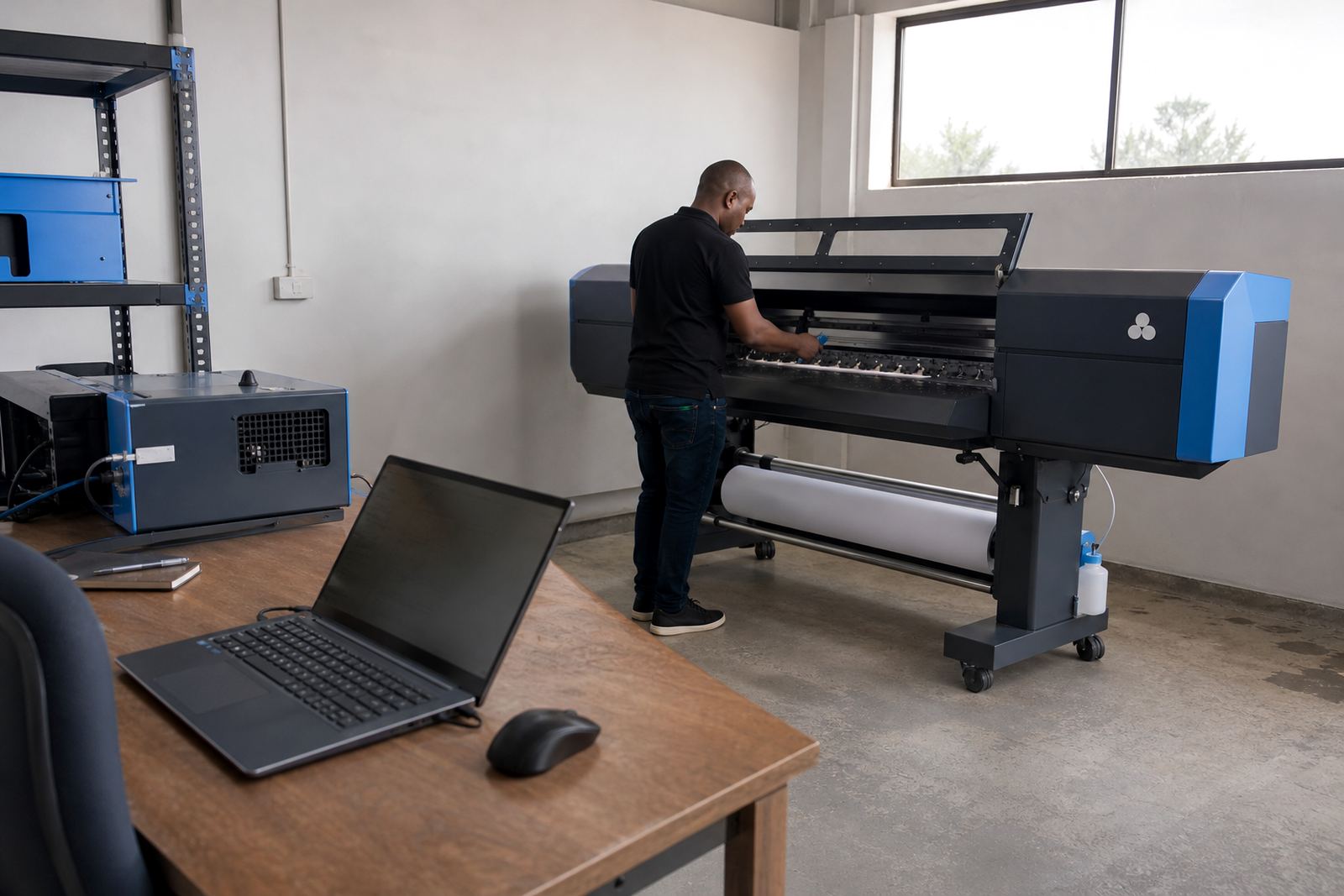
Queue workflow design sets the order that jobs enter, wait and print inside the RIP environment. It suits print shops that handle banners, vehicle graphics, retail signage, exhibition panels and other recurring work where the same file types return often. We map the day-to-day rhythm of the floor, then set the queue so common jobs can be grouped, released and tracked in a way that makes sense to the operator.
The aim is practical control. A well-planned queue reduces handover mistakes, keeps priority jobs visible and helps different operators use the same setup without changing the logic each time. For busy sites in Johannesburg, Pretoria, Durban, Cape Town and Bloemfontein this matters when the production floor has to keep moving during long runs, media changes and shift handovers.
What the queue plan includes
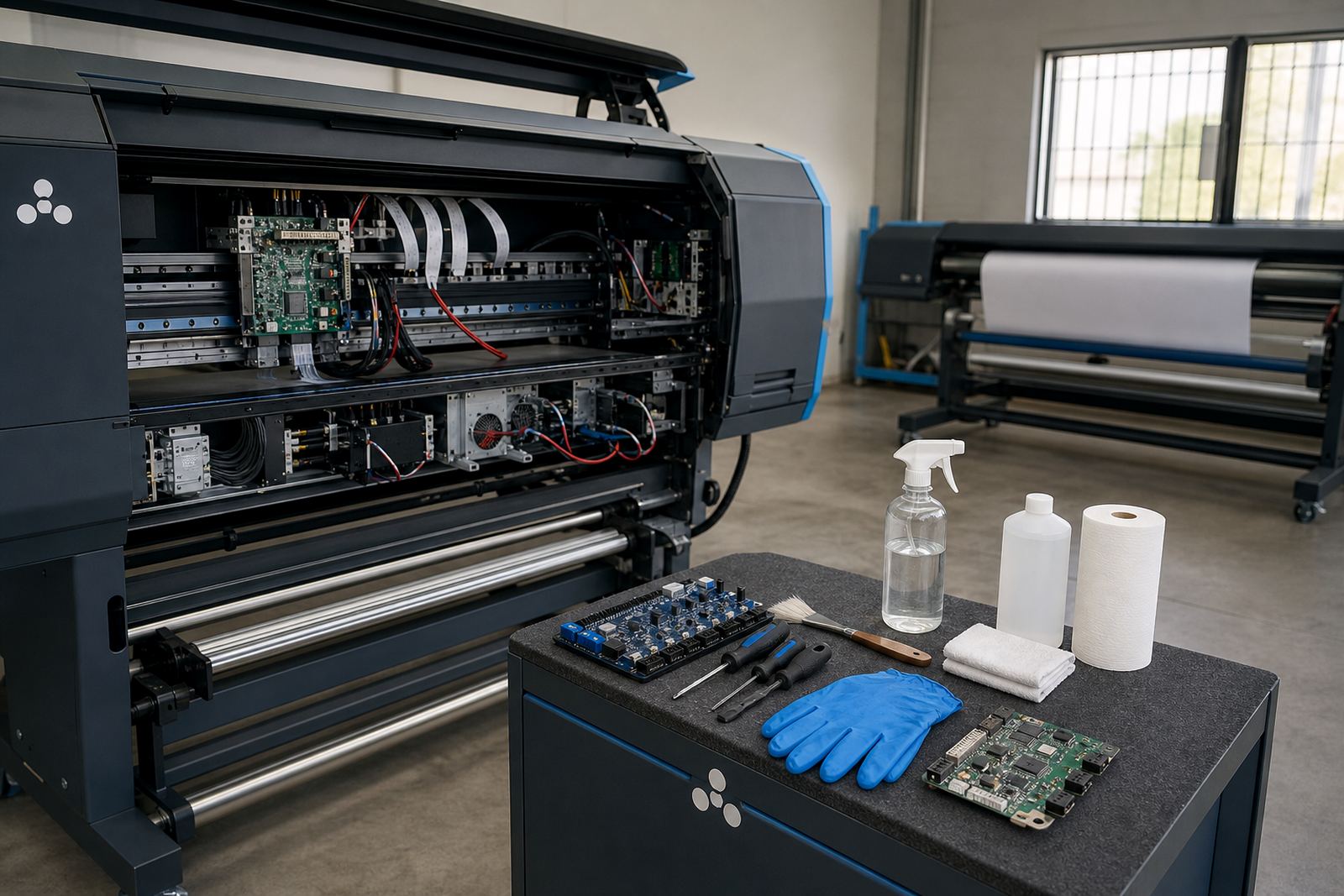
We work with the RIP structure already in use and tune it around your production mix. That can include hot folders, priority lanes, preset job groups, media-based sorting and colour-safe release steps. Where a printer control board and printhead driver settings are part of the same production chain, we align the queue logic so the file reaches the printer with the right speed, ink limit and media setting already in place.
- Job grouping for repeat sizes and repeat media
- Priority handling for urgent or reprint work
- Preset queues for common substrates and finishing needs
- Operator-friendly naming for easier line-of-sight control
- Colour profile assignment inside the correct print path
- Queue holds for proofing, rechecks and late amendments
This is especially useful where one machine carries many short jobs in a day, while another handles longer production runs. The queue can be set so each printer behaves differently without forcing the operator to rebuild the workflow each time. That saves time and lowers the chance of a file landing in the wrong slot.
How we shape the workflow on your floor
We begin by looking at the jobs that arrive most often, the number of operators on shift and the way files move from design to print. Then we study how the current queue is handled, including any points where jobs pile up, get mislabelled or need manual correction. Once the pattern is clear, we set a workflow that matches the actual pace of the room not an idealised one.
The setup may include one queue for standard production, another for urgent work and a separate path for colour checks or reprints. If the site handles boards, roll media and different printer widths, we build those differences into the structure too. In coastal towns such as Durban and Cape Town humidity can affect handling and drying behaviour, so the queue can be arranged to keep wetter jobs away from the next immediate stage until they are ready.
- Review of recurring job types and media sizes
- Queue map built around operator roles and machine load
- Test runs to check labels, routing and release order
- Adjustment of priority logic where urgent work is common
- Final handover with named queue steps and user notes
Printer control, colour flow and operator handover
Queue workflow design is strongest when it sits neatly beside the rest of the RIP setup. We pay attention to colour profiles, nesting rules, printhead driver settings and the order in which jobs are released to the machine. That way the queue is not just a list of files, but a working production path that supports consistent output.
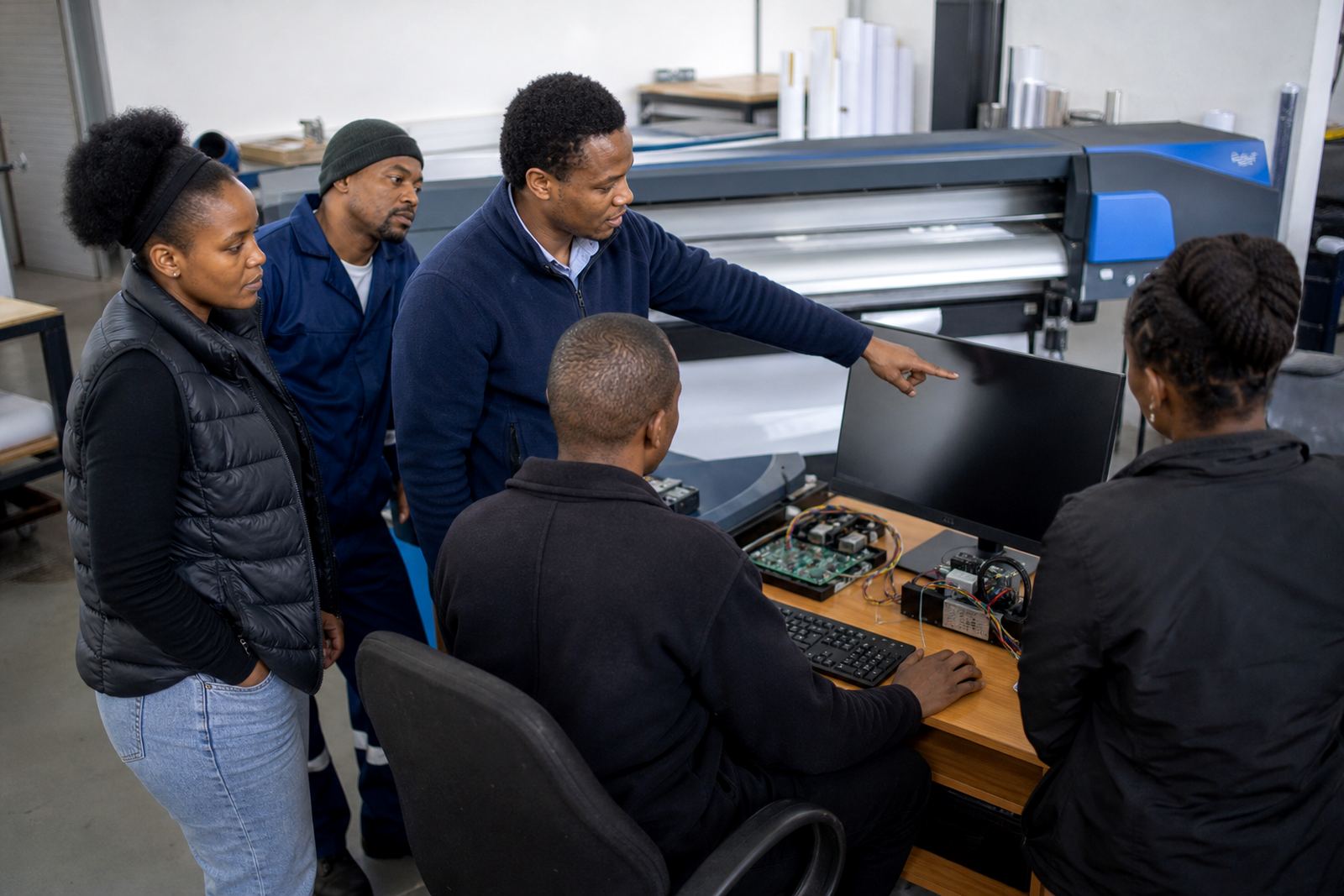
Where operators change often or where more than one person manages a shift, the queue layout needs to be easy to follow. We can create clear naming conventions for queues and job groups, build rules for approved print modes and set up visible checks so an operator can see what is ready, what is waiting and what needs attention. Small things matter here, like keeping similar jobs together and not mixing a fast draft run with a slower high-detail file.
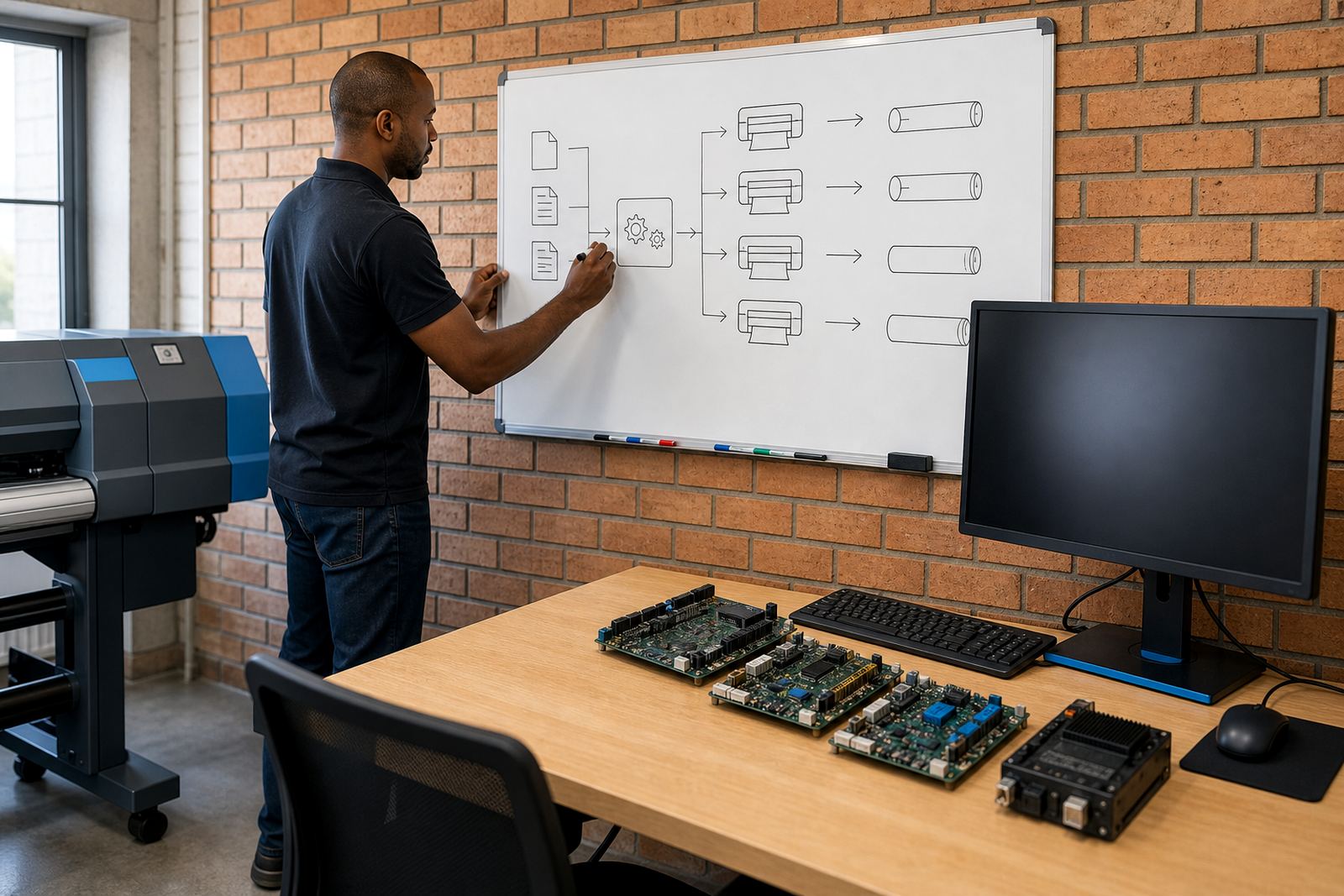
For sites with multiple printers, the queue can also be arranged to support balancing between machines. That helps when one unit is tied up on a long banner run while another is better suited to labels, short boards or quick repeats.
Turnaround, setup steps and pricing approach
The work is normally handled remotely for clients across South Africa, with on-site support arranged where board installation, printer access or production checks call for it. Setup steps depend on the state of the current workflow, the number of printers involved and whether the queue needs a full rebuild or only a restructure of certain job paths. We keep the process practical and tied to the equipment already in the room.
Pricing is based on the scope of the queue design, the number of printer paths, the amount of testing needed and whether backup and recovery planning is included. A single-printer site with a handful of repeat jobs takes less work than a multi-machine production room with several operators and mixed media. If the current queue is cluttered, we may also need to clean out old presets, rename groups and document the final layout so it stays usable after handover.
- Remote review of the existing RIP and job flow
- Queue structure drafted around production categories
- Test prints used to confirm routing and order
- Operator walkthrough with job release and hold logic
- Final queue notes for future use and recovery
Aftercare for the people running the queue
Once the queue is in place, the next step is making sure the floor can use it with confidence. Aftercare covers practical support for queue changes, new job types, extra printer paths and small adjustments when production habits shift. If a site takes on new work such as different media widths or added finishing stages, the queue can be updated to suit the new mix.
We also assist when a queue starts to slow down because operators have drifted from the agreed structure. That can happen after staff changes, a busy period or a software update. In those cases we check the job order, clean up the labels and restore the logic that keeps production easier to read. It is less about theory and more about keeping the room usable when the pressure is on.
Clients in Midrand, the East Rand and the West Rand often need this kind of support where jobs move between design, proofing and print very quickly. A tidy queue makes those handovers steadier and gives the operator a clearer picture of what is waiting next.
Queue design built for production pressure
Queue workflow design is not a cosmetic add-on. It is the part of the RIP environment that decides whether a repeat job flows cleanly or ends up being managed by memory and sticky notes. When the queue is structured around real production habits, the floor stays easier to run and the printer is less likely to be fed the wrong file at the wrong time.
InkFlow RIP provides this service for wide-format inkjet sites that need order, priority control and a better view of the day’s work. The result is a queue that makes sense to the operator and supports the printer instead of slowing it down.
Key facts
| Service type | Queue workflow design for wide-format inkjet RIP systems |
|---|---|
| Core focus | Production queue planning for recurring jobs and priority handling |
| Compatible systems | Printer control boards, printhead drivers and RIP software |
| Support format | Remote setup with on-site support where needed |
| Typical outputs | Grouped queues, priority lanes, holds and release rules |
| Coverage area | Midrand and nationwide support for South African print shops |