Training that fits a real print room shift
Operator training covers the practical steps that keep a wide-format inkjet line moving. We work through file setup, print queue handling, print checks, media loading checks and the daily care routines that stop small errors from becoming wasted metres. The session can be done at your premises in Midrand, Johannesburg, Pretoria, Durban, Cape Town, Bloemfontein or remotely for teams that work across multiple sites.
The training is suited to graphic designers, production operators and supervisors who need clear control over the work coming into the RIP. We cover how jobs should be named, where settings must be checked before printing and how to spot issues such as banding, colour shift or a queue that is carrying the wrong profile. It is practical, direct and shaped around the way your team actually runs jobs on the floor.
- File setup for common wide-format print jobs
- Queue checks before sending output to press
- Print review steps for quality control
- Daily care routines for operator handover
What the session includes on the day
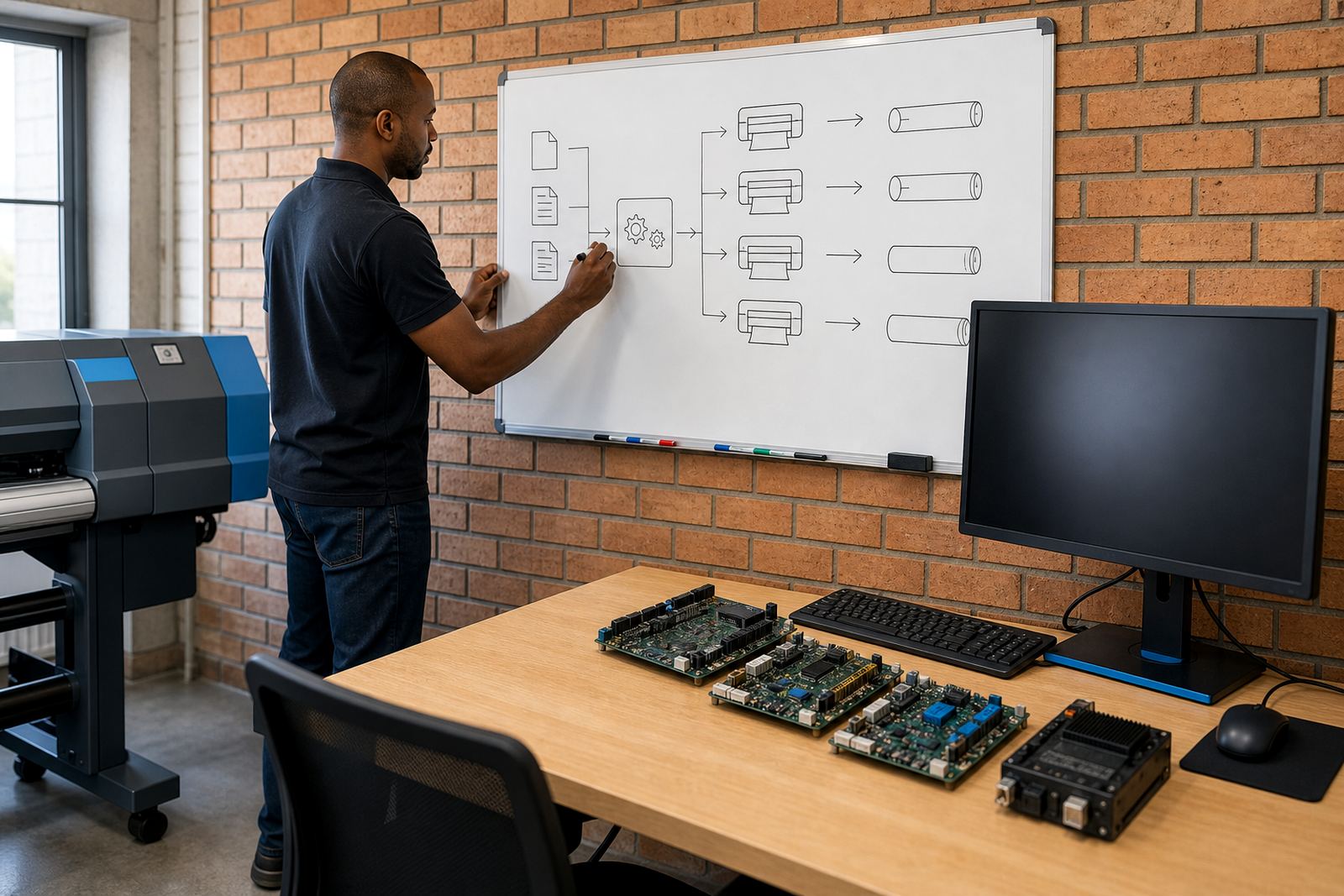
We start by looking at the current workflow, the operator roles and the RIP settings already in place. From there we show the team how print queues are organised, how to clear stuck jobs without losing order, and how to read the most useful status information on the control board and RIP screen. Where needed, we also cover printhead driver setup so the operator knows which settings belong to which media and production mode.
Colour profile use is part of the session as well, because a good operator must know when a profile is correct and when it needs to be checked before production starts. We explain nesting so the team can save material on longer runs, and we show how to keep an eye on ink usage, file orientation and bleed allowances. If the shop prints in coastal humidity or in a room that changes temperature during the day, we include the handling notes that help keep output consistent.
- RIP queue use and job priority control
- Printhead driver basics for approved print modes
- Colour profile selection and profile checks
- Nesting for better media usage on production runs
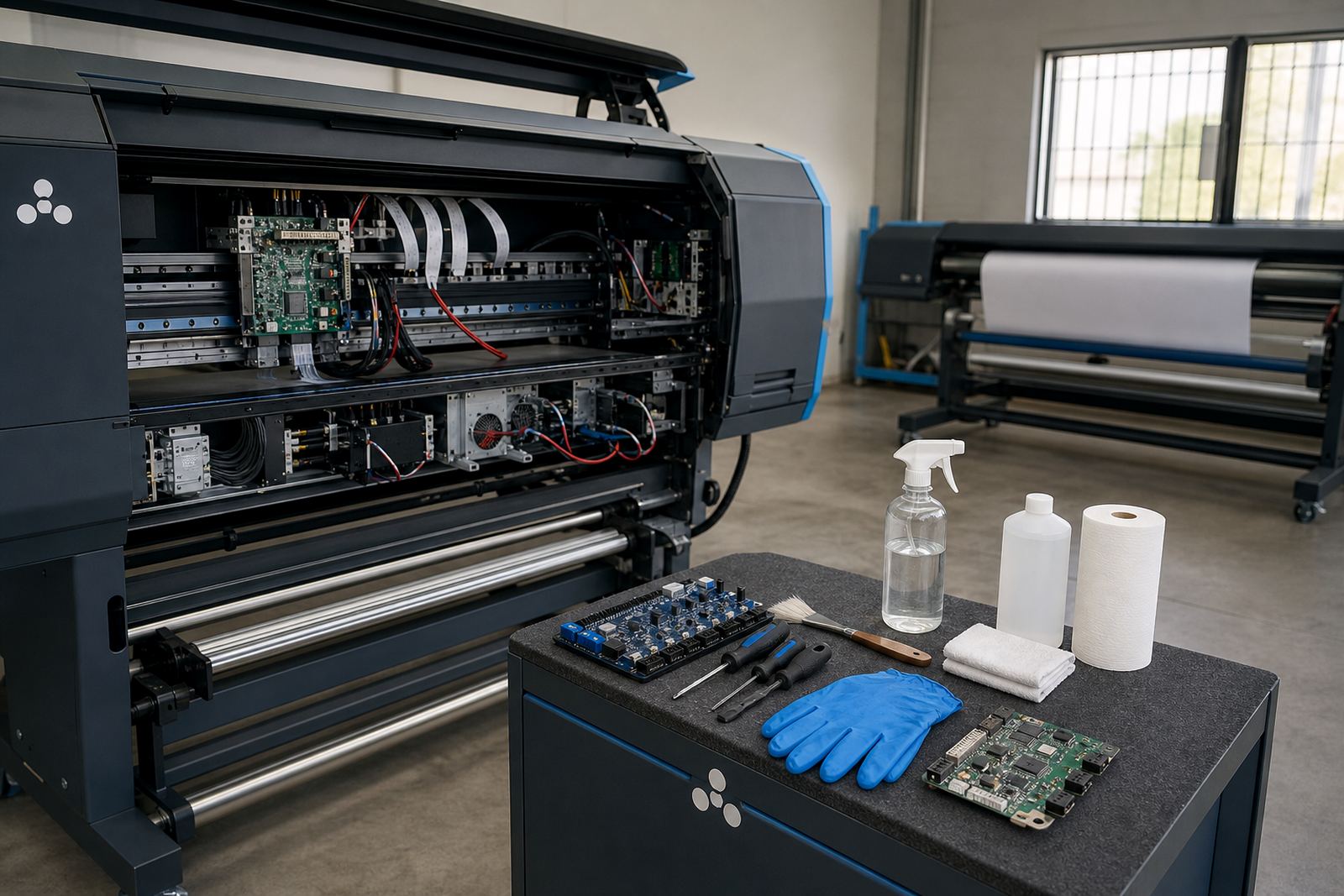
- Operator notes for humidity, dust and handling care
How we run the training from first check to handover
Before the session, we confirm the printer type, current software version, control board setup and the kind of work your team produces most often. That lets us shape the session around banners, vehicle graphics, exhibition panels or long production runs, rather than giving a general talk that misses the actual job. We also look at whether the team needs board installation support, remote setup or a straight operator handover after a software change.
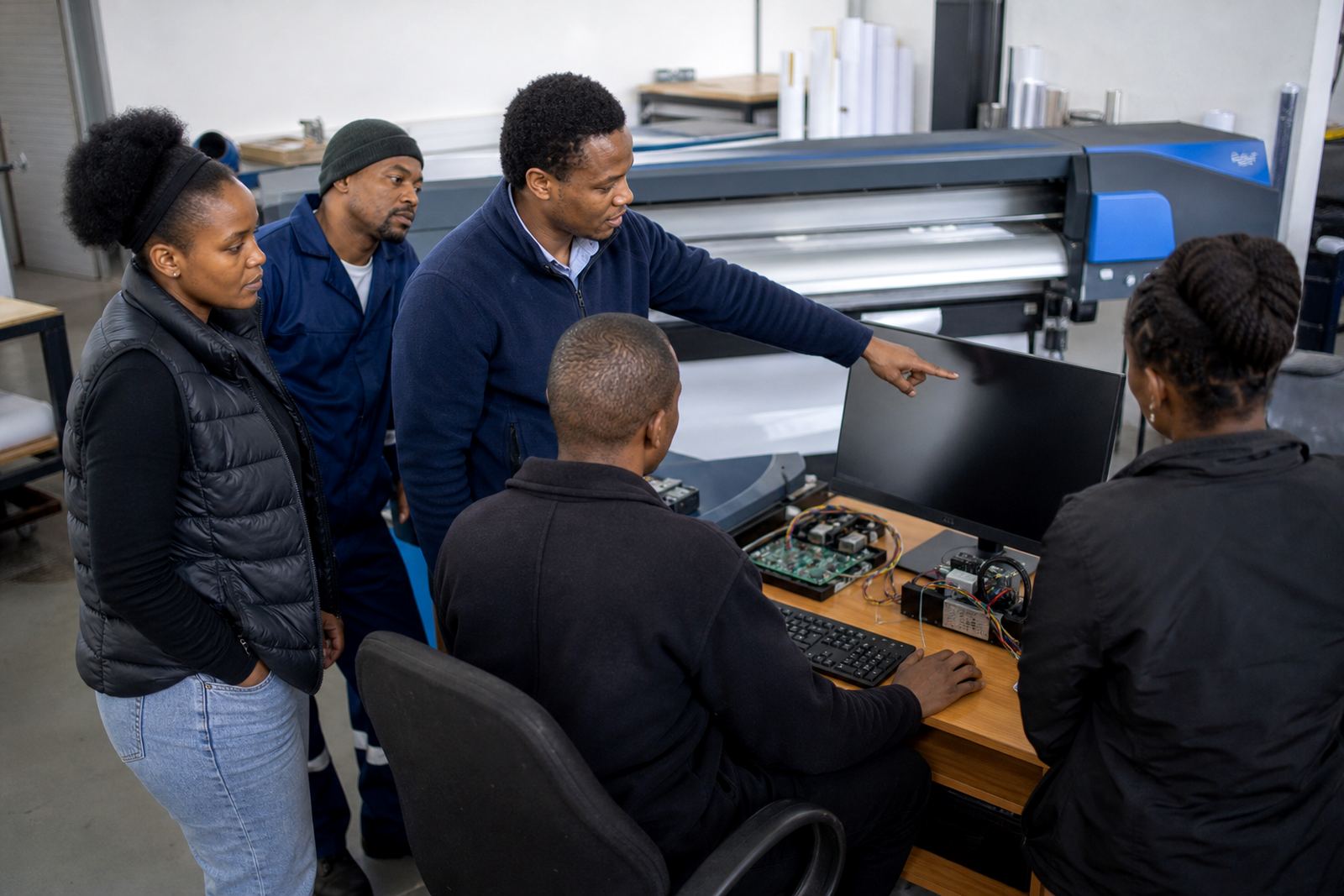
During training, each topic is demonstrated, then repeated by the operator so gaps show up early. The team works through a live queue, prints a test file, checks the result and notes the correction steps where needed. We finish with a written workflow summary that matches your site, so the main steps are easy to follow when different staff members share the shift.
- Pre-session review of printer, board and RIP setup
- Live queue demonstration with practical operator steps
- Test output checks and correction notes
- Site-specific workflow summary for handover use
Turnaround and session length
Training length depends on the number of printers, the amount of software being covered and whether the team needs extra colour work or queue design support. A single operator on one machine needs far less time than a busy shop with several queues, board changes and mixed media work. We usually schedule the session in blocks that suit the production plan, so the floor can keep moving while the training is underway.
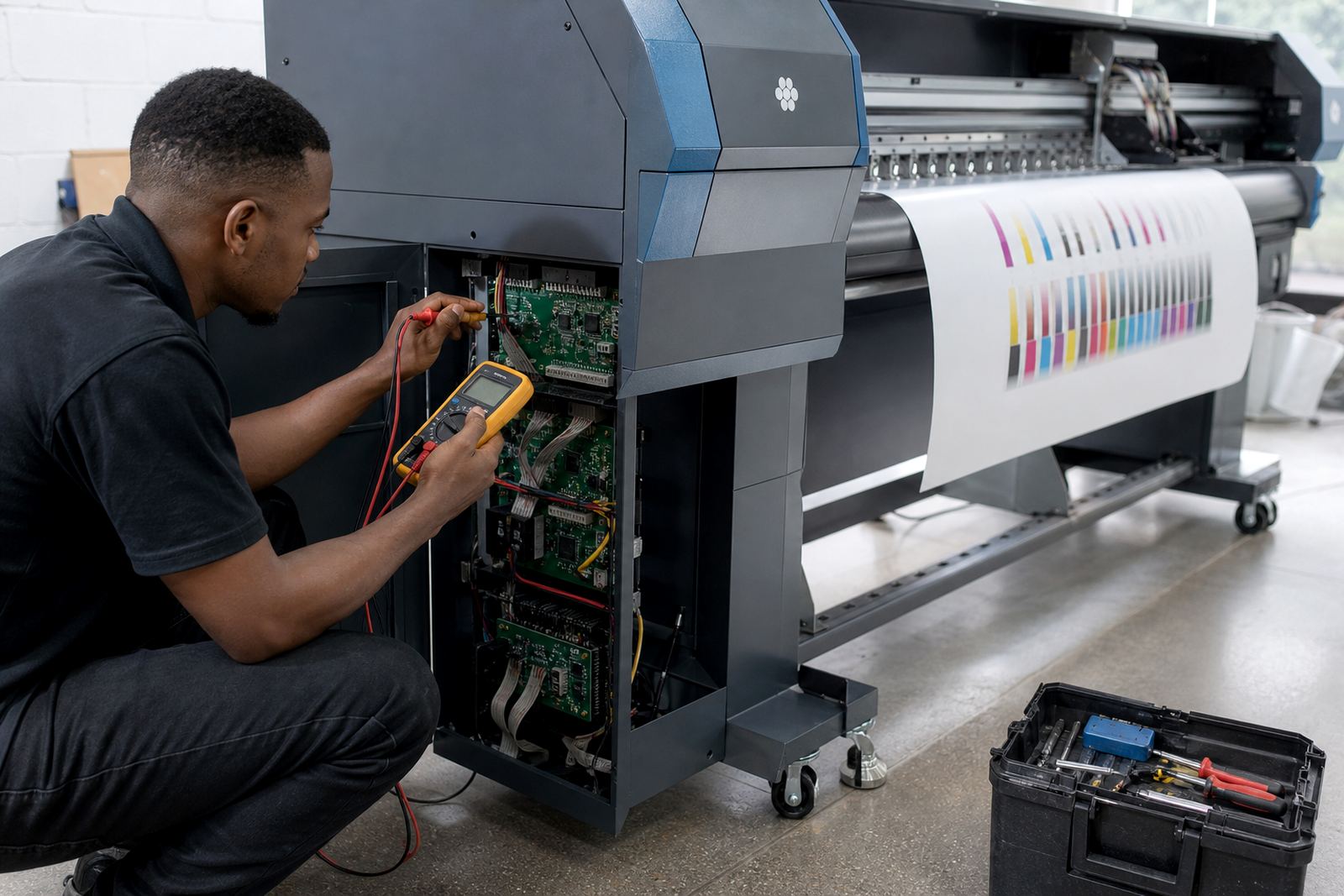
For remote support, we can break the work into focused sessions that cover setup, operator routine and follow-up checks. For on-site work, the length is shaped by your printer room, the number of staff in the session and whether fault finding or recovery steps need to be included. We keep the schedule practical, so the team is not rushed and the important steps are properly understood.
Pricing that matches the work involved
Pricing is based on the training format, the number of operators, the printer count and any extra setup that must be completed before the lesson starts. A site with a single queue and one control board will be priced differently from a multi-machine production room that needs colour profile setup, queue workflow design and backup recovery included in the same visit. Remote sessions are usually quoted differently from on-site training, because the setup and support structure is not the same.
We keep pricing tied to the actual scope, not to a generic package that forces your team into extra costs for work they do not need. If the training must include board installation checks, printhead driver setup or operator refresher notes for several shifts, that is built into the quote from the start. The aim is a fair figure in Rand that reflects the real size of the job and the support required around it.
- Quoted on scope, printer count and training format
- Separate pricing for remote and on-site work
- Adjustments for added setup or workflow changes
- Clear scope for multi-operator training rooms
Aftercare once the operators are on the floor
After training, the team can use the same workflow notes when production gets busy or when a new operator joins the shift. If a queue needs adjustment, a profile needs checking, or a board setting has drifted, we can step in with support that focuses on the issue at hand rather than starting from scratch. That helps keep the operator confident and keeps the print room moving with less guesswork.
We also support backup and recovery checks, which matter when a machine change or power interruption has disturbed saved settings. In shops that run long shifts or use several machines across Johannesburg, Pretoria, Durban, Cape Town, Bloemfontein and the East Rand, it helps to have a repeatable method for restoring the right workflow. The notes from training stay useful well after the session has ended, especially when staff rotate between different roles.
Training outcomes the team can use straight away
The main outcome is operator confidence with the tools that control daily production. Staff leave with a clearer process for loading files, checking the queue, confirming print quality and handling routine care before the next job starts. That lowers the chance of wasted media, wrong output or avoidable stops during a busy run.
It also gives supervisors a cleaner way to brief new staff, because the steps are written in the same order the team sees them during work. In a print room where colour matters and deadlines are tight, clear operator habits make a real difference to output quality and consistency.
- Better control over file handling and queue use
- Stronger daily checks before production starts
- Clearer handover steps for mixed-shift teams
- More consistent output across repeated jobs
Key facts
| Training format | On-site in Midrand and major South African centres, or remote where suitable |
|---|---|
| Core coverage | File setup, queue use, print checks, daily care and operator handover |
| Technical scope | RIP software, printhead drivers, colour profiles and nesting basics |
| Suitable for | Wide-format inkjet print shops, designers and production teams |
| Support areas | Johannesburg, Pretoria, Durban, Cape Town, Bloemfontein, East Rand and West Rand |
| Typical session structure | Workflow review, live demonstration, operator practice and site notes |