Checks that keep the print line steady
Preventive maintenance is the planned care that keeps a wide-format inkjet printer working in a controlled way, instead of waiting for faults to stack up. It covers control board inspection, printhead driver review, software housekeeping, colour workflow checks and the cleaning routines that affect nozzle health and print consistency.
For print shops handling signage, vehicle graphics, exhibition panels and wallpaper work, small problems often show up first in banding, dropped jets, queue stoppages or colour drift. We look for signs of wear, contamination, loose data paths and settings that have been changed under pressure during production.
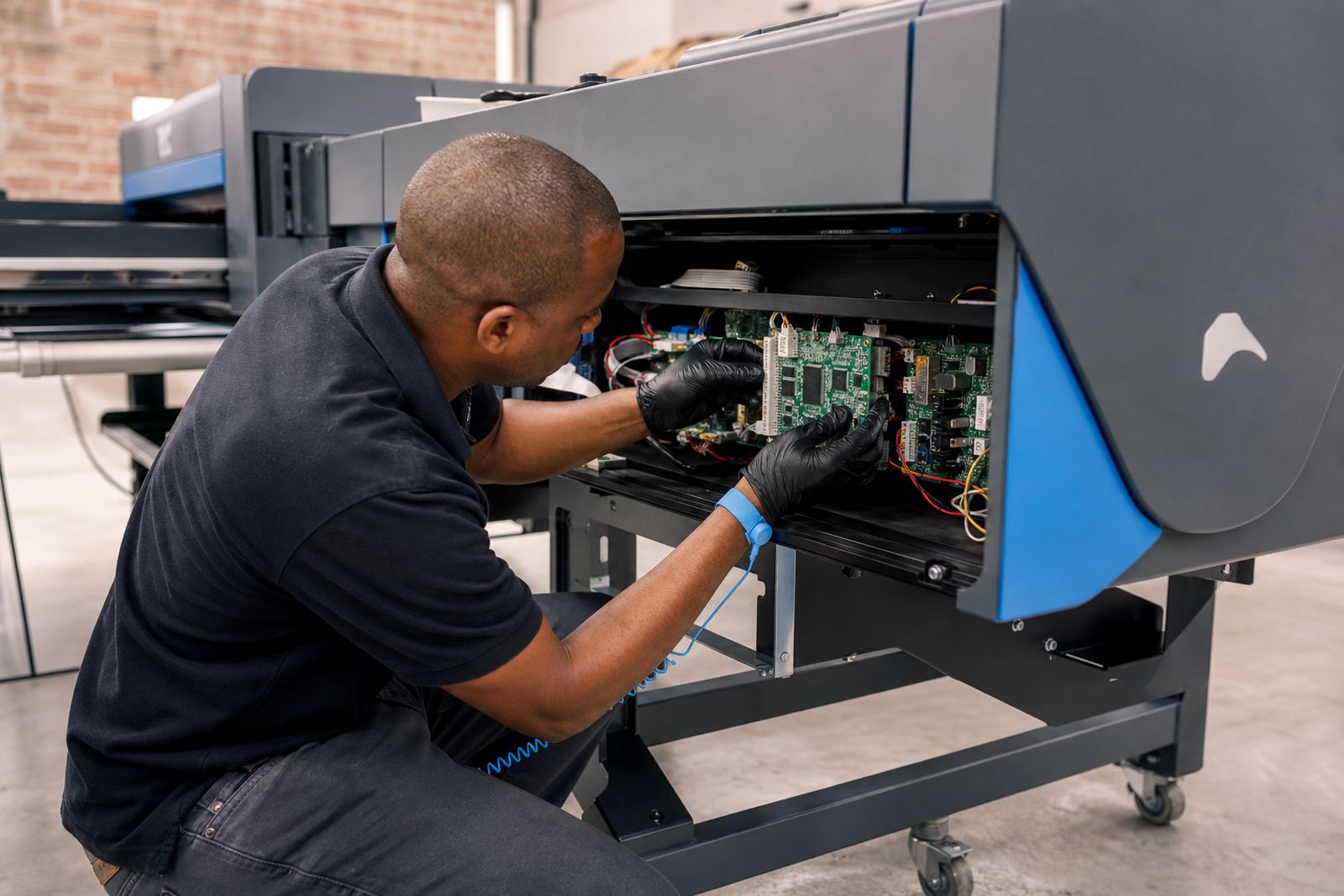
- Control board checks for communication faults and unstable signals
- Printhead driver review for timing, firing patterns and error flags
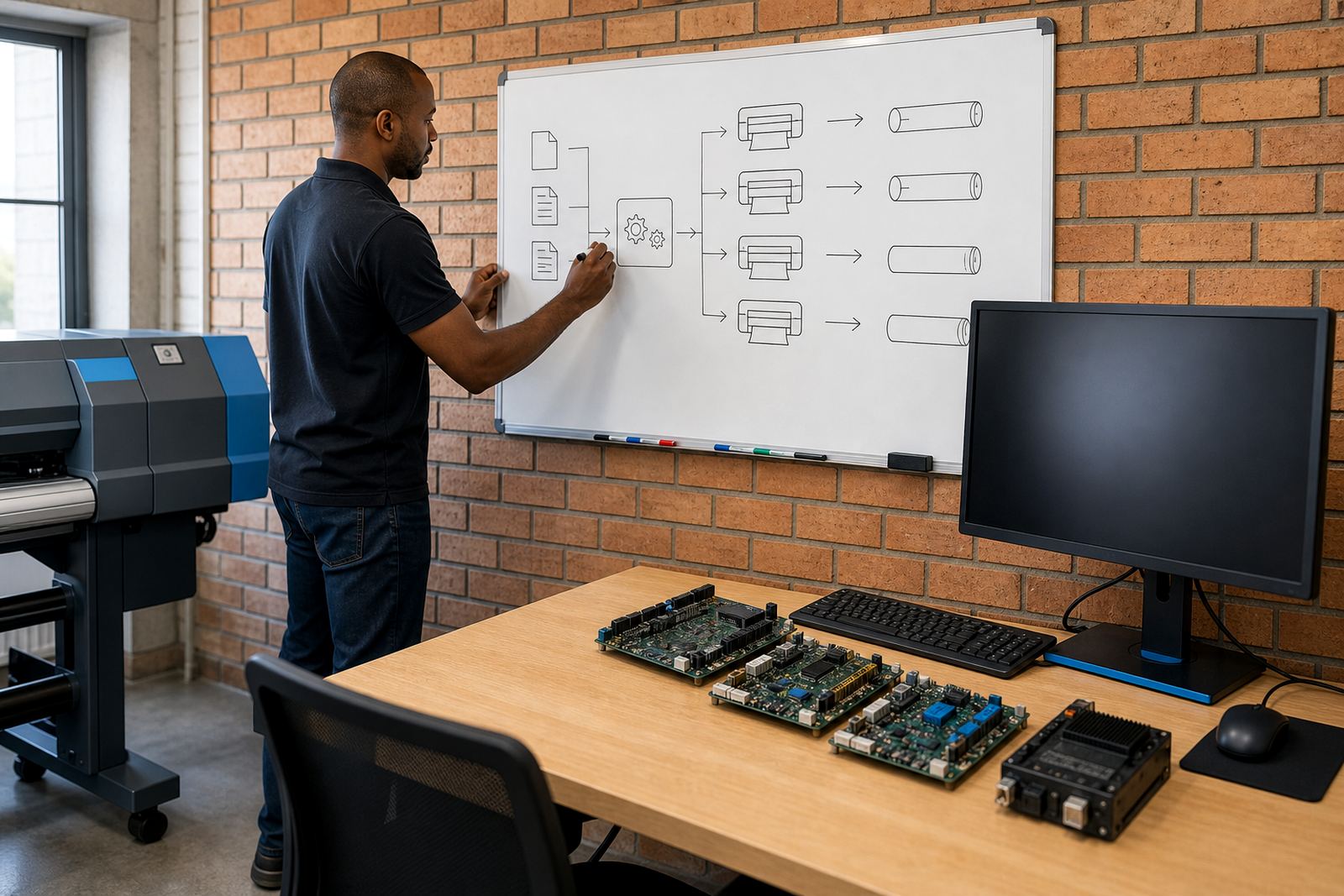
- RIP queue checks for stalled jobs, nesting behaviour and file handling
- Colour profile review where substrate changes or ink behaviour have shifted
What is included in a preventive visit
The scope is practical and tied to the machine on site. A maintenance visit can include inspection of the control board enclosure, ribbon or data cable condition, firmware and RIP configuration checks, printhead driver setup review, test prints and a clean-up of software queues that may be carrying old jobs or damaged files.
Where the printer is used in a humid coastal room, a dusty production floor or a busy Midrand workshop, the wear pattern is different. We adjust the care plan to suit the room, the operator habits and the type of work running through the printer each week.
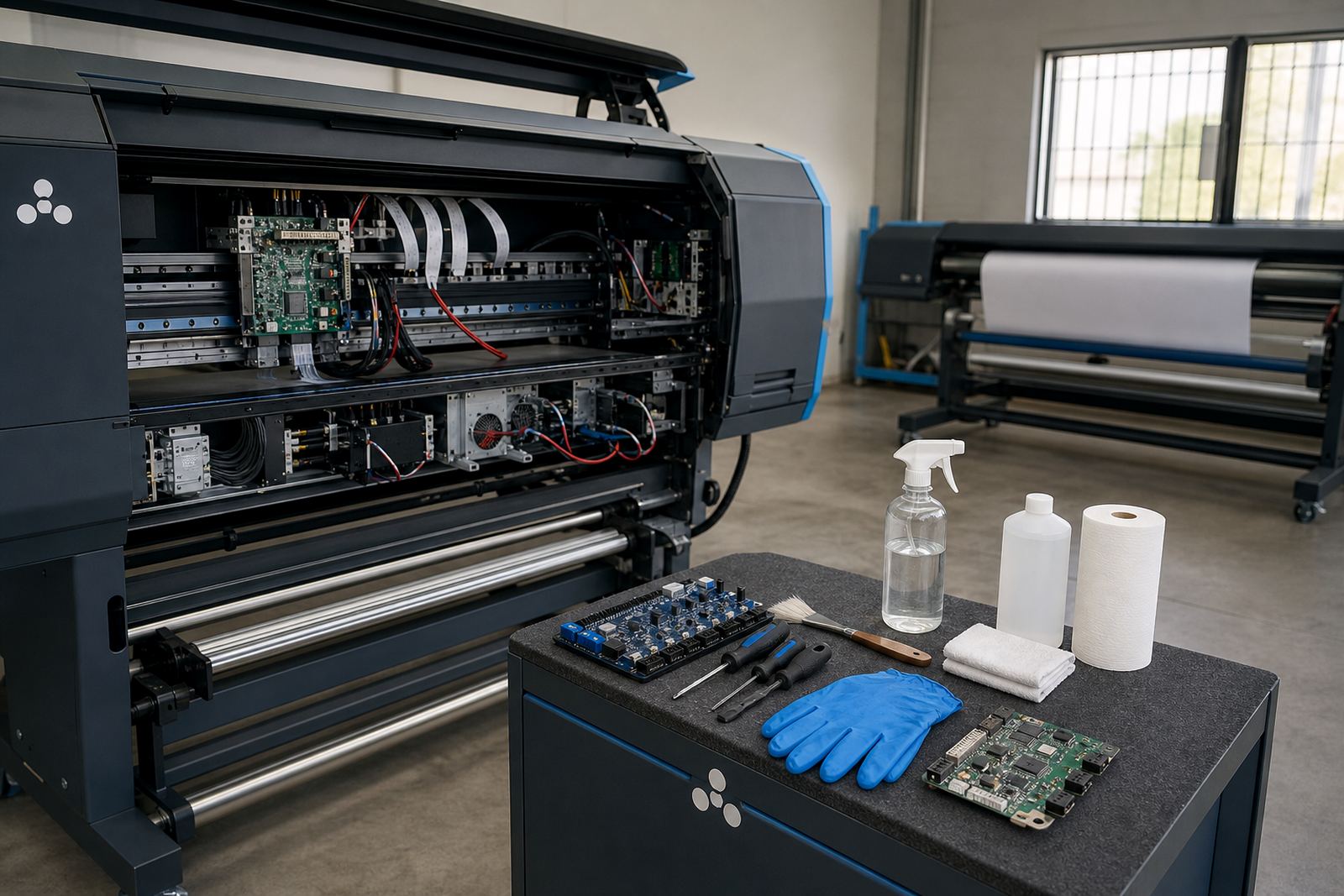
- Cleaning guidance for capping stations, wipers and surrounding areas
- Component care for carriage paths, connectors and sensor points
- Review of nozzle tests and alignment prints
- Backup checks for RIP presets, hot folders and colour profiles
We also look at how files are being prepared before they reach the RIP. Bad nesting habits, oversized artwork and repeated manual edits can build avoidable pressure into the line, so maintenance includes workflow correction where needed.
How the process is carried through
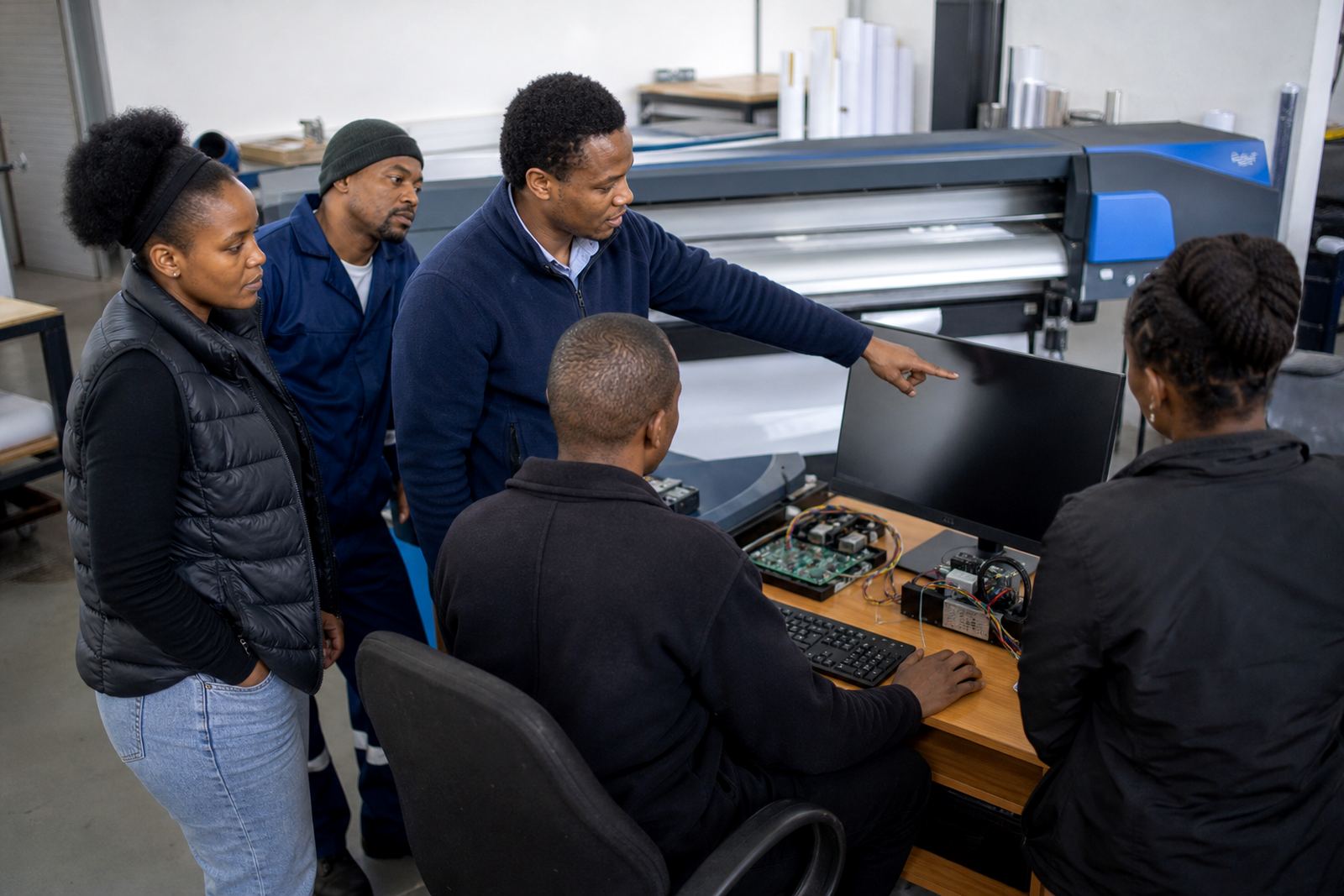
The work usually starts with a fault history and a quick look at what the operator is seeing on the floor. After that, we examine the printer board behaviour, RIP settings, printhead driver controls and any recurring jobs that are failing or leaving marks on output.
Once the source of the issue is clearer, we move through the checks in order, from the hardware side to the colour and queue side. That makes it easier to separate a board fault from a profile issue or a maintenance problem in the carriage area.
- Fault finding and a practical inspection of the printer path
- Cleaning and component care on the parts that affect print quality
- RIP and queue review for nesting, file flow and stored presets
- Test output to confirm stability before handing the system back
For remote support, we can walk the operator through software checks, queue recovery and profile review while the local team handles the physical care on the printer itself. That split works well for sites in Johannesburg, Pretoria, Durban, Cape Town and Bloemfontein.
Production habits that prevent repeat faults
Preventive care is not only about cleaning. It also includes the way the system is used during a busy production week, especially where operators change media, switch between jobs or leave queues unattended. Small handling mistakes can create repeated faults that look like hardware trouble.
We help set up a steadier rhythm for production, with clear steps for start-up checks, end-of-shift checks and file handling. The aim is to reduce stoppages caused by dust, dried ink, poor queue order or incorrect profile selection.
- Queue workflow design for cleaner job movement
- Operator training for routine checks and safe handling
- Colour profile setup for different media and ink behaviour
- Backup and recovery for presets, profiles and production files
In many shops the real gain comes from small corrections. A cleaner queue, better nesting and a proper shutdown routine can protect the printer board, reduce avoidable wear and keep the output closer to the approved sample.
Pricing that follows the machine and the workload
Pricing is based on the condition of the printer, the number of boards or software areas involved, the level of fault tracing needed and whether the visit needs on-site or remote support. A lightly used machine with a narrow set of checks is priced differently from a line that needs board work, profile correction and operator retraining.
We keep the scope clear before work starts, so the shop knows whether the job is mainly inspection, cleaning guidance, RIP correction, or a wider recovery task. If spare parts or deeper board repair are needed, those are treated separately from the maintenance work itself.
For busy production rooms in Gauteng and along the coast, the cost usually reflects how much handling is needed to restore stable output, not a fixed package that ignores the actual machine condition.
Aftercare for a cleaner next production run
After the maintenance work, we leave practical notes for the operator and production lead. These notes may cover cleaning steps, warning signs to watch for, stored profile checks and the order in which to handle queues before the next run.
If the shop keeps a record of faults, we can use that history to shape the next round of checks. That helps spot patterns in nozzle drop-off, board errors, file corruption or colour drift before they interrupt a full day of work.
- Written care notes for the printer and RIP setup
- Profile and preset backup guidance for safer recovery
- Operator reminders for cleaning cycles and visual checks
- Follow-up support for software or board questions raised later
For sites with multiple machines, we can standardise the same care steps across the room. That makes handover easier when shifts change and keeps different operators working from the same routine.
Key facts
| Service area | Midrand, Gauteng with remote support across South Africa |
|---|---|
| Equipment covered | Wide-format inkjet printer control boards and printhead driver systems |
| Software scope | RIP setup, queue handling, nesting and colour profile review |
| Maintenance focus | Cleaning cycles, service checks and component care |
| Support format | On-site visits and remote setup assistance |
| Typical users | Print shops, graphic studios and production facilities |