Remote sessions built around your production line
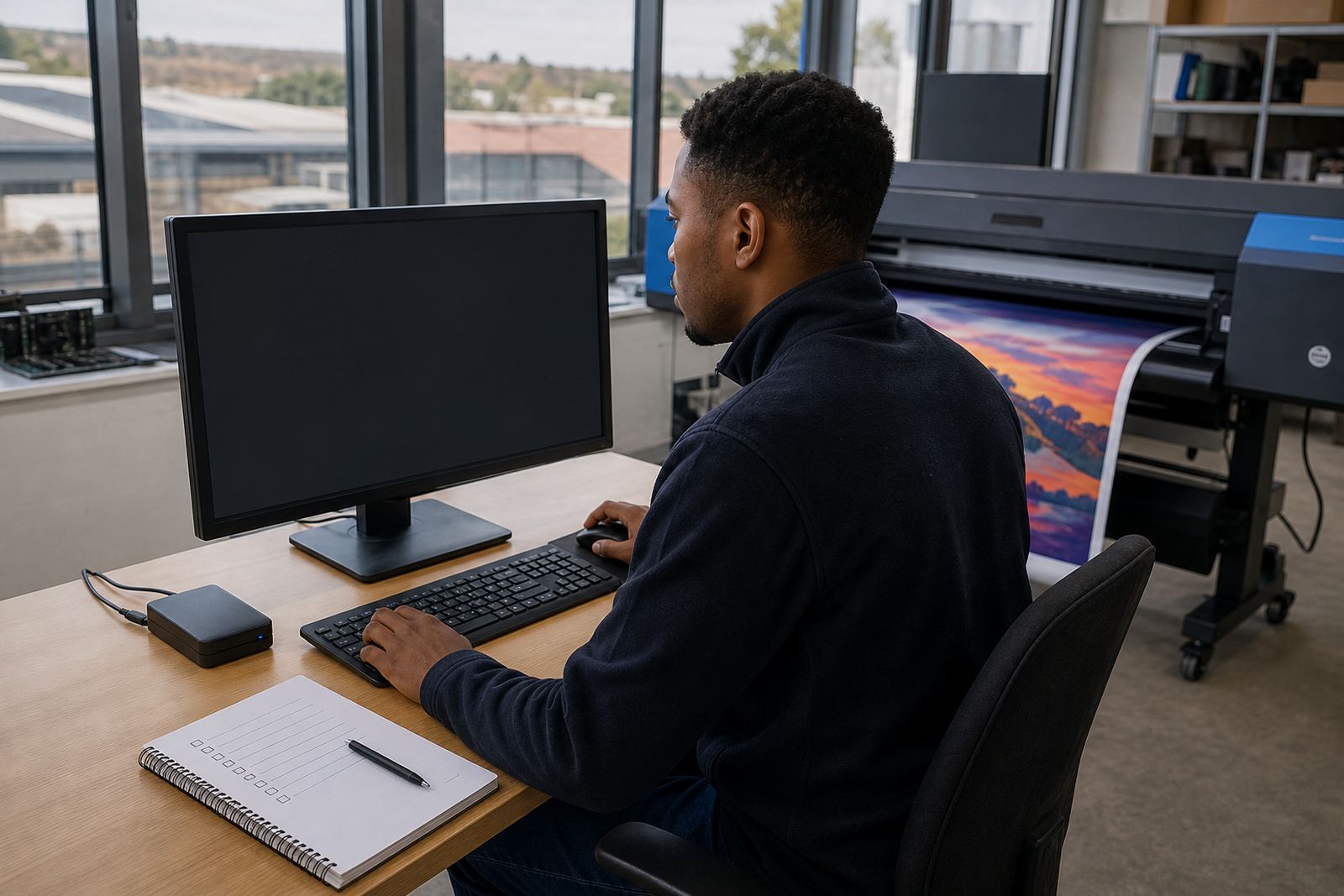
Remote setup covers the working parts that keep inkjet output moving in a print shop. We connect into the RIP environment, check printer communication, set up queue logic, and shape the base production workflow so operators can load jobs with less guesswork.
The focus is on wide-format inkjet systems used for signage, display work, vehicle graphics and roll-to-roll production. That usually means control board settings, printhead driver checks, media presets, nesting rules and colour handling that suits the stock in front of you. In Gauteng or on the coast, humidity and temperature shifts can change how media behaves, so those settings are worth tightening early. A session can also include a brief look at current file naming, hot folders, and operator handover steps, because small communcation gaps are where production usually slips.
What gets covered during setup
Each remote session is scoped around the machine and the job types you run most often. Some sites need a clean start on a new RIP station, while others want the current workflow corrected and documented for the team.
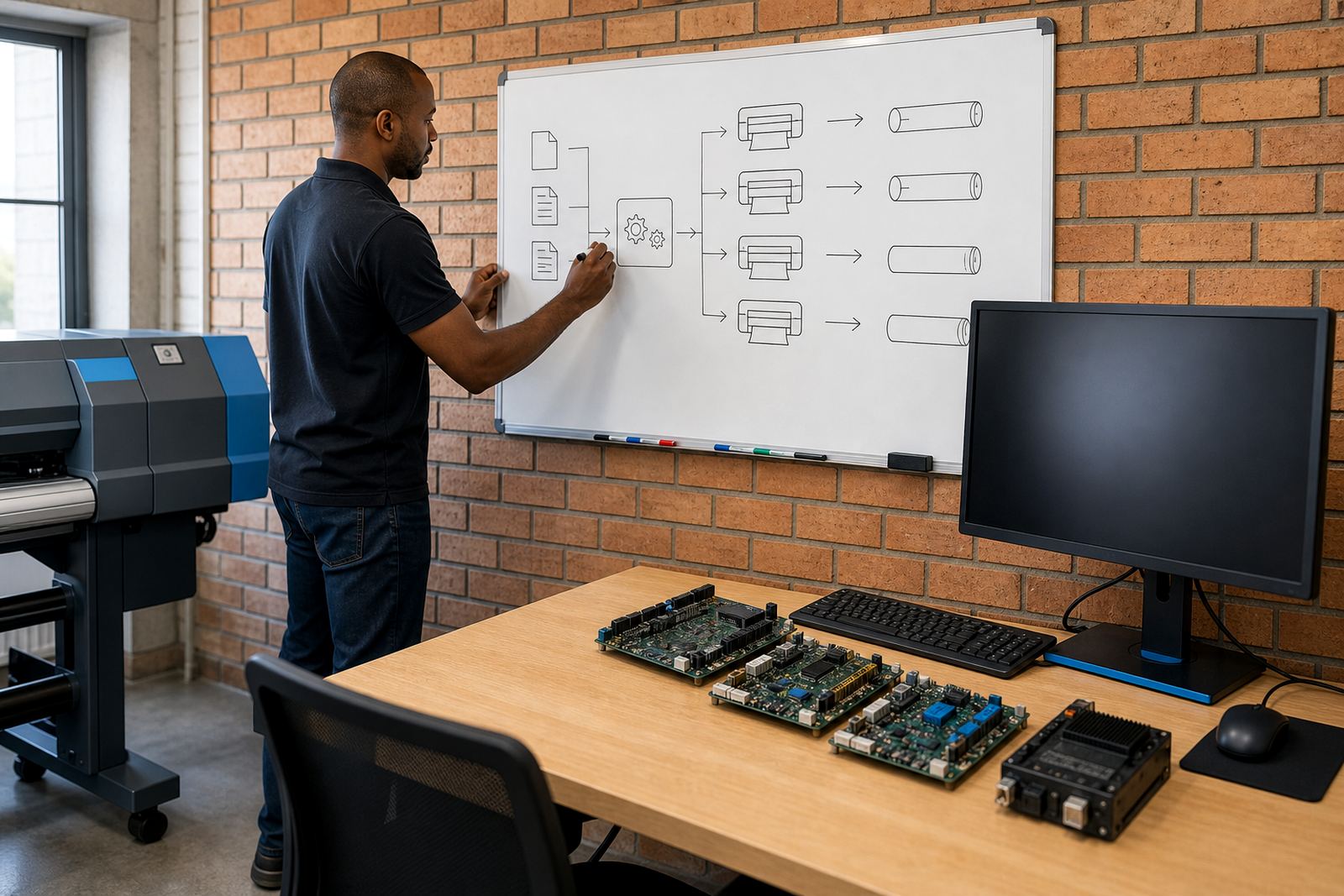
- Queue creation and job routing for one or more printers
- Media preset setup for common substrates and sheet sizes
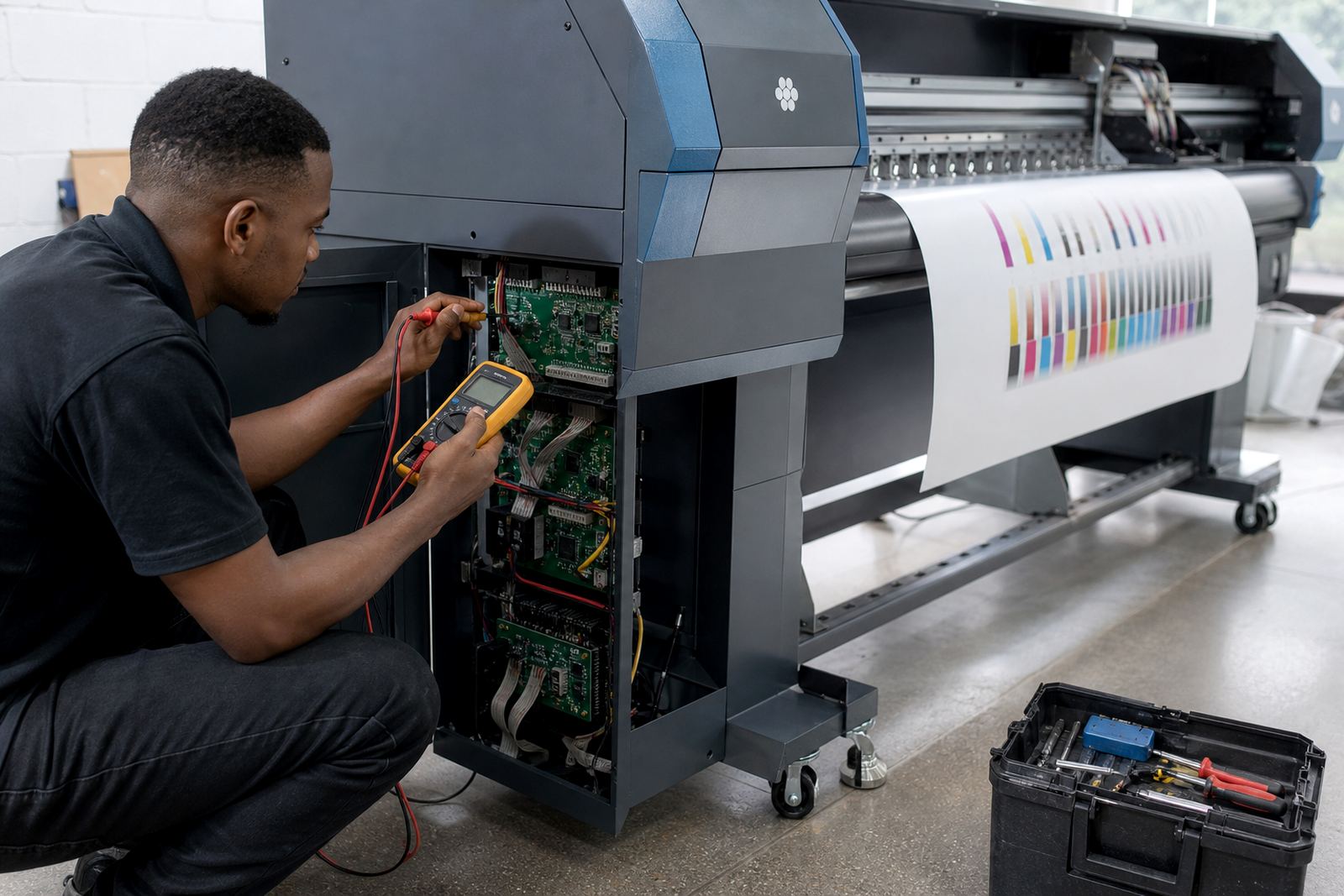
- Printhead driver configuration and communication checks
- Colour profile loading and basic calibration workflow
- Nesting, tiling and mirroring rules for repeat work
- Operator screens, hot folders and file handover steps
- Backup of current settings before changes are applied
Where needed, we also review maintenance prompts inside the software, so the team knows which warnings matter and which ones are just routine reminders. That includes nozzle check timing, head cleaning prompts, and the way production status appears on screen. The aim is a setup that feels clear when the job queue is full, not only when the room is quiet.
Remote setup process from first call to live output
We start by checking the printer model, RIP version, computer specs and the way the shop sends files. If the system already runs, we look at the current queue structure and the faults that keep showing up. If it is a fresh installation, we build the base setup in stages so the board, driver and print path all talk to one another properly.
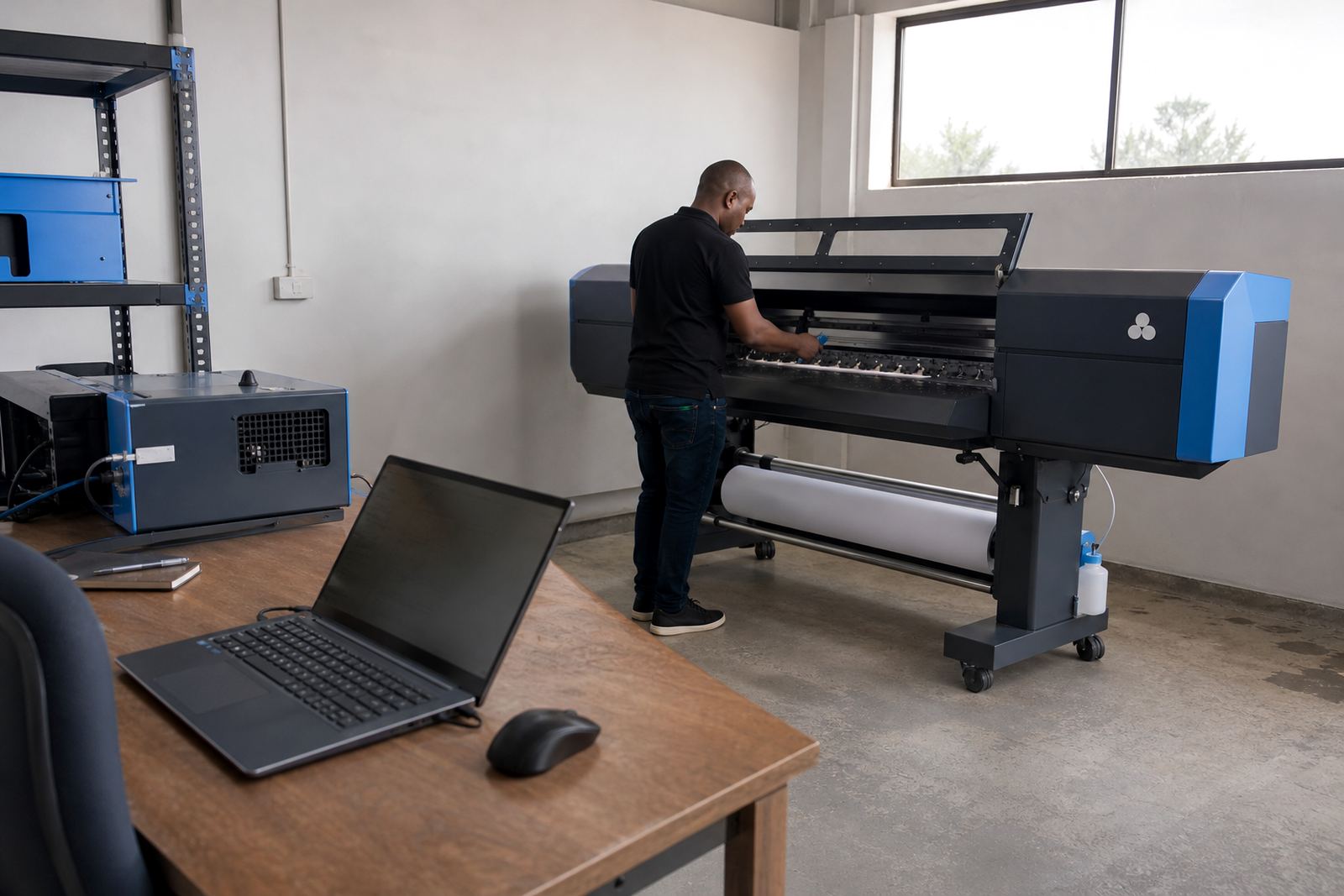
After that, settings are tested against a few real jobs. That may include banner work, self-adhesive vinyl, backlit film or rigid board, depending on what your production actually handles. We confirm media dimensions, platen or feed settings where relevant, and the colour profile tied to each stock type. Once output is stable, the workflow is handed over in practical terms, not just in screenshots.
The process is measured by the print result and the operator experience. If a queue is too loose, jobs get mixed. If nesting is too tight, waste and registration issues show up. The remote session corrects those small faults before they become costly on a long run.
Turnaround, scheduling and job readiness
Remote setup is scheduled once the machine details, access details and file list are ready for use. Sessions are usually easier when the printer is on site, a test roll or sheet stock is available, and someone at the machine can confirm what the software is showing. For multi-printer sites in Johannesburg, Pretoria, Durban, Cape Town or Bloemfontein, we can work across more than one queue if the production structure needs it.
Turnaround depends on the condition of the current setup. A clean queue build moves differently from a system that needs fault finding, board checks and profile repair before the workflow can be trusted. The work is handled in practical blocks, so the job can be split between configuration, testing and operator handover where needed.
For print shops that run long production days, that split matters. It lets the team keep the floor moving while the RIP side is being sorted out, without forcing every machine into one long stop.
Pricing approach for remote RIP work
Pricing is based on the scope of the setup, the number of printers involved, and whether the job is a fresh build or a repair of an existing workflow. A single printer with a straightforward queue and media preset set-up is priced differently from a site with several devices, colour profile work and board communication issues.
We do not treat every remote session as the same kind of job. Some sites need only queue and preset work, while others need a deeper pass through printhead driver behaviour, nesting rules and backup recovery. Where the job includes preventive checks on stored settings or damaged configuration files, that is built into the quote structure rather than added as guesswork later.
- Scope is matched to printer count and workflow depth
- Software checks and support time are priced together
- Colour work is separated from basic queue setup
- Backup and recovery tasks are quoted where needed
- Multi-site support is structured around actual machines
Quotes are based on the information supplied through the enquiry form on our contact page and the details of the production line, not on generic rates pulled from a shelf.
Aftercare once the queue is running
After setup, the next step is to keep the workflow usable for the people who operate it daily. That can include short training on queue loading, job spacing, profile selection and what to do when a printer stops accepting data. If the shop has more than one operator, we can keep the steps plain enough that the handover between shifts stays consistent.
Support also covers follow-up checks on saved presets, backup files and colour settings after the first production runs. If a job behaves differently on coated board, gloss vinyl or a more absorbent media, the setup can be adjusted without rebuilding the whole system. The point is to keep the RIP useful in real work, not only in testing.
For sites with ongoing production pressure, a stable remote setup reduces avoidable calls about queue faults, wrong media selection or lost settings after a PC change. That kind of follow-through saves time and preserves the output you already approved.
Midrand support for printers across South Africa
InkFlow RIP works from Midrand, Gauteng and supports wide-format inkjet shops across South Africa, including Johannesburg, Pretoria, Durban, Cape Town and Bloemfontein. Remote setup is handled for small graphic studios, busy print shops and larger production rooms that need their RIP side organised properly.
Services linked to this page include RIP installation, board installation, printhead driver setup, colour profile setup, queue workflow design, fault finding, preventive maintenance, operator training, production tuning, backup and recovery, and ongoing support. When a site needs remote setup first, those other services can be folded in as the workflow develops. The enquiry form on our contact page is the route into that process.
Key facts
| Service area | Midrand base with remote support across South Africa |
|---|---|
| Printer types | Wide-format inkjet printers and production RIP stations |
| Core tasks | Queues, media presets, communication checks, workflows |
| Software focus | RIP setup, profiles, nesting and job routing |
| Support method | Remote access with operator-assisted testing |
| Common inputs | Printer model, media list, computer details, job types |