What gets captured in a proper RIP backup
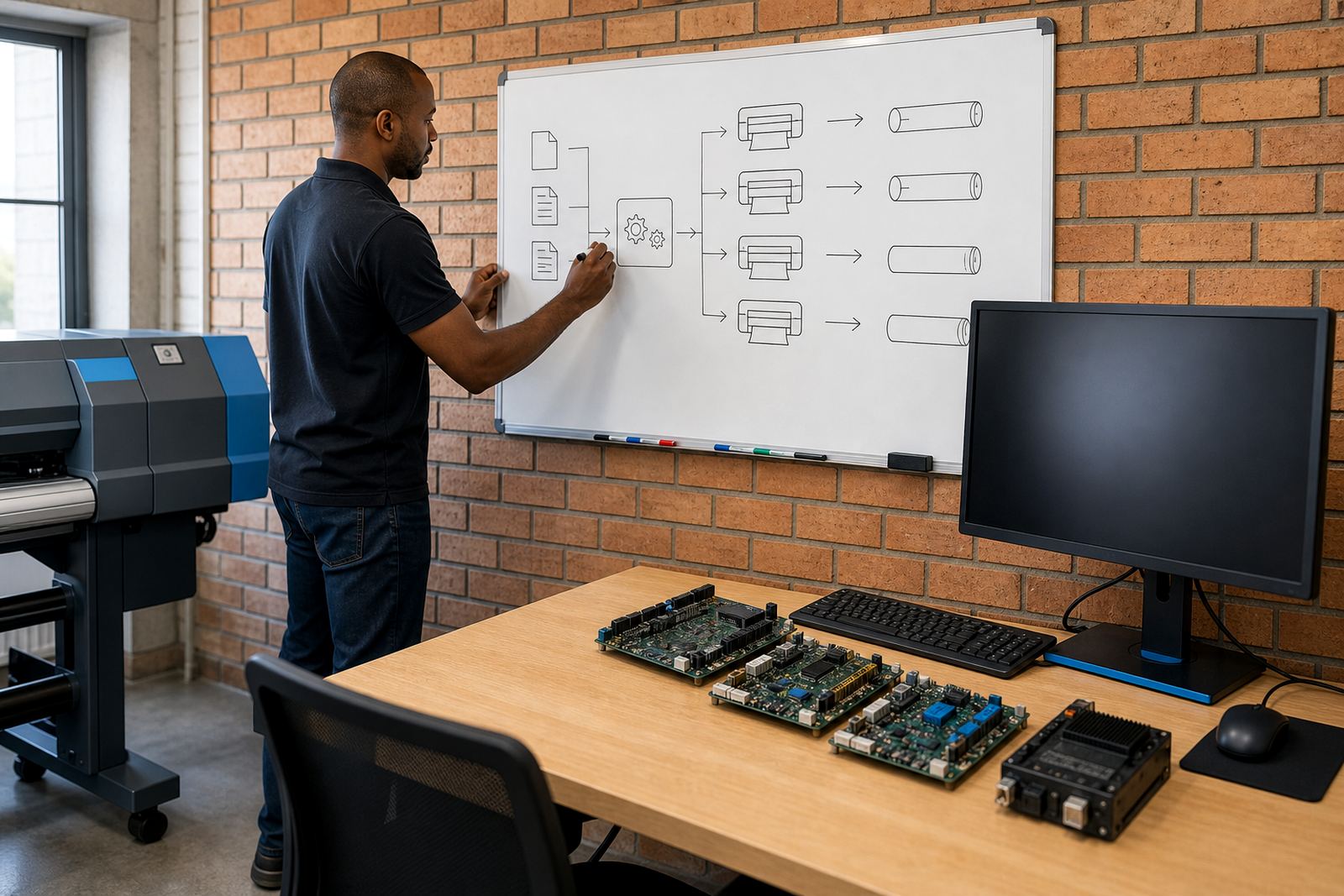
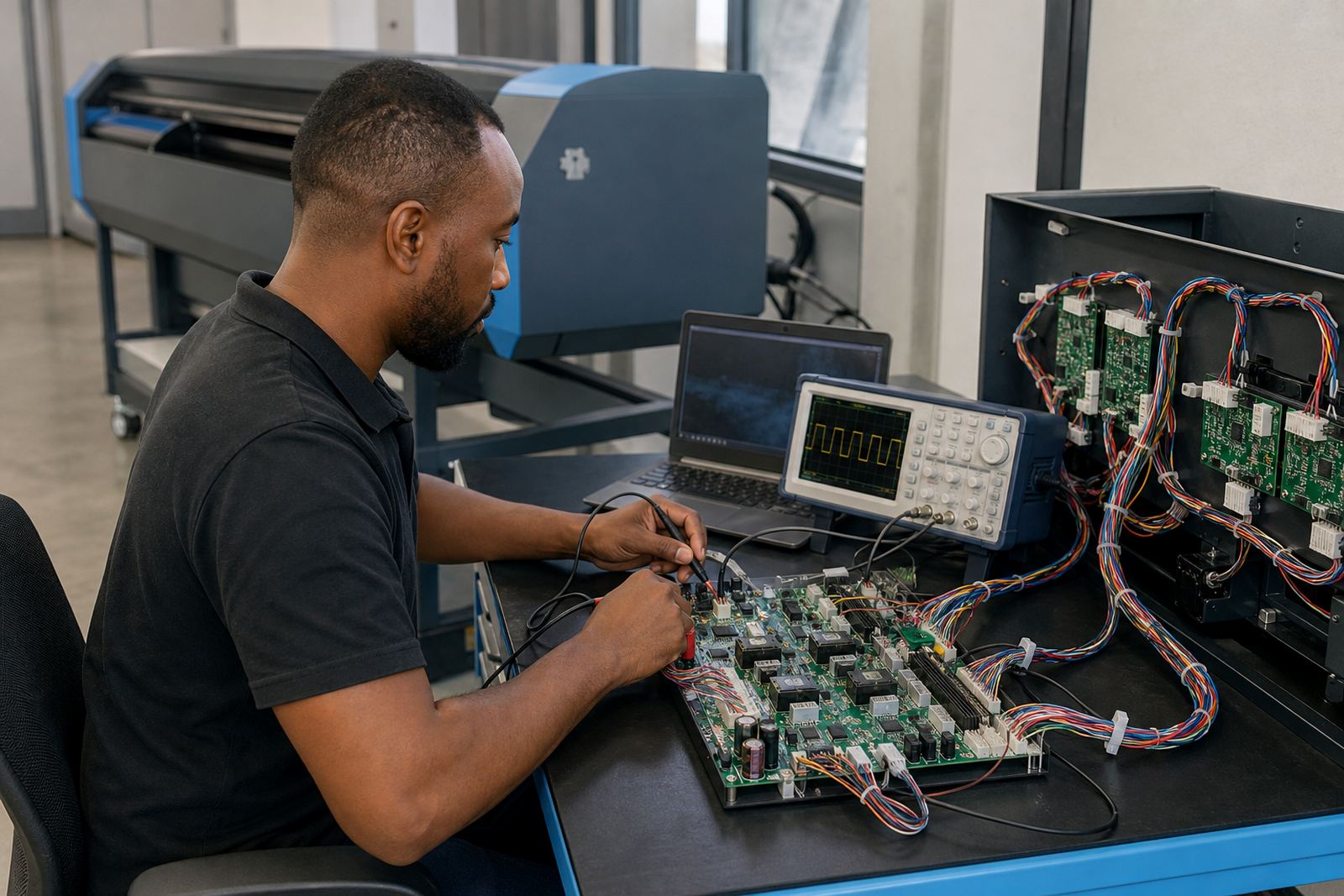
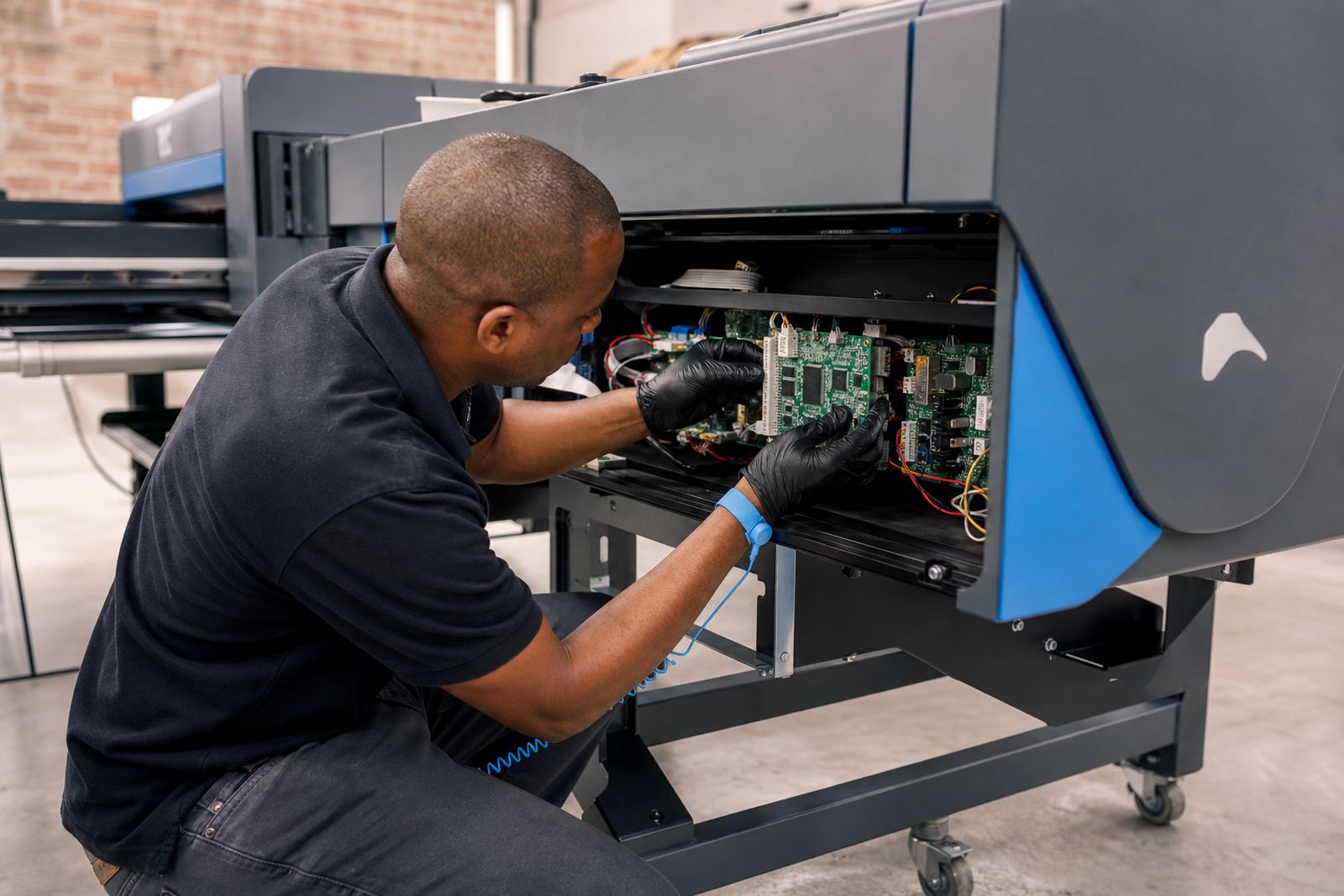
A useful backup is more than a copy of the program folder. We capture the working parts that affect production, including RIP job presets, printer queues, printhead driver settings, colour profiles, spot colour libraries, nesting rules and hot folder paths. Where the workflow depends on custom board settings, those are recorded too so the production line can be put back into the same state with less guesswork.
For larger print rooms in Johannesburg, Pretoria, Durban, Cape Town and Bloemfontein, we also protect the file structure around the RIP. That includes shared folders, operator notes, ticket naming rules and job routing paths used by multiple stations. When a setup is documented properly, a restored system behaves like the original rather than a half-working copy.
- RIP presets and printer configurations
- Colour profiles and media specific settings
- Queue layouts, nesting rules and hot folders
- Board configuration data where applicable
- Operator notes tied to production workflows
Restore work for new PCs, damaged drives and moved stations
Restoring a production setup is common after a hard drive failure, workstation replacement or a move within the same site. We load the saved configuration, verify that the printer control board and driver paths line up, then test the main queues before production starts. If the old machine used a different version path or folder structure, we align the settings so the operator does not have to rebuild the whole workflow.
In some shops a restore is needed after software changes made in a rush, or after a power issue has disturbed the workstation. Gauteng print rooms can be busy and the pressure to get moving again is real, especially where multiple wide-format units share one RIP station. A clean restore reduces manual re-entry and keeps colour and nesting behaviour predictable.
- Recovery onto a replacement computer or drive
- Re-linking of printers, queues and hot folders
- Check of driver paths, permissions and output folders
- Verification print before handover
Export formats and backup structure we work with
Backup work depends on the setup in front of us, so we use the format that suits the installation. Some RIP environments export a full job package, while others need a selected set of profiles, queue definitions and system files copied into a structured archive. Where the setup allows it, we keep a dated version set so a print shop can roll back to a known working point after changes.
For wide-format inkjet production, the backup package should be easy to read later. We separate daily production data from long-term configuration files and label each set clearly. That makes it simpler to restore a printer used for vinyl, canvas, banner or exhibition work without mixing current jobs with archived settings.
- Versioned export packs for key settings
- Separated archive for production files and configuration files
- Readable folder naming for shared use by operators
- Optional notes for board firmware and driver pairings
How the backup and recovery process is handled
We begin by reviewing the current workflow and identifying which parts of the setup are production-critical. That can include the RIP licence status, board connection details, the active printer queue, colour profiles and any custom nesting rules. We then export or copy the required items, check that the archive opens correctly and confirm what must be restored first if a fault happens later.
If recovery is the main task, we restore the core files first and then test the print path in stages. That means checking the control board link, loading a known job and confirming output placement, ink channels and colour behaviour. For remote support jobs, the process is guided step by step so the local operator can keep the station in a workable state while the settings are rebuilt.
- Review of the active setup and production dependencies
- Export or copy of core RIP and board files
- Validation of archive structure and file access
- Restore and functional test of print output
Pricing shaped by the work scope
Pricing is based on the size of the setup, the number of queues and profiles involved, and whether the work is an export only task, a full restore or a cleanup after a failed workstation. A single printer with one queue is not priced the same as a multi-printer room with shared nesting rules, custom colour profiles and a board-linked workflow. That keeps the quote tied to the real work instead of a fixed guess.
Where a print shop needs both backup setup and training for the operator team, the cost is shaped by the time needed to document the process properly. If there is board repair or driver reconfiguration involved, those items are quoted separately so the backup work stays clear on its own. Many shops in Midrand and the East Rand prefer that structure because it makes planning simpler when machines are in production most of the day.
- Single station or multi-station pricing structure
- Export only, restore only, or full recovery scope
- Separate pricing for board repair or driver rework
- Quote based on actual files, queues and profiles involved
Aftercare for the weeks after a restore
Once the backup or restore is complete, we stay with the setup long enough to check that operators can load jobs, switch queues and keep colour settings intact. If a restore exposed old file naming problems or a missing profile link, those items are corrected before production settles back into normal use. That follow-through matters when a shop is handling deadlines on banners, signage or point-of-sale runs.
Aftercare also includes practical guidance on what to keep exported next time and where to store the archive so it is easy to find. In humid coastal areas such as Durban and Cape Town, operators often keep backups on more than one medium because drive failures can be messy in rooms with heavy daily use. Inland shops may need different handling where the RIP PC is shared by more than one operator shift.
- Post-restore check of colour, nesting and queue behaviour
- Clear notes on file storage and archive naming
- Support for follow-up adjustments to profiles or drivers
- Guidance for keeping a second copy of key settings
Key facts
| Service type | Backup and recovery for RIP setups and production settings |
|---|---|
| Primary focus | Export, restore and safeguarding of printer workflows |
| Supported systems | Wide-format inkjet printer control boards and RIP software |
| Coverage area | Midrand, Johannesburg, Pretoria, Durban, Cape Town, Bloemfontein and surrounding routes |
| Work format | Remote setup and support, with onsite coordination where needed |
| Typical items | Queues, profiles, nesting rules, drivers, hot folders, board settings |