Driver Settings That Keep Each Nozzle Row Aligned
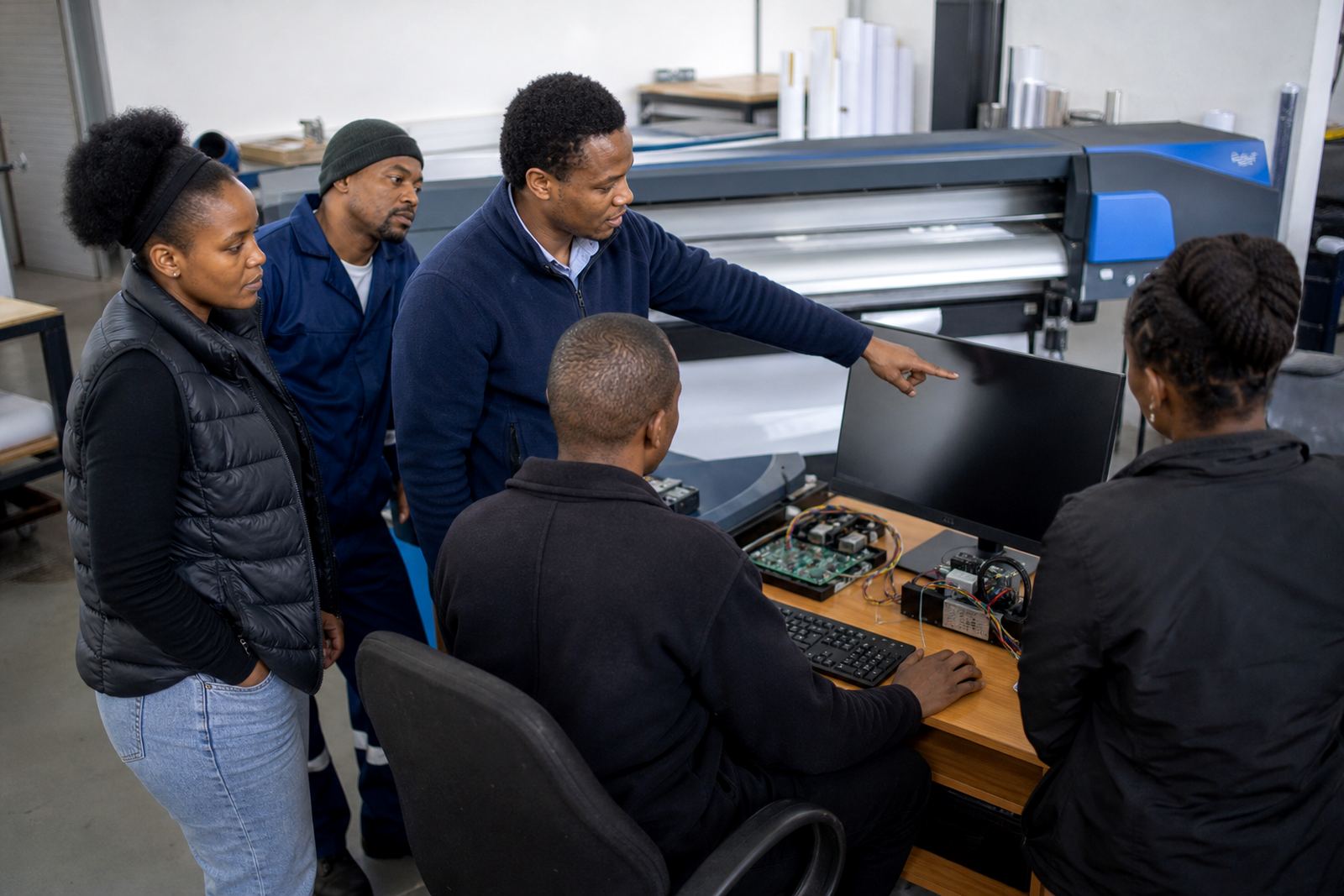
Printhead driver setup is the stage where the printer's control board, driver board, and RIP output are matched to the installed head type and the machine's carriage timing. The work covers channel mapping, firing frequency, waveform related checks, pass timing, resolution selection, and the data path between software and board. If these values are left loose, colour bands, weak edges, or uneven fill can show up on long runs.
We set up printhead driver parameters for wide-format inkjet printers used on vinyl, banner stock, self adhesive media, coated paper, canvas and other production materials. The aim is steady ink placement, clean transitions, and predictable output across short proofs and longer print batches. Where the machine allows it, we also check nozzle compensation settings and confirm that the head data matches the carriage board layout.
What the Setup Covers On Site Or Remotely
Setup work starts with the printer model, board revision, head count, ink set, and current fault history. From there we review the RIP queue, driver parameters, communication path, and the printer's stored values before any changes are made. For remote jobs, the printer must already be installed and reachable on a stable network connection so the settings can be checked against the live machine.
- Printhead channel mapping and signal path checks
- Driver parameter loading and timing confirmation
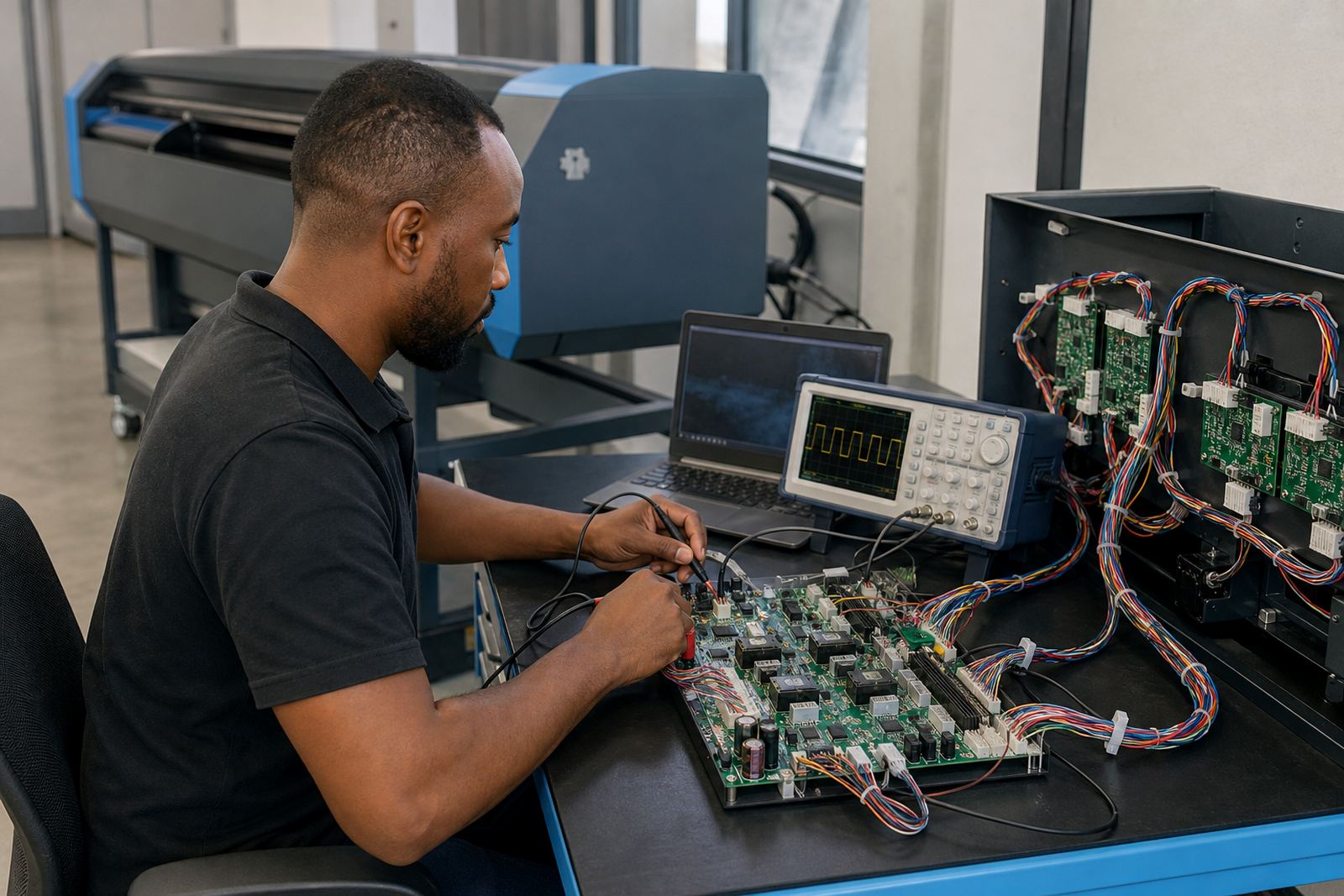
- Data path checks between RIP and controller board
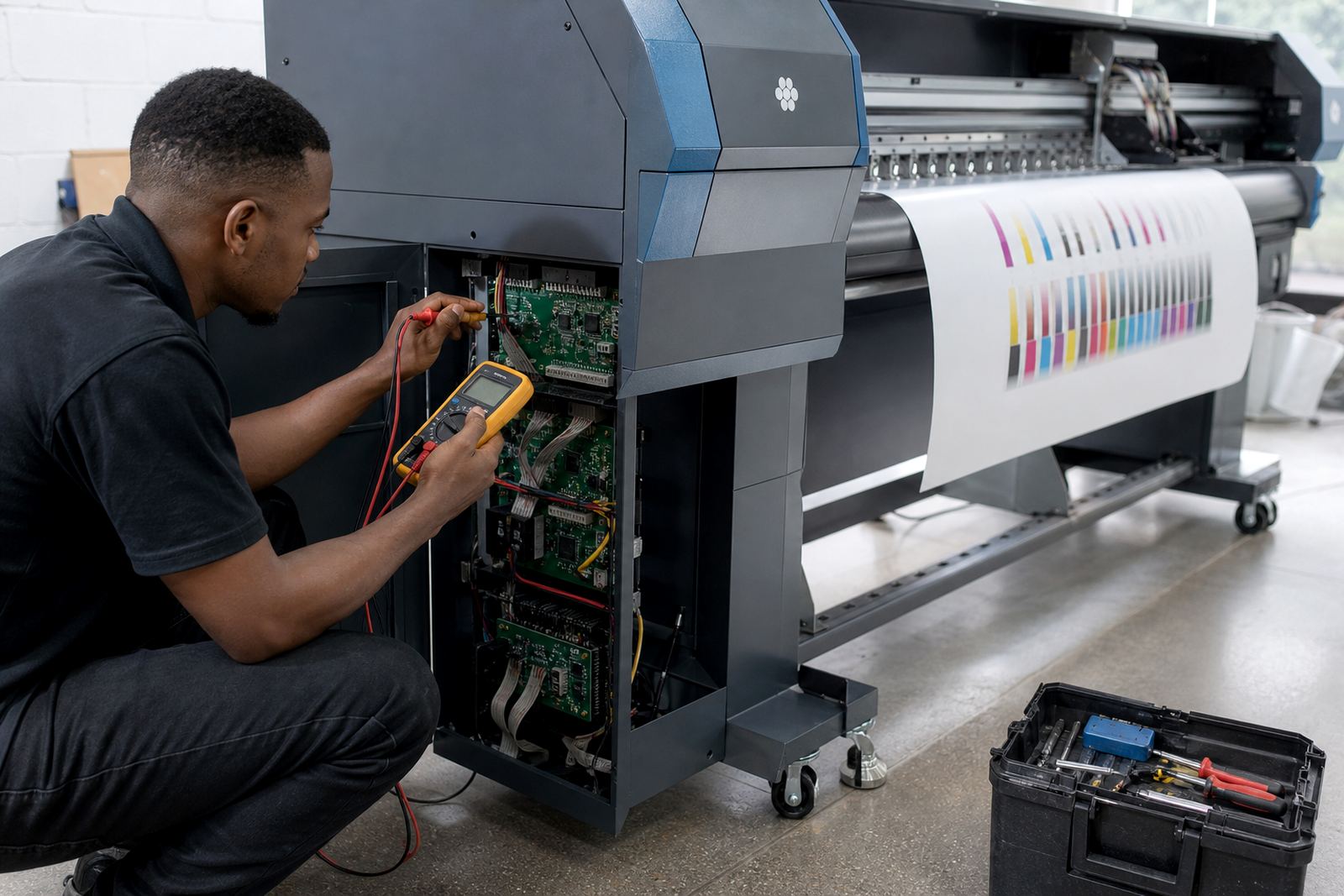
- Nozzle compensation and basic waveform related review
- Queue output tests on the selected media profile
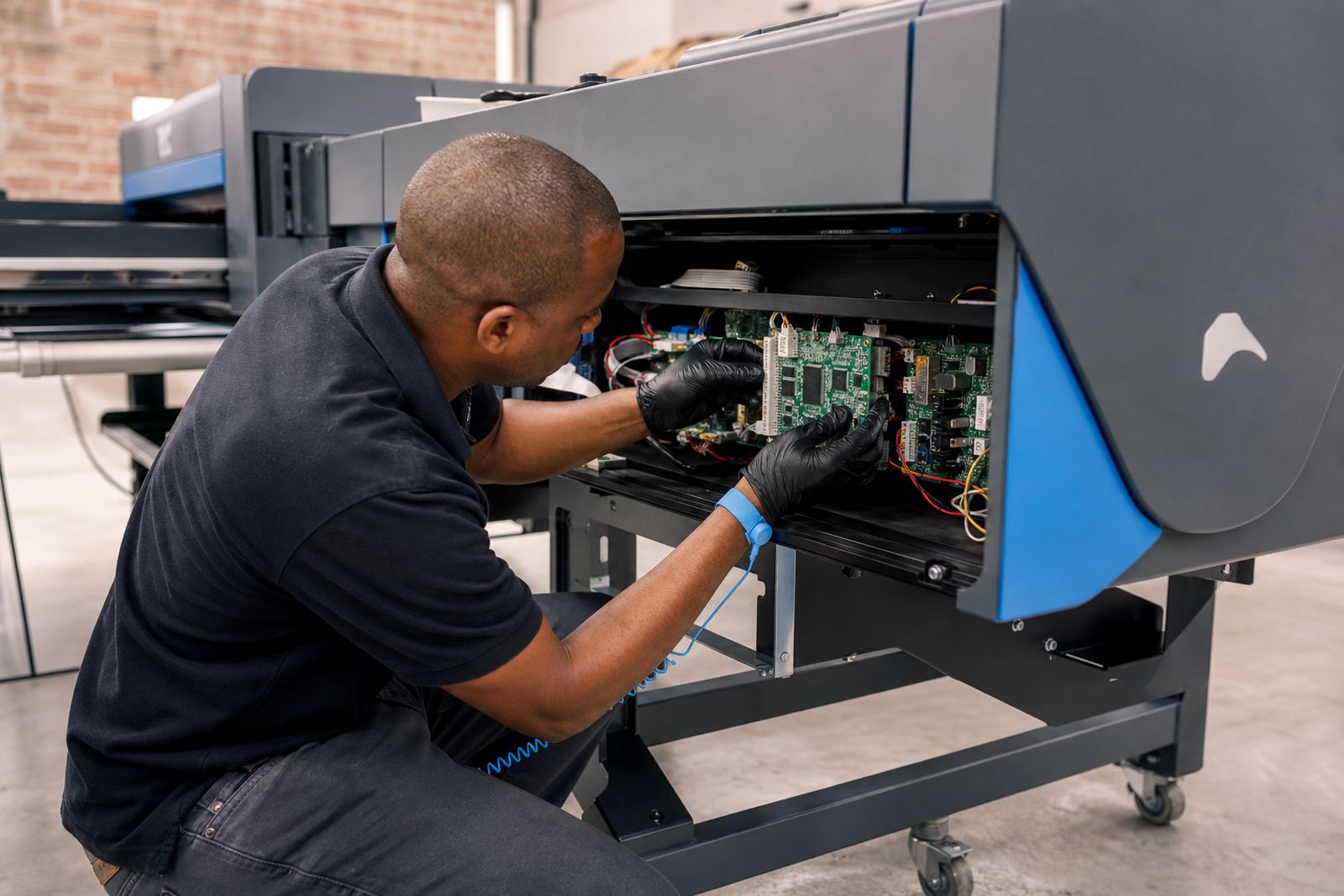
We also look at temperature readings, media advance behaviour, and any sign that one head is receiving a weaker signal than the others. If the machine has recently had board work or head replacement, those points get extra attention because a small mismatch can affect the whole run.
The Working Sequence We Use For A Clean Result
Most jobs follow a fixed sequence so the setup remains controlled. First we confirm the machine state and back up the current parameters. Then we load or correct the printhead driver profile, check the board recognition, and run test output to see how the printer handles the selected resolution and pass count. After that we trim the values that affect edge sharpness, banding, and ink laydown.
Once the test output is stable, we confirm that the RIP queue is sending the same data each time and that the printer responds properly after pause, restart, or media change. If a shop runs several shifts, we also check that the settings hold under repeat use and not only on the first test sheet.
Specs We Confirm Before Final Sign-Off
These are the main technical points covered during printhead driver setup. Some machines expose these values directly in the service menu, while others keep them inside the RIP or board utility.
- Head type and channel count
- Resolution range and pass configuration
- Firing frequency and timing values
- Carriage speed and advance calibration
- Signal checks between board and head
- Colour channel order and queue mapping
Where the printer supports it, we also confirm that the driver profile matches the media profile being used for the job. That matters when a shop prints mixed work such as signage, display graphics, short-run packaging panels, or indoor posters with tighter colour limits.
Turnaround Depends On The Machine And The Fault Pattern
Turnaround depends on whether the machine needs a fresh setup, a repair to the board path, or only a correction to an existing driver profile. A clean installation with full access to the printer software is usually quicker than a unit that has unstable signal behaviour, repeated board resets, or a head mismatch that needs tracing. Remote jobs also move best when the operator can open the service tools and run test prints during the session.
For production rooms in Johannesburg, Pretoria, Durban, Cape Town, Bloemfontein and Midrand, the practical question is whether the printer can hold a steady output without repeated stops. If the machine keeps dropping a channel or shifting tone across the sheet, the setup is not really complete until those faults are traced and corrected.
Pricing Built Around Scope, Parts And Support Time
Pricing is based on the size of the machine, the number of heads, whether the job is remote or on site, and whether board repair or extra fault finding is needed. A straightforward driver setup is priced differently from a full recovery job that includes signal tracing, profile correction, and queue rebuilds. Where extra parts are required, those are separated from the setup work so the invoice stays clear.
We do not bundle every machine into the same rate because a four-head wide-format unit and a high-channel production printer do not need the same level of time or testing. If the printer has already been worked on by another technician, we first check what values are still intact before quoting the next step.
Aftercare For Shops That Run Long Production Weeks
After the setup is complete, the shop gets guidance on the settings that should be left alone and the values that can be adjusted for different media. We also keep a record of the working driver parameters, so the printer can be returned to a known state if a queue change or board reset knocks the output off balance. That record is useful when the machine is running daily and the operator changes between shifts.
Aftercare can include backup files, remote checks, and practical training for operators who need to load jobs without disturbing the printhead driver setup. If a fault returns, the earlier notes make it easier to see whether the issue sits in the board, the signal path, or the RIP output.
Key facts
| Service type | Printhead driver setup for wide-format inkjet printers |
|---|---|
| Main scope | Driver parameter configuration and related signal checks |
| Delivery modes | Remote setup or on-site support where needed |
| Printer range | Large-format and production inkjet systems |
| Working areas | Midrand, Sandton, Tshwane, Durban, Cape Town and Bloemfontein |
| Related services | RIP installation, board installation, colour profile setup, fault finding and backup recovery |