Media matching for prints that hold up on press
Colour profile setup starts with the actual media, not a guess from the artwork file. Gloss vinyl, matte self-adhesive, banner, backlit film, coated paper and canvas all take ink differently, and the same file can look too dark, too warm or too flat if the profile does not match the surface. In Midrand and across Gauteng we set the printer behaviour around the media that is on hand, the ink set in use and the width of the machine, then balance the output for repeatable work.
We work on wide-format inkjet printers used for signage, display graphics, exhibition panels and production runs. That includes media with variable absorbency, white point shifts and drying behaviour that changes with room conditions. In coastal areas such as Durban, humidity can slow drying and alter how dense a pass looks on the substrate, so the profile needs practical balancing not just pretty test charts.
- Media-specific linearisation for each substrate group
- Ink limit setting to stop oversaturation and pooling
- Density balance for solids, shadows and skin tones
- Profile matching for indoor and outdoor production
What the setup covers on the printer side
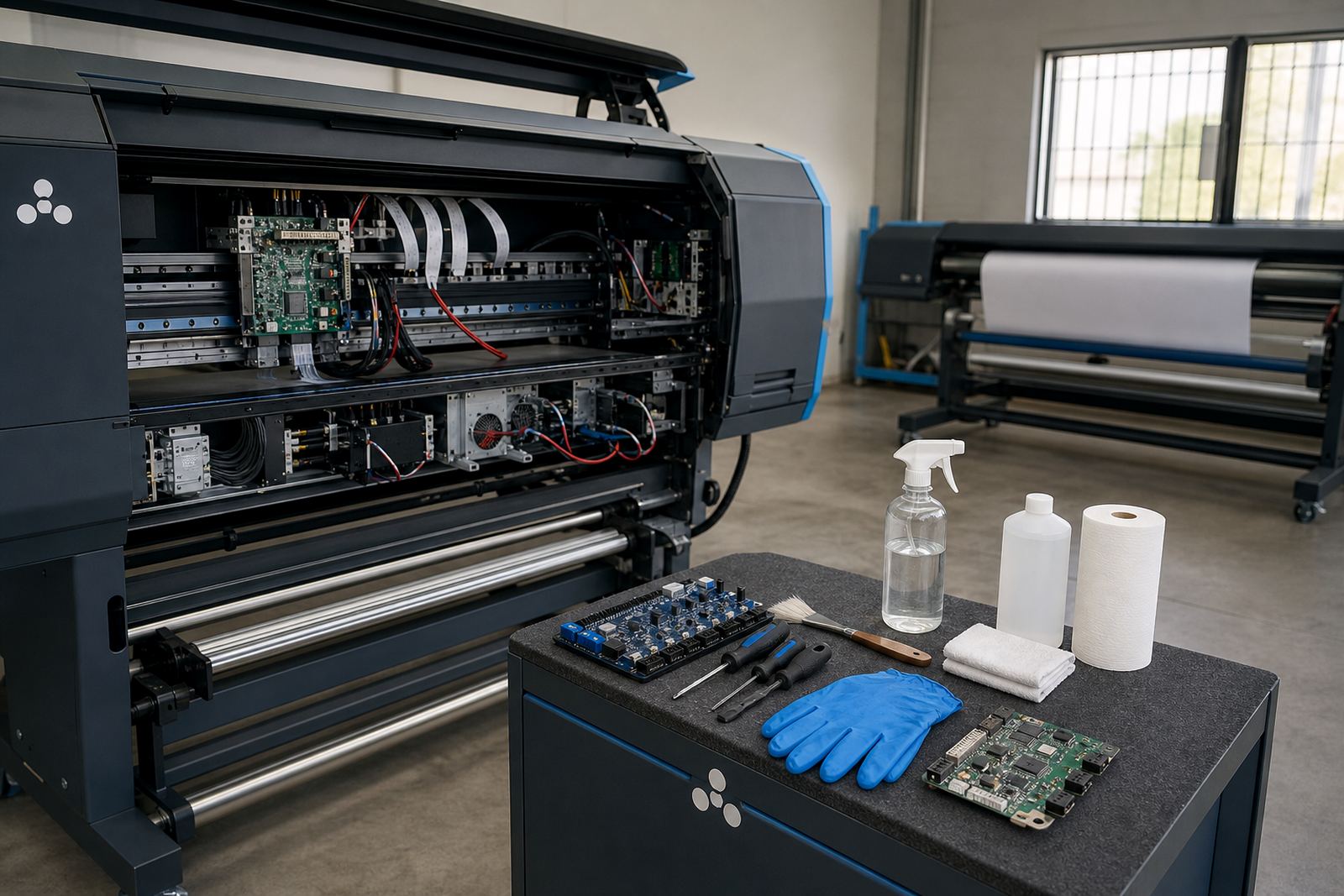
The setup work reaches into the RIP software and the printer control board settings where required. We check print mode behaviour, pass counts, head alignment inputs, curing or drying assumptions where the printer uses them, and how the RIP sends colour data to the machine. If a printer is making banding, muddy blacks or unstable greys, the issue often sits in the handover between file preparation and the print path.
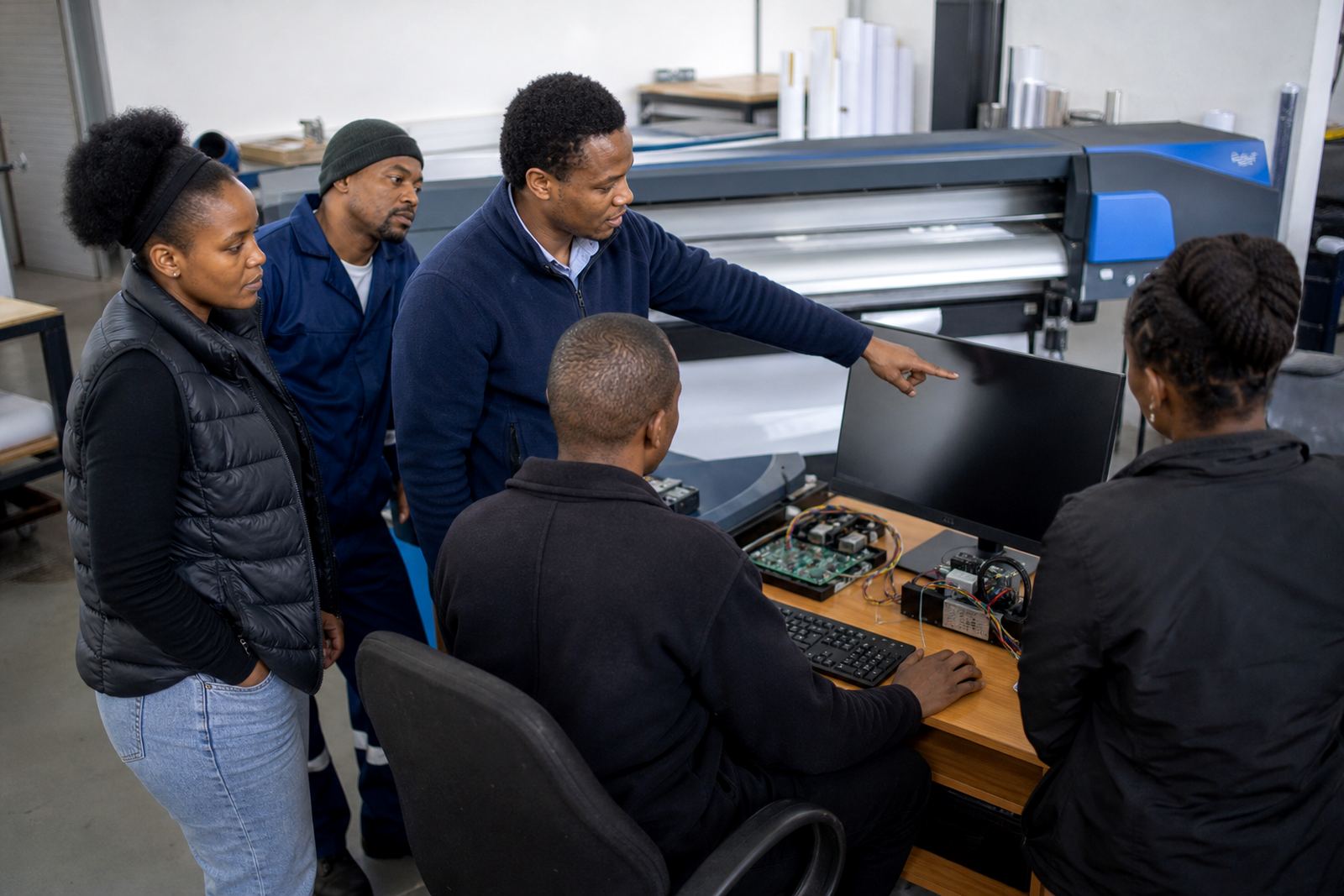
Our colour workflow specialist and RIP technician coordinate the setup so the printer is not pushed harder than the media can handle. That matters on long production runs where a small drift in grey balance can show up across metres of output. We also look at nested layouts and queue settings, because an efficient print path can reduce wasted substrate and keep colour changes easier to repeat on the next job.
- RIP curve adjustment for black and grey control
- Ink channel balance checks where the printer allows them
- Print mode selection for production speed versus finish quality
- Queue setup that keeps jobs grouped by media and finish
Step-by-step profiling work on site or remotely
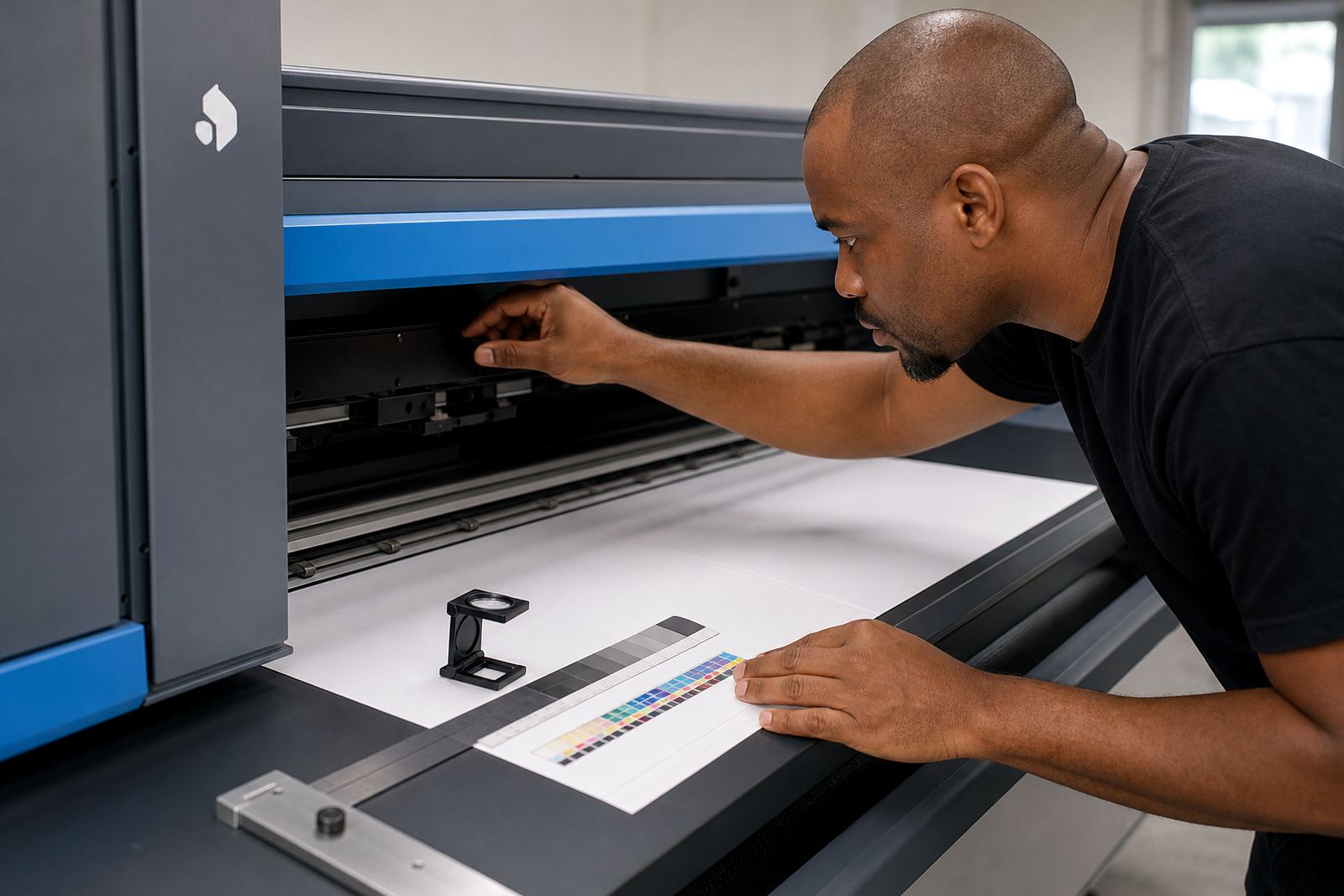
Colour profile setup usually follows a clear working sequence. First we confirm the printer model, ink set, media type and the job standard you want to hold. Then we print and read test targets, assess how the substrate accepts ink, and make the curve and ink limit changes in the RIP. After that we print verification strips and compare them against the intended output under practical viewing light, not only under a monitor.
Remote setup works well for many shops in Johannesburg, Pretoria, Cape Town, Bloemfontein and other centres when the printer is already printing and the operator can follow the steps. For larger production floors we can also guide the team through the process while checking the queue workflow, backup files and the profile naming so there is less confusion later. If a job uses special media, the final balance is checked against that exact stock.
- Printer and media confirmation
- Target printing and measurement
- Curve editing and ink limit setting
- Verification print and output check
Practical turnaround and what affects it
Turnaround depends on how many media types need to be profiled, how stable the printer is and whether the RIP setup already has a usable starting point. A single banner or vinyl profile is usually more straightforward than a full set for different substrates, each with separate density, drying and finishing behaviour. If the printer is drifting mechanically, that needs to be corrected before the profile work can hold.
In a busy print room in Midrand or the East Rand, timing also depends on whether the machine can be paused for test output without slowing live jobs. Profiles only earn their place when they are built against a steady print condition, so we keep the process grounded and efficient. When colour accuracy matters for branded graphics or matched repeat runs, the extra checking is often worthwhile.
- Single media profiles for common production stock
- Multi-media setup for mixed print rooms
- Verification for repeat jobs and colour matching
- Adjustment where humidity or heat affects output
Pricing approach for profile work
Pricing is based on the number of profiles needed, the complexity of the printer setup and whether the work is done remotely or with an on-site visit. A shop that only needs one production media tuned for a steady run will usually need a lighter scope than a print floor running several substrates, queue rules and operator handovers. If the job includes colour workflow changes, profile naming, backup recovery or driver adjustments, those items are priced into the scope rather than hidden in the background.
We keep the structure clear so the team knows what is being set up and what remains with the operator. That is useful for shops managing incoming work in Rand terms against substrate waste, reprints and machine time. The aim is to leave the profile set organised enough that the next production batch can follow the same path without guesswork.
- Scope based on media count and printer count
- Remote work priced differently from on-site work
- Optional add-ons for queue design and operator training
- Support for backup and restore of working profiles
Aftercare for stable output on later jobs
After the profile is in place, we stay available for checks when a new media batch, ink change or printer fault shifts the result. That can include rechecking ink limits, refining a profile for a new roll, or reviewing whether a queue setting is affecting output consistency. The aim is to keep the print room organised enough that a later job follows the same colour path as the first.
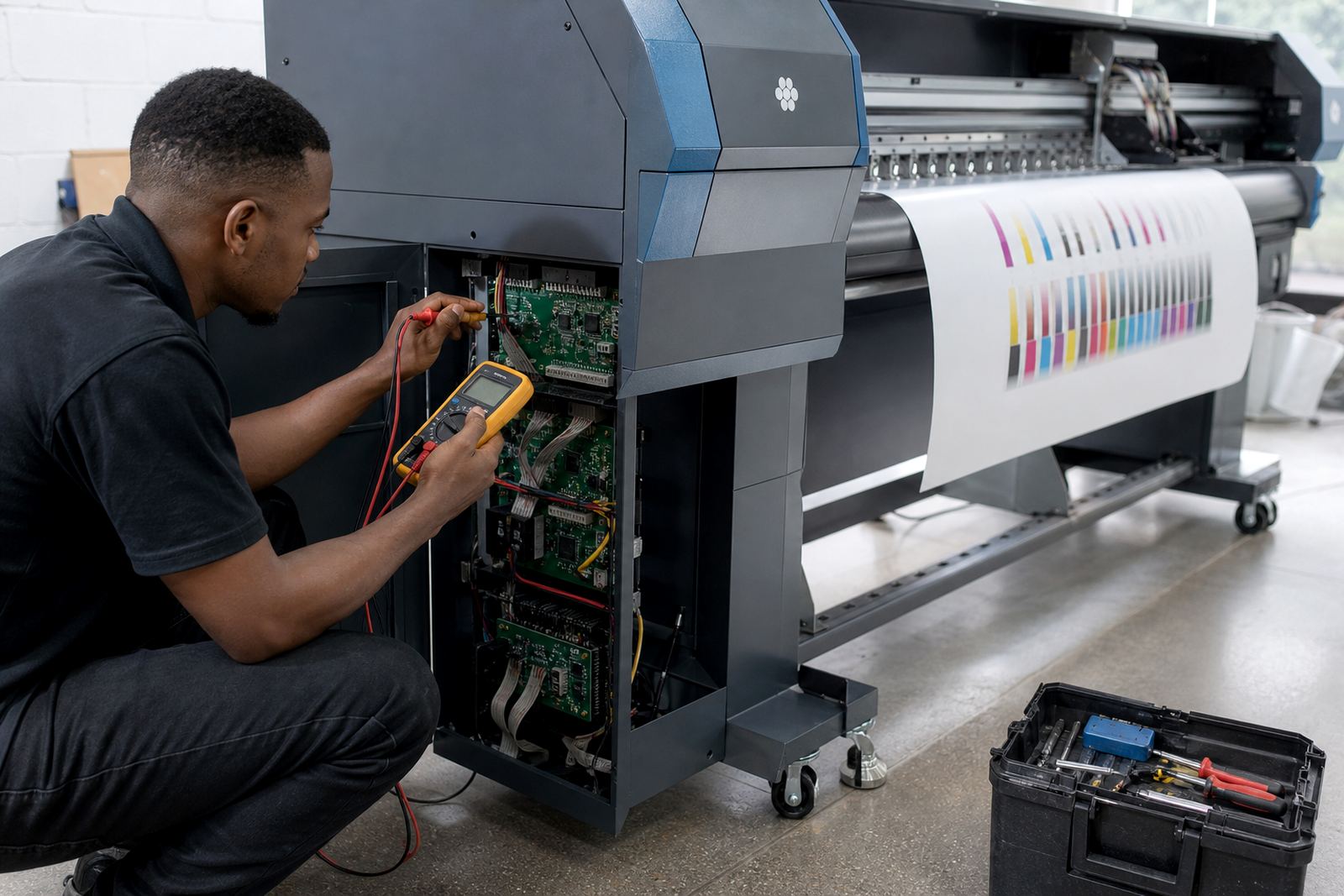
We also guide operators on storing profiles properly, naming media clearly and keeping a backup copy where it will not be lost during routine machine work. In shops that run several shifts, good file discipline matters just as much as the calibration itself. If the printer board or printhead driver needs attention, our support team can look at that side too so the colour setup is not built on unstable hardware.
- Profile review after media or ink changes
- Backup copies for working colour sets
- Operator guidance for daily use
- Support for related board and driver issues
Key facts
| Profile type | Media-based colour setup for wide-format inkjet printers |
|---|---|
| Core adjustments | Linearisation, ink limits, grey balance and output tuning |
| Media range | Vinyl, banner, coated paper, canvas, backlit film and similar substrates |
| Setup mode | Remote setup or on-site support from Midrand, Gauteng |
| System scope | RIP software, printer control boards and printhead driver settings |
| Coverage | Johannesburg, Pretoria, Durban, Cape Town, Bloemfontein and nearby areas |