Where the setting work shows up on the floor
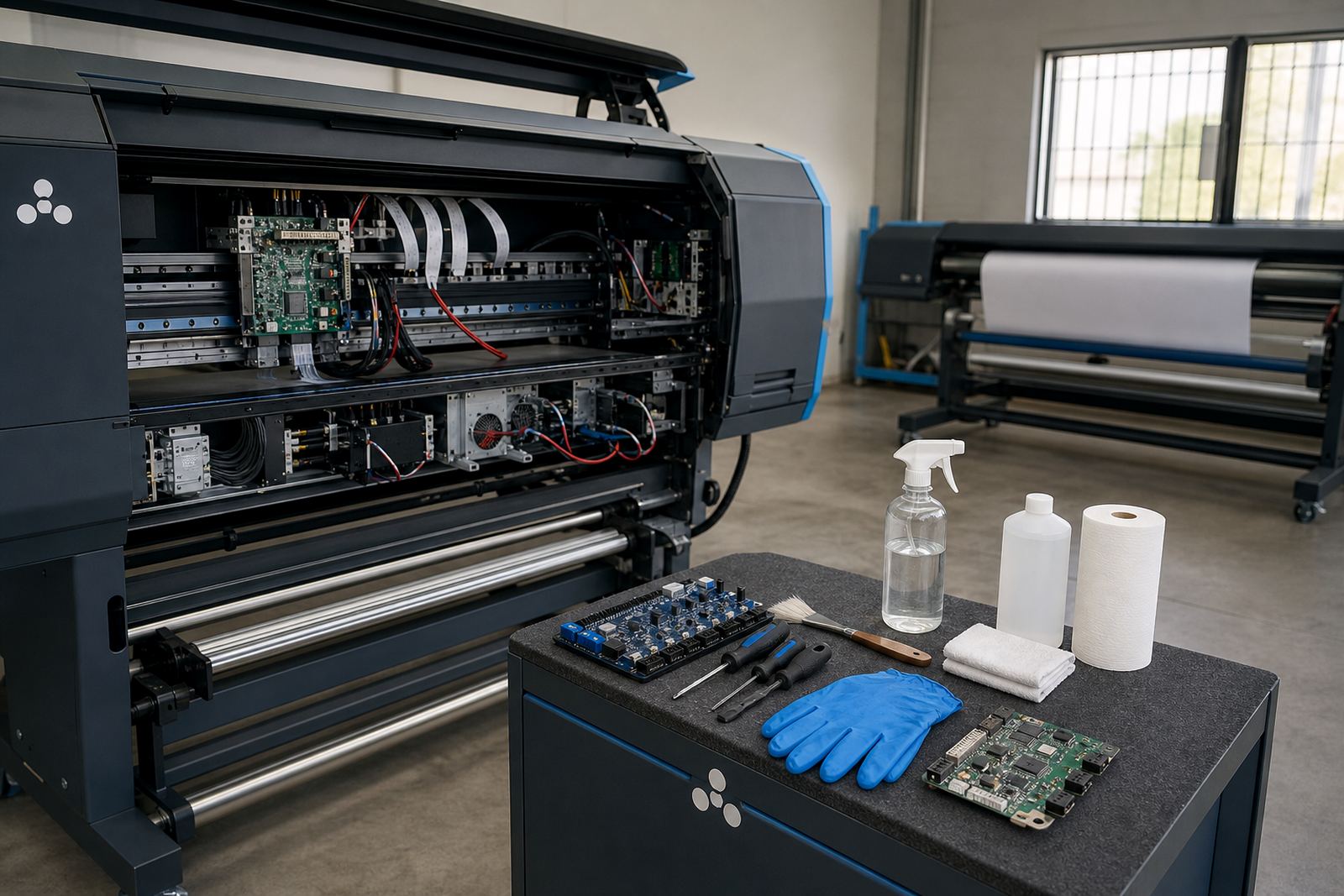
Production tuning is the part of RIP and machine setup that sits between a working printer and a printer that keeps pace with real jobs. It looks at how the board, printhead driver, RIP queue and media settings interact when the machine is running flat out, not just when someone sends a test file. The aim is steadier output, cleaner scheduling and less waste on banners, vinyl, backlit media, canvas and other common wide-format substrates.
In many shops the printer is not the only issue. Slower throughput can come from over-heavy ink limits, weak drying settings, poor nesting, job queuing that leaves gaps, or a pass count that is higher than needed for the media. We adjust those points in a practical way, using the actual printer model and the type of work it handles day to day.
What gets checked and refined
The tuning work is built around the conditions your operator sees on the production line. That includes how files are ripped, how the queue is managed, how the printer handles feed advance, and whether the colour workflow is wasting ink or media. We also look at how head checks, wipe routines and start-up behaviour affect the first jobs of the day, especially where humidity changes from Johannesburg to Durban or where a room sits warm through the afternoon.
- Pass count, print mode and carriage speed
- Ink limits and linearisation inside the RIP
- Nesting rules for mixed jobs and repeated runs
- Drying or curing settings where the printer supports them
- Queue order, hold points and operator handover steps
- Feed accuracy, banding control and media advance behaviour
How the tuning process is handled
We start with the current setup and the work the machine is expected to carry. That may include billboard panels, exhibition graphics, window graphics or day-to-day sign production. The next step is to test real files, not just demo images, so the printer can be measured against the jobs that actually matter to the shop.
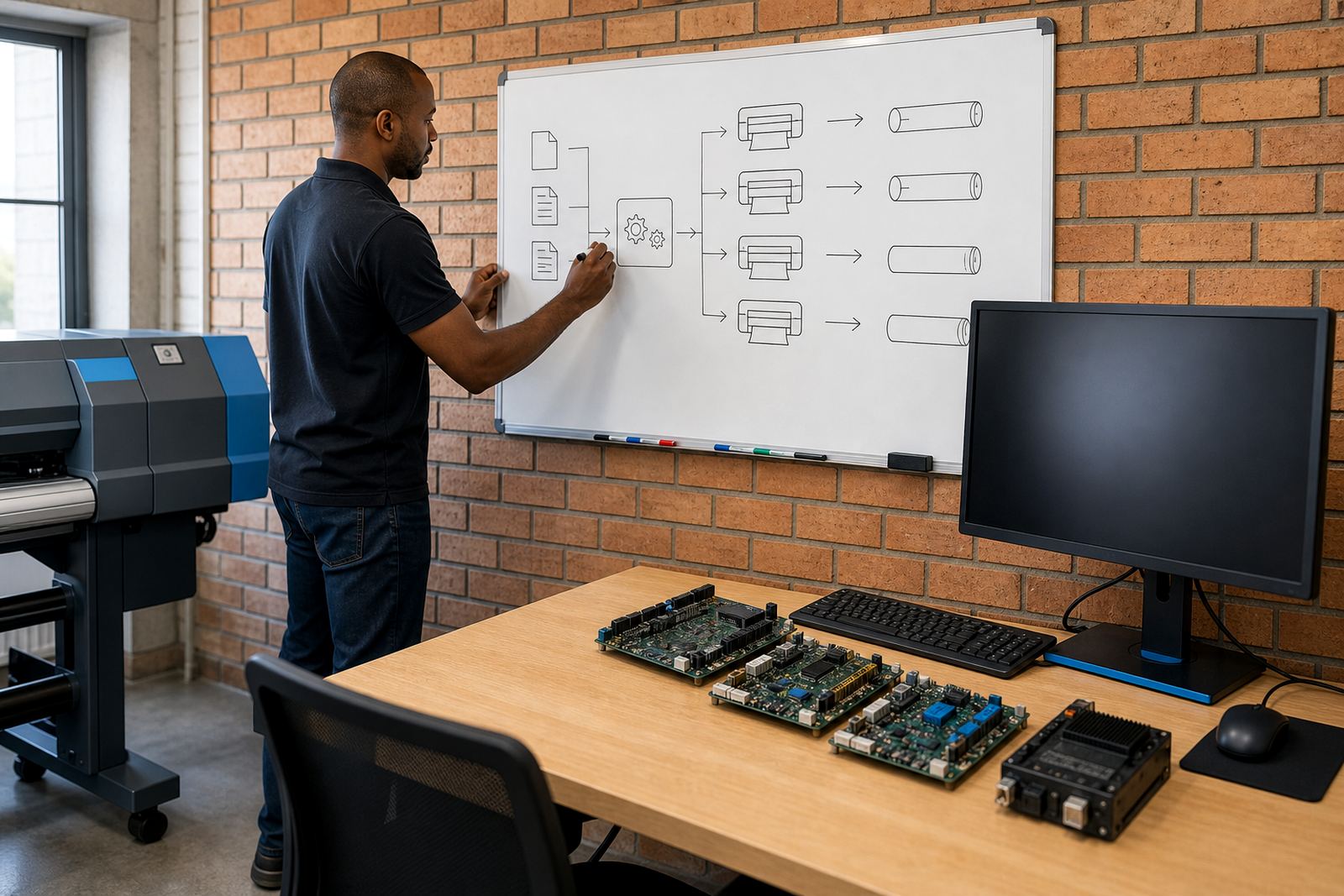
After that, settings are adjusted in stages. We may reduce unnecessary passes, correct nesting rules, change queue priorities or refine colour profiles so the printer uses less ink without losing the look that the job needs. If the board or printhead driver is also part of the issue, we can align those settings with the RIP so the machine behaves as one system instead of several separate pieces.
Before handover, the operator team is shown the updated workflow. That covers job loading, profile selection, common checks before a production run and the steps to follow when a job needs to move from proof quality to volume output.
Turnaround and site handling
Turnaround depends on the number of printers, the state of the current workflow and how much live testing is needed on site or remotely. A single machine with a straightforward queue usually takes less time than a multi-printer setup with different media types and mixed operator habits. For shops in Midrand, Johannesburg, Pretoria, the East Rand and West Rand, site work can be arranged where the workflow needs direct attention. For Durban, Cape Town and Bloemfontein, remote tuning is often the most practical route when the printer and operator setup can be accessed securely.
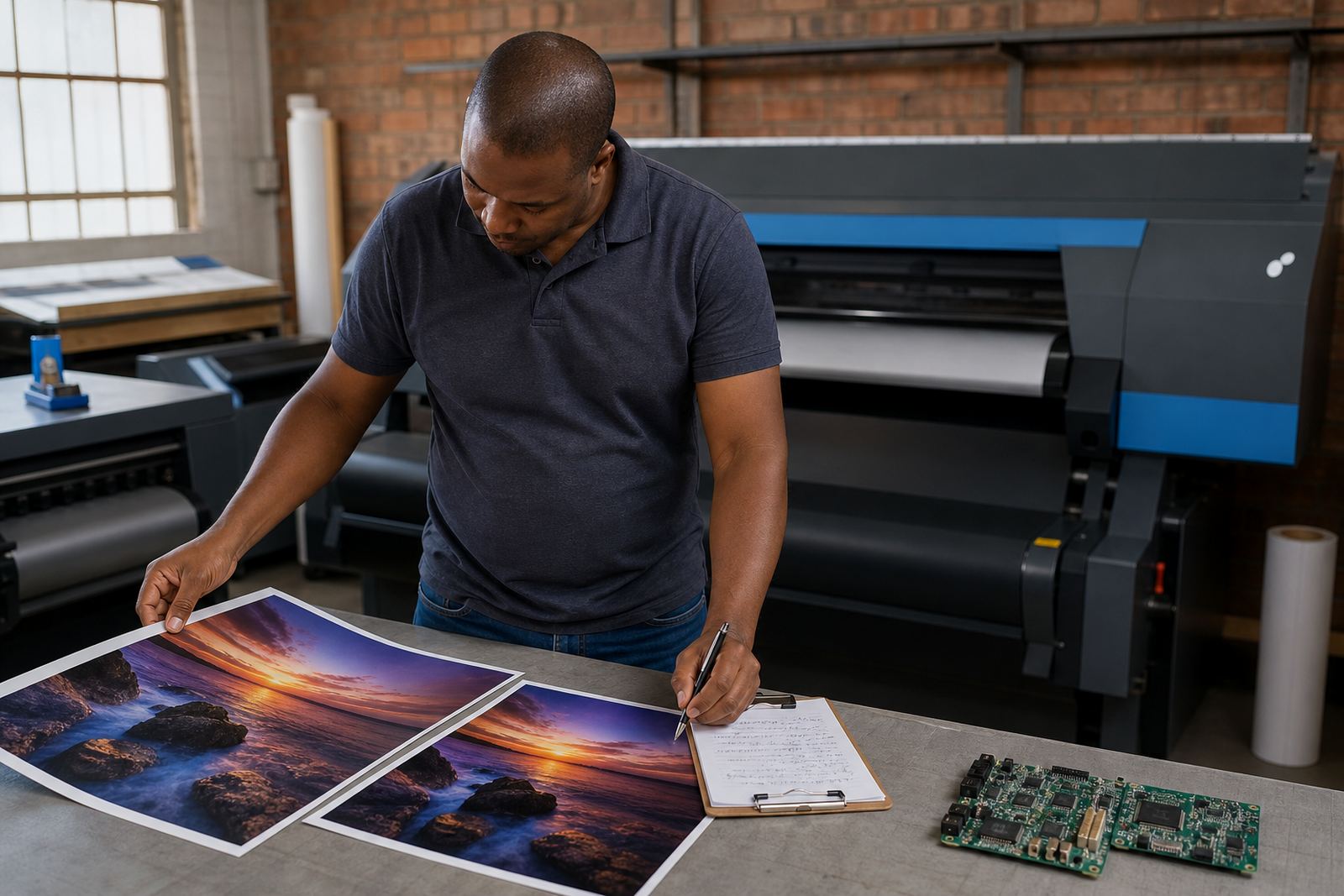
Some jobs need a same-day benchmark session, others need a second round after test prints are reviewed under shop lighting. We keep the process tied to the machine and the work queue, so the tuning reflects production pressure rather than a lab-style result.
- Remote tuning for single or linked print stations
- On-site visits for printers that need direct calibration support
- Review of sample prints where colour drift or banding is present
- Operator handover after settings have been settled
Pricing approach for production tuning
Pricing is shaped by the number of devices, the amount of testing needed and whether the job includes RIP changes, printhead driver setup or queue redesign alongside the tuning itself. A small single-printer shop will usually sit on a different scope from a larger production floor with multiple queues and mixed media lines. If the board needs repair before settings can hold steady, that is handled as a separate item.
The strongest way to quote this work is around scope rather than guesswork. We look at the printer count, media range, current RIP package, remote or on-site requirement, and whether colour profile adjustments or backup recovery are part of the same job. That keeps the quote aligned with the actual work, instead of padding it for unknowns. No two production floors in South Africa run exactly the same, and pricing follows that reality.
Aftercare once the settings are in place
After the main tuning is done, the printer still benefits from a steady support line when the workload changes, new media arrives or a queue starts acting oddly. Aftercare can include checking the saved profile set, confirming that nesting still matches the day’s job mix, and reviewing any shifts in output after a room temperature change or a new operator takes over a shift. It is also useful after a power interruption or a system restore, when settings sometimes move from where they were meant to sit.
For busy shops, the goal is not constant tinkering. It is a stable setup that the team can work with without second-guessing every file. If a change is needed, it is done in the context of the whole production line so the fix helps output rather than upsetting it.
- Saved profiles and queue settings checked after changes
- Support for fresh media types and new job mixes
- Review after power events, resets or system recovery
- Guidance for operators working across shifts
What production tuning is suited to
Production tuning is a fit for wide-format inkjet environments where output volume, media cost and colour consistency all matter at the same time. That includes print shops handling daily signage, studios preparing exhibition work, and larger facilities that need repeatable results across several machines. It is also useful where the current setup prints correctly but too slowly, uses more media than expected, or forces operators to work around avoidable faults in the workflow.
In practical terms, the work is suited to printers that need more efficient queue handling, tighter colour control, cleaner nesting and better use of each roll. When the machine, RIP and operator routine are lined up properly, the whole floor tends to run with less waste and fewer surprises.
Key facts
| Service area | Midrand, Johannesburg, Pretoria, Durban, Cape Town, Bloemfontein, East Rand and West Rand |
|---|---|
| Printer scope | Wide-format inkjet printers with RIP-driven production workflows |
| Typical adjustments | Pass count, ink limits, nesting, queue flow, feed accuracy and colour profile handling |
| Access method | Remote setup or on-site support, depending on the printer and workflow |
| Related services | RIP installation, board installation, printhead driver setup, colour profile setup and fault finding |
| Output focus | Higher throughput, steadier consistency and better media use across live jobs |