Where Waste Starts Before the First Print Run
Most shops think waste begins when a print lifts, smudges, or lands with the wrong colour. In practice, the loss often starts earlier, in the job setup, the file prep, or the way the queue is arranged. A wide-format inkjet printer can burn through metres of media on a job that was never set up cleanly in the RIP. That is where control boards, printhead driver settings, and colour profile choices start to matter.
A clean workflow reduces reprints, trims down test strips, and keeps operators from guessing their way through each file. In Midrand, where many print rooms handle mixed work for Johannesburg, Pretoria, and the East Rand, small setup errors can multiply quickly on busy days. A poster job with a poor profile can use a full roll before anyone notices the grey balance has drifted. That kind of loss is avoidable when the RIP is set up with the job in mind, not just the printer.
The RIP Settings That Save Material
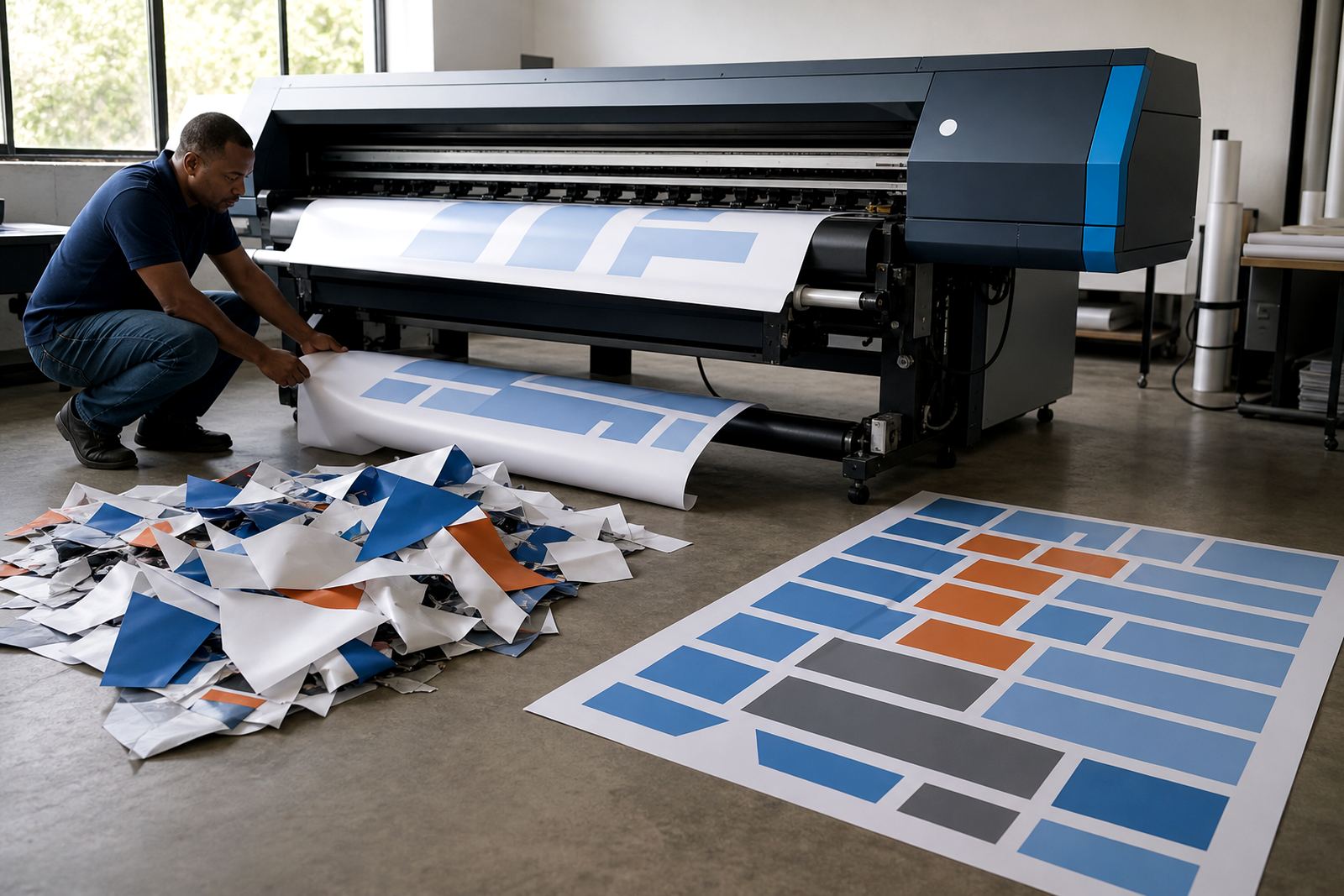
RIP software is not only for sending files to print. It also controls how jobs are spaced, nested, tiled, and queued, which makes a direct difference to media use. If the layout engine is set well, shorter work can be packed into gaps, and longer panels can be arranged with less offcut. That matters on vinyl, self-adhesive media, coated paper, and banner stock where every extra metre costs money.
- Use nesting for mixed sizes so small jobs fill the spaces between longer panels.
- Set correct margins and bleed values, not generous ones that eat material.
- Keep the queue ordered by media type, so the same roll serves similar work.
- Use the right resolution for the job, since overspecifying can slow production and tempt reprints.
On a Cape Town signage floor with coastal humidity, media can behave differently across the day. A sensible RIP preset helps the operator keep the same layout habits, even when the air changes and the material moves more than expected. Less movement means fewer misfeeds and fewer trimmed edges.
Colour Control That Prevents Rework
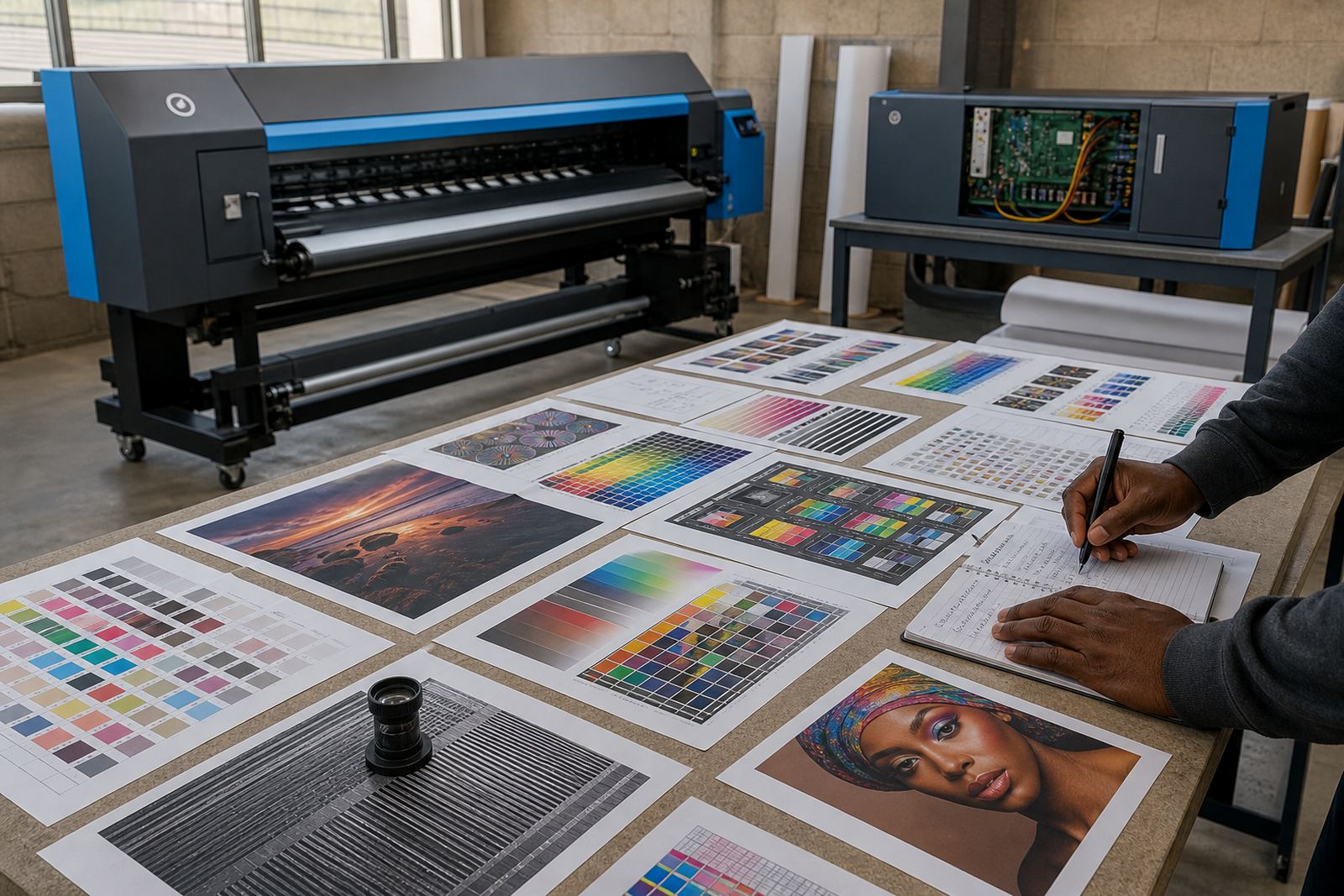
Colour waste is often hidden. A job can print cleanly and still fail if the tone does not match the client proof, the brand colour looks too warm, or a dark area blocks up. That is why colour profile setup deserves proper attention. A stable profile for each printer and media combination reduces second attempts, especially on branded work where the same shade must hold across reprints.
Print shops in Durban and Bloemfontein often handle a mix of display work, point of sale graphics, and short-run production pieces. If the colour workflow changes from job to job, operators spend time chasing results instead of printing with confidence. A clean profile structure, along with a sensible maintenance schedule, keeps the output more predictable. When the print is predictable, the roll lasts longer.
- Build profiles for the media you actually use most often.
- Check ink limits so colours do not flood the surface.
- Keep proof settings separate from final production settings.
- Retire old presets that no longer match the printer state.
Maintenance Habits That Stop Small Faults Turning Expensive
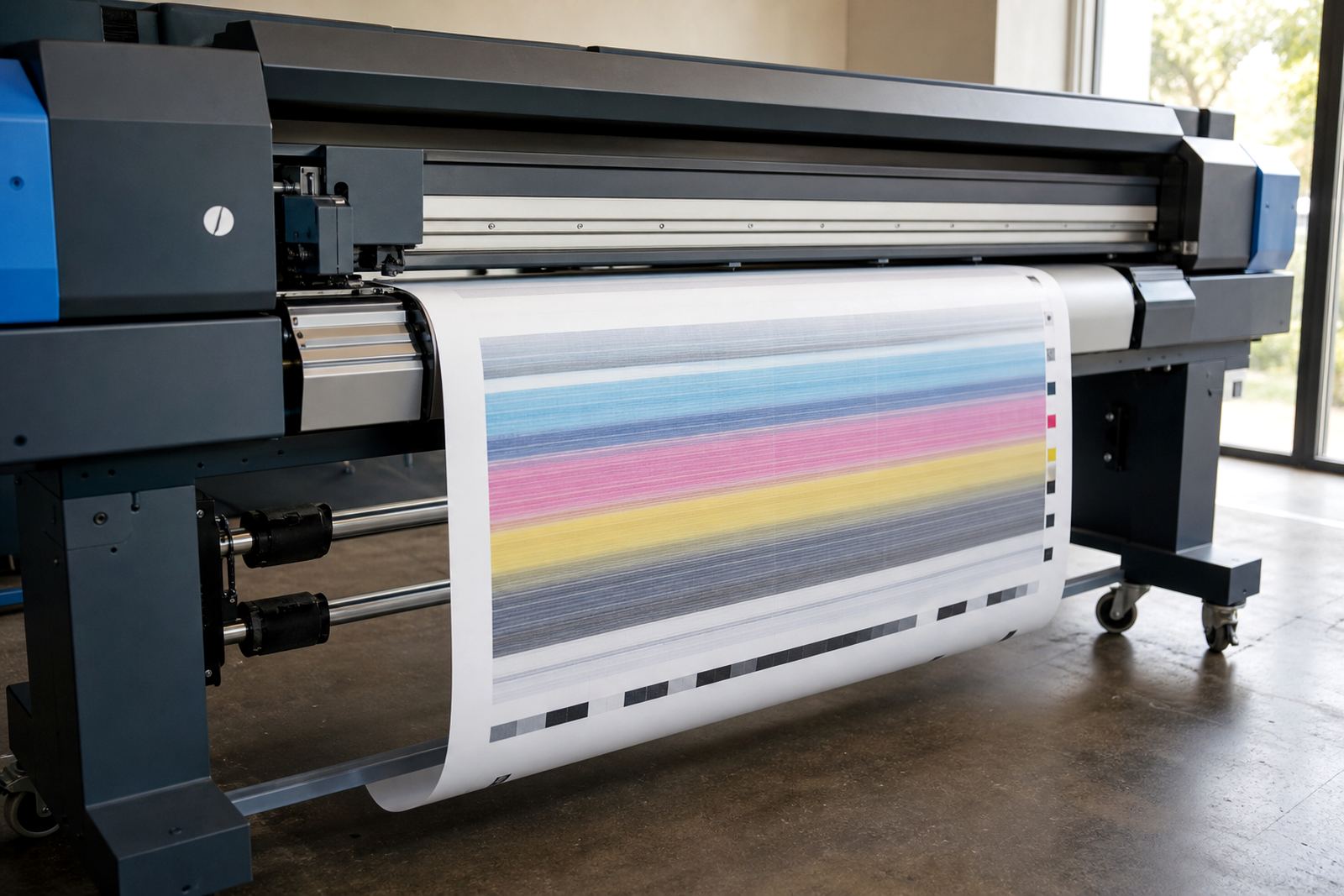
Many media losses come from small mechanical faults that stay unnoticed until they affect a full run. A weak printhead driver board, dirty encoder strip, or unstable carriage movement can cause banding, dropouts, or head strikes. Once that starts, the operator often prints test after test and watches more material disappear. Preventive maintenance is not about over-servicing, it is about catching wear before it costs a roll.
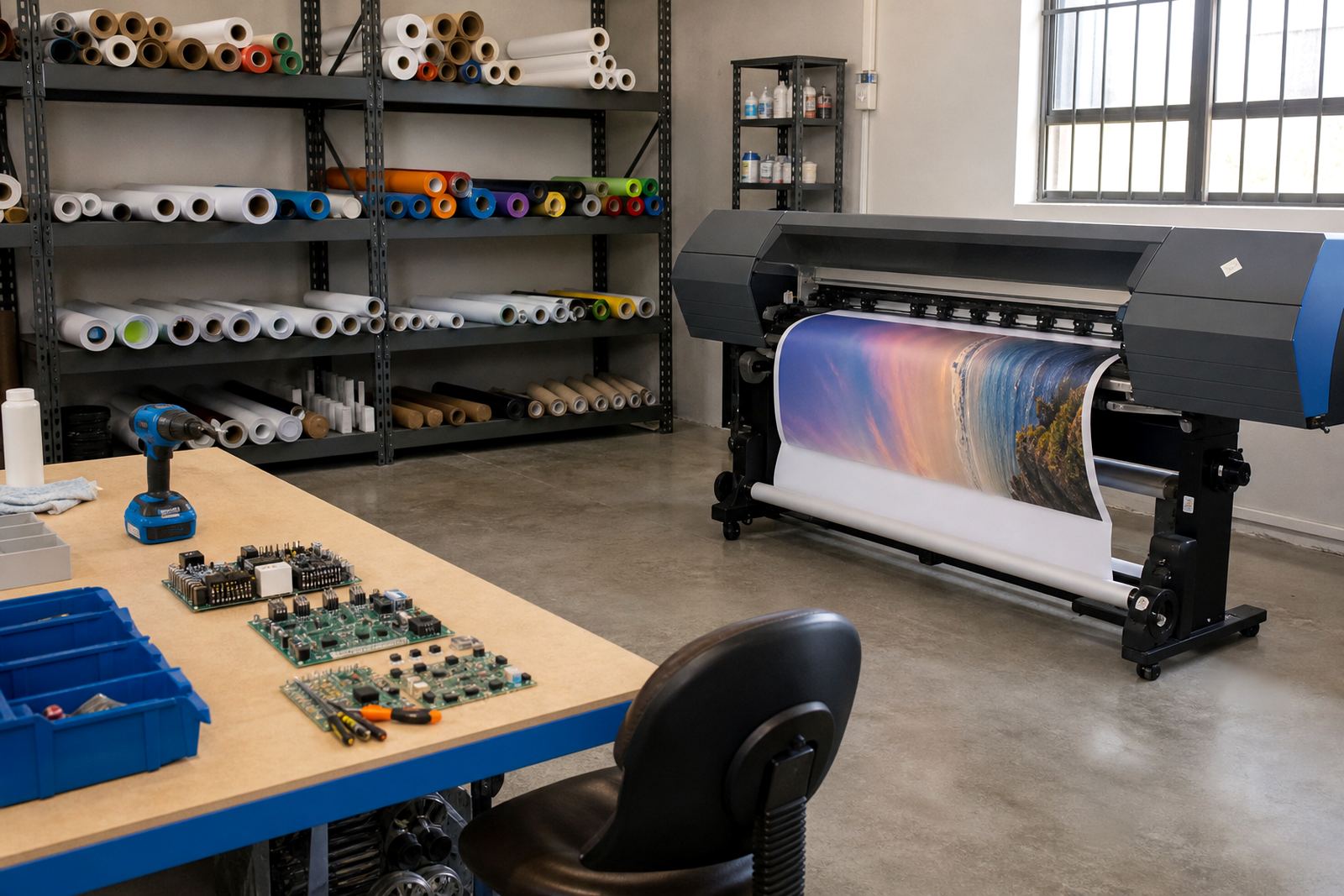
Board repair, printhead driver setup, and fault finding all support a tighter production floor. If the printer is controlled by hardware that is drifting or inconsistent, the RIP can only do so much. A technician checking feed accuracy, timing, and board health gives the operator a better base to work from. That is especially useful in larger production facilities where the same machine may run long shifts and little faults build up across the week.
- Clean feed paths before they start marking the media.
- Watch for curing or drying issues that affect handling.
- Check calibration after any board or driver change.
- Log recurring faults so the same fault does not waste another roll.
How Queue Design Lowers Mistakes on Busy Floors
Queue design sounds like admin, but it affects waste in a very direct way. When jobs are loaded in a random order, operators swap media too often, change profiles too often, and rush settings that should stay stable. A better queue keeps similar work together, which lowers the chance of the wrong preset being used on the wrong substrate. It also makes handovers easier when more than one operator shares the machine.
For shops serving Johannesburg and Pretoria from a Midrand base, queue order matters during peak periods. A day might start with laminated graphics, move into banners, then shift to mounted display work. If those jobs are grouped badly, the printer spends more time resetting than printing. A clearer queue helps the team keep the same media type running for longer stretches, which usually means fewer trims and fewer start-up test prints.
A Local Example From A Midrand Production Run
A print shop in the Midrand area may handle retail graphics for Sandton, vehicle-related panels for the East Rand, and event signage for Pretoria in the same week. If each job enters the RIP with different colour settings, loose margins, and no nesting, the shop can lose a surprising amount of material before the final output leaves the floor. The fix is usually not dramatic. It is a set of small changes that make the workflow steadier.
In a case like that, the operator can save media by grouping similar substrates, setting tighter bleed values, and using a profile library that matches the actual printer condition. If the board and printhead drivers are in good shape, the machine holds its rhythm better and the output becomes easier to predict. A few disciplined steps can turn a messy day into a manageable one, without changing the printer itself.
- Group jobs by media before sending them to print.
- Keep a small set of tested presets for repeat work.
- Review trims and offcuts at the end of each shift.
- Train operators to notice waste before it spreads.