Cables that do not fight the operator
In a wide-format print room, loose cables are more than a visual nuisance. They catch on trolleys, collect dust and make it harder to trace a fault when a control board or printhead driver is acting up. Tidy routing gives the operator a clear path around the machine and protects the plugs from constant strain.
Keep signal cables separate from mains leads where the layout allows it. Use clipped runs along the rear frame, label both ends and leave enough slack for carriage movement without creating a loop on the floor. In a humid coastal shop, especially around Durban or Cape Town, cable ends and open connectors need a bit more attention because corrosion can creep in faster than people expect.
- Secure every cable before the shift starts
- Keep connectors off the floor and away from cleaning water
- Mark power, data and service leads clearly
- Check for crushed insulation near rollers and casters
Clean stations keep faults easier to trace
A clean station is not about making the room look neat for visitors. It is about removing the fine paper dust, ink mist and trim offcuts that drift into sensors, fans and board housings. When those areas stay clean, the machine gives clearer fault signs and technicians spend less time chasing avoidable noise in the system.
Operators should know which cloths, fluids and brushes are suitable for the machine area and which ones belong in a different part of the workshop. A drip left under a head carriage or a smear on a sensor strip can turn into a long stoppage. Even a small habit like wiping edges at the end of a run can keep the next job from starting with a fault message no one wants to see.
- Clear trim waste before it gathers around the stand
- Wipe sensor areas with the correct material only
- Keep maintenance tools in one labelled place
- Empty lint and scrap bins before they overflow
Media storage that protects the job before it begins
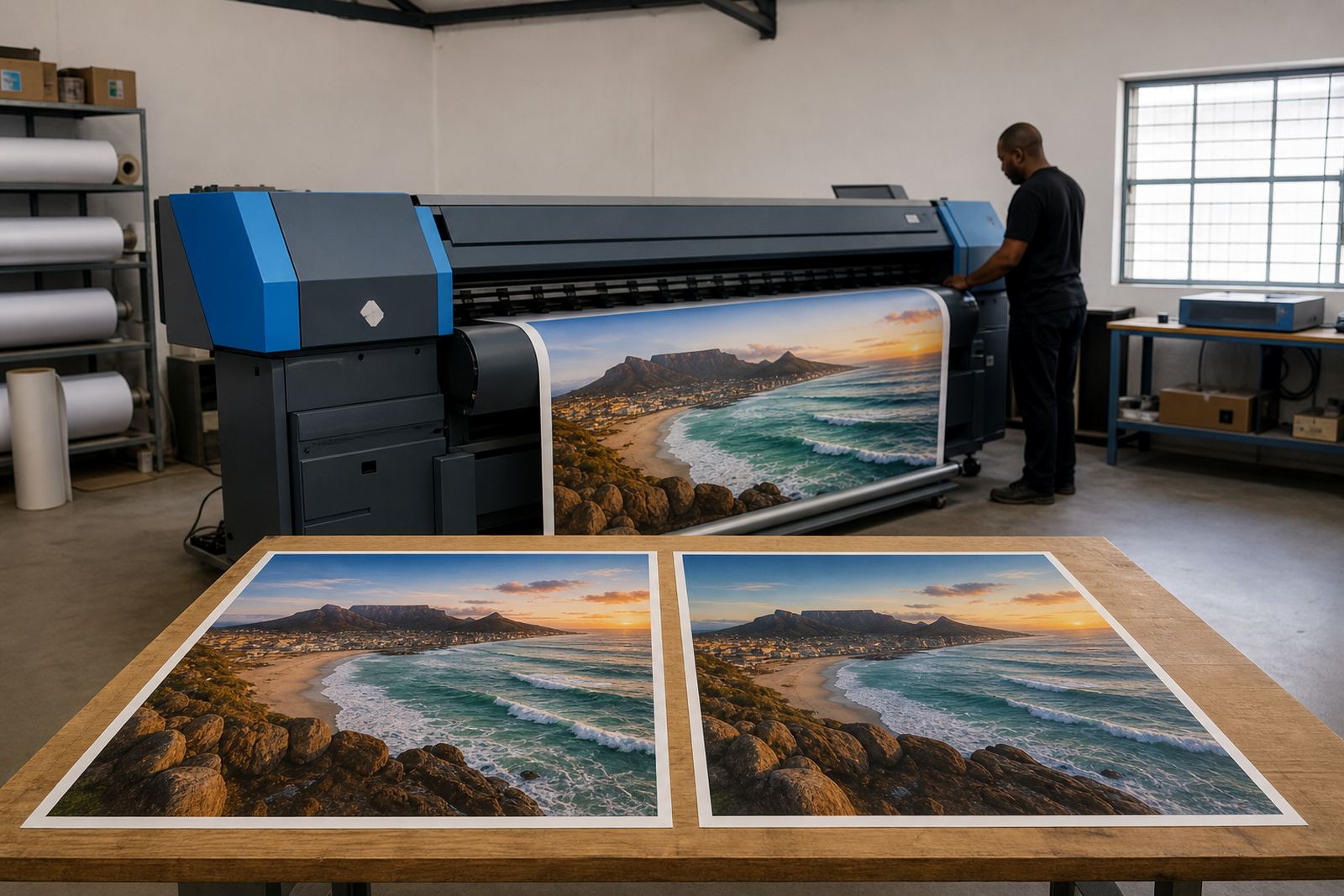
Media handling affects the final print long before ink reaches the substrate. Rolls stored flat in a damp corner can pick up moisture, edge curl and surface marks. Sheets standing too close to a wall can bend and hold dust. Once that happens, the RIP settings may be correct but the print still enters the machine unevenly.
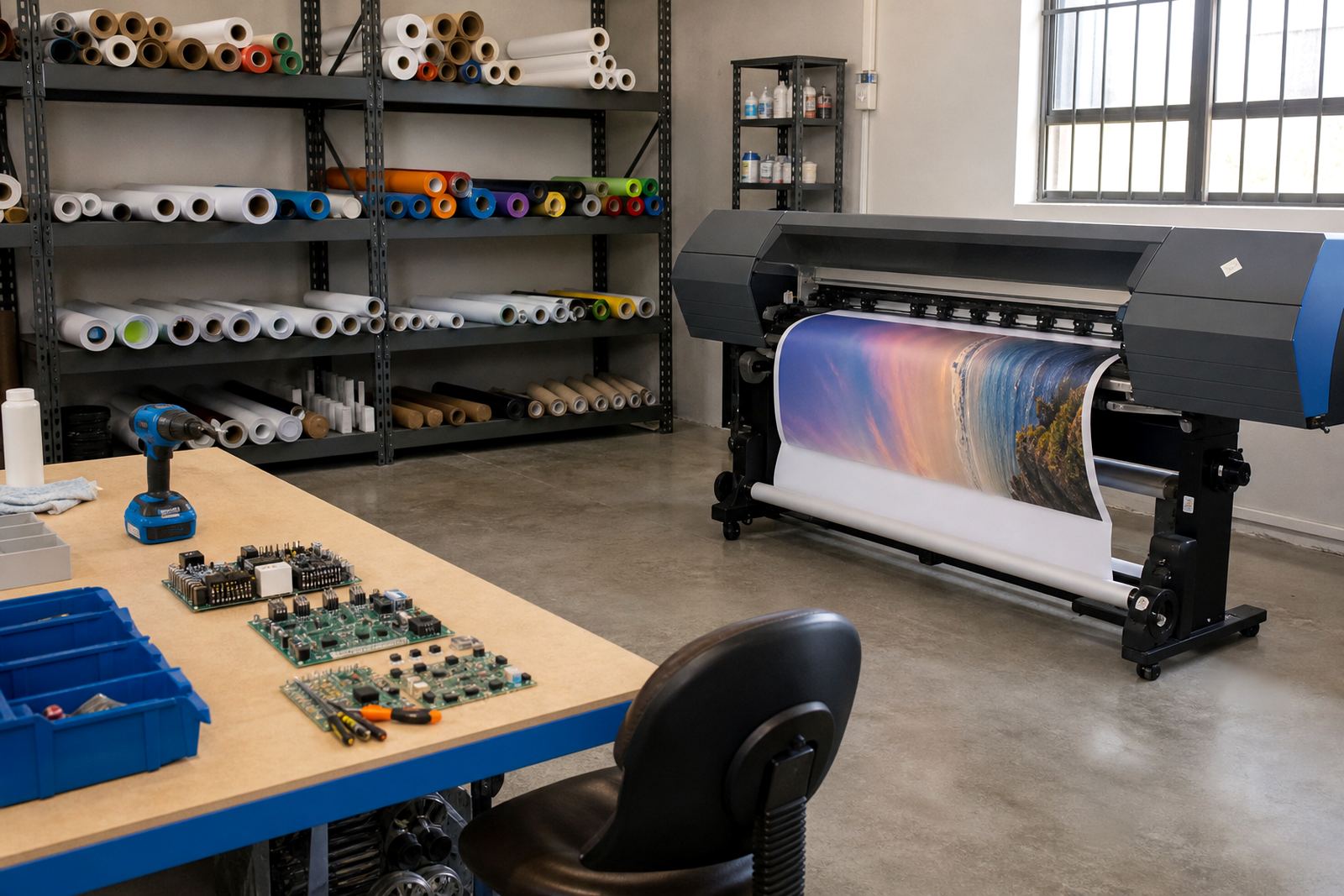
In Johannesburg or Pretoria, a dry room can still suffer from dust and static. Near the coast, the trouble is often moisture and handling marks. Store media by size, wrap opened stock properly and keep the oldest usable rolls in front so the team does not lose time searching. Organised storage also helps with queue planning because the operator can see what is ready for the next job.
- Store rolls off the floor and away from direct sunlight
- Keep opened material covered between jobs
- Separate coated, uncoated and textured stock
- Label leftover lengths for short runs and samples
The RIP station needs its own discipline
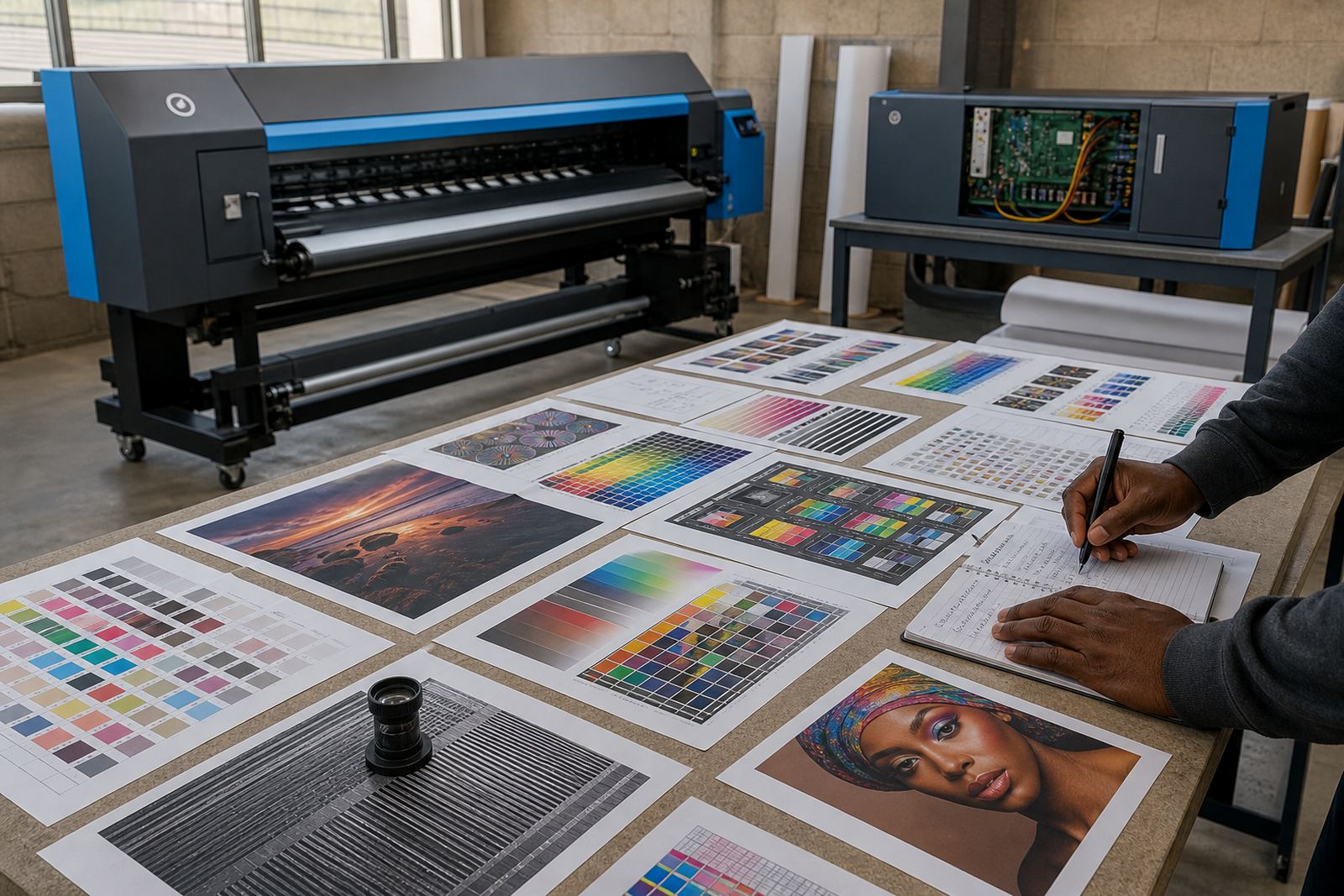
The RIP workstation is part of production, not an afterthought. If colour profiles, queue folders and archived jobs are scattered across different drives, operators waste time searching and the wrong preset can end up on the wrong media. A clear folder structure, sensible naming and regular backup checks make the RIP side of the room easier to manage.
Queue workflow design also benefits from housekeeping. When jobs are stacked in a logical order, urgent reprints are easier to find and the team can see which items still need profiling or output checking. That matters in shops handling posters, banners, exhibition graphics and repeat production, where one missed setting can cost another full pass through the machine.
Good discipline here also supports remote setup and support. When the board layout, driver version and profile folders are arranged properly, fault finding is less interrupted by guesswork. It is much easier to talk through a machine issue when the file structure is orderly and the operator knows where the key settings live.
Maintenance corners should be easy to reach
Preventive maintenance works better when the space around the printer is clear enough for normal access. If a technician has to move media rolls, stacked boards and loose packaging before opening a cover, the job takes longer and the chance of something being knocked over goes up. A dedicated maintenance corner gives the team a place for spare wipers, cleaning material, drivers, fuses and inspection tools.
That corner should stay dry, labelled and close enough to the machine to be useful. In a busy shop near Midrand or the East Rand, the best setup is usually the one that lets the operator reach what is needed without crossing the whole room. The point is not decoration, it is less interruption during fault finding and cleaner changeovers between shifts.
- Keep spare parts in sealed containers
- Separate machine tools from general workshop tools
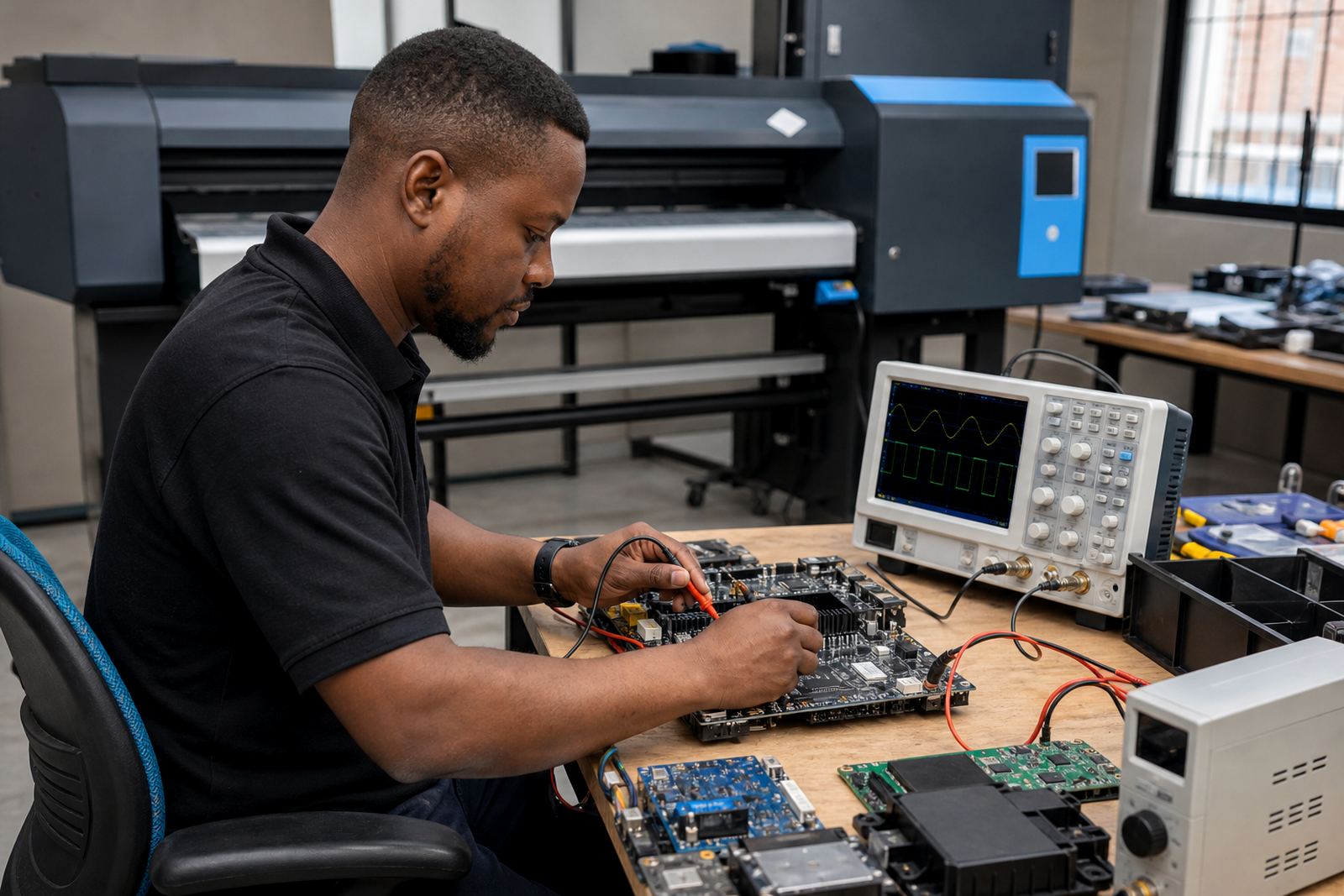
- Leave space for servicing the board area
- Record repeated faults beside the unit for review
A Midrand example from a busy production floor
One Midrand production floor handling signage and short-run graphics had a recurring problem that looked like a board issue at first. Jobs would pause, operators would reset the queue and the machine would run again for a while. On inspection the real trouble was simpler. Cable runs were tangled behind the stand, media was stored against a wall that held moisture and the maintenance tray had become a catch-all for offcuts and old cloths.
After the room was reorganised, the team separated the cable paths, moved stock onto proper shelving and set one corner aside for maintenance items only. The next few weeks were steadier because the operators could see the machine state more clearly and faults were easier to isolate. Nothing magical happened, just less clutter getting in the way of normal work.
That is the practical value of housekeeping in a print room. It supports uptime by reducing avoidable contact, keeping surfaces cleaner and making the machine easier to service. For shops in Johannesburg, Pretoria, Durban, Cape Town and Bloemfontein, the same pattern holds true even if the building, climate and job mix are different.
Small routines that keep the room usable
Housekeeping works best when it is part of the shift routine rather than a separate task left for later. A five minute close-down can prevent a full morning of searching, cleaning and rechecking settings. The important part is consistency, not a perfect showroom finish.
Operators and supervisors can agree on a short end-of-shift checklist that suits the room and the work being done. It should cover cleaning, storage, cable condition and the state of the RIP station. When the same points are checked every day, problems show up early and the print room stays easier to manage under pressure.
- Return tools to one marked location
- Clear scrap, dust and empty packaging
- Confirm media is stored correctly
- Check that backup files and profiles are where they should be
In practice, this kind of order supports every part of production, from RIP installation and colour profile setup to fault finding and ongoing support. A tidy room does not remove technical problems, but it gives the team a better chance of spotting them before they grow.