The same file can print differently on two mornings
A print file is only one part of the result. Ink coverage, media coating, humidity, head condition, and the queue setup all influence how colour lands on the substrate. In Johannesburg, a shop can see one result on a dry winter morning and a different one after a rainy afternoon, especially when media has been stored near a loading bay or a back storeroom with changing air conditions.
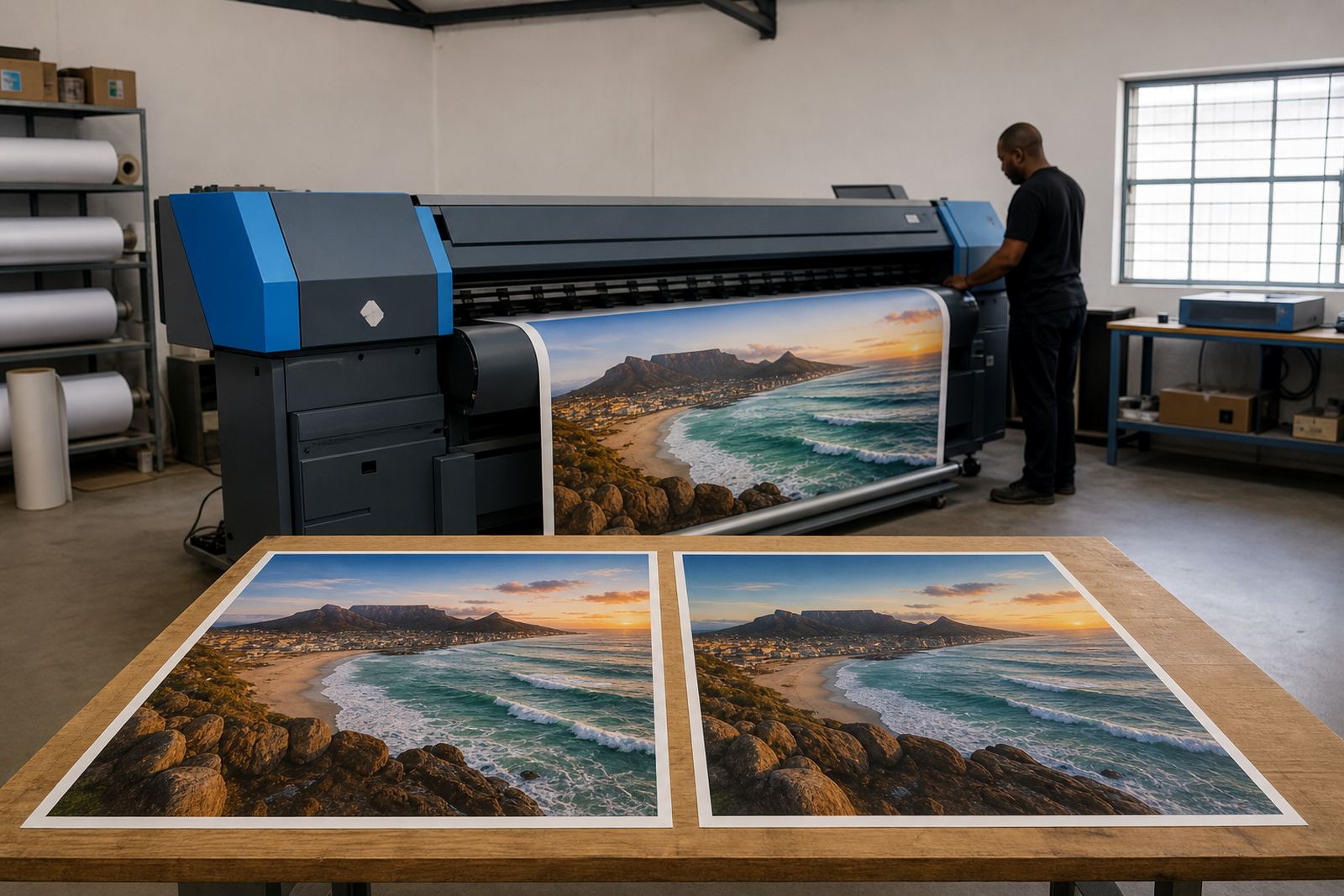
Wide-format inkjet systems are sensitive to small shifts in the production environment. If a profile was built for one roll of media and then used on another batch, the same artwork may pick up a slight shift in density or hue. The operator may not notice it at first, but a client comparing two signage panels side by side usually will.
Media changes alter the way ink sits on the surface
Different vinyls, papers, canvases, and coated films absorb or hold ink in their own way. Even when the roll size is the same, the coating can vary between batches, and that changes how the colour behaves. A profile that works on one medium may need adjustment on another if the finish is gloss, matt, or textured.
- Porous media can soften colour and reduce edge sharpness.
- Gloss media can make blacks appear deeper but also show banding more clearly.
- Textured media may scatter light, which changes how midtones read.
- Some rolls need more drying time before stacking or lamination.
For shops in Cape Town and Durban, coastal humidity can add another layer of movement. A roll that looks stable in the morning may react differently by late afternoon if it has drawn in moisture from the air.
Profiles, queues and nesting need to match the real workflow
Colour shifts are often blamed on the printer, but the RIP setup is sometimes the real source. If a queue is using the wrong media preset, the wrong ink limit, or a generic profile, the output may look close on one day and off on the next. Queue nesting can also affect how jobs are grouped and sent, which matters when the shop runs mixed artwork through the same line.
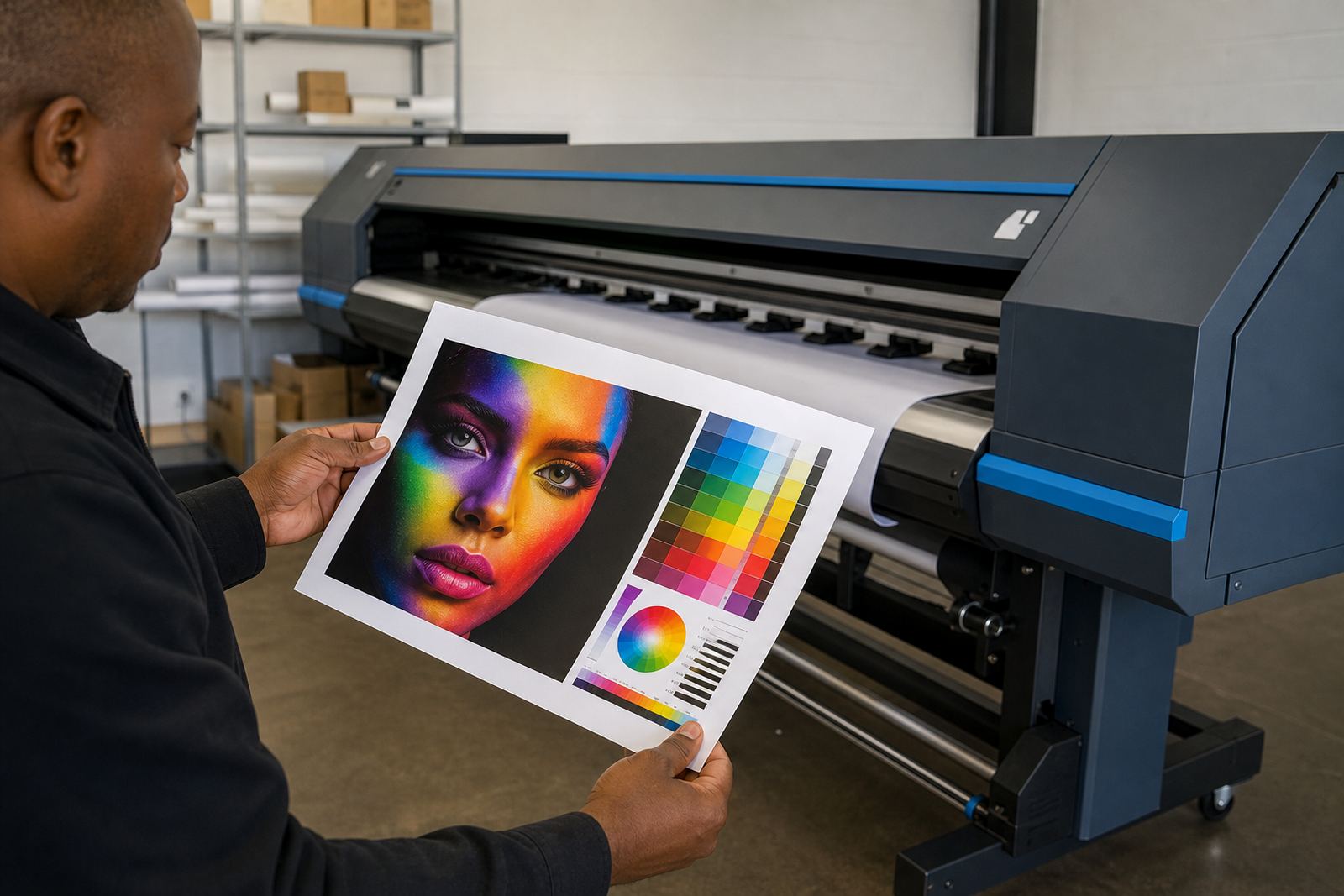
A clean workflow uses the same settings from file preparation through to print output. That means the operator knows which queue is for short runs, which one is set for proofing, and which one is prepared for repeat production. When those steps are scattered, the same colour name on screen may not mean the same result at the printer.
- Check that the correct colour profile is tied to the media preset.
- Keep proof queues separate from production queues.
- Match nesting settings to the way the job will be cut, laminated, or stacked.
- Store verified settings with clear job notes for repeat work.
Printhead drivers and board settings affect colour stability
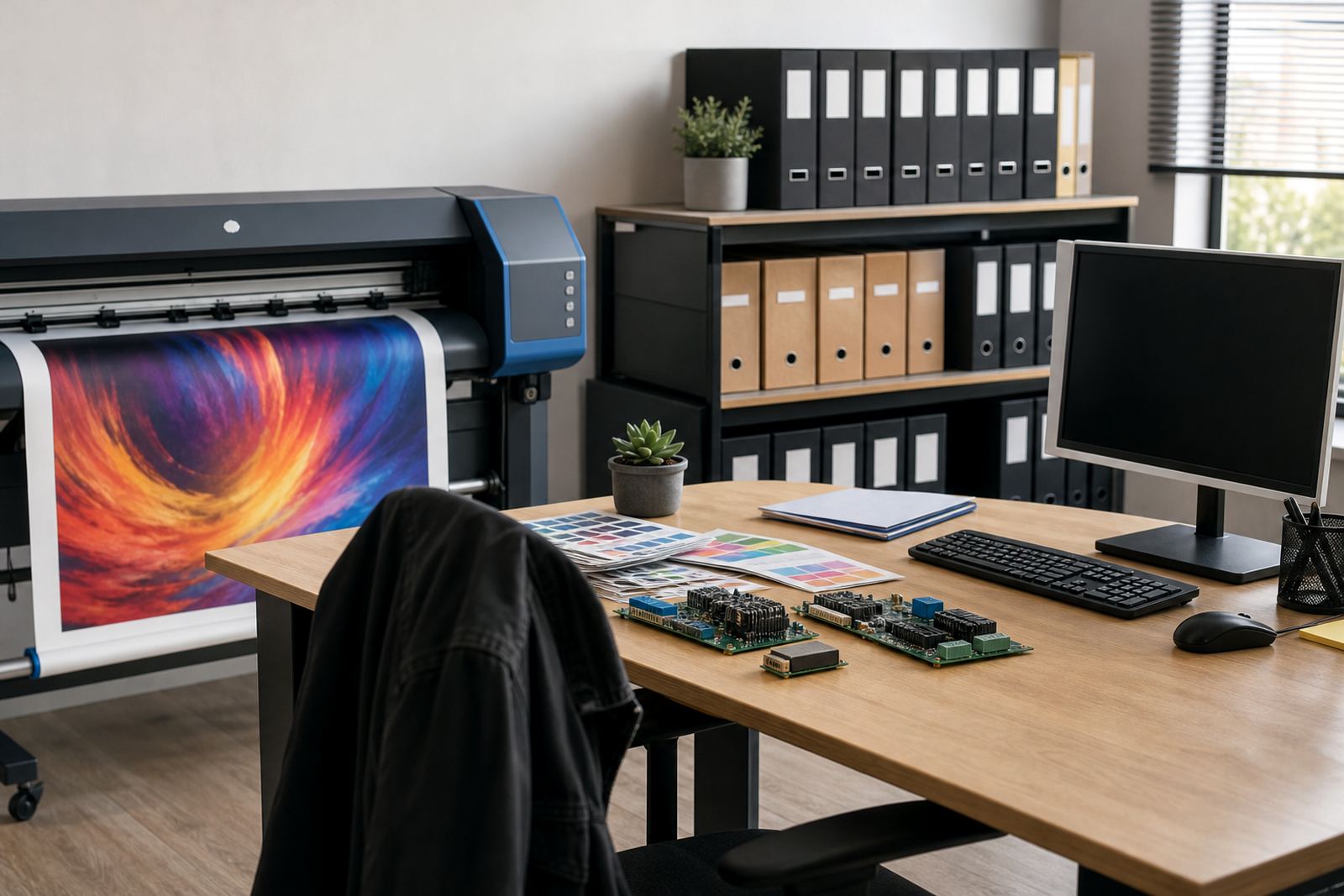
On wide-format inkjet printers, the control board and printhead driver settings help determine how ink is fired, timed, and laid down. If those settings drift, or if the board is not matching the printer model properly, the colour can move from one batch to the next. That may show up as light banding, uneven solid areas, or an unexpected cast in greys and corporate colours.
Fault finding on the electronics side matters when the colour problem is not solved by profiles alone. A board issue can create repeated misfires or irregular nozzle behaviour, and that is the kind of fault that shows up most clearly on large solid fills. In a production room, one bad board setting can waste metres of media before anyone notices the pattern.
Maintenance is part of colour work, not separate from it
Clean heads, stable ink delivery, correct curing or drying, and well kept media paths all support steady colour output. When maintenance slips, the first sign is often not a complete breakdown but a small shift in print tone. A machine that has been running heavily in Gauteng may need more frequent checks than a lighter proofing unit, especially when the team is pushing long daily queues.
Preventive maintenance helps reduce surprises across busy production days. It also helps operators spot patterns, like a colour cast that appears after long idle periods or a shift that only happens after a late changeover. The same machine can print well in the morning and drift by afternoon if the nozzles, feed path, or drying balance are not being watched.
- Keep printheads clean and check nozzle performance regularly.
- Inspect ink delivery paths for air, residue, or uneven flow.
- Review drying and curing settings after media changes.
- Record any colour shift against the job, queue and date.
A Pretoria run with two media types in one day
A Pretoria print shop may run banner material in the morning and self-adhesive vinyl by lunchtime. The team uses the same artwork, but the first job wants a stronger black and the second needs a tighter red to match an installed panel from the previous week. If the profile, queue, or drying setting is left unchanged, the result can drift enough to cause a mismatch on site.
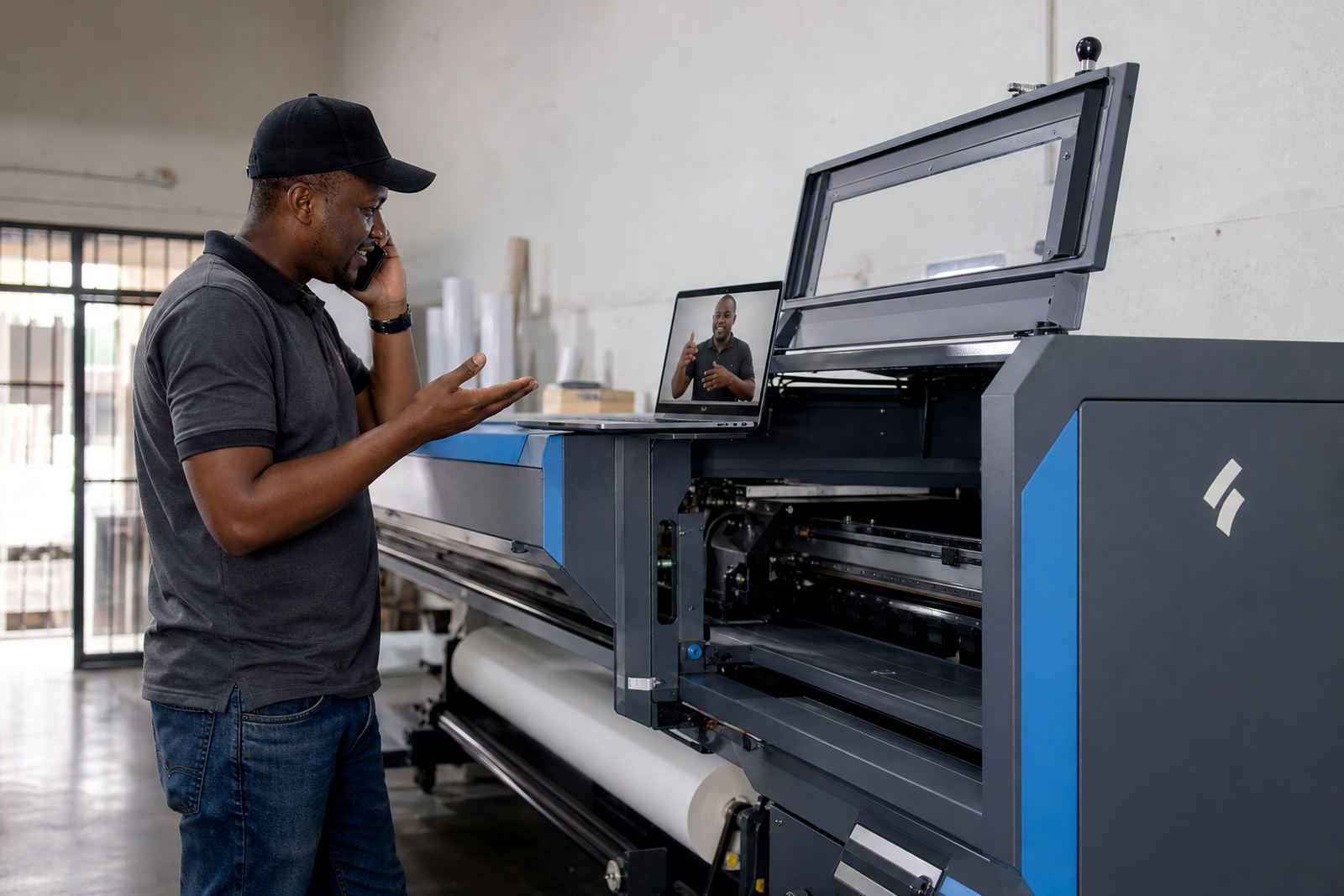
That is where local support and clear production notes matter. The issue is not only technical, it is practical: the operator needs to know which setting was used, what media was loaded, and whether the machine was warmed up in the same way as the last run. In a working shop, colour control is a routine discipline, not a once-off adjustment.
Keeping repeat work close to the first approved sample
When a client orders a repeat of an earlier job, the safest path is to keep the original profile, media notes, queue setup, and operator steps together. That gives the shop a better chance of matching the approved sample, even if the production day is different or the machine has been used for other work in between. It also makes fault finding easier when a shift does appear.
InkFlow RIP supports wide-format print operations with printer control boards, RIP software, printhead driver setup, colour profile setup, queue workflow design, backup and recovery, and ongoing support for shops across South Africa. From Midrand to Durban and Cape Town, the aim is the same: keep colour predictable enough that the finished job matches the intention, not just the screen.