What a nozzle check tells you before the run starts
A nozzle check gives a direct snapshot of printhead health, ink delivery, and whether a channel is firing evenly. On a wide-format machine, that small pattern can show missing nozzles, deflection, banding risk, or a head that needs cleaning before the job starts.
In a busy print shop, this matters because the first few metres often look fine until the operator notices pale passes or broken solids. By then the media and ink are already spent, and the job may need a reprint or hand correction that eats into the schedule.
For shops in Midrand, Johannesburg, or Pretoria working on back-to-back vinyl, banner, and board jobs, the check is also a paper trail of machine health. If the same channel drops out every morning, that points to a real fault, not just a bad day.
Why daily checks save colour work from hidden faults
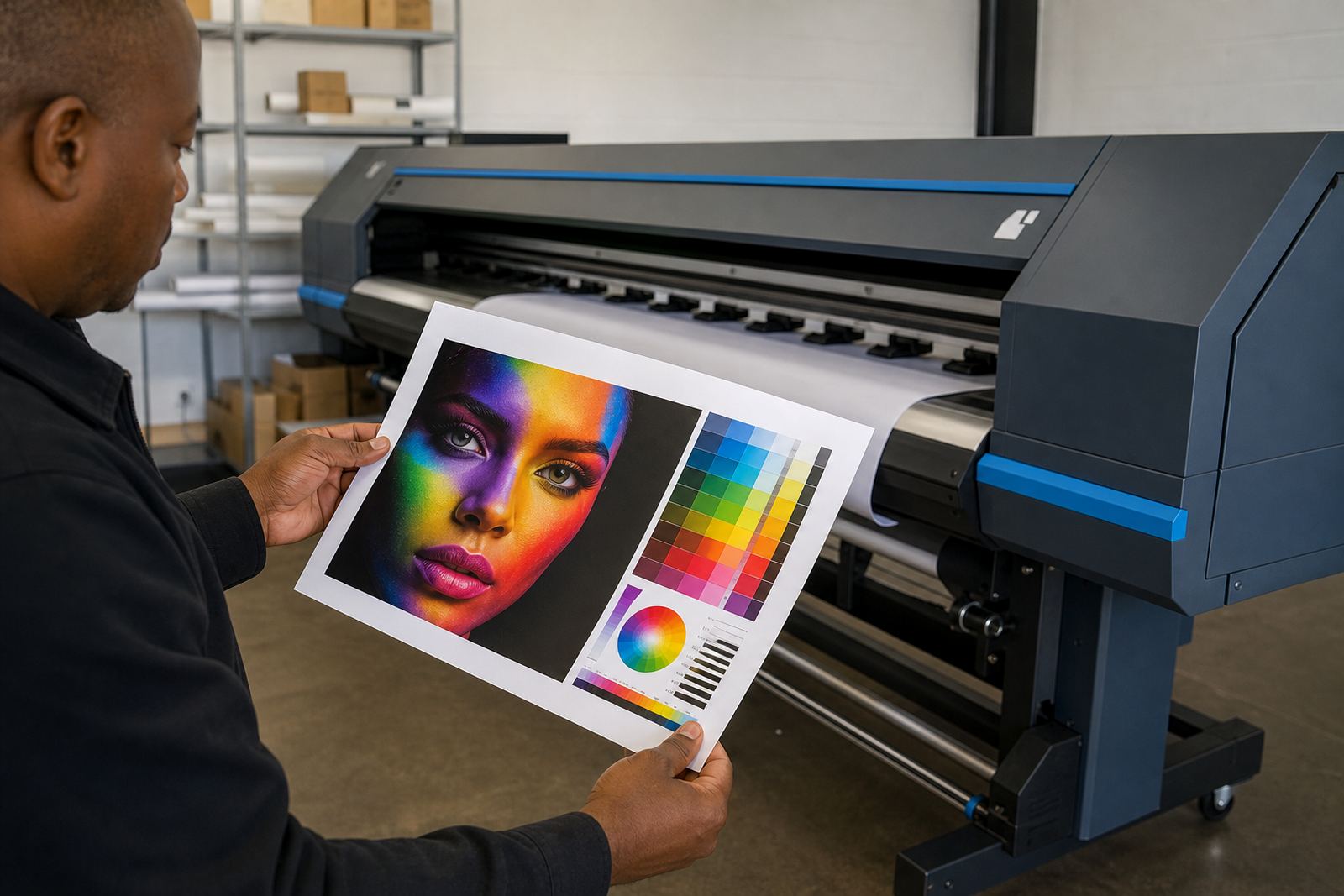
Colour profiles can only do so much when a nozzle is missing. The RIP may still build an accurate file, but the output will not hold tonal balance if one colour, or even one light variant, is not laying down properly.
A clean nozzle pattern supports sharper text, smoother gradients, and more reliable brand colour across repeated jobs. That matters in production work where a client expects the same colour on a set of panels, POS material, or exhibition graphics printed a week apart.
- Missing nozzles can shift neutral greys into a colour cast.
- Partial blockage can make thin lines look broken or weak.
- Uneven jets can create banding on solid fills and skin tones.
- Ignoring a small fault often turns it into a longer cleaning cycle later.
Even a minor blockage can change how the RIP output lands on the media, so the check is part of colour control, not only maintenance.
A daily routine that fits real production pressure
The best routine is short, repeatable, and done before the first critical print. Operators should check each active colour channel, confirm the pattern is complete, and compare it with the previous day when possible. If a head is already showing a break, it is smarter to deal with it before the queue fills up.
A practical routine does not need complicated steps. It needs discipline, the same operator notes, and a clear decision on when to clean, when to purge, and when to call for fault finding. That keeps the machine from being pushed through a bad pattern just to save ten minutes.
- Run the nozzle check at the start of each shift.
- Inspect the pattern under good light, not from a distance.
- Record any missing jets or repeating gaps.
- Link the result to the next action, such as cleaning or closer inspection.
In a shop that handles urgent signage for Durban or Cape Town, that routine can spare a day of chasing banding after a long print has already started.
What repeated failures usually point to
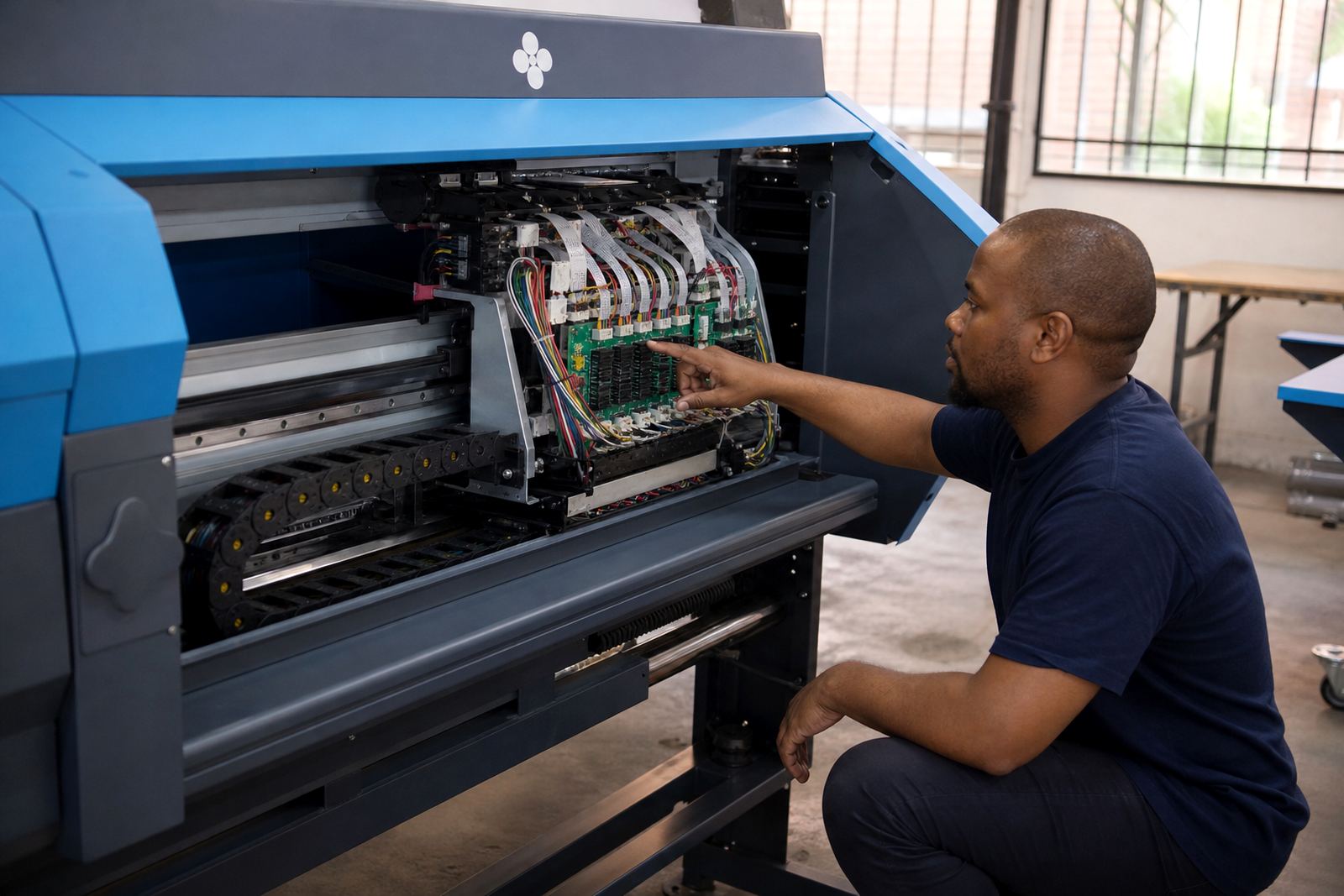
If the same nozzle drops out repeatedly, the fault is usually deeper than surface dirt. It may tie back to ink quality, humidity, cap top condition, wiper wear, head height, or a board issue interrupting the signal to the printhead.
Coastal humidity can also play a part, especially in Durban and Cape Town where damp air affects drying, ink behaviour, and dust sticking to the machine. A head that looks fine after a clean may show trouble again once the printer warms up and production starts under load.
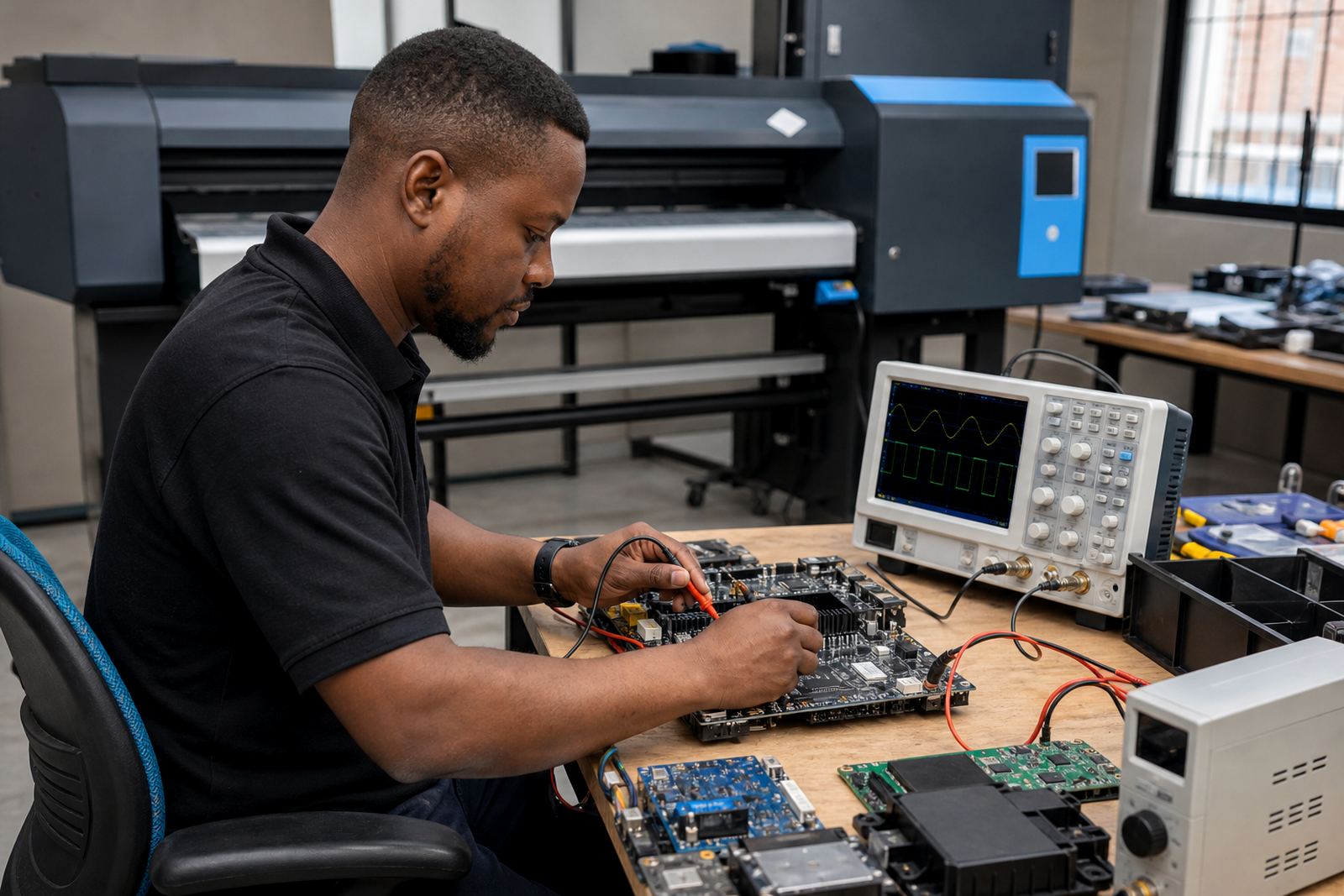
That is where local fault finding helps. A technician can separate a simple blockage from a printhead driver problem, a board fault, or a queue setting that is pushing the machine too hard. Without that check, operators often keep cleaning when the real issue sits elsewhere.
How nozzle checks support RIP setup and queue control
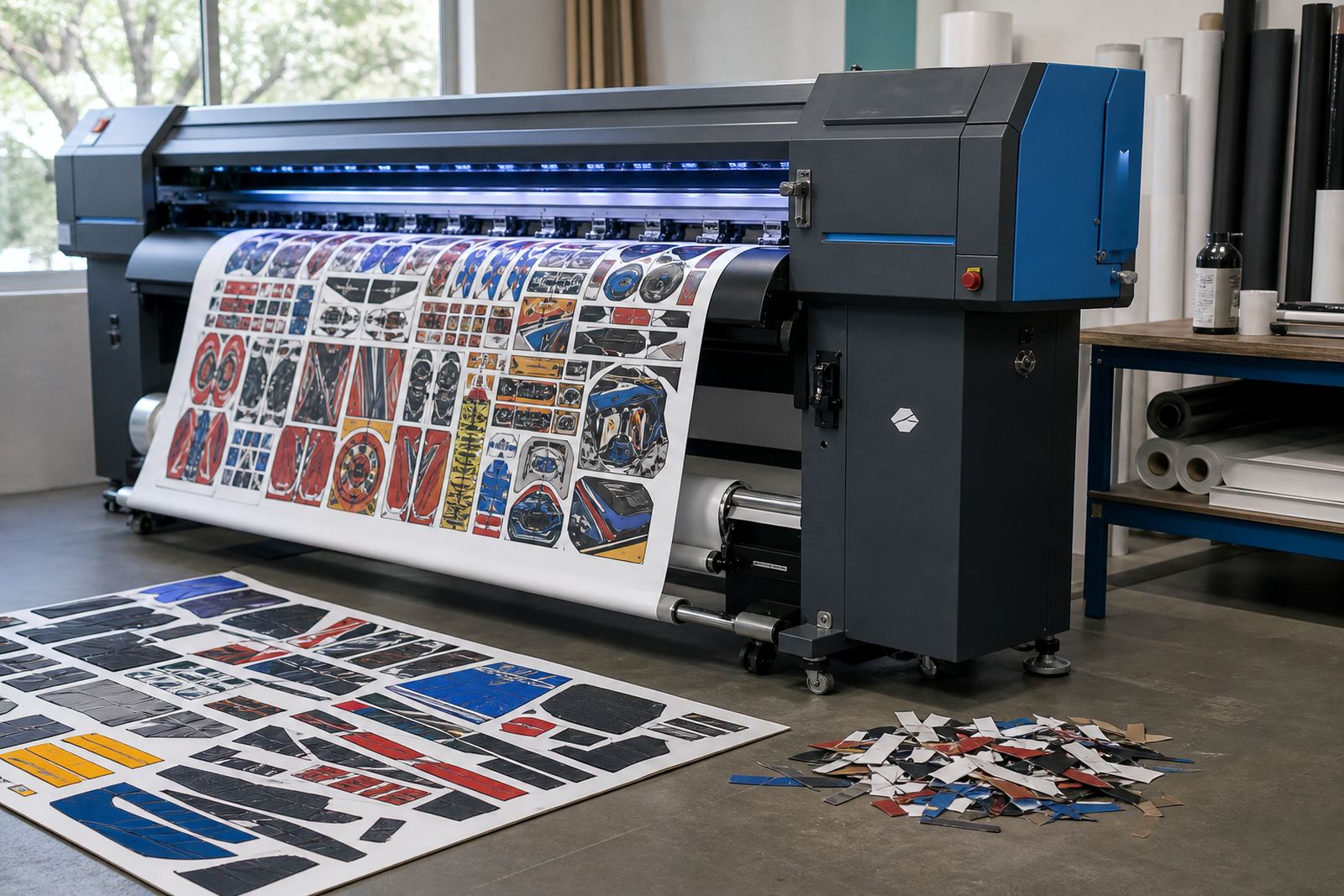
The RIP is not only for file handling. It also plays a part in how jobs are nested, ordered, and delivered to the printer, which affects how hard each printhead works through the day. If the queue is overloaded, or if passes and ink limits are not set sensibly, the printer may show stress faster than expected.
When InkFlow RIP assists with remote setup, colour profile setup, and queue workflow design, nozzle checks form part of the wider control picture. The pattern tells the operator whether the machine is stable enough to keep running the current setup, or whether a cleaner workflow is needed before more media is loaded.
- Check whether the RIP job order matches the machine’s condition.
- Review ink limits if solids are drying slowly or bleeding.
- Confirm nesting does not force awkward, stop-start production.
- Use the nozzle pattern as one more sign before releasing a batch.
That small habit keeps the RIP and the printer working as one unit instead of two separate problems.
A Midrand shop example that shows the cost of waiting
A print shop in Midrand running wide-format graphics for multiple branches can lose a full panel set if one colour starts missing nozzles early in the shift. The first sheet may pass, the second may show faint striping, and by the third the operator is trying to rescue a job that should have been paused sooner.
With daily checks in place, the fault would have shown before the queue was loaded. The operator could have cleaned the head, checked the capping station, and confirmed the pattern before any customer material was committed. That kind of habit matters even more when the day includes both short-run jobs and long production runs, because the machine does not forgive guesswork.
Our work in Gauteng and across South Africa often starts with this exact point: the machine is not failing all at once, it is giving signs. The nozzle check is one of the clearest signs available, and it costs almost nothing to read it properly.