Why nesting matters when the board or roll is expensive
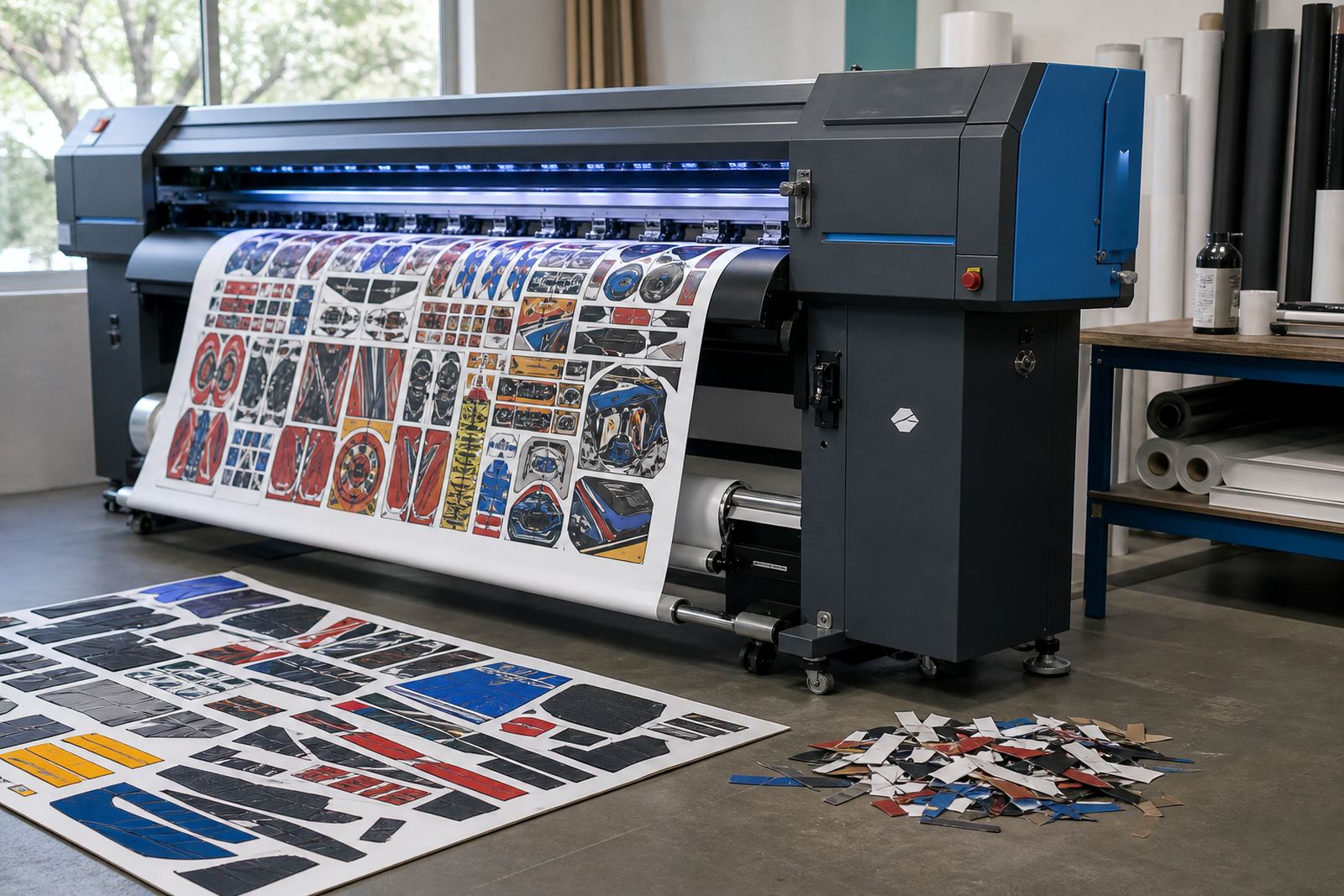
Nesting is the process of arranging cut parts, signs, labels, panels, or mixed artwork so they use the printable area as efficiently as possible. On wide-format inkjet work, that matters because substrate cost can move quickly, especially when the job uses rigid board, coated media, vinyl, or speciality stock. A clean nest helps you use more of the sheet and leave less behind as offcut.
In practice, the value is not only about material savings. A well set layout also gives operators a clearer plan for print order, cutting, and finishing. When parts are grouped properly, the printer is not stopping and starting for every small item, and the cutter or finishing team has less sorting to do later. On busy production floors in Gauteng this can make a real difference on mixed orders, the sort that come in with three sizes, two substrates, and a tight handover time.
How a good nest lowers setup effort on grouped jobs
Grouped jobs usually lose time in the handoff between design, RIP, and production. Nesting helps by placing similar items close together, keeping margins consistent, and making the output easier to track across the run. That means fewer manual adjustments after the first preview and less chance of placing a small part in the wrong area of the sheet.
- Similar shapes can be packed closer without overlapping print boundaries.
- Common bleed and trim allowances can be set once and reused.
- Repeated items can be queued together for steadier throughput.
- Operators spend less time checking where one job ends and the next begins.
For a print shop handling retail signage or exhibition pieces, that reduction in setup work can free the team to focus on colour, media handling, and finishing accuracy. It also helps on jobs that need careful board usage, because every extra millimetre counts when the sheet size is fixed.
What nesting can do for colour control and consistency
Nesting is often thought of as a layout tool only, but it also supports better colour workflow. When the RIP groups similar work together, colour profiles, ink limits, and print modes can be applied with less confusion. That is useful for mixed production where one file might be photo work and the next is a block-colour panel. The operator can keep the workflow cleaner and reduce the chance of printing a job with the wrong profile.
There is also a practical gain in consistency. If identical items are nested into one run and printed under the same conditions, the batch is easier to keep aligned in appearance. That matters for chain-store graphics, event panels, and internal signage where several parts must match. A good RIP setup can also hold nesting rules alongside printhead driver settings, which helps keep the machine working within the same operating pattern across the run.
Material savings you can see on a real production floor
In a Midrand production environment, a typical job might include several A3 or A2-sized graphics, a few directional signs, and a handful of small branded panels printed on one large board. Without nesting, those parts may sit in a looser arrangement with wide gaps between them. With proper nesting, the same job can often fit into a tighter footprint, reducing the number of sheets used and leaving smaller offcuts that are easier to store or reuse.
For shops that run wide-format inkjet printers every day, the saving is not always dramatic on one job, but it adds up across a month. Less waste means fewer board changes, less handling, and better use of stocked media. In coastal areas like Durban where humidity can affect some substrates, keeping the print area compact also helps manage the run more neatly and reduces repeated exposure while the work is being handled.
- Smaller offcuts are easier to sort and store.
- Fewer sheet changes can reduce handling mistakes.
- Media usage becomes easier to track on repeat work.
- Mixed jobs can be balanced without wasting whole sheets.
Where nesting fits into RIP software and board setup
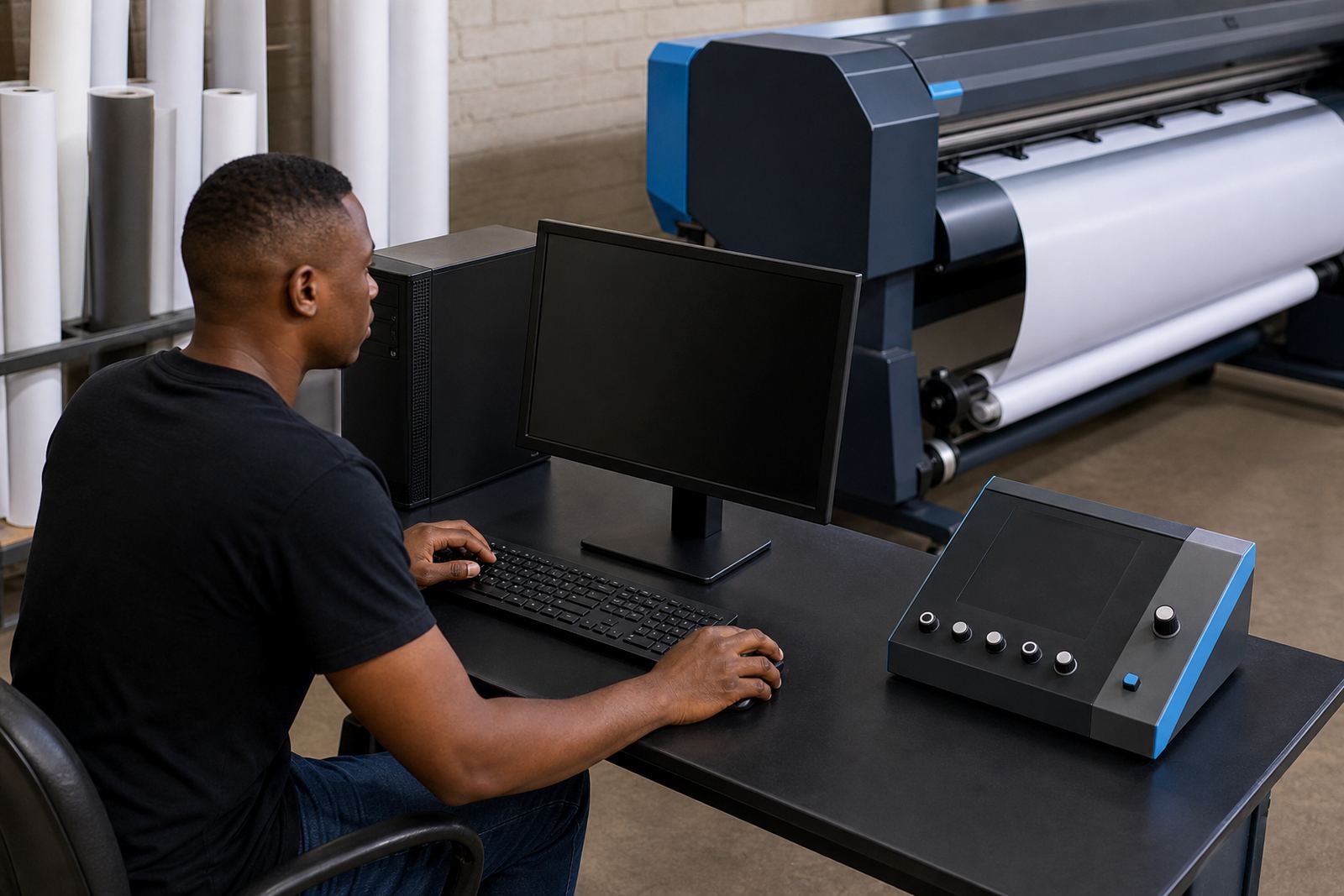
Nesting works best when the RIP software, printer control board, and printhead driver setup are aligned. If the software reads the media size correctly and the board sends stable job data, the nest can be placed accurately and printed without awkward repositioning. That is important when a shop is running multiple queues or switching between roll work and rigid board during the day.
At InkFlow RIP, this is the sort of workflow detail that matters on real jobs. Board installation, RIP installation, queue workflow design, and backup and recovery all affect how neatly the system handles nested output. When the setup is tuned properly, the operator can move from file to print with less guesswork and fewer surprises on the first pass.
A practical Gauteng example from queue to cutter
Picture a Pretoria print shop with a mixed order for school notices, small retail panels, and a few event signs headed for finishing the same afternoon. The operator loads the jobs into the RIP, groups them by substrate, and nests the artwork so the larger panels sit around the smaller pieces. The result is a tighter sheet plan and a cleaner path through printing, drying, and cutting.
That setup helps in two ways. First, the shop uses less material. Second, the finishing team gets a more orderly output, so the cutter does not need to separate as many loose pieces before starting. If the same shop later runs a similar batch for Johannesburg or Bloemfontein, the saved time is often in the setup and sorting, not only in the print stage.
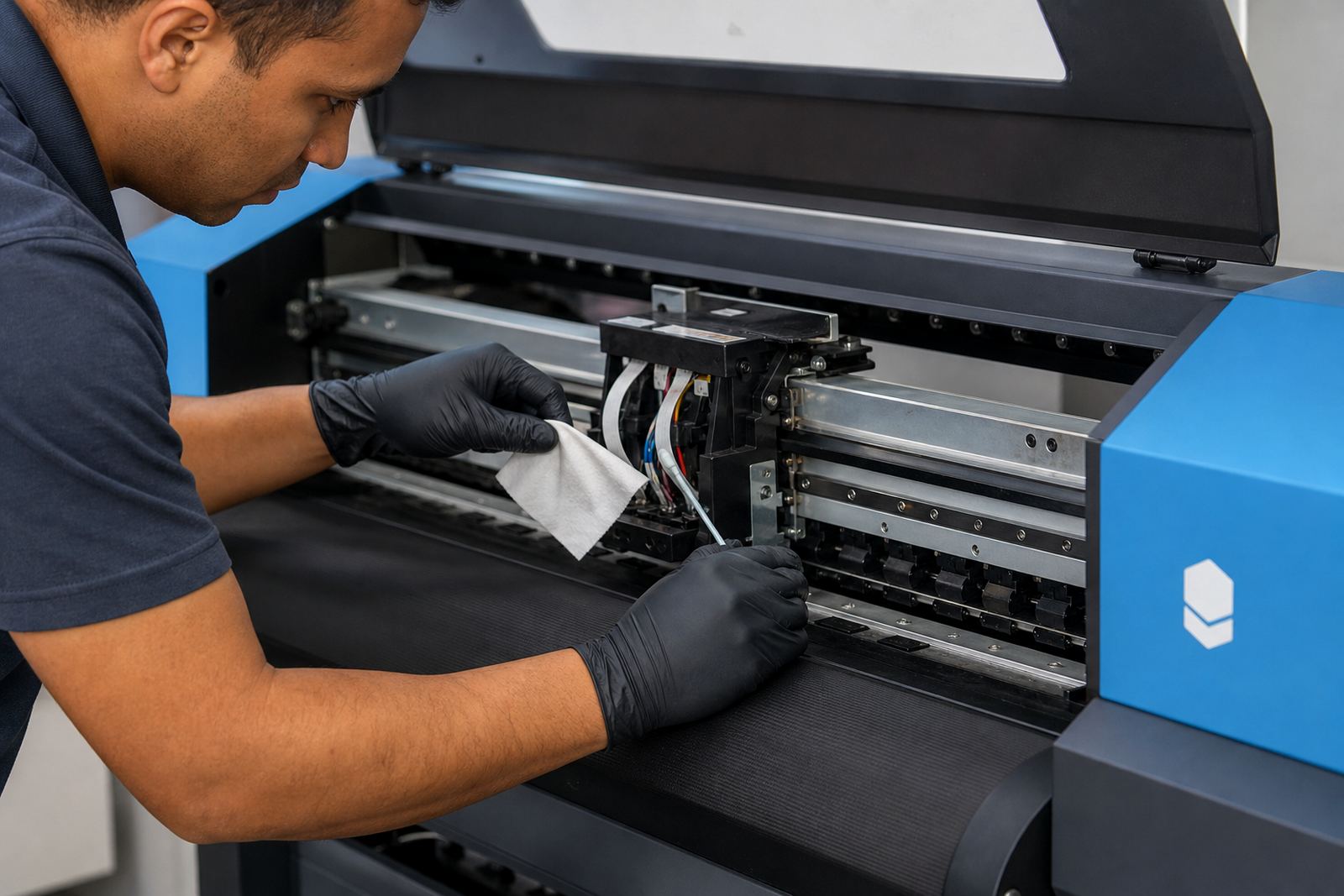
Operators who understand nesting also tend to spot maintenance issues sooner, because a poor layout can expose feed problems, misalignment, or colour drift more clearly. That makes preventive maintenance easier to plan and keeps the production line steadier over time.