Start With the Jobs That Are Still Live
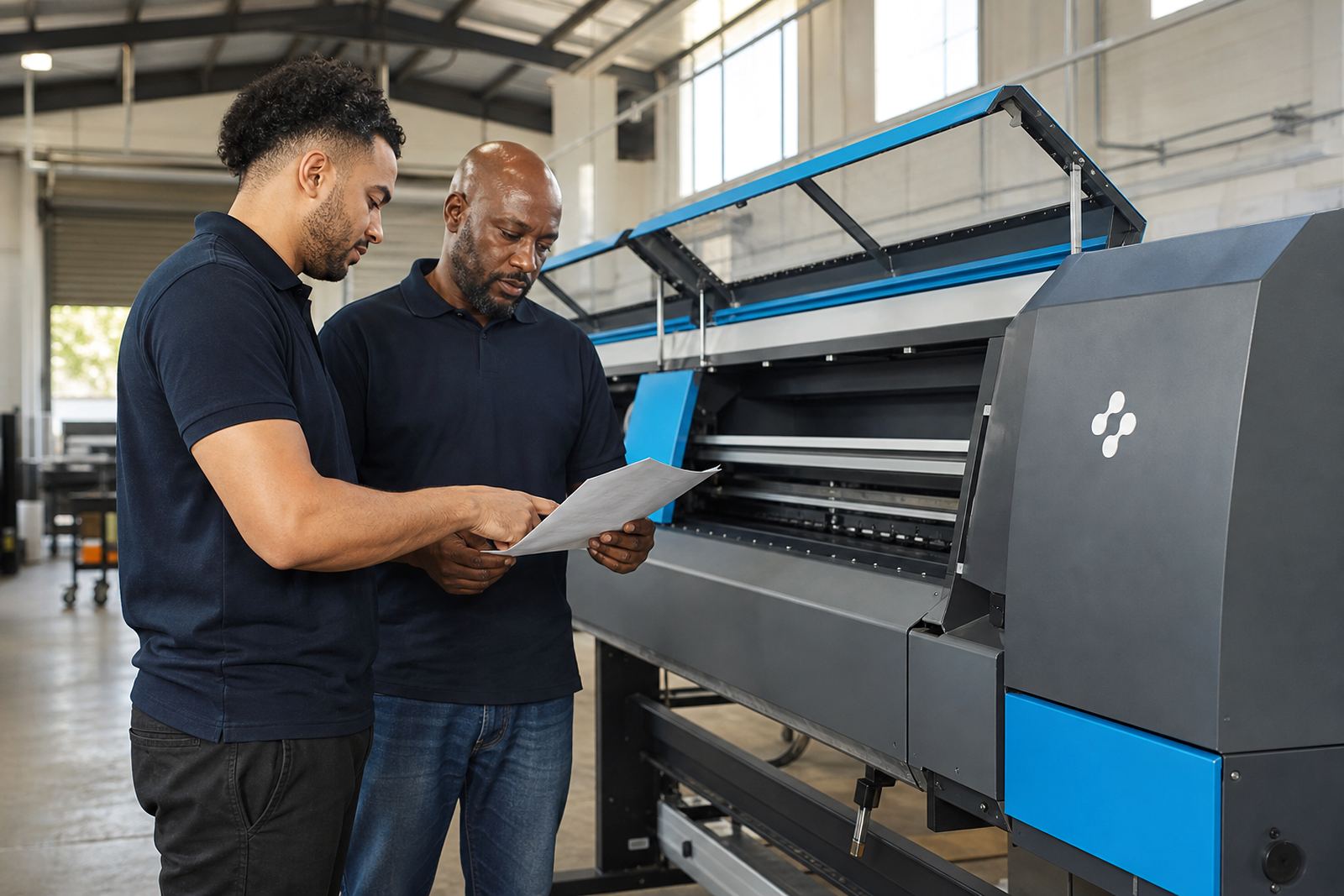
A clean handover begins with the active queue, not with a quick chat at the machine. The outgoing operator should point out which files are printing, which ones are waiting for media, and which jobs were paused for a reason. That note matters when a shop is running mixed work such as vinyl graphics, exhibition panels, and short poster runs in the same day.
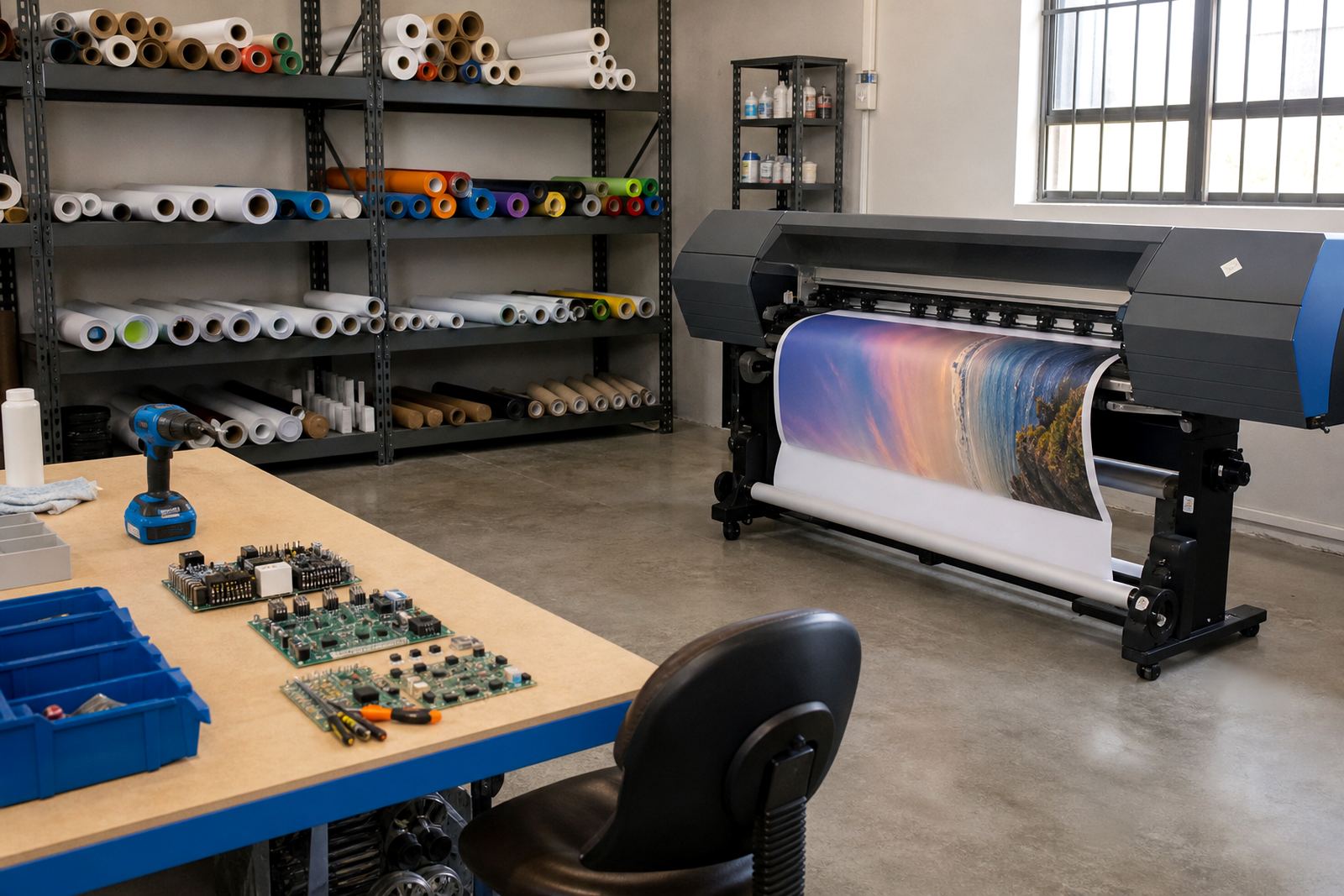
In Midrand and the wider Gauteng belt, many print rooms share one wide-format inkjet line across different shifts. If the next person cannot see which job was last calibrated, the room pays for it in wasted metres and uneven colour. Keep a paper note or shared log with the file name, media type, ink set, pass count, and any warning that came up during the shift.
When a job has been split across operators, write down whether the file was already nested, rotated, or resized for the roll width. A small note now avoids a reprint later.
Keep the RIP Settings Easy to Read
The RIP is where many handovers go wrong because one operator assumes the next person will know the setup. Save the essential settings in plain language and make them easy to find. If the queue uses one profile for coated media and another for backlit stock, label those profiles so nobody has to guess in front of a waiting machine.
Good handover notes should mention:
- media name and roll width
- profile name, pass count, and resolution
- colour intent used for the job
- nesting settings and mirror or rotate choices
- whether the print was sent as urgent or standard queue work
On a shared RIP station, the goal is not clever notes, it is clear notes. A shift change should let the next operator step in and continue without reopening every menu. That matters even more when a production floor has one person handling file prep while another watches the printer.
Colour Checks Before the Next Shift Takes Over
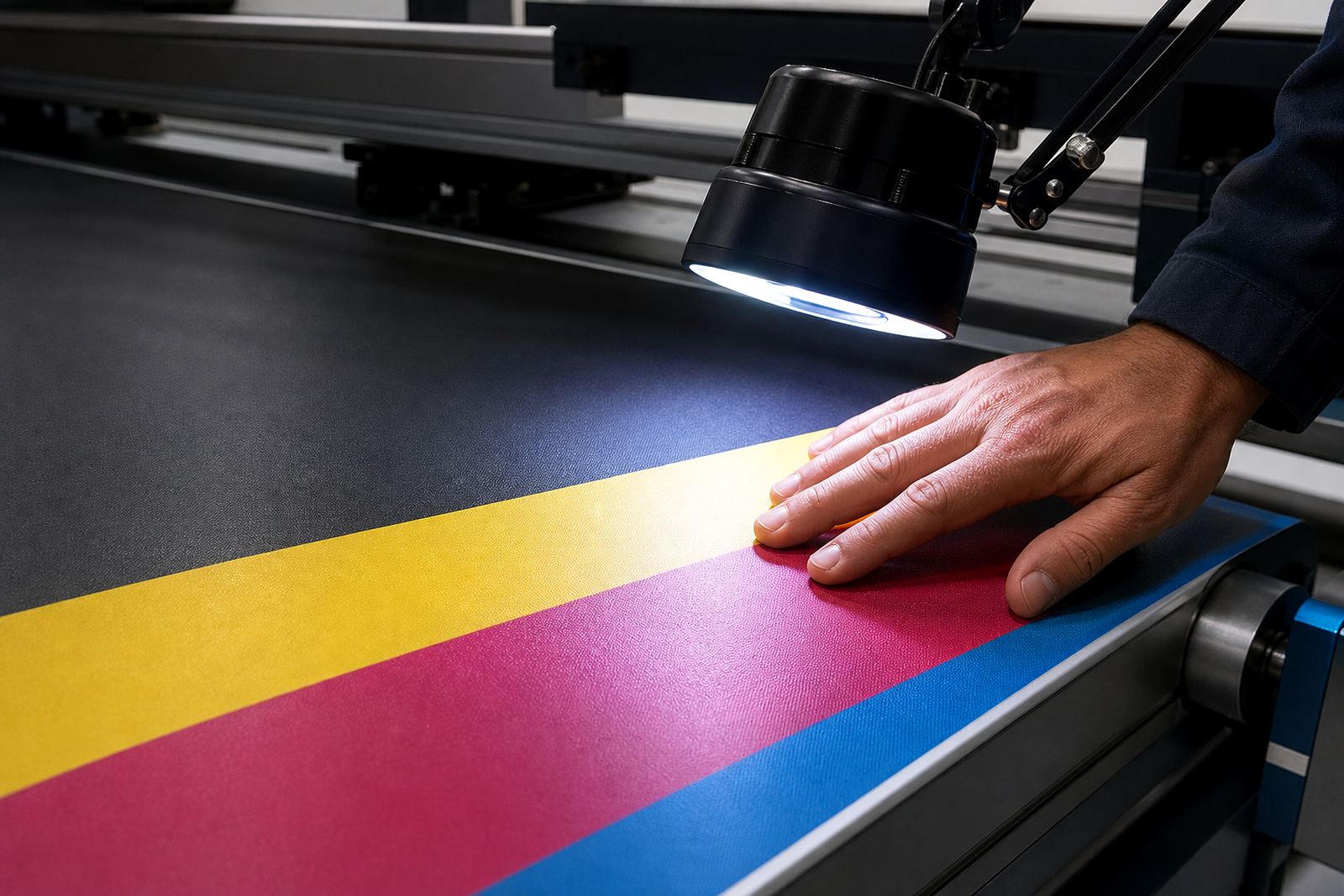
Colour drift shows up fast when a printer changes hands without a proper check. The outgoing operator should print a small test strip or reference chart before leaving the machine in another person’s care. If the next shift sees a shift in grey balance, flat blacks, or skin tone work, the issue can be handled before a full production run starts.
In Cape Town, Durban, and other coastal towns, humidity can change how media behaves through the day. That does not mean every issue is environmental, but it does mean operators should note if the room felt damp, if the roll was stored too close to an open door, or if the printhead driver needed a small adjustment. These details help the next person understand the condition of the job, not just the file name.
A useful colour handover should mention whether the last calibration was done on the same media batch. If the substrate changed, the profile may need a fresh check before the next large print run.
Write Down the Small Mechanical Clues
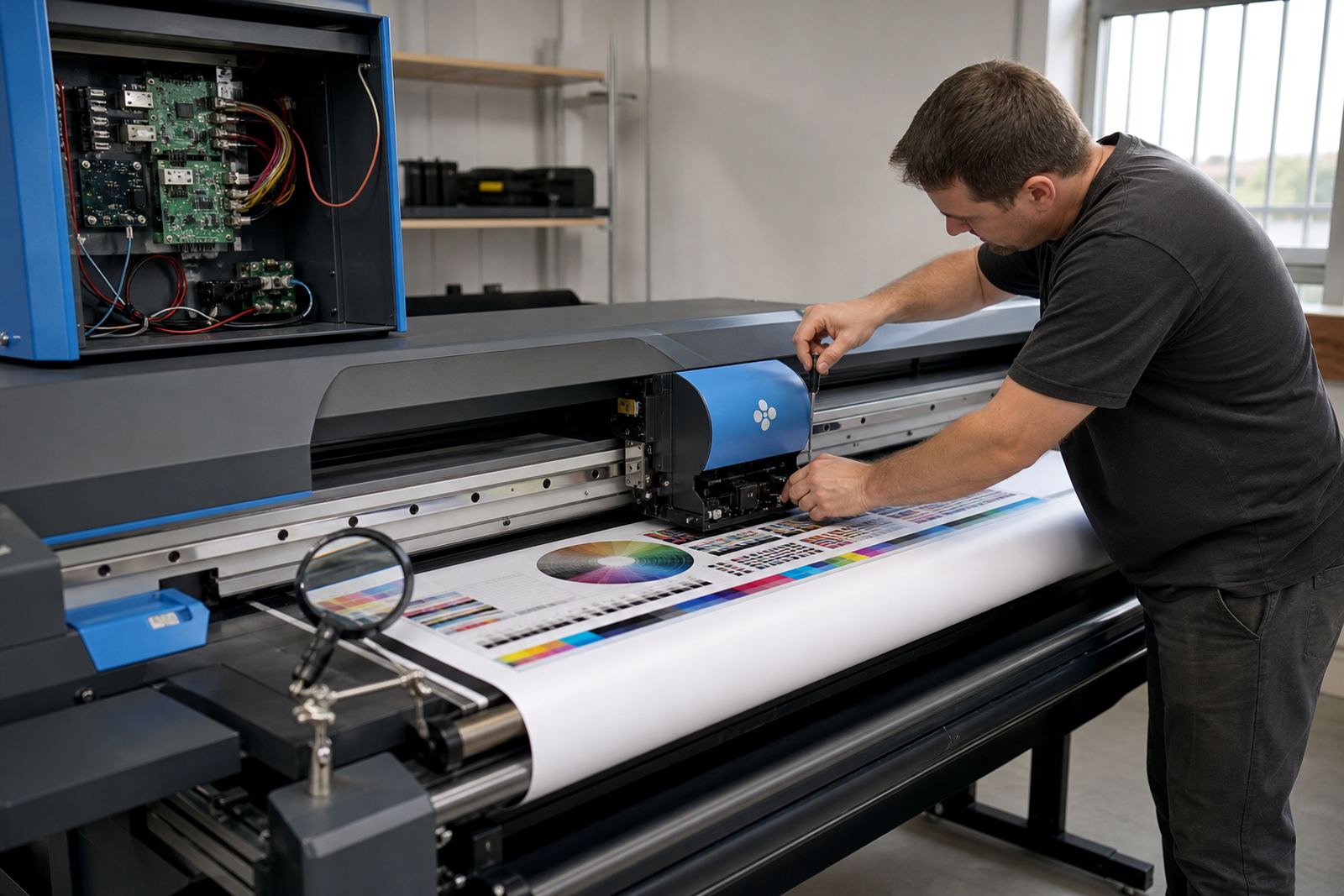
Most printer trouble starts as a small clue. A faint band, a slight misfeed, a board warning, or a nozzle issue can become a long stoppage if the next operator has no record of it. The handover note should say what the machine sounded like, what the carriage did, and whether the error came and went or stayed on screen.
That level of detail helps with fault finding and preventive maintenance. It also gives the board repair technician or RIP technician something real to work with if the issue is handed over to support. A note that says “stripe on magenta at the left edge after media advance change” is far more useful than “printer acting up”.
- record any unusual noise from the carriage or feed system
- note if the printhead driver was reset or reloaded
- log cleaning cycles already done during the shift
- mark the point where the fault first appeared
- state whether the last good print used the same file
That kind of record helps keep the next operator from repeating work that has already been done.
Use One Shared Queue, Not Three Private Habits
Shared printers work best when the queue design is predictable. If one operator sends files by naming them one way and another uses a different style, the whole room wastes time sorting the jobs. A good handover keeps file names, queue labels, and priority rules steady across shifts.
For a shop in Pretoria or Johannesburg, this can mean one queue for proof work, one for production, and one for reprints. The outgoing operator should show which queue has priority and which files still need media confirmation. If the room uses nesting to reduce waste, note which jobs were grouped and which were left separate because of colour or size concerns.
Shift handover also needs a note on backup and recovery. If the RIP station was restarted, patched, or moved to a different login, the next operator should know exactly what changed before any new job is released.
A Midrand Example From a Busy Week
Picture a print room in Midrand handling a run of retail posters in the morning, then vehicle graphics later in the day. The morning operator finishes a light-colour proof, but leaves a note that the yellow channel needs a closer look on the next long run. The afternoon operator opens the queue, checks the note, and prints a short test before sending the full file. That simple habit saves material and stops a poor run from reaching the trimming table.
It is the same on a site in Bloemfontein where one machine is shared across three people. The operator leaving at lunch writes down the media roll, the profile used, and the last clean pass count. The next person does not need a long explanation, only a clear note and a quick look at the machine state. That is how a shared workflow stays steady even when the room is busy.
When training is part of the handover, the next operator learns the room’s habits rather than guessing them. That matters more than a neat manual sitting in a drawer.
Make the End of Shift Do Real Work
A proper handover is not a favour to the next person. It is part of keeping print quality steady across the whole day. The outgoing operator should clear the space around the machine, save any changed settings, and leave the status note in a place the next shift will actually read.
Before leaving the workstation, confirm these points:
- which jobs are complete, paused, or still queued
- what media is loaded and how much remains on the roll
- whether any maintenance was done during the shift
- which profile, nesting, and printhead driver settings are active
- what needs checking before the next production run
Shared use works better when the handover is specific. That habit protects colour, reduces stoppages, and gives the next operator a clear start without rummaging through menus or guessing at the last settings used.