When the two passes do not meet cleanly
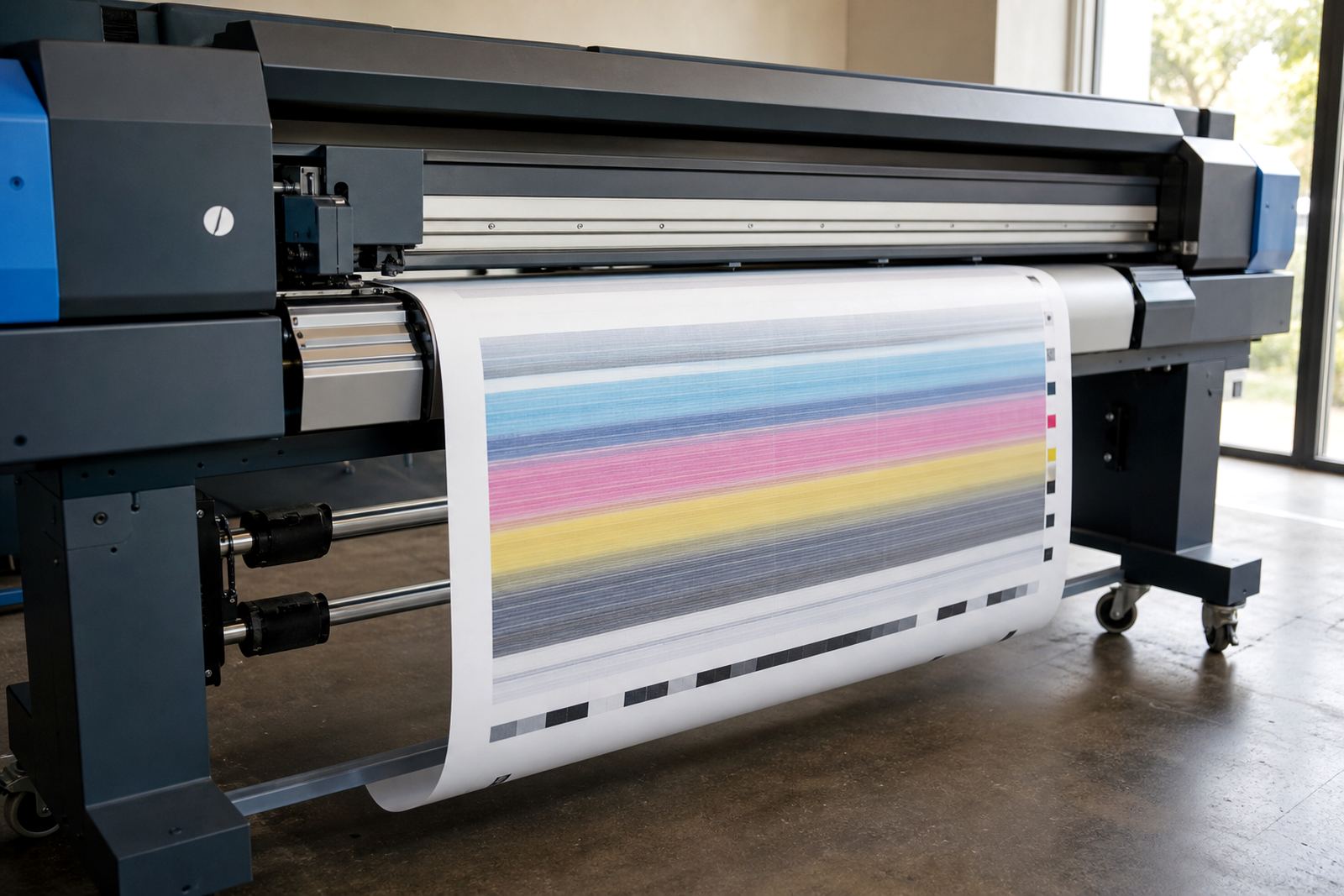
On production inkjet work, the printhead does not lay every dot in one movement. It prints in both directions, and that is where bi-directional alignment matters. If the forward pass lands a fraction off from the reverse pass, the eye reads it as blur, doubled edges or a slight shimmer along small type.
That problem shows up quickly on jobs with narrow text, barcodes, hairline rules and tight brand blocks. A poster may still look acceptable from a distance, yet the close-up finish tells a different story. In a print shop, that difference can mean extra waste, reprints and more time spent checking the same file.
Alignment is not only about image quality. It also affects how confidently an operator can run a queue through the shift, especially when a printer is moving between media types and production speeds.
What sharpness loss looks like on a real job
Misalignment does not always present as a dramatic fault. Often it starts with a slight fringe on one edge of black text or a soft halo around coloured objects. A straight line may look clean in the RIP preview, then appear ragged on the sheet.
For wide-format work, that loss of precision is most obvious on:
- Small point sizes used on event graphics and labels
- Reverse text knocked out of dark backgrounds
- Fine technical annotations on display panels
- Vector logos with sharp corners and tight curves
- Nested repeats where one panel sits beside another
Once a job is mounted or trimmed, there is little room to hide these errors. The print may still carry the right colour, but the edge quality looks tired and the whole piece feels less controlled.
How RIP settings and head movement work together
A RIP is not there only to send artwork to the printer. It also shapes how the machine handles pass count, direction, ink laydown and profile behaviour. If the alignment values are off, the RIP can still process the job correctly, yet the printhead will place dots in the wrong relation to one another.
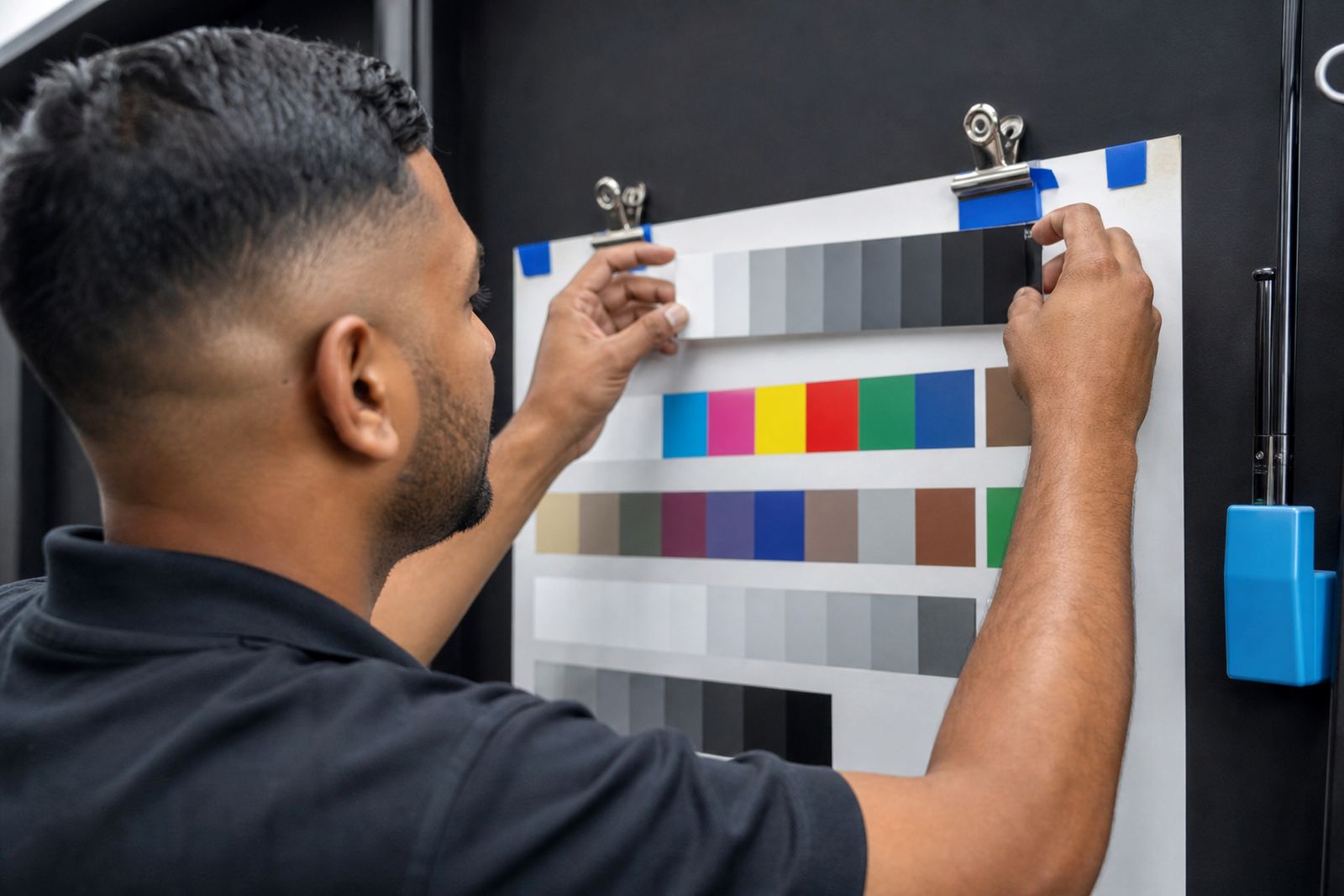
That is why colour work and movement work should be checked together. A printer can have a good profile and still produce poor text if the bidirectional calibration is drifting. The same job can also shift from sharp to soft when media settings change and the operator keeps the old alignment values in place.
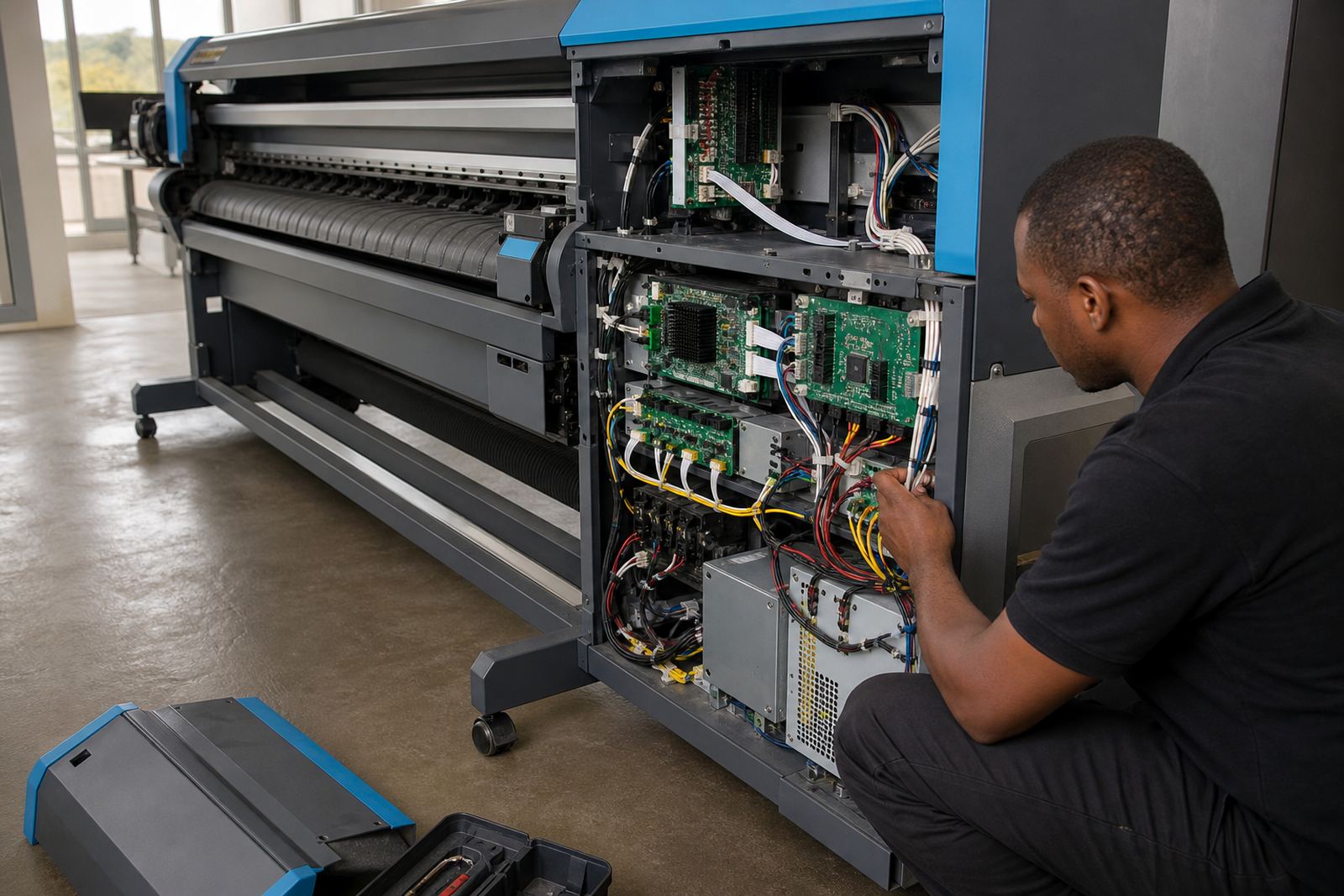
Good control boards and printhead drivers help the printer hold the intended timing. The RIP then uses that timing to manage output in a way that suits the media and the resolution selected for the job.
A Midrand example from a busy print floor
On a busy production floor in Midrand, a shop may run banners in the morning and indoor graphics by the afternoon. If the printer is slightly out on bi-directional alignment, the first hint is often seen on the smaller work, not the big sheets. A 20 metre run can look acceptable from across the room, then a close inspection shows that letters have a faint split edge.
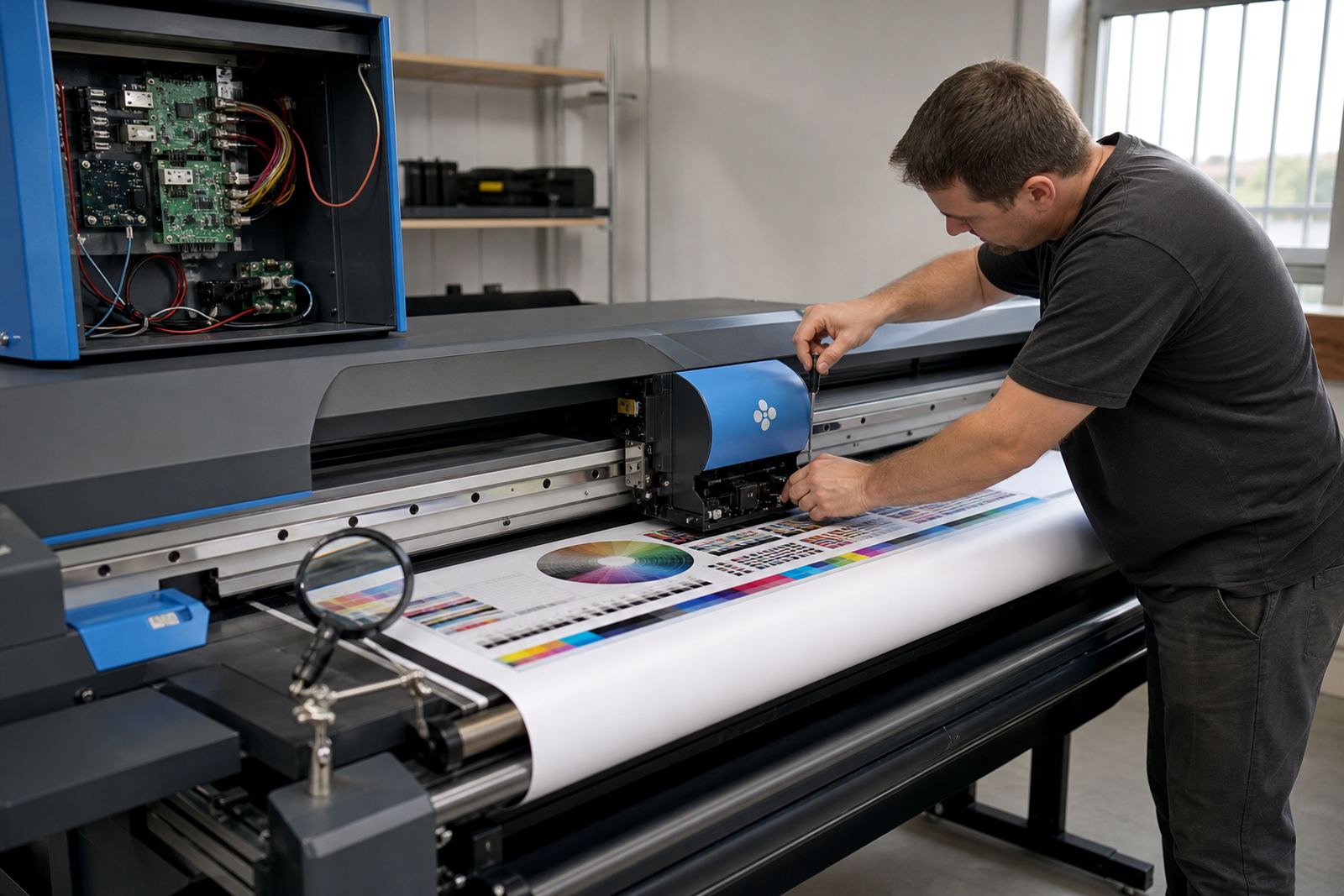
In that kind of setting, the operator needs a repeatable process. The team checks the alignment pattern, confirms the media mode, and tests a short section before sending a full queue through. If the output still shows fringeing, the technician looks at the printhead driver setup, cable integrity, carriage timing and the condition of the control board.
Coastal humidity in Durban can also change how media behaves, while drier air in parts of Gauteng may expose a different set of handling issues. The printer does not care where the job came from, only whether the movement and ink placement are steady enough for the file.
Checks that keep alignment from drifting
Alignment is not a once-off box tick. It should be revisited when print quality starts slipping, after service work, or when a printer moves onto a different media family. A machine that runs long hours with heavy queue traffic can also drift slightly as parts warm up and wear together.
- Run a proper bidirectional test pattern, not only a visual guess
- Confirm the correct media preset before changing alignment values
- Inspect the carriage path for dust, ink mist and loose movement
- Check whether the head drive signals are stable under load
- Keep a record of the last known good setting for each printer
Preventive maintenance matters here because alignment problems often sit alongside small mechanical faults. A worn encoder strip, a loose belt or a board issue can all mimic a simple calibration fault if nobody checks closely enough.
Text clarity depends on the whole workflow
Sharp edges are not produced by alignment alone. The artwork must be prepared at the right resolution, the RIP must handle the queue cleanly, and the colour profile must support the output intent. If any one of those layers slips, the final print can lose precision.
Operators should also pay attention to nesting and queue order. A crowded production queue can hide a setup problem until the last set of sheets comes off the printer. When the workflow is tuned properly, the machine spends less time reprocessing and more time laying down consistent output.
For shops in Johannesburg, Pretoria, Cape Town, Durban and Bloemfontein, remote support is often enough to work through the first stage of the fault. If the issue points to board hardware or a printhead driver fault, then the next step is to isolate the failing section and protect the rest of the production run.