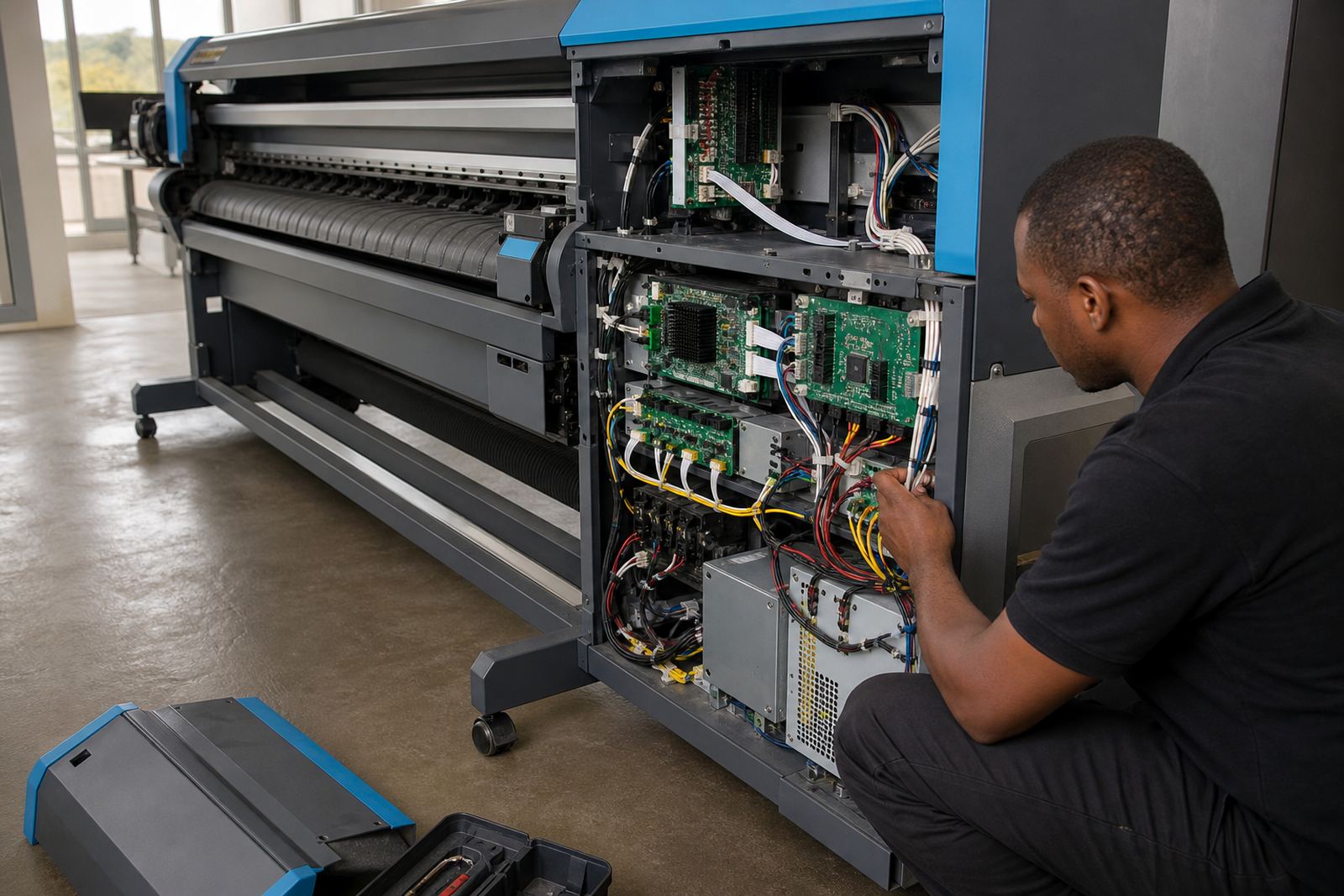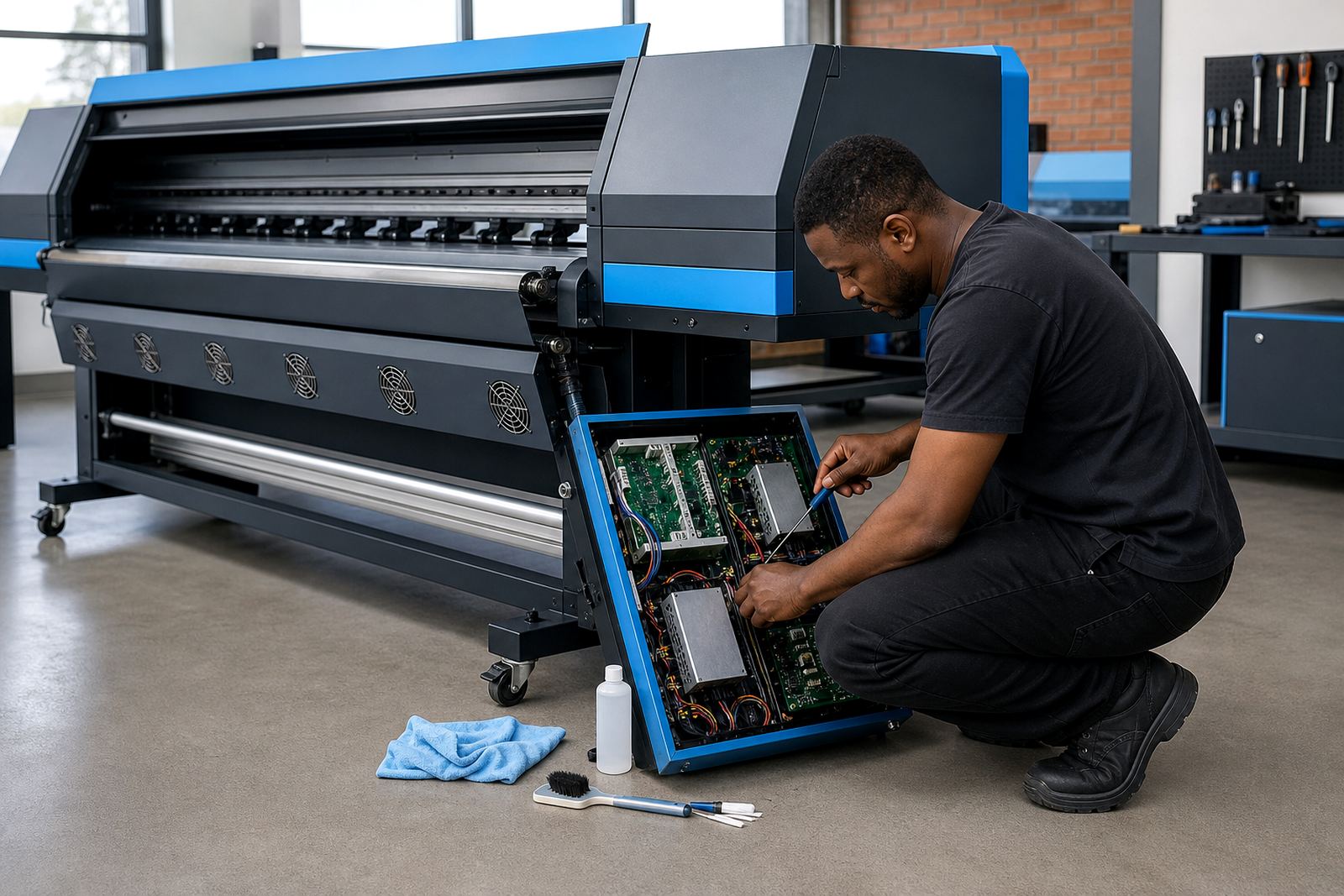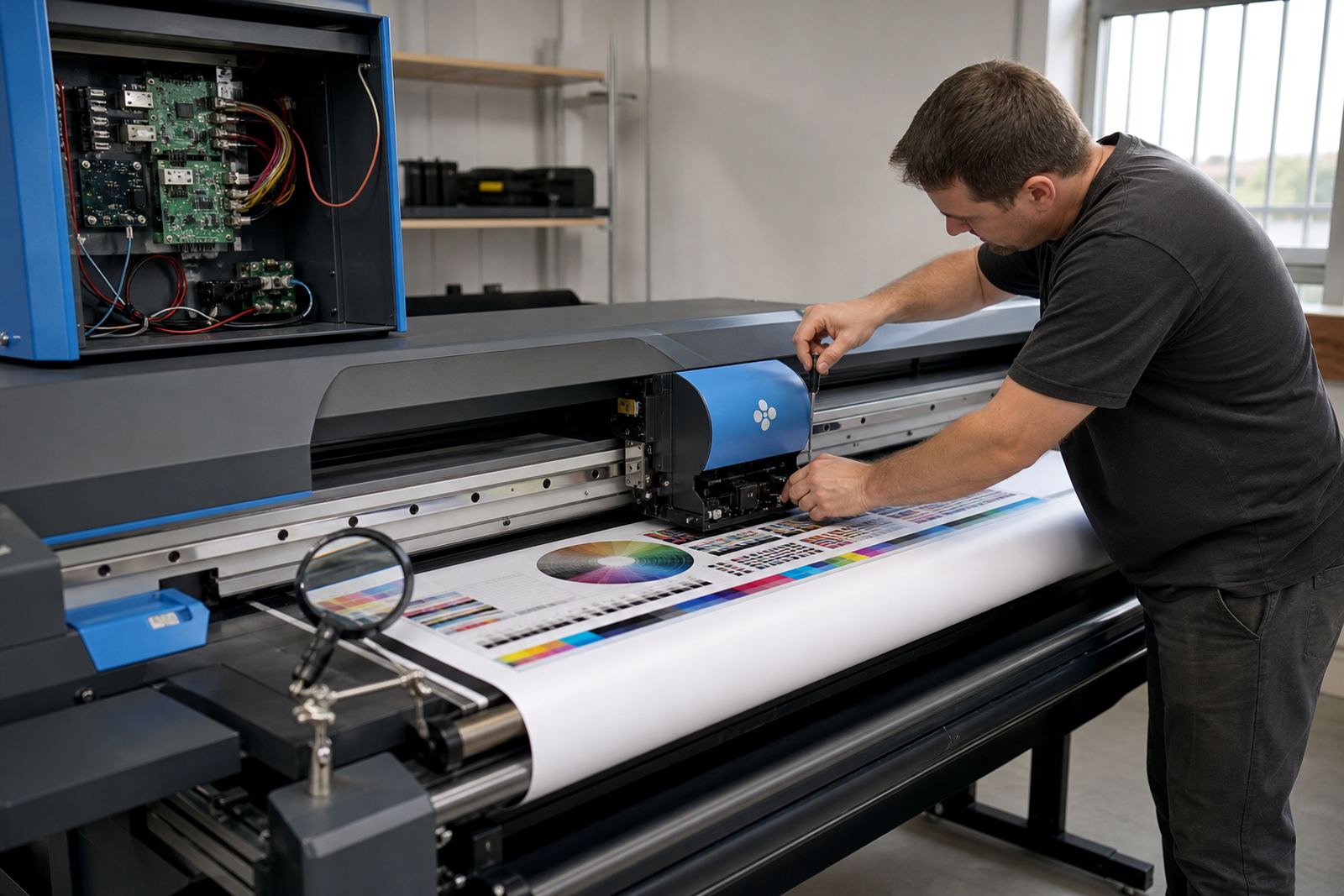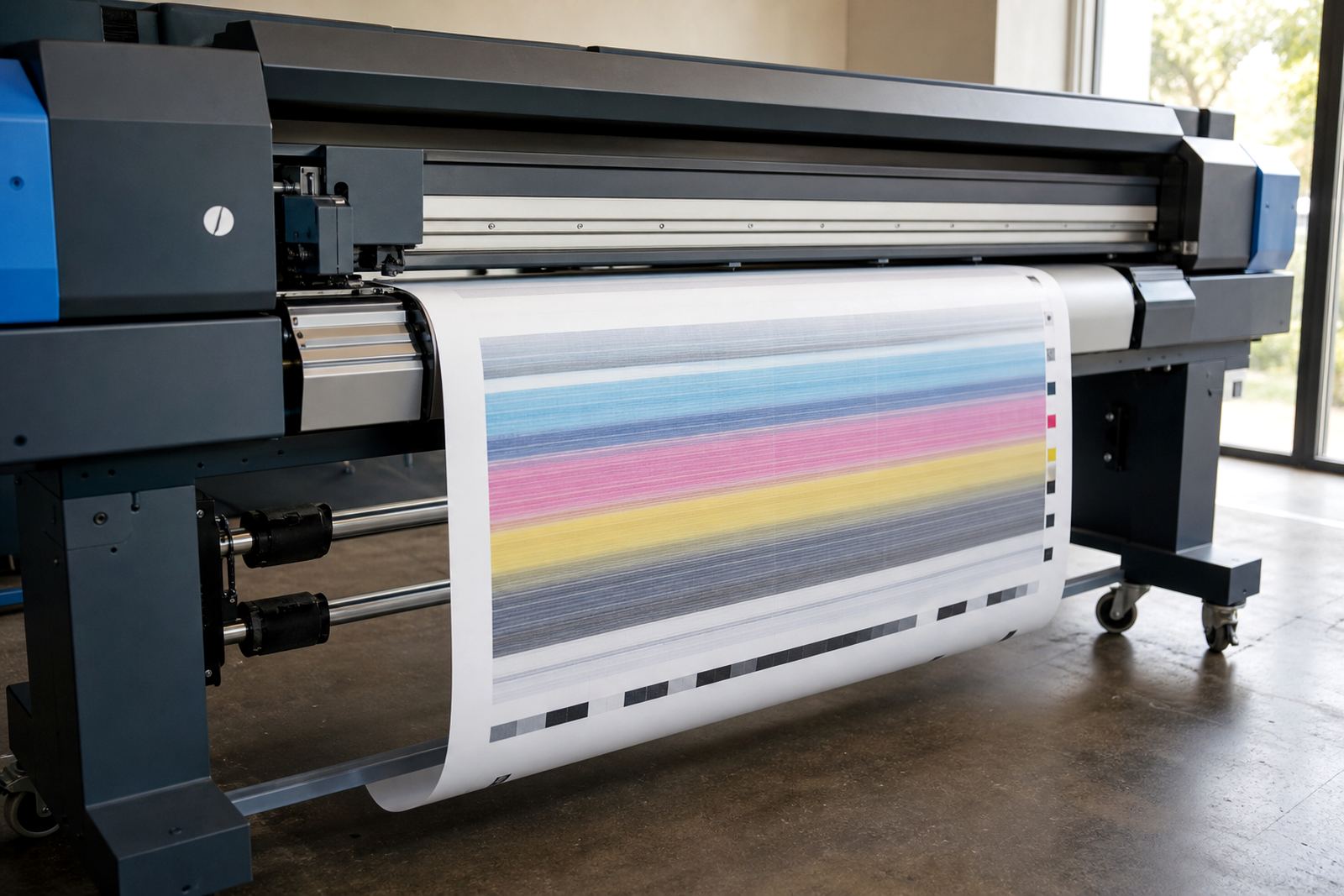
When the substrate moves, the print follows it
Feed errors are not always dramatic. A banner may look acceptable at the leading edge, then show faint banding, a warped image or a slight colour shift further down the roll. On longer jobs the pattern becomes easier to see, especially on vinyl, coated paper and backlit media where the image needs steady advance and accurate ink laydown.
In a wide-format shop, the feed system has one job, to move the media at a steady and repeatable rate. If the media slips, lags or pulls unevenly, the printer places dots in the wrong position. That shows up as step lines, stretched artwork, overlaps at panel joins or a pattern that no longer sits square on the sheet.
- Banding can appear when feed advance is inconsistent.
- Stretching often points to slip, tension or temperature change.
- Registration issues may start with a skewed leading edge.
The small causes that make big print faults
Feed faults often start with plain mechanical wear, a loose pinch roller, dirty rollers, a worn belt or a guide that is not sitting true. Humid coastal air can also change how some media behaves, especially in Durban and other coastal towns where a roll can pick up moisture and lose its stability while it is sitting near the printer.
Media loaded too tightly can pull against the drive system. A roll that is wound unevenly may track well for the first metre, then start wandering. Dust from trimming and daily production builds up on sensors and rollers too, so a printer that looked fine last week can begin to misfeed after a few busy shifts.
- Check roller condition and keep contact points clean.
- Watch for skew when loading a fresh roll.
- Store media flat, dry and well wrapped.
- Allow the roll to settle before long production runs.
RIP settings that quietly change the feed outcome
The RIP does more than send artwork to the printer. It also shapes how the printer lays down passes, manages interlacing and handles the media profile. If the profile does not suit the substrate, the printer may push too much ink for the material to carry cleanly, which can make feed movement look worse than it is.
Incorrect pass count, wrong media thickness setting or a poor profile match can all affect the final result. A profile built for a rigid board will behave differently from one made for banner vinyl. When queue settings are copied from one job to another without checking the media, the print may carry the wrong feed compensation and the image starts drifting.
- Match the profile to the exact media type.
- Check pass count before repeat jobs.
- Keep queue presets separate for different materials.
A Midrand job that showed the real problem
A print shop in Midrand called in about a run of exhibition panels that were coming out slightly stretched at the tail end. The operator had already checked artwork and ink levels, so the fault looked like a printer issue. On inspection, the media was feeding unevenly after the first few metres, and the profile used for the job had been copied from a different board stock.
After cleaning the feed path, checking roller pressure and setting up a profile suited to the actual board, the job settled down. The panels still needed careful monitoring on the first run, but the straightness improved and the joins lined up properly. It was a useful reminder that feed errors often sit at the point where hardware, media and RIP settings meet.
- Do not assume the artwork is the only variable.
- Compare the current job with the last clean run.
- Review the media profile before changing the design file.
Fault finding that saves material before the reel is finished
Good fault finding starts with a short, ordered check. Look at the media path, the feed rollers, the take-up tension if fitted and the first printed metres. Then compare the problem area with the printer settings and the RIP queue. A fault that appears only on long runs often points to tension, drag or a profile mismatch rather than a complete board failure.
Operators should know what a normal feed sounds and feels like. A clean printer has a steady movement and no sideways pull on the substrate. If the roll starts to wander, the job should be stopped early enough to save the remaining stock. That matters in Gauteng shops running mixed work for event graphics, decals and retail signage on the same day.
- Stop the job when drift appears, not after the reel is wasted.
- Check whether the issue repeats at the same print length.
- Inspect sensor readings and feed compensation values.
Keeping feed stable across daily production
Preventive maintenance is the best guard against feed trouble. Clean rollers, inspect belts, check firmware or control board behaviour where applicable, and keep backup copies of working profiles and queue settings. Training matters too, because an experienced operator can spot a slight skew before it turns into a costly reprint.
For South African production rooms, stability is worth more than guesswork. In Johannesburg, Pretoria, Cape Town, Durban and Bloemfontein, shops handle different humidity, dust and workload patterns. The fix is not the same in every room, but the discipline is: keep the feed path clean, keep the RIP settings tied to the media, and test before committing to long production runs.
- Store known-good profiles with clear job notes.
- Schedule cleaning before the system starts drifting.
- Use test strips to confirm advance and registration.
- Review feed behaviour after any board or driver change.