What a steady maintenance cycle prevents on the floor
A maintenance cycle is the set of routine checks that keep ink moving, heads protected and output predictable. On a wide-format inkjet printer, the small jobs matter: wiping around the carriage, checking the cap top seal, inspecting wiper condition, and confirming that ink lines and dampers are sitting correctly. If these checks are skipped, nozzles block more often, colours drift, and operators spend time chasing faults instead of printing.
In Midrand, where a print room may be running in a dry office block one week and a warmer warehouse space the next, dust and temperature shifts can show up in the output very quickly. Coastal humidity in Durban brings its own issues too, especially where uncapped heads sit idle over a weekend. A sensible cycle does not need drama, it just needs discipline and a clear handover between shifts.
Cleaning that supports the machine instead of fighting it
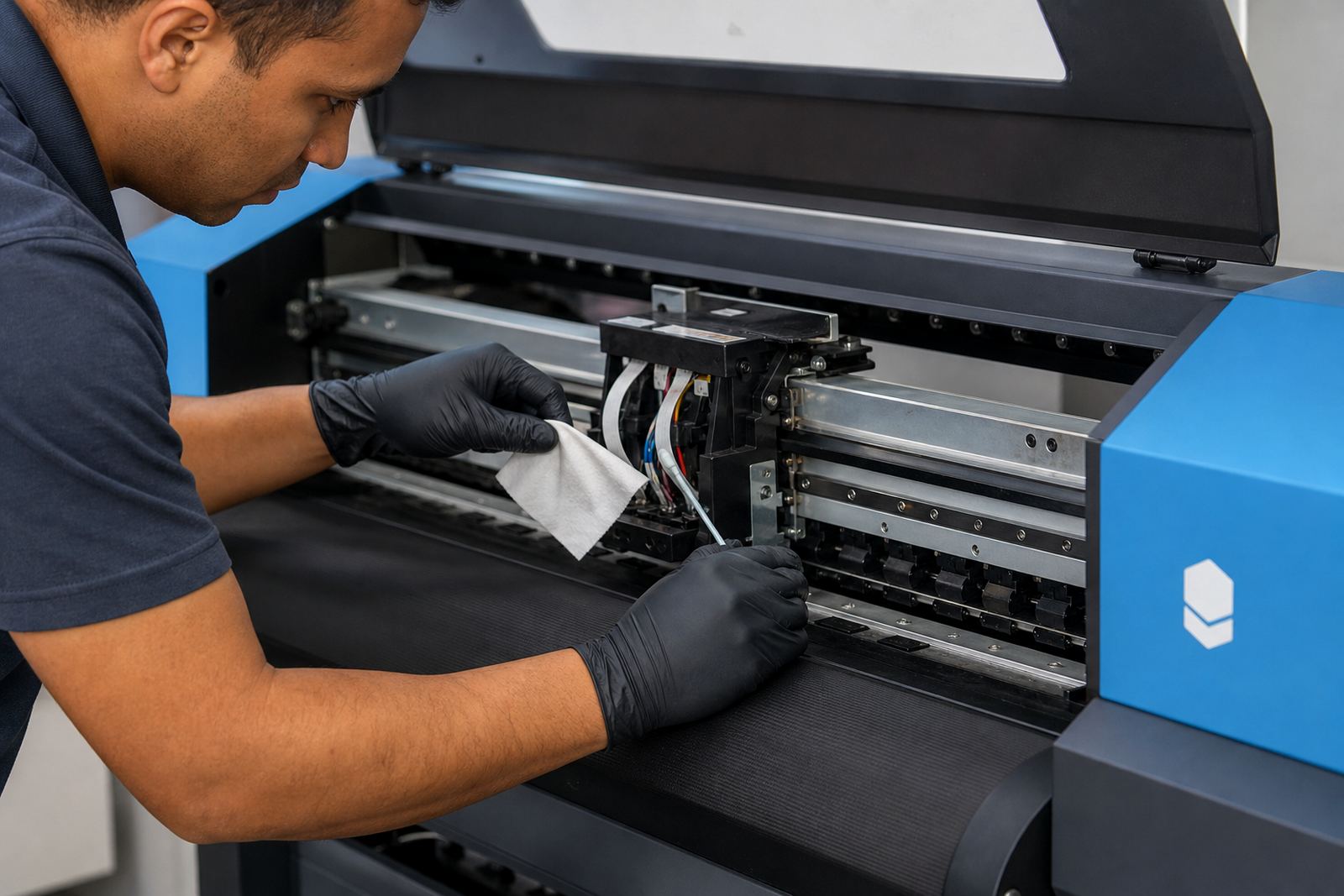
Cleaning should remove dried ink, lint and overspray without pushing grime into the wrong places. The safe habit is to clean the outside areas first, then work carefully around the platen, cap station and head area using the right consumables for the printer's service routine. Strong solvents, rough cloths and hurried wiping can damage seals or leave residue on sensor paths.
A useful shop routine usually covers the following points:
- Wipe dust from rails, covers and nearby surfaces before it settles into the carriage path.
- Clear ink mist from the platen and edge guides before it hardens.
- Check that the wiper blade is not bent, cracked or loaded with old ink.
- Inspect waste ink areas so overflow does not creep into service parts.
- Keep cleaning tools separate from general workshop rags.
When the room stays tidy the printer usually needs fewer interruptions, and the operator can spot a new fault before it turns into a missed production slot.
Capping station checks that protect the heads
The capping station does the quiet work between print jobs. It seals the heads, helps retain moisture, and supports the cleaning action when the machine runs its service cycle. If the cap top is warped or blocked, the printer may pass a normal test but still struggle later in the day when nozzles begin to drop out.
One practical rule is to treat the cap station as a consumable area, not a permanent fit and forget part. Seals wear, ink sludge builds up, and small alignment issues can reduce suction. That is where fault finding becomes useful, because the problem may look like a head issue when the real cause is a weak seal or a dirty pump path. In Bloemfontein, where dry air can make idle heads dry out faster, that kind of check saves a great deal of rework.
- Confirm that the heads park squarely over the caps.
- Check suction strength during the clean cycle.
- Look for dried ink around the seal lip and pump path.
- Replace worn parts before leakage shows up on a production run.
Routine service cycles and the rhythm of production
A good service cycle follows the way the print room actually works. Short runs, long overnight idle periods and mixed media jobs all need different attention. A shop producing banners in Johannesburg may need a different routine from a packaging floor in Pretoria that runs more steadily through the week. The point is not to service the printer for the sake of it, but to match maintenance to real use.
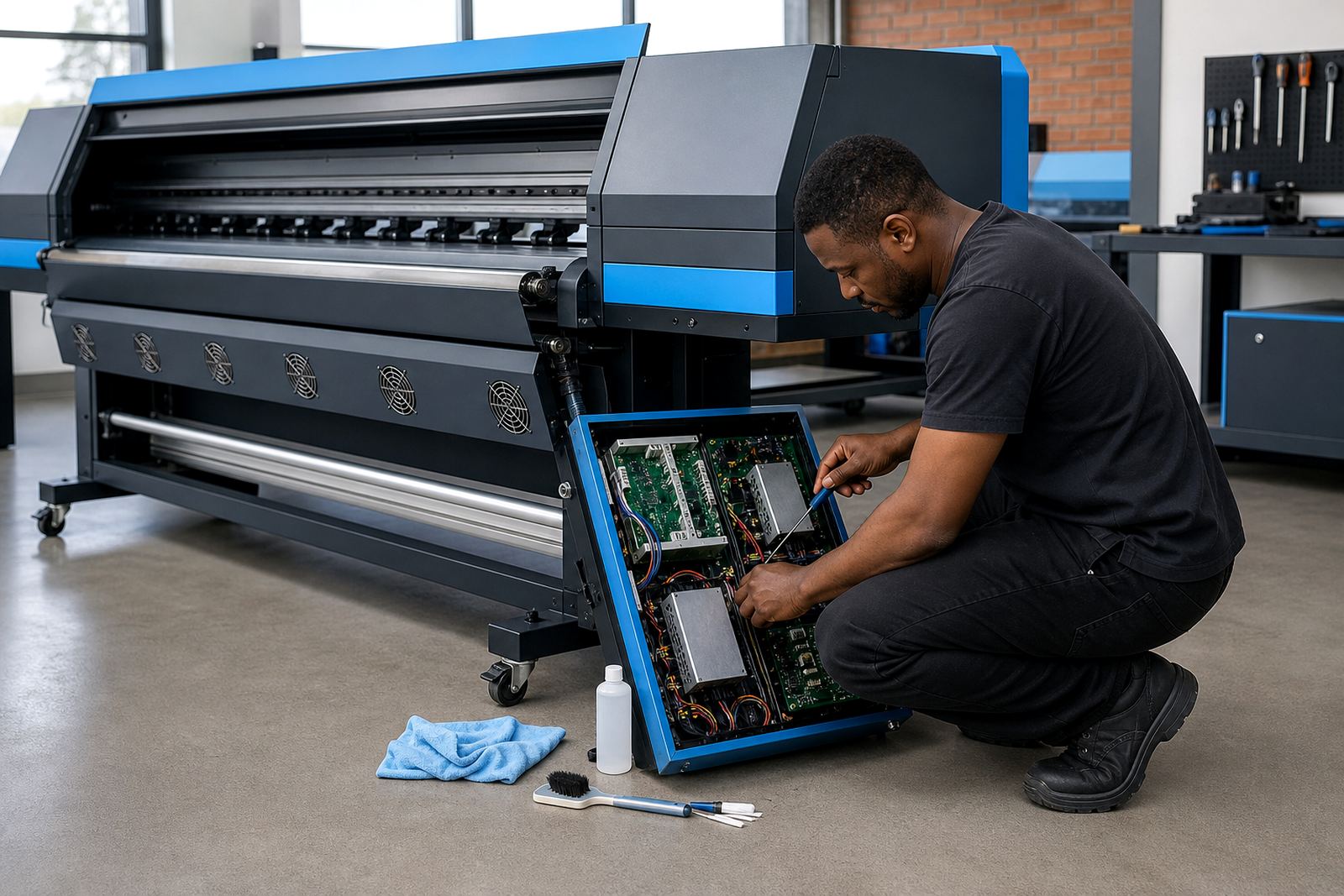
Daily checks are usually light, while weekly tasks go deeper into movement parts, ink delivery and head health. Monthly service can include more careful inspection of cables, filters, wiper travel and board communication. If a printer is used heavily, that monthly cycle can arrive sooner. For machines with control boards and printhead drivers, a service record helps track the early signs of electrical irregularities, which are often mistaken for colour problems at first.
A cycle with notes attached is far more useful than memory. The person on shift can see what was cleaned, what was replaced, and what needs watching on the next pass. That simple habit keeps a team aligned, especially when several operators share the same machine.
Colour stability depends on upkeep, not luck
Colour work only stays predictable when the printer is mechanically healthy. A clean path, stable ink delivery and correct nozzle performance all affect profiles, curves and nesting decisions. If a head starts missing nozzles, the RIP can still send the job, but the print will not hold the same balance across the sheet. That is where many shops waste ink and time, trying to rescue output with software settings alone.
Maintenance supports colour in a practical way. A steady nozzle pattern gives the RIP a better base to work from, so the colour profile behaves as expected. Clean sensors also matter, because media detection errors can change pass counts or shift the print position slightly. In coastal areas such as Durban, where humidity can affect media handling, the operator needs a cycle that includes both machine care and room awareness.
When the maintenance habit is strong, colour adjustment becomes lighter and more predictable. The profile does its work properly, and the operator spends less time correcting avoidable variation.
A Midrand print room example that shows the pattern
A Midrand shop running vehicle wraps, exhibition panels and short-run signage may have three operators touching one large-format printer through the week. One person notices a faint band on a solid block, another sees that the cap top is slow to recover after cleaning, and a third spots ink dust collecting near the carriage rails. Each small warning points to the same answer: the maintenance cycle needs tightening before the fault grows.
In a case like that, a proper routine would usually include:
- Start-of-shift nozzle checks and a quick visual inspection.
- Midweek cleaning around the head area and media path.
- Weekly review of caps, wipers, pumps and waste ink handling.
- Monthly assessment of board status, driver behaviour and print consistency.
- Training for the operator who logs faults and hands over the machine.
That rhythm keeps the printer useful rather than temperamental. It also gives the team a plain record of what changed, which helps when a job needs urgent attention and the room is already full.
When service work moves beyond the workshop basics
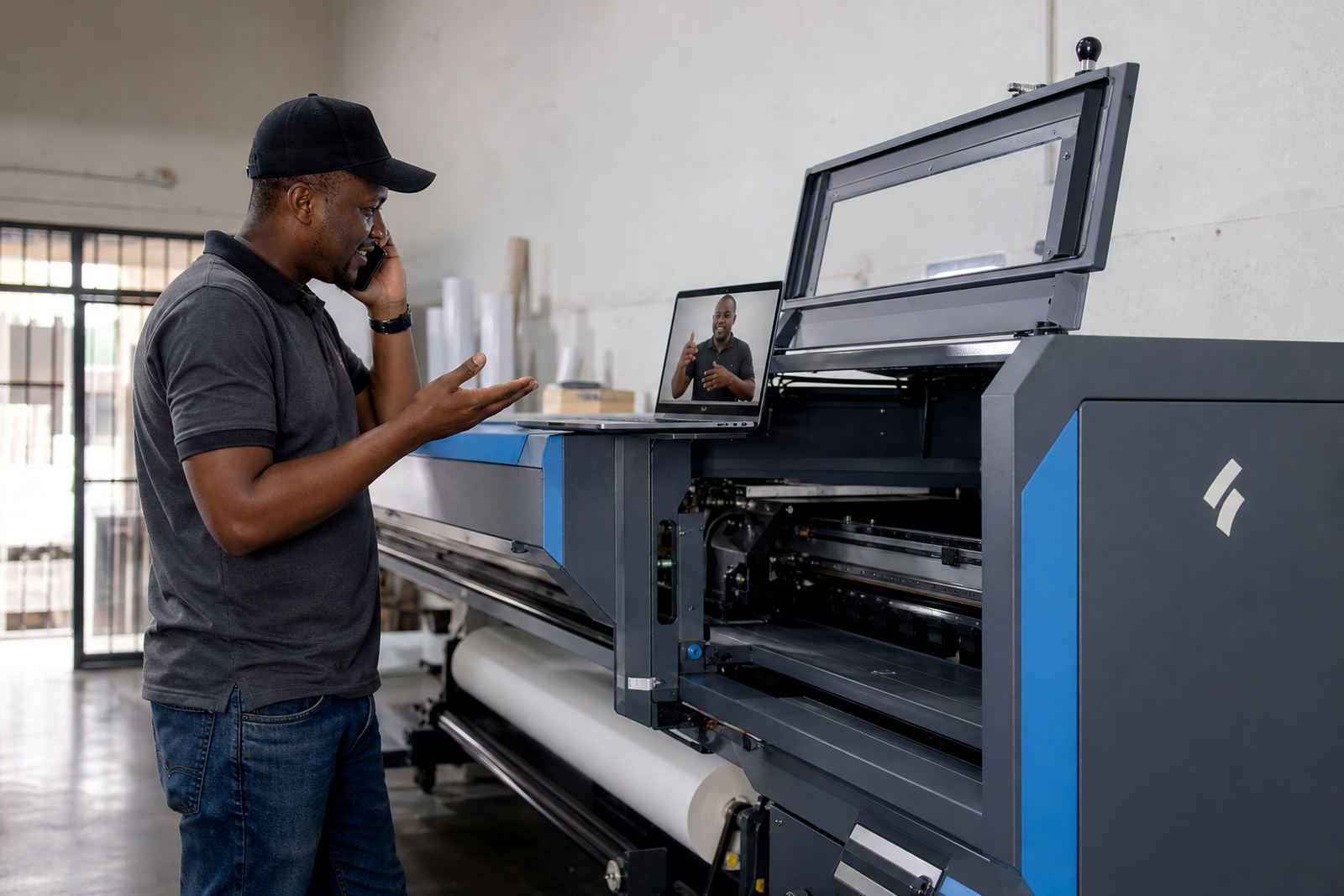
Some maintenance cycles can be managed in house, while others need board repair, printhead driver setup or a deeper fault finding pass. If the machine keeps dropping communication, refuses to hold a clean nozzle pattern, or shows repeat errors after standard cleaning, the issue may sit in the control electronics or the service system. At that point, the sensible move is to stop guessing and trace the fault properly.
InkFlow RIP supports print shops across South Africa with board installation, RIP setup, remote support, preventive maintenance and operator training. That matters when a team needs help turning the routine into a process that can be repeated across different sites, from East Rand workshops to Cape Town production floors. A stable maintenance cycle is not glamorous, but it keeps the printer ready for the next batch of work and protects the quality that clients notice first.