When the problem sits in the workflow, not the machine
Many print jobs fail for reasons that are easy to miss on the floor. A queue may be misrouted, a printhead driver may not match the board settings, or a colour profile may be loading in the wrong place. In those cases, the printer can look fine at first glance, yet the output tells a different story.
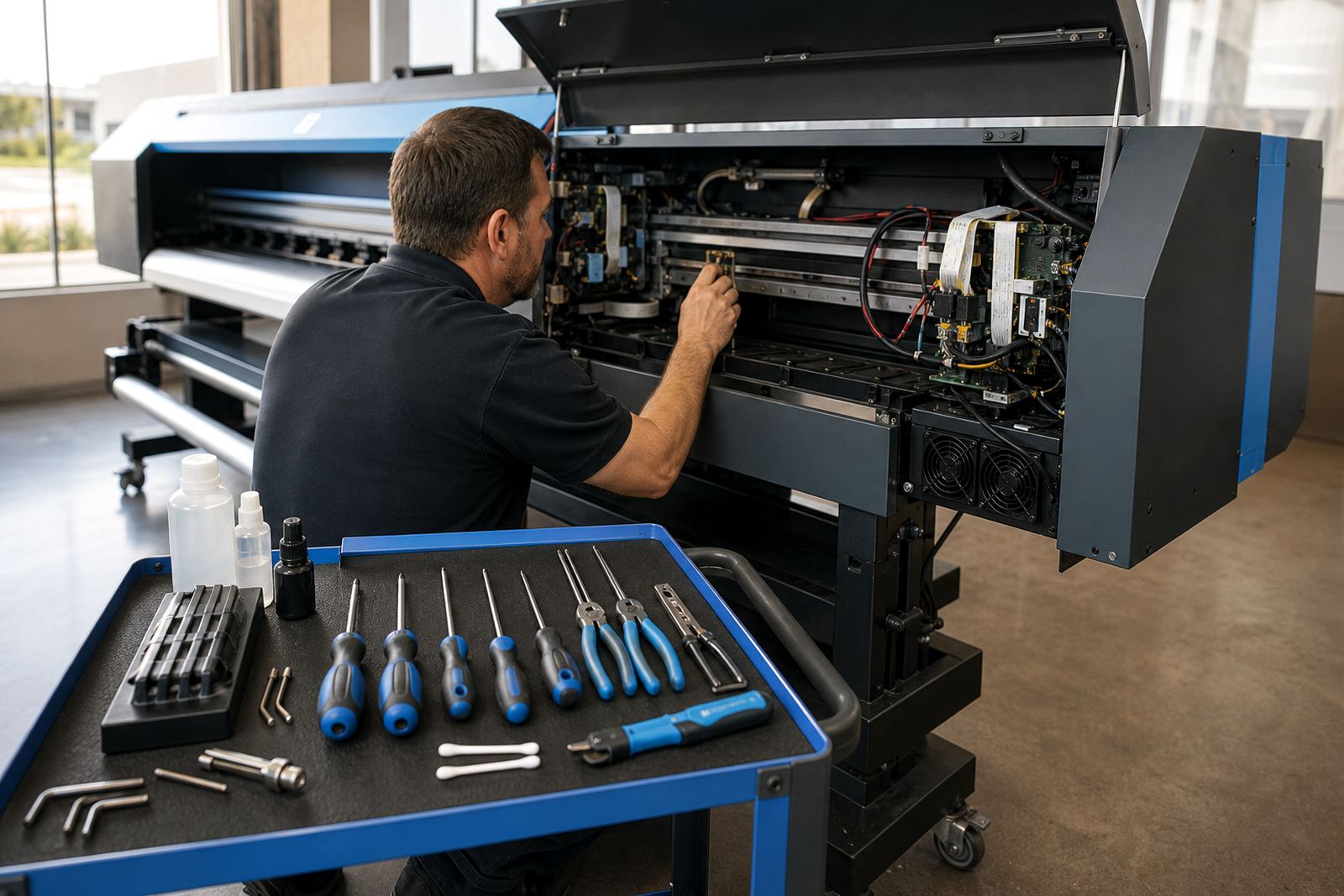
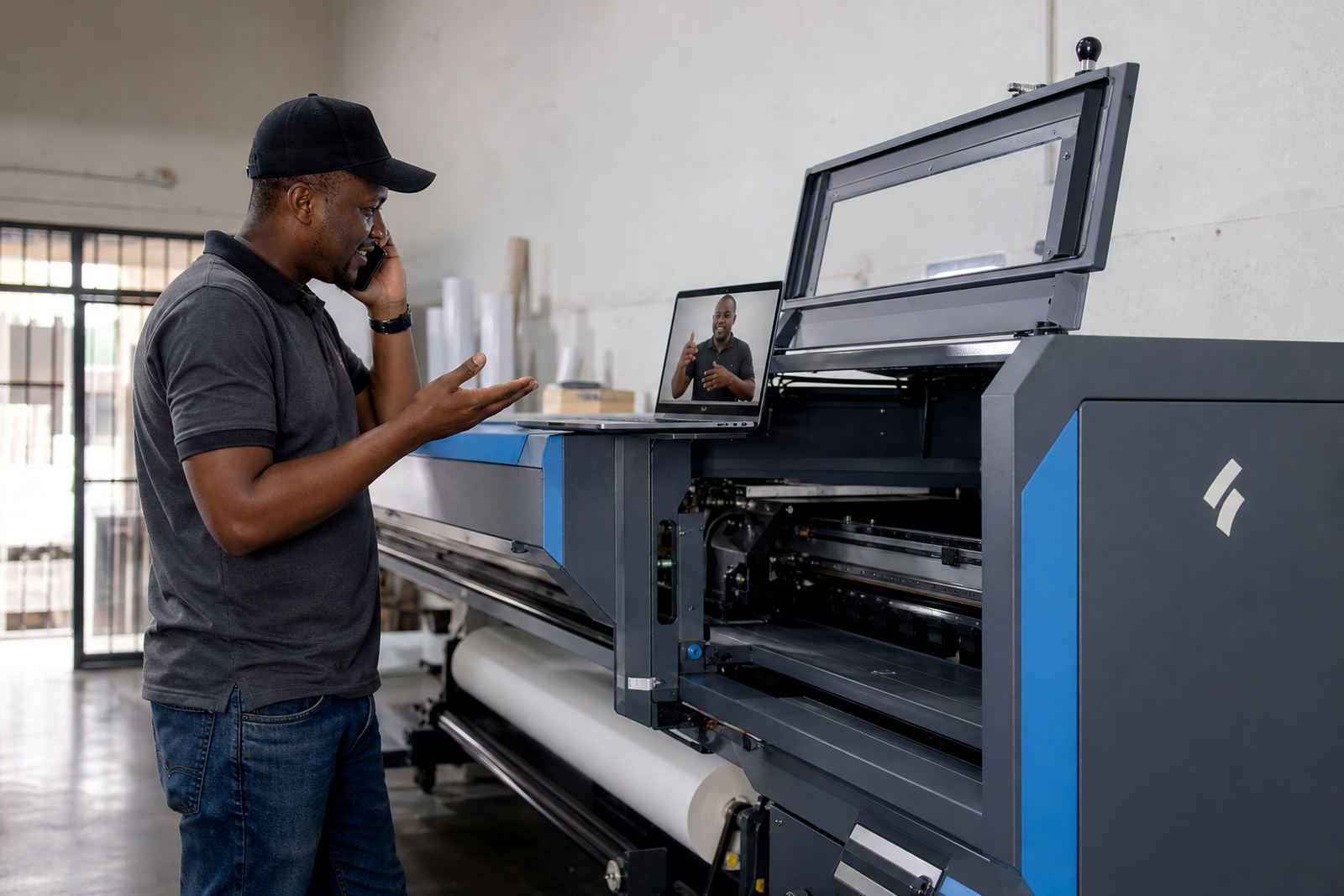
Remote support helps separate mechanical faults from workflow faults. That matters in shops handling banners, self-adhesive vinyl, canvas, backlit media and other wide-format work. A technician can look at the RIP path, the board response, the profile set and the operator steps without asking the team to strip the printer down first.
What remote setup usually clears first
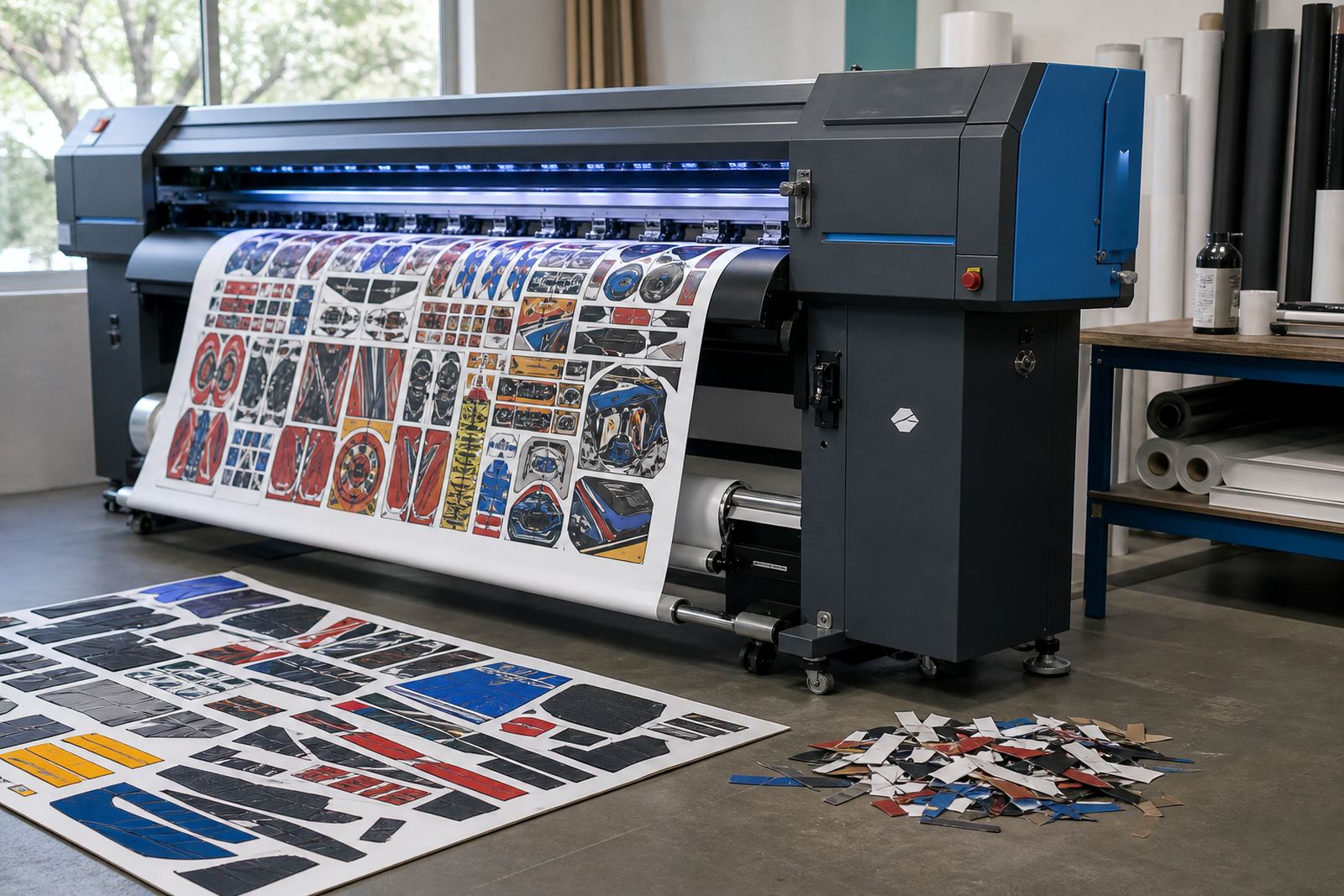
Setup errors often sit in the details. A control board may be alive, but the job settings are wrong. A printhead driver can be present, yet the firing pattern does not suit the board or carriage timing. Colour can drift if the wrong profile is linked to the media preset, and nesting can create waste when the layout rules are too loose.
Remote setup lets the technician work through those points in a sensible order. The team can confirm the board firmware, RIP version, head mapping, queue behaviour and maintenance triggers without waiting for a site visit. In a busy shop, that can stop a small setup mistake from turning into a full shift of reprints.
- Check the board connection and detected device list.
- Match the printhead driver to the active carriage layout.
- Load the correct profile for the media in use.
- Review nesting rules and queue order.
- Set cleaning and nozzle check reminders for the shift pattern.
Colour control travels well over a screen
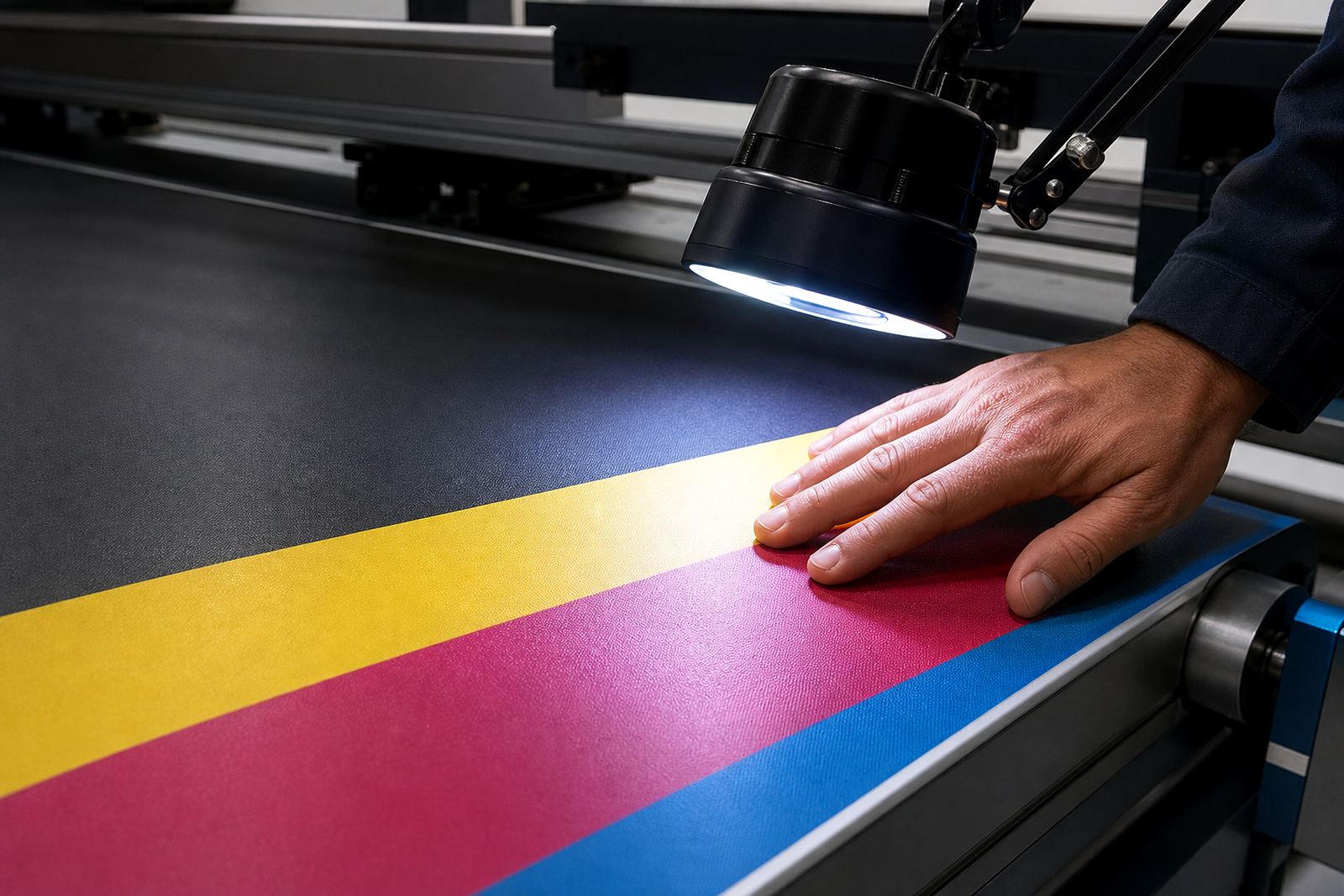
Colour profiling does not have to happen on site to be useful. The important part is the data, the media sample and the printer behaviour. A remote colour workflow session can show whether the issue is linked to density, ink limit, linearisation or a mismatch between the RIP and the board settings.
That is especially useful for shops serving different clients in Johannesburg, Pretoria and Durban, where each job may carry a different colour expectation. If a panel print needs one result and a retail decal needs another, the profile set must be organised properly. Remote support helps tighten that system so operators do not waste material testing the same file in three different ways.
Bianca Rademeyer often sees training sessions go better after a colour correction has been mapped clearly. Once the operator understands which preset belongs to which media, the room gets calmer and the print stack looks steadier.
A Midrand callout that never needed a van
A sign shop in Midrand rang in with a familiar problem. Their wide-format printer was feeding jobs, but the colour drifted from one panel to the next and the queue kept pausing after overnight work. The team had already checked the obvious items, yet the output still looked uneven.
Using remote access, Johan Letsoalo walked through the queue logic while Zanele Moagi checked the active profile chain. The issue turned out to be a mix of incorrect nesting settings and a driver setup that had slipped out of alignment after a board change. Kagiso Pienaar then guided the board check and the maintenance cycle, so the printer could settle back into normal production.
The shop did not need a long wait for someone to arrive with a toolkit. They needed the right eyes on the software path and the control board settings. That is where remote support earns its place.
Keeping production moving across multiple branches
Some teams print from one place and finish from another. Others run a central prepress room with operators in different towns. Remote support suits that kind of setup because the same board image, RIP setup and profile library can be checked without moving hardware around.
Aiden Phiri works through remote sessions with print shops in Cape Town, Bloemfontein, East Rand, West Rand and other Gauteng sites. The value is practical: one technician can review a fault, another can handle recovery, and the operator can stay close to the machine. That keeps the job moving while the root cause is traced.
- Reduce unnecessary site travel for software and setup faults.
- Compare settings across branches without rebuilding each printer separately.
- Restore backed-up queues and profiles after a system change.
- Keep maintenance routines aligned across the whole production team.
Preventive maintenance works better when it is visible
Many shops only notice a setting after it breaks output. Remote support makes it easier to spot drift before it turns into a stoppage. A maintenance check can show whether heads are being cleaned often enough, whether the queue needs pruning, or whether a backup copy is still current and usable.
That sort of attention matters in coastal humidity, where inks and consumables can behave differently from inland conditions. It also matters during heavy production weeks, when operators are switching between long runs and short urgent jobs. Lerato Khoza usually wants the process to stay clear enough that the next person in the chair can follow it without guessing.
Remote maintenance does not replace a proper physical service. It does cut down on preventable mistakes, and that can be the difference between finishing a job and wasting half a roll.
The value is in fewer detours
Remote support is at its best when a team needs clarity, not drama. It helps locate the fault faster, protects media from avoidable reprints and keeps the RIP side of production under control. For shops running wide-format inkjet work every week, that matters as much as the printer itself.
Thabo Zungu keeps the Midrand base focused on practical support for boards, RIP software, colour profiles, queue workflows and recovery work. The point is straightforward: if the issue sits in the setup, a screen and a steady process can solve a lot before a van ever leaves the yard.