Start With A Dry Check Before Any Fluid Touches The Machine
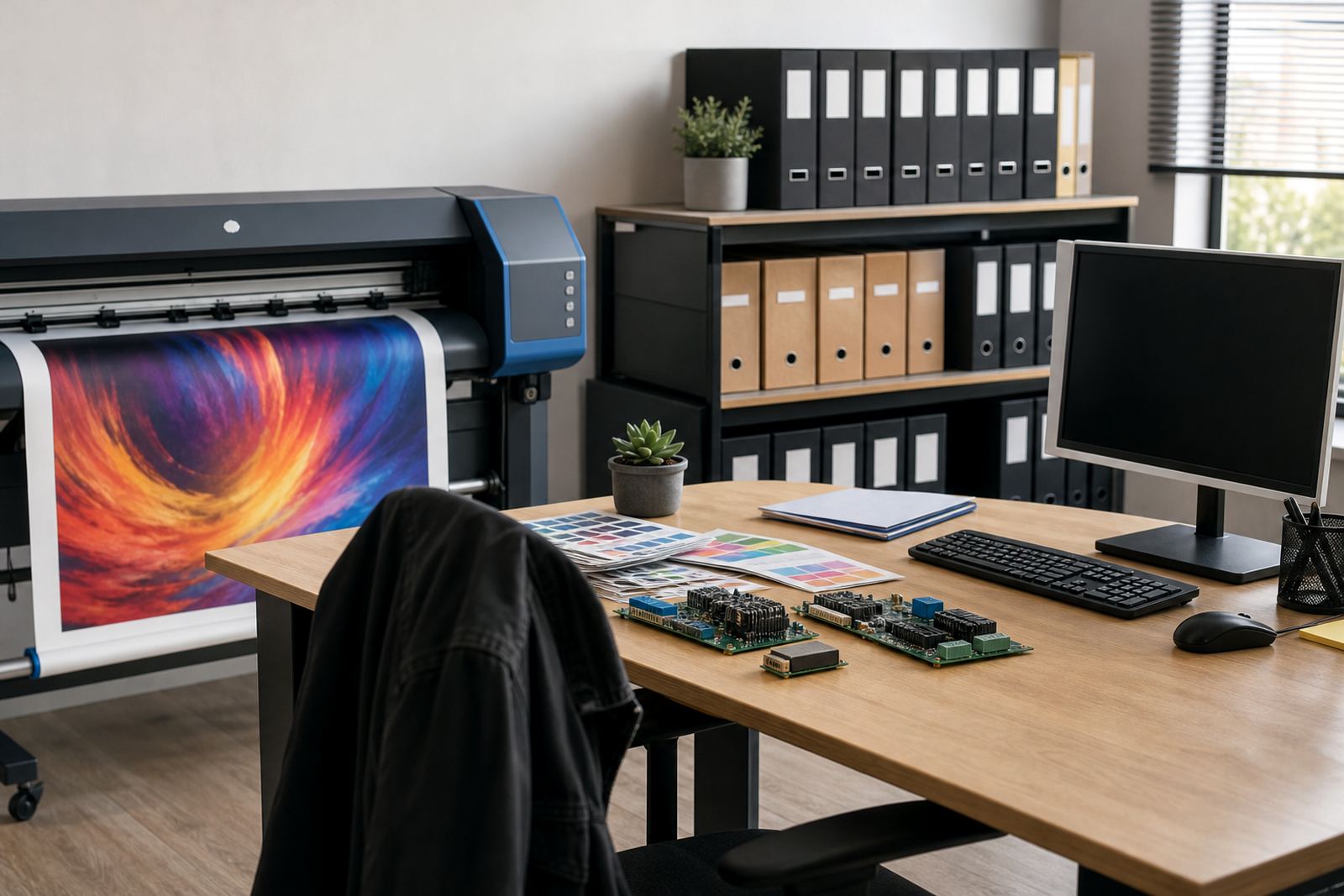
Before anyone reaches for swabs or cleaning fluid, the machine needs a dry inspection. Check the carriage path, capping station, wipers, media edge, and the area around the control boards for dust, dried ink flakes, loose cable clips, and signs of overspray. If the inspection starts wet, grime gets moved into places that are harder to clean later.
The order matters because a dry check shows where the problem began. A print shop in Midrand running long overnight jobs on coated roll media may see misted ink near the exit side, while a Durban site with coastal humidity often finds sticky residue building around the caps and wipers. Those two rooms need different cleaning habits, even if the printer model looks similar on paper.
- Switch off only the parts required for safe access.
- Remove loose dust before touching ink paths.
- Look for residue around the cap tops and wiper blade.
- Note any error lights before cleaning starts.
Clean The Media Path Before You Open The Ink System
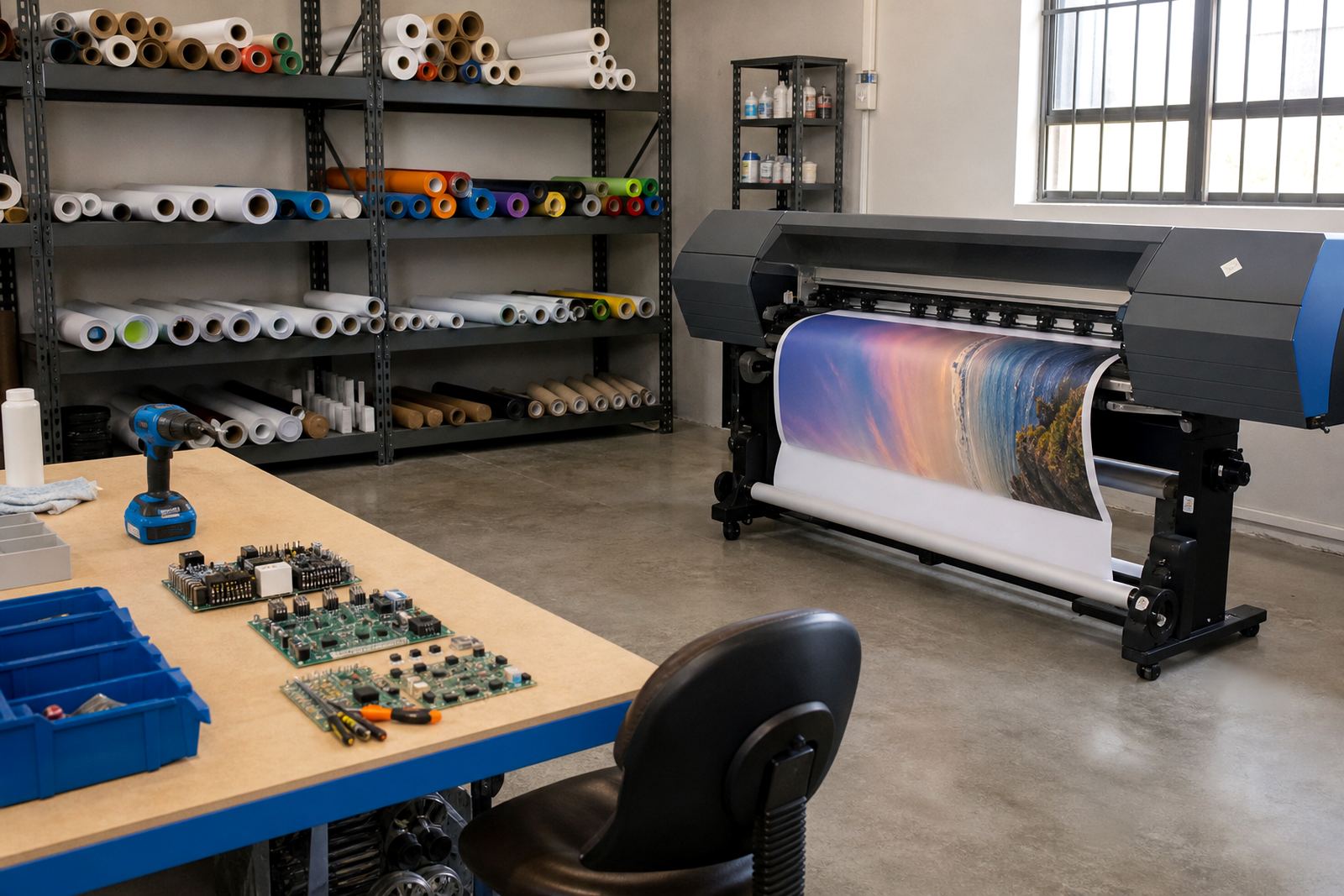
The media path comes next because paper dust and adhesive residue travel easily. Rollers, platen edges, pinch points, and sensor windows should be cleaned before the ink system is opened. If the media path stays dirty, a perfect head clean will still leave banding, skew, and tracking faults on the next run.
For wide-format inkjet work, this order saves time during fault finding. A Johannesburg shop handling backlit graphics and vinyl work may chase colour drift, when the real issue is a dirty sensor reading the sheet position badly. Cleaning the ink side first would not fix that, and it often makes diagnosis slower.
- Wipe feed rollers in the direction they turn.
- Clear dust from sensor windows with care.
- Check for paper scrap near the exit rollers.
- Inspect the platen for hardened ink spots.
Treat The Ink Delivery Area As A Separate Stage
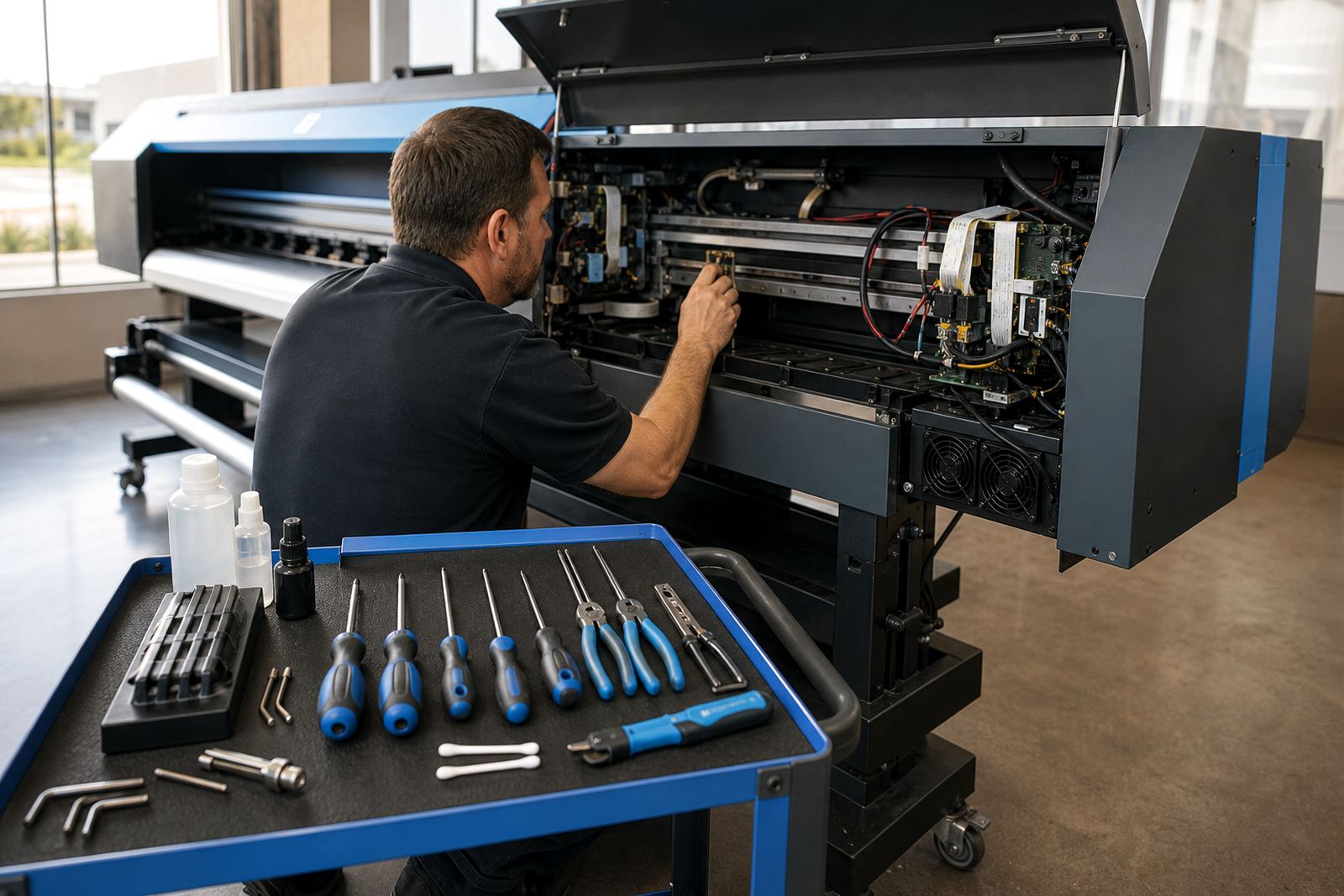
Once the media path is clear, the ink delivery area can be handled properly. That means the caps, wipers, capping seals, dampers, and nearby tubing get attention in a controlled order. Cleaning these parts too early risks pulling debris back into the system when the carriage still has loose dust around it.
On board-controlled printers, this stage also gives technicians a cleaner view of electrical faults. If there is ink leakage around a connector or a printhead driver issue showing up as inconsistent firing, the contamination pattern matters. Kagiso Pienaar from the board repair side would rather inspect a dry, tidy bay than a wet one with streaks covering the telltale marks.
- Clean the wiper blade before the cap seals.
- Lift dried ink from the cap top gently.
- Check tubing for trapped residue or air gaps.
- Leave electrical sections dry at all times.
Set Colour And Software Checks After The Hardware Is Clean
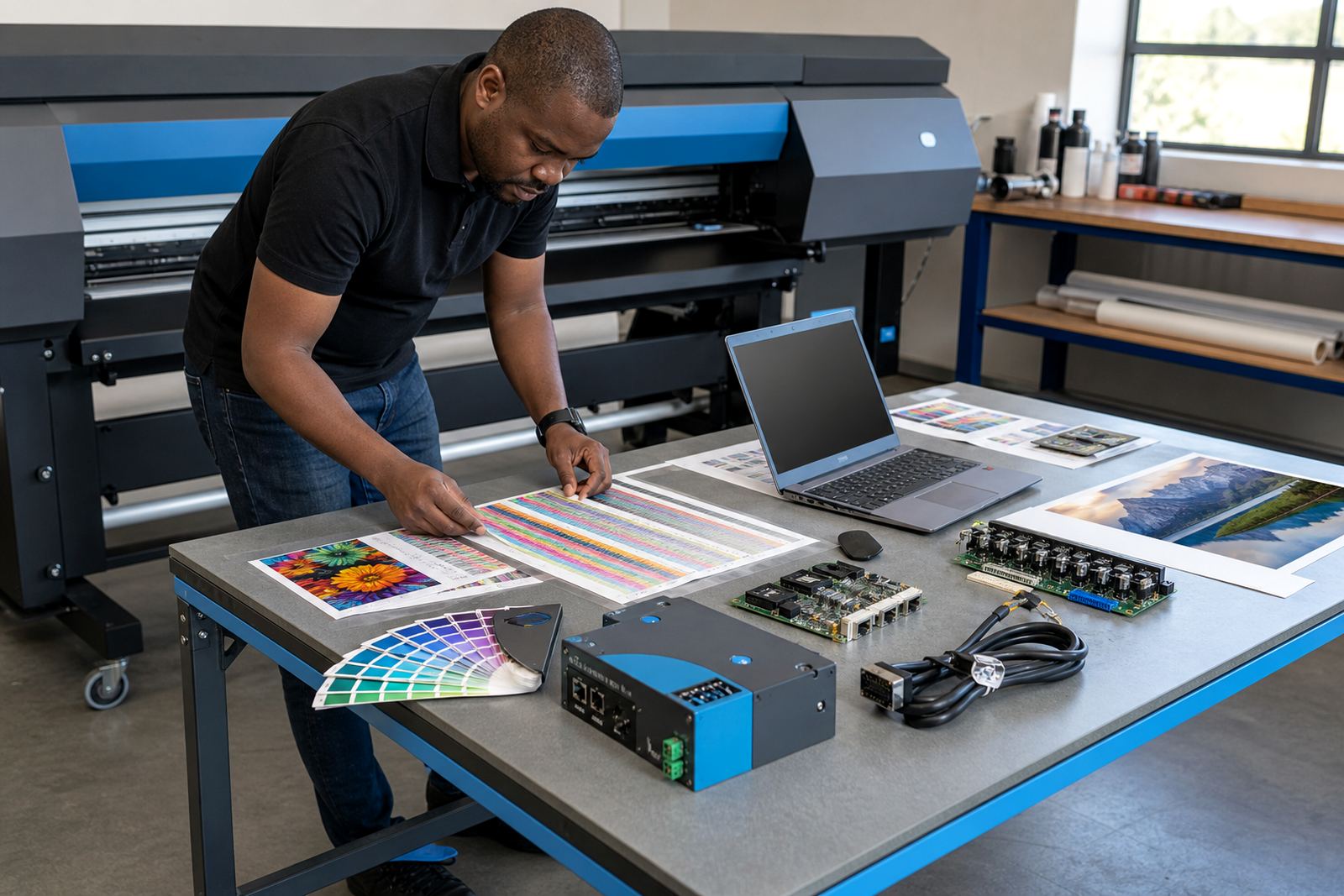
RIP settings and colour profiles make more sense after the hardware is stable. If the printer is still dirty, nozzle checks and test charts can mislead the operator. A weak nozzle pattern may come from residue on the cap, a blocked line, or a dirty sensor, not from the RIP software itself.
That is why Zanele Moagi on colour workflow matters in the sequence. She will look at profiles, ink limits, and queue settings only after the machine is mechanically tidy. In Cape Town, where shops often shift between indoor signage and exhibition panels, this order helps maintain colour from one substrate to the next without chasing the wrong problem first.
- Run a nozzle check after physical cleaning.
- Confirm the correct media preset for the job.
- Review ink limits if colours are flooding.
- Check queue order before production starts.
Finish With A Controlled Test Print And A Short Record
The last stage is a test print, but only after the machine has dried and settled. That test should confirm nozzle health, colour balance, registration, and feed behaviour in the same order used during the cleanup. If the test is rushed, it can hide a warning that would have shown up a few minutes later.
A Bloemfontein production team working on municipal signage may need to repeat the same banner size through the week, so the service record matters. Notes on which nozzles were weak, which rollers were cleaned, and which profile was loaded help the next maintenance pass start in the right place. A tidy routine is not only about the print head, it is about preserving the trail behind the work.
- Print a small test first, then a longer sample.
- Check edge alignment and feed consistency.
- Record the cleaned parts and any faults found.
- Keep the same order for the next service visit.
A Midrand Callout Example That Shows The Sequence In Practice
One Midrand shop called after a run of streaked window graphics and uneven solid fills. The first instinct was to deep clean the head area, but the issue started earlier. Dust from trimmed media had built up on the rollers, the wiper blade was carrying dried ink, and the colour profile had been loaded before the machine had been checked mechanically. The result was noisy prints and wasted material.
By following the order properly, the team cleaned the dry dust first, then the media path, then the ink delivery area, and only then checked the RIP queue and profile settings. The machine settled into a more predictable pattern, and the operator could see which issue belonged to maintenance and which belonged to software. That is the point of sequence: each step clears the ground for the next one.
- Dry inspection first.
- Media path second.
- Ink delivery third.
- Software checks only after hardware cleaning.