What linearisation is doing inside the print path
Linearisation is a calibration step that adjusts how ink is laid down across the tonal range. In simple terms, it helps the printer move from pale fills to solid colour in a controlled way, so midtones do not break up and shadow areas do not clog too early.
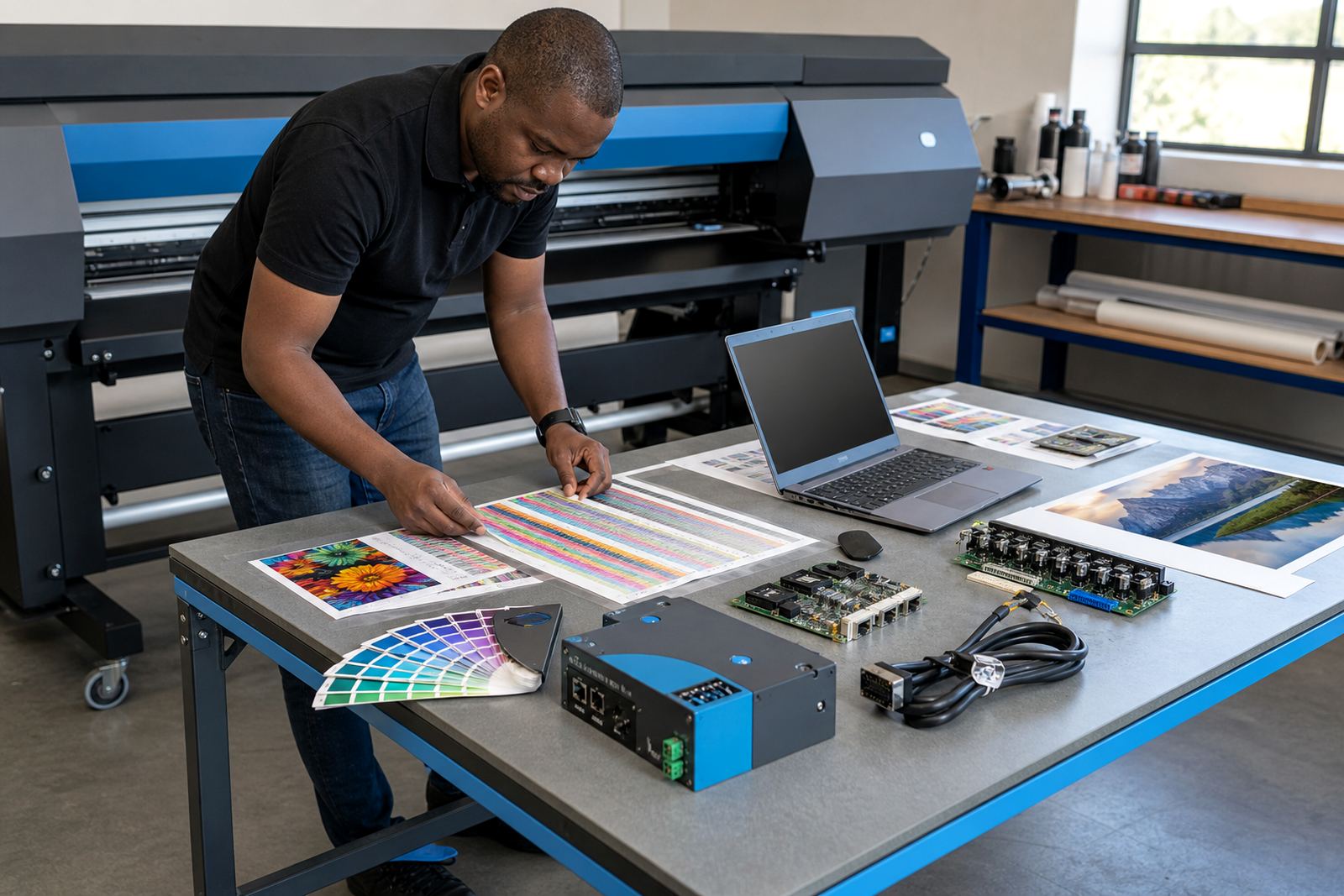
On a wide-format inkjet machine, the RIP uses test patches to read how the printer behaves at different ink levels. It then builds a curve that tells the software how much ink to send for each tone value. That curve is not decoration, it is part of keeping the printed result steady from one job to the next.
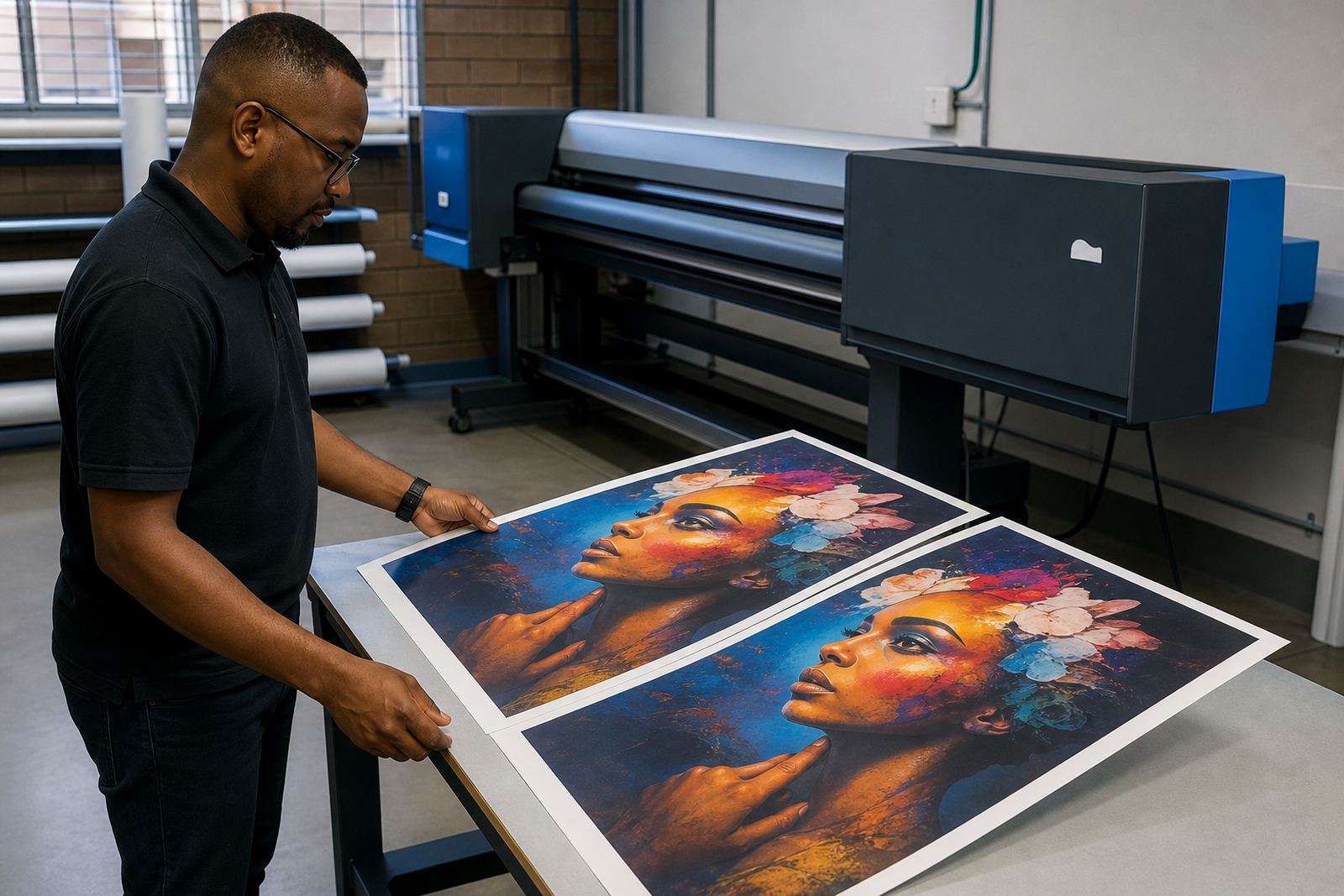
When linearisation is skipped or rushed, a design can look fine on screen but print with flat skin tones, dark corners or rough gradients. The issue may show up most clearly on solid brand colours, large photographic backdrops, or files with light greys and soft transitions.
What the operator notices when the curve is off
A print room usually sees the signs before it names the problem. Colour may look too heavy in the shadows, too thin in the highlights, or slightly different between passes on the same roll. In humid coastal conditions, or on paper that has taken up moisture, this can show up even faster because the media behaves differently from one day to the next.
- Banding across smooth gradients
- Washed-out midtones or muddy darks
- Uneven solids on the same panel
- Visible jumps in skin tones and sky tones
- Colour shifts after a head clean or media change
These symptoms do not always mean the printer is faulty. Often the board, heads and RIP are doing their jobs, but the tonal map between them needs adjustment. That is where linearisation earns its place in the workflow.
How a proper setup is built on the shop floor
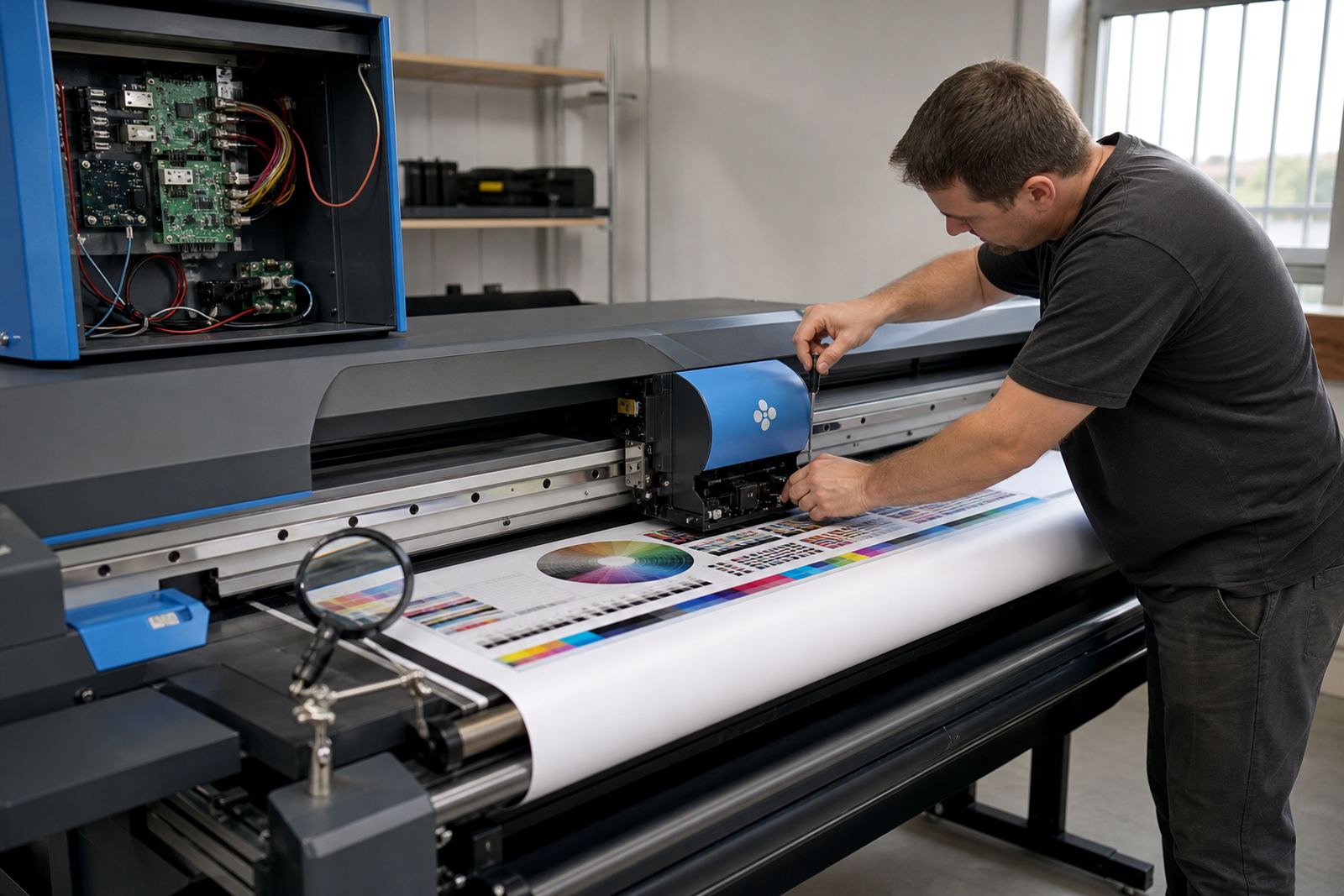
Linearisation works best when the printer is mechanically stable. Head height, pass count, media feed, ink limits and carriage condition all affect the result. If the machine is laying down ink inconsistently, no curve will hold its shape for long.
In practice, a technician or colour workflow specialist will usually check the following before building the curve:
- Correct print mode for the media and job type
- Clean nozzles and consistent firing from the printheads
- Stable board communication and firmware settings
- Suitable drying time between passes
- Media profile matched to the roll or sheet stock
After that, the RIP measures test output and shapes the tone response. The aim is not to force every printer into the same behaviour, but to make each device behave predictably on the material it is actually using.
Linearisation and colour profiles work as a pair
Many print rooms treat linearisation and profiling as the same thing, but they solve different problems. Linearisation evens out the ink response first. A colour profile then describes how that printer, ink and media combination should represent colour values for the final job.
If the first step is weak, the profile sits on top of a poor base. That is when jobs print with a nice hue in one area and an ugly shift in another, or when a corporate blue starts leaning purple under dense coverage. Getting the tone curve right gives the profile a clean foundation.
In Johannesburg or Pretoria, where a shop may move from indoor branding to vehicle graphics and exhibition panels in the same week, this pairing matters a lot. The print team needs one workflow that can handle different substrates without forcing every file through guesswork.
A Midrand support call that shows the point
A common local example is a signage shop in Midrand running back-to-back jobs for retail boards and event graphics. The first run looks acceptable, then the next roll shows darker shadows and rougher skies after a nozzle clean. Nothing else has changed on paper, so the team suspects the machine is drifting.
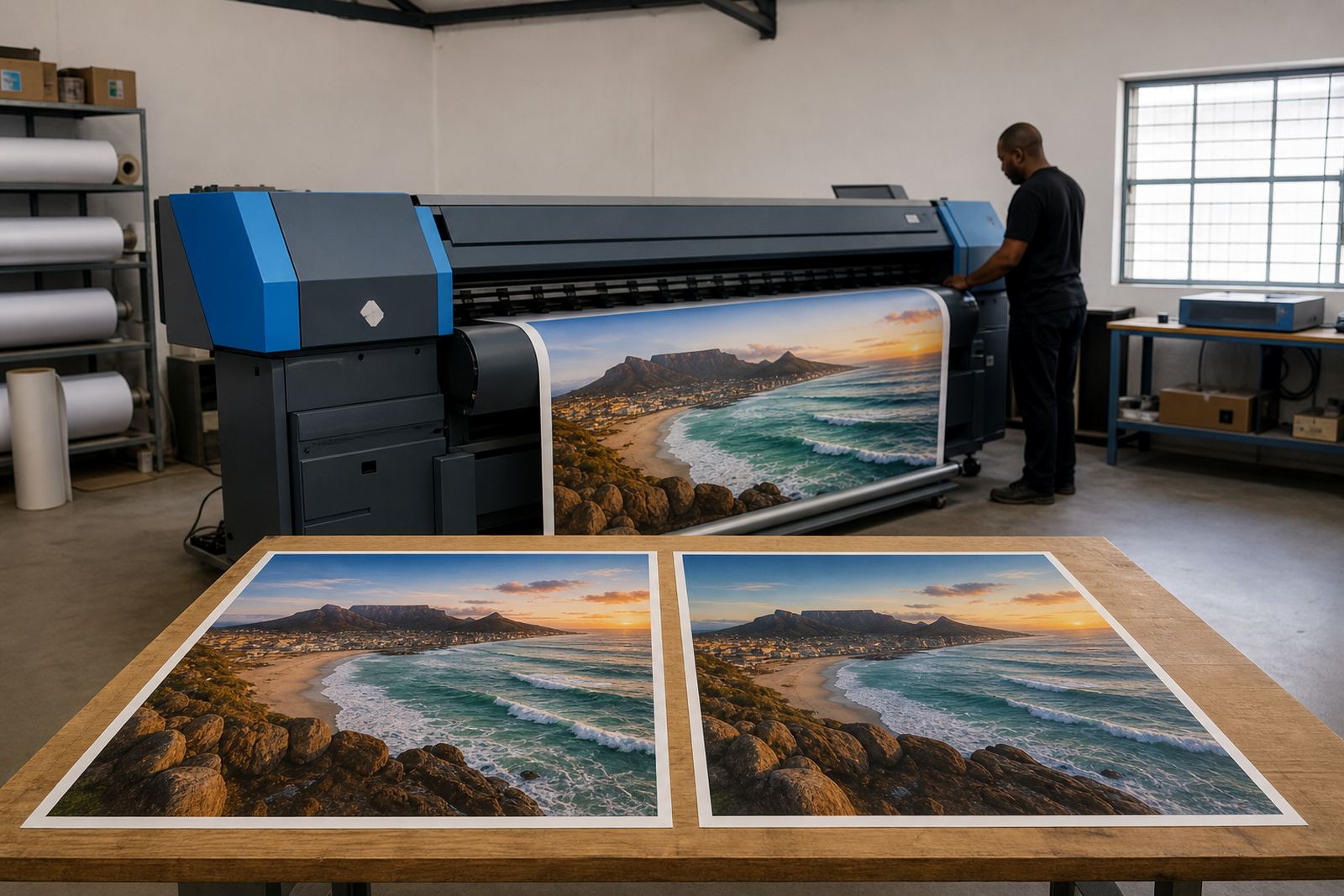
After checking the board settings and media choice, the RIP curve is rebuilt for that print mode. The next set of test prints shows smoother transitions, steadier solids and less visible stepping in pale areas. The operator does not need to force the result through heavy hand edits, and the final output looks more consistent across the full run.
That kind of result matters when work is moving through multiple jobs in a day. It cuts down on reprints, keeps approval proofs closer to the final sheet and helps the shop plan its queue with less guesswork.
Keeping the curve steady over time
Linearisation is not a once-off fix. It needs to be checked again when media changes, ink lots shift, the environment becomes drier or more humid, or the printer starts showing new wear. A small change in feed or heater behaviour can alter the tonal response more than many operators expect.
Good maintenance supports the curve in the background. That includes regular cleaning, checking head condition, confirming board communication and saving working setups so they can be restored after a fault or power event. In production rooms that run long hours, a clean backup of the RIP setup is practical insurance.
For many South African print shops, the best routine is simple: verify the mechanical side first, then rebuild linearisation when the print mode or media calls for it. That keeps the tone response smoother, the colour less jumpy and the production floor easier to manage.