When the Same Poster Lands Looking Different
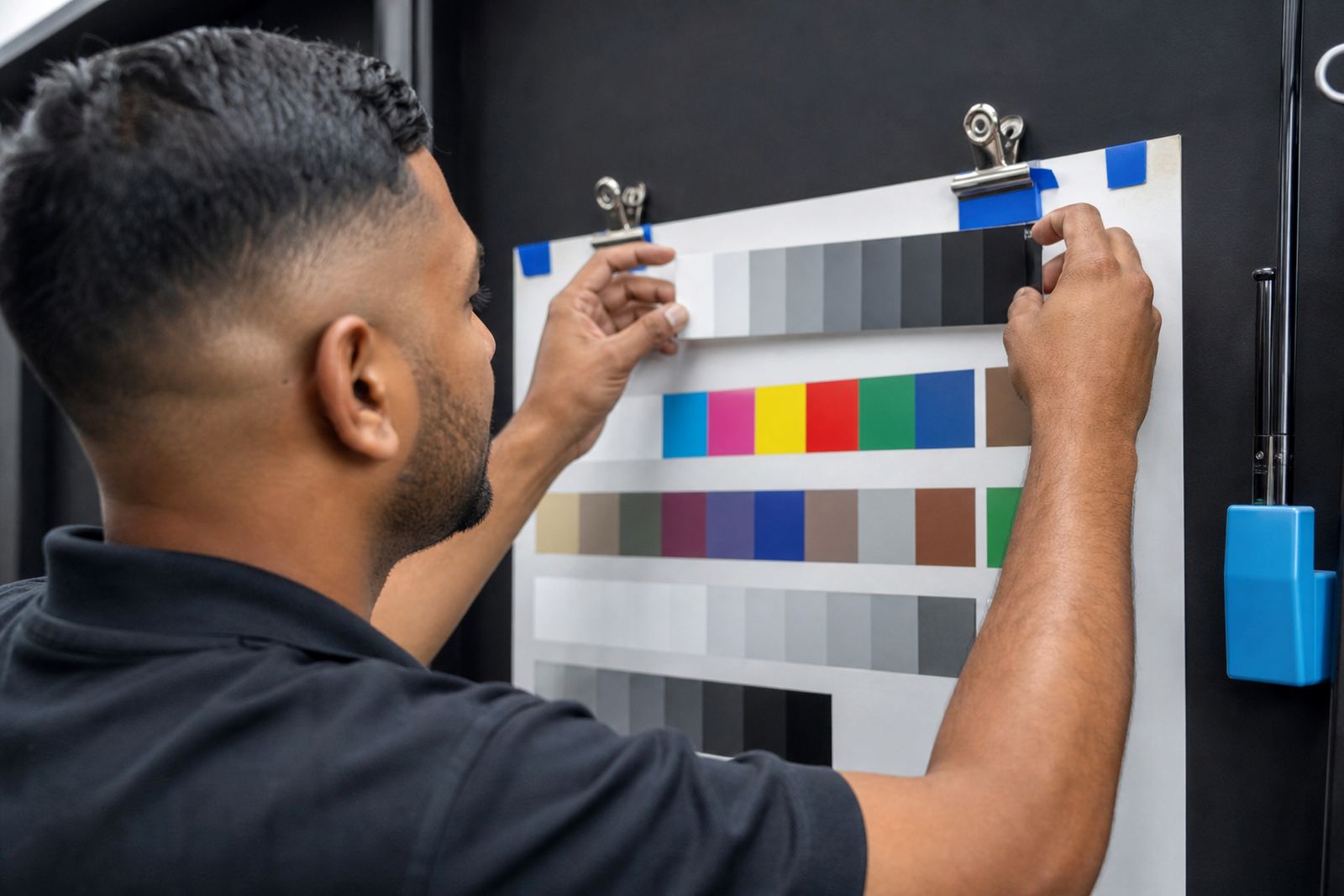
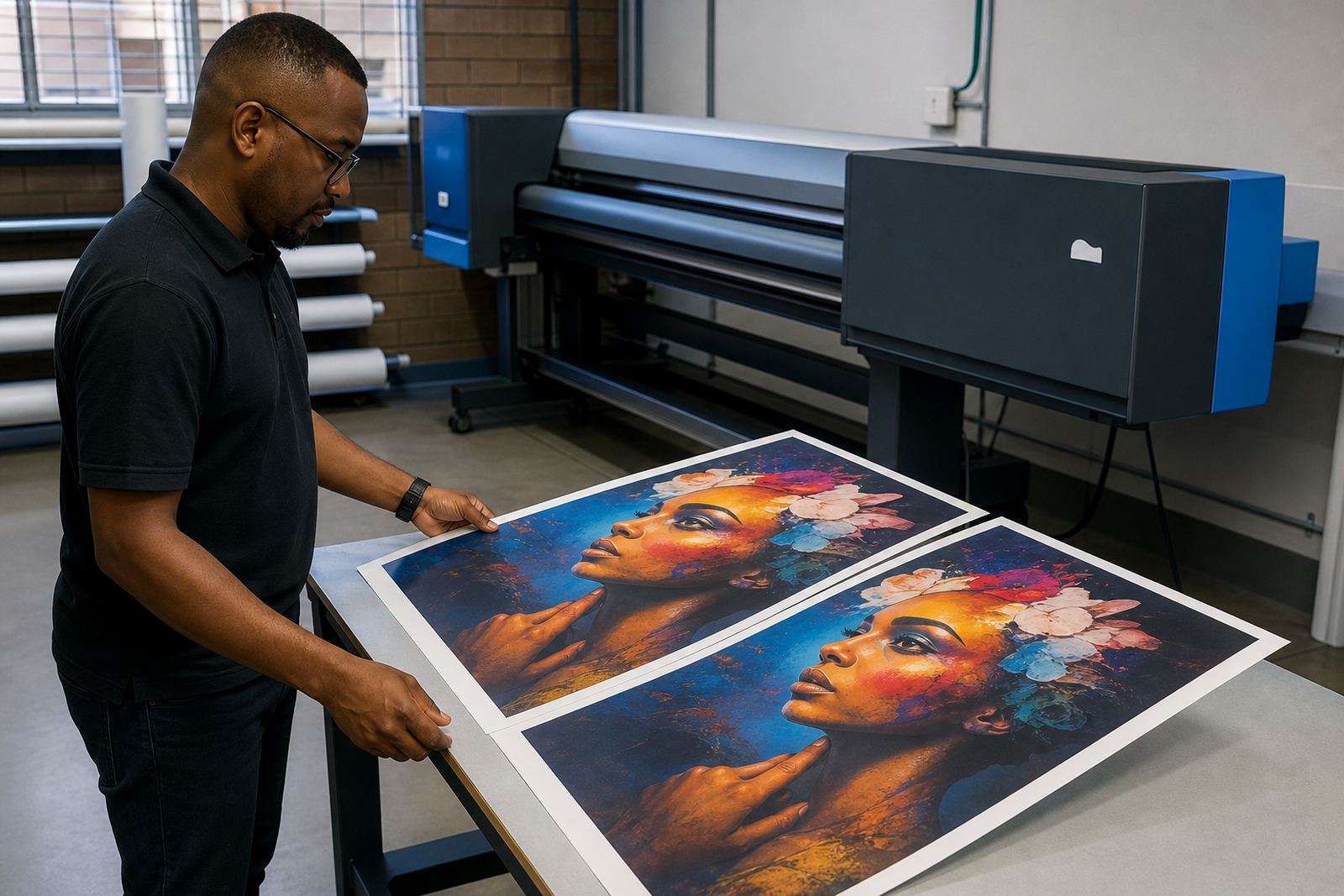
Promotional posters are usually judged side by side. A retail chain in Midrand may want a sale poster reprinted for Sandton, Durban and Cape Town, and each branch expects the same red, the same skin tone and the same dark grey text. In practice, colour drift creeps in through small changes that are easy to miss on a busy floor.
The usual causes are not mysterious. A new roll of media can take ink differently. A head condition check may be skipped. A RIP queue might use a different profile from the last job. Even a clean looking file can print lighter or denser if the board settings, printhead drivers or ink limits have moved away from the original setup.
Colour consistency starts with treating the repeat order as a controlled production job, not a fresh design each time.
Lock Down the Print Path Before the Job Starts
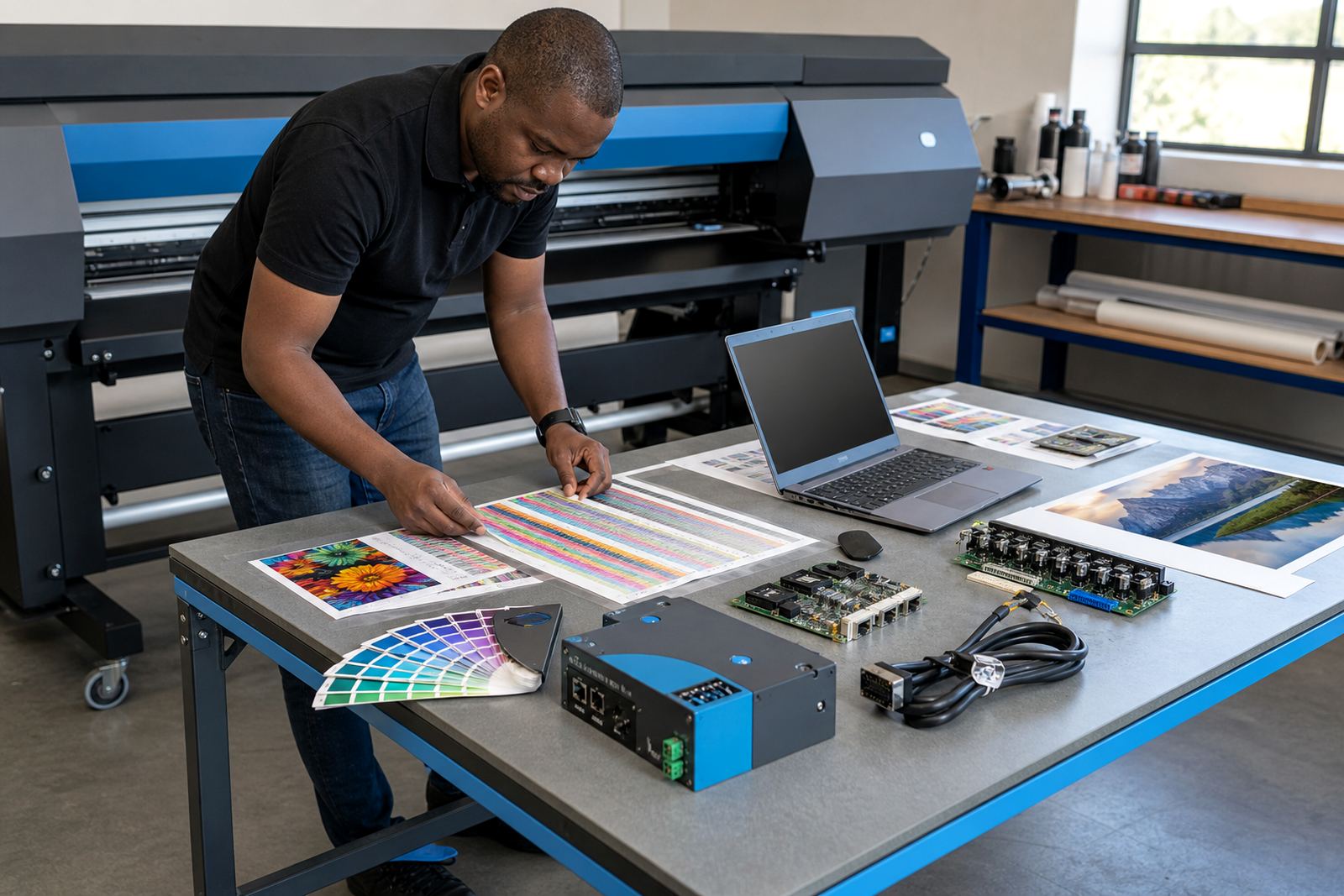
If the board, RIP and printer are not set up as one chain, poster colour will wander. A wide-format inkjet printer needs the control board, printhead driver and RIP software to agree on speed, pass count, ink limit and media behaviour. That is where a proper setup pays off. It does not make every poster identical forever, but it reduces the small changes that create visible shifts.
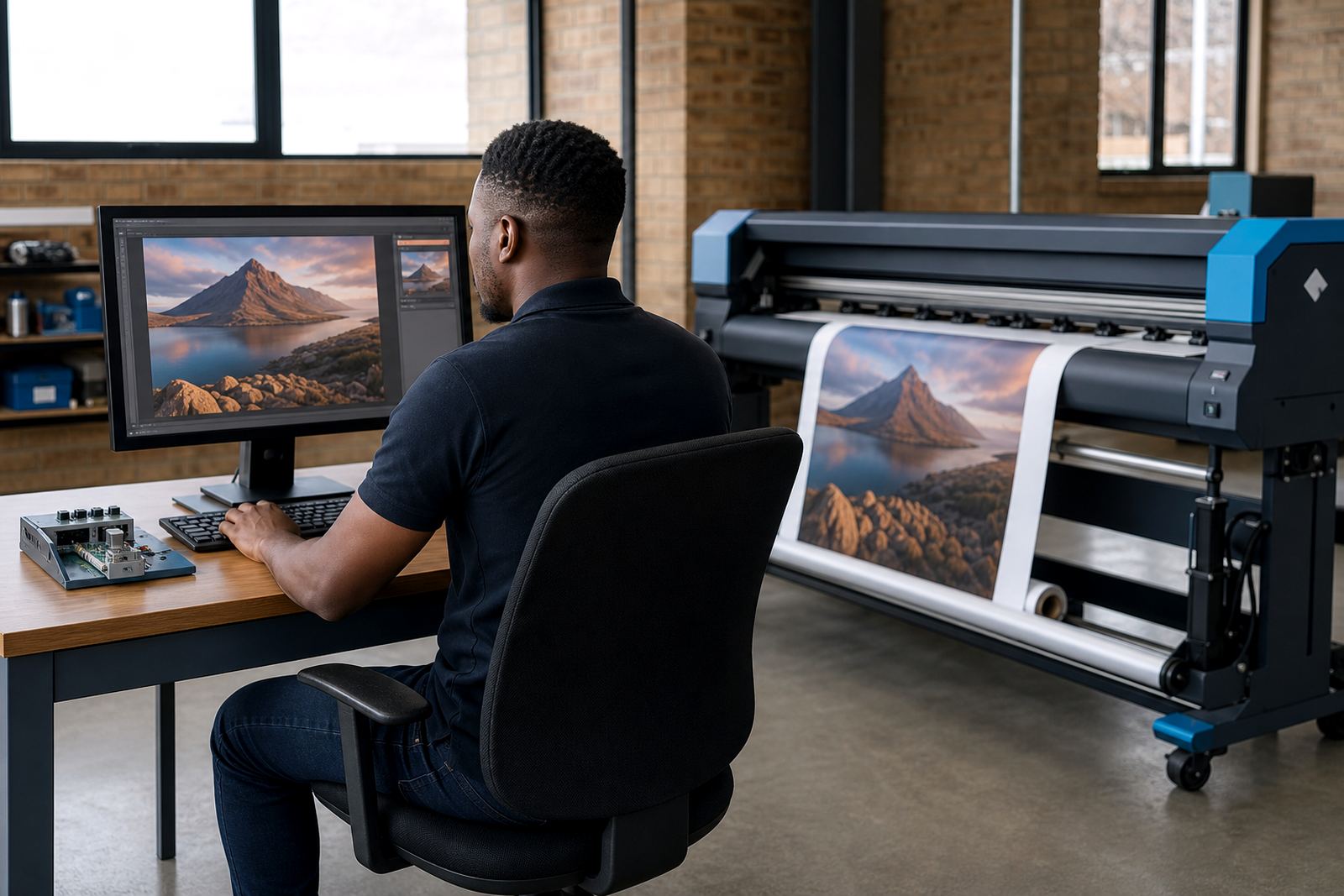
At InkFlow RIP, the practical work starts with the file path and the output path. We look at how the artwork is saved, how the RIP handles it, and which settings are used for the final print. When the same poster is routed through a different queue or a different printer channel, the result can move off target even if the artwork itself has not changed.
- Keep one named queue for each poster stock and size.
- Match the RIP profile to the exact media in use.
- Store the print mode used for the approved sample.
- Check that the board and printhead driver settings have not been altered.
Profiles, Ink Limits and the Media on the Floor
Colour profiles are only useful when they reflect the real conditions on the machine. A gloss poster on coated stock will behave differently from a matte poster on a lighter substrate, and outdoor promotional work may need a different ink balance again. If the profile was built for one media and then reused on another, the print can look too warm, too cool or too flat.
Ink limits matter just as much. Too much ink can close up shadows, slow drying and change the look of solid fills. Too little ink gives weak blacks and washed out brand colours. On jobs that move between Johannesburg, Pretoria and the coast, humidity can add another layer of variation because the media and inks do not always behave the same way in Durban as they do in Midrand.
Keep a small reference library with the approved settings for each poster stock. Note the media name, the RIP queue, the pass count and the viewing light used for approval. That record helps when the next repeat order arrives and the colour has to match the earlier batch closely.
Nesting That Saves Board Without Shifting Colour
Nesting is useful on promotional work, but it must be handled carefully. A busy print shop may place several poster sizes on one sheet to reduce waste. That is fine if the RIP keeps the print direction, margins and colour treatment stable. If not, different positions on the sheet can show slight tonal differences, especially on heavy solid areas and fine greys.
Good nesting should work with production, not against it. Keep similar jobs together, avoid mixing media types in one run and watch where critical brand colours land on the sheet. A repeated poster should not be rotated or shuffled just to fill a gap if that changes the print path in a way the operator cannot track later.
- Group jobs by media type first.
- Keep brand critical posters in the same orientation.
- Avoid moving files between queues without a note.
- Save the approved layout for the next run.
That discipline is especially useful in larger facilities where several operators share the same printer pool. One small setting change on a Friday afternoon can show up as a complaint on Monday morning.
Maintenance That Protects Colour on Busy Presses
Poster consistency suffers when maintenance is left to chance. A printhead with partial blockage may still print, but the output will not match the last batch. A board fault can create banding, line drop or a shift in solid areas. The issue may look like a colour problem at first, but the real cause sits deeper in the machine.
Preventive maintenance should cover the basics before repeat work is released. Nozzle checks, alignment, ink delivery inspection and board health checks all help keep output steady. If the machine has been idle, or the room has been dusty and warm, a short verification run is often worth the time. On production jobs for malls, schools and franchise campaigns, that small check can save a reprint.
At our Midrand base, board repair and fault finding are usually tied to the same workflow conversations. The goal is not only to get the printer working again, but to get the repeat order back into a known colour state.
A Local Run That Shows the Difference
A print shop in Pretoria handling posters for a Gauteng retail launch had one artwork file that was being reprinted across several branches. The first batch looked acceptable, but the second batch came out slightly cooler and the blacks were not as even. The artwork had not changed. The issue was a mix of queue settings, a different media roll and a printhead driver adjustment made by a different operator.
The fix was practical rather than dramatic. The team standardised the RIP queue, rebuilt the colour profile for the exact poster stock and saved the approved setup as the only route for that job family. After that, reprints were far easier to manage, and the branch stores saw far less variation from one delivery to the next.
That sort of result is common when the file, the board and the printer are treated as one system. It is also where remote setup helps, especially for teams working across Johannesburg, Durban, Cape Town and Bloemfontein.
What to Keep on Record for Every Repeat Poster
Colour consistency improves when the right notes are kept after each approved run. The record does not need to be complicated, but it must be specific enough for the next operator to follow without guessing.
- Printer model and control board used.
- RIP queue name and print mode.
- Media type, batch and coating note if relevant.
- Profile name and ink limit values.
- Pass count, resolution and drying notes.
- Date of approval and the sample reference.
In a fast moving shop, that information is often the difference between a clean reprint and a time consuming correction. It also helps when posters are ordered for different towns and the artwork has to look close enough to pass as the same campaign.
InkFlow RIP supports RIP Installation, Board Installation, Remote Setup, Printhead Driver Setup, Colour Profile Setup, Queue Workflow Design, Fault Finding, Preventive Maintenance, Operator Training, Production Tuning, Backup and Recovery, and Ongoing Support for wide-format inkjet printers across South Africa.