From artwork file to print-ready data
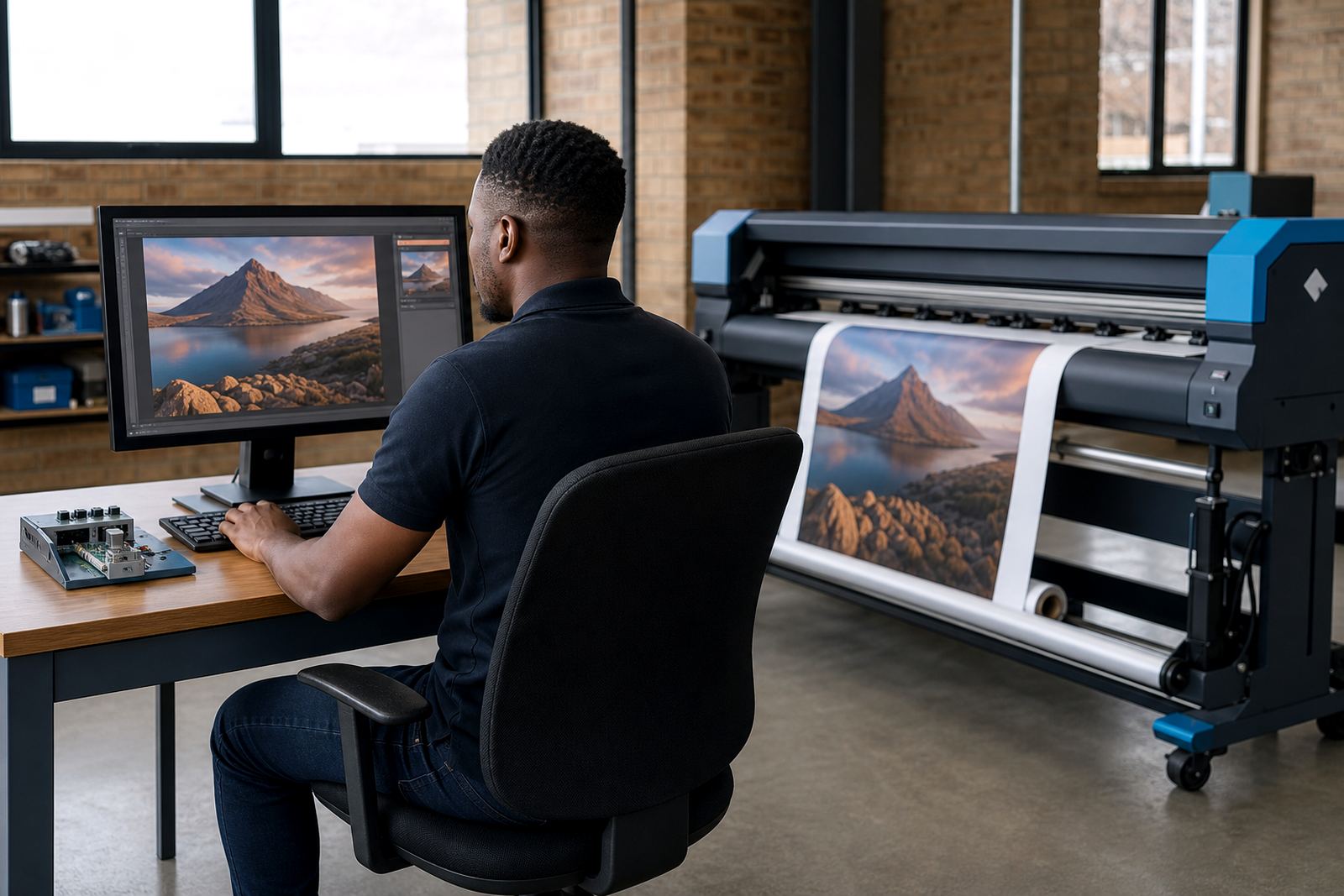
RIP software takes a design file and translates it into instructions a wide-format inkjet printer can use. That means it reads the artwork, interprets layers, spot colours, transparency, and image resolution, then prepares each pass so the printer lays ink where it should.
In practical terms, a print shop in Midrand can receive a banner, a retail board, and a wrap panel in one afternoon. The RIP keeps those jobs separate, sets the correct media size, and sends data to the printer in the right sequence. Without that control, print quality can drift, colours can shift, and material is wasted.
- Converts artwork into printer-ready output
- Handles large files without losing detail
- Sets media size, pass count, and print mode
- Manages spot colours, layers, and transparency
Colour control that stays steady from job to job
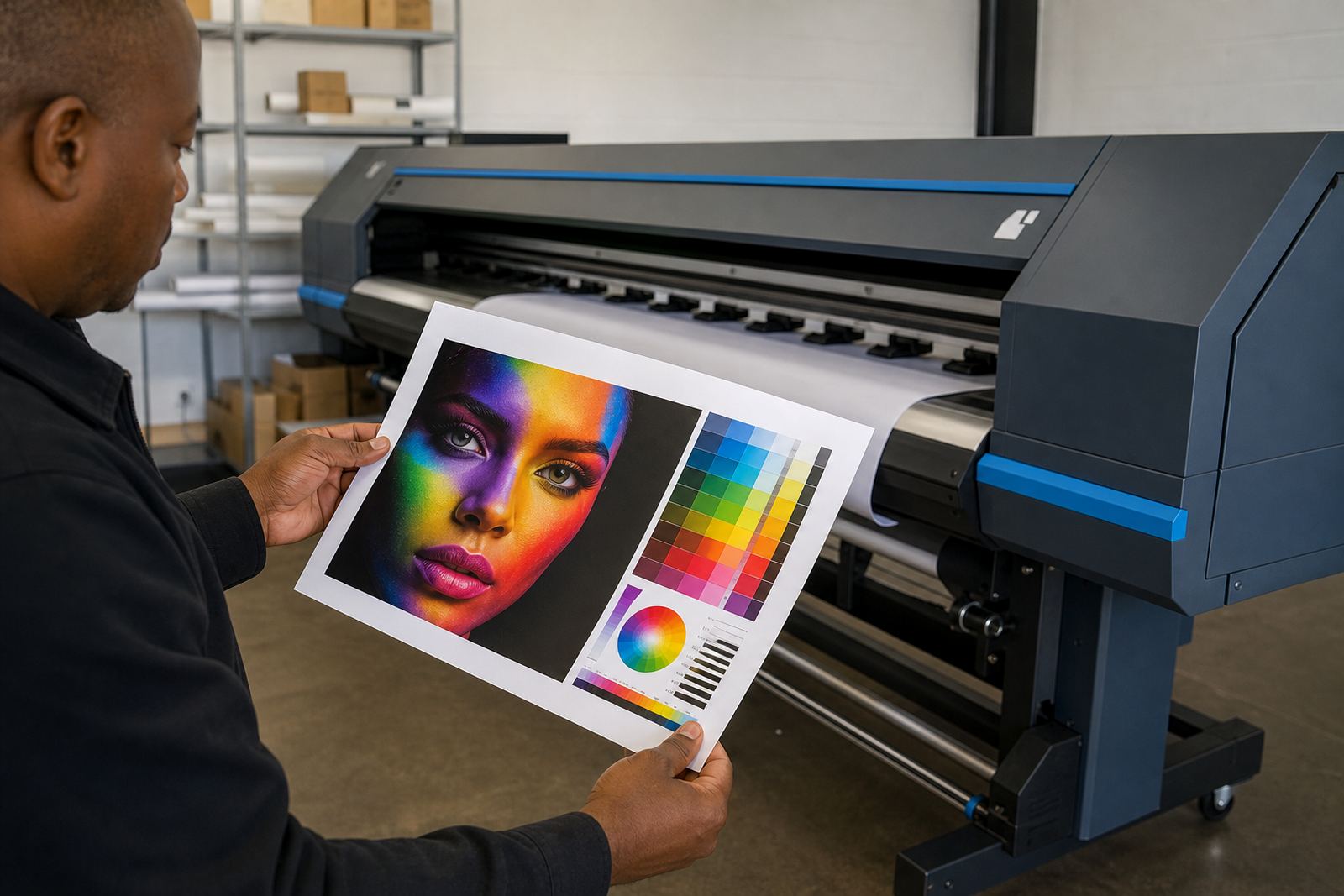
Most colour problems start before ink touches the media. RIP software gives the operator tools to load colour profiles, adjust ink limits, and match output to the printer, ink set, and substrate. That matters on backlit film, vinyl, coated boards, and other common wide-format materials used in South Africa.
A good colour workflow does not guess. It uses measured settings for each printer and each media type so reds stay red, skin tones stay natural, and dark areas do not fill in. In Durban, where humidity can affect media handling, those settings help the shop keep output steady across long production runs.
- Loads media-specific colour profiles
- Sets ink limits for cleaner detail
- Supports consistent spot colour handling
- Helps keep output aligned across shifts
Nesting, tiling, and smarter use of media
One of the main jobs of RIP software is to reduce waste. Nesting places multiple jobs on the same sheet or roll with as little gap as possible. Tiling breaks a large graphic into panels that can be printed, trimmed, and joined later with the correct overlap.
This is useful for print shops handling exhibition graphics, storefront signage, or vehicle panels. A better layout can save metres of media on every roll, and that adds up when a production floor in Johannesburg or Cape Town is running through busy weeks.
- Nesting reduces offcut waste
- Tiling supports oversized graphics
- Rotate and arrange jobs for better media use
- Group similar print modes for steadier output
How queues keep production moving
When several operators share one printer, queue management becomes part of the day’s work. RIP software lets the team prioritise urgent jobs, pause a file, reorder the queue, or hold a job until the correct media is loaded. That keeps the printer from stopping every time a new file arrives.
Queue workflow design matters most in shops with mixed work, like short-run stickers, rigid boards, and long banner runs. A well-set queue reduces operator confusion, limits repeat setup mistakes, and makes the next job easier to release. It is especially useful when a production team works around load-shedding plans and needs print runs grouped properly before power changes.
- Prioritise urgent jobs without losing order
- Hold files until media is ready
- Group similar jobs for faster changeovers
- Reduce operator errors during busy periods
Printhead drivers and the printer board behind the output
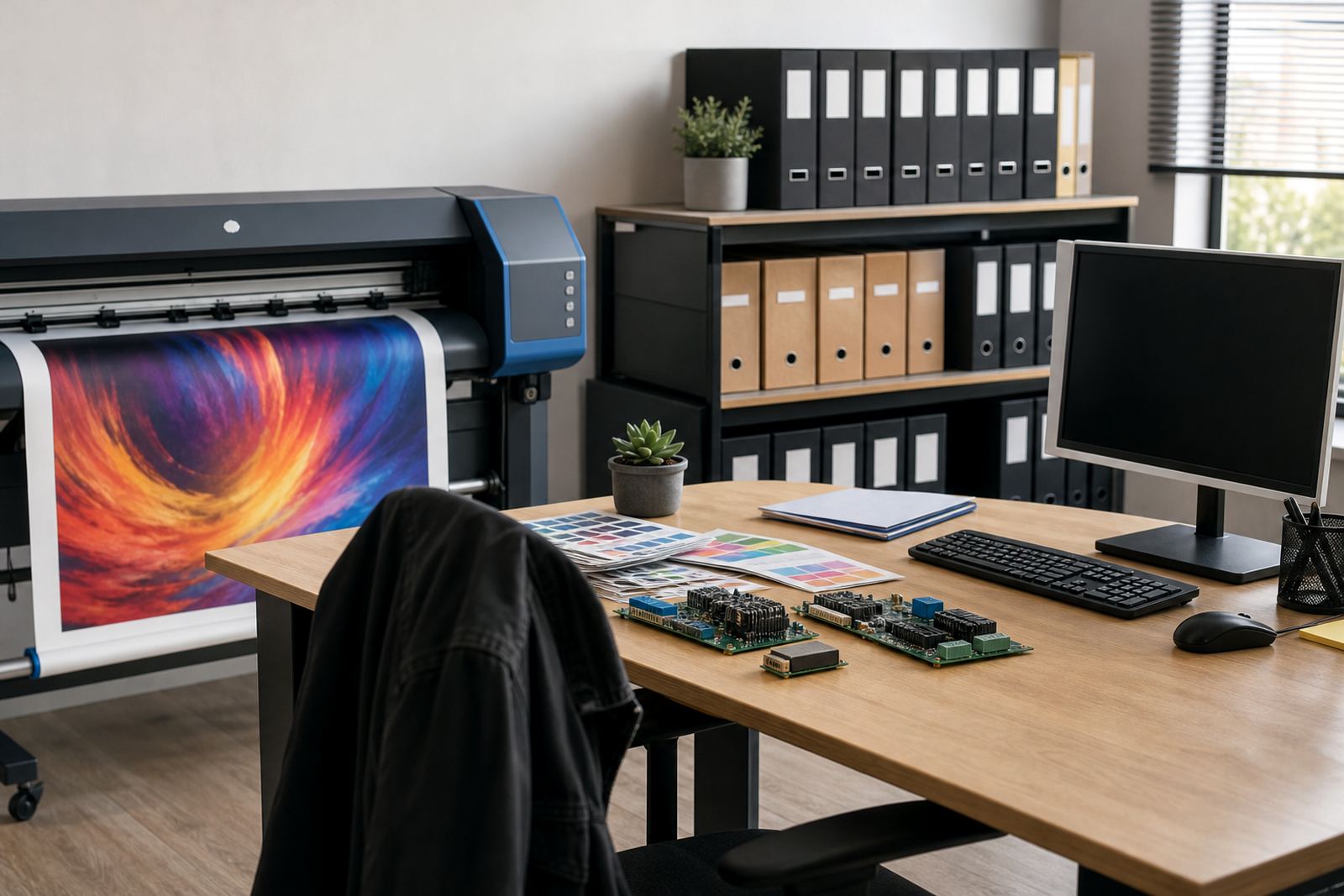
RIP software does not work alone. It sends data through the printer’s control board and printhead drivers, which manage how ink is fired across the head. If those parts are not set correctly, the output can show banding, broken lines, or uneven density.
That is why board installation, driver setup, and fault finding often sit alongside RIP setup. A technician will check the board communication, confirm the printhead driver settings, and test whether the printer is reading the job correctly. In some cases the problem is not the file at all, but the handoff between software and hardware.
Maintenance also matters. Dust, heat, and power interruptions can affect printer control electronics, especially in busy shops that run full shifts. Preventive checks help keep the board, drivers, and RIP speaking the same language.
Remote setup for South African production floors
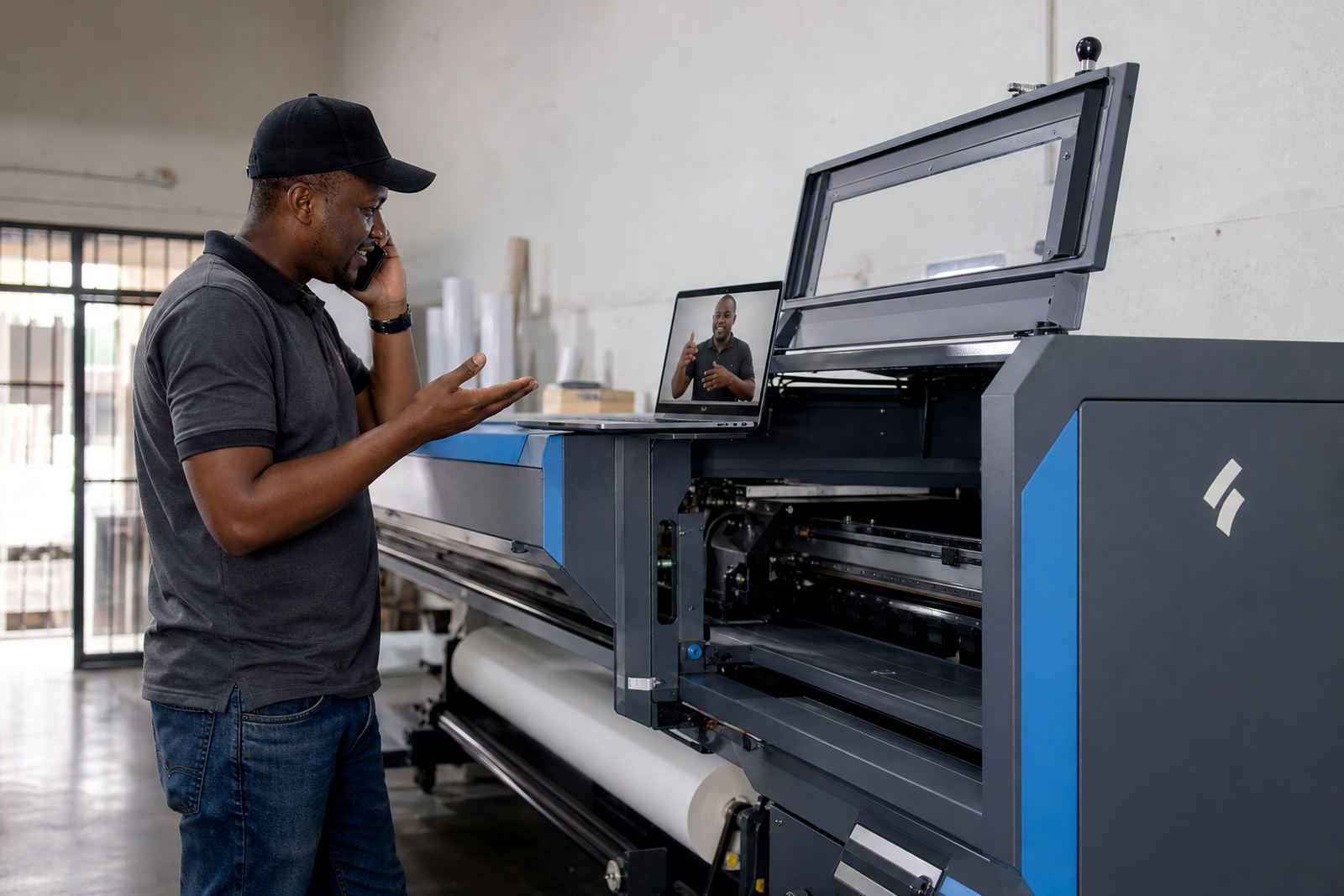
Many shops need support without waiting for a site visit. Remote setup lets the technician configure the RIP, load profiles, test queues, and verify print modes while the local team stays at the machine. That is useful for print shops in Pretoria, East Rand, West Rand, Bloemfontein, and other centres where work must keep moving.
At InkFlow RIP in Midrand, that support covers installation, colour profile setup, printhead driver setup, backup and recovery, and operator training. Lerato Khoza keeps operations organised, Johan Letsoalo handles deeper RIP work, Zanele Moagi checks colour flow, Aiden Phiri leads remote support, Kagiso Pienaar repairs boards, and Bianca Rademeyer coordinates training for operators who need hands-on guidance.
- Remote setup for shops across South Africa
- Training for operators and supervisors
- Backup and recovery for file settings
- Fault finding on software and board issues
A Gauteng print shop example
A Midrand print shop may receive a mix of vehicle decals, indoor posters, and rigid signage on the same day. The RIP file settings for each job are different, and the operator must keep track of media type, pass count, colour profile, and finishing allowance. If the queue is loose, jobs can be sent with the wrong settings and the printer will only show the mistake after ink has gone down.
With the RIP set properly, the operator can group jobs by media, nest smaller graphics around larger panels, and print in the right order. That saves material, cuts rework, and keeps the production floor steadier when orders stack up. For shops working with coastal humidity in Durban or dry winter air in Gauteng, the main value is control, not guesswork.
RIP software is most useful when it fits the printer, the material, and the way the team works. That is the real job: turning artwork into consistent output that can go straight to finishing.