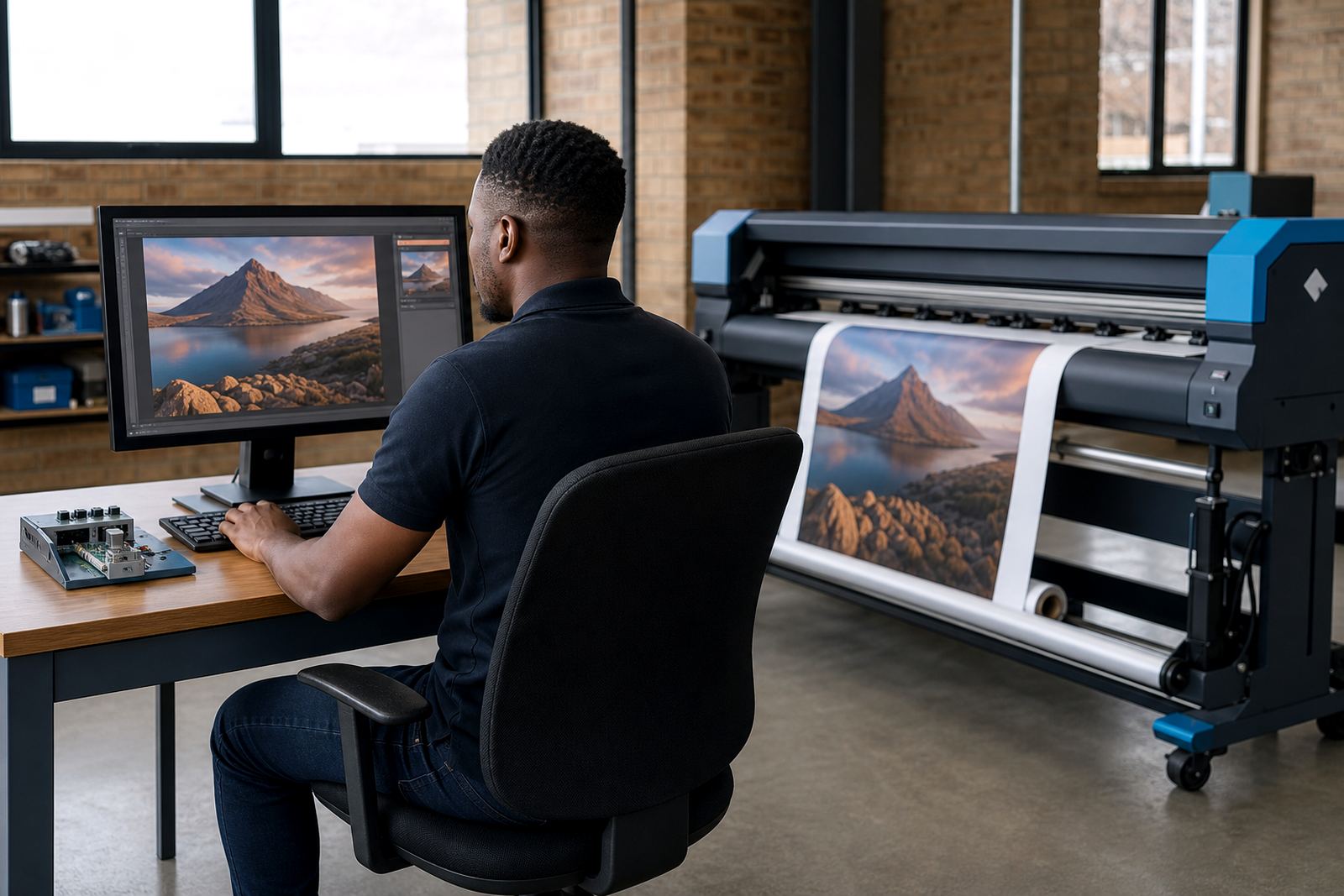
Saved jobs cut the middle steps out of repeat work
In a busy print room, the slow part is often not the press work itself but the setup before the first sheet or metre runs. When a job is saved properly in the RIP, the next run can open with the same media size, resolution, colour handling, nesting layout and output queue already in place. That means less time spent clicking through old settings and less risk of using the wrong profile on a familiar job.
For repeat work, the value sits in consistency. A vehicle graphic, pull-up banner, window vinyl or exhibition panel may return weeks later with only a small artwork change. If the RIP job is named clearly and stored with the right preset, the operator can load it, confirm the media and start production with far less guesswork.
- Use clear job names that include client, product and size.
- Save the media profile with the job, not only in a separate folder.
- Keep the same queue settings for repeated output types.
- Store finished files and production files in separate locations.
Presets keep colour and output moving in the same direction
Presets are more than a convenience. They are the working memory of the print room. A good preset links the printer model, printhead driver behaviour, ink limits, pass count, drying expectation and colour profile so the operator does not have to rebuild the same setup every morning.
This matters most on wide-format inkjet printers, where a small change in media or resolution can shift the result. One preset can be tuned for coated paper, another for self-adhesive vinyl, and another for heavier board. When the right preset is loaded, colour changes become smaller and production is easier to repeat across different shifts.
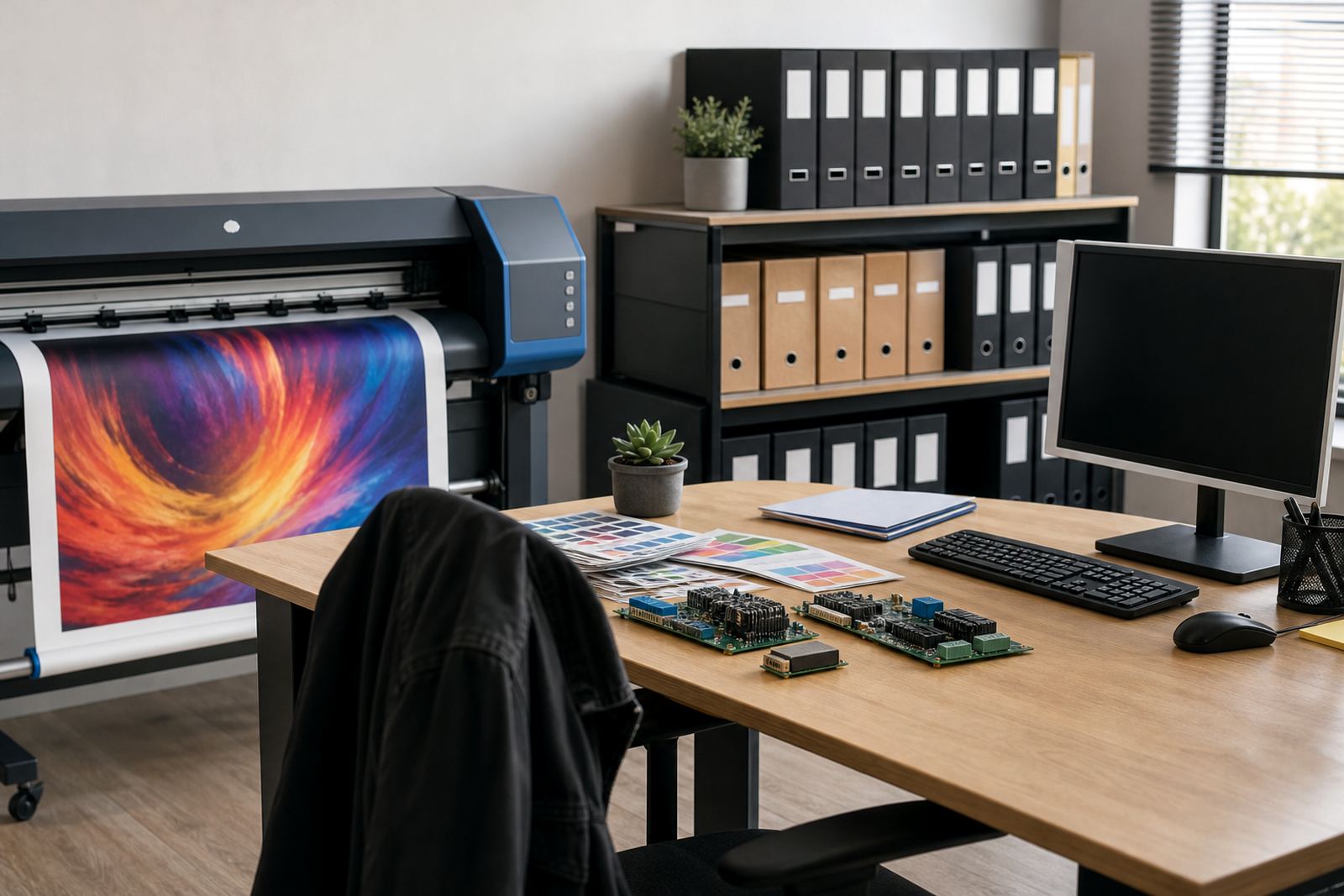
Colour profile setup is especially important in jobs that are reprinted month after month. If the profile matches the output condition and the media has been stored properly, the shop can keep the look close to the earlier run without chasing the target from scratch each time.
Archives turn old work into usable production memory
An archive is more than a storage folder for old files. For reprints, it should hold the RIP job file, the artwork, the queue settings, the colour profile used, notes on the media, and any special handling instructions. If a shop in Midrand receives the same retail promotion for branches in Durban and Cape Town, the archive should show exactly how the first run was handled.
That kind of record helps when a file returns after a long gap. The operator can see whether the job was printed on a different printer, whether the file was flattened, and whether nesting was adjusted to save material. It also helps when more than one person handles production, because the shop is not relying on memory alone.
- Keep one folder for final output and one for editable source files.
- Save notes on the substrate, feed direction and finishing method.
- Record any colour correction made during production.
- Mark whether the job was printed for indoor or outdoor use.
Nesting and queue design matter on reprints too
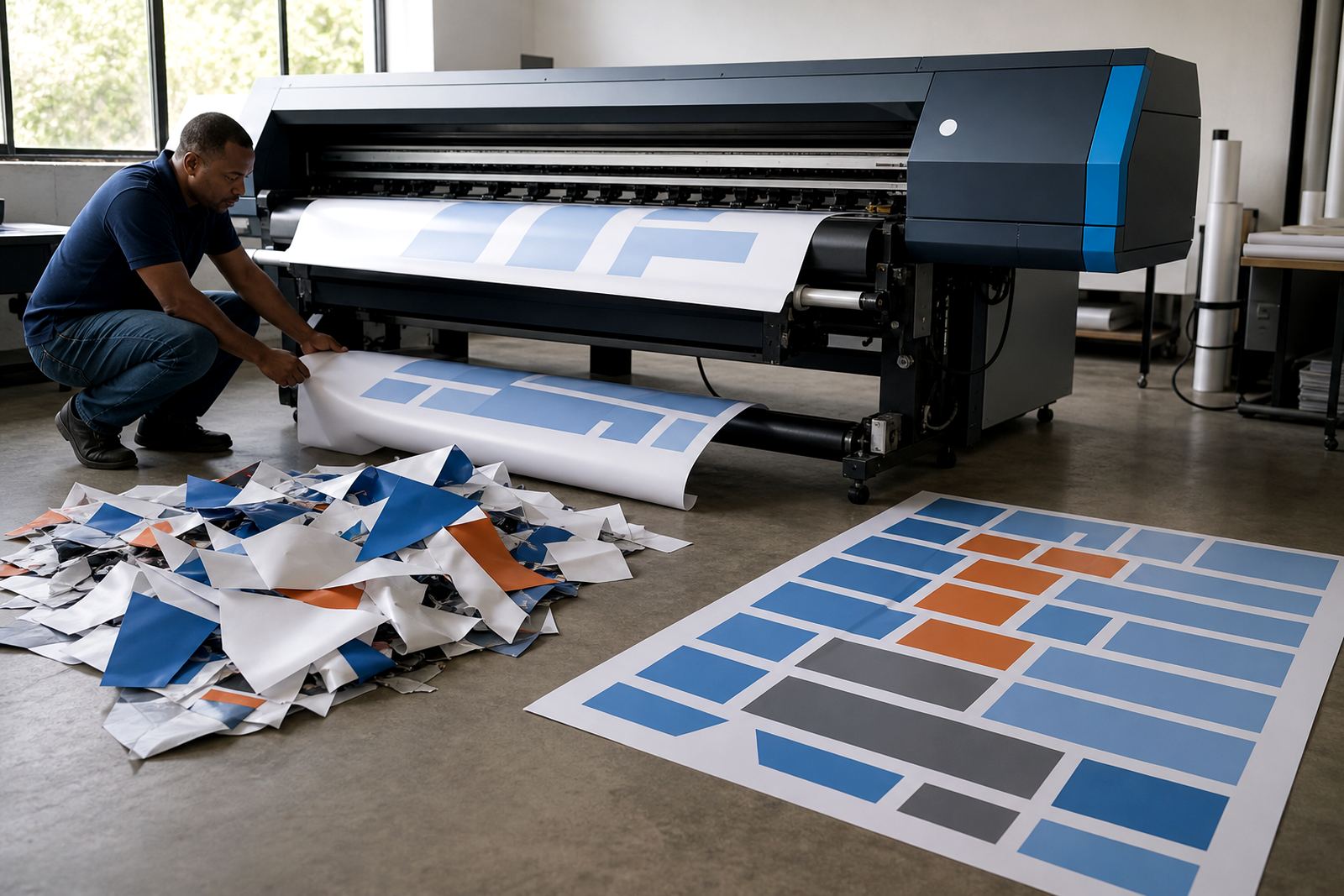
People often think nesting only helps on big first-off runs, but repeat work benefits just as much. If a client sends recurring point-of-sale material in mixed sizes, a good nesting setup can place multiple pieces efficiently on the sheet or roll and reduce waste. That is useful in Gauteng production rooms where material cost and operator time both matter.
Queue design also saves time. When the queue is structured by media type, urgency and finishing route, repeat jobs can move straight into the right line without stopping to sort every file by hand. A sensible queue structure helps prevent a banner job from being mixed with a fine-detail label run, which would waste time and material.
For shops handling work across Johannesburg, Pretoria and the East Rand, the repeat job is often the one that arrives with the most confidence and the least paperwork. That is exactly why the queue has to be clean. The more routine the job becomes, the easier it is for a poor setup to hide inside it.
Maintenance keeps old favourites ready for the next run
Saved jobs and presets are only useful if the printer is still behaving the same way when the order returns. Preventive maintenance protects the repeat value of the archive. A clogged nozzle pattern, a drifting sensor or a loose control board connection can undo a carefully saved setup, even when the file is perfect.
For wide-format inkjet printers, routine checks should cover feed stability, carriage movement, head condition, board communication and the reliability of the printhead driver setup. In coastal cities such as Durban and Cape Town, humidity can affect media handling and storage as well, so the shop needs to keep an eye on how sheets are conditioned before they enter production.
Good maintenance does not need drama. It needs regular attention, clean records and a technician who can tell the difference between a file issue, a board issue and a colour issue. That is what keeps repeat work from turning into fresh troubleshooting every time it returns.
A Midrand repeat job can move across the country with less friction
Picture a mid-sized print shop in Midrand handling monthly promotional panels for a retailer with branches in Johannesburg, Pretoria, Bloemfontein and Durban. The first run takes time because the team is building the profile, testing the media and locking in the nesting pattern. The second run should not need that same effort. If the job is archived properly, the operator can reopen the saved queue, confirm the media roll or board, and produce the next batch with far fewer adjustments.
Remote setup helps here as well. If the RIP environment is already organised for repeat work, support can focus on tuning output rather than rebuilding the whole workflow. That is useful when a shop has multiple operators or a mix of urgent work and scheduled reprints. It also helps keep production steady when a board needs repair or a profile needs a small correction after a media change.
- Keep repeat jobs named by client and product line.
- Store colour notes with the archived file.
- Match the saved preset to the actual media in use.
- Review the queue order before sending a batch to print.