Start With The Material, Not The Artwork
A preset should match the media first, then the job. A heavy banner needs different feed and drying behaviour from a lightweight coated paper, even if both carry full colour artwork. The surface texture, absorbency and thickness all change how ink sits and how the media moves through the machine.
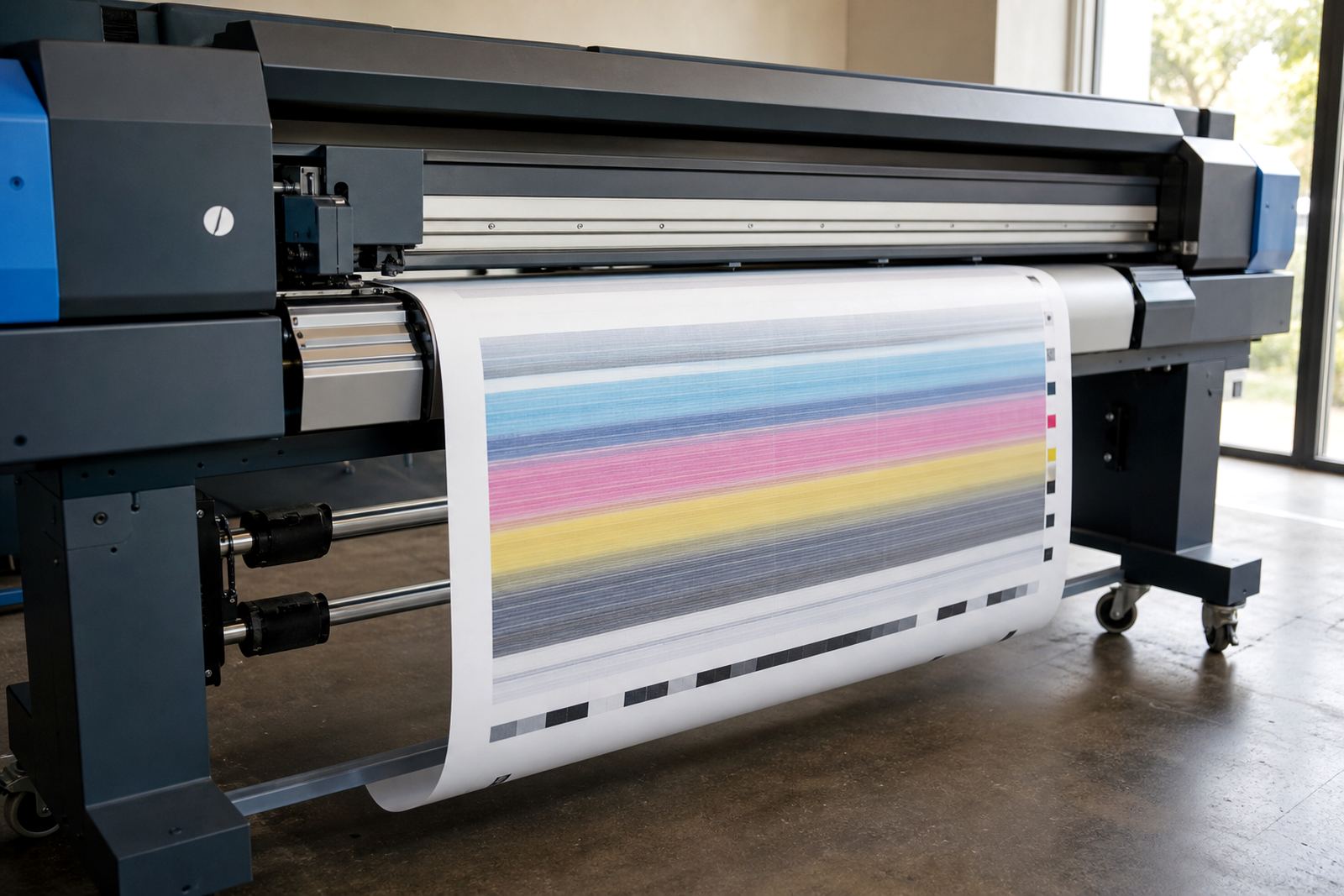
In practice, the first question is not whether the file looks ready, but how the sheet or roll behaves under heat, tension and ink load. Glossy films can show banding if the feed is not stable. Uncoated stock can drink in too much ink and soften fine text. A preset gives the printer a working set of values so the operator is not adjusting from scratch each time.
- Match the preset to the actual media weight and finish.
- Use a different setup for coated, uncoated and textured surfaces.
- Test one roll before applying the same settings to every job.
Ink Limits Matter More Than Most People Expect
Ink limits control how much ink the RIP sends to the printer. Too much ink can cause drying issues, dull detail and smudging on some stocks. Too little can leave colour flat and weak, which is a problem on large display work where distance still has to read cleanly.
For a print shop in Midrand handling indoor posters, vehicle graphics and exhibition panels in one week, separate presets help keep each type of work under control. Indoor paper may take a softer setting with tighter ink limits. A self adhesive film might need stronger density without flooding the surface. For backlit media, the balance shifts again because light changes how colour appears once the print is installed.
- Higher ink limits do not always mean better colour.
- Different media often need different black generation and drying behaviour.
- Reusing one preset across all stocks can waste material.
Feed, Pass Count And Drying Need To Work Together
Media presets are not only about colour. Feed rate, pass count and curing or drying settings all affect the result. A slower pass count can help on demanding jobs where detail matters, but it may not suit every roll. Faster production settings are useful for draft work or shorter life signage, although some surfaces need more controlled ink laydown.
Humidity also plays a part, especially in coastal areas like Durban where media can behave differently from a dry inland workshop. Roll tension may change during the day, and a preset that works well in the morning can drift slightly later if the media warms up. That is why operators should treat presets as working tools, not fixed numbers that never need checking.
- Use slower passes for fine detail and demanding colour work.
- Keep drying settings in step with the media and room conditions.
- Watch for curl, cockling and edge lift during longer runs.
Profiles Help Colour Hold Its Shape
Colour profiles sit inside the preset and guide how the printer reproduces tones on a chosen material. The same file can look different on matt paper, gloss film and translucent stock. A good profile helps hold skin tones, corporate colours and shadow detail in a more controlled way, without forcing the operator to guess at every adjustment.
In South Africa, shops often print the same artwork for different end uses, from retail signage in Johannesburg to event graphics in Cape Town. That makes profile discipline important. A preset should name the media clearly, carry the correct profile and be paired with the right print mode so operators are not mixing settings from a previous job.
- Keep one profile per media type where possible.
- Label presets clearly so operators can spot the right one at a glance.
- Recheck colour after a board change or driver update.
A Midrand Example From The Production Floor
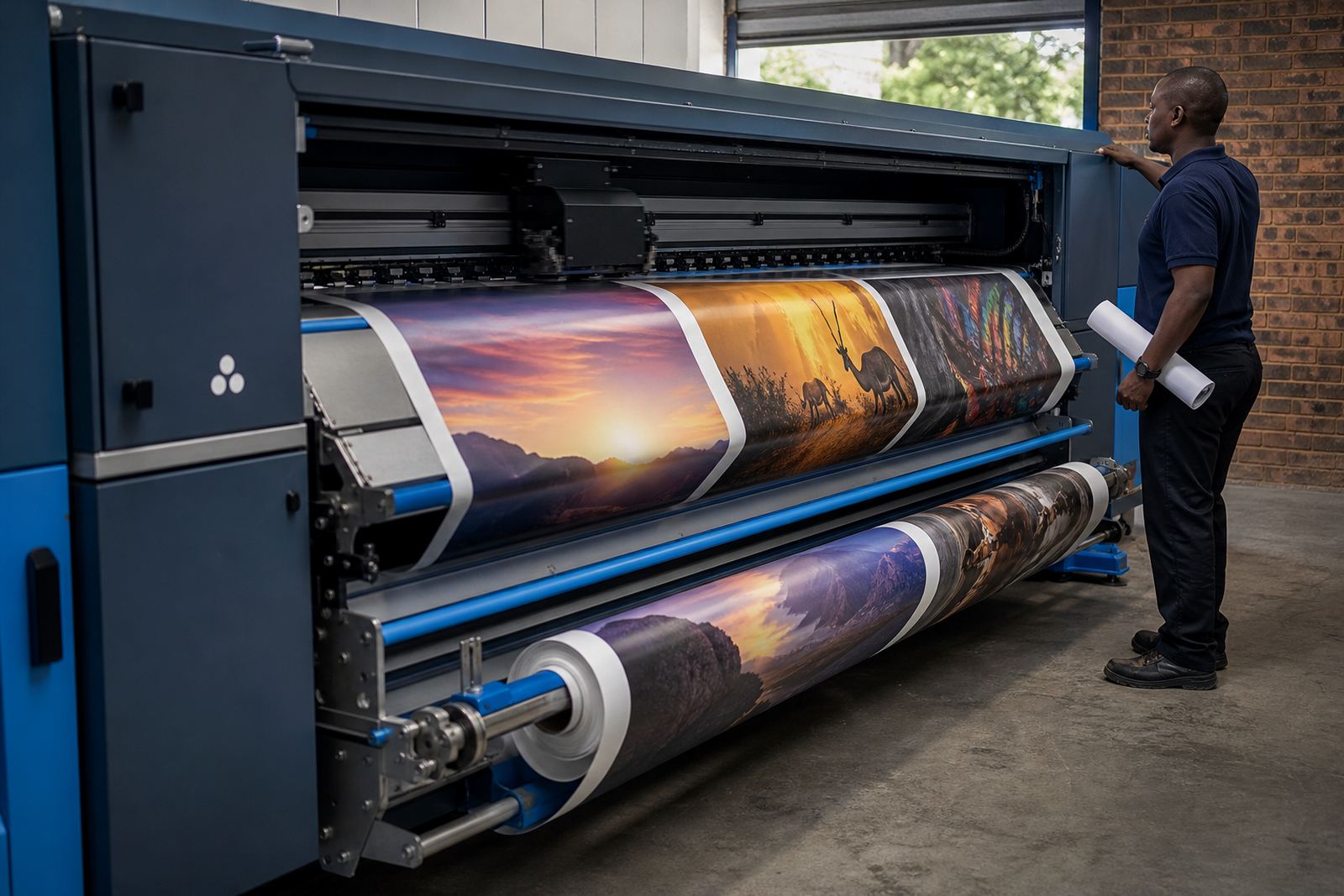
A print shop in Midrand might run three common jobs in a single shift: coated posters for a Pretoria retail campaign, PVC banners for an industrial site in Germiston, and adhesive vinyl for fleet graphics. Each one asks for a different preset. The posters need clean text and smooth mid-tones. The banners need strong coverage without over-saturating the weave. The fleet graphics need accurate colour and controlled drying so the laminate bonds properly later.
When those jobs share one default setup, the shop loses time chasing small faults. A better method is to build separate presets for each stock, then train operators to select the correct one before the job starts. That reduces reprints and keeps the queue moving without forcing the team to compensate at the last minute.
- Build separate presets for posters, banners and adhesive vinyl.
- Save different settings for indoor and outdoor work.
- Keep a note of which preset suits each roll width.
Maintenance Keeps Presets Honest
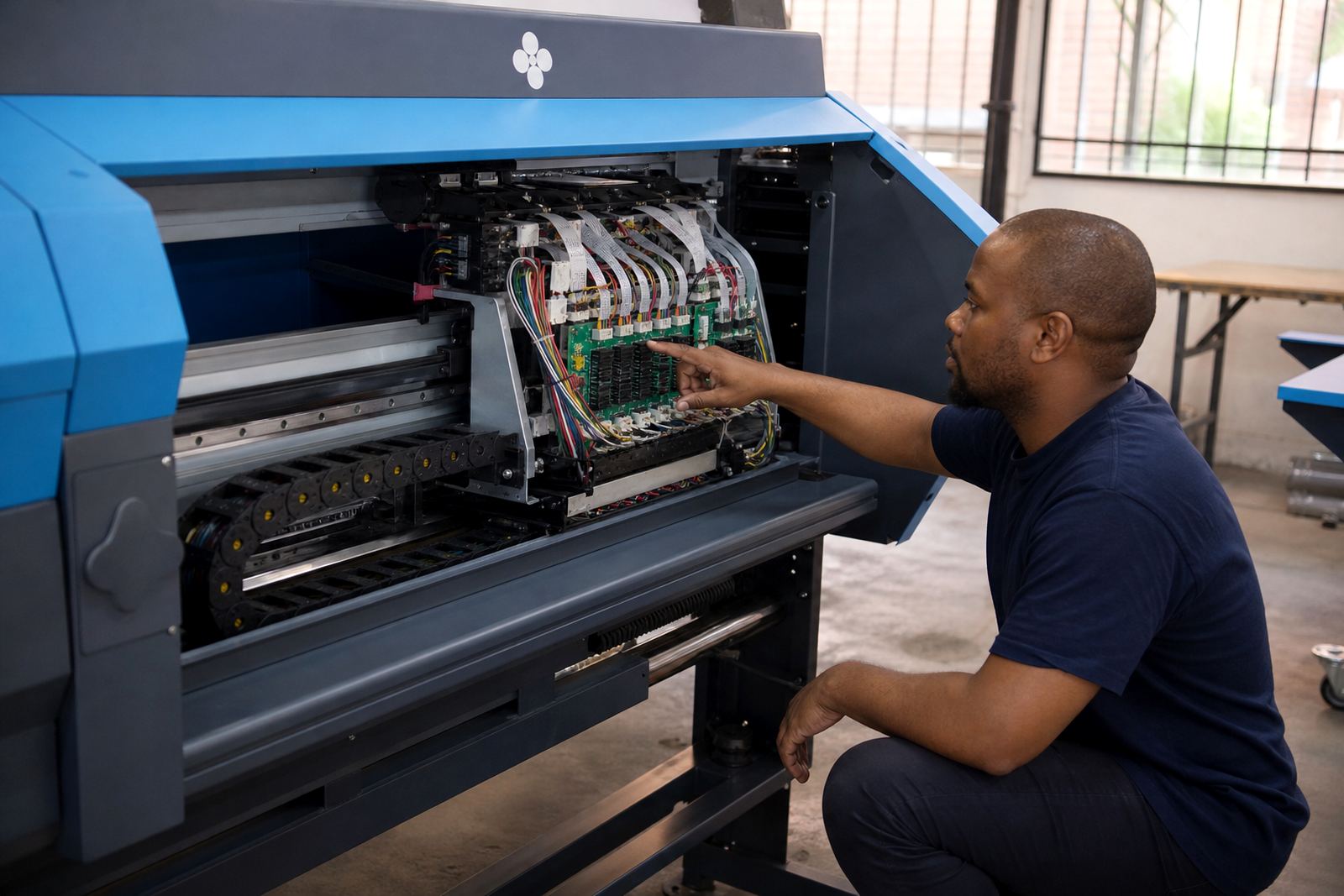
Even a well built preset can drift if the printer is not maintained. Worn rollers, dirty heads, loose board connections and unstable voltage can all change how the machine behaves. That is where preventive maintenance and fault finding matter. If the printer is not feeding straight or the printhead drivers are not behaving as expected, the preset will not rescue the job.
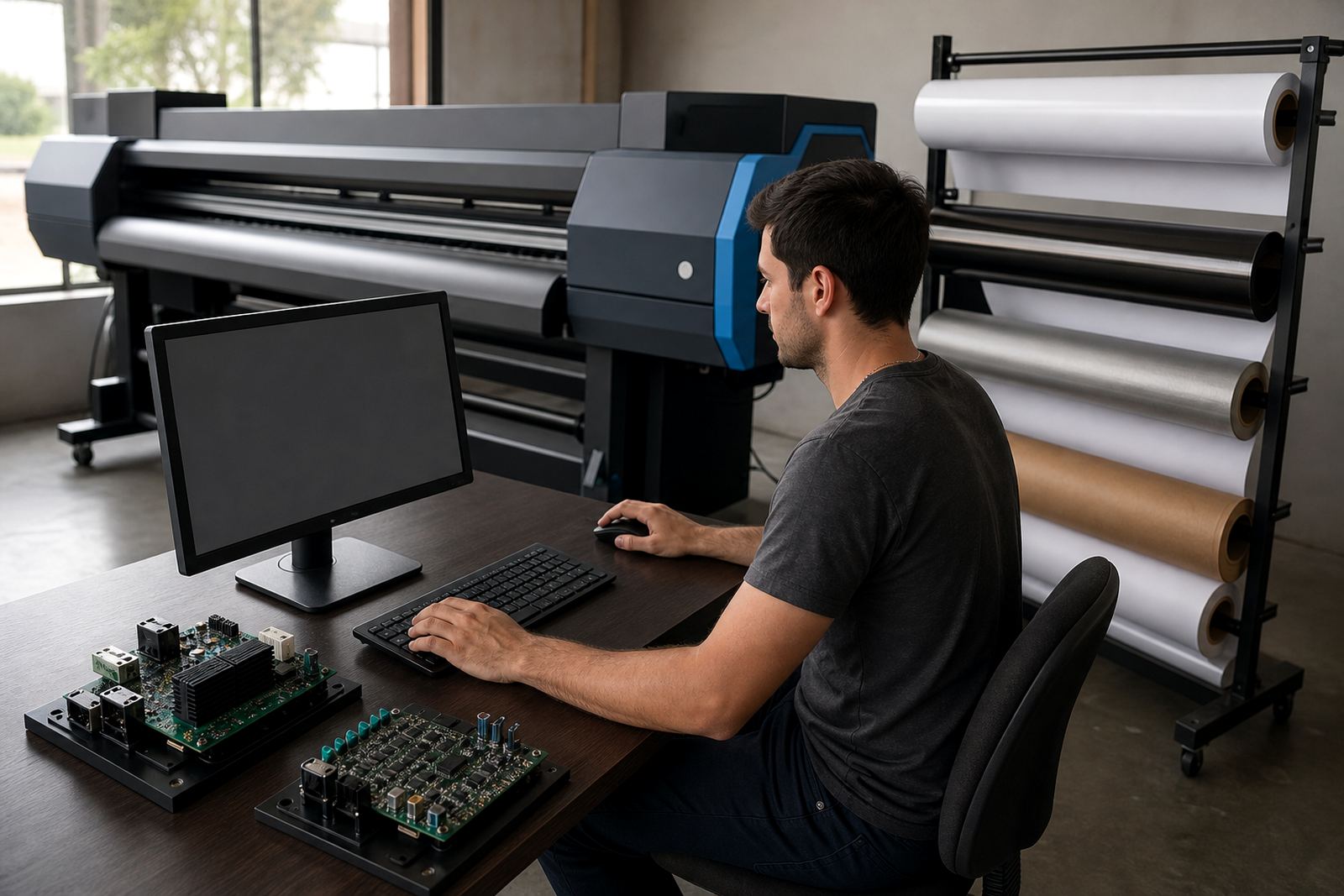
Backup and recovery are useful too. When a queue workflow is organised properly, the operator can restore known settings after a change or service without rebuilding everything from zero. For wider production sites, that saves a lot of guesswork. It also keeps the colour workflow consistent when different staff members handle the same device across the week.
- Check rollers, heads and board connections before blaming the preset.
- Keep backups of working setups for the main media types.
- Review presets after maintenance, not only after failures.
Operator Training Makes The Settings Useful
The best preset still depends on the person selecting it. Operators need to know the difference between a coated stock preset and a rougher banner preset, and they need to understand when a job calls for a slower mode or a colour correction. Training is especially useful in busy shops where the same machine handles short runs, long runs and rush work in the same day.
For teams across Johannesburg, Pretoria, Durban, Cape Town and Bloemfontein, remote setup can help standardise the first layer of configuration. From there, local operators can work with a cleaner set of options, fewer repeat mistakes and a clearer path through the queue. Presets do not replace judgement, they support it.
- Train staff to pick the correct preset before sending the file.
- Use the same naming pattern across every machine.
- Review presets whenever new media is introduced.