Where the driver board fits in the print path
A wide-format inkjet printer does not send a picture straight to the printhead and hope for the best. The RIP prepares the job, the printer control board handles communication, and the printhead driver board shapes the firing pattern so each nozzle opens at the right moment. That timing has to stay steady across a banner, a board, or a full production run.
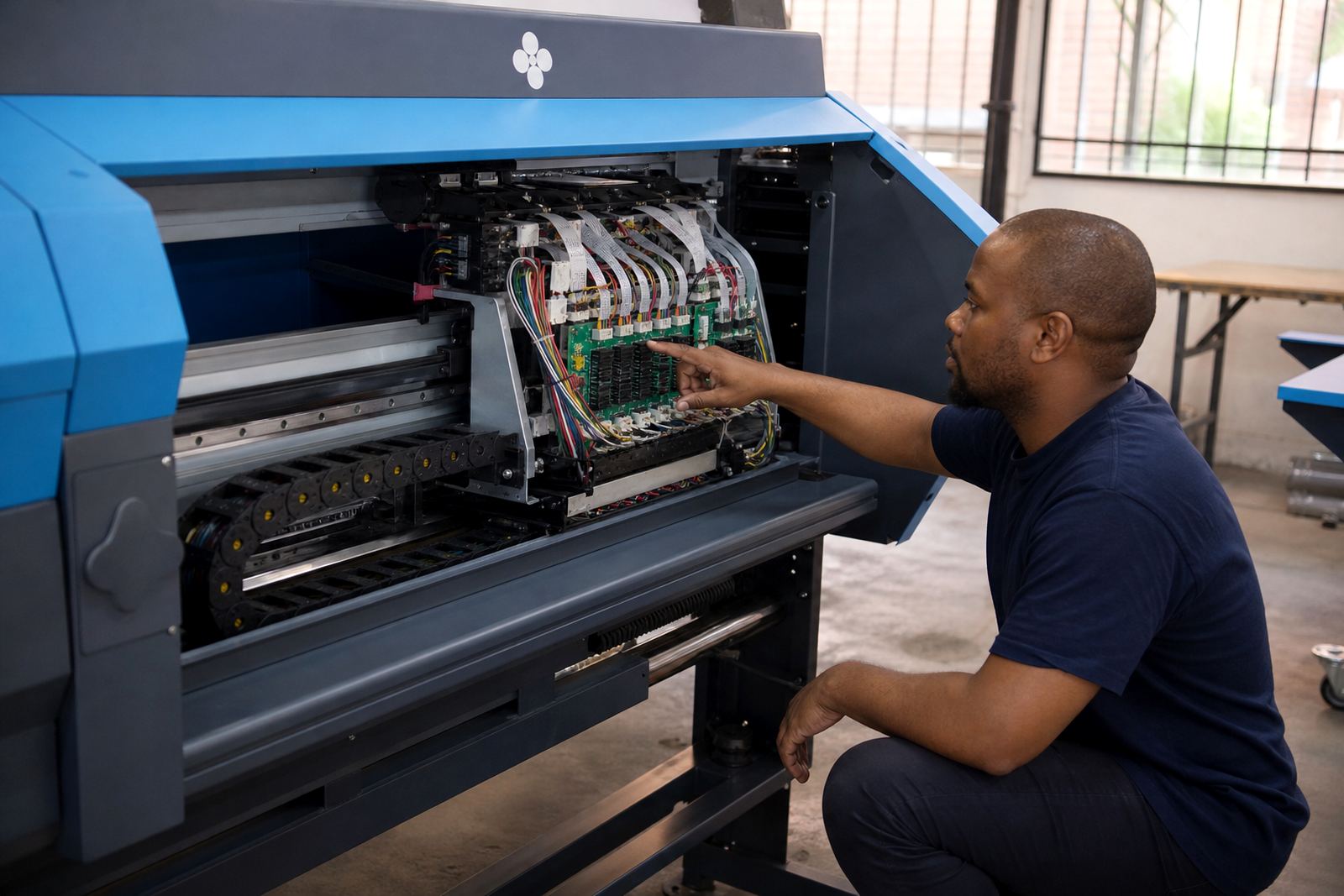
In practical terms, the board is doing more than passing data along. It helps manage voltage levels, signal timing, printhead address order, and the way the carriage or substrate movement lines up with each pass. If that control slips, the operator sees it in the output long before the cause is obvious.
- Coordinates firing signals for each printhead channel
- Matches data timing to carriage movement
- Supports stable output across long print runs
- Works with the RIP and printer control system
What goes wrong when timing is off
Many print defects look like an ink problem, but the real issue may sit in the driver stage. A board that is struggling with signal integrity can create faint bands, random dropouts, or colour shifts that move around from one job to the next. The operator may clean the head, swap ink, and still see the same fault.
On a production floor in Midrand, that can mean wasted metres of media and a queue of work waiting behind one troublesome machine. In coastal places such as Durban, humidity adds another layer of pressure because moisture can affect connectors, cable condition and storage around the machine. The board itself may be small, but its job is not.
- Banding that stays after normal cleaning
- Missing lines in solid fills or image areas
- Intermittent communication faults
- Uneven results between passes or jobs
How RIP settings and driver boards work together
The RIP decides how artwork becomes printable data. The driver board then has to deliver that data in a way the printhead can use without confusion. If the colour profile is heavy-handed, the queue settings are messy, or the resolution is pushed beyond what the printer can handle, the board and printhead have to work harder than they should.
This is where production tuning matters. A sensible setup keeps file size, raster speed, pass count, and ink limits in balance. It is not about squeezing every setting to the edge. It is about keeping the machine predictable so the board can fire cleanly and the printhead can stay stable for the full job.
- Colour profile setup affects ink density and tone balance
- Queue workflow design keeps jobs moving in the right order
- Production tuning reduces strain on the print path
- Backup and recovery protect working settings when changes are needed
Signs the board needs attention during daily production
Operators often spot a driver issue before anyone opens the machine. A job may start normally, then one colour channel begins to drop out, or the output changes after a warm-up period. Sometimes the printer pauses without a clear reason, or a head that looked fine yesterday starts firing unevenly after a power interruption.
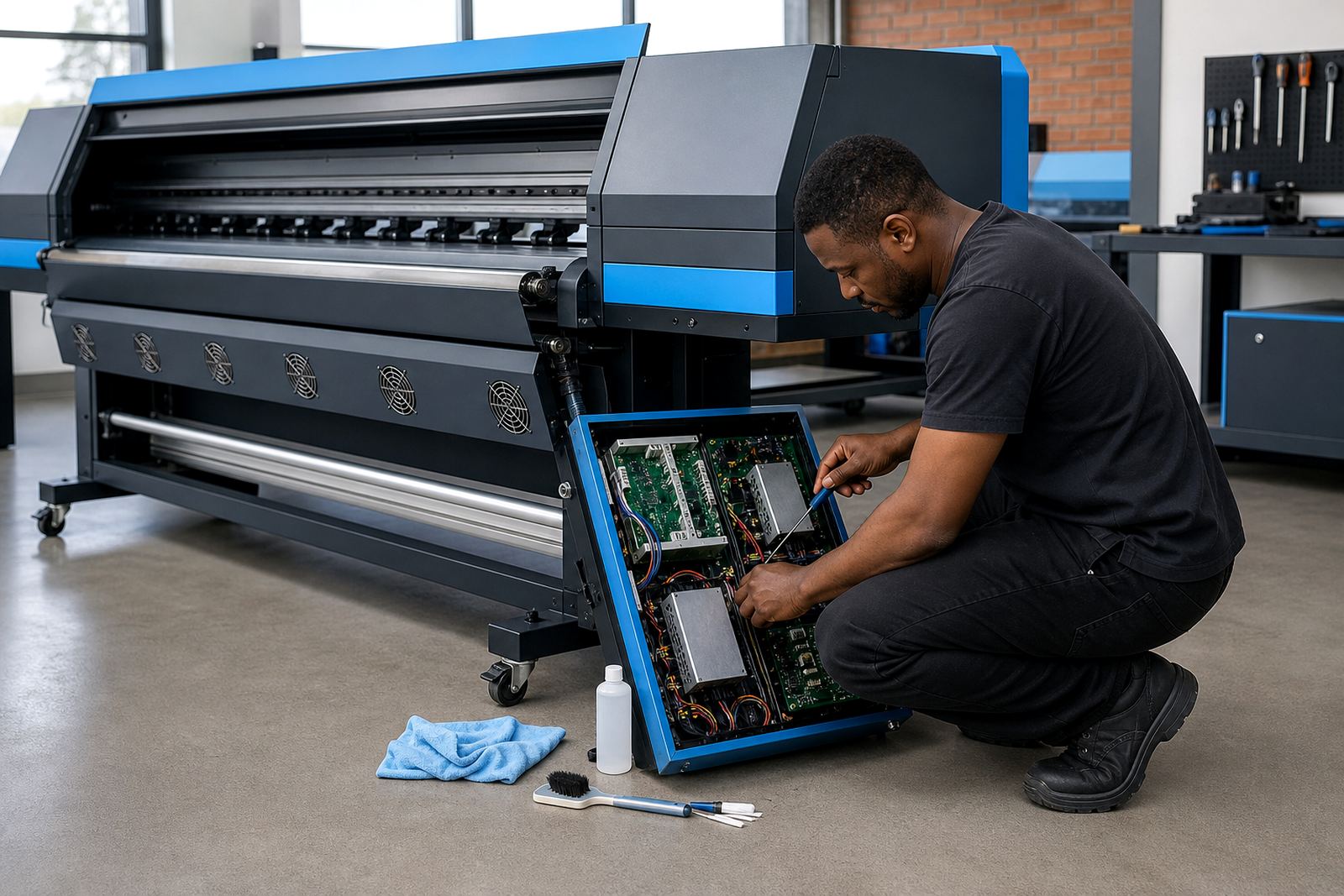
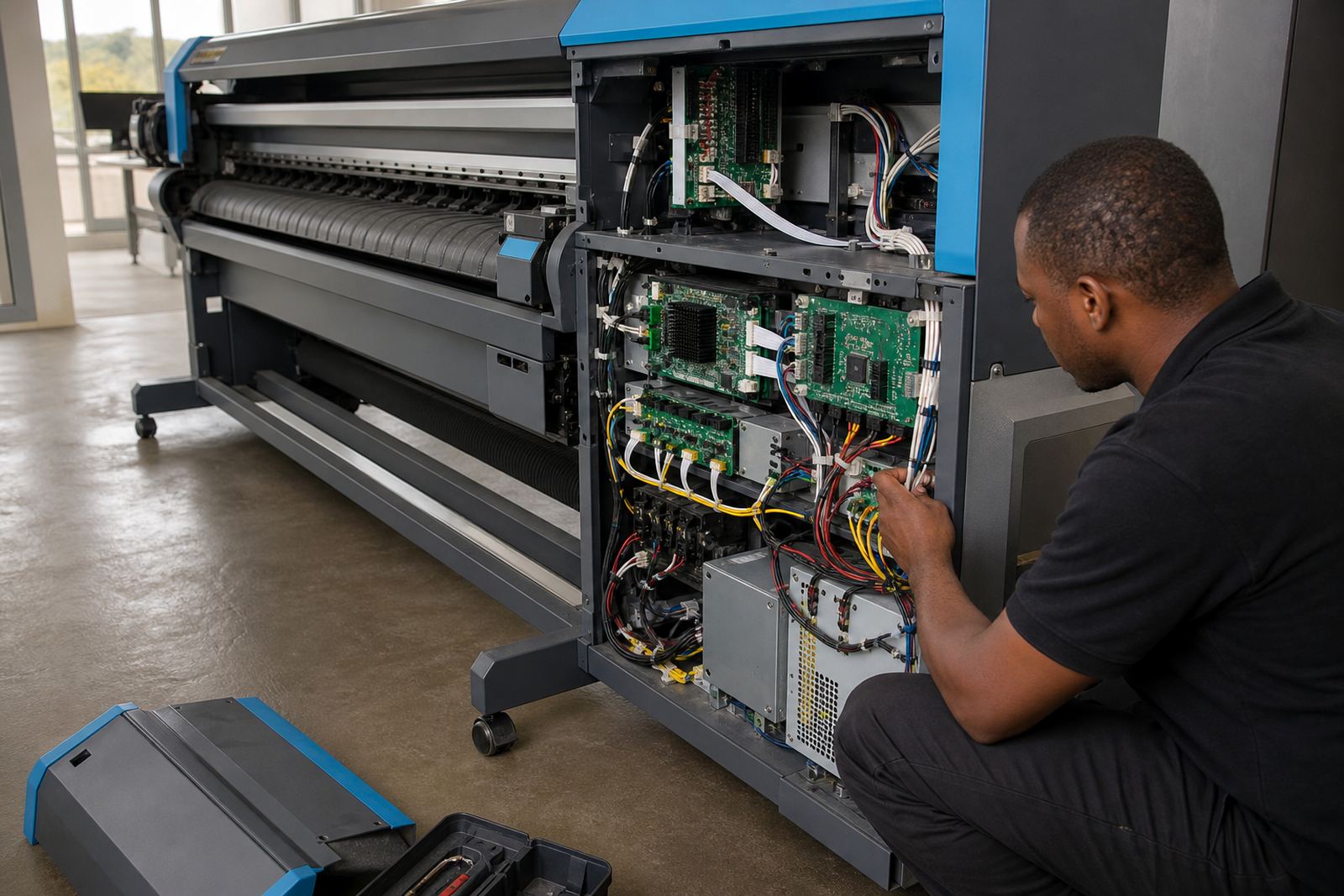
That is where fault finding must be careful and methodical. A board repair technician looks at connectors, cable routing, signal stability, grounding, and the relationship between the board and the rest of the control system. Swapping parts at random can mask the problem for a while, but it does not tell you what failed.
- Random nozzle loss after the job has started
- Printer stops mid-run without a clear cause
- Output changes after a restart or outage
- Noise, heat, or unstable behaviour from the control area
A Pretoria shop handling poster work and day signs
A print shop in Pretoria that handles posters, PVC banners and window graphics may run the same machine through a mix of urgent and longer jobs in one shift. If the driver board is not set correctly for the head type and ink set, the operator can spend hours chasing defects that only show up on certain media or at certain resolutions. The problem may look random, but it usually follows a pattern.
Once the board settings, RIP queues and colour profile are aligned, the machine becomes easier to run. The staff member loading the next job can trust the settings already in place, and the team does not have to rebuild the process every time a different file arrives. That saves time, yes, but more importantly it protects print consistency.
- Keep a record of working board settings
- Use one clear queue structure for repeat work
- Match media settings to the real stock on hand
- Train operators to spot early warning signs
Care that keeps the signal path steady
Preventive maintenance for printhead driver boards is usually basic but easy to neglect. Dust buildup, loose connectors, static, and cable wear all create avoidable trouble. A clean control compartment and a regular check on harnesses can prevent a minor fault from becoming a full stoppage.
Remote setup and support are useful when a shop in Johannesburg, Bloemfontein or Cape Town needs the software side sorted without waiting for a full site visit. The board still needs proper physical care, but the RIP, colour setup and production workflow can often be checked and adjusted remotely. That mix of hardware care and workflow control keeps the machine in a better working state.
- Inspect cables and connectors during routine servicing
- Keep the control area clean and dry
- Confirm board settings after repairs or power events
- Store backup profiles and queue settings safely