What the control board does in a wide-format printer
A control board is the printer's decision centre. It receives the RIP output, translates it into instructions for carriage movement, media feed, ink firing and sensor reading, then keeps those signals in step while the machine runs. If that communication is uneven, the printer may still print, but the result can drift in registration, banding or ink placement.
In wide-format work, the board has to handle more than one task at once. It has to coordinate printhead drivers, watch for carriage position, manage heaters where fitted, and deal with fault messages when a sensor or cable is not behaving. That is why board setup and board condition matter so much on machines producing banners, vinyl, backlit film, wall graphics and similar work.
When Lerato Khoza and Johan Letsoalo look at a new installation in Midrand, they are not only checking whether the board powers on. They are checking whether the board matches the printer model, whether the firmware and data path are suited to the RIP software, and whether the whole chain can hold a steady queue under real production pressure.
How board issues show up on the print floor
Control board problems do not always look dramatic. A printer may start, print a few jobs, then throw an error only after heating up or moving into a longer queue. Other faults show up as repeated pauses, missing colours, odd carriage behaviour or a machine that accepts a job but does not process it cleanly. In coastal areas like Durban, moisture and airborne salt can make connector wear show up sooner, especially when a printer is standing in a busy shop with uneven cleaning habits.
A print shop owner in Johannesburg may think the RIP is at fault when the real issue is a loose board connector or an unstable signal between the computer and the printer. In another case, the board may be healthy but the printhead driver settings are too aggressive for the media and ink combination, so the machine lays down colour unevenly or pushes the heads beyond a sensible operating range.
That is why fault finding has to follow the full path, from artwork file to RIP queue, then on to the board, the drivers and the printheads. Skip one step and the answer can stay hidden.
The link between RIP software and the control board
RIP software does not just prepare artwork. It builds the print job in a language the control board can use. That includes colour management, screening, nesting, pass count, ink limits and print sequence. If the RIP and board are not speaking the same language, the printer may still move, but the output can be inconsistent or wasteful.
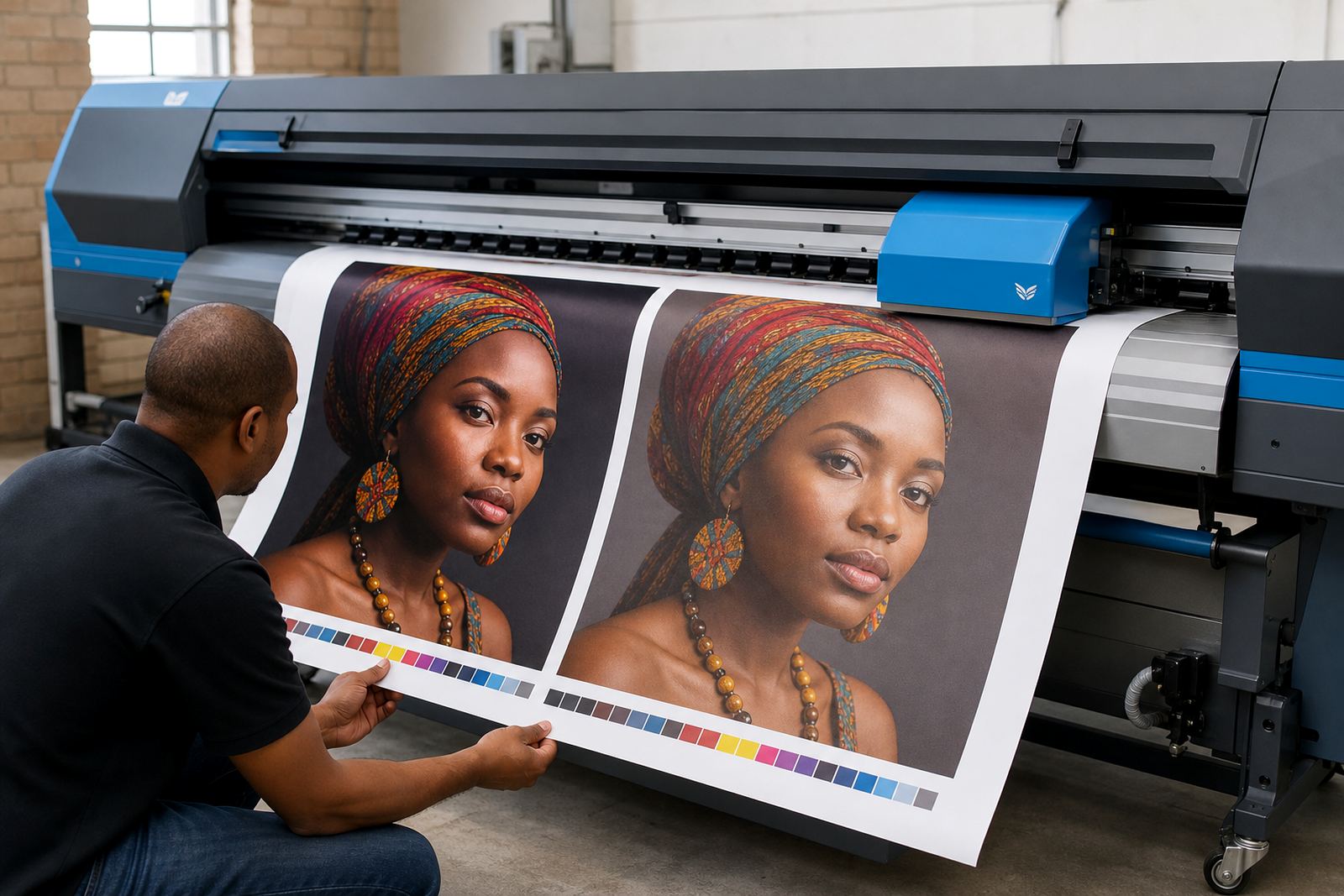
Proper queue workflow design matters on shared machines. A clean queue reduces operator error, keeps urgent jobs in order and prevents a mixed stack of media from being sent to the printer with the wrong profile. Zanele Moagi often checks whether the operator is using the right profile for the material, while Aiden Phiri looks at whether the remote setup can support the same workflow at a branch in Pretoria or Cape Town without confusion.
- Correct media profile for the job stock
- Ink limits matched to the printer and substrate
- Pass count and speed matched to production needs
- Nesting arranged to reduce waste and rework
- Queue naming that operators can follow without guesswork
When these parts line up, the control board is not fighting the software. It is working with it.
What a solid board installation needs
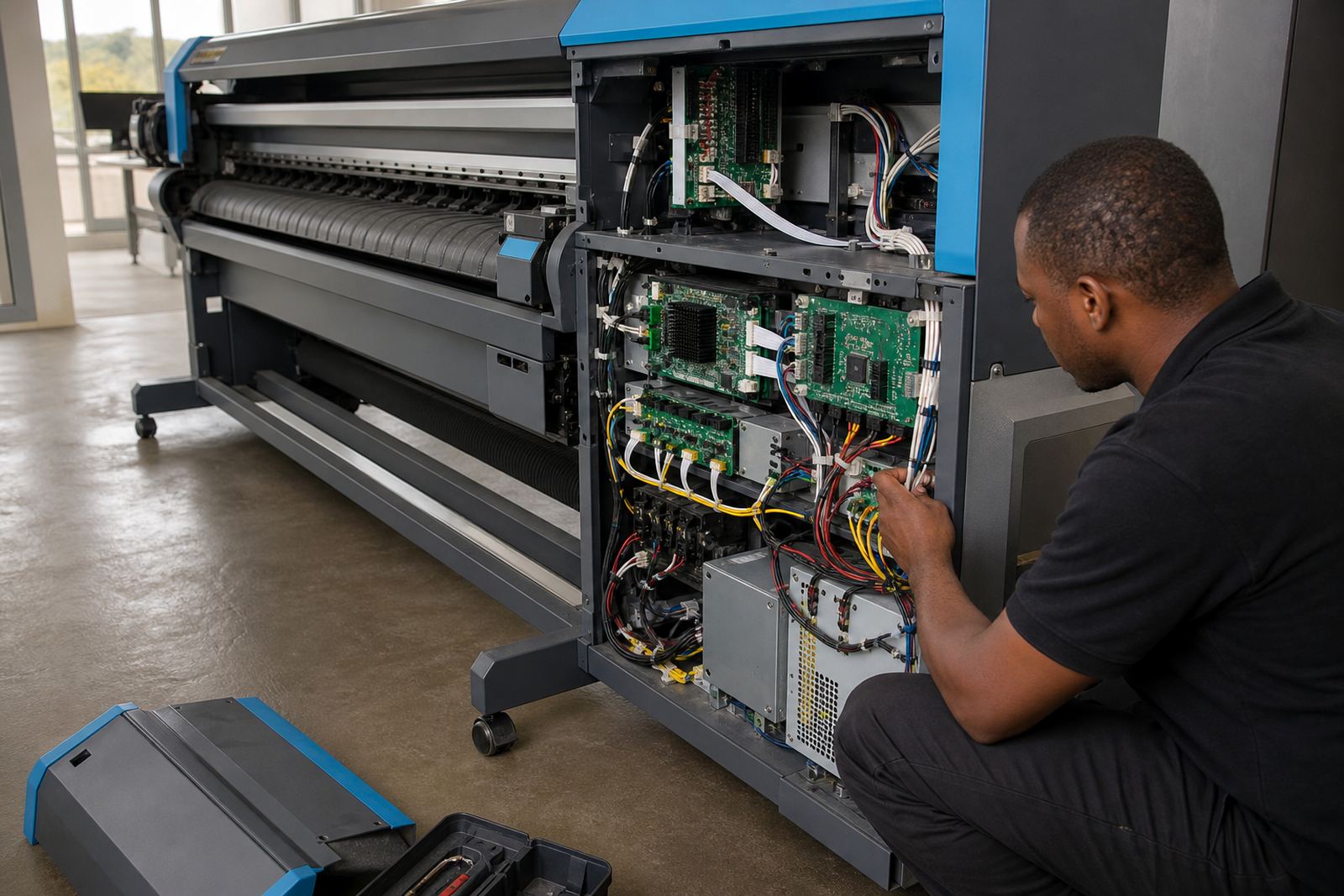
Board installation is more than mounting hardware and switching on power. The board has to be matched to the printer's format, head type, cable layout and control logic. A neat installation protects the signal path, keeps heat away from sensitive parts and makes later servicing easier. In production facilities where the printers run through long shifts, that sort of order saves time when a fault does appear.
Kagiso Pienaar often checks the physical side first. Are the cables seated properly? Is the board secure? Is there strain on the connectors? Has dust collected inside the housing? These small checks make a difference. A loose cable can look like a software issue, while a dirty connector may cause a fault that only shows up once the machine warms up and starts moving at speed.
Bianca Rademeyer uses training sessions to make the practical side clear for operators. If staff know what a normal startup sounds like, what an error code looks like, and when to stop the job instead of forcing it through, the board and the rest of the printer get treated with a lot more care.