Marks that a cutter can read without guessing
Marks that a cutter can read without guessing
The RIP settings that protect the cut line
The RIP does more than send colour to the printer. It also sets the page size, mark layout, nesting rules and output order that the cutter depends on later. If the RIP adds an automatic scale change or a hidden bleed setting, the finished shape may no longer match the cutting file. That is where many small errors begin.
It helps to keep a standard job setup for common media, whether the work is vinyl, self-adhesive stock or coated board. The RIP should place the image in a repeatable way, preserve vector edges where possible and keep the contour line separate from the printed fill. A good queue workflow also keeps the print order clear, especially when several jobs are being prepared for the same cutter.
- Confirm the cut line sits on its own layer or path
- Check that page size matches the material size
- Keep nesting clear of the outer contour
- Use the same output preset for repeat jobs
When the print file and the finishing file are handled as one workflow, the operator spends less time correcting small offsets later.
Colour control matters even when the cutter is doing the finishing
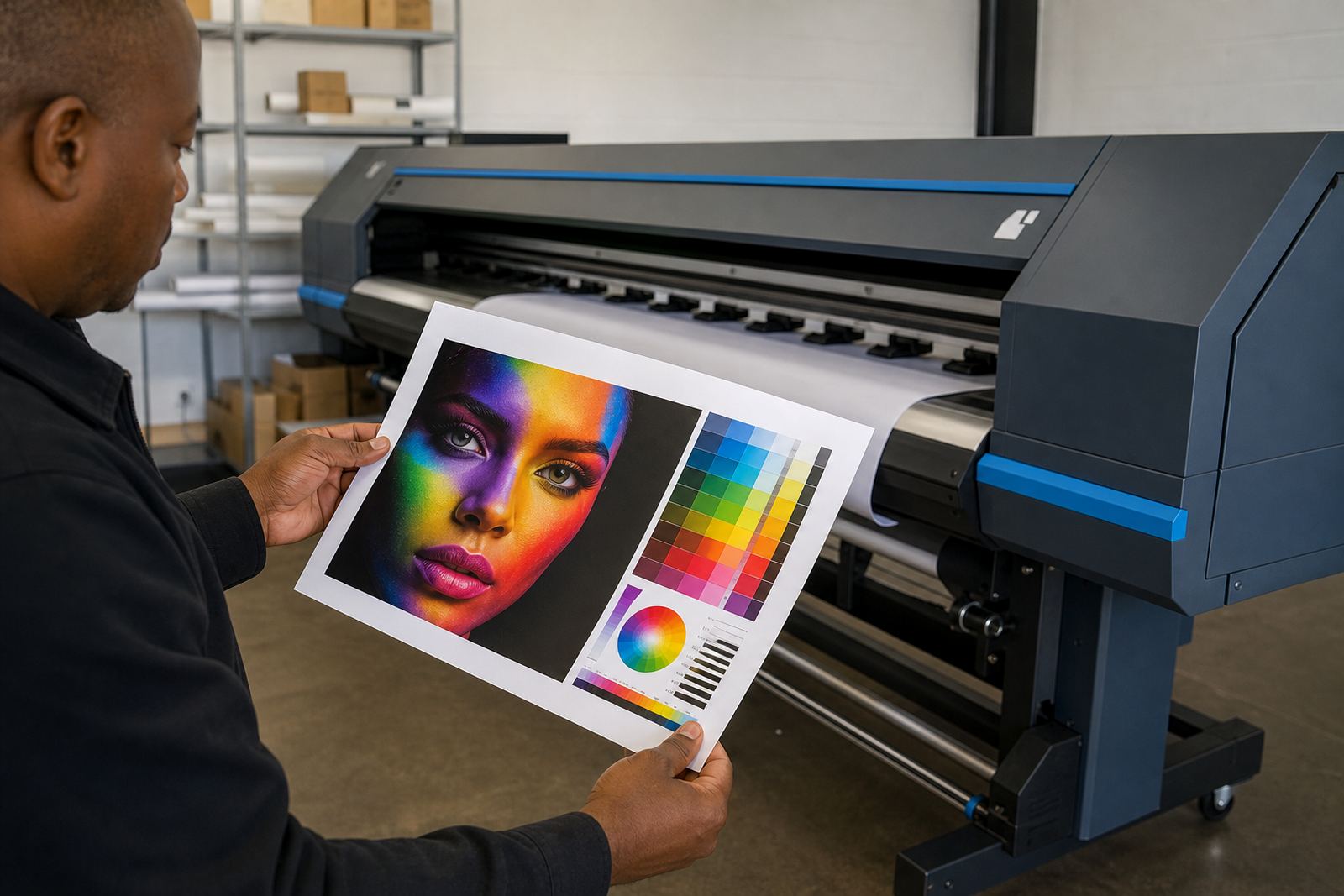
Contour cutting is usually spoken about as a finishing task, but colour still matters. If the print is too dark or too glossy, the registration marks may become harder for a sensor to read. If the colour profile pushes neutrals too warm or too cool, the job may look acceptable on screen yet feel inconsistent once it is cut and packed with other work.
On a good setup, the colour profile is matched to the media and the print mode, then kept stable for the jobs that use that same stock. In a Midrand shop sending cut vinyl panels to a client in Pretoria, that stability avoids rework when the second batch must line up with the first. The print may look small on the table, but the cut line is unforgiving once production starts.
- Use one profile per media and print mode
- Keep mark areas free of heavy ink coverage
- Watch gloss levels that can confuse sensors
- Store working presets for repeat production
Small changes in ink laydown can alter how a mark reads, so colour setup and contour prep should be treated as part of the same job, not separate steps.
Nesting without crowding the cutter
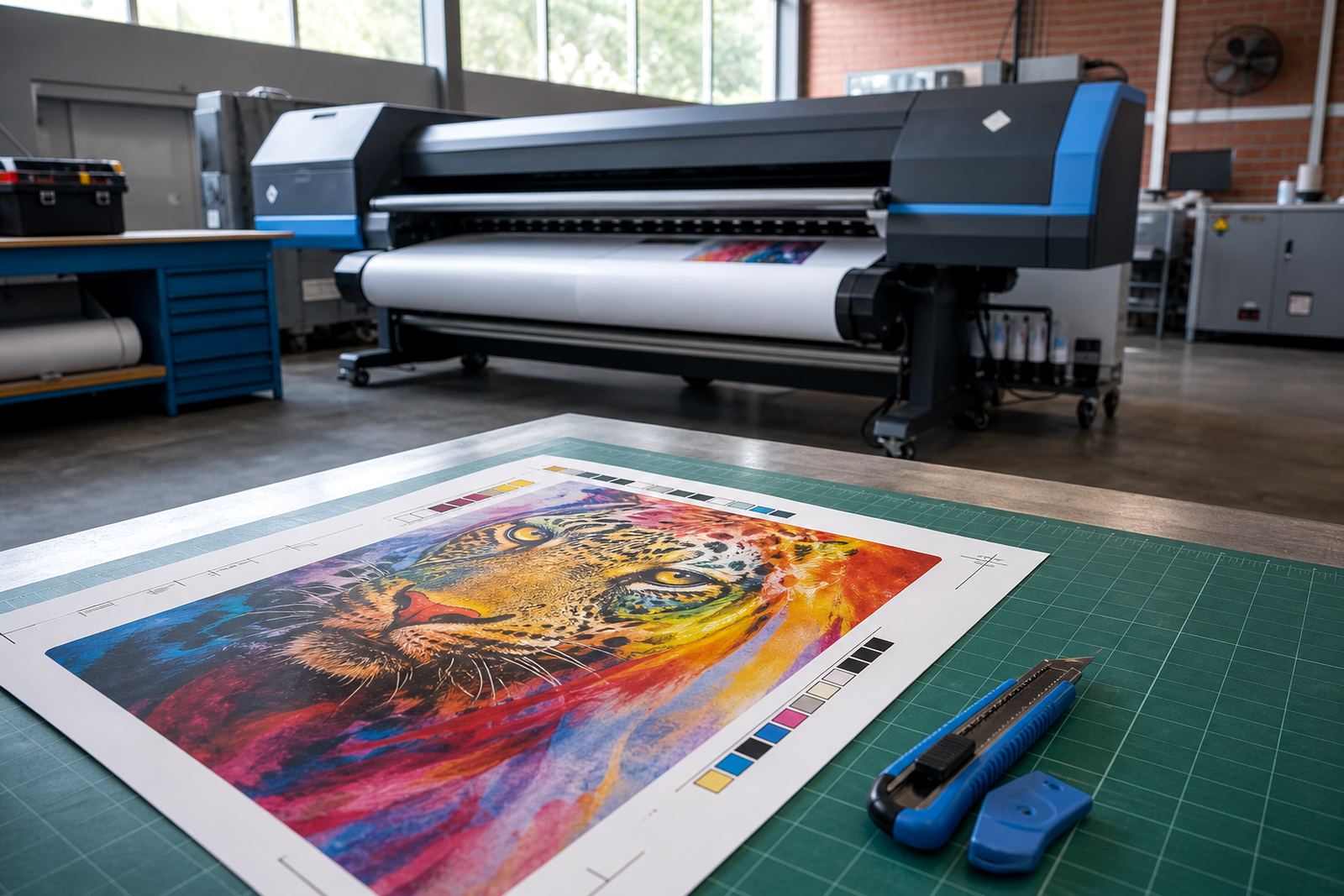
Nesting saves material, but contour cut jobs need breathing space. If shapes are packed too closely, the cutter can struggle to find the start point for each path and the blades may nick the edge of a neighbouring item. The best nesting leaves clear gaps around each contour and keeps the printed marks readable from the first pass to the last.
For larger production runs, it is worth planning the sheet flow before print. A queue that mixes small labels, panel shapes and long strip work can lead to awkward mark placement. The operator should think about how the cutter will move across the sheet, not only how the printer fits the artwork onto the media. That habit cuts waste and helps the finisher keep a steady pace.
- Leave room for the cutter to enter and exit each shape
- Do not place marks inside tight nesting blocks
- Group similar jobs by material and cut method
- Keep long runs aligned to the media feed direction
Board condition, sensor behaviour and maintenance checks
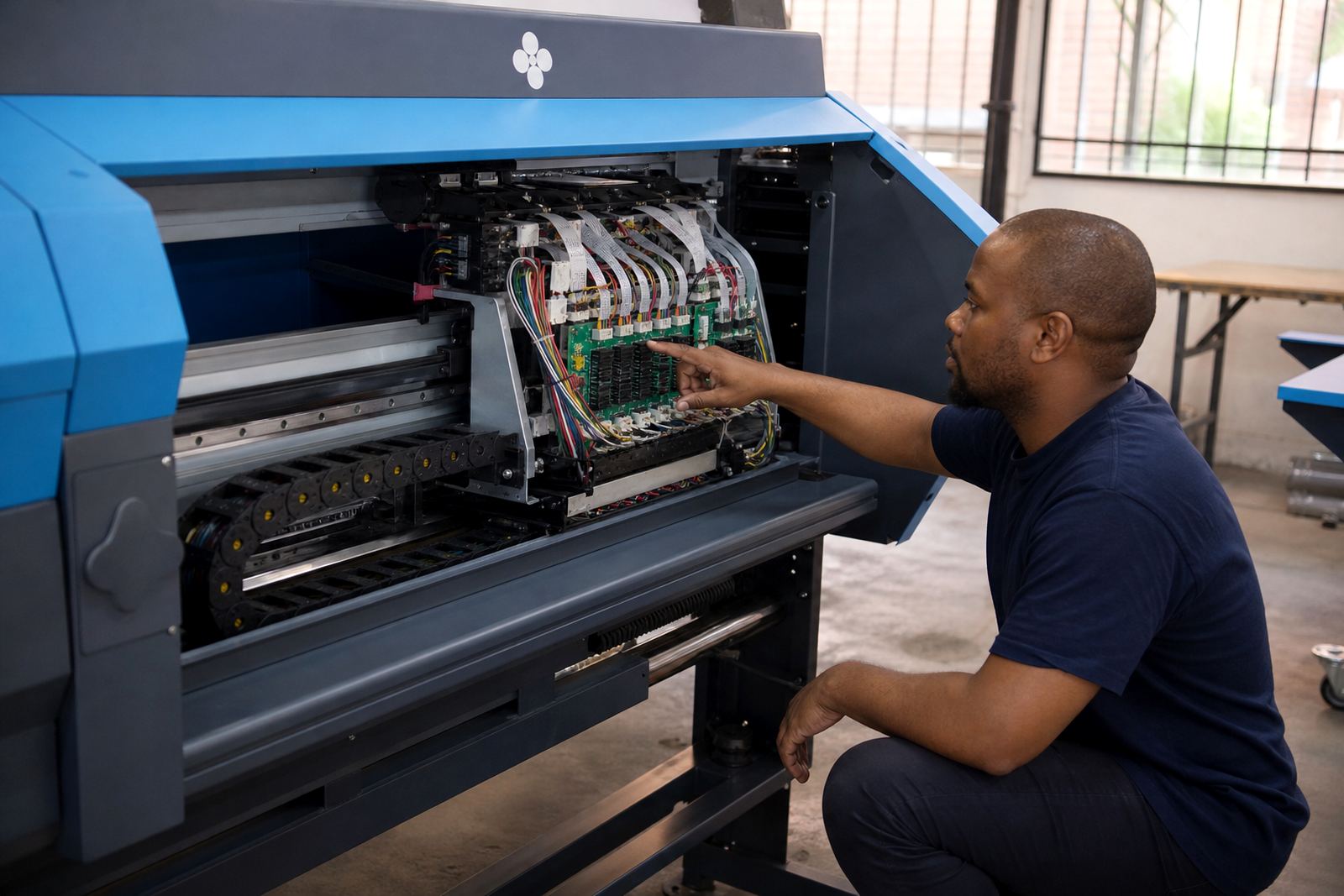
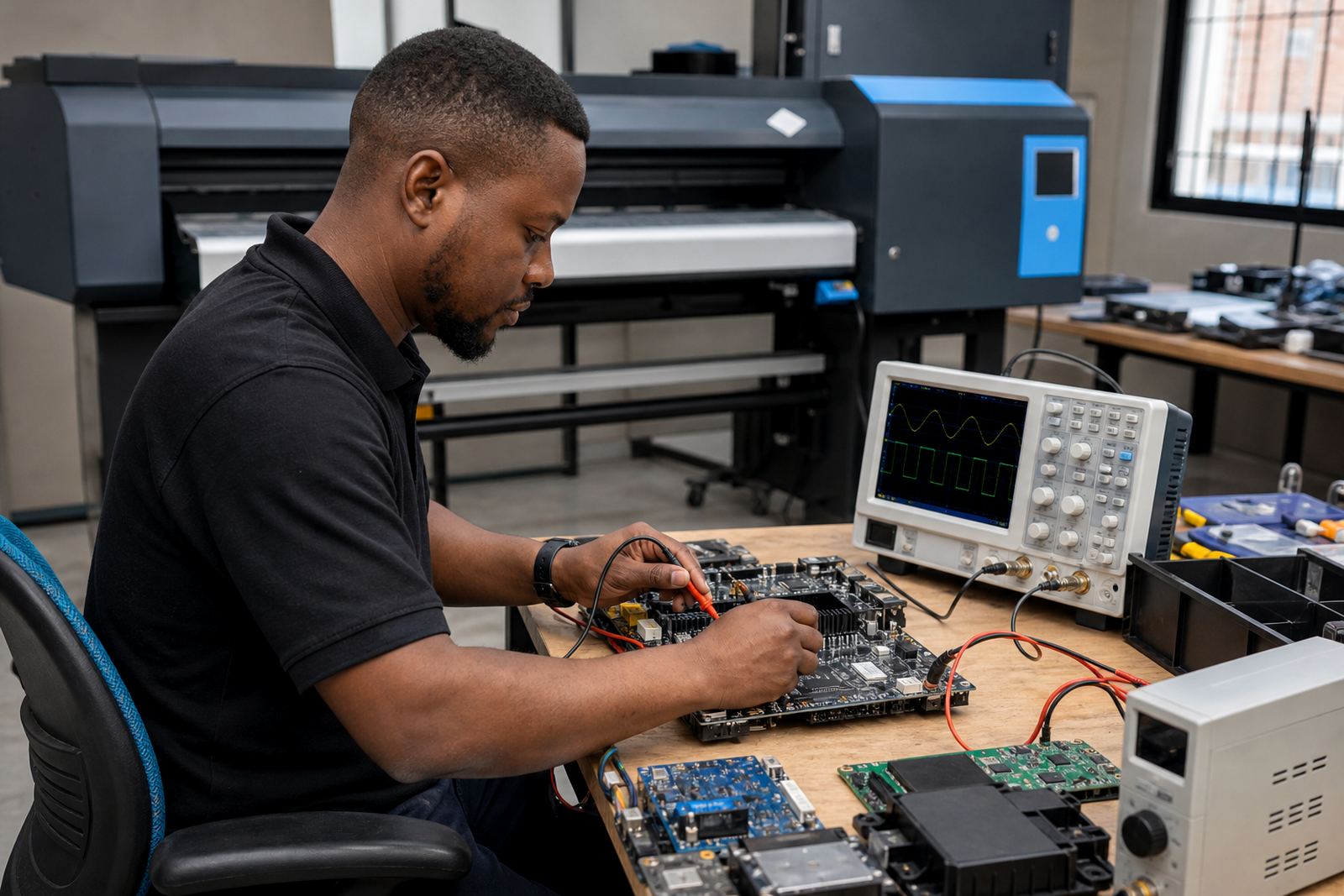
When contour cut marks stop reading properly, the problem is not always in the artwork. A worn printhead driver, dirty sensor path, unstable board connection or loose media feed can change the result. On wide-format systems, the control board and the RIP work together closely, so a small fault in one part can look like a cutting error later.
Preventive maintenance keeps those faults from showing up in the middle of a run. That includes checking cable seating, testing the board output, clearing dust from the sensor area and making sure the cutter calibration is still aligned to the material being used. In coastal towns like Durban, humidity can also affect media handling and edge curl, so storage and handling become part of the cut prep as well.
- Test sensor reading before long production runs
- Inspect feed rollers and media tracking
- Keep cables, ports and board connections secure
- Recheck calibration after maintenance or media changes
A clean mechanical path and a steady control board do not guarantee perfection, but they remove a lot of avoidable trouble.
A local production run from file to finished shape
A Pretoria print shop preparing contour cut decals for a retail rollout might start with one artwork set, one media profile and a single cut preset for the full batch. The operator prints a test sheet, checks the mark visibility and confirms that the cut line sits where it should after drying. Then the rest of the run goes through the same queue without changing scaling or mark placement mid-job.
That kind of discipline matters even more when the job travels across branches or is reprinted later. If the print file, profile and cutter setting are stored together, the team can load the same setup for a follow-up batch and avoid guessing. In production work, guessing costs material, time and a fair bit of patience too.
Contour cut prep is really about control. The print must be readable, the marks must be clear, the cutting path must be stable and the machine setup must stay consistent from sheet to sheet. When those parts line up, the finished pieces look deliberate rather than rescued.