When a profile still looks right but prints feel off
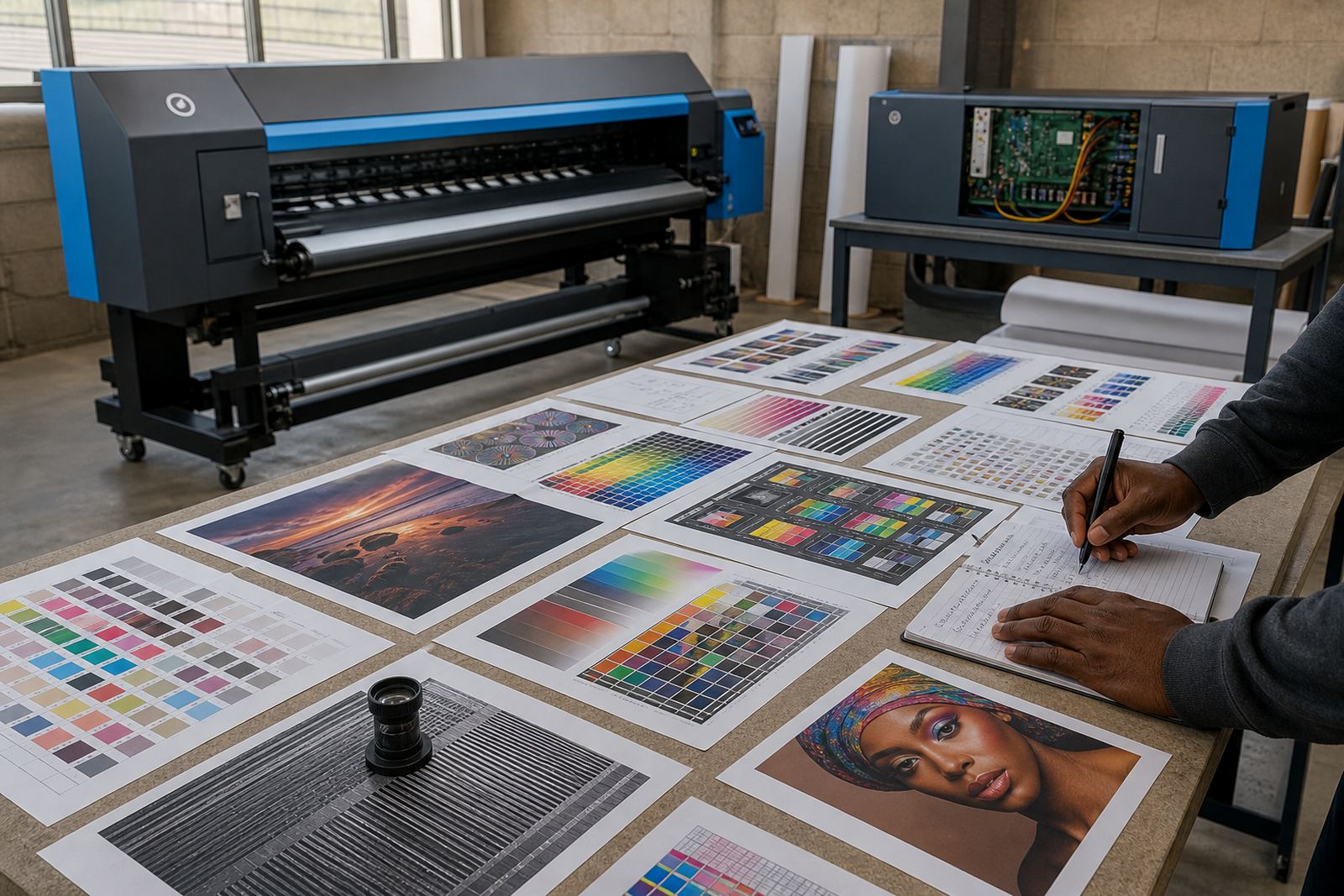
A profile does not wear out in a neat way. It usually drifts slowly, then a run of jobs starts showing the same odd signs: blacks that turn muddy, reds that push orange, or grey areas that carry a slight cast. If the RIP queue, printhead drivers and media profile were tuned for a specific roll and those conditions have changed, the output can still pass a quick glance but fail under normal client lighting.
A review makes sense when the same file behaves differently on the same machine, or when operators are making repeated manual corrections just to keep work acceptable. That is often the point where the profile no longer matches the real production setup, even if the media name on screen has not changed.
Signals that the profile needs another look
Some jobs show the problem before anyone checks a test chart. If a shop in Midrand shifts from a calm indoor print run to heavier output for retail graphics, the changes can show up in banding, oversaturation or slow drying on certain films. Coastal work sent to Durban also asks more from the profile because humidity affects how media takes ink and how quickly it settles.
Typical signs include:
- Colour shifts on reprints of the same artwork
- Solids that look patchy instead of even
- Greys that carry a warm or cool tint
- Ink limits that look too heavy for the current media
- Nesting and queue settings that were built for a different production pattern
When several of these appear together, the profile should be treated as a working file that needs review, not a fixed setting to leave untouched.
New media, new behaviour, new profile
Any change in substrate can justify a rebuild. A roll that is thicker, more absorbent, glossier or more textured will handle ink differently, and the old colour profile may no longer control the same amount of spread or saturation. Even media from the same supplier can vary enough between batches to call for a fresh calibration if the job is colour sensitive.
It also helps to rebuild when a shop changes the way jobs are printed. A printer that now handles longer production runs, smaller labels, mixed nesting layouts or higher speeds may need a different balance between colour accuracy and throughput. The profile should support the way the printer is being used now, not the way it was used months ago.
Heat, humidity and the South African print floor
Local conditions matter more than many operators expect. In Johannesburg and Pretoria, dry winter air can change how some media lay down ink. In Durban and along the coast, humidity can slow drying, soften edge sharpness and alter how a coated sheet behaves during a long run. Those changes do not always mean the printer has a fault. Sometimes the profile simply no longer matches the room and the stock.
For shops that run across different towns, it is worth keeping separate profile records for different media and conditions. A profile built for a cool, air-conditioned room in Midrand may not behave the same way in a warmer production area in Cape Town or Bloemfontein. The operator then starts chasing the job with manual tweaks, and that usually adds more variation, not less.
A refresh is not always a full rebuild
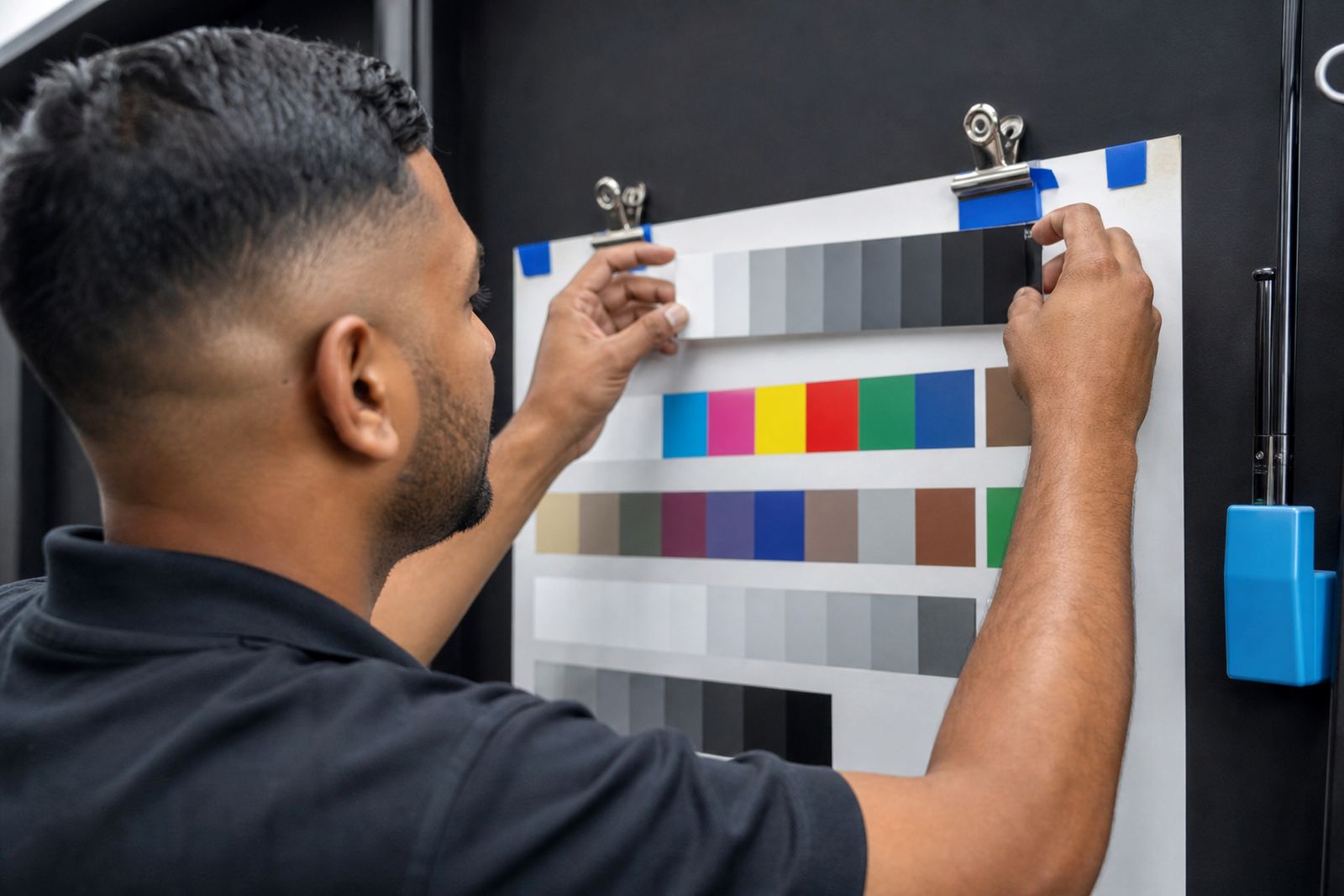
Not every issue calls for starting from zero. Sometimes the profile only needs a controlled update after nozzle checks, printhead driver setup, ink limit review or colour target remeasurement. If the printer control board is stable and the mechanics are sound, a measured adjustment can put production back in range without changing every setting in the RIP.
A rebuild becomes the better option when the media has changed enough that the old characterisation is no longer reliable, or when the profile files have been carried through too many informal edits. A clean profile gives the operator one known baseline, which makes fault finding much easier when a job turns out wrong.
- Use a refresh when the media is the same but output has drifted
- Use a rebuild when the substrate, ink set or usage pattern has changed
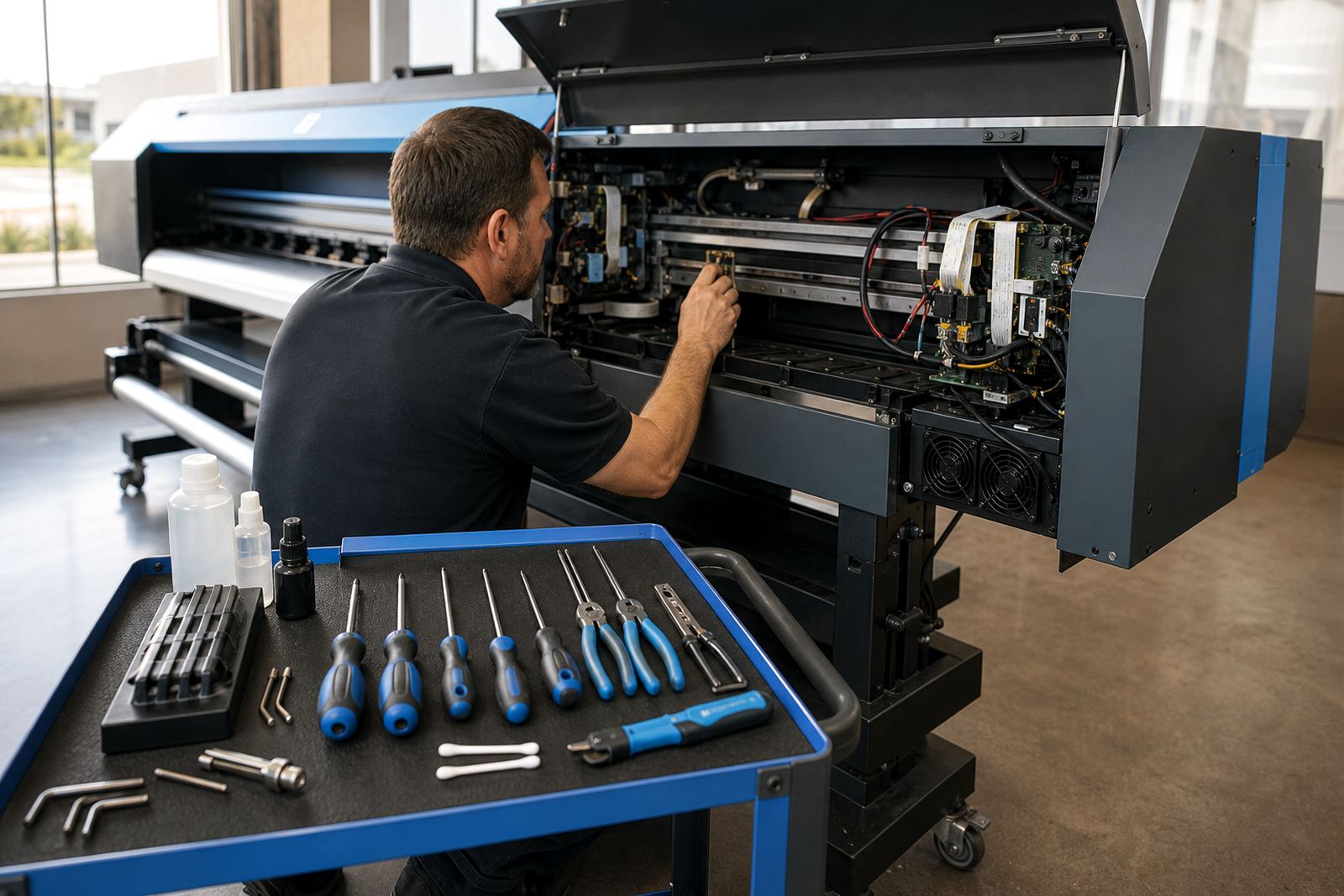
- Use a review after board work, driver changes or major maintenance
- Keep old profiles only if they still match a real production need
A Midrand example from a mixed production week
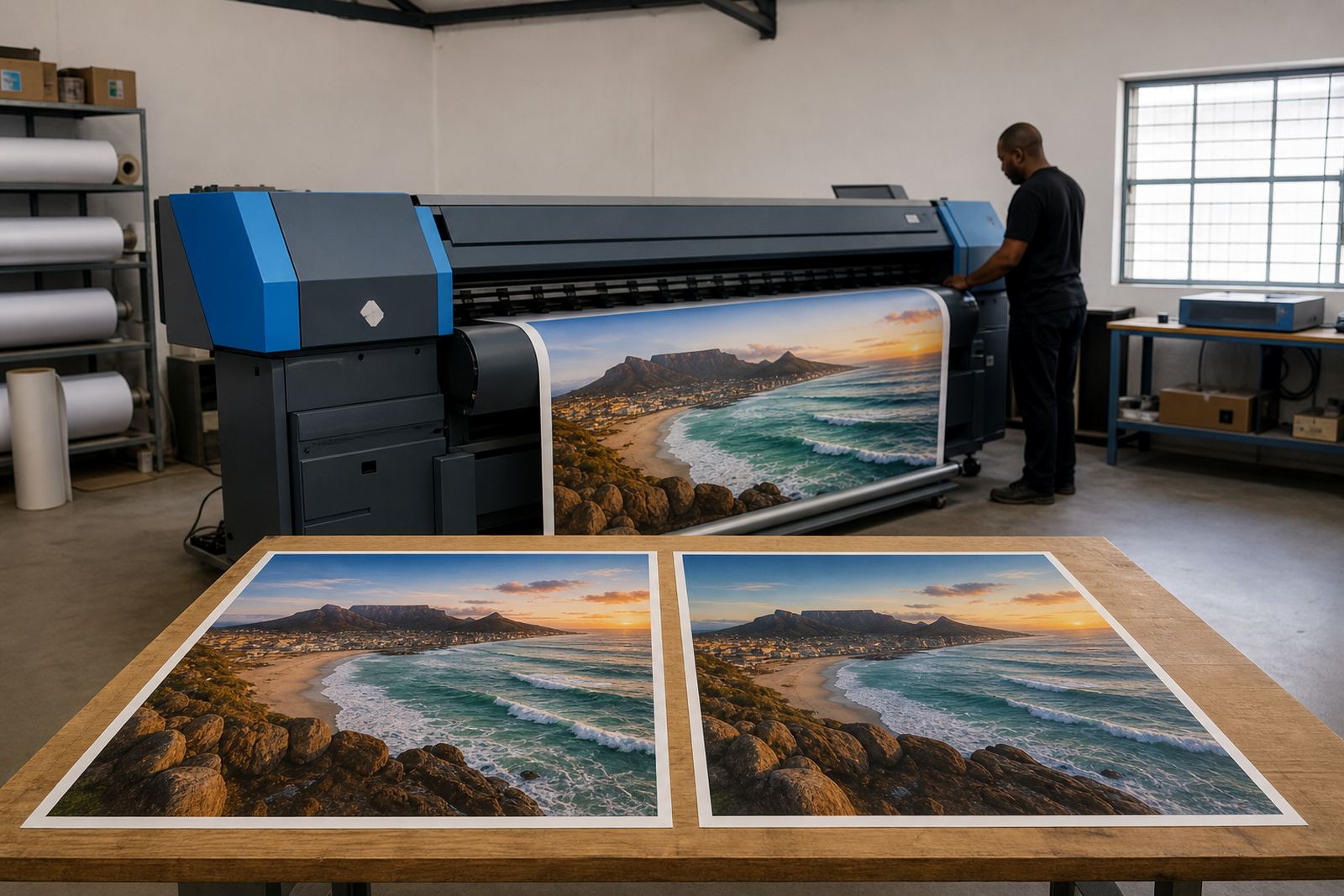
A print shop in Midrand might run vinyl signage on Monday, short indoor displays on Tuesday and a longer retail batch by Friday. If the operator applies one profile to all three, the first jobs may look acceptable while later runs begin to drift. By the end of the week, the same artwork can show different blacks and different skin tones depending on the roll loaded that morning.
In a case like that, the useful step is not more guessing. It is a proper profile review tied to the media name, printer state and current production settings. Once the colour profile, queue workflow and maintenance routine are aligned, the shop stops compensating job by job and gets a more stable result across the week.
Keeping profile records useful for the next run
Good profile timing depends on good notes. Keep a clear record of which media was used, what the operator changed, when maintenance was carried out and whether the job was intended for indoor or outdoor viewing. That way, the next review is based on real production history, not memory alone. It also makes backup and recovery less stressful if a RIP workstation or control board needs attention.
At InkFlow RIP in Midrand, profile work is usually treated as part of the wider print workflow, not a separate task. That includes RIP installation, board setup, remote support, fault finding and operator training across Johannesburg, Pretoria, Durban, Cape Town, Bloemfontein, the East Rand and the West Rand. When the profile fits the printer and the stock, colour becomes easier to hold job after job, even when the work list shifts during the week.