What ink limits actually do on press
Ink limits are the ceiling on how much ink a profile or RIP will allow into each channel, and sometimes into total ink covered area as well. In wide-format inkjet work, that ceiling matters because the same file can behave very differently on coated paper, vinyl, banner material or backlit film. A limit that looks fine on one roll can push another roll into puddling, mottling or a soft print face that does not settle properly.
On the floor, the limit is not only about colour strength. It affects how the drop sits, how much the ink spreads, and how long the print needs before it can be handled or laminated. If a dark solid is pushed past what the media can carry, the result may look rich for a moment and then start to lose clarity as the surface remains too wet. That is where density, drying and image stablity start to pull against one another.
Where too much ink starts to show itself
Over-inking does not always announce itself with a dramatic failure. Often it starts as small issues that build up across a run. A shadow area may look heavy on the first metre, then the next metre shows banding, coalescence or a faint shine where the ink is sitting on top instead of locking into the media. On coated stocks, too much ink can also delay drying enough for dust to settle or for take-up tension to mark the print.
Common signs that the limit is too high include:
- dark areas that remain tacky for too long
- highlight detail that starts to close up
- black text edges that look soft instead of crisp
- colour shifts after the print has stood for a short while
- lamination problems where trapped moisture or solvent gives a cloudy finish
In a humid coastal job, say a Durban signage run going out to a shopfront, these symptoms can appear sooner because the media already carries more moisture from the air. Inland jobs in Pretoria or Midrand may behave differently, especially when the print room temperature changes through the day.
Density is useful only up to the drying point
Many operators chase density because a stronger solid often looks better under showroom lights. That thinking is sound only until the media reaches its limit. Beyond that point, extra ink does not give a cleaner black or a richer red, it starts to flatten detail and slow the whole finishing process. The sweet spot is where the print looks full enough while still drying evenly and keeping a stable surface.
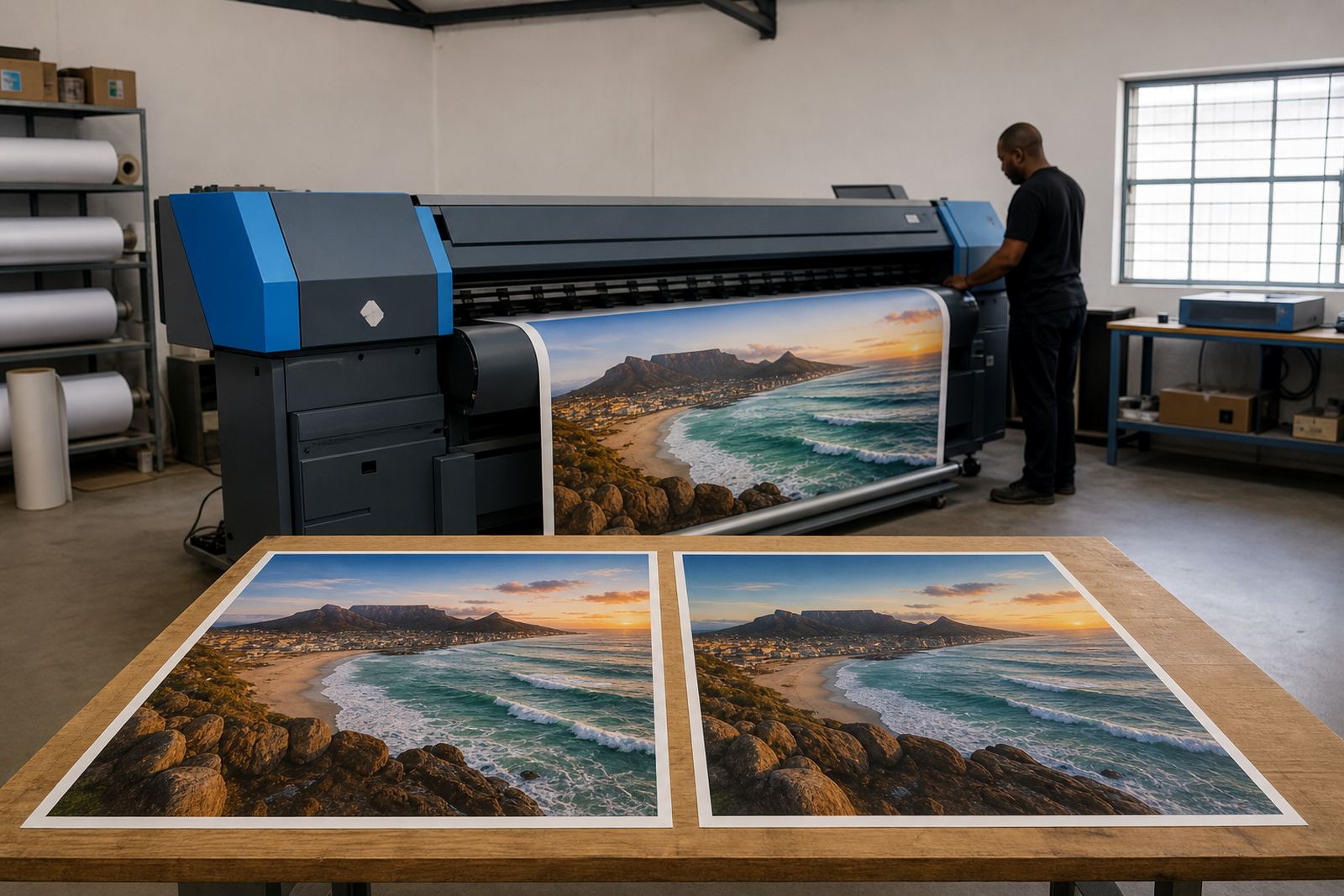
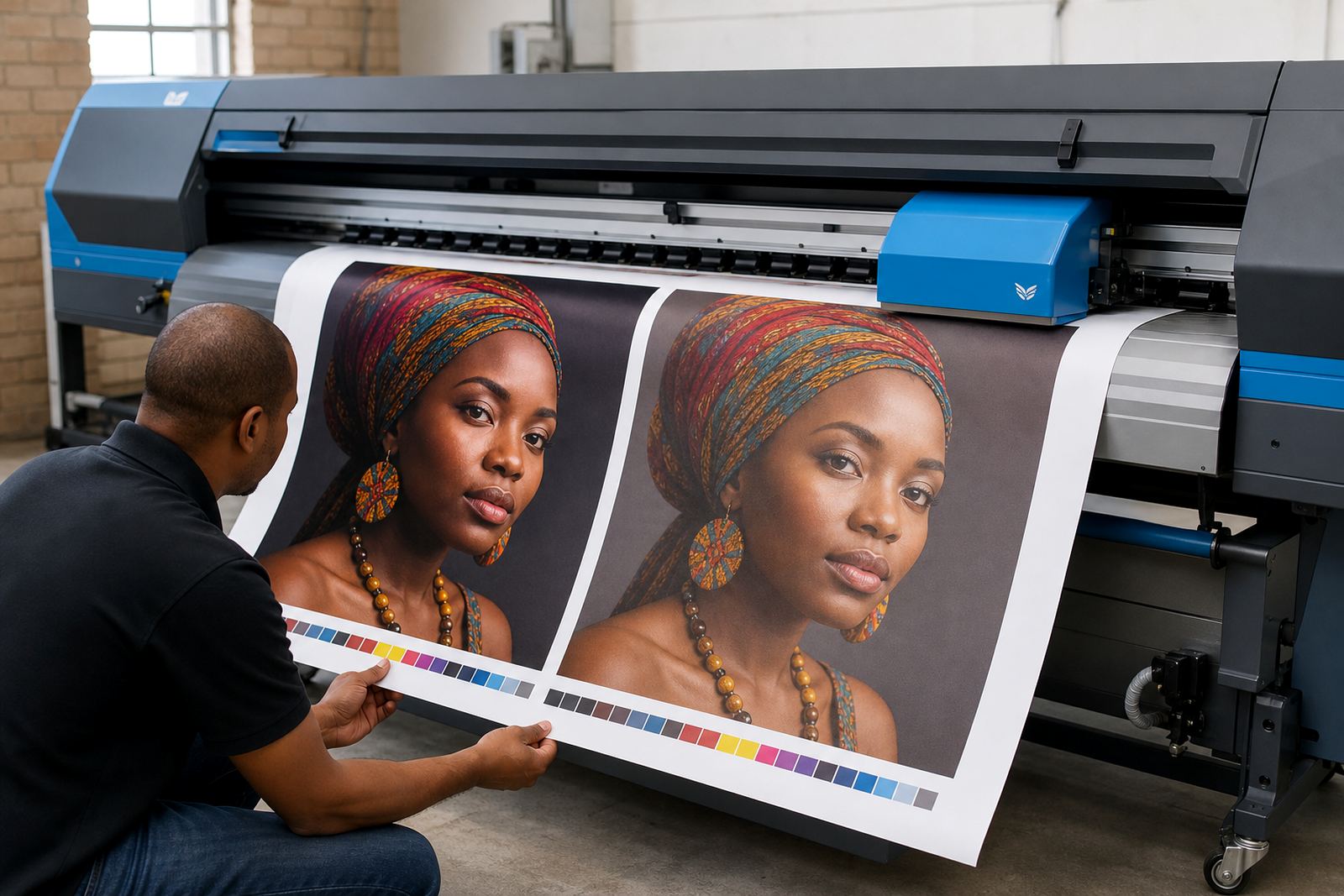
It helps to test ink limits with a proper target rather than guessing from a client artwork. Run solid patches, blends and fine text at stepped levels and compare the results under the light your print room actually uses. A grey area that looks fine near the machine may reveal uneven laydown later once it has cooled and the sheet has relaxed. That is why a production team should not rely on one lucky test print and call it done.
- raise ink in small steps, not large jumps
- check both front-face colour and the back side if bleed-through matters
- compare fresh output with a sample left to settle
- watch how the media behaves during cutting, trimming or winding
Profile work and ink limits need to agree
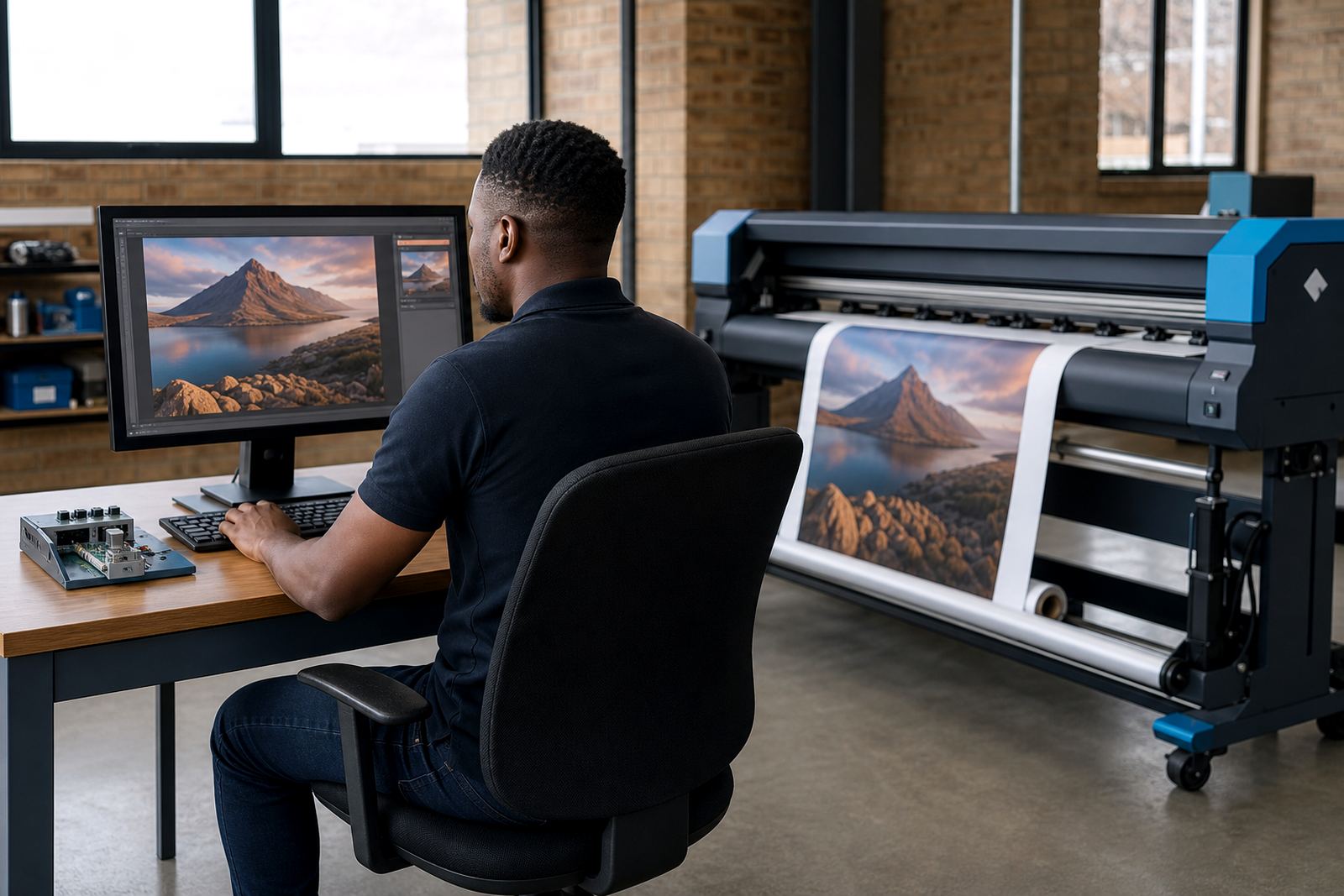
Ink limits do not live on their own. They sit inside the colour profile, the print mode, the driver setup and the queue workflow. If the profile assumes one ink ceiling and the operator later increases it in the RIP, the colour balance can drift. That is how a magenta-heavy job can suddenly look warmer than expected, or a neutral grey can pick up an unwanted tint. Colour work is less about one adjustment and more about keeping the whole chain lined up.
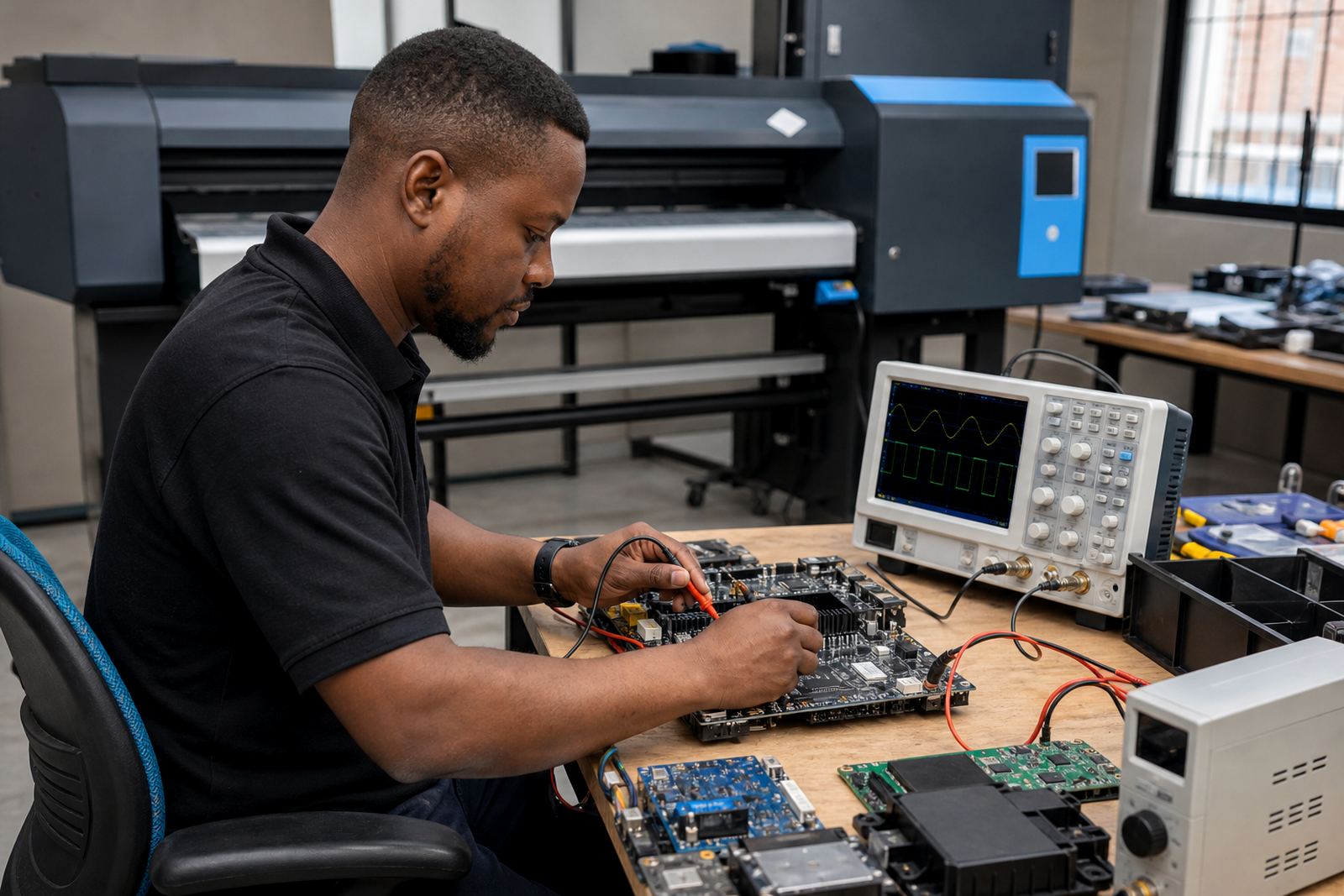
For wide-format shops in Johannesburg or Cape Town, where the same printer may handle retail graphics one day and exhibition panels the next, a matched setup saves a lot of correction later. The control board, printhead driver and RIP settings need to agree on drop control, pass mode and drying behaviour. If the setup is split across old notes and memory, the machine may still print, but the result will be less predictable. A neat queue on paper is useful only if the limits behind it make sense.
- set limits before final profiling
- keep one named preset per media group
- record the pass mode and curing settings with the profile
- treat a new roll lot as a fresh test, not a copy
A Midrand wrap job that needed less ink, not more
A useful example came from a Midrand print shop running long wraps for a fleet job. The first setup pushed the solids hard because the design carried deep blues and black panels. The output looked strong on the press sheet, but the laminated finish showed soft patches where the ink had not settled evenly. The team had been chasing density when the real issue was excess laydown on a coated wrap stock that preferred a lighter hand.
After the ink limits were reduced in small stages, the same artwork held its dark tones better and the finish settled more consistently. The print still had enough depth, but the surface dried cleaner and the edge detail improved. That change also made the trimming stage easier because the material was no longer marking so easily at the cut edge. The job got better by using less ink in the right places, not by forcing more through the heads.
Maintenance habits that protect the setting
Ink limits can drift out of usefulness if the machine is not maintained. A printhead with partial blockage, a worn damper, a board fault or inconsistent heater behaviour can all make a valid profile look wrong. That is why fault finding and preventive maintenance matter alongside colour setup. If the hardware is unstable, the limit number itself becomes a moving target.
A practical maintenance routine for production rooms should include:
- nozzle checks before critical runs
- inspection of dampers, lines and caps for build-up
- cleaning around head surfaces and carriage paths
- backup copies of working profiles and queue settings
- operator notes on any media that dries slowly or shifts colour
Remote setup helps when a shop in Bloemfontein or the East Rand needs its workflow corrected without stopping the whole room. Still, the best results come when the operator keeps a simple record of what was changed, what media was used and how the print behaved after drying. Small notes save time later and keep the setting tied to real output, not guesswork.
A good limit is the one the job can hold
Ink limits are not about squeezing the maximum from every printer. They are about finding the point where colour strength, drying and image stability meet without forcing the media into trouble. The right number lets a shop run cleaner queues, reduce rework and keep output more consistent from one roll to the next. That is the standard worth protecting, whether the job is for a retail wall, a vehicle panel or a long production run.
When a team understands ink limits properly, they stop treating them as a hidden setting and start using them as part of day-to-day control. That shift makes profiles more dependable and keeps the printer closer to the result the file was meant to deliver.