What banding looks like on a finished print
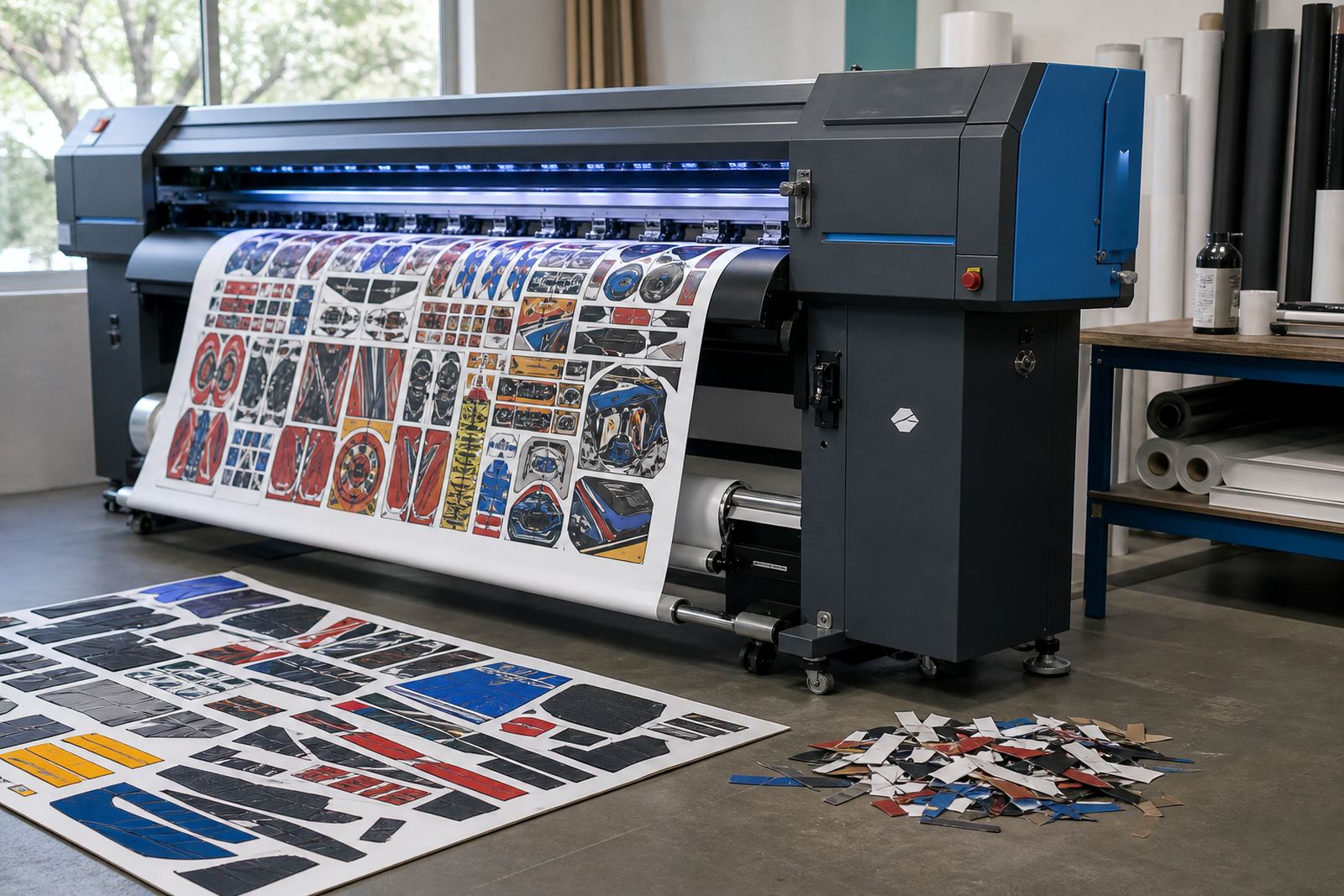
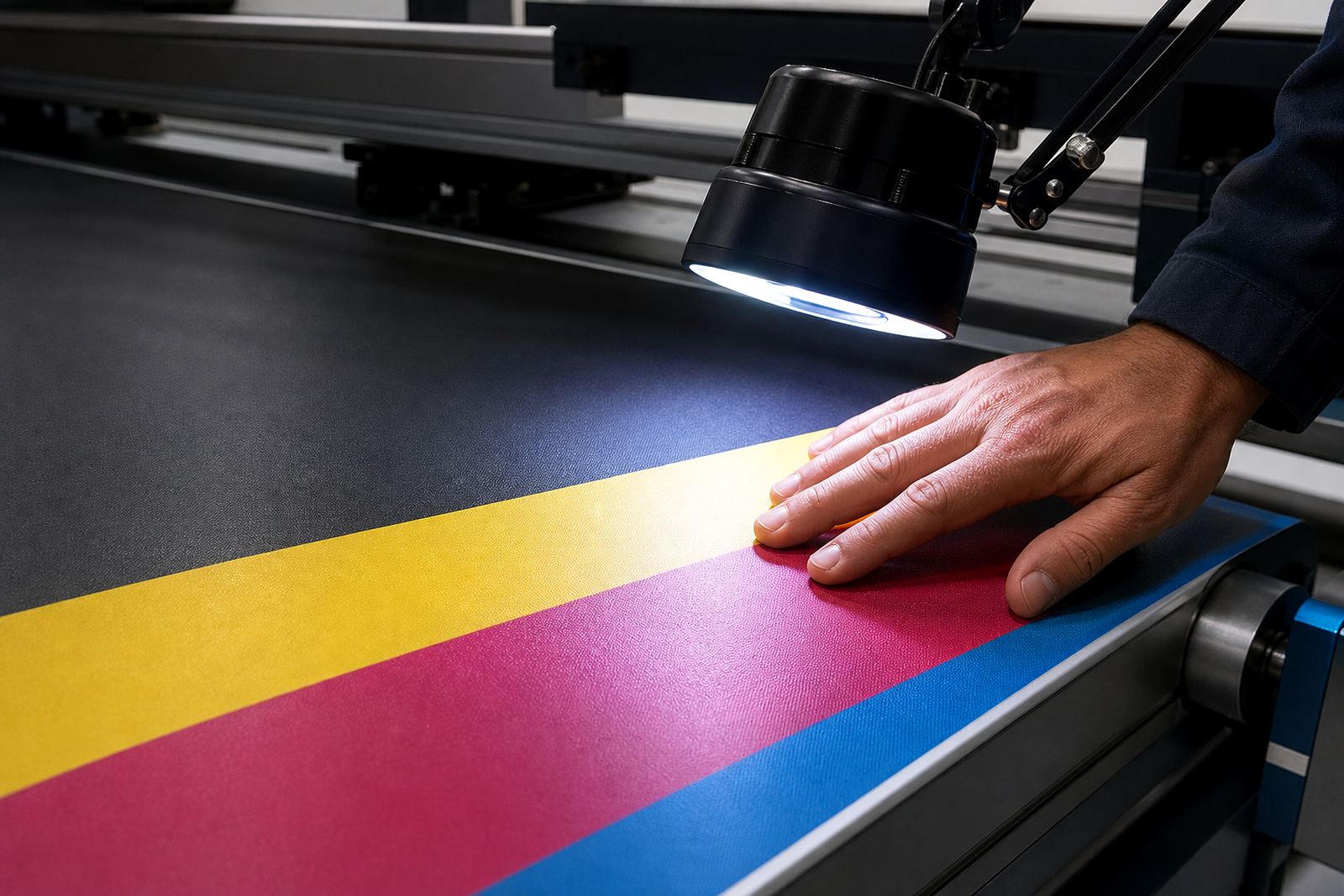
Banding is not one single fault. It can appear as horizontal lines across a photo panel, faint streaks in solid colour blocks, or repeating marks that show when the carriage moves across the media. In some jobs it is easy to spot from a few steps away, in others it only becomes obvious once the print is mounted under office light or daylight near a window.
The pattern matters. Even stripes often point to a feed or pass setting problem. A band that runs in the same place across several jobs can point to a mechanical issue, while a patchy area in one colour often points to nozzle trouble or a profile that is not holding ink the way it should. In a busy print shop, that distinction saves hours of guessing.
On site in Midrand, we often see operators blaming the RIP first, while the real fault sits in the feed path, media tension or a head alignment that drifted after a roll change. The print tells the story if you know where to look.
Feed movement is often the first thing to check
If the media moves unevenly, banding follows. A printer can be mechanically sound and still print poorly when the feed advance is inconsistent by even a small amount. That is common with long banners, heavy self-adhesive stock, or lighter media that curls at the edges in a humid Durban room.
The roller pressure, take-up tension and media thickness settings all need to work together. If the feed advances too far, the next pass lands slightly out of place. If it advances too little, the overlap becomes visible as a dark band or stepped line. On wider jobs, the error can build as the print runs on, so the fault may seem worse near the end of the roll.
- Check whether the media tracks straight from edge to edge
- Inspect pinch rollers for wear, dust or uneven pressure
- Confirm the feed setting matches the stock being used
- Watch for curl, slipping or roll core movement during printing
In Pretoria and Johannesburg, where shops often switch between rigid signage work and roll media in the same shift, the feed setup needs regular attention. A setting that worked on one vinyl roll may not suit a coated paper job the next morning.
Nozzles, ink flow and missing lines
When a nozzle starts dropping out, the print can show thin white gaps, broken colour bars, or a faded strip that repeats at regular intervals. The printer may still run, but the image loses density and the eye picks up the interruption immediately. That kind of banding often worsens if the machine is left idle or if ink circulation is not behaving as it should.
Clogged nozzles are common, but so are more ordinary causes such as air in the ink path, a damaged damper, weak suction at the cap station, or a printhead that needs cleaning and rechecking. The fault may affect only one colour, which is useful information. A cyan dropout in a sky area is not the same as a full-width feed band in a solid grey panel.
- Run a nozzle check and compare each channel carefully
- Look for repeated missing jets in the same position
- Check the cap station, wiper and cleaning path for residue
- Review ink supply lines for bubbles, kinks or poor seating
For shops in Cape Town with cooler rooms and coastal moisture, nozzle stability can vary with daily use. A printer that behaves well in the morning may show dropout after sitting through a quiet spell. Regular maintenance matters more than forcing the machine to push through a fault.
Alignment and pass settings shape the finish
Even with healthy nozzles, poor alignment can create visible banding. Bi-directional print mode, carriage timing and head alignment all affect how each pass sits against the next. If those values drift, the printer can lay down ink cleanly but still leave a faint laddering effect in fine detail and solid blocks.
Pass count also changes the look of the job. Fewer passes can speed up production, but they leave less room for error. More passes may hide minor issues, though they will not fix a genuine alignment fault. The right balance depends on the media, resolution, ink load and the standard expected for that job.
RIP settings can influence this as well. A profile that pushes too much ink onto a receptive paper may create bleed that reads as banding, while a weak profile can leave pale bands in darker areas. Colour workflow and print mode need to match the actual production setup, not just the theoretical one on paper.
Room conditions and handling affect the outcome
Banding is not always inside the machine. Humidity, dust, heat and storage all show up in print quality. In a Gauteng print room with dry winter air, media can behave differently from a humid coastal site. Boards and rolls that were stored flat and sealed print more consistently than stock that has absorbed moisture or picked up dust at the edges.
Handling before printing matters too. A roll loaded with a slight skew can create tracking problems that look like mechanical banding. Finger marks on coated media may not be obvious at loading, but they can affect ink laydown in the finished job. If the shop is moving fast, these small issues stack up and become expensive.
- Store media in clean, dry conditions
- Allow stock to settle before loading
- Keep dust away from the platen and feed path
- Recheck alignment after every roll change
In Bloemfontein, where temperature swings can be sharp between early morning and midday, the same media may behave differently across the day. Good handling is not extra admin, it is part of keeping prints even.
A Midrand sign shop case that started with a faint stripe
A print shop in Midrand called about faint horizontal stripes showing on a set of retail panels. The operator had already cleaned the heads and changed the media profile, but the banding stayed in the same area of every panel. The clue was in the repeat pattern. It pointed away from the RIP and toward feed movement.
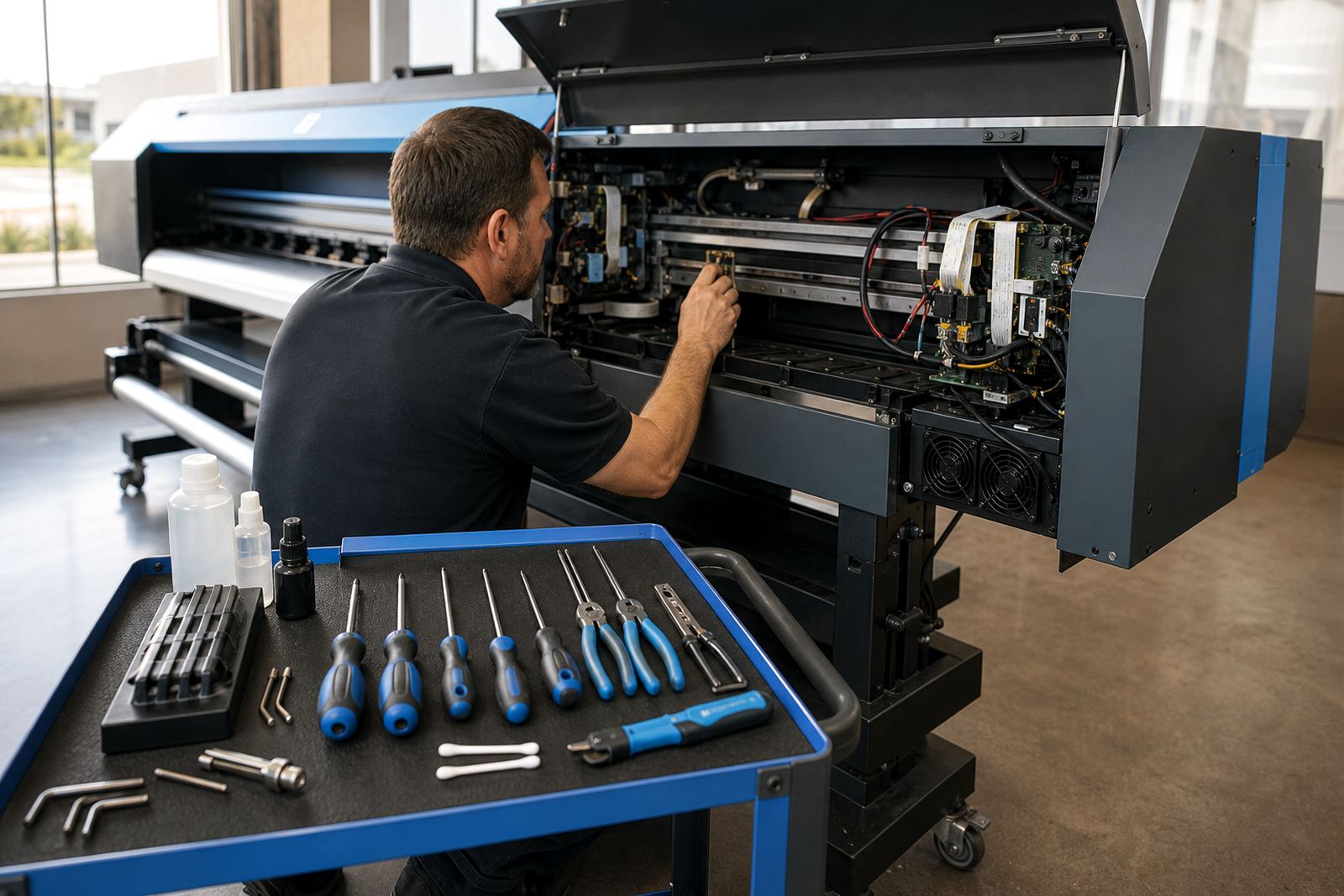
After checking the rollers and feed advance, the issue turned out to be a small slip in the take-up path, along with an alignment drift after a recent maintenance cycle. The printer was not failing in a dramatic way, it was just landing each pass a fraction off. Once the feed settings were corrected and the printhead alignment was reset, the stripe disappeared and the panels held colour evenly across the run.
This is why banding needs a proper diagnosis. A quick clean may help one job, but if the underlying cause is mechanical or workflow related, the fault will return on the next production run. A measured check saves media, ink and time.
A practical order for fault finding
When banding appears, work through the printer in a steady order. Start with the visible pattern on the print, then check the nozzles, media path, alignment and RIP settings. That sequence avoids chasing the wrong fault first. If the same mark appears on several jobs, keep samples from each one, because the comparison often reveals whether the issue is fixed-width, colour specific, or tied to one media type.
For wide-format production, the goal is not perfection by guesswork. It is repeatable output that holds from the first metre to the last. Good colour profiles, correct queue setup, clean board control and regular maintenance all support that result. When the machine, the software and the media are speaking the same language, banding becomes easier to isolate and far less likely to waste a full run.
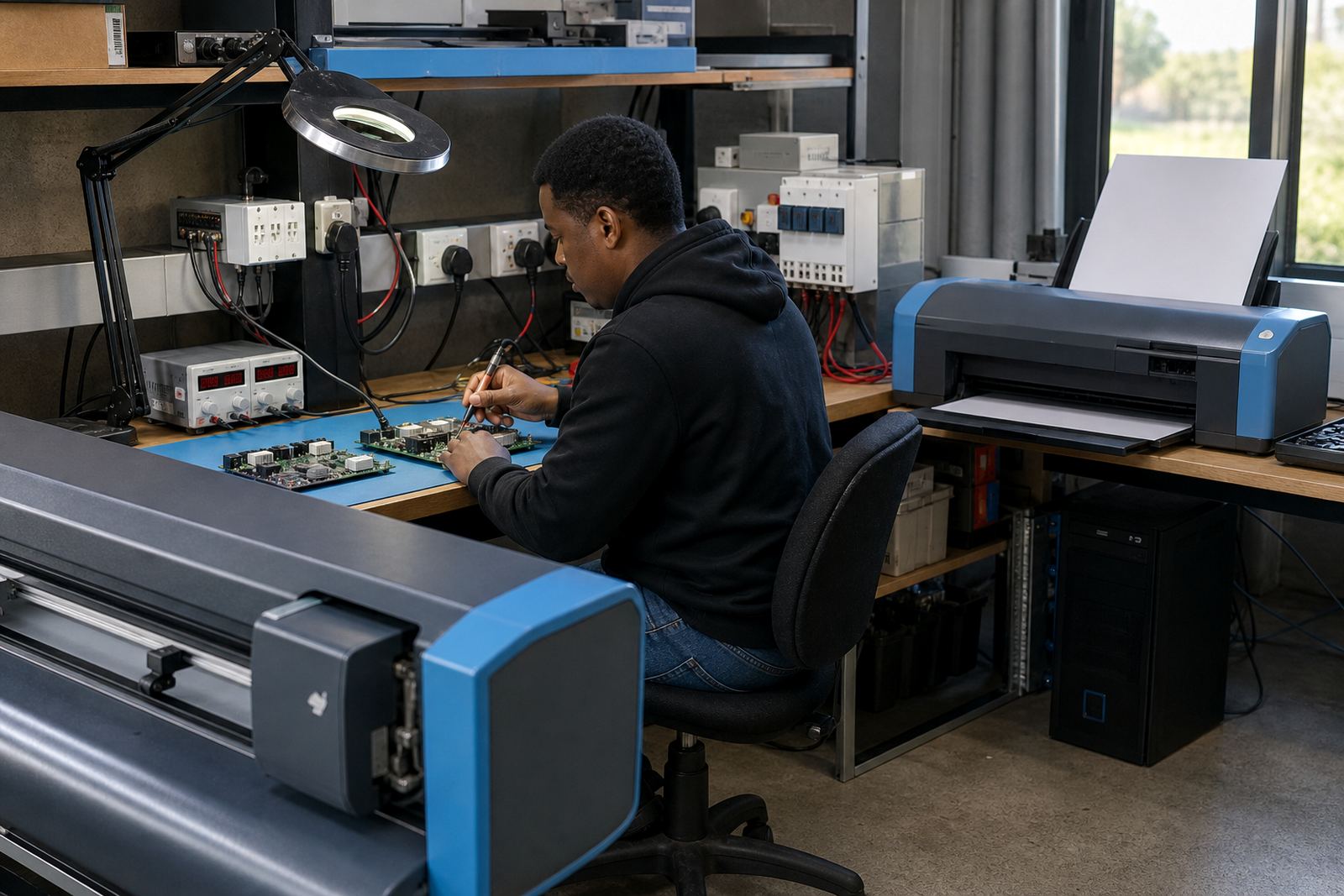
That is where controlled setup work helps. Remote support can check RIP behaviour, print mode settings and queue flow, while on-site fault finding can deal with rollers, feed and board issues that need hands-on inspection. The printer usually tells you where to start, if you read the signs in the order they appear.