When the supply shifts, the printer feels it
Wide-format inkjet systems rely on stable electrical conditions to keep the board, RIP computer and printer electronics speaking the same language. When voltage swings, harmonics or brief interruptions move through the line, the first sign is not always a full shutdown. More often you see odd pauses, incomplete data transfers, dropped queues, or a printer that starts a job and then loses its rhythm. That can be a loose cable issue, but power quality is often sitting behind it.
In Midrand and across Gauteng, many print rooms share supply with other heavy equipment on the same premises. A compressor cycling, a cutter starting up, or the building switching over during load-shedding can all push the electrical environment off balance. The print room then carries the cost in time, ink and substrate. One small voltage dip can interrupt a long roll job and leave the operator guessing where the fault really sits.
What unstable power does to control boards and drivers
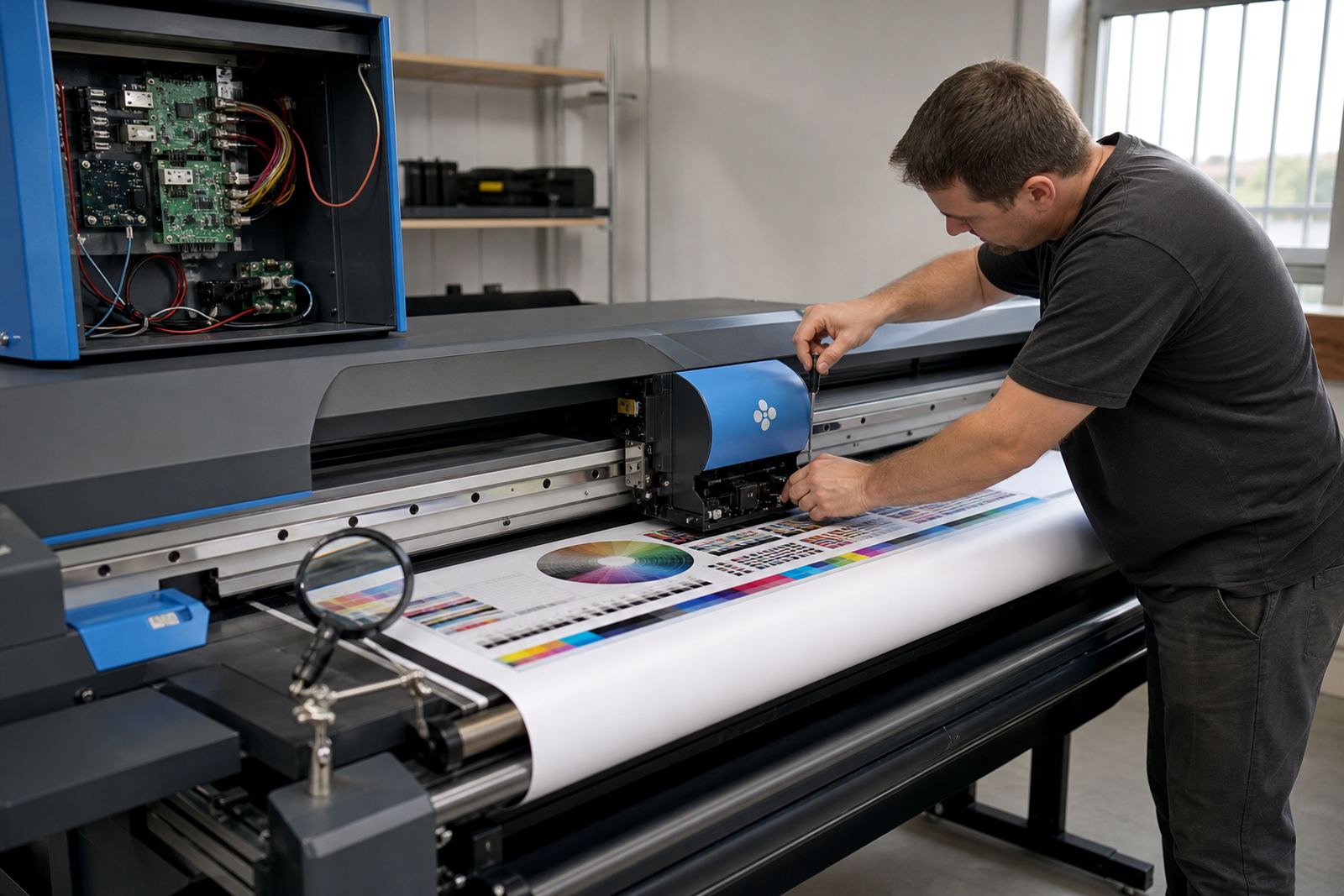
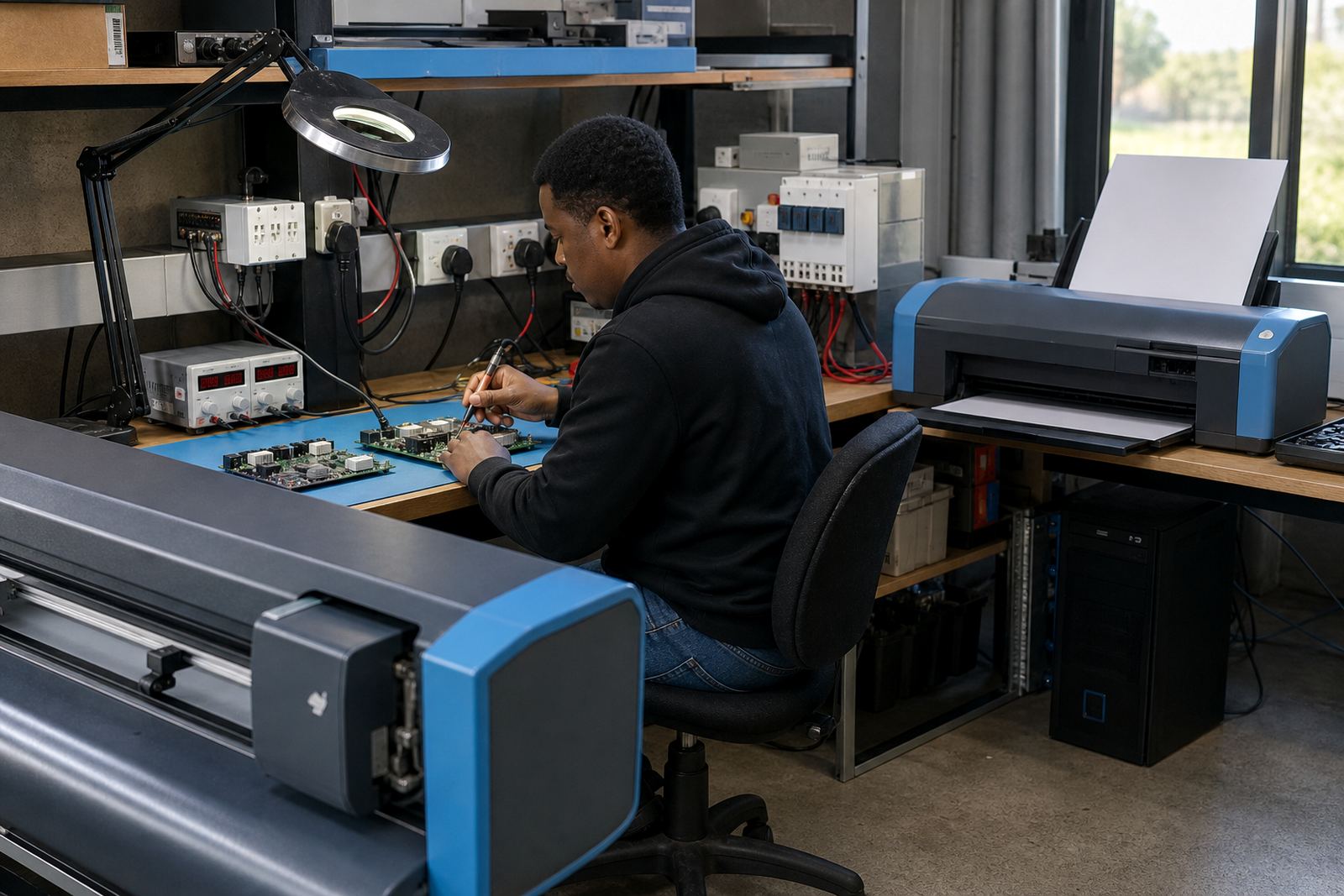
Control boards and printhead driver boards are built to handle work, not punishment. Repeated surges can weaken components, damage tracks, or leave a board working in a half-stable state. That is often worse than a clean failure, because the machine may still power up and then behave unpredictably under load. A job can pass the first test, then fail when print speed increases or the carriage moves through a heavier cycle.
- Start-up faults after a mains dip
- Random communication loss between RIP and printer
- Printhead channels firing unevenly
- Boards that overheat or reset during longer runs
- Corruption in stored settings after repeated interruptions
In many cases the issue is not one dramatic event. It is the slow wear caused by repeated stress. That makes diagnosis tricky, because the symptom may appear in production while the root cause sits in the power path.
How colour and queue performance get thrown off
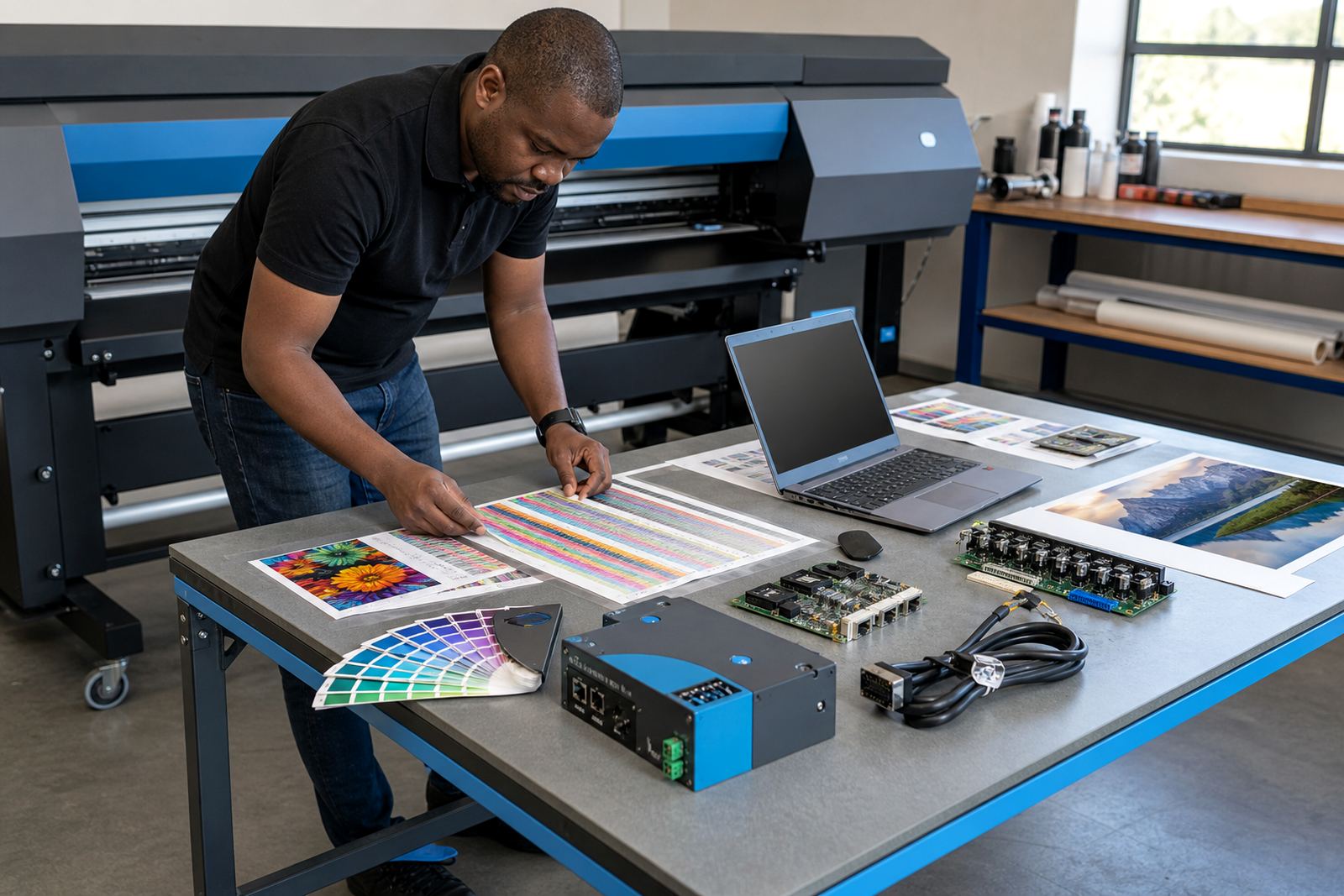
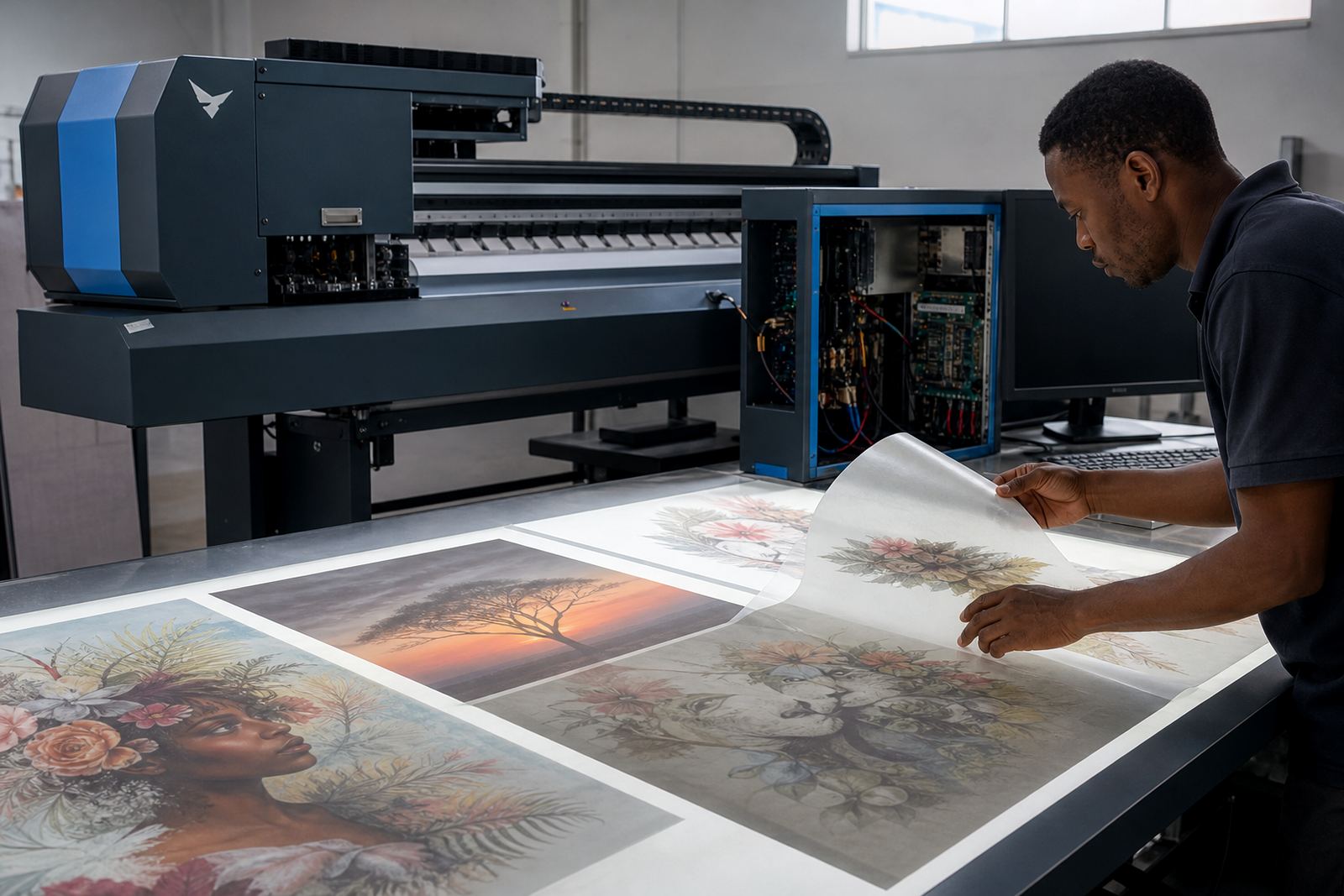
RIP software depends on steady communication with the printer and predictable processing from the computer. If the workstation loses power quality, even for a moment, the queue can stall or corrupt. Colour profiles may load incorrectly, nesting may fail to hold the planned layout, and a job can print with the wrong pass count or a shifted profile. The result is not only a visible colour change, but a production run that no longer matches the approved sample.
For a print shop in Durban or Cape Town, humidity and coastal conditions already ask a lot from the equipment. Add unstable supply and the workflow becomes less forgiving. A RIP may still open and the interface may look normal, yet the output can show banding, missing elements or file handling errors that point back to the system’s electrical stability.
The signs operators notice first on the floor
Operators usually spot the trouble before the service team does. The symptoms are practical and they build up over a shift. A machine that was fine in the morning begins hesitating in the afternoon. A queue that usually clears cleanly starts backing up. Colours drift from one run to the next, even though the file has not changed. That kind of inconsistency is expensive, because it forces staff to stop, check, reprint and explain delays to a client who only sees the final result.
- Unexpected reboots after short interruptions
- Files stuck in the queue without an error message
- Printer communication that drops under heavy load
- Banding or missing detail after a power event
- Settings that need to be loaded again
When the same signs repeat on more than one machine, power quality should move higher on the fault list. It is often the pattern, not one single fault, that tells the story.
Local example from a busy Gauteng print room
A print shop in the East Rand can run a clean morning shift and then lose stability after the building supply flickers during a brief outage. The RIP workstation comes back on, but one printer board starts dropping communication. The operator reloads the file, the colour profile looks normal, and yet the next roll shows faint shifts in tone across the job. The real issue is not the artwork. It is the way the system handled the power disturbance.
With the right checks, the fault can be narrowed down to the board, the driver path, the RIP workstation or the wiring that feeds the setup. That matters because replacing parts without understanding the electrical history often leads to the same failure returning. A proper investigation looks at the whole print chain, not only the machine front panel.
Practical steps that protect production reliability
There is no single fix for every site, but good habits reduce the damage. Stable supply, proper earthing and sensible shutdown procedures make a difference on every wide-format line. Regular backup of RIP settings and colour profiles also helps when a power event corrupts configuration files or forces a rebuild after repair. If a shop runs board-driven printers in a high-volume setting, preventive checks are worth more than emergency patchwork.
- Keep the RIP workstation on a clean, stable supply path
- Back up queues, profiles and device settings regularly
- Inspect boards and connectors after unexplained resets
- Test communication links after any outage or surge
- Schedule maintenance before repeat faults spread
InkFlow RIP supports print shops from Midrand through Johannesburg, Pretoria, Durban, Cape Town and Bloemfontein with remote setup, fault finding and workflow support. That includes board installation, RIP setup, colour profile work, production tuning and backup recovery when the power history has left a mark on the system.
Keeping the print chain steady after power trouble
Once instability has touched the equipment, the goal is to restore trust in the line. That means checking the control board, confirming the printhead driver setup, verifying the RIP installation and testing the machine under real production load. A short test print is useful, but a proper run across the expected queue tells a fuller story. If the system holds through that test, operators can work with more confidence the next day.
Power quality is not only an electrical problem. In printing it becomes a colour problem, a queue problem and a delivery problem too. The sooner the source is identified, the less likely the shop is to lose a full run to a fault that was quietly building in the background.