White ink works best when the job plan starts there
On wide-format inkjet work, white is often used as an underbase, a spot highlight, or a backing layer on darker, clear or coloured material. The print sequence matters because the first layer changes how later colour lands on the surface. If the white is laid too heavy or too light, the top layers can shift, dull down, or lose edge definition.
For a print shop in Midrand handling short promotional runs and larger production sheets, the order must match the material and the finish. A rigid board, a self-adhesive film, and a coated panel will not behave the same way. The operator needs a clear workflow that tells the machine when to lay white, when to dry or cure, and when to print the colour pass.
Three common white layer sequences on real jobs
The best order depends on the artwork and the substrate. In practice, most jobs fall into a few familiar sequences, and each one has its own place in production.
- White under colour: used on dark or transparent material when colour must stay bright.
- Colour then white: used for special face effects, backing, or reverse print work.
- White only: used for single-colour branding, stencil style marks, or opaque details on mixed materials.
That choice should be set in the RIP, not improvised at the machine. A queue set up for one layer order can waste material fast if the artwork changes halfway through a run. In busy rooms, one wrong preset can throw off the whole batch and leave the operator chasing registration issues.
Colour profiles and white density need to speak to each other
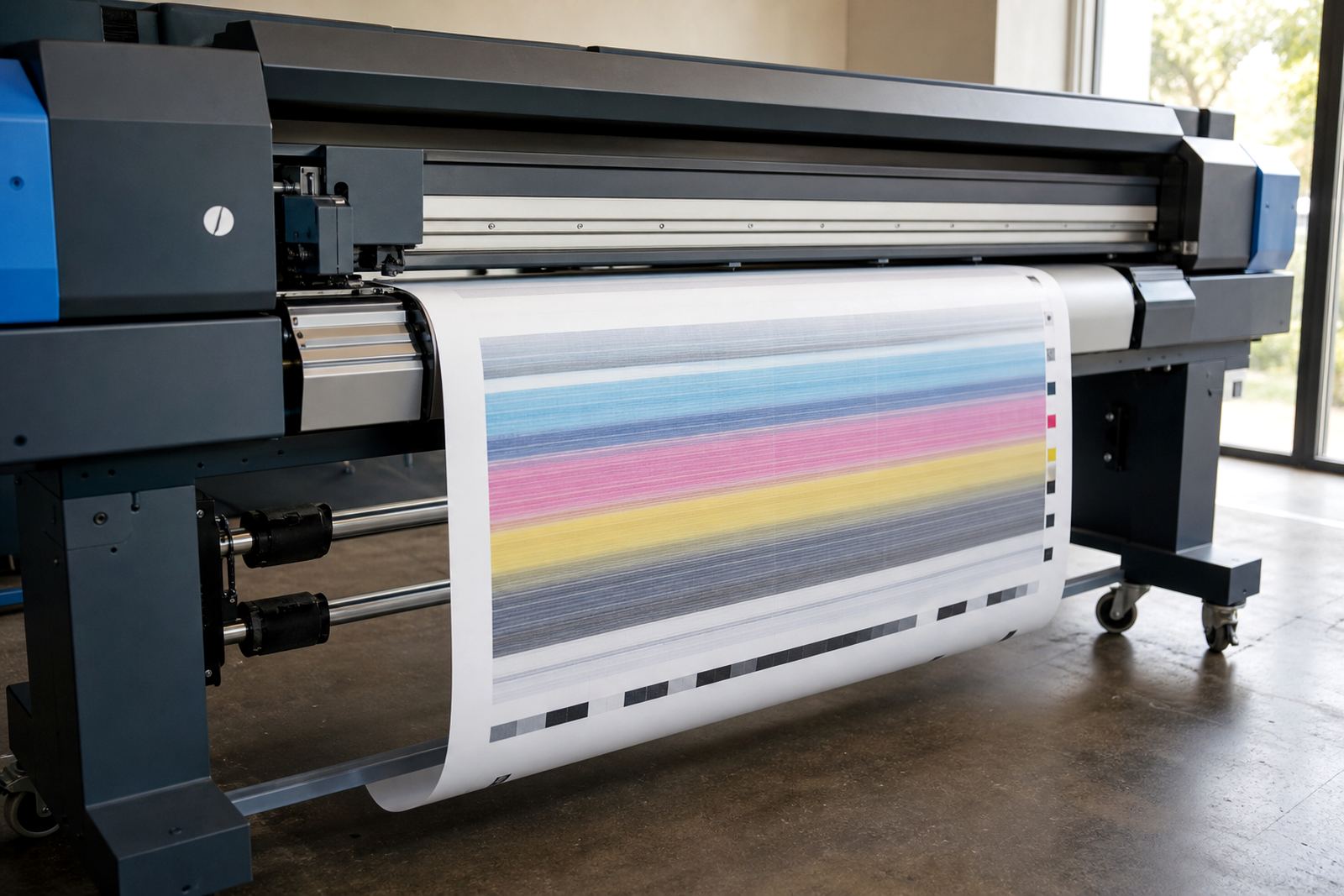
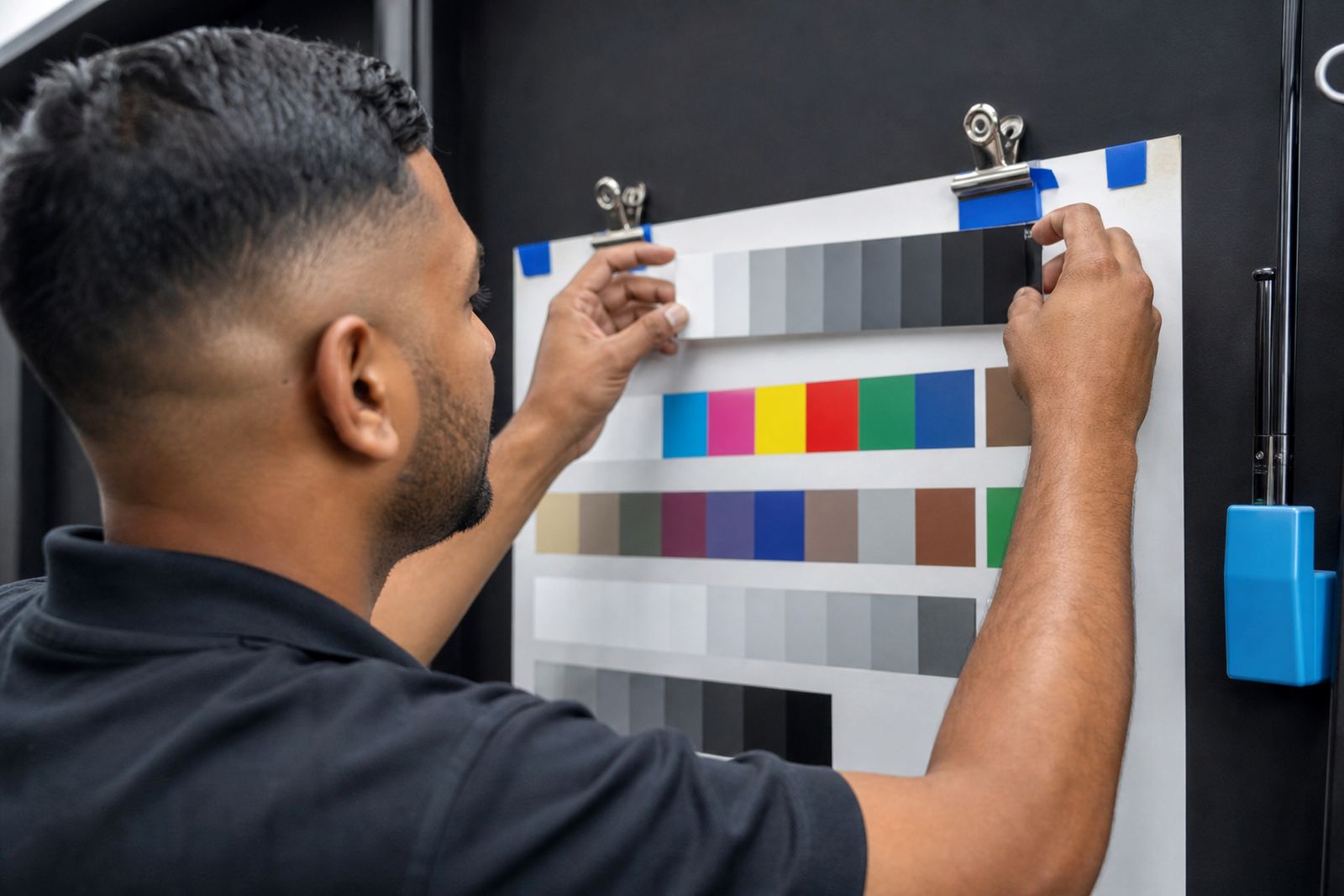
White layer order is tied closely to colour management. If the white density is too low, the profile can look weak and the top colour may show through the base. If the white is too strong, the image can look chalky and the surface may lose detail. The RIP has to balance white ink use against the colour profile so the final print stays consistent across the run.
That is especially important for jobs printed for Durban and Cape Town, where humidity can affect drying behaviour and ink laydown on some media. The same artwork may need a different white setting on a coated sheet than on a flexible roll. A solid workflow uses tested presets, not guesswork at the operator station.
Where nesting and layer order meet on production sheets
Nesting is usually discussed as a way to save media, but it also affects white layer planning. If the RIP nests mixed shapes too tightly, the operator can lose control over where white should start and stop on each item. That becomes a problem on sheets with cut lines, reverse prints, or small branding pieces where the white edge must stay clean.
Good queue design keeps related jobs together. One batch may need the same white underbase, while another needs no white at all. Mixing those in one file path can slow production and increase the risk of a wrong pass.
- Keep white jobs in dedicated queues where possible.
- Separate clear material work from standard colour work.
- Check cut marks and bleed before sending nested layouts.
- Use clear file names so the operator sees the layer plan at a glance.
Maintenance matters because white ink behaves differently in the head
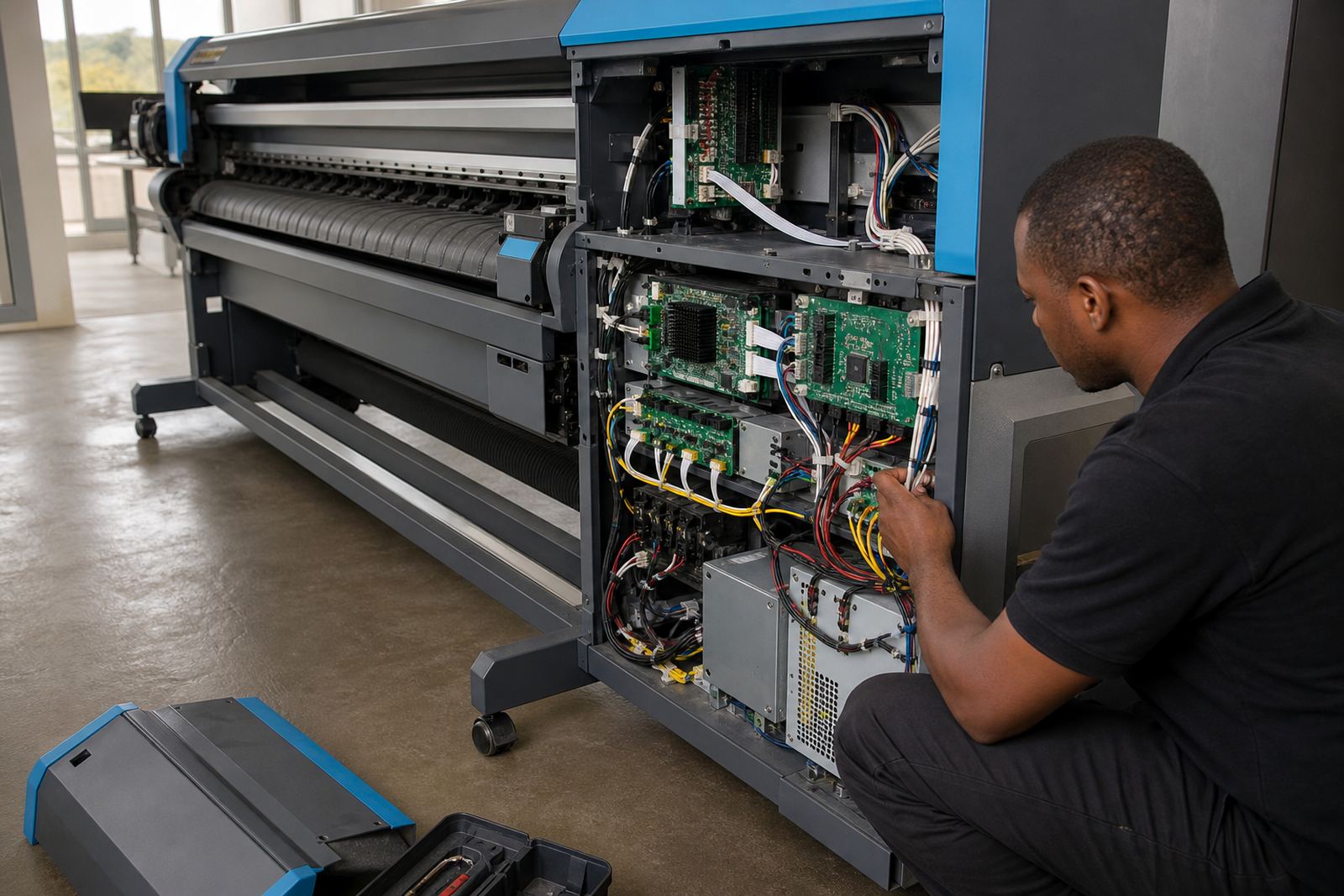
White ink carries pigment load that can settle if the machine is not managed properly. That means printhead drivers, circulation settings, and cleaning routines must be watched closely. A board issue or a weak driver setting can show up first on white, even when the colour side still looks acceptable.
In practical terms, that is why preventive maintenance matters on a production floor. Nozzle checks, purge routines, and board fault finding should be part of the weekly rhythm. If a shop in Johannesburg is running full shifts, the team needs a plan for white ink storage, agitation, and recovery after idle periods. The machine may still print, but the white layer can band, haze, or shift in density if care slips.
A Midrand example from a mixed-material run
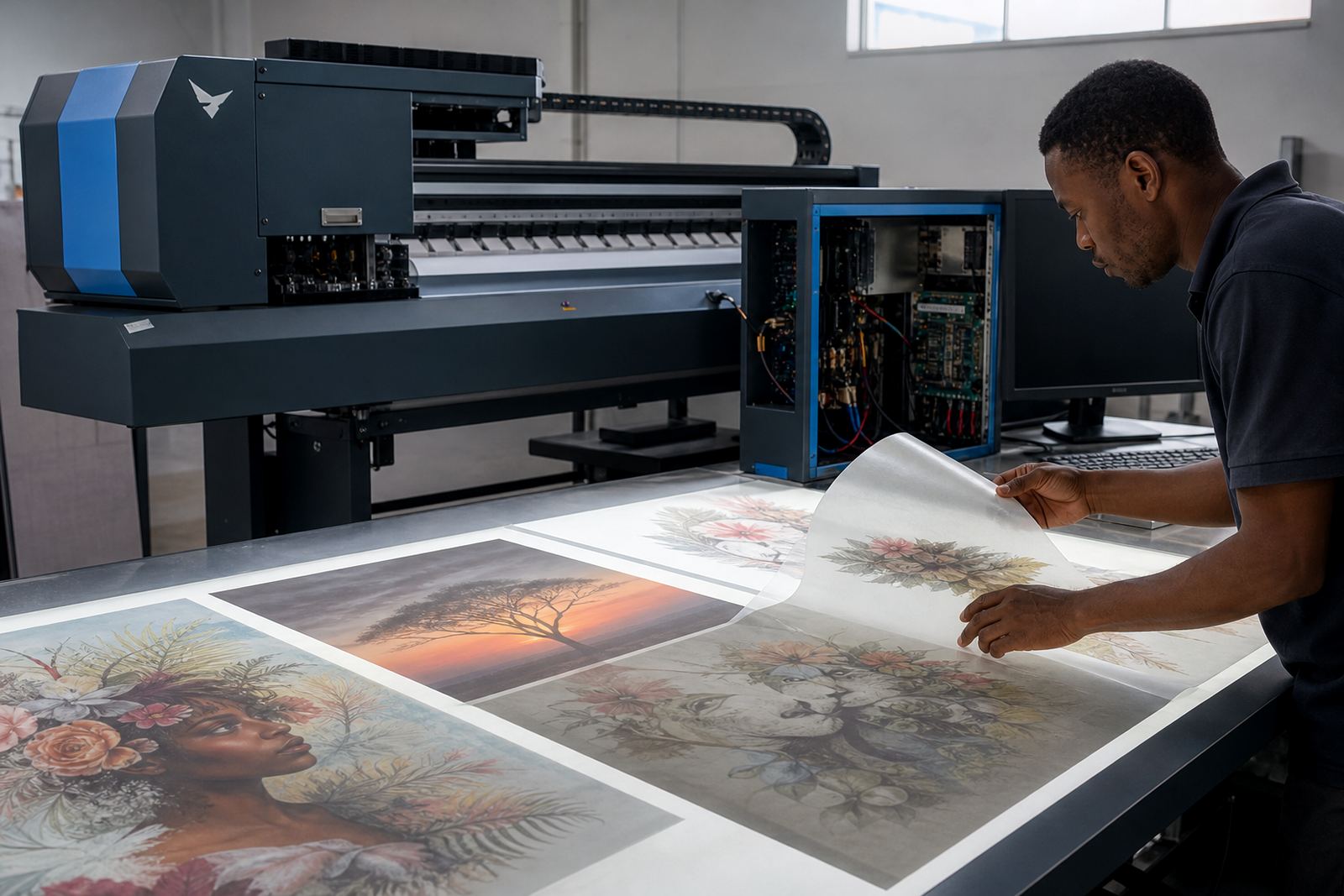
A local print shop in Midrand may receive a batch that includes clear acrylic signage, dark vinyl decals, and a few sample panels for a client presentation. The clear acrylic needs white behind the colour, the decals need strong white under the lettering, and the samples may need only a partial white highlight. If all three are pushed through one generic setup, the output can look uneven.
The safer approach is to build separate RIP presets for each job type, then check the print sequence before production starts. That lets the operator match white density to the material, set the right order, and keep the queue moving without unnecessary rework. For shops serving Pretoria, Randburg, or Bloemfontein, this kind of control saves material and keeps the finish more predictable.
- Match the layer order to the substrate, not the artwork alone.
- Keep one verified preset for each common media type.
- Test the first sheet before releasing the rest of the run.
Training the team to read white layer jobs properly
White layer work is easier when everyone in production understands what the RIP is doing. Operators should know how to spot the difference between underbase, overprint, and reverse sequence work. They should also know where to check queue settings, colour profiles, and printhead driver settings before the run starts.
Training helps reduce avoidable faults and makes handovers smoother on longer shifts. It also gives the team a shared way of checking maintenance notes, backup files, and recovery steps if a board or workflow setting goes wrong. For print shops across Gauteng and further afield, that kind of routine keeps white layer jobs steadier and reduces the chance of a costly misprint.