The small habits that keep nozzles behaving
Printheads on wide-format inkjet machines are sensitive to dust, air in the line, drying ink, and heavy-handed handling. In a busy shop in Midrand or a signage room in Pretoria, the daily routine matters more than one major service every now and then. Clean media paths, covered ink reservoirs, and steady room conditions all help the jetting stay more even.
Operators should watch for early signs of trouble such as banding, broken channels, a sudden change in dot placement, or a head that needs extra passes to recover. Those signs often point to something practical, like poor circulation, a dirty capping station, or a profile that is pushing too much ink into a pass setup. Catching that early can save a long reprint and a fair bit of frustration.
- Keep the printer area free of paper dust and trimming waste.
- Store inks and consumables in a cool dry place out of direct sun.
- Check that caps, wipers, and dampers are clean and seated properly.
- Move media carefully so fibres do not drift into the carriage path.
Ink path discipline matters more than most people think
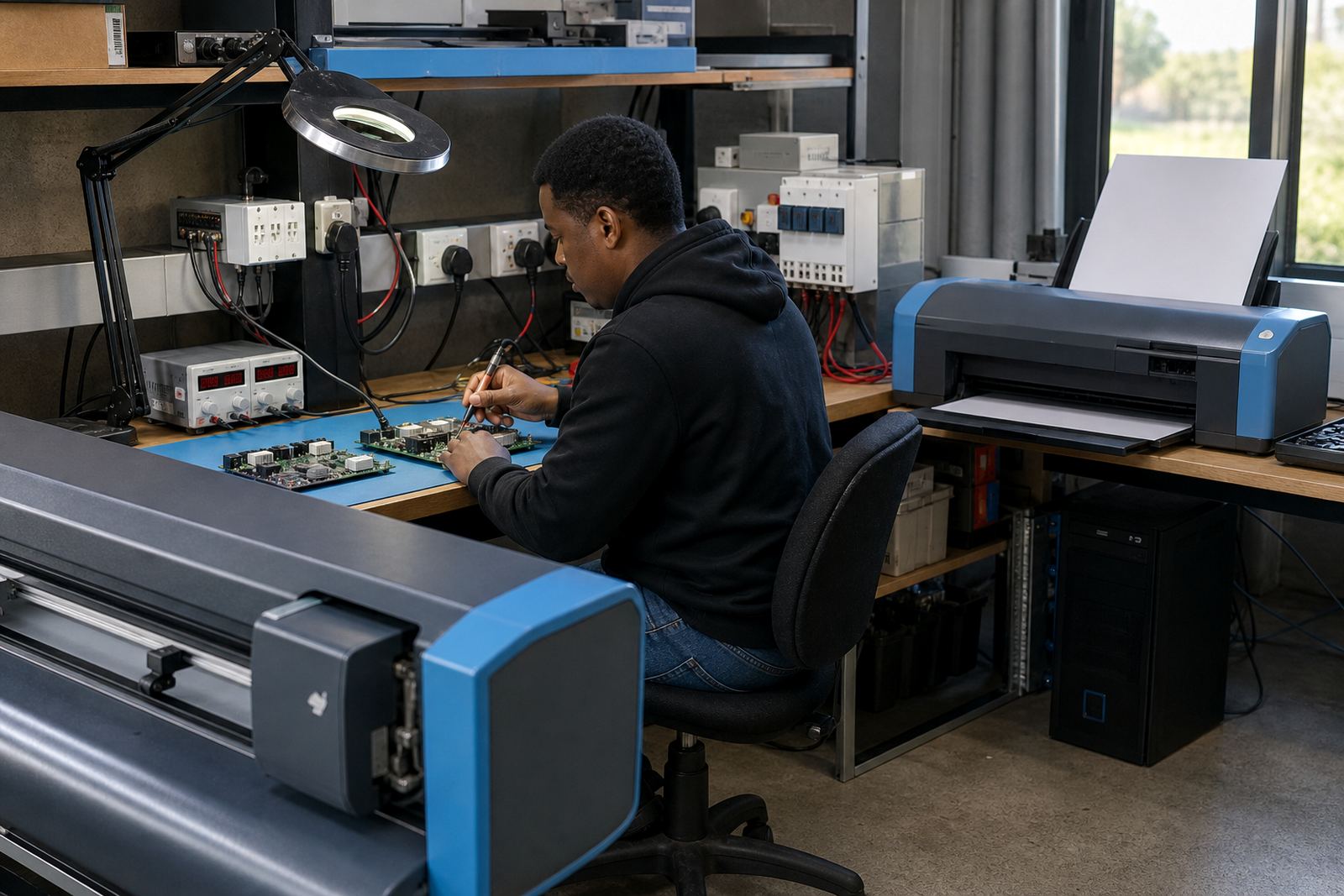
Clean jetting starts before ink reaches the head. Filters, dampers, tubing, and mixing points all need a proper look when there is a drop in output quality. If air gets into the path, the printer may still run, but the dots can weaken or disappear in narrow sections. That is where a control board or printhead driver setup also comes into play, because the electrical side must match the mechanics.
Fault finding usually begins with the basics. Check whether a channel has been swapped, whether the head cable is seated fully, and whether the machine is asking for more ink than the current media can accept. In Durban, where humidity can be high, media may absorb differently and the job can shift if the room is not kept stable. A good operator learns to notice that kind of change before it becomes a full production problem.
- Replace clogged filters before flow becomes uneven.
- Bleed air from lines after maintenance or cartridge changes.
- Confirm that the correct head driver settings are loaded.
- Do not force a channel change without recording the layout first.
Profiles and pass settings should match the real job
Many print interruptions are blamed on the head when the real issue sits in the RIP setup. Colour profiles, ink limits, drying time, pass count, and resolution should suit the printer, media, and the job size. A banner for a Bloemfontein shopfront does not need the same treatment as fine graphics for indoor display work. If the profile is too heavy, the ink sits on top of the media and the machine starts showing errors further along the run.
Queue workflow design helps here too. Jobs should move through a clear order, with the right profile attached and the correct nesting in place. That reduces waste and lowers the chance of a rushed operator loading the wrong setup. When the colour workflow is mapped properly, the machine spends less time fighting bad instructions and more time printing the job the way it should.
- Match the profile to the media surface, not just the ink type.
- Use pass counts that suit the print speed and drying window.
- Save approved settings so operators do not rebuild them each shift.
- Keep spot colour and ICC work separated where the workflow requires it.
Daily cleaning should be calm and measured
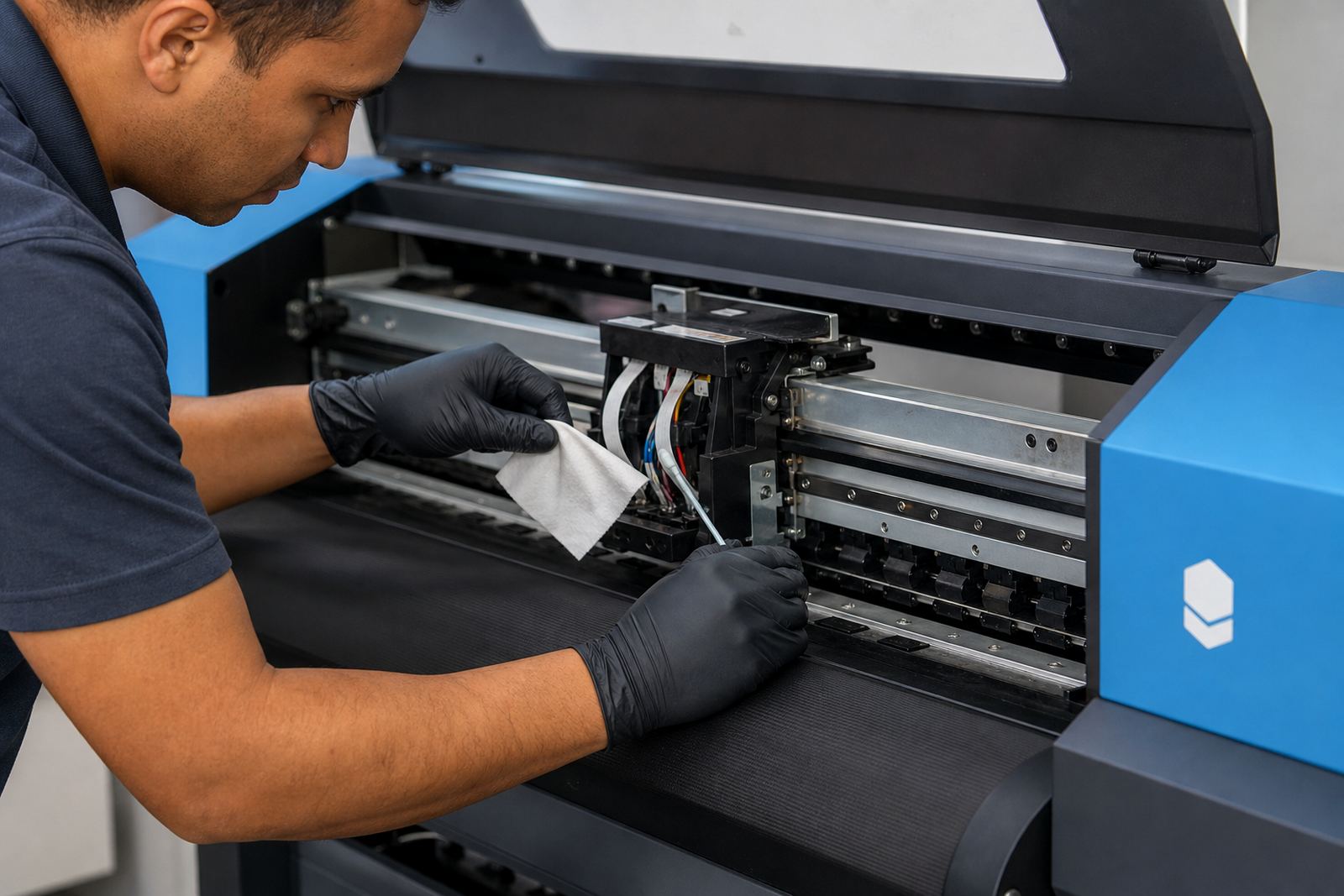
A rough clean can do more harm than a light blockage. Wiping a head the wrong way, pressing too hard on the face, or using the wrong fluid can scratch the surface or move dirt into the nozzles. The better habit is a steady routine with correct tools, proper swabs, and careful observation. In a busy Johannesburg print shop, that routine often happens between production runs, so it needs to be practical and repeatable.
Preventive maintenance should include the capping station, wiper blade, carriage rails, and the area around the head face. If residue builds up, the head may not seal properly when parked. That leaves the nozzles exposed and the next morning starts with extra cleaning that no one planned for. A clean park position is one of the simplest ways to protect the system.
- Use lint free materials only around the head area.
- Clean the cap and wiper assembly on a set schedule.
- Inspect the rail movement for dust, dried ink, or loose debris.
- Park the carriage correctly before long breaks or overnight shutdowns.
When remote support helps the shop stay steady
For print shops across South Africa, some problems can be sorted without waiting for someone to stand at the machine. Remote setup and support are useful when the issue is in the RIP, the colour file, the queue order, or the way the operator is loading jobs. In Cape Town, for example, a shop may need the workflow corrected while the machine itself remains physically sound. That saves time and keeps production moving.
Remote support also helps during operator training. A team member can be shown how to check nozzle status, confirm the right queue, and recognise when a profile mismatch is the real cause of a poor print. That kind of training is worth more than a stack of notes left on a table. It gives the operator a clear process to follow the next time a line drops out or a job starts showing colour drift.
Our team in Midrand works with board installation, RIP installation, printhead driver setup, colour profile setup, and fault finding for wide-format inkjet environments. That includes production tuning, backup and recovery, and ongoing support for shops that need a stable workflow from one job to the next.
A Gauteng Production Floor Example
Consider a signage shop in Midrand handling multiple vinyl and display jobs on the same machine. The morning starts with a long run of retail graphics, then shifts to darker solid fills and a finer text layout after lunch. If the head is already borderline, the heavier coverage may show weak channels, even if the earlier job looked acceptable. The issue is not always dramatic at first, which is why daily checks matter.
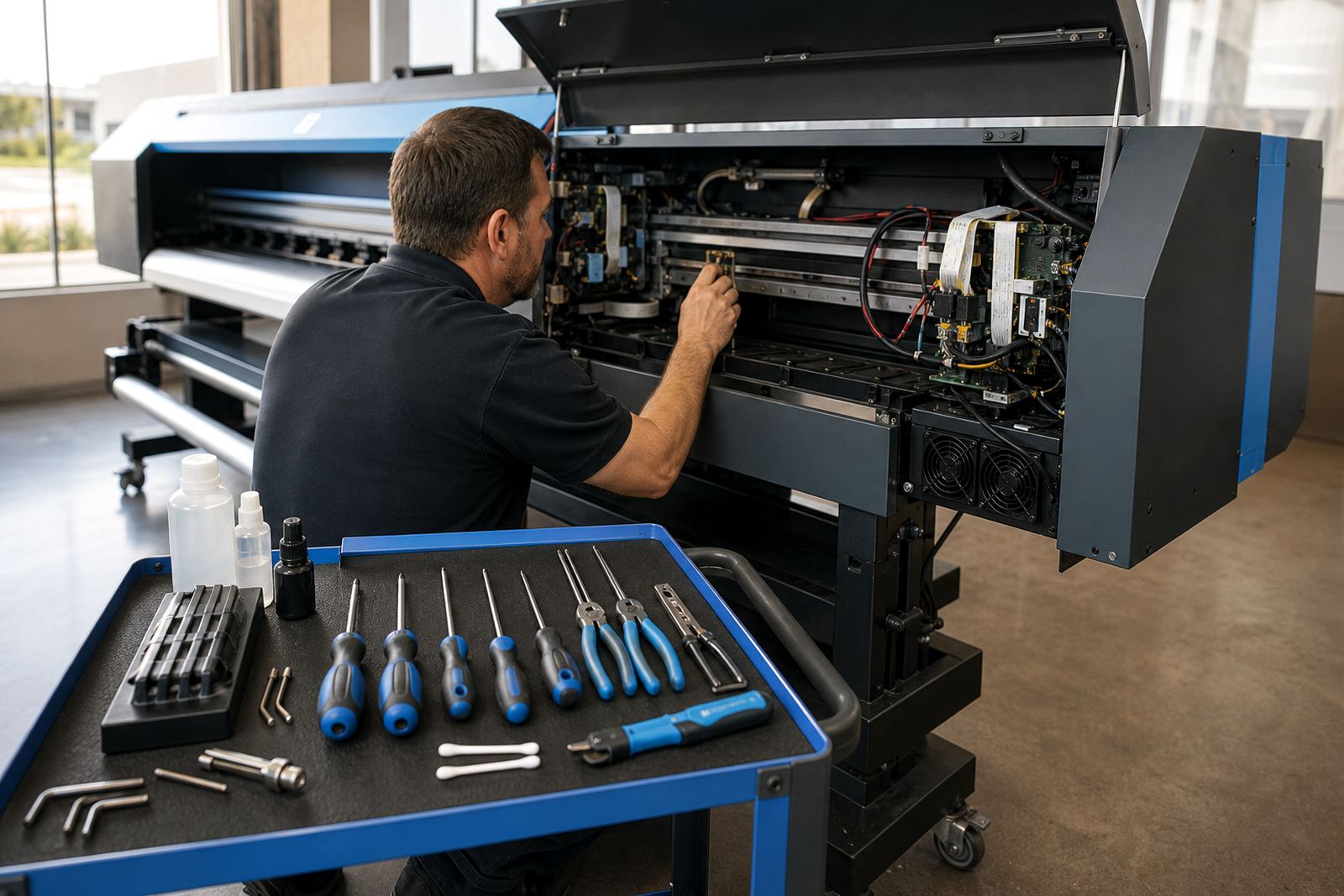
In a case like that, the repair sequence is usually straightforward. Confirm the head driver settings, check the dampers and filters, clean the cap station, review the RIP profile, then test the output on a short controlled job. If the printer settles, the team can move back into production with less guesswork. If it does not, the board or cabling may need a closer look from a technician who knows how to trace the fault properly.
The lesson is simple enough. Good printhead care is not one big action, it is a chain of ordinary habits that protect the machine during real work. Shops that keep that chain intact usually spend less time chasing faults and more time printing clean jobs.