Saved Settings Stop the Small Mistakes
A queue preset stores the job settings an operator needs before the first print starts. For wide-format inkjet work that can include media type, resolution, pass count, ink limits, drying delay, cut marks and the right printhead driver setup. When those choices are saved, the operator is not rebuilding the job from scratch and that reduces the small mistakes that creep in during a busy shift.
In a print shop running posters, banners and exhibition panels, the difference shows up fast. One file may need a tighter colour profile, another may need a different nesting layout, and a third may call for a slower print mode to protect fine detail. A preset keeps each of those choices in the right place, so the operator can focus on the actual job not the menu trail.
- Media settings stay matched to the substrate
- Colour profiles load with the correct queue
- Print speed and quality stay consistent
- Job tickets are easier to read at a glance
Reprints Need Less Guesswork
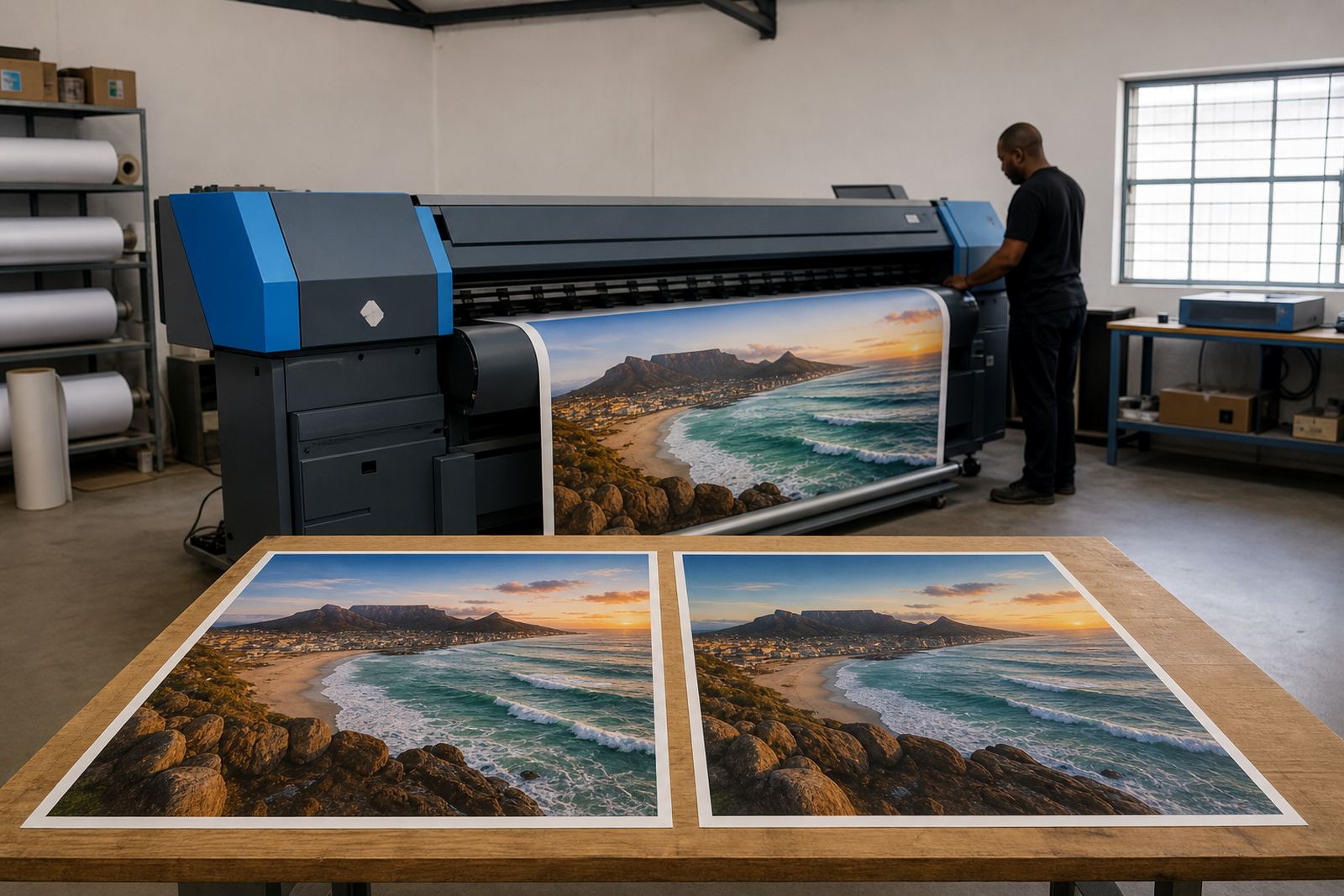
Reprints are where queue presets earn their keep. A shop in Midrand may print the same retail boards every month for branches in Johannesburg, Pretoria and Durban, and each run needs to look like the last one. If the same queue is used with the same preset, the operator is not trying to remember what was changed the last time the file printed cleanly.
That matters on a floor where different staff may handle the same machine across a week. A preset gives the team a known starting point even when the person loading the file is not the person who ran it before. It also helps during busy periods when a late file lands on the queue and the operator has to move with care but quickly, without rushing the setup.
- Monthly retail campaigns print with the same colour profile
- Reprints keep the same trimming and nesting layout
- Operators do not need to rebuild hot folders or queues
- Special media jobs keep their own settings separate
Colour Profiles and Nesting Sit Better Together
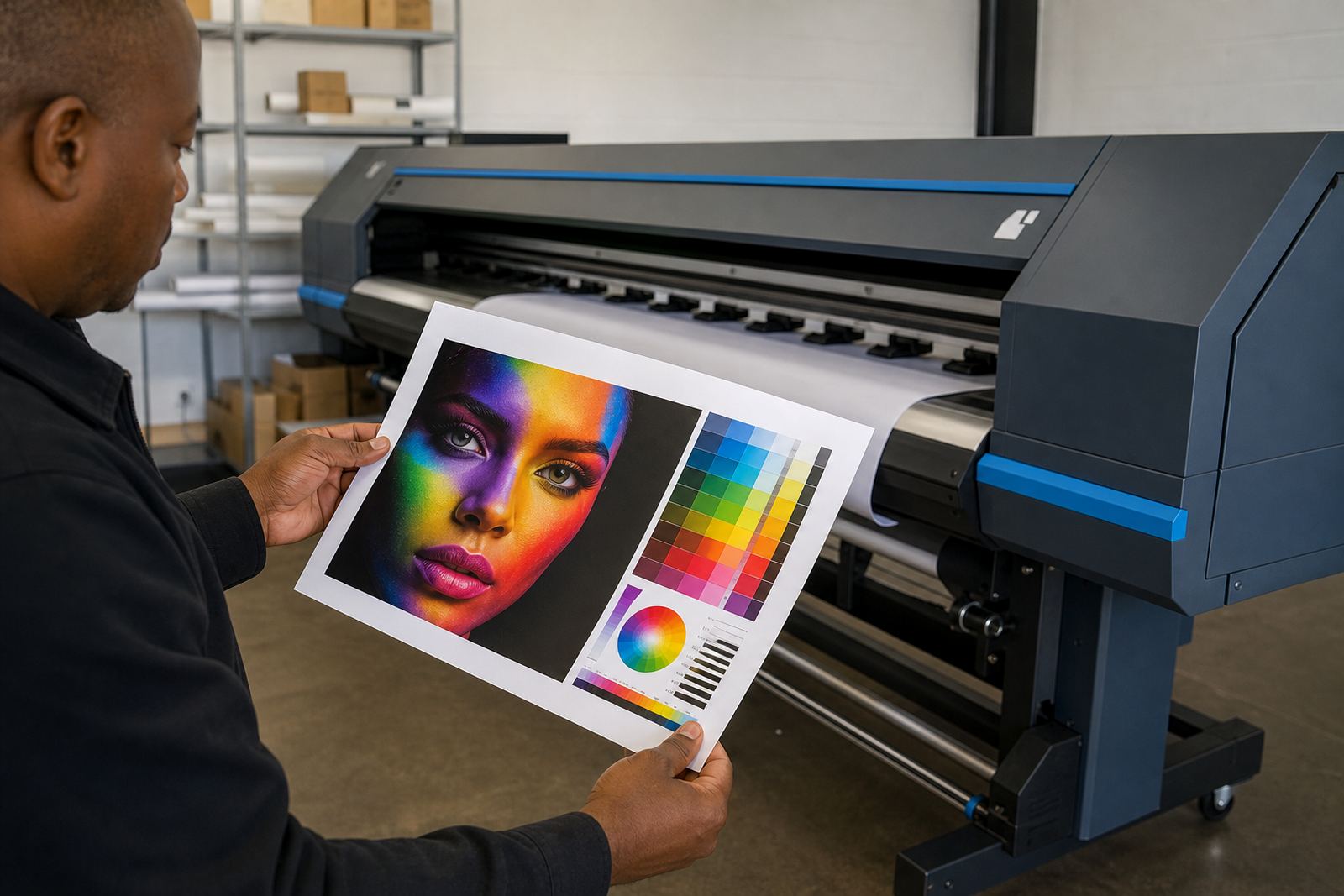
Queue presets work best when colour profiles and nesting rules are built into the same workflow. A profile controls how the printer translates artwork to ink on that specific material, while nesting decides how several items sit on the sheet or roll to save media. If those settings live inside the preset, the operator does not need to remember separate steps for every order.
That is useful for busy shops producing mixed work. A Cape Town print room dealing with coastal humidity may need stable settings for coated vinyl, while a Gauteng shop may be handling indoor graphics and display panels on the same day. Presets let both operations keep the job logic clear, and they reduce the chance of a fine art file being sent through with a packaging layout or the wrong colour table. It sounds small but it saves a lot of rework.
- Correct profile for each media class
- Automatic nesting for short and long runs
- Less media waste on repeats and partial sheets
- Clear separation between indoor and outdoor work
Built for Operators, Not Just Technicians
A good queue preset should be practical for the person standing in front of the machine. If the queue is too clever or too crowded, operators stop trusting it and start changing things manually. Then the preset loses its value. The better approach is to keep the labels clear, the choices visible and the workflow close to how the team actually prints.
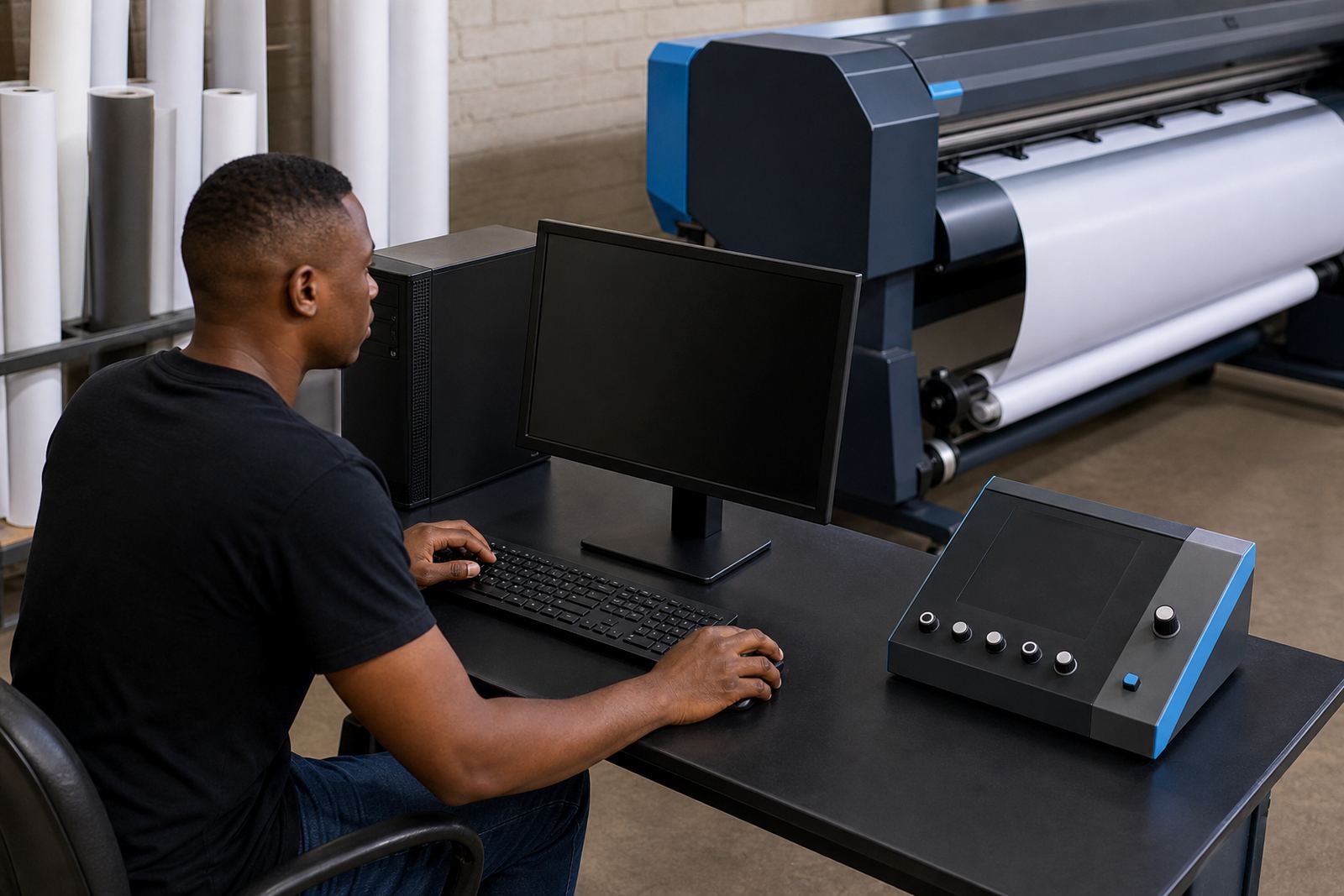
When we set up RIP queues for print shops, the aim is to keep the screen easy to read at a glance. The operator should be able to see which queue is for board work, which one is for roll media and which one is tied to a maintenance check or test strip. That kind of structure helps during shift handovers and makes fault finding less messy when a job does not land as expected.
- Simple queue names for each material and job type
- Separate presets for production and test work
- Visible settings that can be checked before output
- Cleaner handovers between operators and shifts
Where Queue Presets Help the Most in South African Shops
Queue presets are especially useful in South African print environments where power cuts, staggered shifts and shared equipment can interrupt the flow of work. After a printer is restarted, the team wants the queue to open in a known state with the right setup already in place. That makes recovery cleaner when the machine has been paused for load-shedding or a board has been swapped after a fault.
A Johannesburg production room may run a long queue of vehicle graphics during the day and signage after hours, while a Bloemfontein shop may have a smaller team carrying several jobs on one wide-format printer. In both cases presets reduce the number of things that must be remembered by hand. The printer still needs proper care and maintenance, but the queue is one less place for confusion to creep in.
- Restarts are easier after interruption
- Shared printers stay more orderly across shifts
- Test prints use the same baseline settings each time
- Maintenance work fits into a more controlled workflow
What a Clean Queue Setup Usually Covers
A queue preset is only useful when it covers the details that affect the final print. That includes the board or printer control setup, the printhead driver settings, colour tables, nesting rules and any maintenance prompts the team uses during production. If those pieces are left out, the preset is only a label and the operator still has to think through the job from scratch.
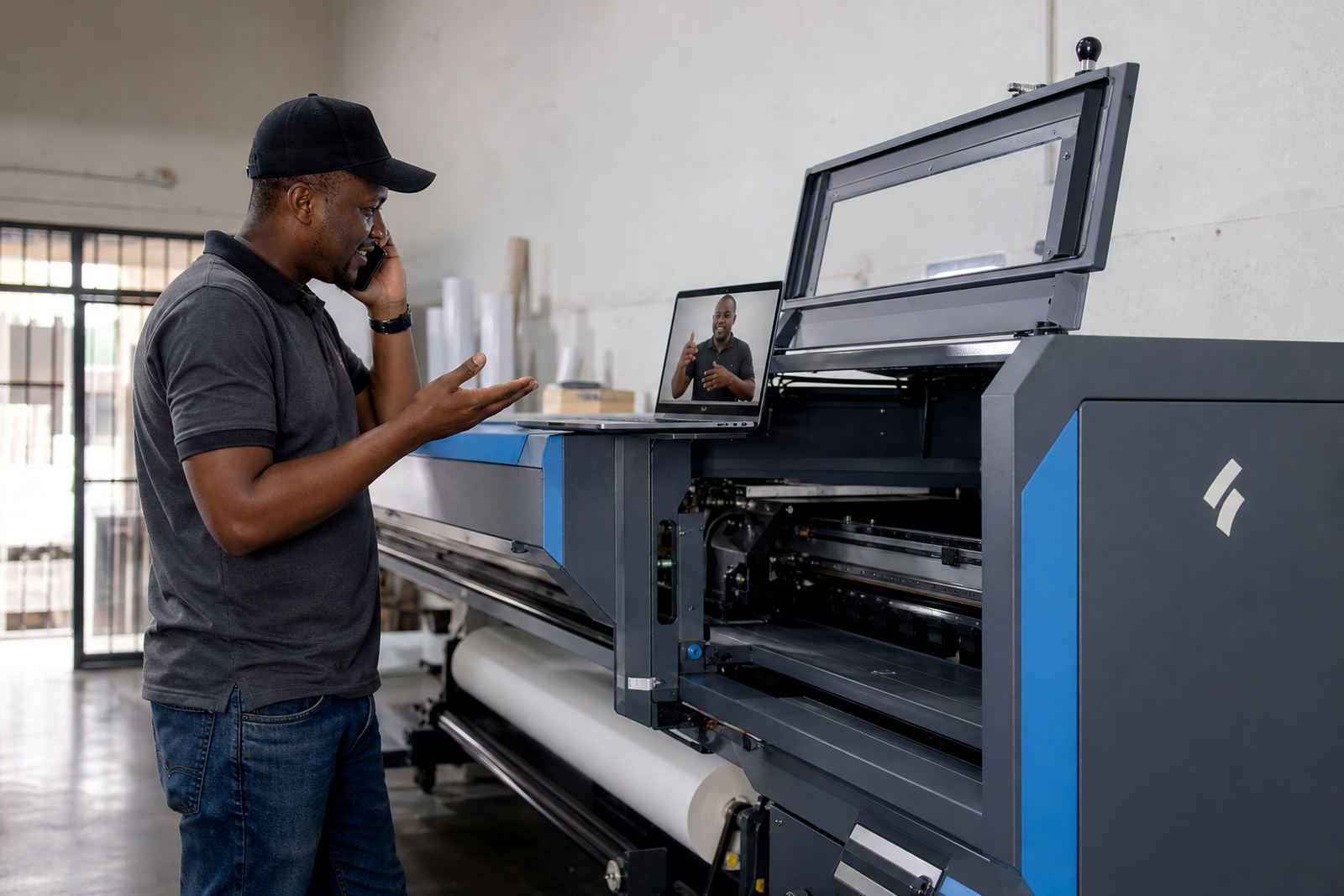
At InkFlow RIP, queue design is handled as part of the wider RIP workflow. That may include remote setup for branches in Pretoria, Durban, Cape Town, the East Rand or the West Rand, plus follow-up support for production tuning and backup recovery. For shops that print every day, the practical result is a queue structure that supports the work instead of slowing it down.
- Printer control board setup aligned to the machine
- Driver settings matched to the print mode
- Colour profile control for repeat work
- Backup points for queue recovery and file safety