When a queue disappears, the day changes fast
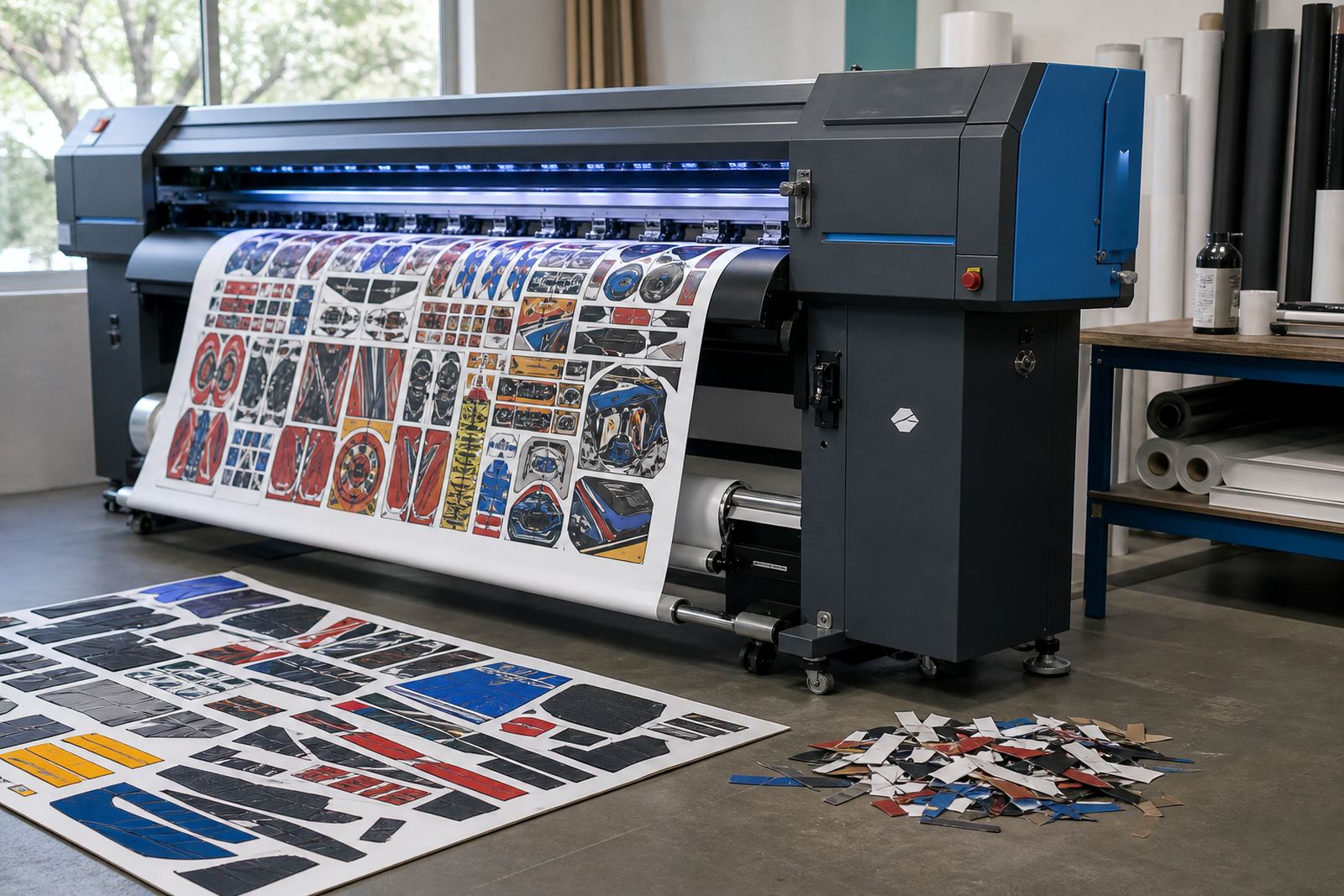
A RIP queue holds far more than a list of jobs. It can carry nesting rules, colour handling, print order, pass counts and the small adjustments that make a banner, a vehicle graphic or a retail panel print correctly.
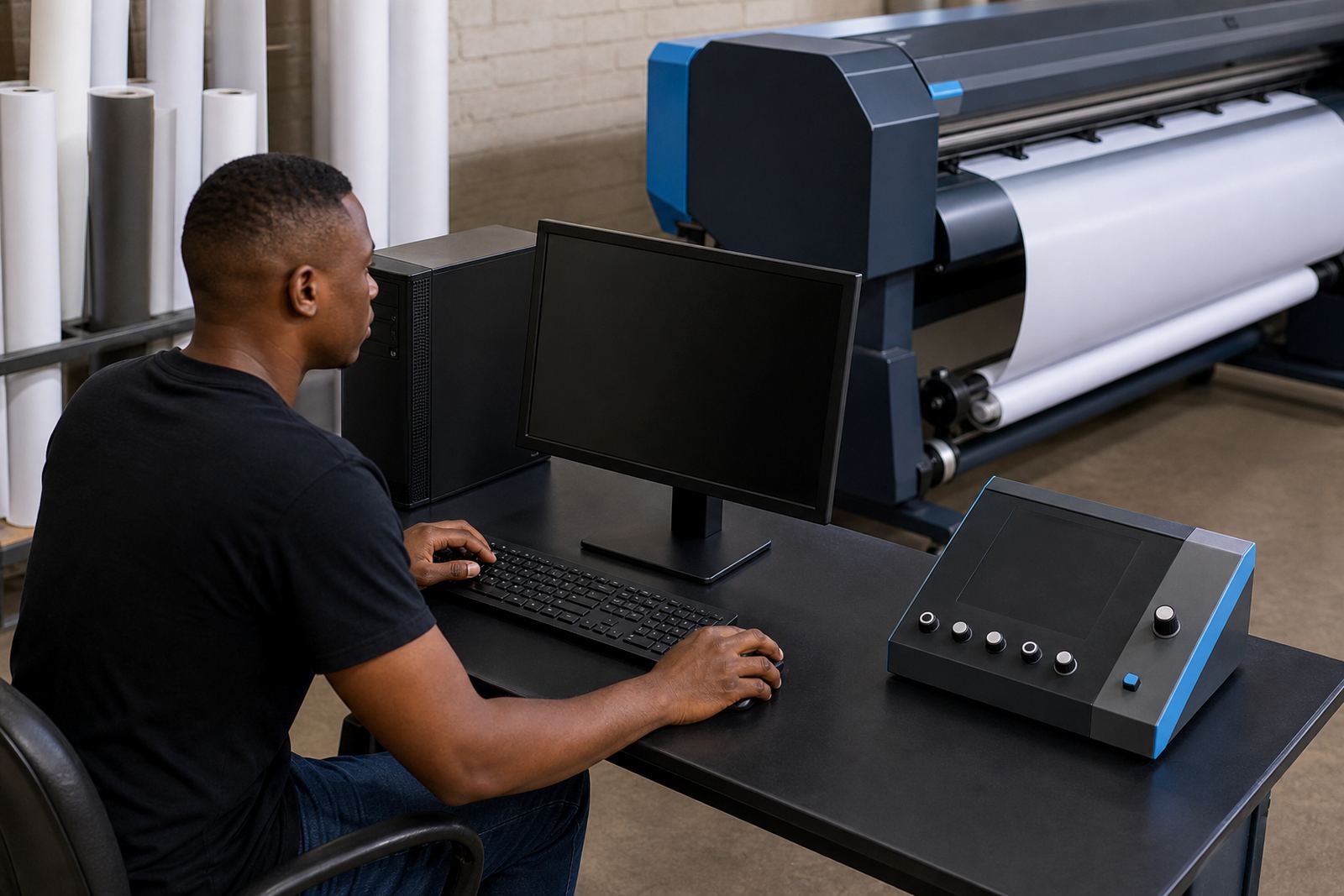
If that queue is lost after a board fault, a workstation rebuild or a messy power event, the operator often has to rebuild the flow from memory. That is where mistakes start, especially when a shop is running several printers and each one uses different media settings, heater values and driver behaviour.
Profiles carry the colour work that clients pay for
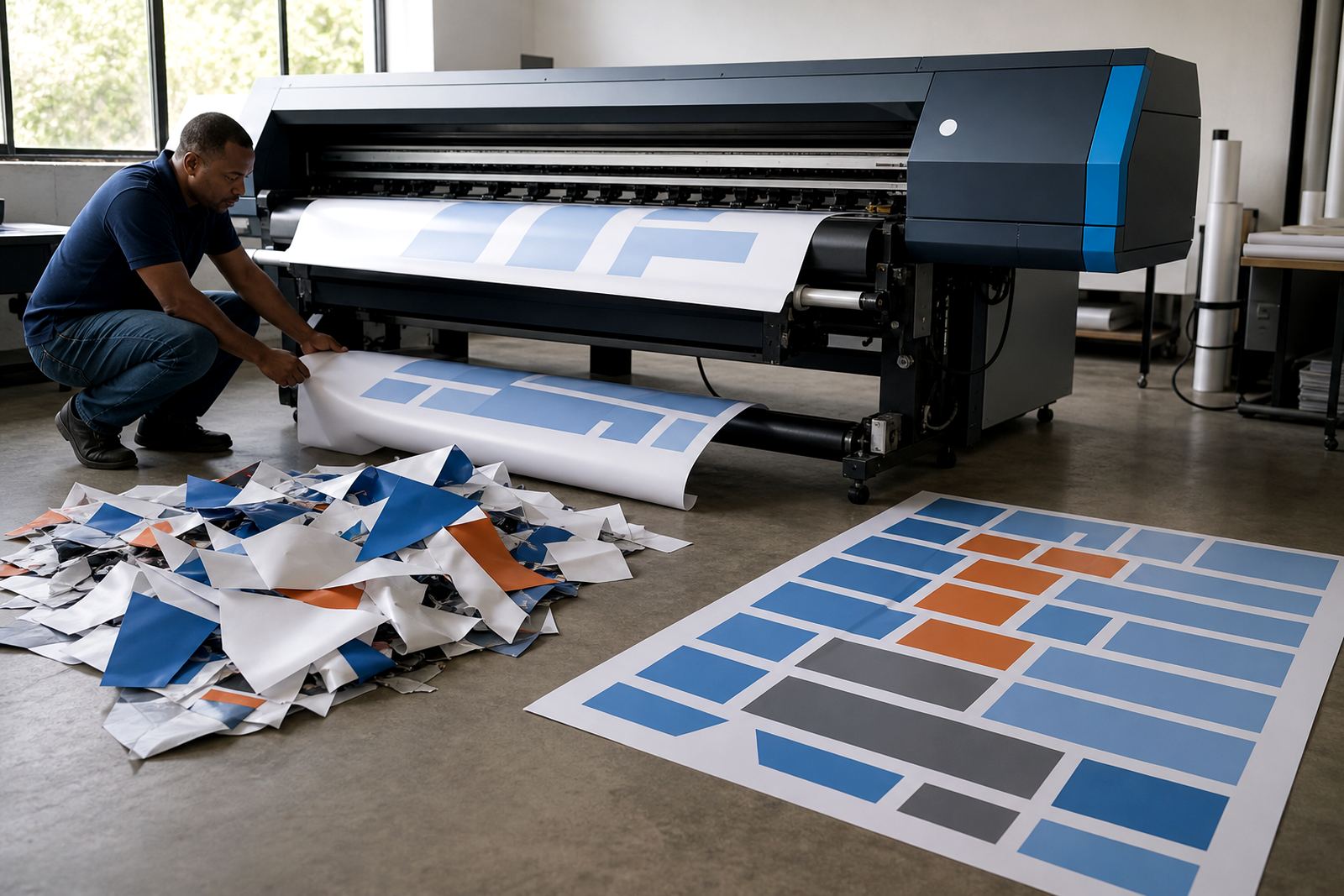
Colour profiles are easy to overlook because they sit quietly in the background. Yet they are the difference between a clean skin tone, a correct corporate blue and a muddy reprint that ends up in the offcut bin.
In a busy print shop, profiles are often built for a specific printer, ink set, media roll and finishing method. Lose those files and the team may be forced to guess at colour corrections, which is rough on deadlines and on material costs. A backup makes the profile set available before a long run starts, not after the first sheet is already wrong.
- Save the profile files in more than one place
- Label each profile by printer, media and resolution
- Keep a note of the date it was last tested
- Store a copy away from the live RIP workstation
Board settings need the same care as the software
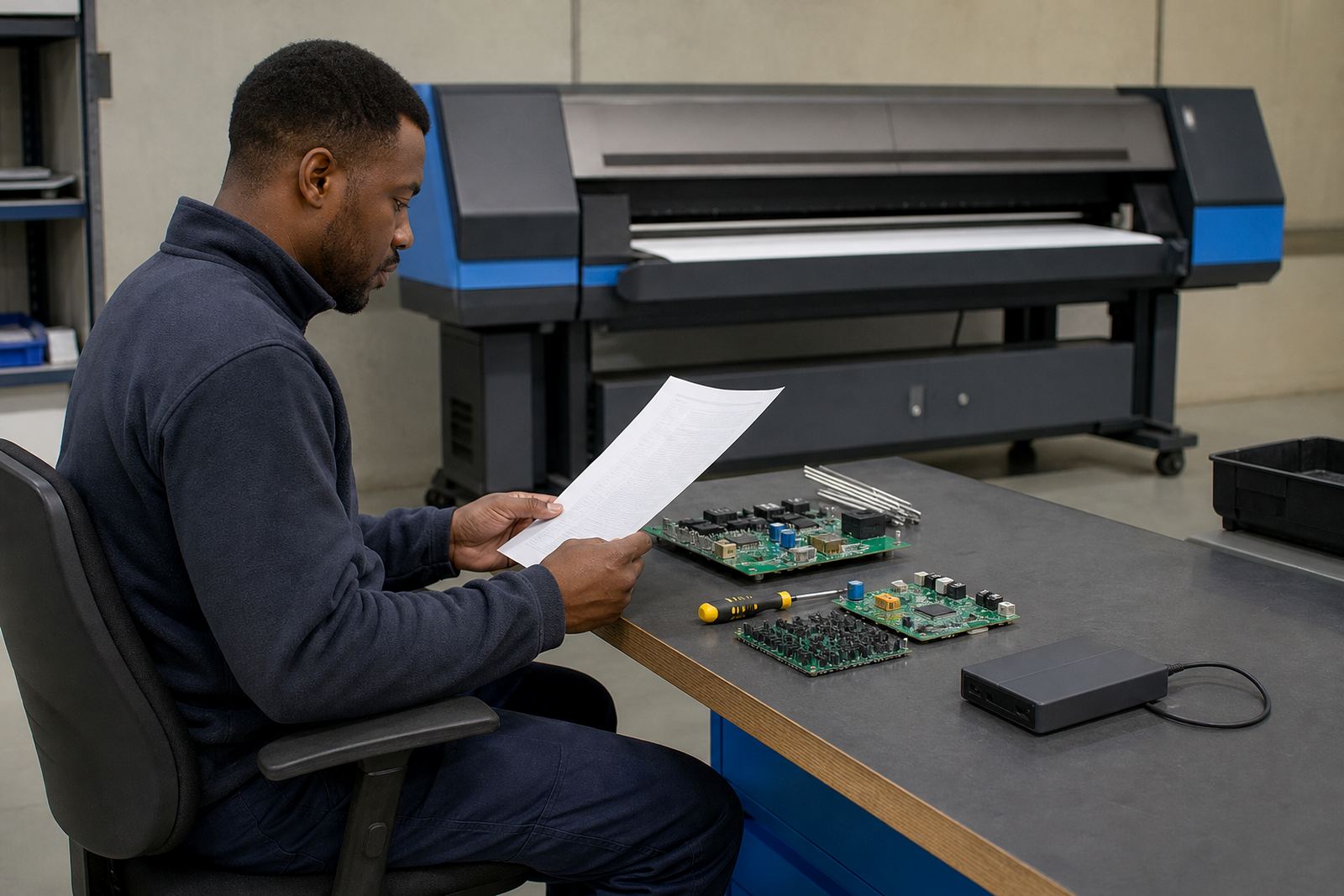
Wide-format inkjet printer control boards often carry device settings that are easy to lose during repair work or replacement. Those settings can include communication values, carriage behaviour, heater control and other details that help the printer and RIP software work together properly.
When a board is swapped out, a technician may be able to restore the machine, but not every saved value comes back automatically. A current backup reduces the amount of trial and error. It also helps when a printer is moved between sites in Gauteng or sent from a Durban production floor to a Midrand support bench for fault finding.
A simple backup routine for busy production rooms
The best backup routine is the one that staff will actually follow during a normal shift. It should be part of the production habit, not something left for a quiet Friday that never arrives.
Set one person to export the RIP queues, profile packs and printer configuration files after any major setup change. Keep a dated folder structure, and make sure the copy is stored on a separate drive as well as a network location or offline medium. A printed note of the folder path is worth keeping too, because a clean folder tree is easier to restore under pressure than a memory-based search through the server.
- Back up after new media calibration
- Back up after board work or driver changes
- Back up after queue edits that affect production flow
- Check that the restored files open on a second machine
A Midrand sign shop with jobs stacked for the morning
Picture a Midrand shop running window vinyl, exhibition panels and short-run wrap material for clients in Johannesburg and Pretoria. A power dip knocks out the RIP station late in the afternoon, and the operator arrives the next morning to find the queue list half missing and one printer profile no longer available.
If the shop has a clean backup, the team restores the queue layout, reloads the media profiles and checks the printer settings before the first roll is loaded. The press is back on a steady path, and the crew can get on with the actual run instead of rebuilding the setup from scratch. That is especially useful when humidity changes at the coast or when different branches need the same print standard from the same file set.
Maintenance records belong with the backups
Backups work better when they sit beside maintenance notes. A file set on its own is useful, but a file set with dates, fault notes and calibration records tells the technician what changed and why it changed.
For a shop with remote setup and support across South Africa, that record matters. It helps during fault finding, printhead driver setup, queue workflow design and production tuning, because the technician can see which version was in use before the last adjustment. It also helps when staff rotate between shifts and the next operator needs a clear trail instead of guesswork.
- Record the printer model and board version used for each setup
- Note the media type tied to each profile
- Keep copies of driver settings and queue templates
- Store fault notes with the backup set
What a practical recovery plan looks like
A recovery plan does not need to be fancy. It needs to be clear, current and easy to use when a machine is standing still and orders are waiting.
For most print rooms, that means one clean backup of the RIP queue structure, one copy of the media profiles, one copy of the printer configuration and one short page that explains where each file lives. Add training for the operator who will load the restore files, and the shop is far less exposed when a board is repaired or a workstation is replaced. The aim is not to collect files for their own sake. It is to keep print settings safe enough that the next job starts from known values.