Start with the print that still tells the story
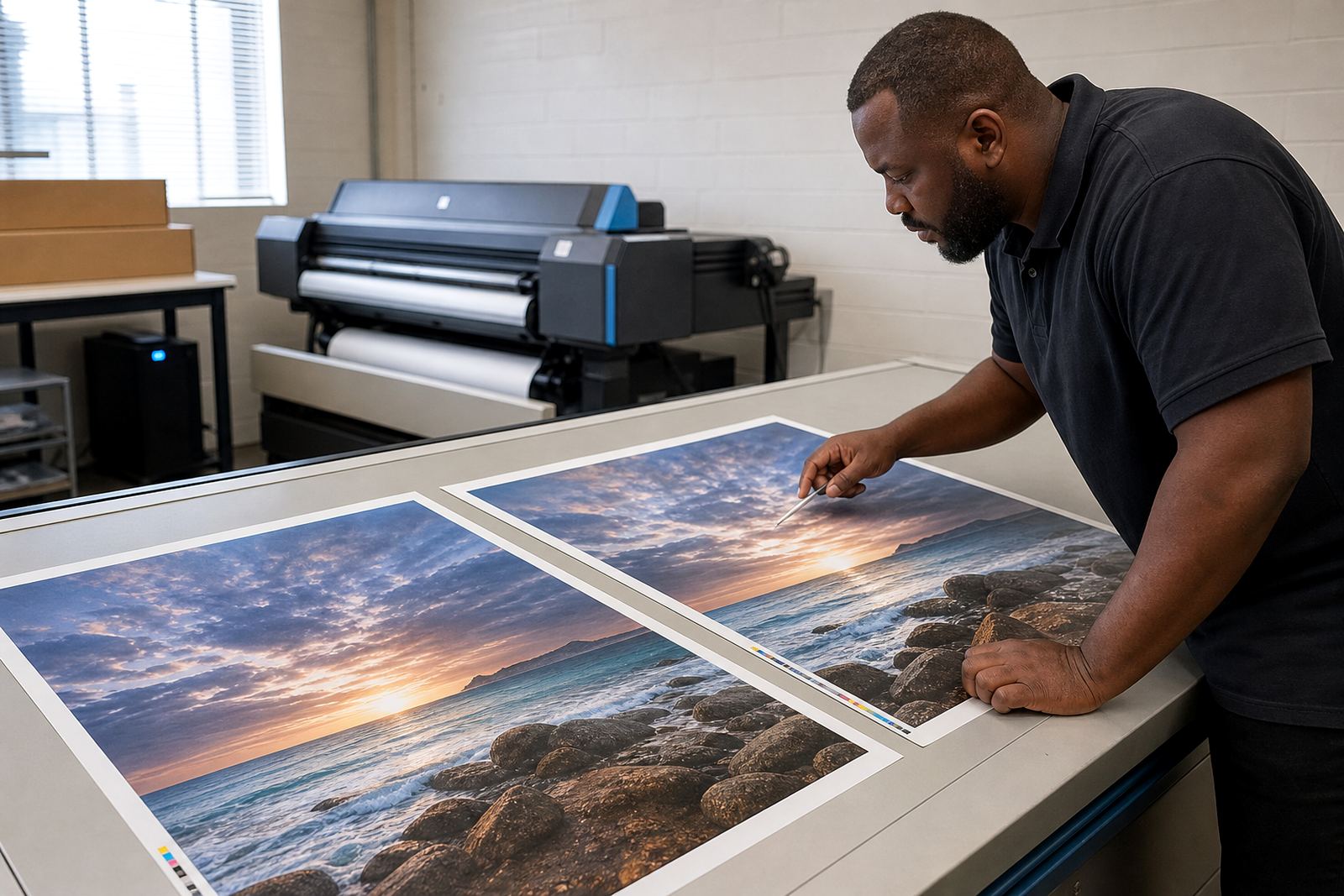
The best reference is usually a clean sample from the same job, printed on the same media type and finished in the same way. If that sample has faded, been laminated, or spent time in a warm storeroom, it can still help with layout and density, but colour should be treated with care.
Look at the print under the same light where it will be approved. A blue cast under shop lights can look very different in daylight, and coated vinyl near the coast can react differently after a few humid days. If the old output was trimmed, ask for an uncut copy too so you can see bleed marks, crop marks and panel joins.
Read the old job before touching the new one
Before you open the RIP, compare the old job details against the new brief. Match the media name, print mode, pass count, resolution, direction of print, ink limits and drying approach. If one setting changed in the last run, that small change may be the reason the result shifted.
- Check the substrate thickness and feed behaviour.
- Confirm whether the job used a stretched or scaled layout.
- Look for overprints, transparent effects and spot colour use.
- Note whether the output came from one queue or several.
- Confirm if the file was exported from vector or raster artwork.
These details sound basic, but they prevent a lot of guesswork. A queue with the wrong media profile can still print, yet the blacks may sit too heavy and midtones can lose shape.
When colour has to match, profiles carry the load
Colour matching starts with the profile, not the guesswork. A good RIP setup uses the correct colour profile for the printer, ink set and material, then applies the same rendering intent and black generation that were used on the earlier job. If the original run was tuned for indoor display on coated paper, do not expect the same numbers to hold on banner media.
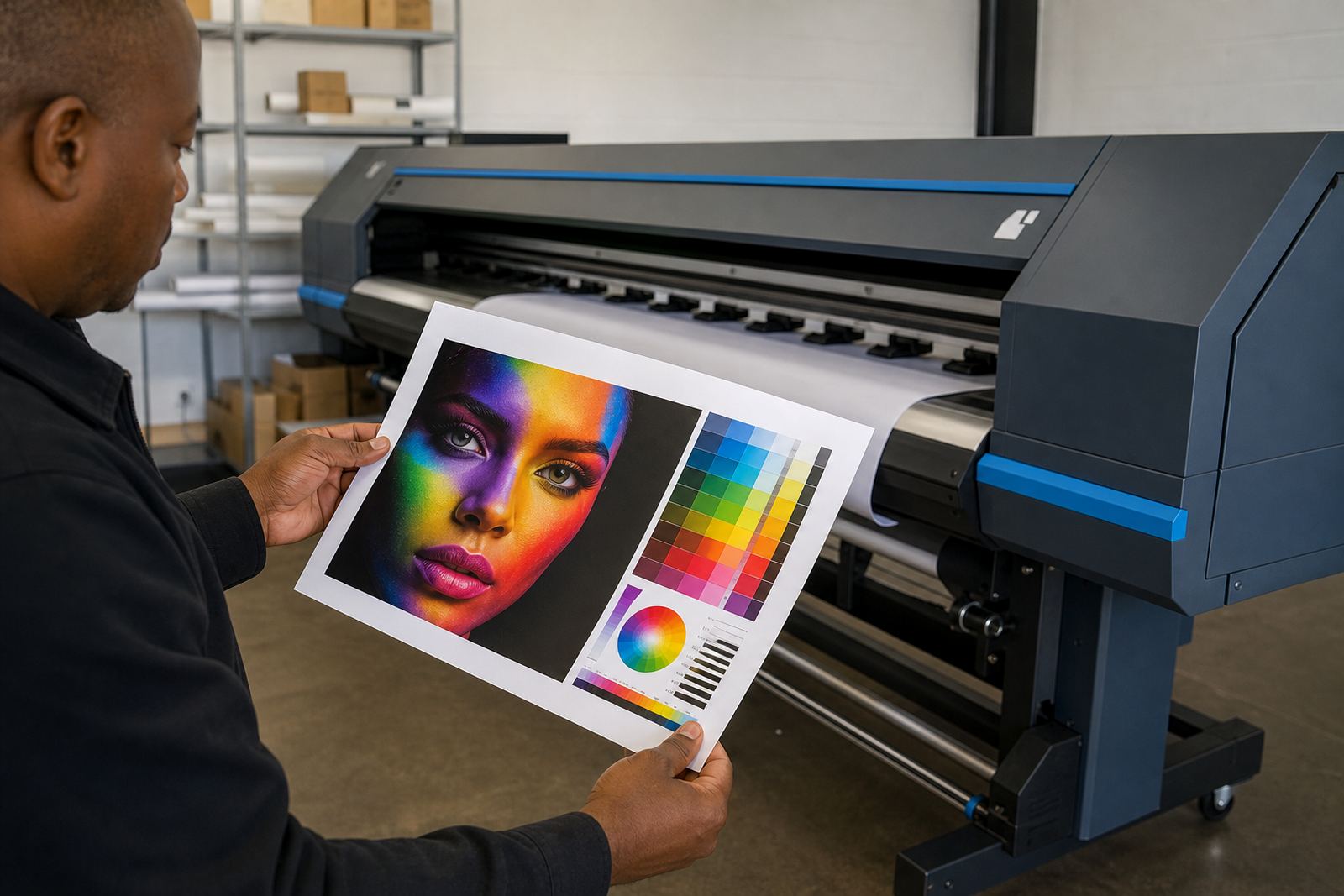
In practice, matching old output often means building a small comparison set rather than printing the full order at once. Run a short strip with a few key colours, skin tones, greys and dense solids. Hold it next to the previous piece and compare under steady light. Small shifts in magenta or cyan can throw off a whole campaign, especially where logos carry exact corporate colour expectations.
Colour drift also shows up when heads have been cleaned heavily, or when one channel has partial blockage. A printer can still pass a nozzle test, yet still push a slight cast across long runs. That is why colour notes and service notes should live together, not in separate folders.
Board behaviour and printhead drivers change the result
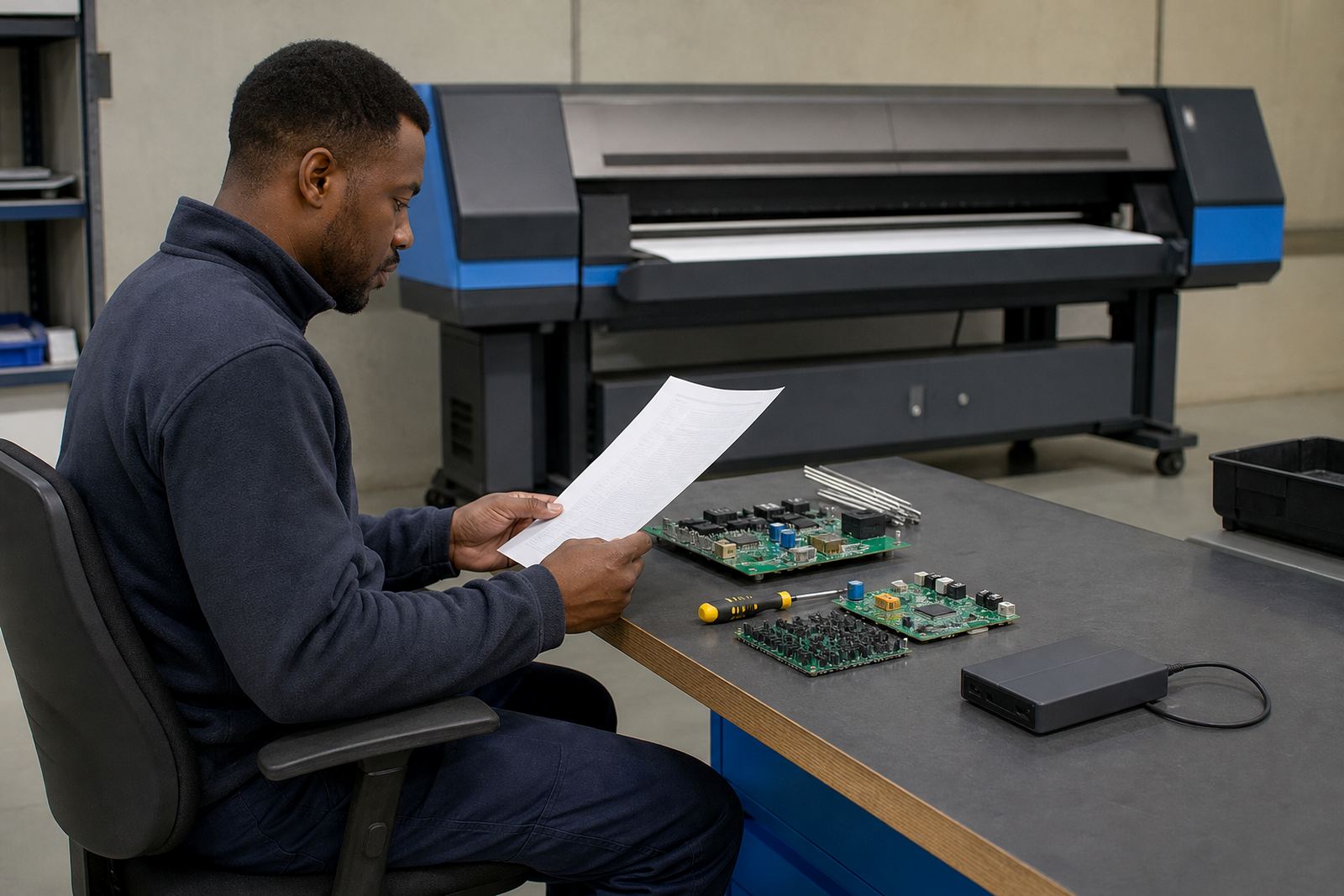
Control boards and printhead drivers shape how data reaches the heads, so matching an earlier job is not only about artwork. If the board firmware, driver configuration or communication path changed, the machine may interpret timing differently. The print can look fine at first glance, then reveal banding, broken gradients or a soft edge on detailed type.
When a repeat run is not sitting right, check whether the board is reading the same carriage speed, voltage and data timing as before. If the output started to wobble after a repair, the issue may sit in the driver setup or the board signal path rather than the RIP file itself. Kagiso Pienaar on the board side and Johan Letsoalo on RIP settings often look at this as one chain, because one weak link can alter the whole finish.
For older production files, save the working machine profile, not just the artwork. A file can move from one printer to another and still look off if the new board profile handles dot placement differently. That is where a controlled test sheet saves time and waste.
Use nesting and queue order with some discipline
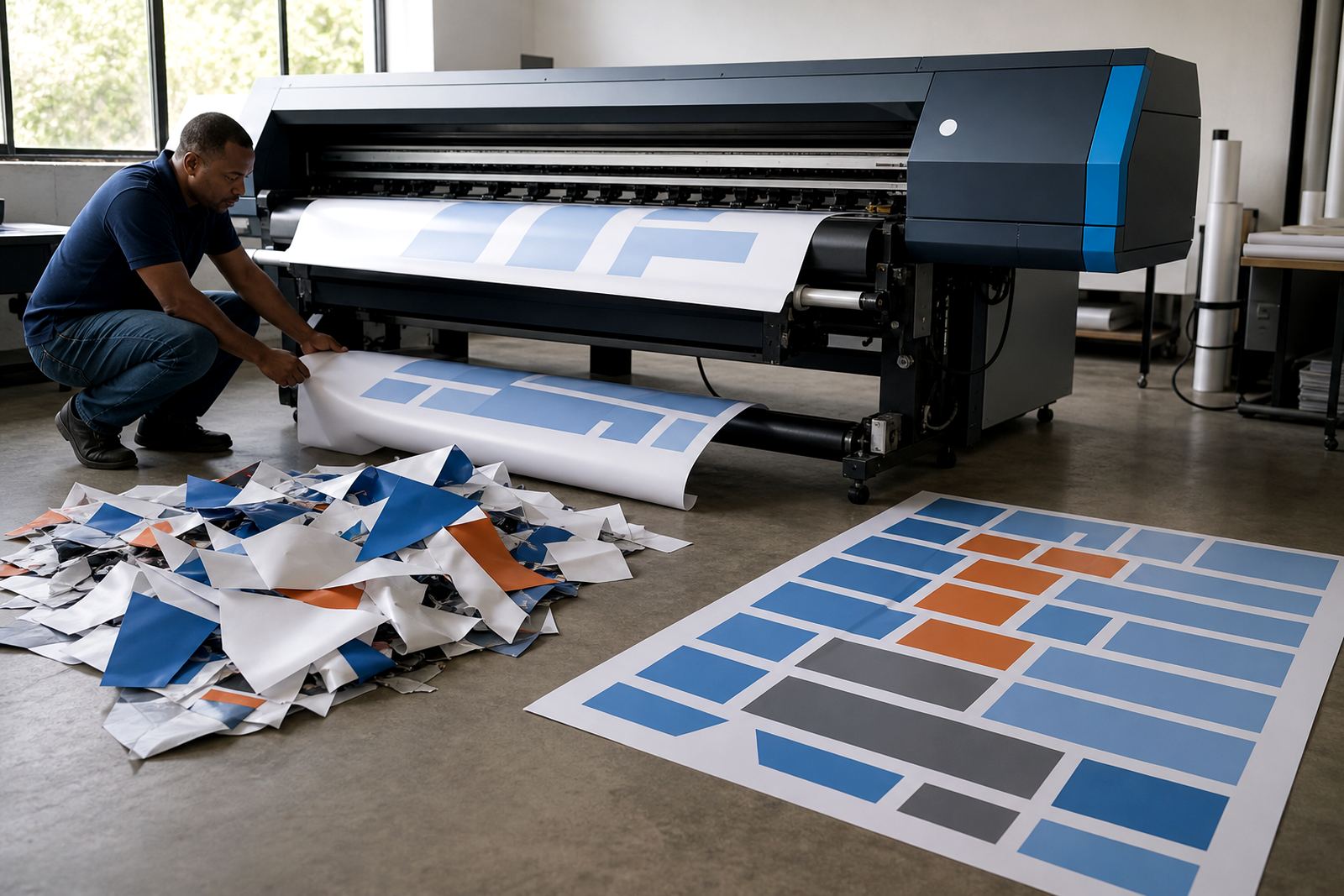
If a repeat job is being printed alongside fresh work, queue order matters. The first panel out of the machine may behave differently from the later ones if the media has not settled, the heaters are moving, or the operator has mixed several presets in one batch. Queue workflow design keeps the repeat job separated until the settings are stable.
- Place the matching job in its own queue where possible.
- Keep the same media feed direction as the original run.
- Do not mix draft work with final output on the same preset.
- Check nesting so labels and panels stay in the same order.
- Leave a clear note if the job needs a manual reprint later.
Good nesting is not only about saving material. It also helps preserve the flow of the previous job, because the operator can see which panel came first and which one followed after a pause or roll change.
A Midrand repeat job for a Johannesburg display run
A print shop in Johannesburg once needed a repeat run for retail graphics that had been approved weeks earlier. The old sample looked close, but not exact, and the client wanted the second batch to sit beside the first without any visible jump in colour. The original files were intact, though the media had changed from a warmer coated stock to a slightly different roll with a glossier face.
Instead of pushing the whole order straight through, the team compared the saved RIP preset, the media profile and the printhead driver settings. Aiden Phiri handled the remote setup, while Zanele Moagi checked the colour balance against the retained sample. The first proof was close but the dark blues were sitting a bit heavy, so the ink limit was trimmed slightly and the black channel was eased back. After that, the repeat run sat much closer to the earlier set and the shop could hold a consistent look across the series.
That sort of result depends on careful notes, not memory. A shop may think it is repeating the same job, but one small change in paper stock or maintenance state can move the output enough to be noticed by a client standing right next to the earlier print.
Keep the next repeat job easier than the last one
The cleanest repeat runs happen when the job is stored with enough detail for the next operator. Save the media profile, pass count, ink limits, print direction, queue notes and any repair or head-cleaning events that affected the result. If the job went through a manual colour adjustment, write that down too, because memory fades faster than production drift.
Preventive maintenance also plays a part. A machine that has been checked for feed stability, nozzle condition and board health is far easier to match than one that only gets attention after the output slips. Lerato Khoza and Bianca Rademeyer often work with shops on training notes and production records so the repeat process is less of a scramble, and less wasteful as well.
When a previous job matters, the goal is not to chase a perfect memory. The goal is to rebuild the same print path with enough control that the next run lands in the same place, or close enough for the client to accept without hesitation.
Small records that save the second run
Keep the sample, the RIP preset and the machine notes together in one place. That habit makes later matching far easier, especially when jobs are split between Midrand, Pretoria, Durban, Cape Town or Bloemfontein support work.
When the file, profile and hardware notes travel together, repeat work stops being a guess and becomes a controlled return to the same result.