Book the Job That Matches Your Press Line
Setup work starts differently on every printer room, because board swaps, RIP changes and colour issues do not follow one pattern. Some sites need a clean board installation and printhead driver setup, while others need queue workflow design, colour profile setup, or fault finding after a failed production run.
Send the job details through the enquiry form on our contact page and note the printer model, current RIP, number of machines, and whether the work is remote or on site. That lets us plan the right support path for Midrand, Johannesburg, Pretoria, Durban, Cape Town, Bloemfontein and the wider Gauteng area.
What Our Setup Sessions Usually Cover
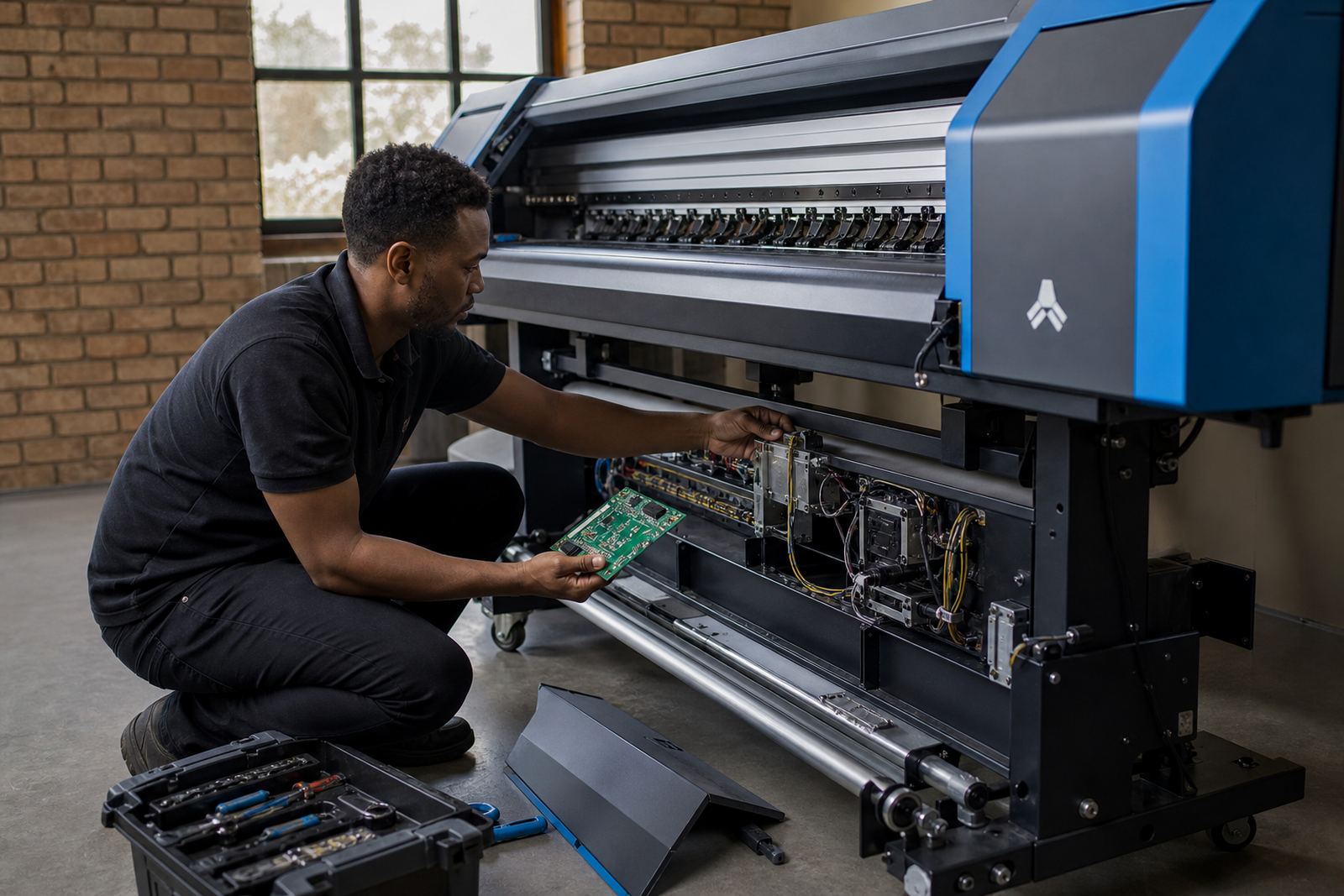
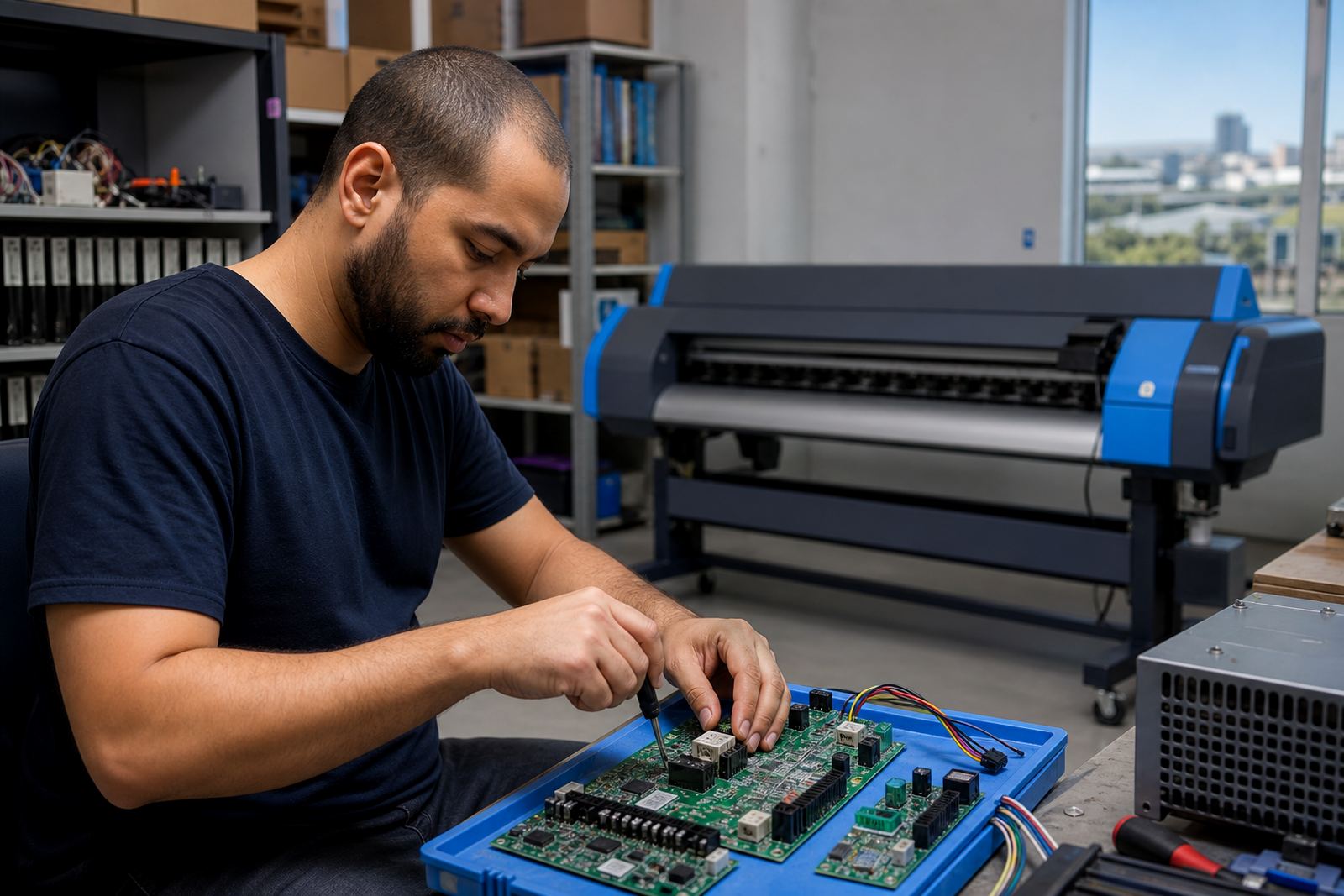
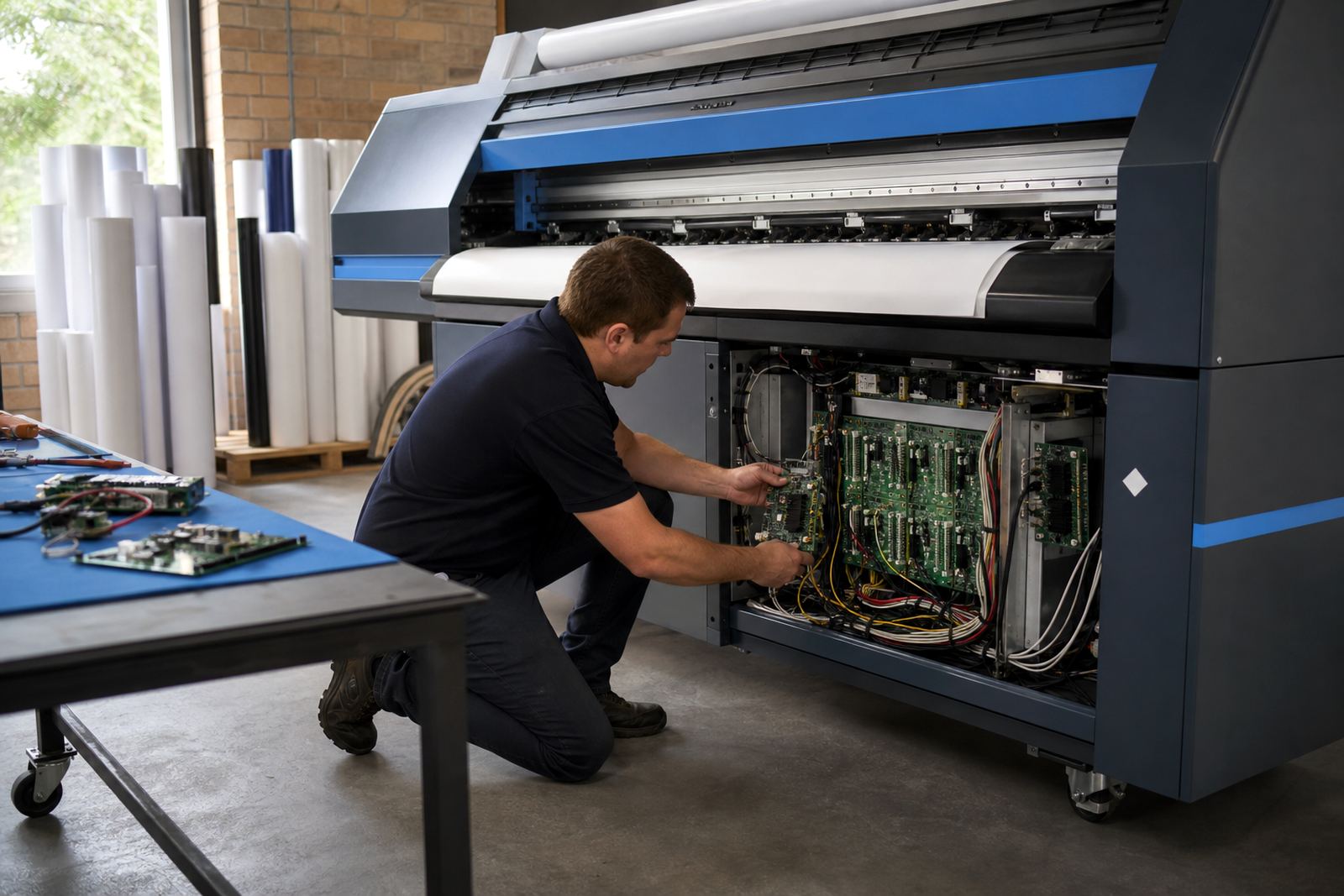
The scope can be kept tight for one machine, or spread across a full room with multiple queues and profiles. We handle control board installation, RIP installation, printhead driver setup, colour profile setup and backup recovery where old files need to be carried over safely.
- Initial system check and production notes
- Board and driver installation on the target machine
- RIP queue setup for the work you run most often
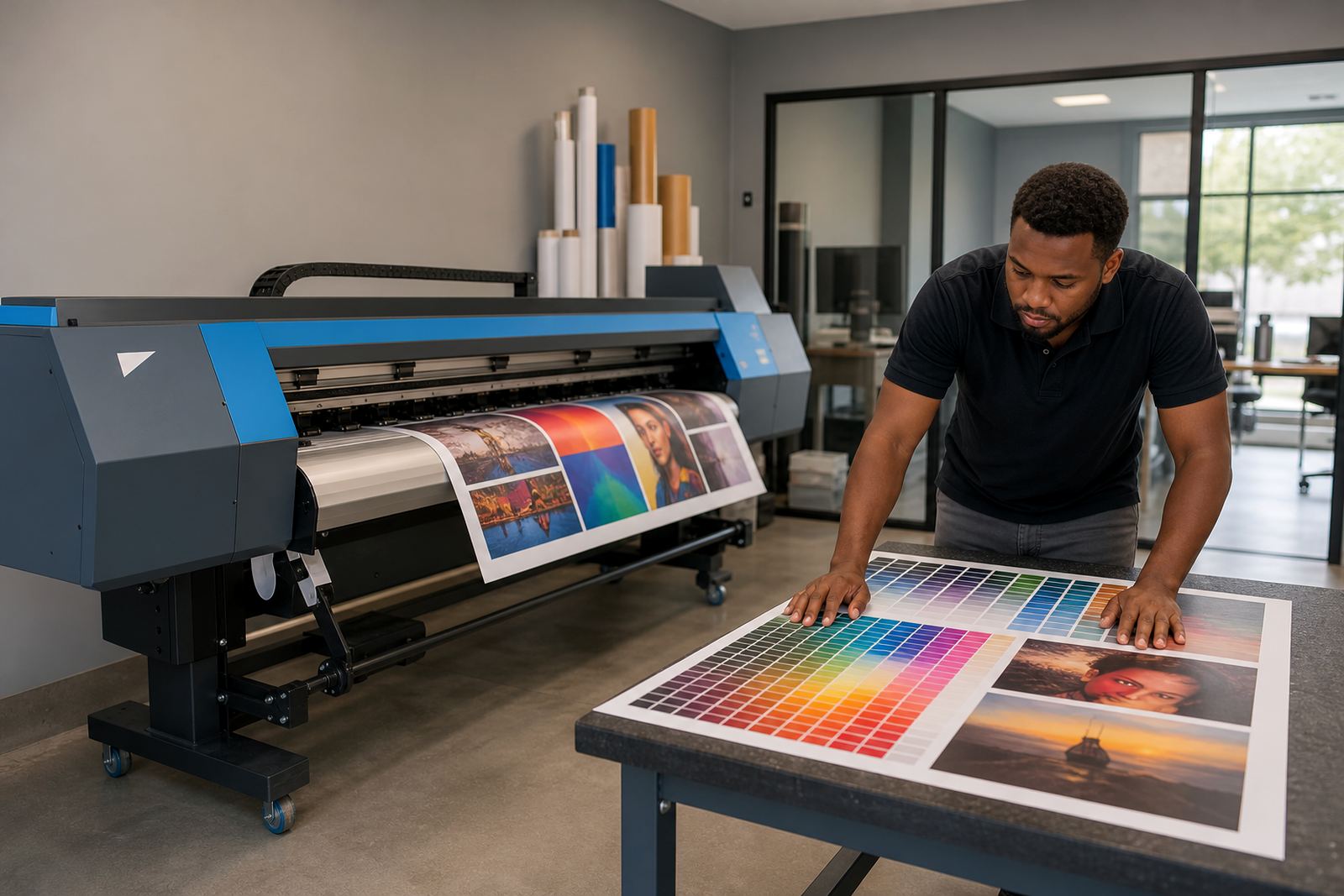
- Colour profile review for media and ink combinations
- Save, restore and recovery steps for job data
If the room has mixed media or repeat jobs on short run schedules, queue structure matters just as much as colour. A tidy setup cuts waste and keeps operators from hunting through old presets under pressure.
Remote Setup For Active Print Rooms
Remote setup works well when the machine is already connected and the site can share access safely. It suits print shops that need RIP changes, maintenance checks, production tuning or a clean rebuild after a board replacement.
During the session we can review queue names, calibration habits, nested layouts and the order in which operators send files to print. In Cape Town, Durban and other coastal towns, humidity can affect media handling and drying behaviour, so the workflow should reflect the local room conditions too.
How To Prepare The Machine And Files
A smooth setup is easier when the machine room and file side are both ready. You do not need a long pack of documents, but a few practical details help the session stay focused and reduce back and forth.
- Printer make, model and control board details
- Current RIP version and any error notes
- Ink set, media type and typical job sizes
- Sample artwork or a recent file set
- Access details for remote support if needed
When the information is complete, the work moves straight into setup instead of guessing at missing parts. That matters on production floors where a stalled queue can hold up signage, vehicle graphics, or wallpaper jobs for the day.
Colour Profiles, Nesting And Production Tuning
Many setup bookings are really production reviews in disguise. The machine may run, but colour drift, wasted media or slow nesting habits can drag output down. We can tune the RIP for cleaner nesting, better job flow, and profiles that suit the ink and media in use.
We also look at operator steps, because a good setup should make daily work easier. If the same job keeps slipping into the wrong queue, or the wrong profile keeps getting chosen, the RIP layout needs a better structure.
After The Session: Keeping The Room Stable
Once the setup is in place, the next step is keeping it steady through normal production. Preventive maintenance, backup routines and clear operator notes help when staff changes, boards are repaired, or a machine is moved within the site.
Our team in Midrand handles ongoing support for print shops across South Africa, with work led by technicians who deal daily with board faults, colour workflow issues and RIP recovery. For busy rooms in East Rand or West Rand sites, that kind of follow-through can save a lot of rework later.