When remote support saves a production run
Remote help suits the moments that slow a print room down without needing a site visit. A RIP may stop sending data, a printer queue can hold a job back, or a colour file may not match the substrate and ink set in use. In those cases, the quickest path is often to inspect settings, confirm the workflow and test the output chain from the workstation side first.
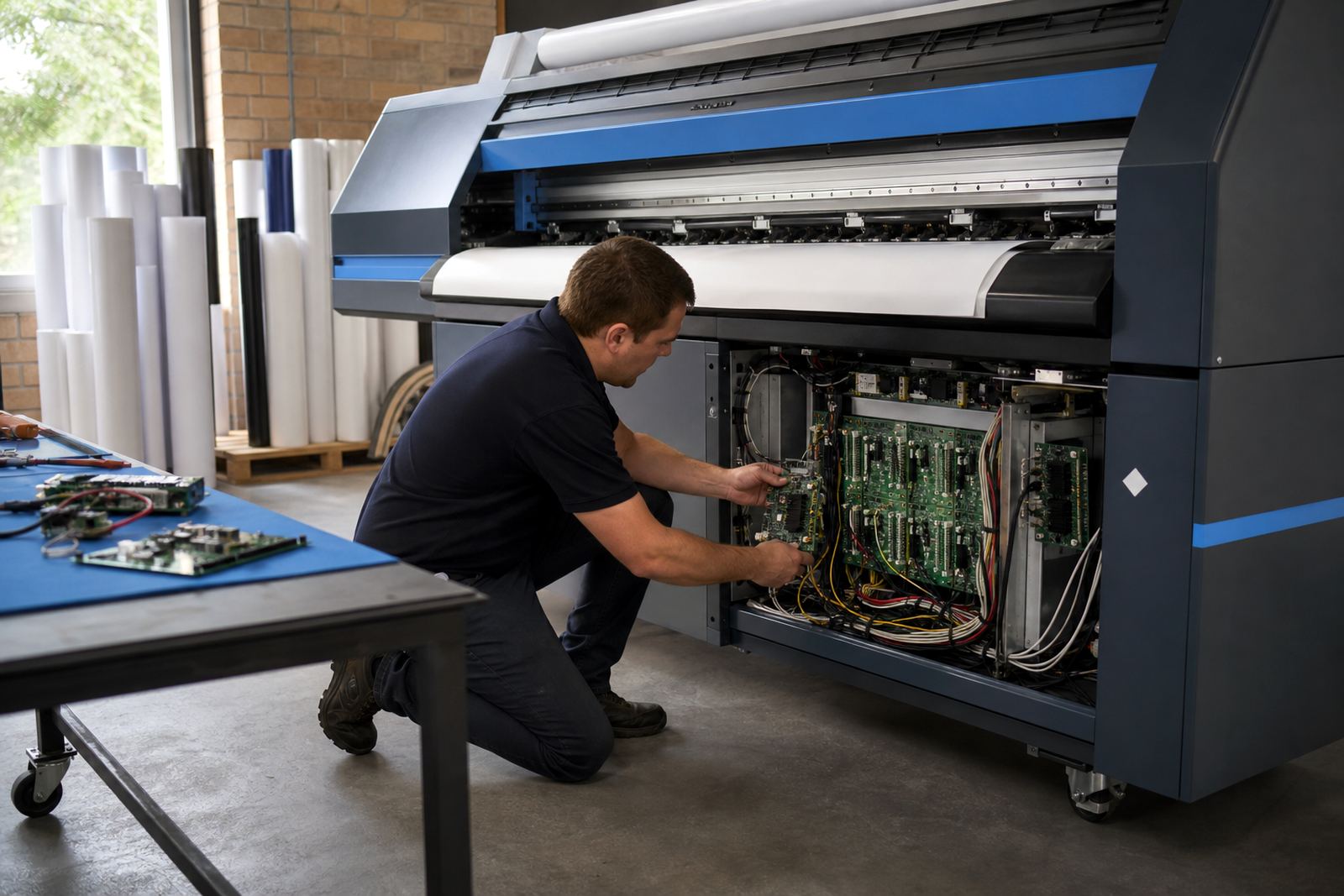
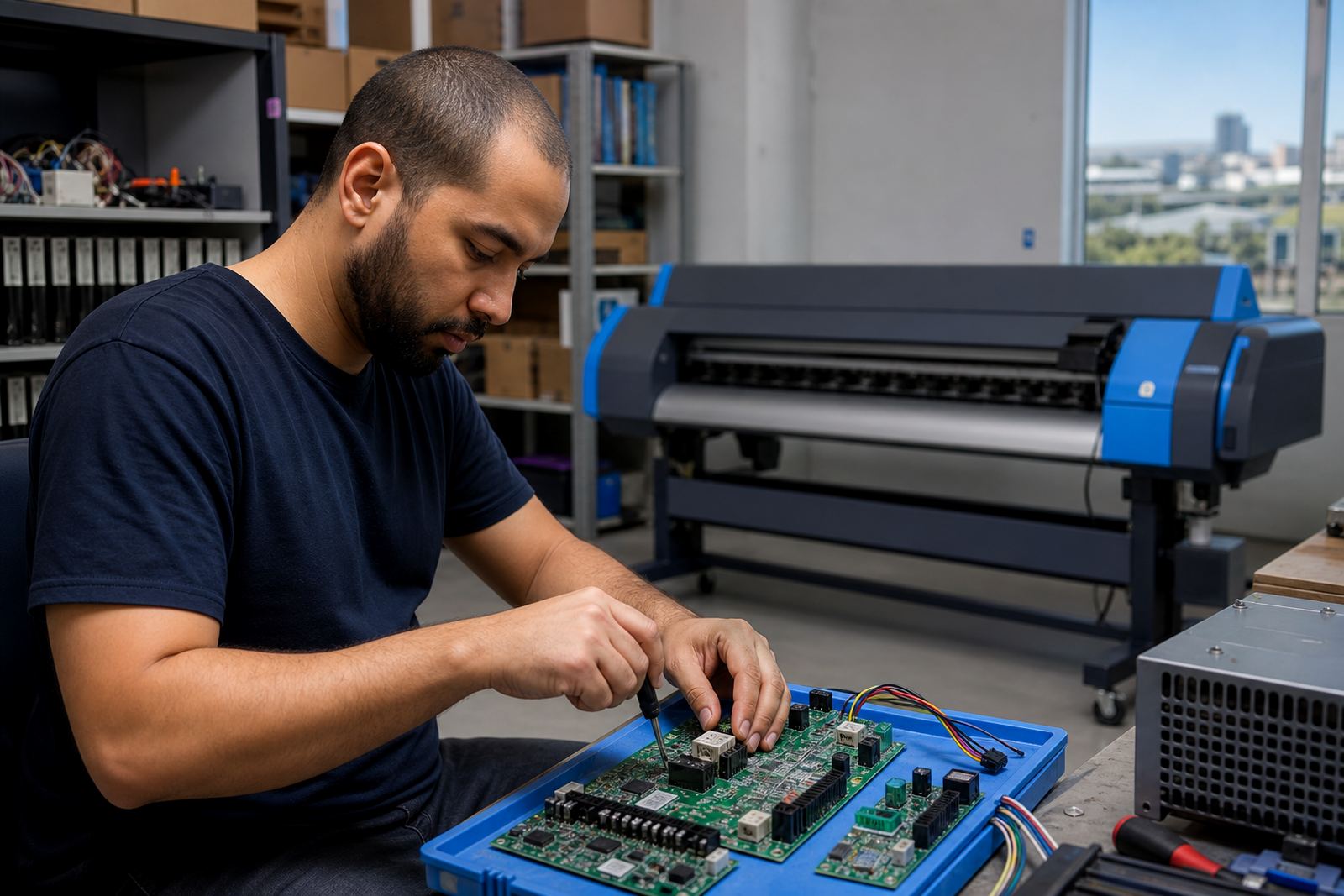
Our support team works with wide-format inkjet printer control boards, printhead drivers and RIP software used for banners, labels, vehicle graphics and exhibition work. The aim is to get the job path clear, find the point where the fault begins, and restore a stable print flow with the least disruption possible.
What our technicians check on a remote session
Remote fault checking starts with the parts of the system that affect job delivery and colour accuracy. A senior RIP technician may review the queue structure, driver settings, media presets and output resolution, while a colour workflow specialist checks whether the profile, ink limits and channel order suit the job.
- RIP installation and licence checks
- Printhead driver setup and board communication
- Queue workflow design for single or multiple operators
- Colour profile setup for coated, uncoated and specialty media
- Fault finding for missing channels, banding or stuck jobs
- Backup and recovery for settings, presets and profiles
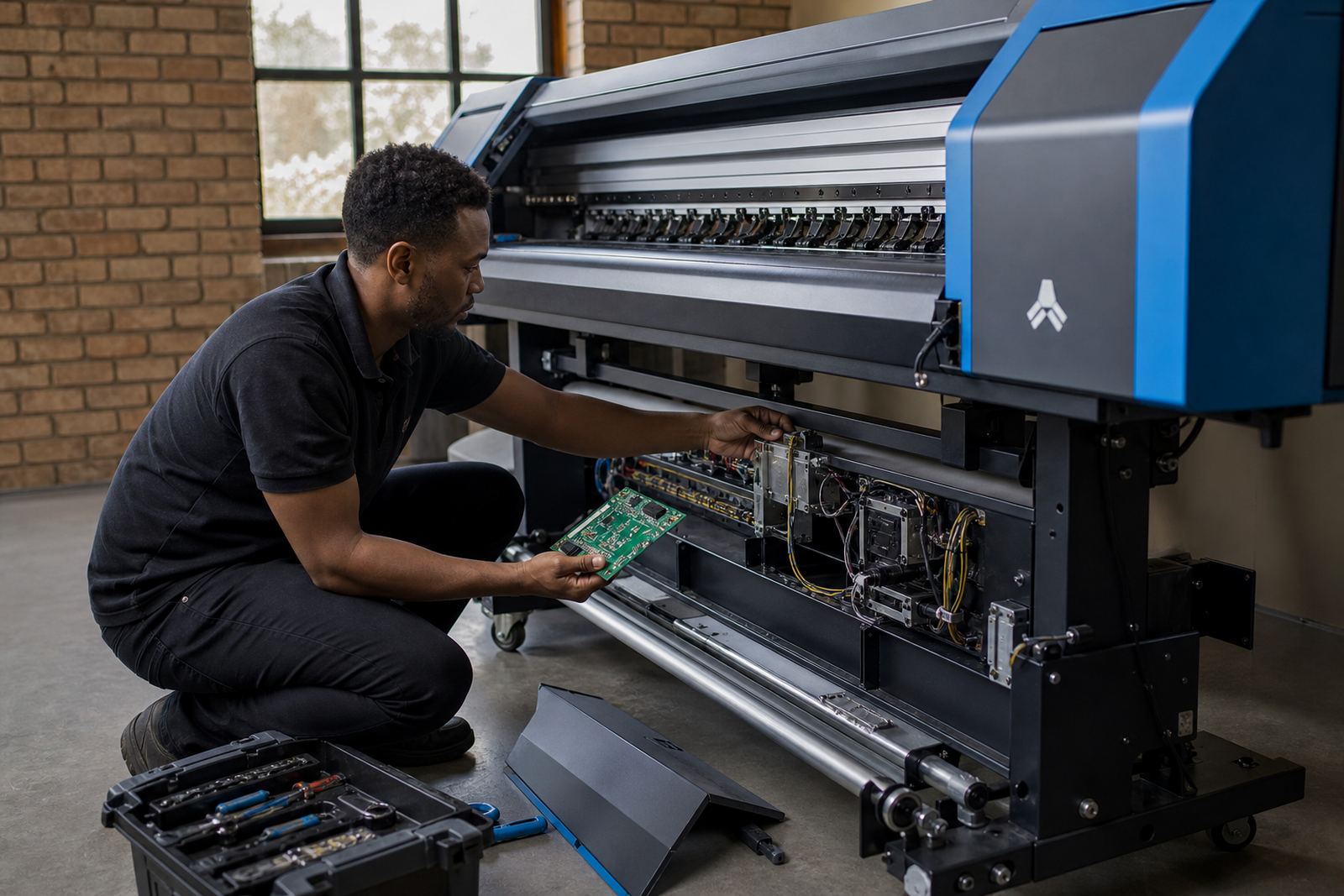
If a control board or printhead driver is the issue, the process often begins with communication checks, firmware matching and a review of cable routing or port assignment. Small changes in the wrong place can cause a printer to pause or send poor data, so the sequence matters.
A clear remote support process for print rooms
Good support depends on a steady process. First, the team reviews the issue and the printer model, then the operator shares the current workflow and any recent changes. After that, the session moves through settings, queues and test files until the fault is isolated. If the concern sits in the software layer, it can often be corrected on the spot. If the board or driver stack is affected, the findings are recorded and the next repair step is made clear.
We keep the steps practical because most print rooms are already balancing deadlines, substrate changeovers and operator handovers. A print shop in Midrand may need help with queue changes on a production machine, while a Durban operation may be dealing with colour drift linked to humidity and media storage. The support call should match the real job on the floor, not a generic script.
- Confirm the job, media and print mode in use
- Review the printer connection, queue and driver path
- Test with a controlled file and known settings
- Adjust the profile, nesting or output order where needed
- Document the working setup for future use
Queue changes that reduce wasted metres
Queue changes are often where production gains show up. A well-set queue can group similar jobs, reduce operator confusion and keep the printer moving without constant intervention. For shops that run posters, vinyl graphics or long banner jobs, nesting can save material and make the day easier to manage.
Our team can reshape the queue so the operator sees the right order, the right profile and the right output settings for each job type. That includes checking whether the queue should pause for manual review, whether duplicate presets are causing confusion, and whether the colour path matches the media being loaded. In a busy shop, a cleaner queue can prevent avoidable stoppages and let the production team focus on finishing and dispatch.
Colour profiles and print consistency across regions
Colour setup matters just as much as hardware. A profile that works on one media type may not suit another, especially where humidity, storage and ink laydown change from one site to the next. Shops in Cape Town, Durban or Bloemfontein may see different behaviour from the same file if the board settings, printer environment or media batch shifts.
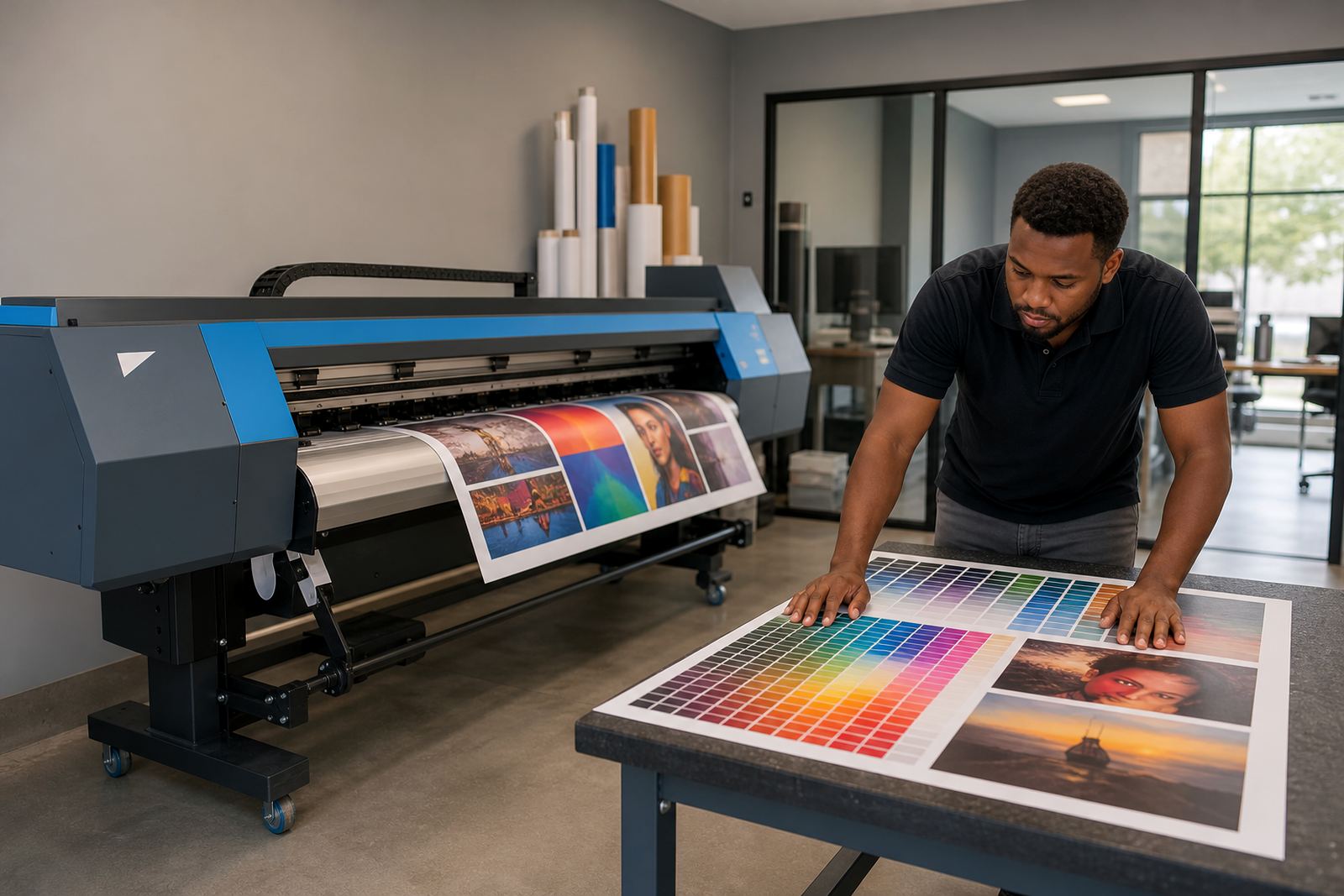
Our colour workflow support can include profile selection, ink limits, linearisation checks and test print review. The goal is practical colour consistency, not chasing a screen match that does not survive in production. When the setup is sound, repeat jobs hold together better and less time is spent correcting output at the printer.
What to prepare before the session starts
A remote support session works best when the operator has the printer details, the RIP access and the recent job history close at hand. It also helps to know what changed before the fault appeared, even if it seems minor. A driver update, a new media preset or a board swap can all shift how the system behaves.
- Printer model and board details
- RIP software version and current queue name
- Example file or test image that shows the issue
- Notes on the media, ink set and print mode
- Any recent maintenance or repairs
For print rooms with several operators, it helps to keep one person at the machine while another handles the workstation. That keeps the checks moving and makes it easier to confirm whether the fault sits in the queue, the driver or the printer itself.