Start With the Media, Not the Artwork
Colour problems often begin at the media stage. A coated banner, self-adhesive vinyl, backlit film and canvas all take ink differently, so the same file can print with a warmer cast, flatter blacks or heavier dot gain if the profile is not matched to that stock. In Midrand and across Gauteng we often see this after a media change on a busy line, especially where the operator is moving between matt and glossy rolls in one shift.
We look at the media name, ink limit, resolution and print mode first, then set the RIP to suit the job. That gives a better starting point than forcing one setting across every substrate.
Build Profiles That Fit the Printer and the Job
A good colour profile is not just a file saved in the RIP. It is the result of a measured print condition, a stable printer and a controlled workflow. When the profile is built around the actual printer, ink set and media batch, the output stays closer to the target and the operator spends less time correcting by eye.
- Measure the printer condition before profiling.
- Set ink limits so solids do not bleed or go muddy.
- Match resolution and pass count to the required finish.
- Store the profile with a clear name for the media and mode.
For shops in Johannesburg, Pretoria and Durban, this matters most when several operators are sharing the same queue and each one needs the same result from the same file.
Balance Colour Before It Leaves the RIP
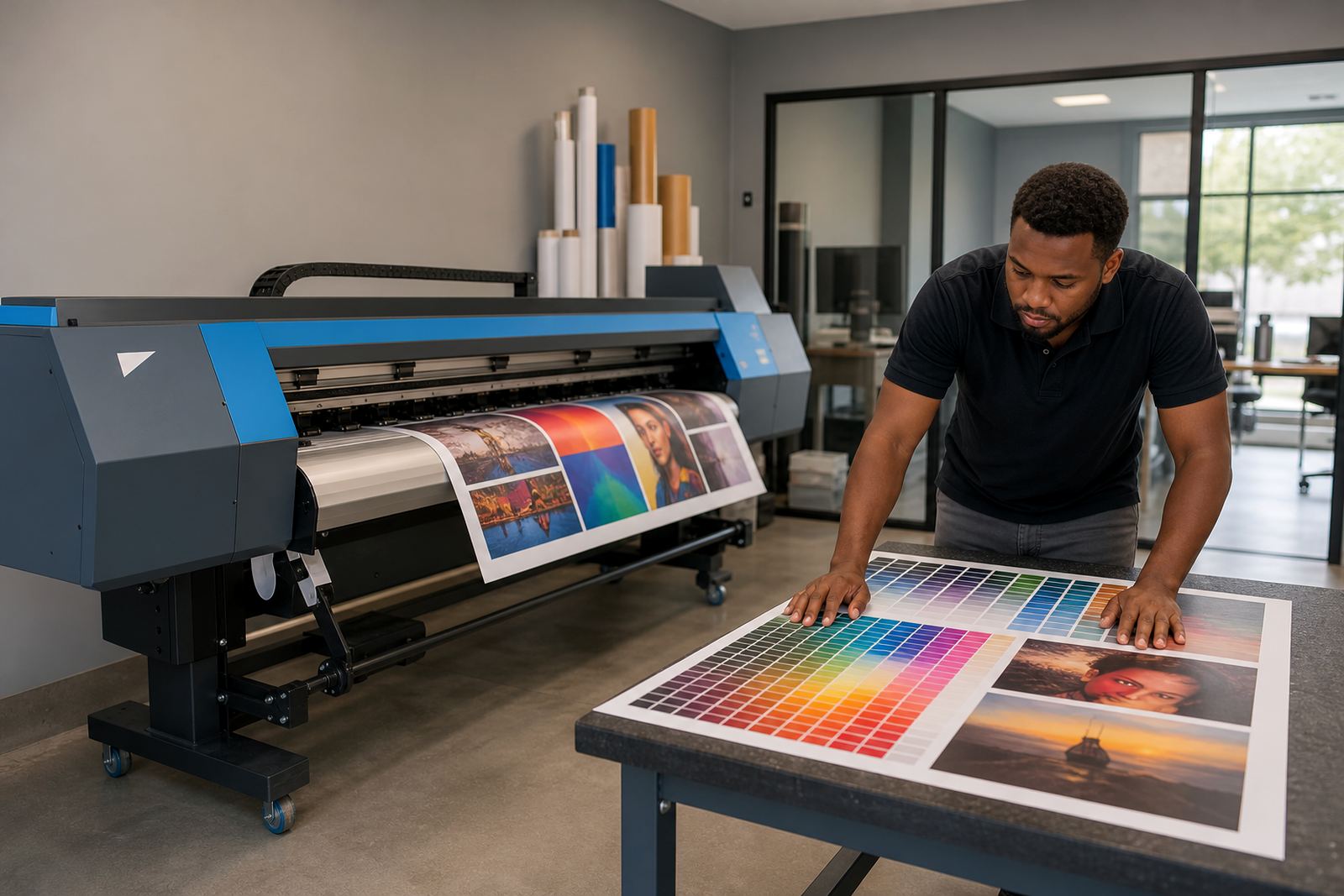
Output balance is about more than making an image look bright. It is the steady control of neutral greys, skin tones, brand colours and dark shadow detail so the print looks clean under normal viewing light. If the balance drifts, magenta can creep into greys, blacks can turn brown, and light areas can pick up a cold cast.
We check channel balance, ink laydown and profile behaviour together. Small corrections in the RIP often solve what looks like a printhead fault, so the work starts with the software setup before parts are swapped out.
Keep a Repeatable Workflow on Busy Production Days
Colour consistency gets harder when jobs are rushed, files arrive from different designers and the queue is mixed with proofs, short runs and full production. A repeatable workflow keeps the process stable from file to print, even when different operators are on shift. That is useful in larger production rooms in Cape Town, Bloemfontein and the East Rand where the queue may be running from early morning to late afternoon.
- Use fixed presets for each media type.
- Keep one naming system for profiles and queues.
- Hold a test strip before full production on new stock.
- Save approved settings so they do not drift between operators.
We also help set up queue rules, nesting and file handling so the RIP does not become a guessing point every time a new job lands.
What We Check During Colour Support
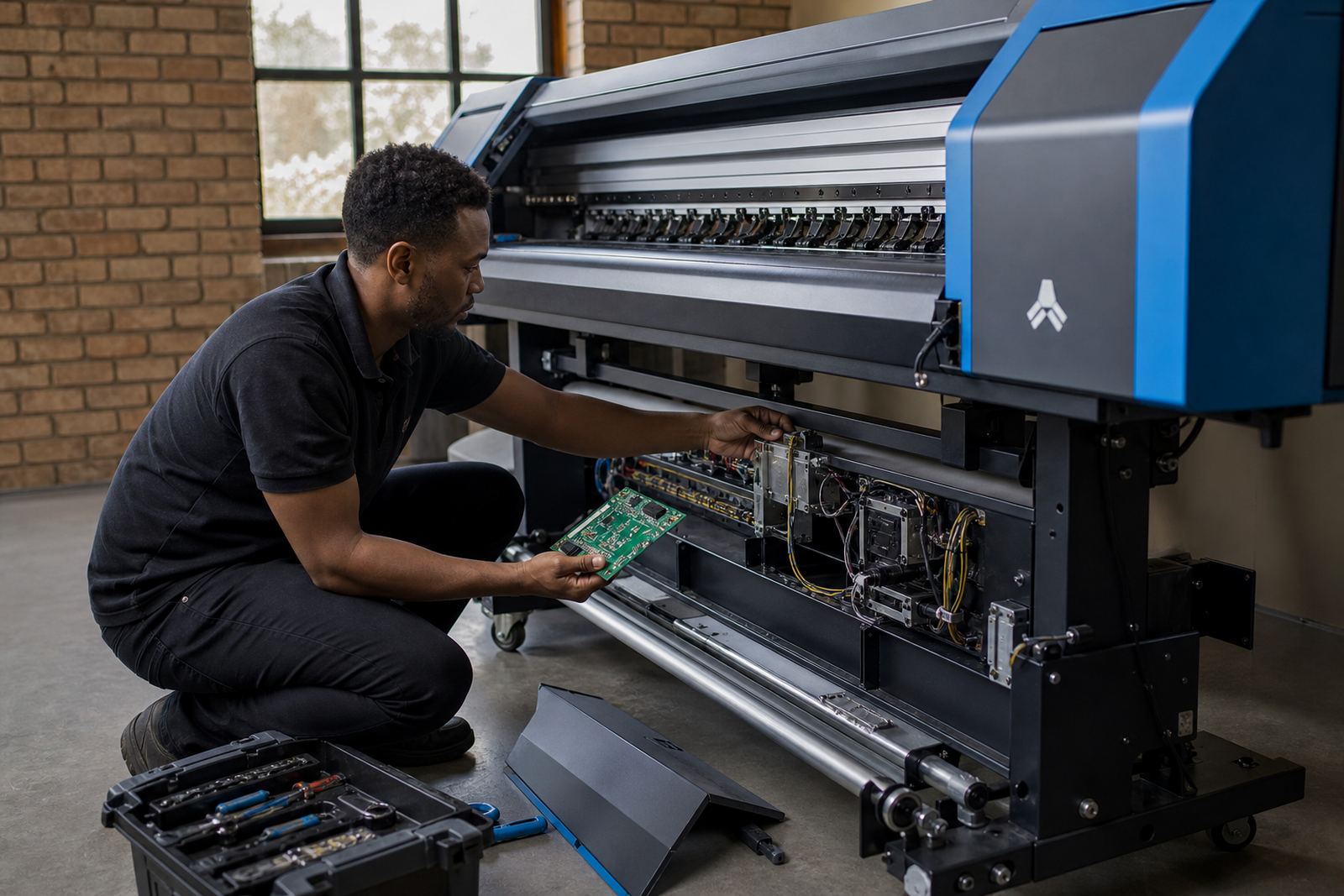
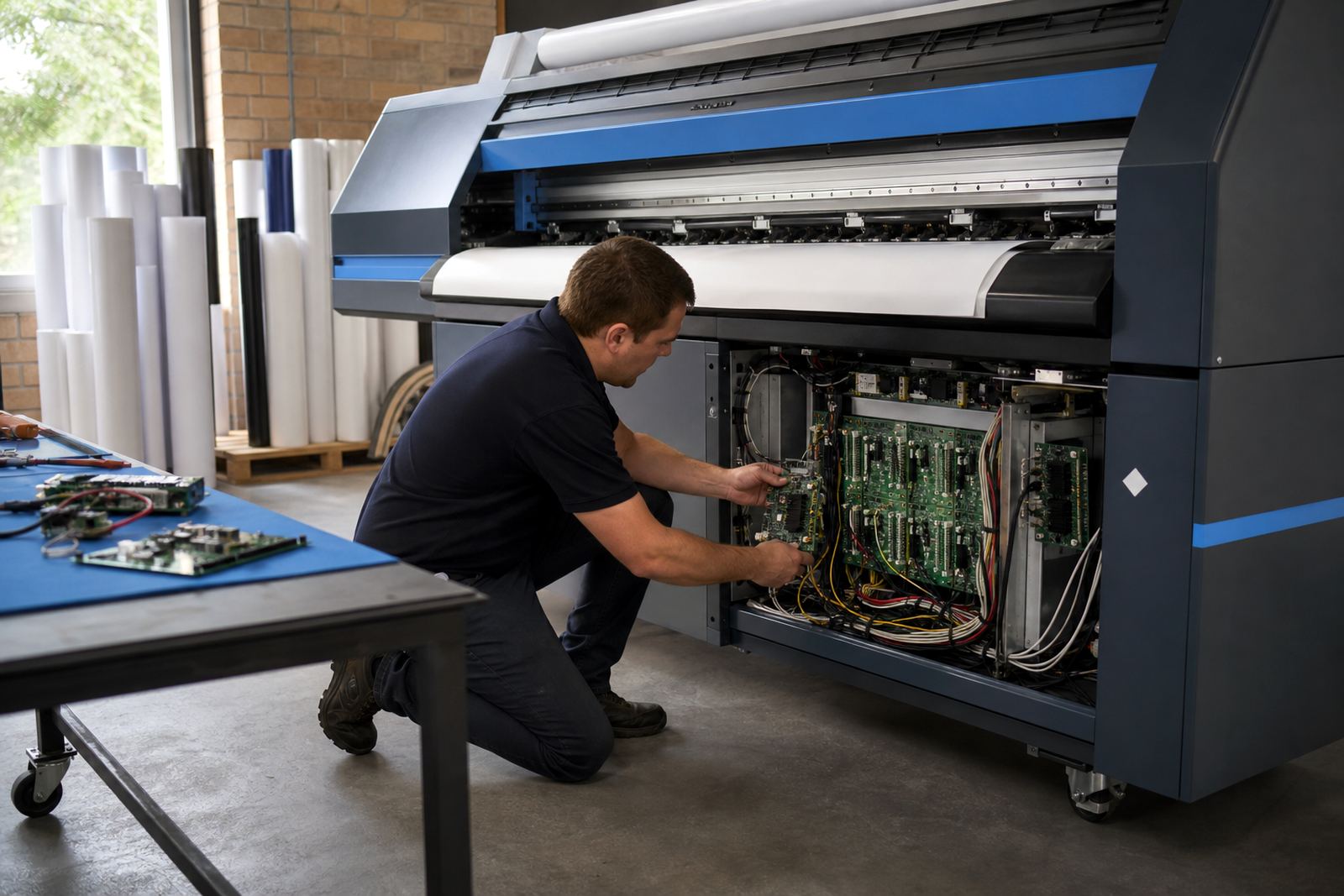
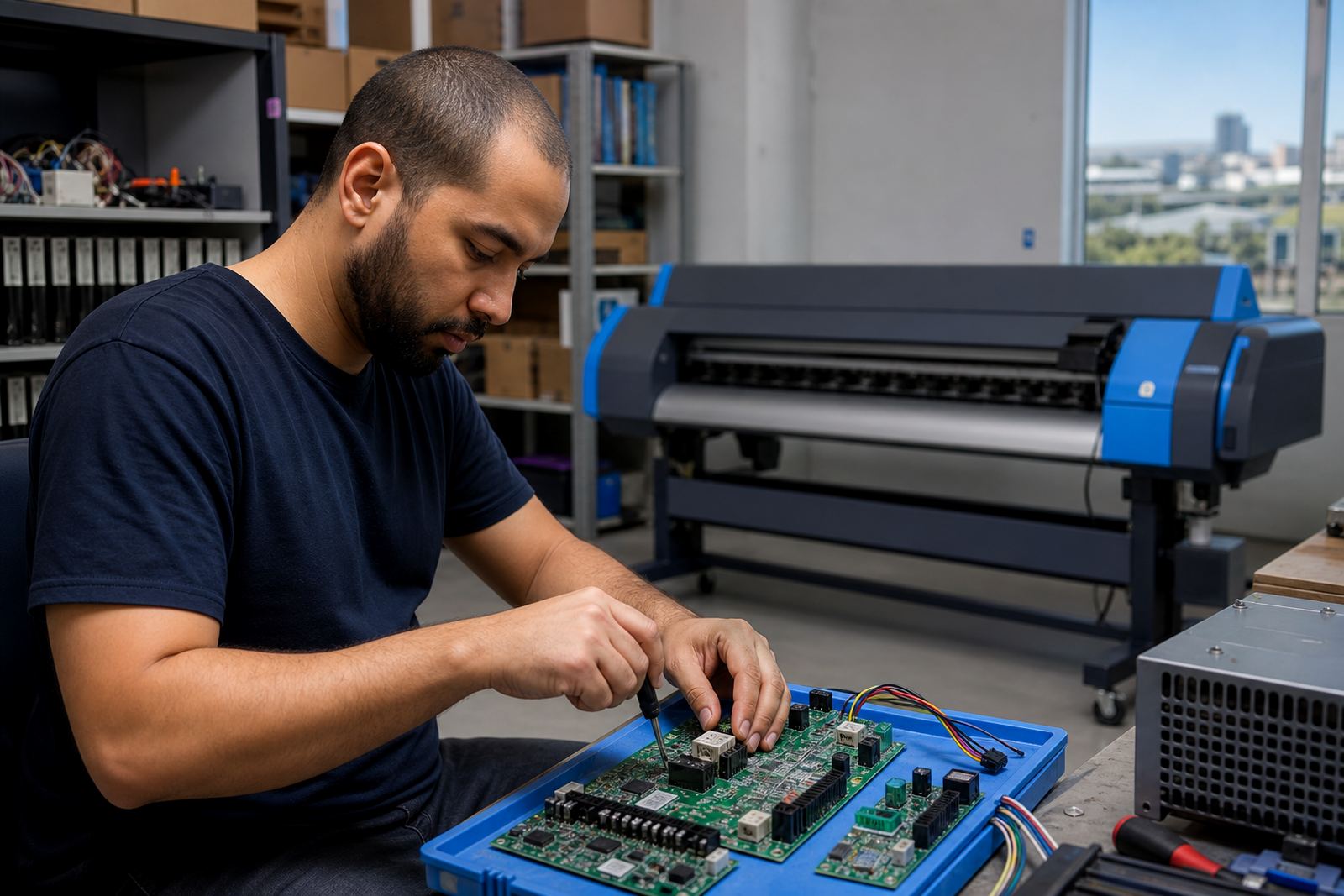
Our colour support covers the full path from file to final print. That includes the RIP settings, printer control board behaviour, printhead driver settings, media profile choice and maintenance factors that affect output stability. A dirty encoder strip, worn dampers or blocked nozzles can change the colour on the roll, so the printer condition is part of the conversation too.
- RIP profile selection and channel mapping.
- Ink limit, linearisation and grey balance.
- Nozzle health and maintenance routines.
- Queue order for mixed production runs.
If the job needs repeatable colour for signage, retail graphics or display work, we tighten the process around that requirement rather than treating every file the same.
Remote Setup for Shops Across South Africa
Many colour issues can be handled through remote setup when the printer is already connected and the operator is on site. From our Midrand base, we support print shops in Johannesburg, Pretoria, Durban, Cape Town, Bloemfontein and surrounding areas with RIP setup, profile checks and workflow correction. Where a board setting or printhead driver needs attention, we guide the process step by step and keep the notes practical for the person standing at the machine.
That approach suits shops that need steady output without stopping the whole floor for trial and error. It also helps teams working under municipal noise or access limits, where service calls have to be planned around the site rules and production window.
Maintenance Habits That Protect Colour Quality
Colour quality holds longer when the machine is kept clean and the maintenance routine is followed properly. In coastal areas like Durban and Cape Town, humidity can affect media handling and drying, while inland sites may see more dust on moving parts and sensors. Both can show up in the print as banding, weak density or drifting colour.
We help set a maintenance schedule that fits the printer and the workload, not a generic checklist copied from somewhere else. That can include nozzle checks, head clean cycles, cap top condition, profile review and backup of working settings before any major change.
With a stable routine in place, the operator knows what to check first and the job queue stays more predictable.