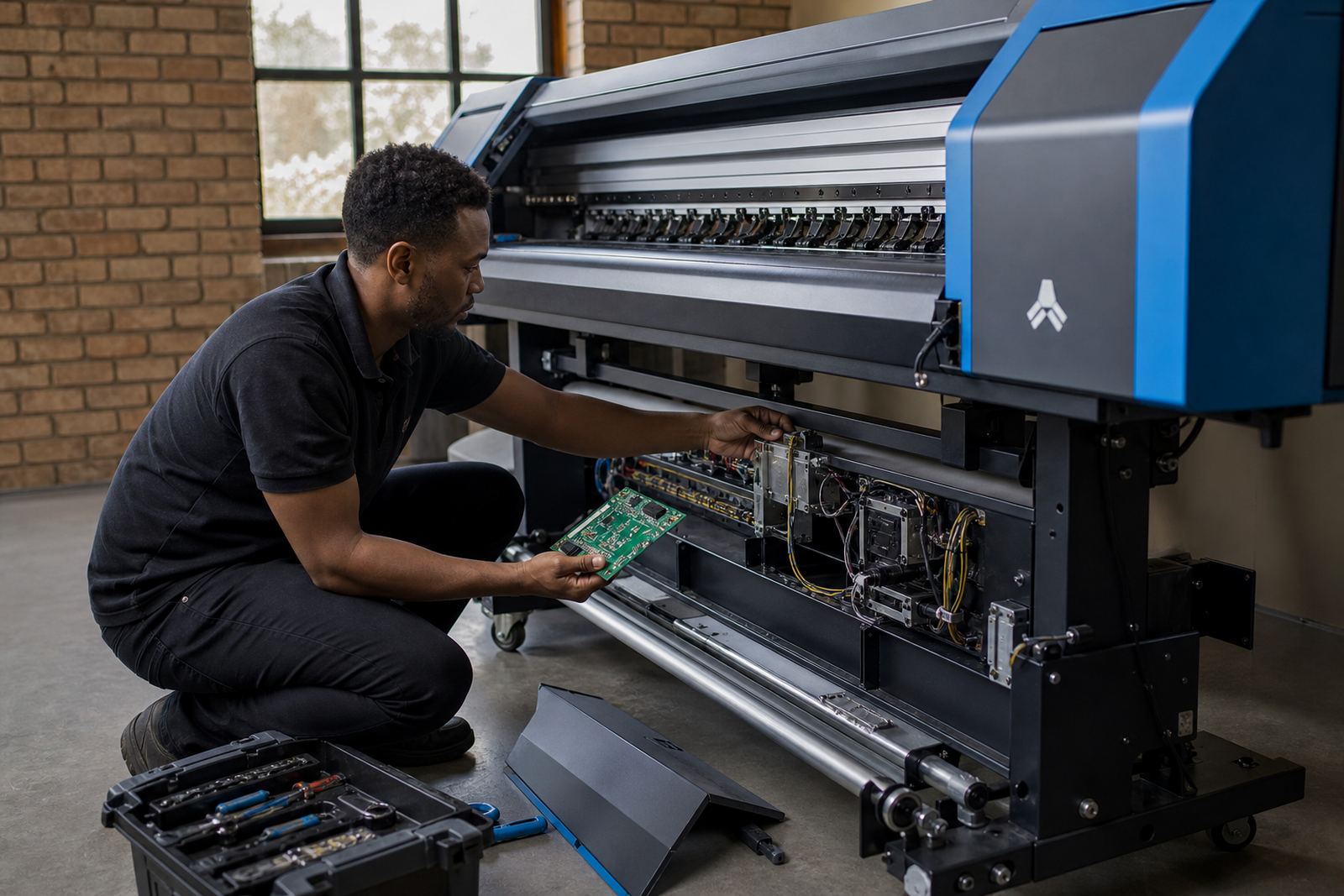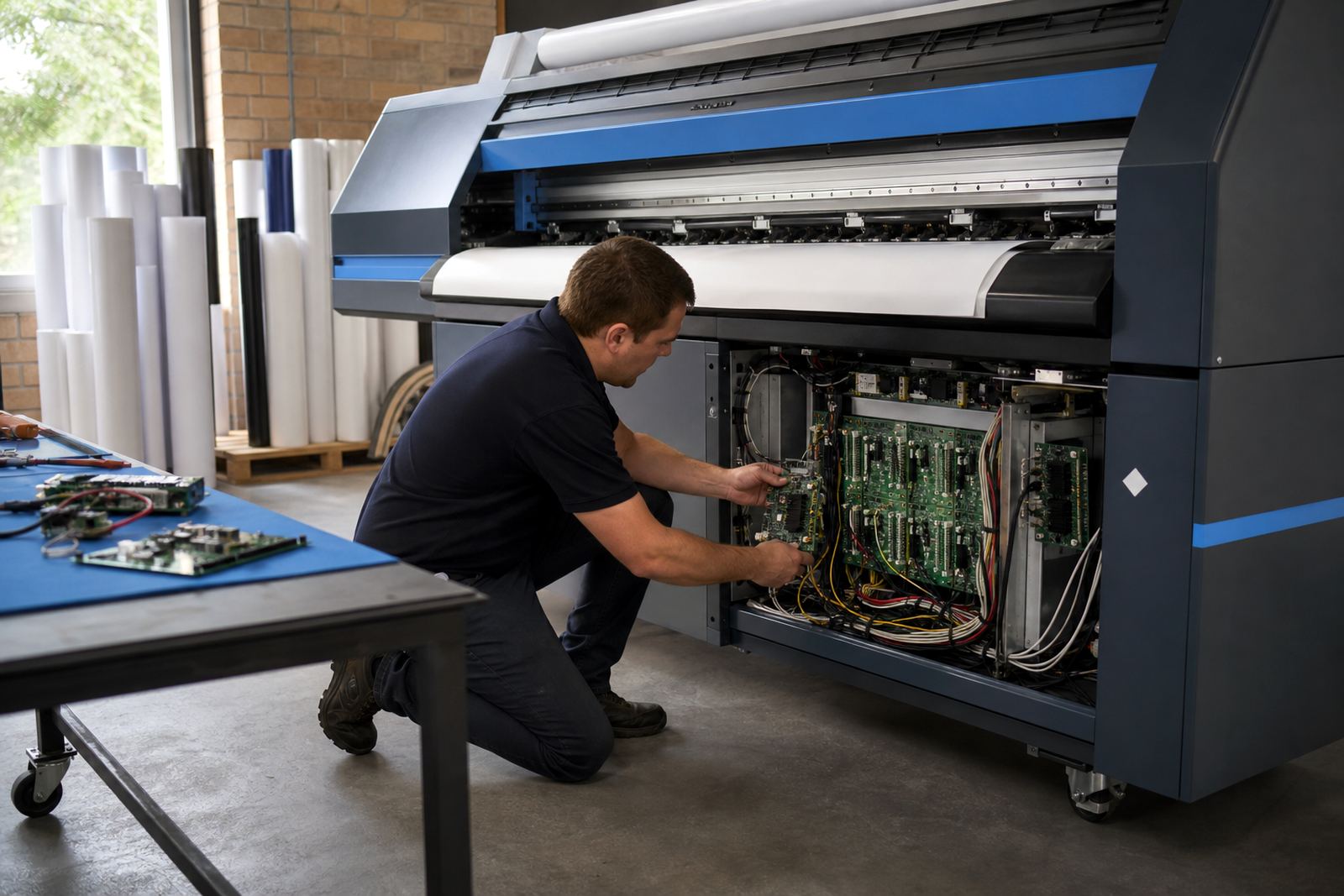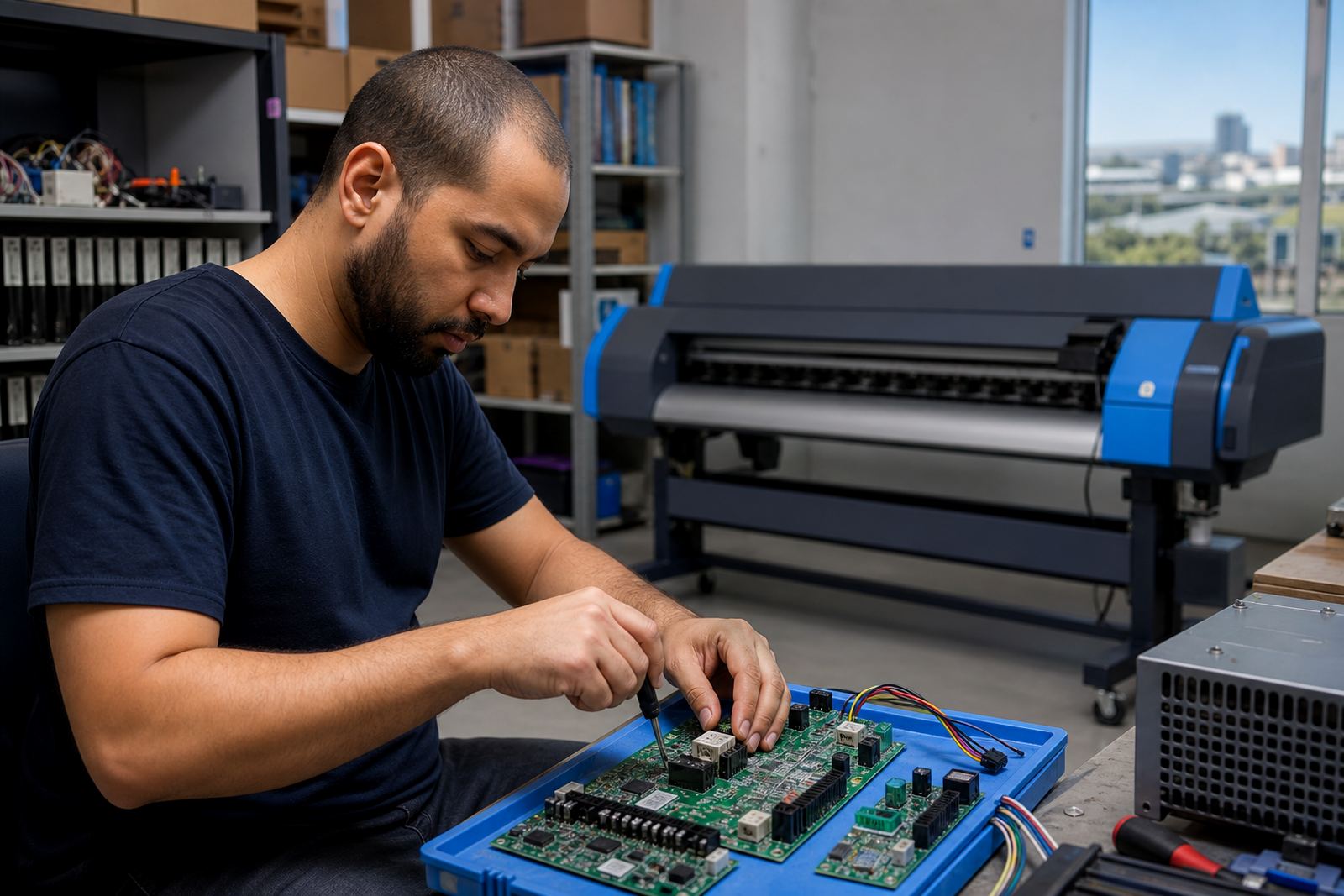
When the board, driver, or RIP chain starts misbehaving
Board faults do not always show up as a dead machine. More often you see stalling in the queue, random drops in image data, inconsistent heater control, or a printer that powers up but will not hold a job. In humid coastal rooms, dust on connectors and moisture inside a cabinet can make those symptoms come and go, which slows down diagnosis.
Our troubleshooting work looks at the full control path, from the RIP output through the printhead driver board and into the machine control board. That approach helps separate a software setting from a failed board, and it avoids swapping parts that are still working. A careful check also protects the printheads, because a bad driver signal can leave them underfed or overdriven.
The first checks that save time on site
Before any board is opened or replaced, we confirm the basics that affect stable operation. Small faults in cabling, grounding, file handling or queue setup can look like a board failure. On busy production floors, one missed connection can interrupt a full run of panels, decals or exhibition graphics.
- Check power at the machine and confirm the supply is stable.
- Inspect data cables, board connectors and earth points for looseness.
- Note any error code, warning light or unusual fan behaviour.
- Test the same job from a second file, queue or operator profile.
- Confirm whether the fault appears on one colour channel or across all channels.
These checks give a clean starting point. They also help us see whether the issue sits in the RIP workflow, the printhead driver stage, or the main board that coordinates movement and firing.
How we isolate the fault without guesswork
Once the symptom pattern is clear, we work through the system in a controlled order. A board problem can be electrical, thermal, communication based or related to damaged firmware settings. In some cases a machine will print a test pattern but fail under full production load, which points to a board struggling when the data stream gets heavier.
We compare test output, connector readings and queue behaviour, then confirm whether the printer is misreading carriage position, ink delivery or head drive signals. If a board repair is possible, that route is tested before replacement. If the fault is traced to a damaged driver board, we focus on safe recovery and setup of the replacement so the printer returns to a consistent state.
- Compare the fault on short test prints and long production files.
- Check whether the same colour drop repeats in the same position.
- Review recent changes to profiles, head settings or queue templates.
- Look for heat related drift after the machine has been running awhile.
RIP settings that can mimic a hardware fault
Not every board complaint is a board fault. A bad colour profile, wrong printhead driver value or damaged queue preset can produce banding, missing data or unstable ink firing. That is why the RIP side must be checked alongside the hardware side, especially on sites running multiple operators and mixed file types.
We review nesting, pass count, ink limit and channel mapping where needed. If the RIP is sending the wrong drive values, the machine may look healthy at idle but fall apart during a live job. On a busy print floor in Gauteng or the Cape, that can waste material fast and leave the operator guessing about the real cause.
By tightening the RIP setup and confirming the board settings together, we reduce repeat faults that keep showing up after a reset. The result is a cleaner path from file to output, with less trial and error at the machine.
Repair, replacement, and recovery choices
Once the source is confirmed, we decide on the safest next step. Some boards can be repaired, especially where the damage is limited to power handling, signal routing or connector wear. Others are too far gone and need replacement, followed by a proper reinstall and board setup so the machine recognises the new hardware correctly.
After repair or change-out, we verify the job queue, printhead driver setup, colour profile flow and maintenance settings. That includes checking nozzle test stability, communication between components and whether the machine can hold alignment through a full run. If backup files are available, we use them to restore known working settings where appropriate.
- Board repair for limited electrical or connector faults.
- Replacement when the damage affects core control functions.
- Recovery of queue data and working settings where usable.
- Verification print to confirm stable output before release.
Keeping the machine steady after the fault is cleared
Preventive maintenance makes a real difference on wide-format inkjet equipment. Heat, dust and ink residue build up inside cabinets and around connectors, and that can trigger fresh faults later. Regular checks also help catch a board that is running hot or a driver stage that is starting to drift before it stops the line.
We can set a maintenance routine around the printer’s actual workload, whether the site runs short retail graphics or long production rolls for national distribution. That routine may include connector cleaning, backup checks, profile review and operator handover notes. With the right follow through, the same fault is less likely to return and the production team gets a clearer picture of what to watch for.
For support from Midrand across South Africa, clients use the enquiry form on our contact page and send the printer model, fault message, test print and a short note on what changed before the issue began.