Daily RIP Handling for Busy Print Rooms
Operators often need clear steps for loading jobs, naming files, checking queue order, and confirming the right media settings before a run starts. We show staff how to move through common RIP tasks without guessing, so the work shifts from job to job with less rework and fewer missed settings.
The training covers basic screen layouts, queue control, job priority, scaling, tiling, and how to spot a file that needs attention before ink starts laying down. In larger shops, this keeps the flat panels and rolls moving in a calm order even when three people are touching the same production line.
Board and Printhead Driver Basics That Operators Can Use
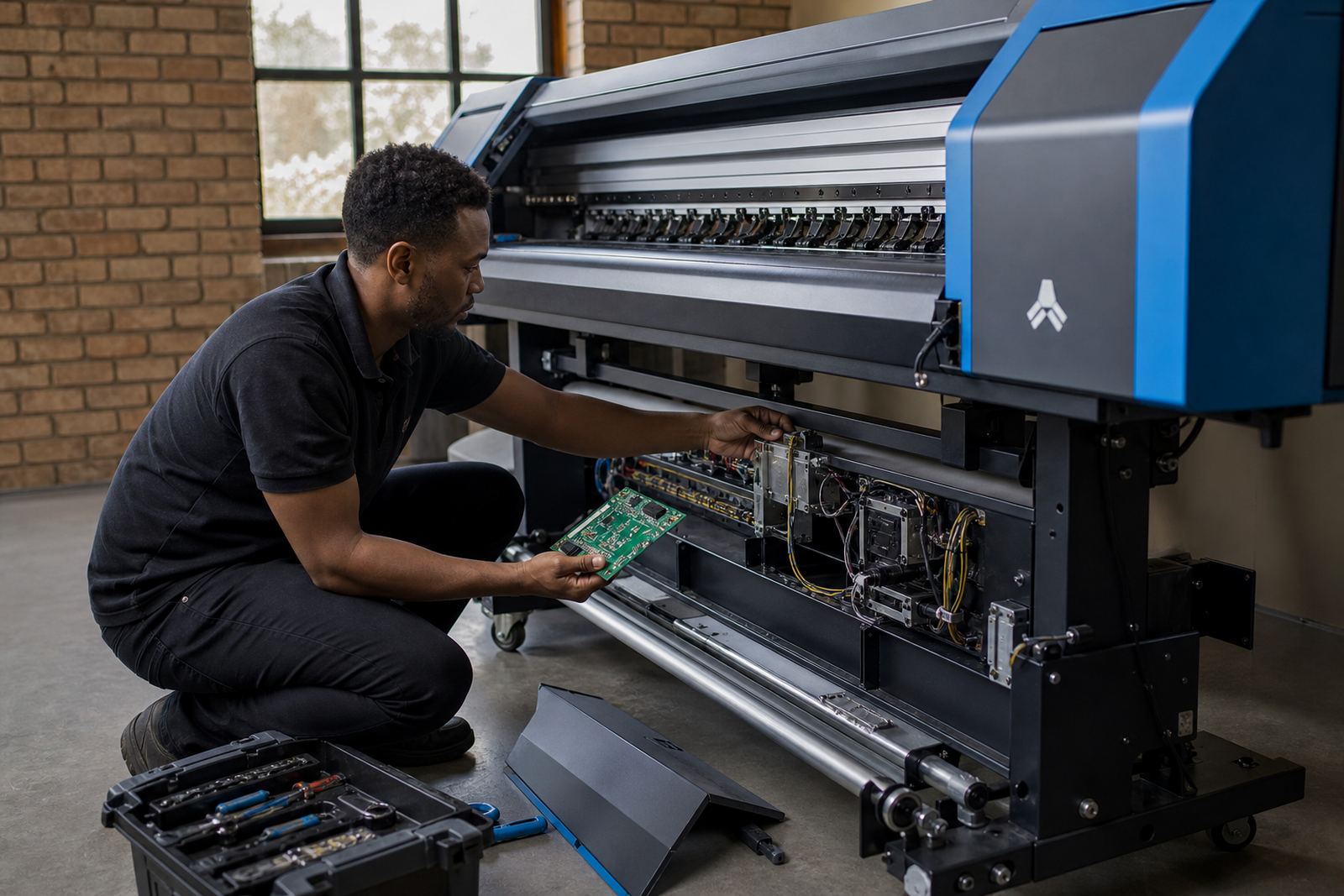
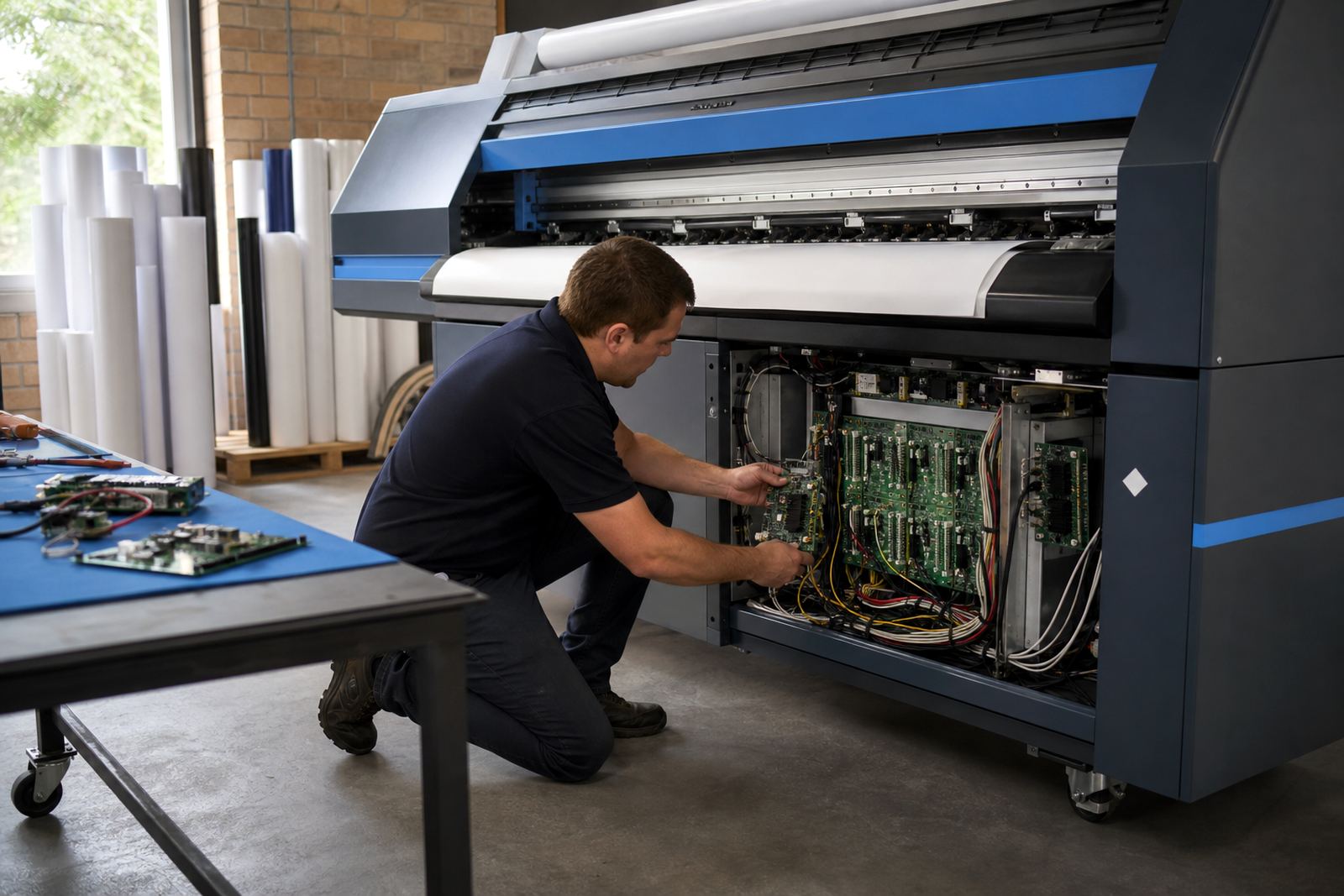
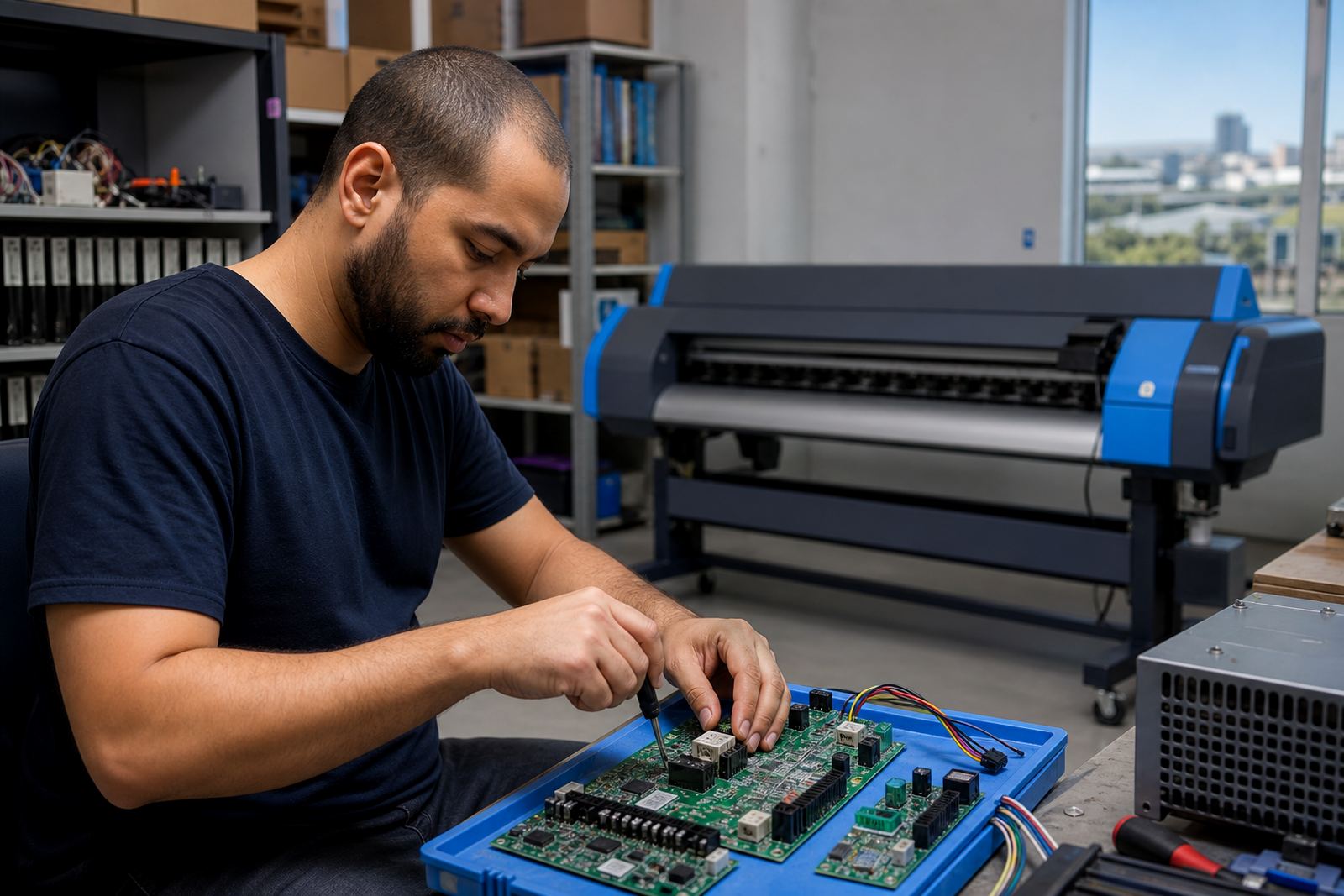
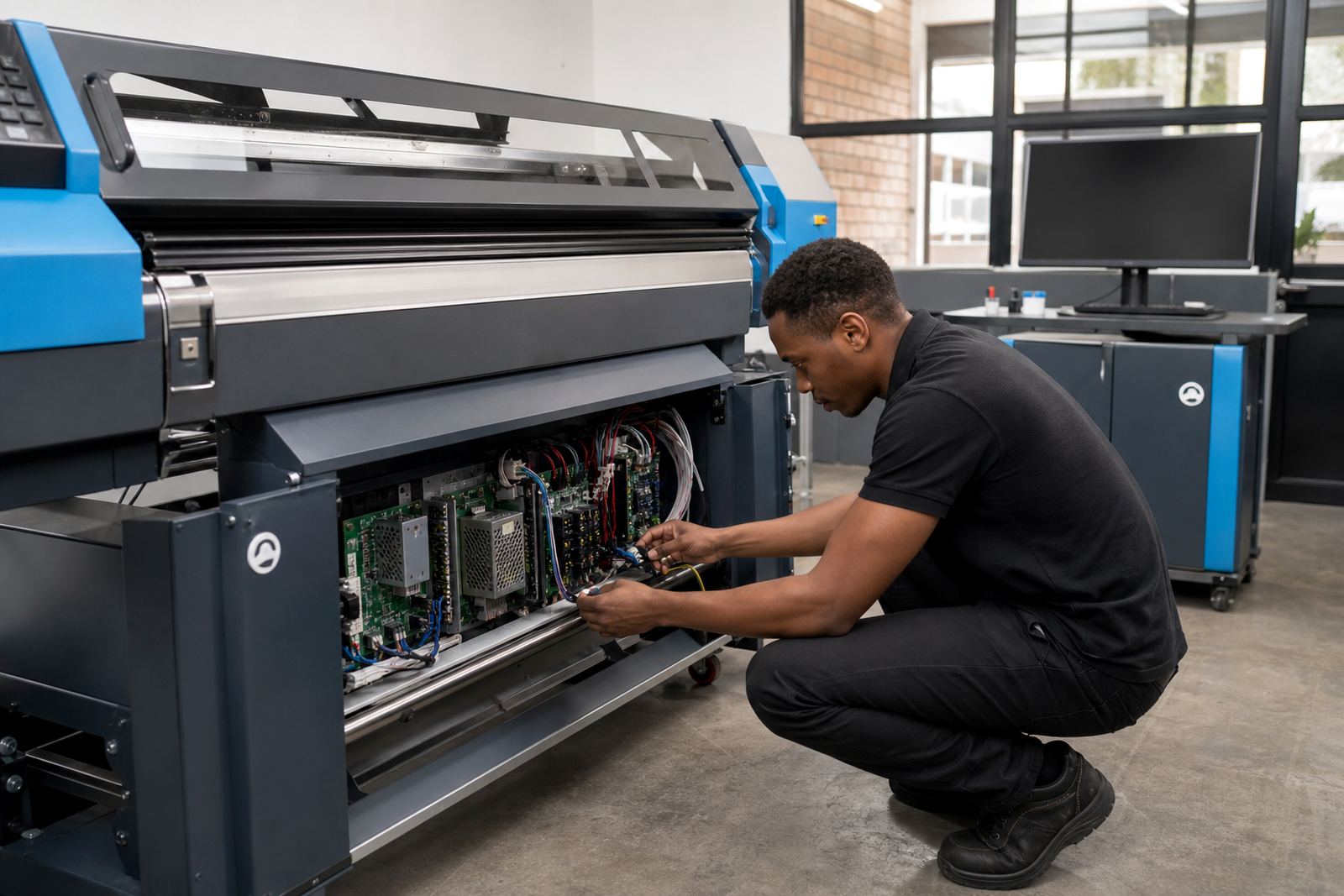
Printer control boards and printhead drivers need careful handling, especially when a machine shows odd communication faults or output drops out on one channel. We explain the parts operators should know, what to look at on the control side, and which checks belong with the technician rather than the press operator.
- Recognising board status lights and error messages
- Checking data cables, connectors, and seating points
- Identifying when a driver setting has changed after a power interruption
- Noting symptoms before a callout, such as missing bands or delayed firing
This kind of knowledge helps the floor team report the fault properly, which saves time during diagnosis and prevents repeat mistakes.
Colour Profile Use for Everyday Output
Good colour control is not only for the colour specialist. Operators should know which profile belongs to which media, how to confirm the correct mode, and why a small change in resolution can shift the final print. We train staff to read profile names, avoid mixing media presets, and check that the RIP is sending the intended output to the printer.
In South African print rooms, heat, dust, and coastal humidity can change how media behaves during a shift. A vinyl roll in Durban may lie differently from a board job in Pretoria, so the operator training includes practical examples that help the team keep colour consistent across jobs and locations.
Queue Order, Nesting and File Preparation
Production runs often waste time when jobs are sent in the wrong order or nesting is handled badly. We show operators how to group similar jobs, place repeats together, and use the RIP queue so material is not cut up into awkward offcuts. That matters in shops working with expensive media or tight daily schedules.
- Setting up queue order for multiple jobs on one roll
- Using nesting to reduce media waste on common sizes
- Checking bleed, scaling and tile overlap before output
- Keeping names and versions clear for reprints or corrections
Operators also learn when a job needs a fresh proof file instead of a quick resend from the old queue.
Cleaning and Maintenance Routines the Floor Team Can Follow
Preventive maintenance starts with small habits. The training covers wipe-down routines, keeping dust away from boards, checking for loose connectors, and watching for ink build-up around the carriage area. For shops running long hours, these checks help cut down on clogging, false alarms, and avoidable down time.
We also cover the daily and weekly tasks that operators can safely do without opening up work that belongs to a board repair technician. That includes logging small faults, checking media feed paths, and spotting warning signs before a print drops quality halfway through a run. A short routine done properly often prevents a bigger stoppage later.
Remote Training for Teams Across South Africa
Midrand is our base, but training help is set up for print shops in Johannesburg, Pretoria, Durban, Cape Town, Bloemfontein, the East Rand and the West Rand. Remote sessions work well for distributed teams, especially where one operator handles setup and another takes over after hours or over a weekend shift.
We can guide staff through live screens, talk through error messages, and build a working routine around your own printer model, queue setup, and daily production flow. Where needed, the same session can cover backup and recovery steps so the team knows what to do after a system reset or file loss.
- Operator induction for new staff
- Refresher training for existing teams
- Shift handover routines for busy production sites
- Training linked to your own RIP layout and printer setup