Start with the daily checks that catch small problems early
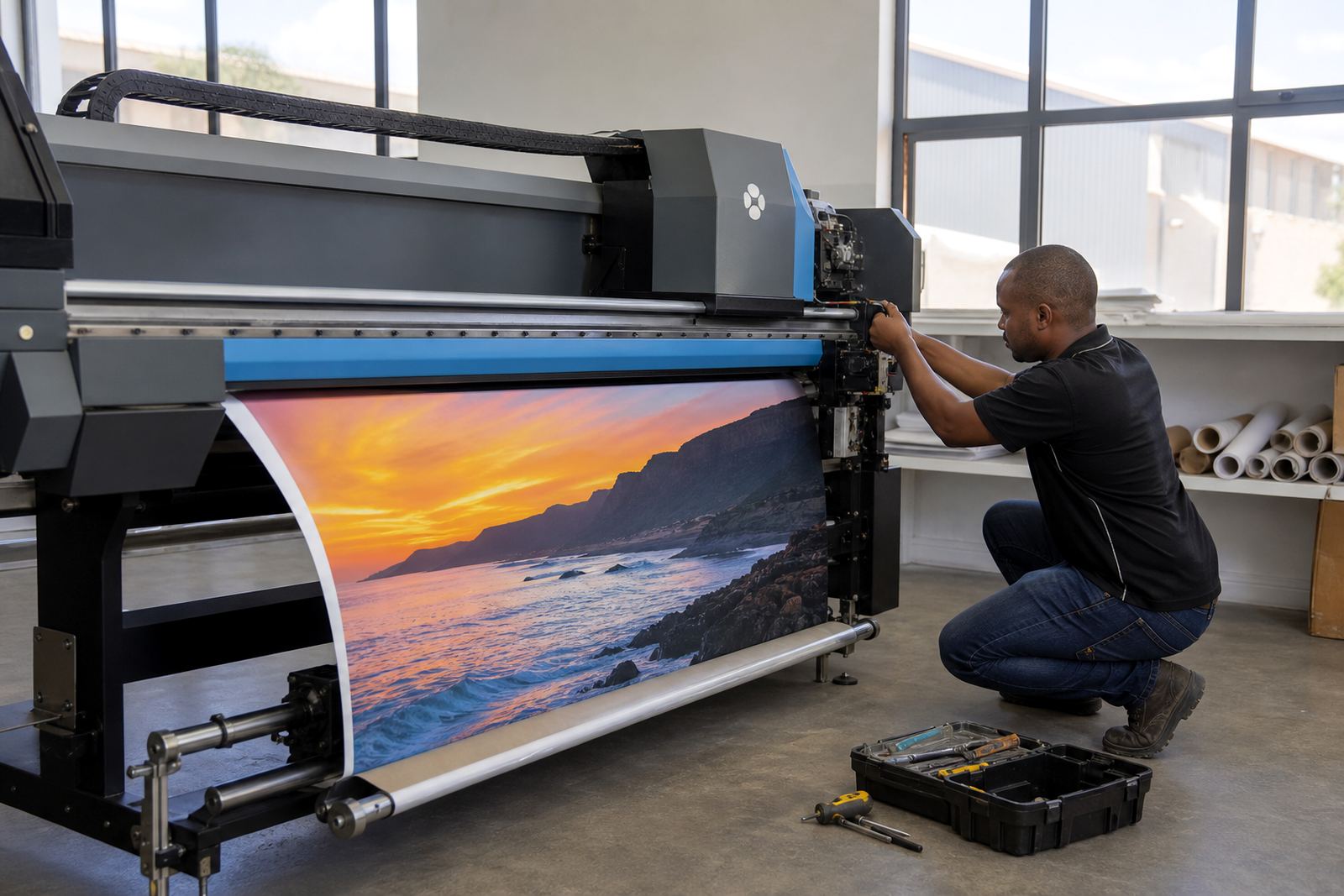
A short start of shift check saves a lot of rework later. Look at the media path, ink lines, capping station, wiper, carriage movement and the condition of the printhead area before the first job is sent through.
For print shops in Johannesburg, Pretoria or Durban, dust and humidity change how often these checks need to happen. Coastal air can leave residue on rollers and caps, while inland sites often see more dust build-up from open doors, loading bays and paper cutting areas.
- Run a nozzle check before production starts.
- Wipe the exterior of the printhead area with approved materials only.
- Confirm the RIP queue is clear of old jobs and paused files.
- Check media alignment, pinch rollers and feed tension.
Use test prints to read the machine, not just the colour
Test prints tell you where a setup is drifting. A solid colour patch can show banding, a linear gradient can expose stepping, and text can reveal alignment issues that are easy to miss on a busy production run.
Colour profiles should be checked against the substrate in use, not treated as a once-off setting. Coated board, vinyl, canvas and backlit media all behave differently, so the same file can look fine on one stock and flat on another.
- Print a nozzle test at the start of each production day.
- Run a small colour strip when changing media type.
- Check registration on jobs with fine text or tight solids.
- Keep a reference print for comparison during maintenance.
Cleaning routines that protect print quality
Cleaning needs to be regular and measured, not rushed. Too much cleaning can waste ink and time, while too little lets dried ink, dust and lint build up around the heads, wipers and cap tops.
For setups running long shifts, the maintenance routine should include a clear handover so the next operator can see what was cleaned, what was replaced and what still needs attention. That matters in sites where multiple people handle the same machine through the week.
- Follow the machine maker's cleaning method for the head and station area.
- Replace worn wipers before they start dragging across the head surface.
- Keep inks, dampers and filters in a clean, dry store room.
- Use lint free materials where the printer calls for them.
When the RIP queue needs maintenance, not just a restart
Production problems are not always mechanical. A crowded queue, a damaged job file or a weak nesting setup can create delays, waste media and force the operator to keep re-running the same file. That is where RIP maintenance matters.
Queue workflow should be checked for repeated jobs, incorrect media settings, duplicate profiles and old presets that no longer match the current printer setup. On a busy floor, small file errors can look like a hardware fault when the real issue sits in the job path.
- Clear out old jobs that keep re-entering the queue.
- Review nesting settings so sheets are used properly.
- Confirm colour profiles match the printer and substrate.
- Back up working presets before making changes.
Preventive care for boards, drivers and production rhythm
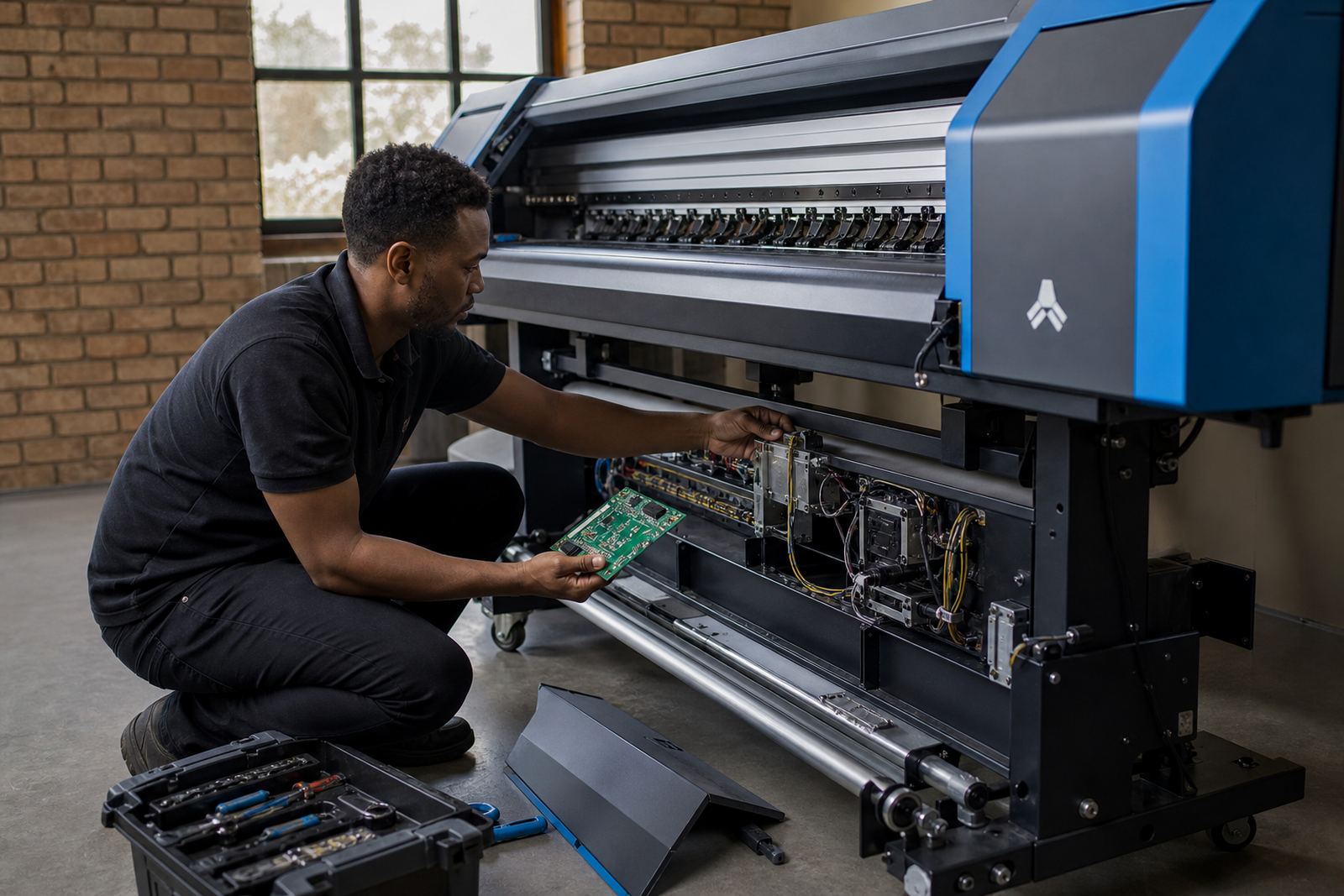
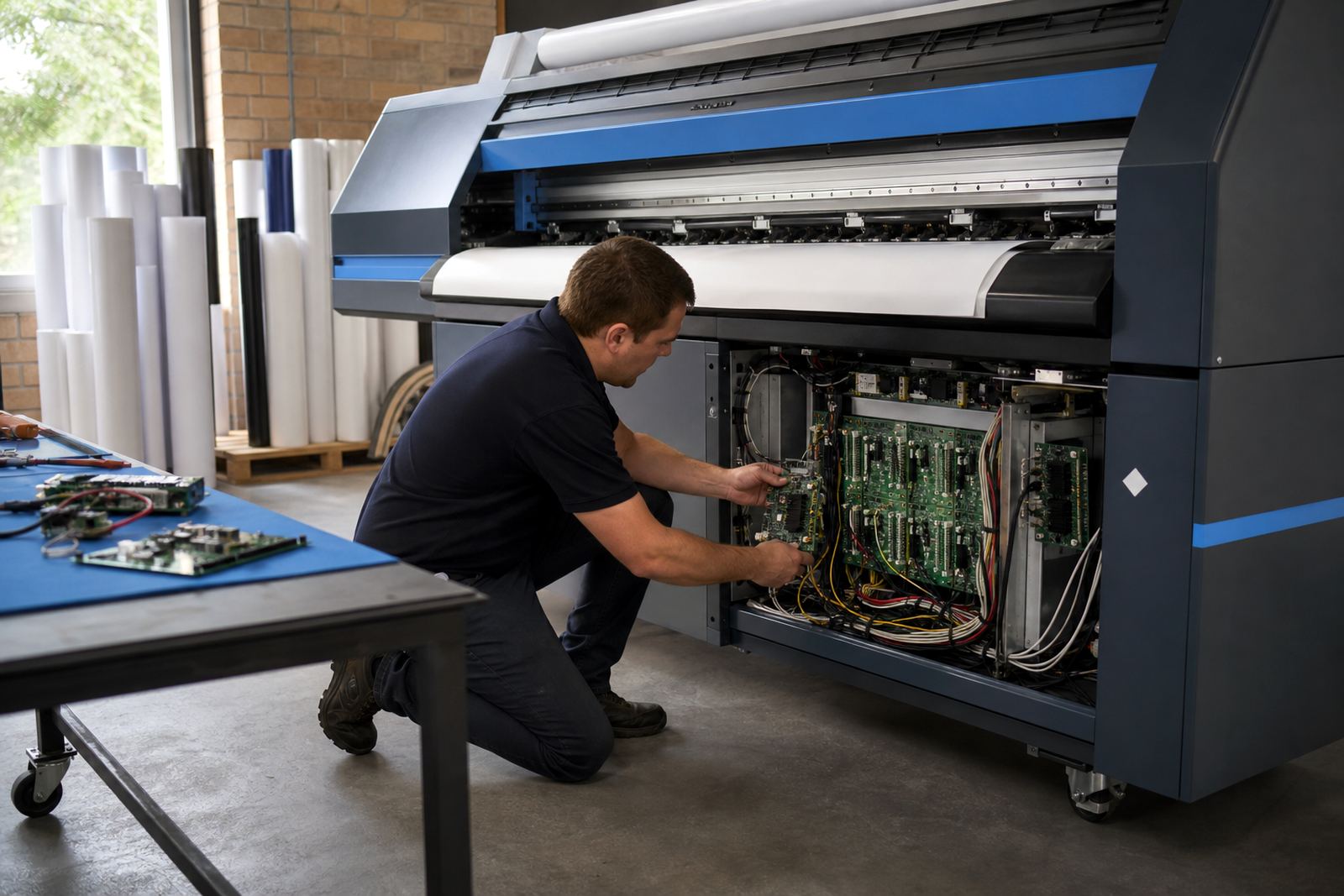
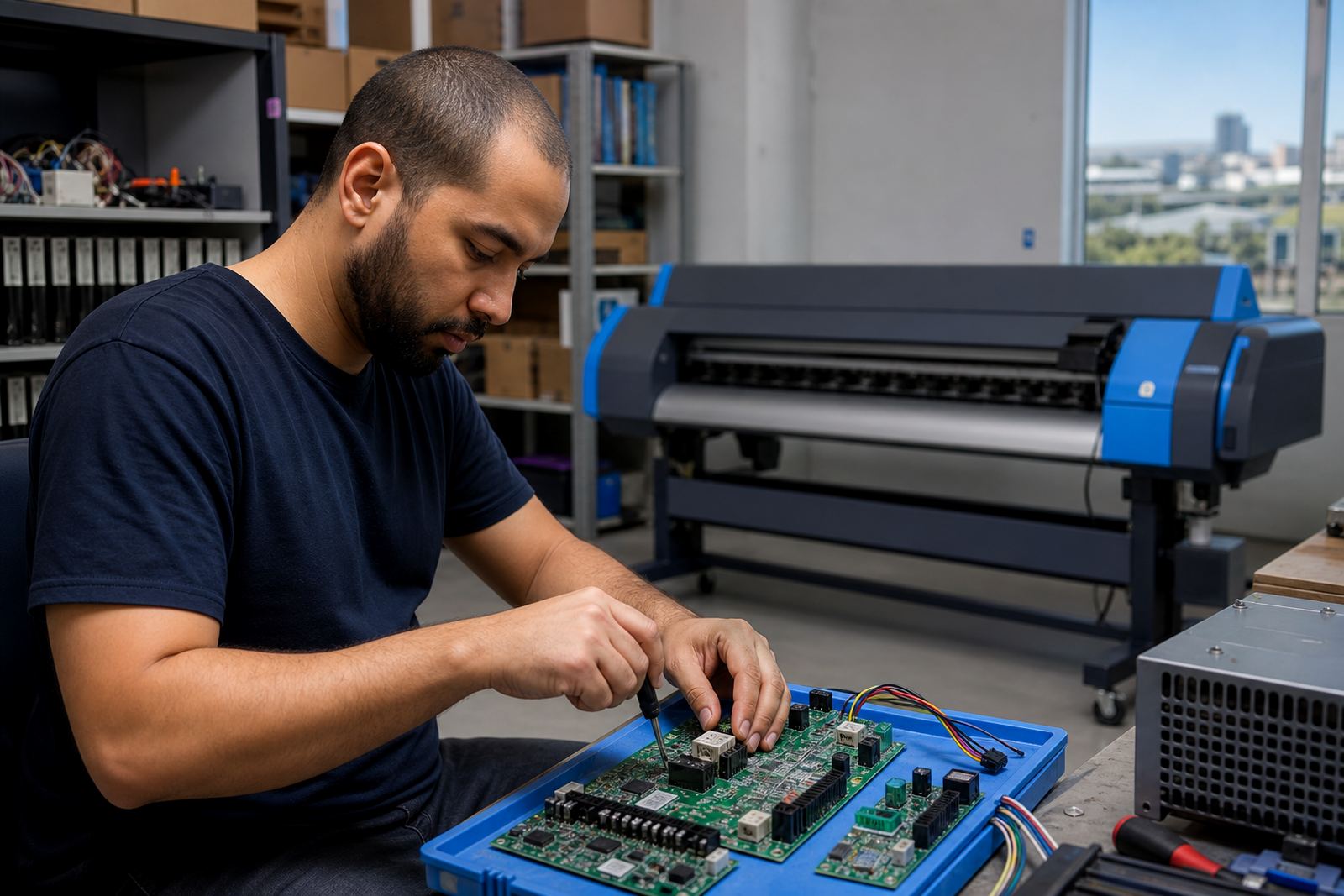
Control boards and printhead drivers need stable handling if the printer is expected to run cleanly over long shifts. Loose connections, heat, dust and power swings can show up as intermittent faults, missing channels or erratic carriage behaviour.
Preventive care should cover cable checks, board inspection, fan cleaning where fitted and a record of any recurring fault codes. In some sites, especially those with heavy daily output, it is worth setting a fixed maintenance cycle rather than waiting for a failure to appear.
- Inspect connectors for wear or movement.
- Keep boards free from dust and excess heat.
- Log recurring errors before they become regular faults.
- Verify the driver settings after any hardware change.
Remote help for Midrand and sites across South Africa
From the Midrand base, support can be handled remotely for print shops in Johannesburg, Pretoria, Durban, Cape Town, Bloemfontein, the East Rand and the West Rand. That works well when a site needs guidance on maintenance routines, queue setup, profile checks or board fault tracing.
Some jobs need a technician on site, while others can be handled by walking an operator through the right checks and the right order to do them in. The useful part is having one team that understands RIP software, colour workflow, board repair and production habits in one place.
Clients reach us through the enquiry form on our contact page when they need support for cleaning schedules, test prints or preventive care planning.