A promo room with shelves full of repeats
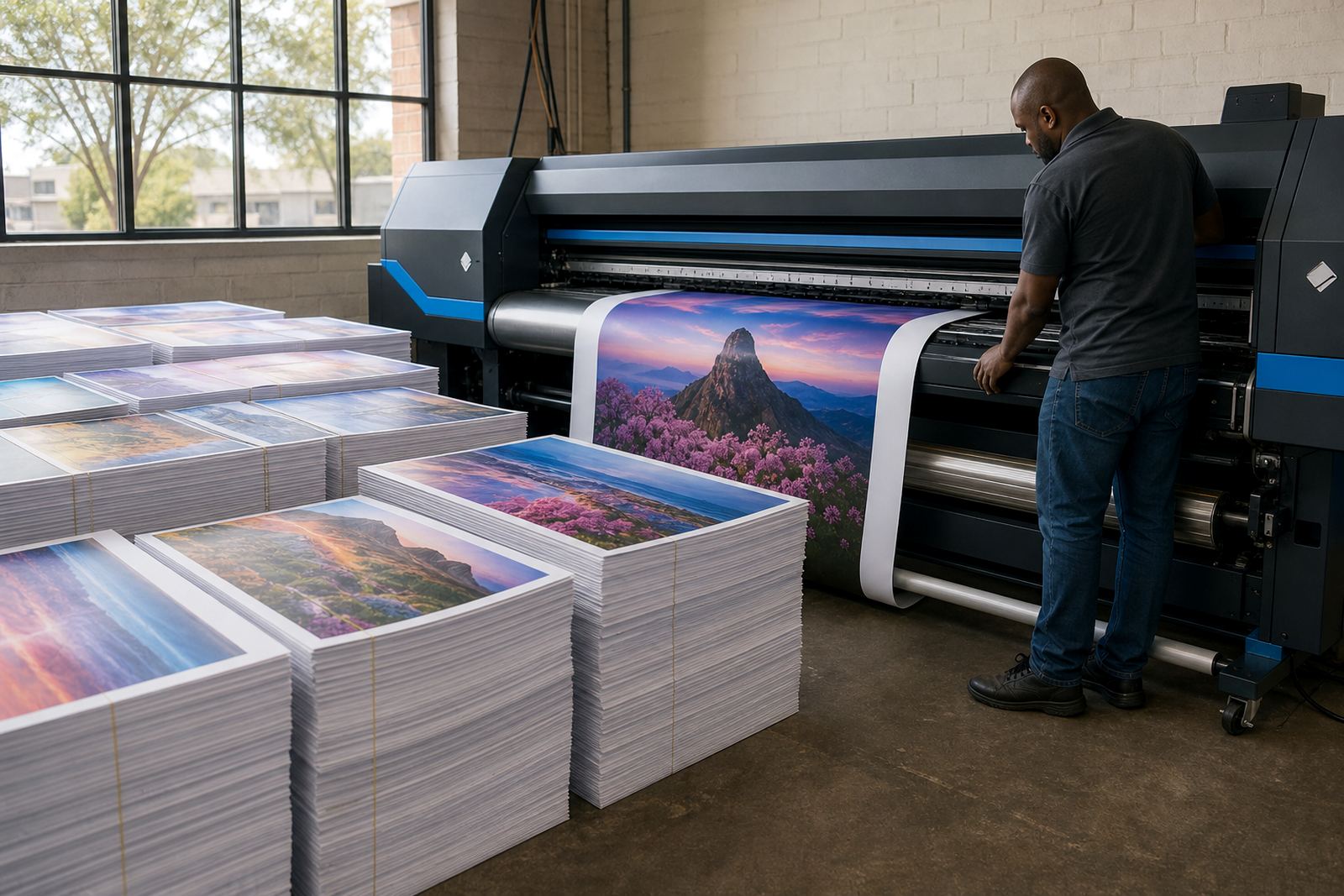
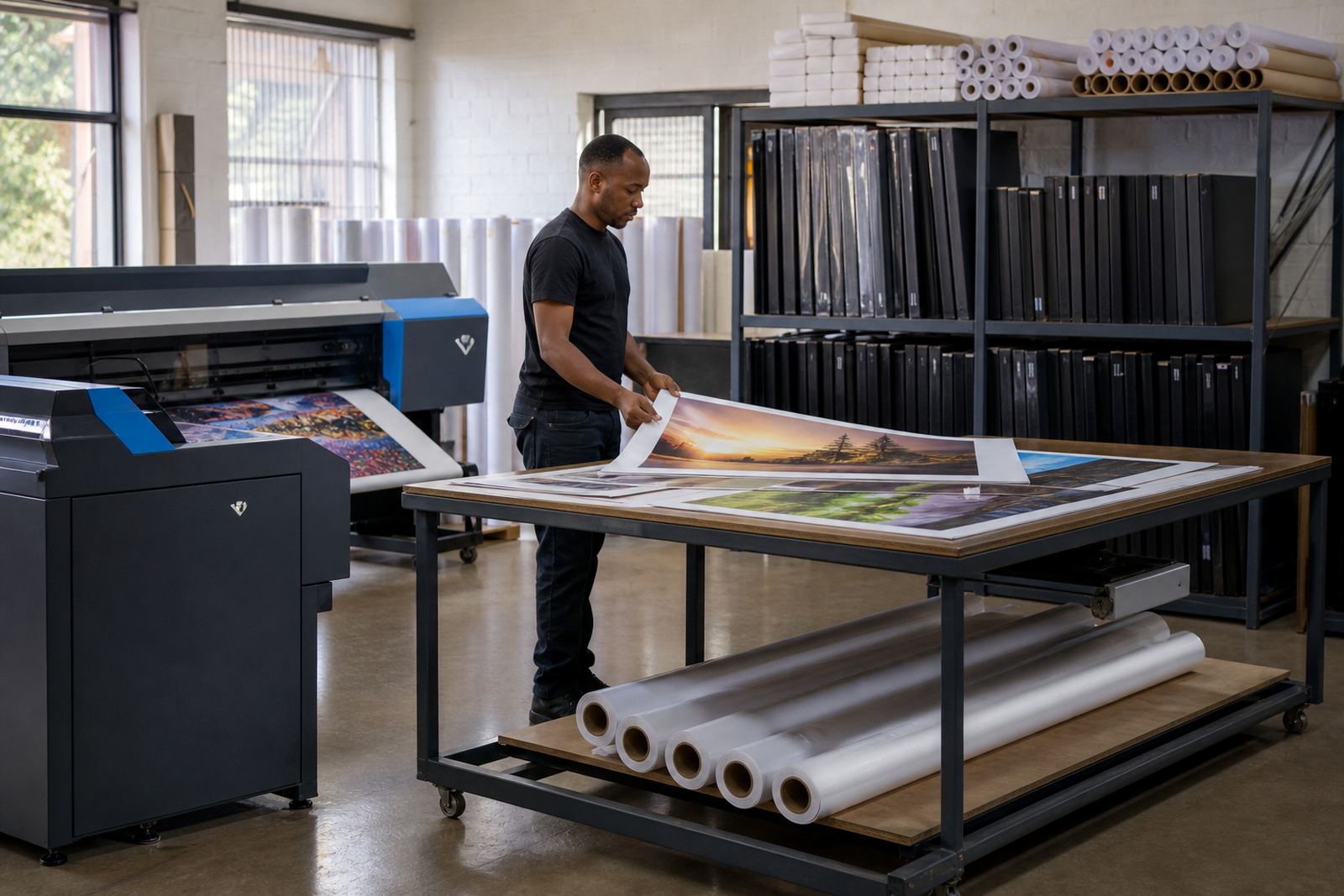
The client was a busy promotional print room in Midrand that handled short-run labels, point-of-sale graphics, posters and seasonal reprints for the same customers each quarter. Their team had plenty of production skill, but the file side of the work had become uneven. Job folders were saved in different places, profile notes were inconsistent, and the RIP queue often carried old settings from a previous run.
The brief was practical. They wanted a cleaner archive structure, better handling of wide-format inkjet files, and a way to keep colour and print order consistent when the same artwork came back with only a date, size or quantity change. They also needed remote help because the print room worked across more than one shift and could not always stop machines for a long on-site visit.
- Client type: promotional print room
- Town: Midrand, Gauteng
- Work area: repeat seasonal orders and short-run wide-format output
- Main pain points: file drift, profile confusion, irregular queue naming
What the production room had to work around
The setup had to fit a live production floor, so we worked around active print jobs and limited downtime. The room used wide-format inkjet printers driven from a small production PC, with several operators touching the same file library over the week. Moisture from the coastal freight cycle was not the issue here, but the team still needed stable storage habits because artwork and proof files were being moved between local folders and removable drives.
There was also a need to tighten maintenance records. The staff wanted a simple way to note nozzle checks, head clean cycles and board faults, then link those notes to the right machine. If a file failed or a queue stalled, they needed a clear path back to the cause instead of guessing through old folders and renamed copies.
- Multiple operators using the same RIP station
- Repeat jobs needing reliable archive naming
- Wide-format inkjet output with colour consistency requirements
- Limited room for long machine stoppages
Boards, RIP setup and a cleaner queue structure
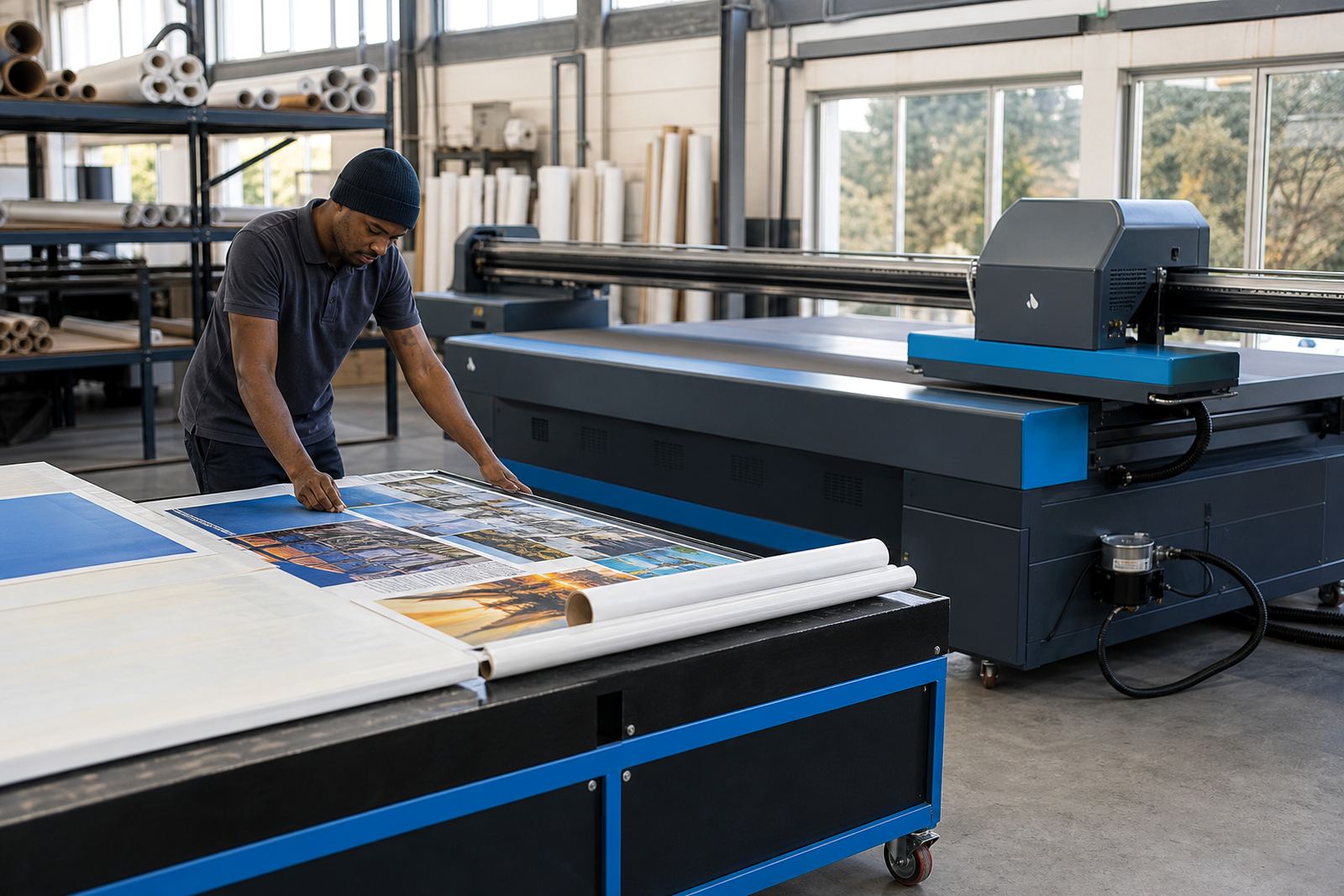
We supplied printer control boards suited to the existing wide-format inkjet machines, then set up the RIP software with printhead driver configuration, media presets and colour profiles for the common materials used in the room. The queue design was rebuilt so seasonal work could sit in clear groups by customer, product type and substrate. That made it easier to find a reprint file and reduce the chance of sending the wrong version to press.
Where file handling had been loose before, we introduced an archive pattern with named folders for live jobs, checked files and completed runs. We also set up nesting rules for repeat signage and promo sheets so the team could use media better on longer runs. Minor board faults and print interruptions were logged against the right machine, which helped the operators spot patterns instead of treating each problem as a fresh start.
- Printer control board installation and board verification
- RIP installation with printhead driver setup
- Colour profile setup for common media types
- Queue workflow design with archive naming rules
- Fault finding and preventive maintenance notes
Two weeks of setup, testing and handover
The work ran over two weeks. In week one we mapped the current file paths, checked the printer control boards, cleaned up the RIP queues and set a basic archive structure that the team could use without slowing production. In week two we refined the colour profiles, tested common seasonal jobs, and trained operators on the new queue order and maintenance notes. We kept the handover practical, with live examples from the kinds of files they print every month.
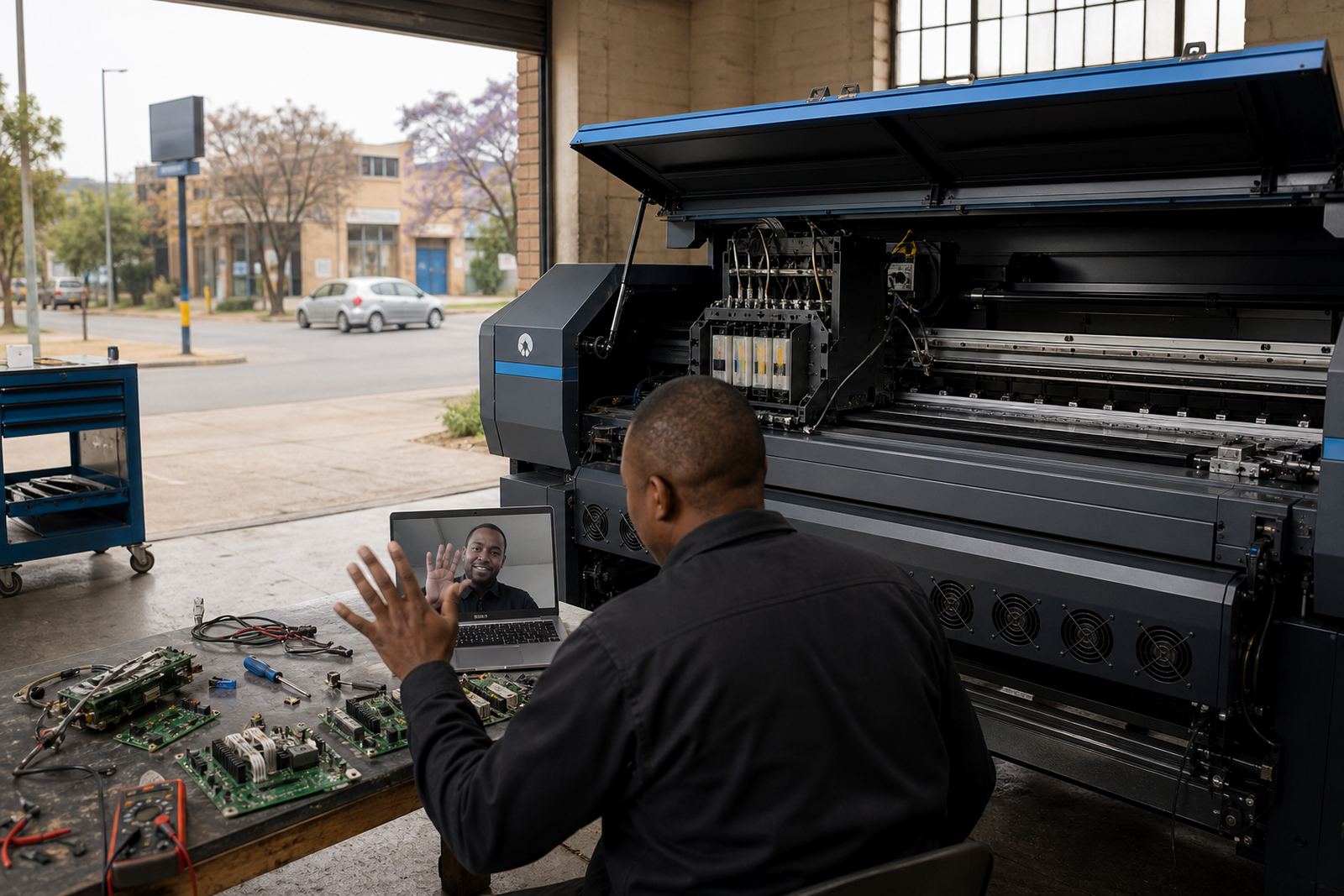
Remote support was useful here because the room could test one part of the workflow while the next shift continued production. The operators were shown how to spot a bad profile, how to label a file for reprint use, and how to recover a job from the archive without rebuilding it from scratch. A few folder names were adjusted during the test cycle, which saved confusion later.
- Week 1: audit, board check and queue cleanup
- Week 2: profile tuning, archive testing and operator training
- Remote support used during live production windows
- File naming adjusted for repeat seasonal orders
What changed once the archive was sorted
The strongest result was not a flashy feature, it was time saved across ordinary jobs. The team could now pull older seasonal artwork from the archive, check the right profile, and send it back through the RIP with less searching. That made reprints steadier and reduced the risk of output variation when the same campaign returned months later. The print room also had a clearer maintenance trail, which helped when a fault showed up during a busy shift.
The staff reported less confusion between live files and completed files, and the queue layout gave them better control over multiple jobs on the same printer. Colour held more consistently across similar media, and nesting made better use of wide rolls on common runs. Nothing about the room changed dramatically, but the work moved in a tidier order and the team could manage reprints more comfortably.
- Cleaner retrieval of repeat seasonal artwork
- Better colour consistency across reprints
- Less queue confusion between live and archived jobs
- Improved media use through nesting on common runs
What we would carry into a similar print room
We would use the same sequence in a similar promo room: stabilise the board and RIP link first, clean up the archive structure, then tune profiles only after the file paths and queue order are settled. That order matters because colour work is harder to trust when the file name, media note and printer preset all point in different directions. A tidy workflow gives the operator a better base to work from.
For a room handling repeated seasonal orders, we would also keep maintenance notes tied to each machine rather than leaving them in a general log. Small details such as nozzle check results, head clean cycles and board faults are easier to use when they sit next to the job history. That sort of recordkeeping is plain, but it helps the production floor stay organised when work gets heavy.
- Set the archive before chasing colour tweaks
- Link maintenance notes to each printer
- Keep queue names short and readable
- Use profile notes that match the media on the floor
Key facts
| Project type | Workflow upgrade for a promotional print room |
|---|---|
| Town | Midrand, Gauteng |
| Timeline | 2 weeks |
| Supplied | Printer control boards, RIP software setup and support |
| Services used | RIP Installation, Board Installation, Colour Profile Setup, Queue Workflow Design, Fault Finding, Preventive Maintenance, Operator Training |
| Main outcome | Cleaner archive handling for repeat seasonal orders and steadier reprints |