Bellville counter work needs clean queue habits
The client was a poster and point-of-sale producer in Bellville, serving retail promotions, window graphics and fast-turn print runs for shops across the northern suburbs. Their team had to move from one job to the next without losing track of artwork order, media size, or the point where a queue should hold back a rush job and let a priority sheet through.
The brief was to sharpen queue presets for peak trading periods, tighten colour handling across repeated jobs, and make the print room easier to manage for operators on different shifts. They also wanted support for board control, printhead driver setup and maintenance routines that could be followed without guesswork.
The print room constraints we worked around
The room had mixed media sizes, several repeat jobs, and the usual pressure that arrives when a poster order is late and the floor is waiting. The team needed a setup that could handle high file volume, keep nesting sensible, and avoid wasted material when artwork changed late in the day.
- Wide-format inkjet output for posters and point-of-sale work
- Queue presets for peak trading periods and grouped repeats
- Colour profile control for branded artwork and retail promotions
- Remote support for a Bellville site with limited spare operator time
- Preventive maintenance steps that fit into a busy production shift
What we supplied and set in motion
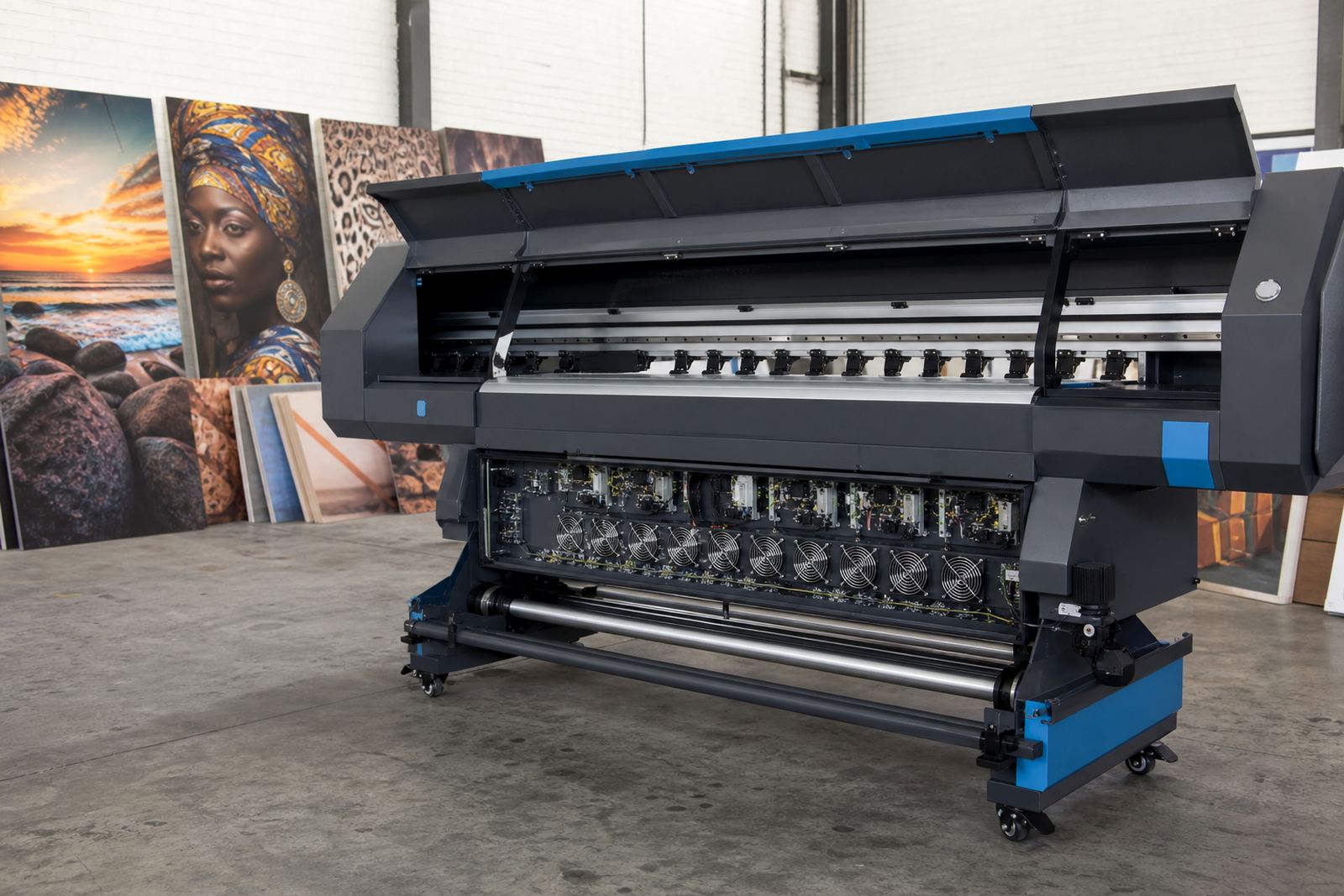
We supplied RIP software setup, control board configuration, printhead driver setup and colour profile loading for the production devices in use. The queue structure was arranged so common poster sizes could be batched cleanly, with nesting rules that reduced wasted board and helped the operator keep runs consistent through the day.
Fault finding covered queue behaviour, job order handling and the handoff between artwork, driver settings and final output. We also set a recovery plan for backups, so the team could restore working settings without rebuilding the full workflow from scratch if something changed.
- RIP Installation and queue preset build
- Board Installation and board verification
- Colour Profile Setup for repeatable output
- Queue Workflow Design for retail poster batches
- Backup and Recovery for settings and profiles
Three weeks from first session to stable output
Week one was spent on remote setup, board checks and a first pass through the queue structure. That gave the operators a working base for the common poster sizes and flagged where artwork handling needed clearer rules.
Week two focused on printhead driver setup, colour profile alignment and nesting adjustments for the main jobs that moved through the Bellville floor. By week three, the team had a cleaner production rhythm, with fewer file reworks and less time spent pausing to sort order, media or profile mismatches.
Results that showed up on the production floor
The biggest change was not a flashy one, it was order. Jobs moved through the RIP with clearer presets, the operators had fewer points of confusion, and the output held together better when several urgent posters landed at once.
The client also gained a more practical maintenance routine. Minor faults could be checked against known settings, profile work stayed organised, and the team had a better grip on how to keep colour stable across repeat retail runs.
- Cleaner queue handling during peak trading hours
- Better use of media through improved nesting
- More consistent colour across repeated poster sets
- Less manual sorting at the RIP stage
- More predictable maintenance checks for operators
What carried into the next week of print work
The useful part of the setup was that it suited daily production, not just the test run. The queue presets matched the way the Bellville team actually worked, with room for urgent retail jobs, repeat poster sets and standard point-of-sale artwork in the same shift.
If a similar shop in Cape Town or the wider Western Cape needed the same sort of setup, the practical steps would be the same: confirm the devices, map the common job sizes, set the profiles, and train the operators on the board, queue and recovery routine. That gave the floor a steadier base without making the process heavier than it needed to be.
Key facts
| Client type | Poster and point-of-sale producer |
|---|---|
| Town | Bellville, Western Cape |
| Work supplied | RIP setup, board configuration, printhead driver setup, colour profiles |
| Key workflow change | Clearer queue presets for peak trading periods |
| Timeline | 3 weeks |
| Support method | Remote setup with follow-up operator training |